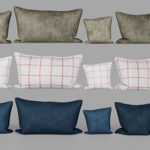
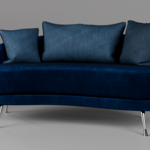
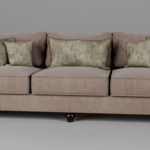
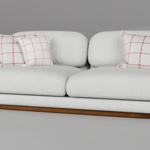
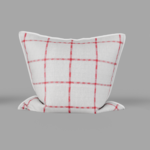
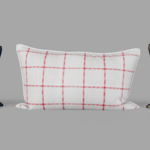
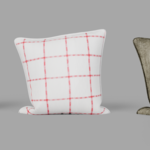
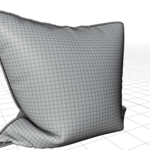
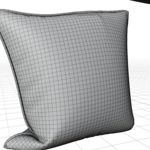
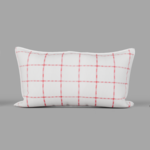
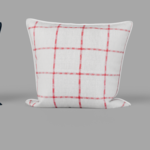
Modern Decorative Pillow Set 15 Piece Bundle Velvet and Fabric
 Neekof3d


How to use:
- Open your Blender project.
- Go to File > Append.
- Select the provided .blend file and go to the 'Object' or 'Collection' folder.
- Select the pillows and append them to your scene.
Note: This pack is also Asset Browser ready. Just add the folder to your Blender Asset Library paths.
Technical Details:
- Render Engine: Cycles & Eevee
- PBR Textures: 4K (Base Color, Roughness, Normal)
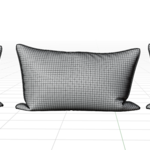
- Topology: Clean quad-based mesh
$6
Have questions about this product?
Login to message
| Published | 8 months ago |
| Blender Version | 5.0 |
| Render Engine Used | Cycles, Eevee |
| License | Royalty Free |