Modern Outdoor Cantilever Umbrella 3D Model | PBR Patio & Garden Asset
 Cognito Visuals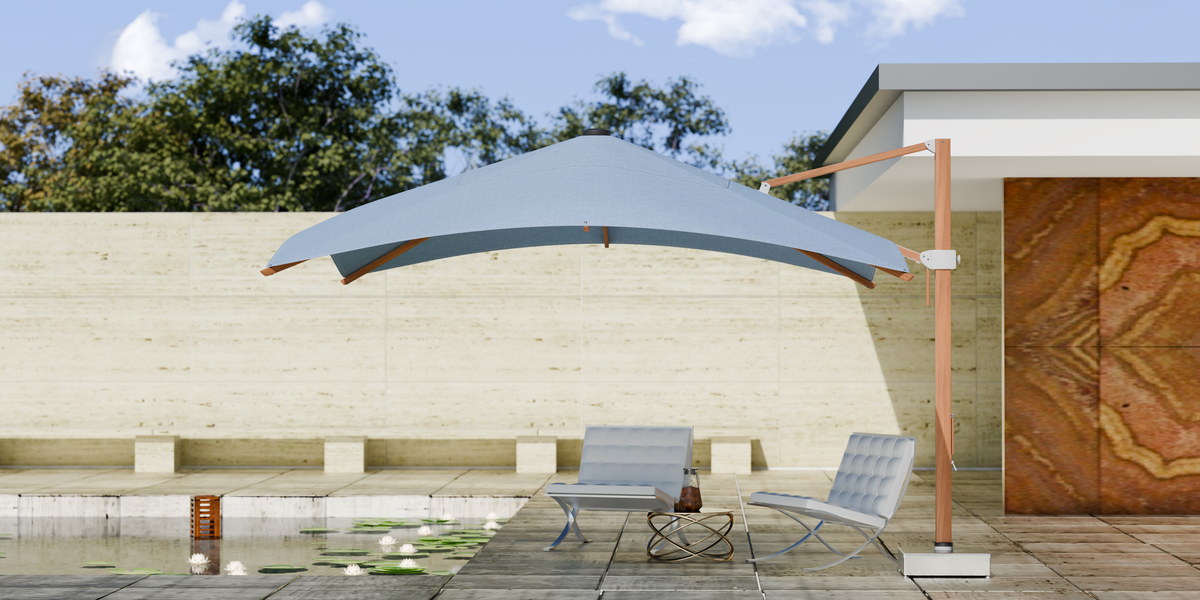
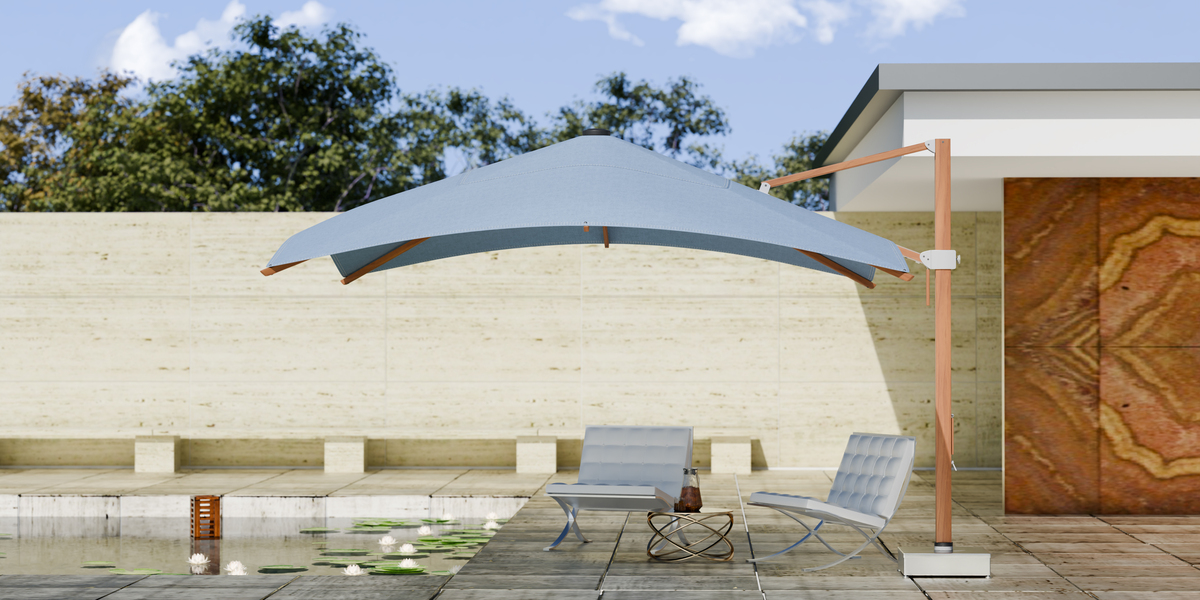
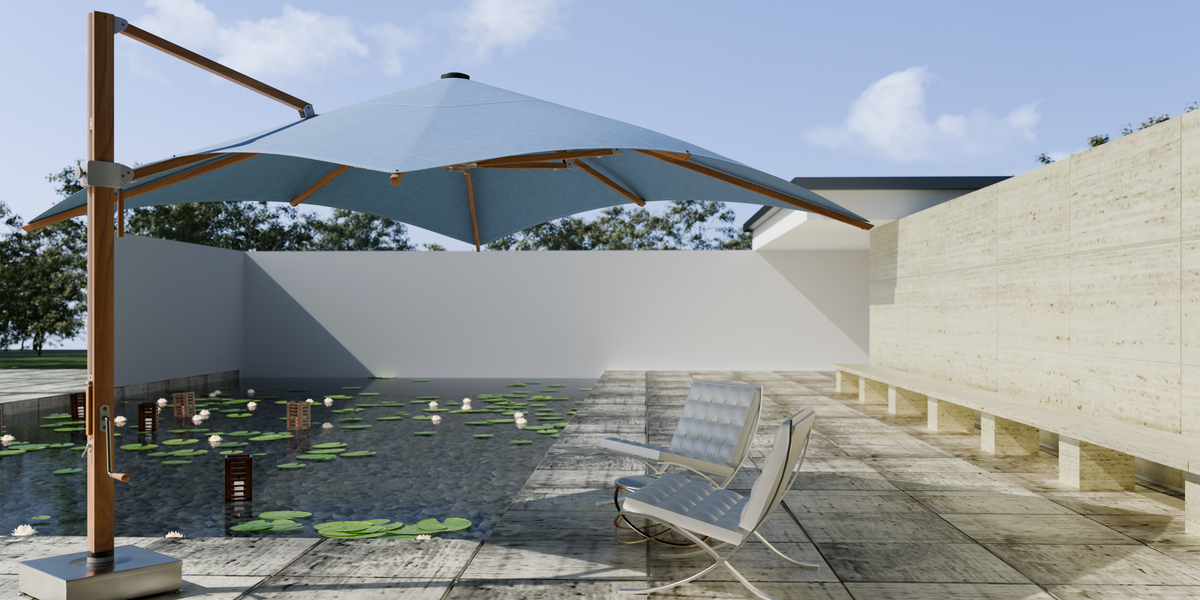
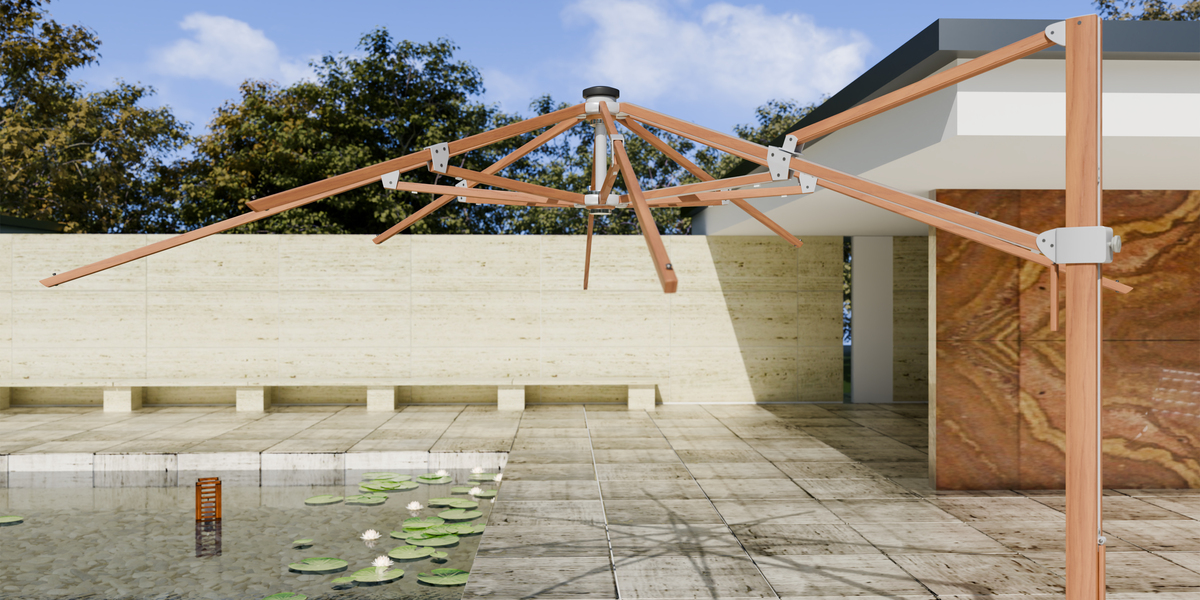
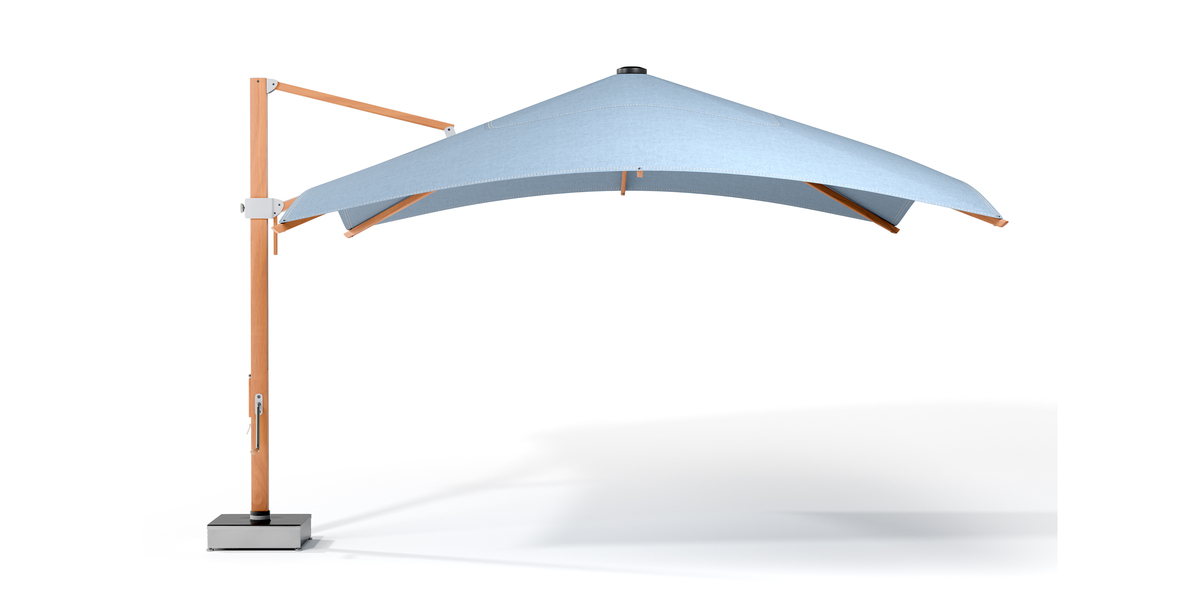
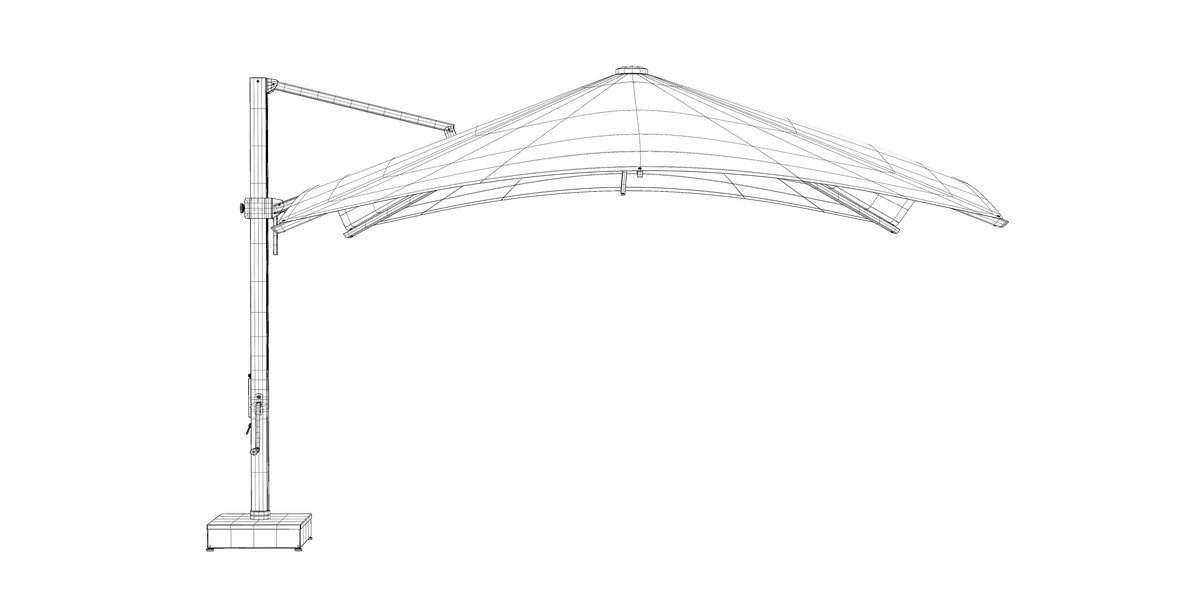
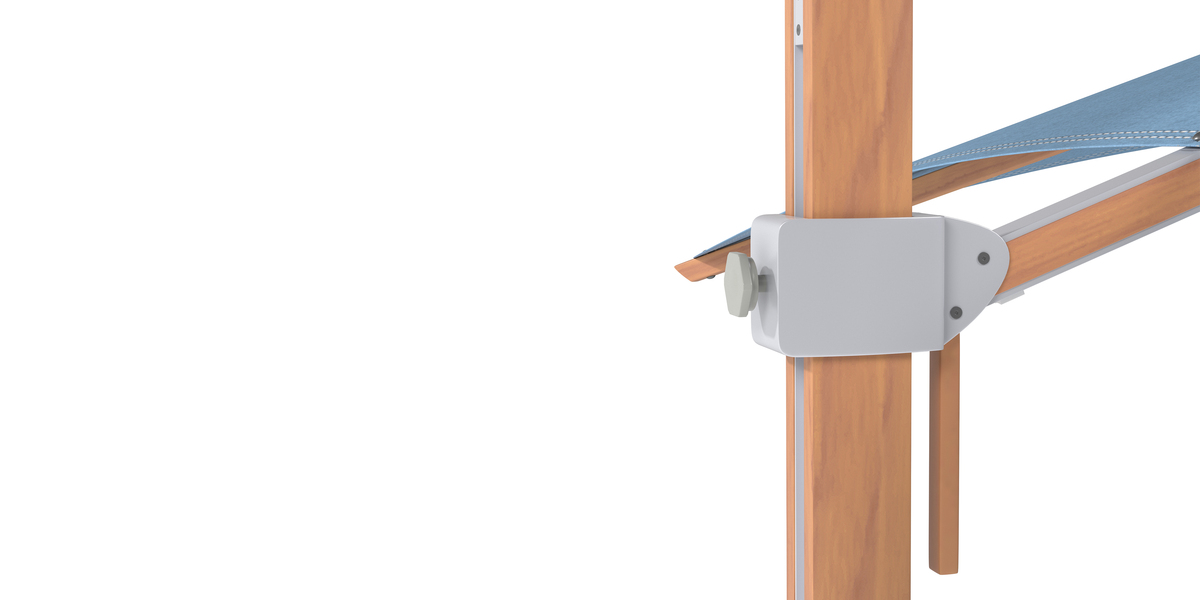
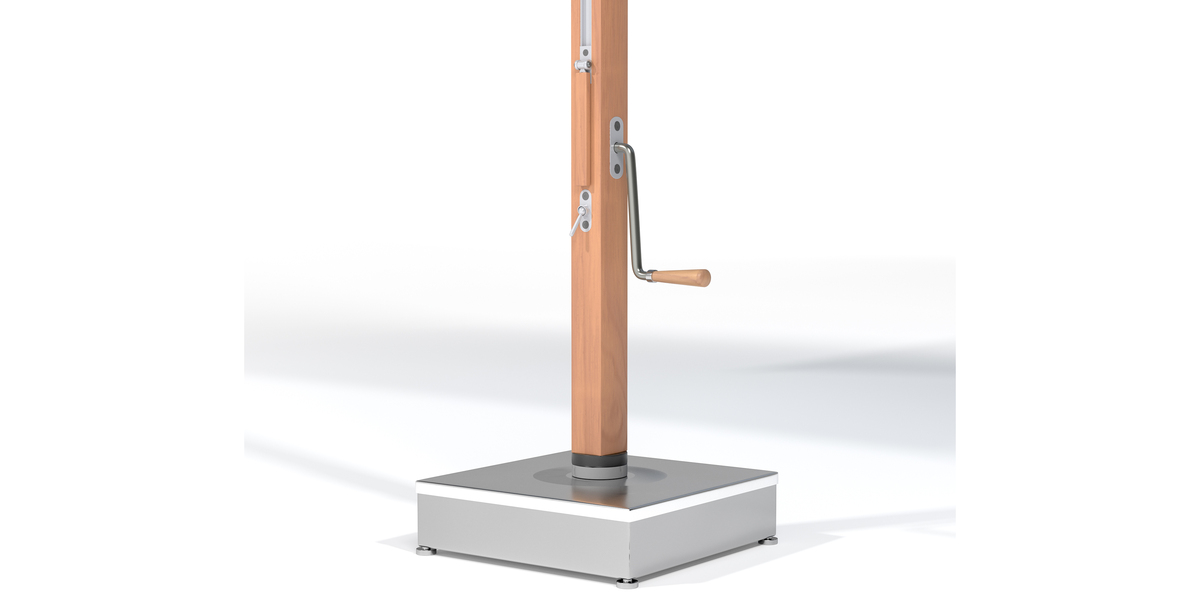
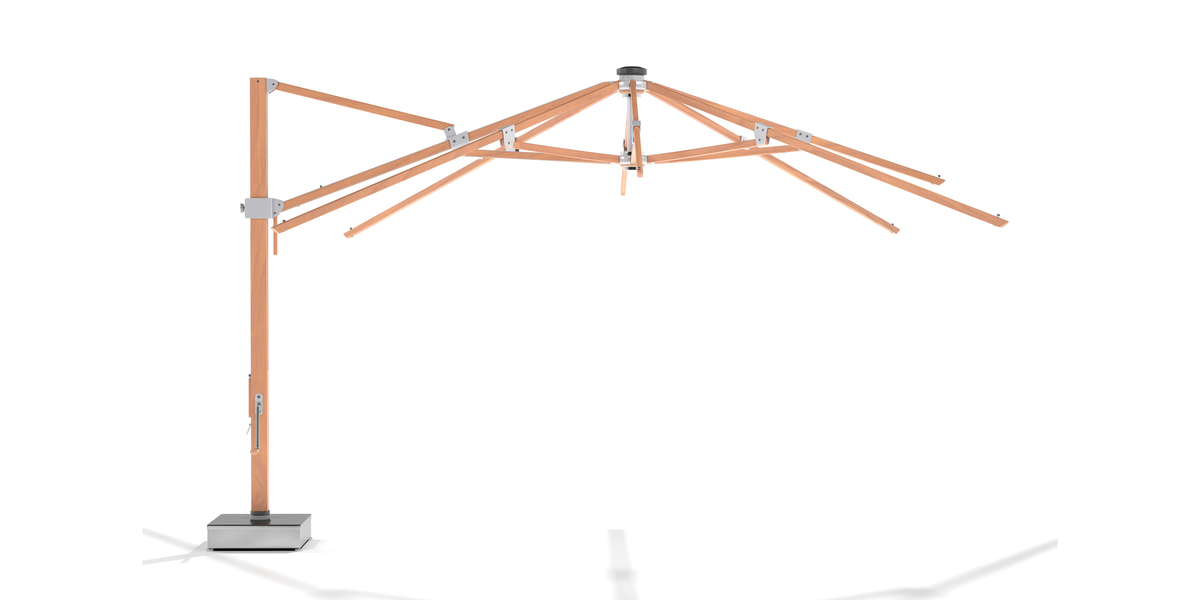
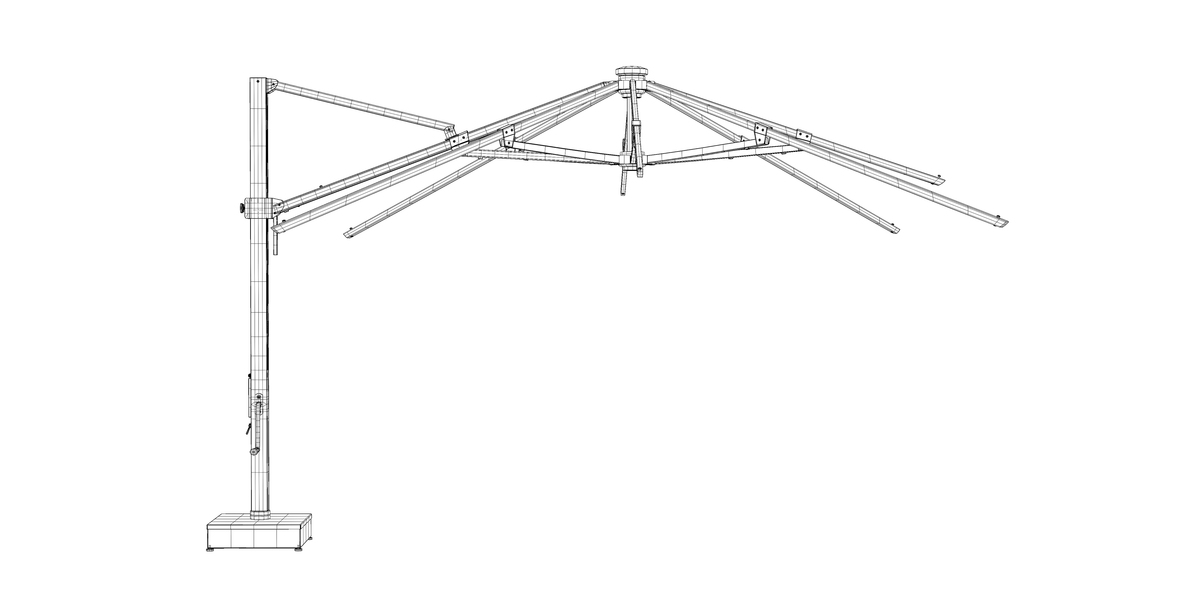
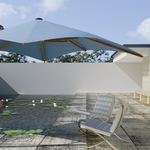
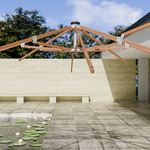
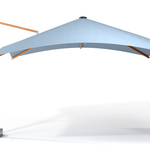
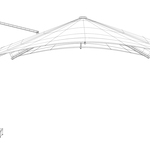
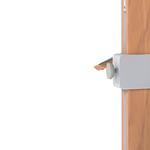
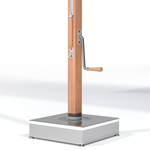
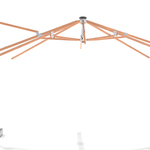
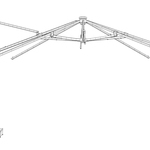
Modern Outdoor Cantilever Umbrella
Blender User Guide & Documentation
Thank you for purchasing the Modern Outdoor Cantilever Umbrella 3D Model.
This guide explains how to use the provided product in Blender, the PBR textures and the FBX model in your own architectural visualization and exterior rendering projects.
Recommended Workflow
For a typical project:
1. Open the .blend file
↓
2. Check the materials
↓
3. Position the umbrella in your scene
↓
4. Adjust canopy/frame colors if required
↓
5. Set up exterior lighting
↓
6. Adjust camera composition
↓
7. Render using Cycles or Eevee
Using the GLTF / GLB Version
GLTF/GLB is useful for compatible real-time and interactive workflows.
When importing the GLTF/GLB version into another application, check:
- Material assignments
- Texture paths
- Normal map interpretation
- Scale
- Lighting
Different applications can interpret PBR materials slightly differently, so minor material adjustments may be necessary.
Using the FBX Version
The FBX version can be used when importing the model into compatible 3D applications.
Depending on the target application, materials may need to be reassigned or adjusted after import.
For the most complete Blender experience, use the native .blend file.
PBR Color Space Reference
| Map | Color Space |
|---|---|
| Base Color | sRGB |
| Roughness | Non-Color |
| Metalness | Non-Color |
| Normal | Non-Color |
Correct color-space settings are important for getting predictable PBR results.
 Included
Includes 12 months of
- Support from Cognito Visuals
- Product updates
Extend this product’s Support Period +12 months: 50% of product price
Have questions before purchasing?
Login to message
| Published | 27 days ago |
| Blender Version | 5.2 |
| Render Engine Used | Blender-Internal, Cycles, Eevee, Octane, Vray |
| Misc Data | Uvs-Unwrapped, Manifold-Mesh, Low-High-Resolution, Normal-Mapped, Textured |
| License | Royalty Free |
Discover more products like this
patio furniture outdoor-furniture garden cantilever-umbrella patio-umbrella outdoor-umbrella architectural visualization Poolside landscape poolside-furniture patio