 Mergim Sahiti



Modern Rig Studio Pro
Bring Your 2D Characters to Life — Directly Inside Blender.
Modern Rig Studio Pro is a 2D character rigging and animation toolkit designed to simplify the process of turning static illustrations into animatable characters.
Import your artwork, prepare your character mesh, create an armature, and start animating — all within Blender.
Instead of relying on multiple separate tools and complicated workflows, Modern Rig Studio Pro brings essential 2D rigging, deformation, and animation tools together in one convenient workspace.
Import. Rig. Deform. Animate.
Modern Rig Studio Pro provides tools to help you through the main stages of 2D character animation:
SVG Import – Import SVG illustrations and convert them into mesh objects ready for further editing and rigging.
PNG Sprite Import – Import transparent PNG artwork with alpha-based mesh cutting to remove fully transparent areas.
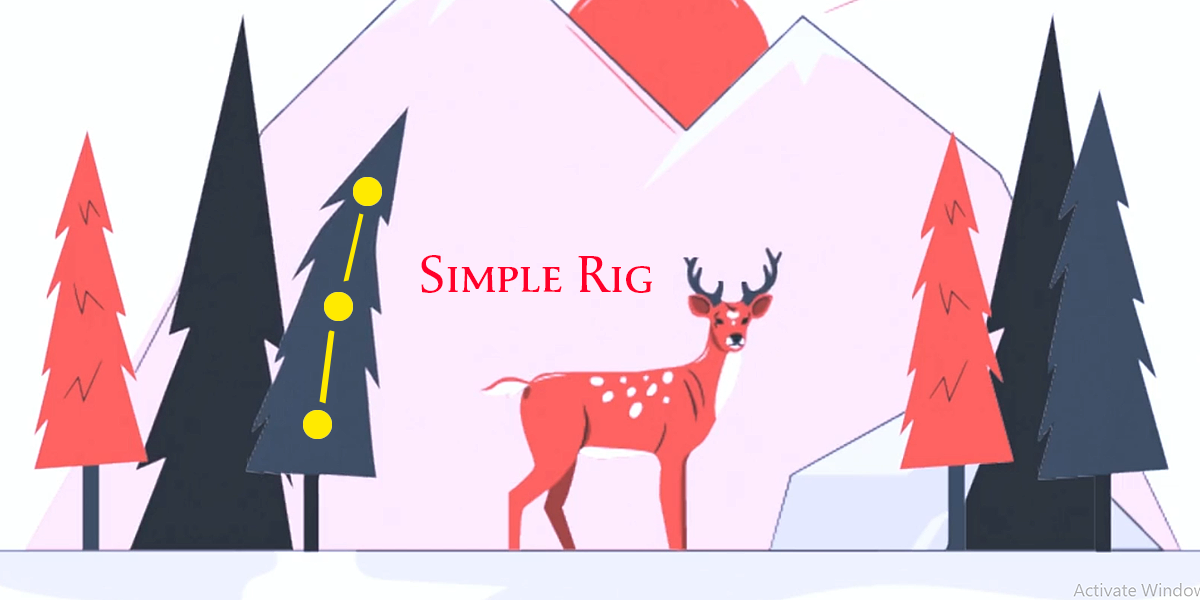
Character Rigging – Create an armature for your character and edit its bones to build your own rig.
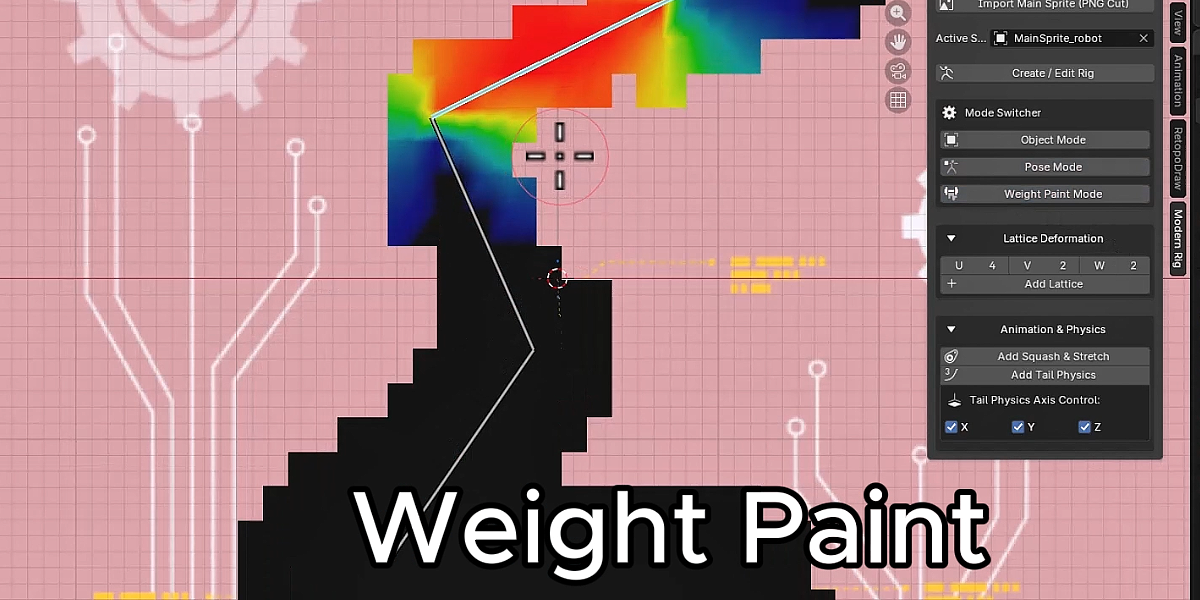
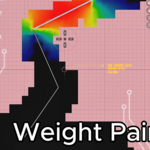
Weight Paint Workflow – Quickly switch between Object, Pose, and Weight Paint modes while working on your character.
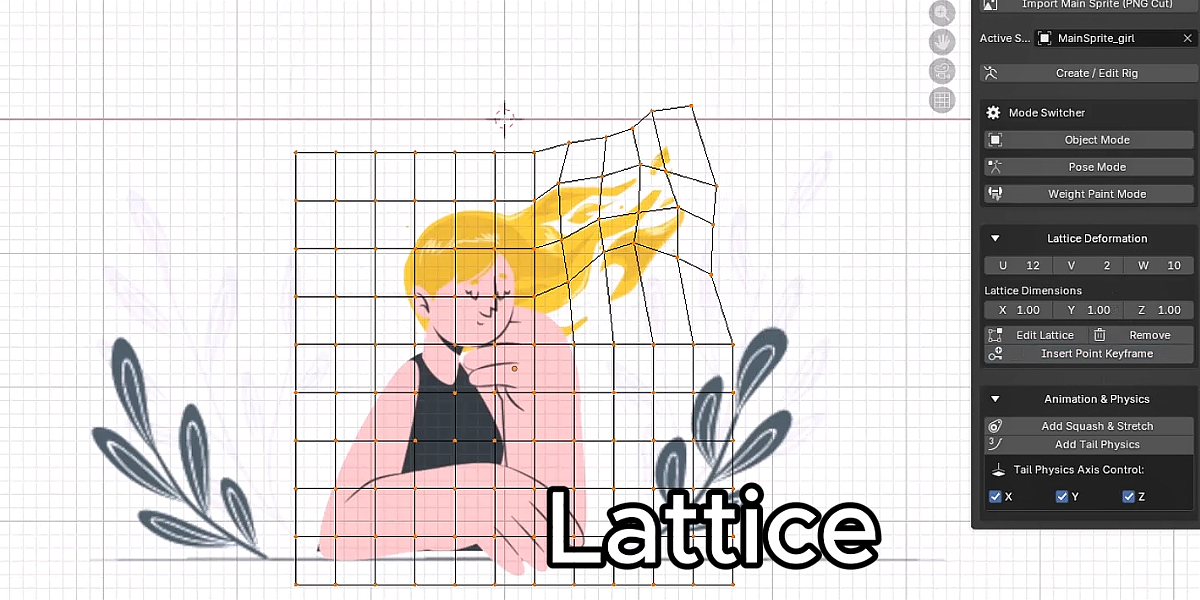
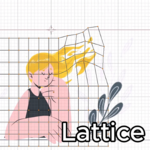
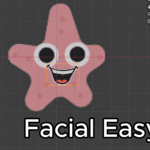
Lattice Deformation – Create a lattice around your character, customize its resolution, edit control points, and animate their positions with keyframes.
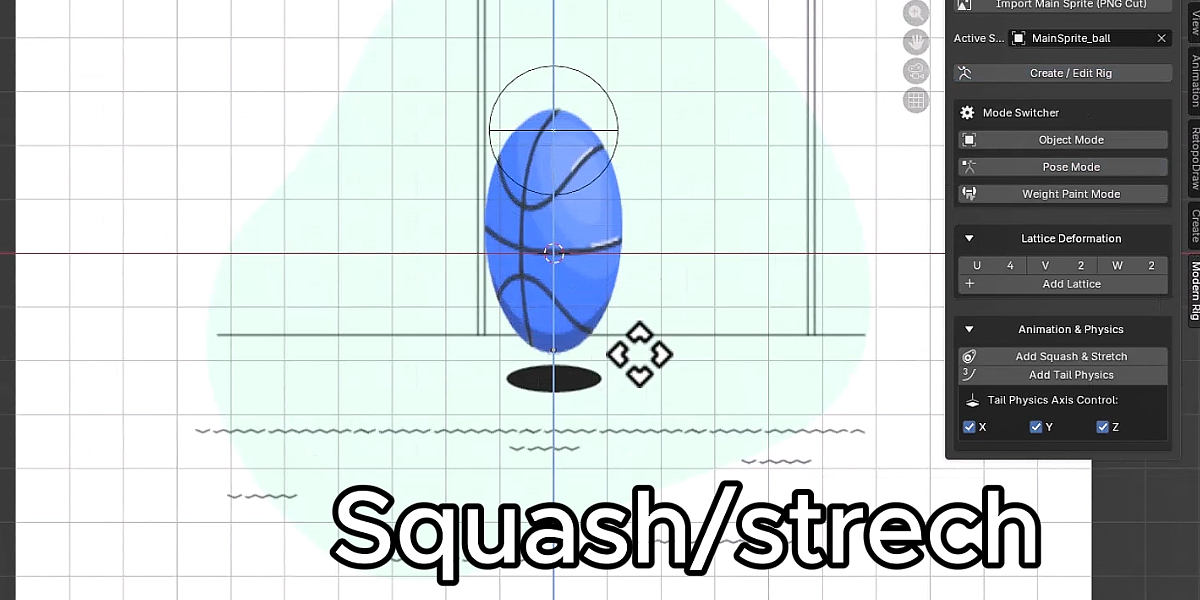
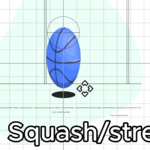
Squash & Stretch – Add stretch-based deformation controls to selected bones for more expressive character movement.
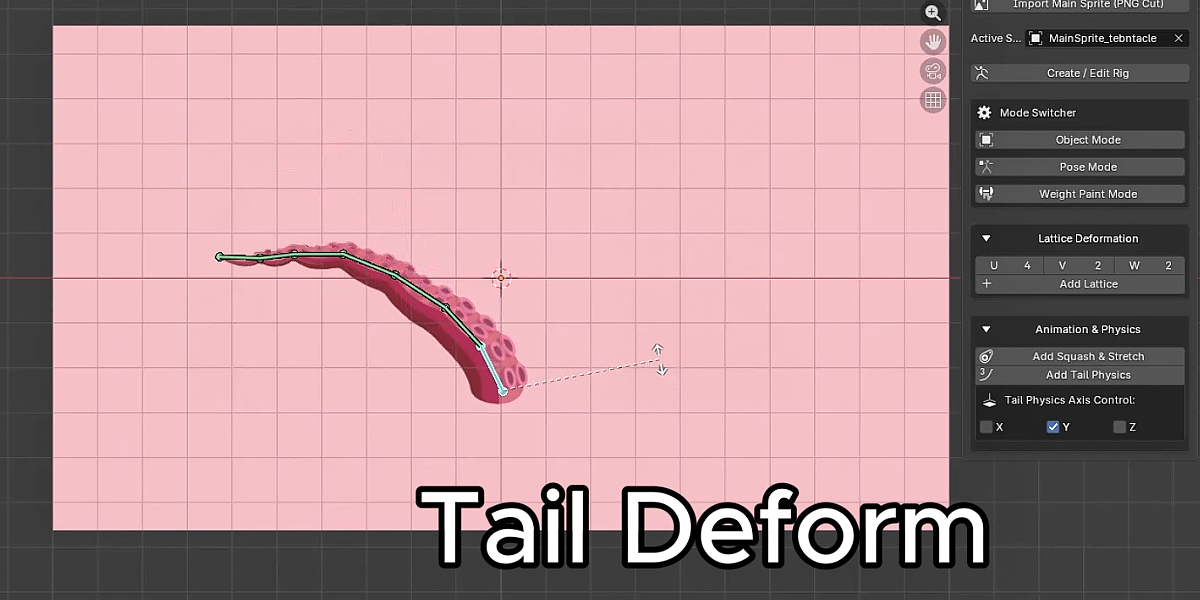
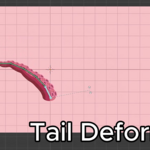
Tail Dynamics – Apply rotation constraints to selected bone chains to create additional movement.
Spring Dynamics – Add damped tracking constraints to selected bones for more flexible rig setups.
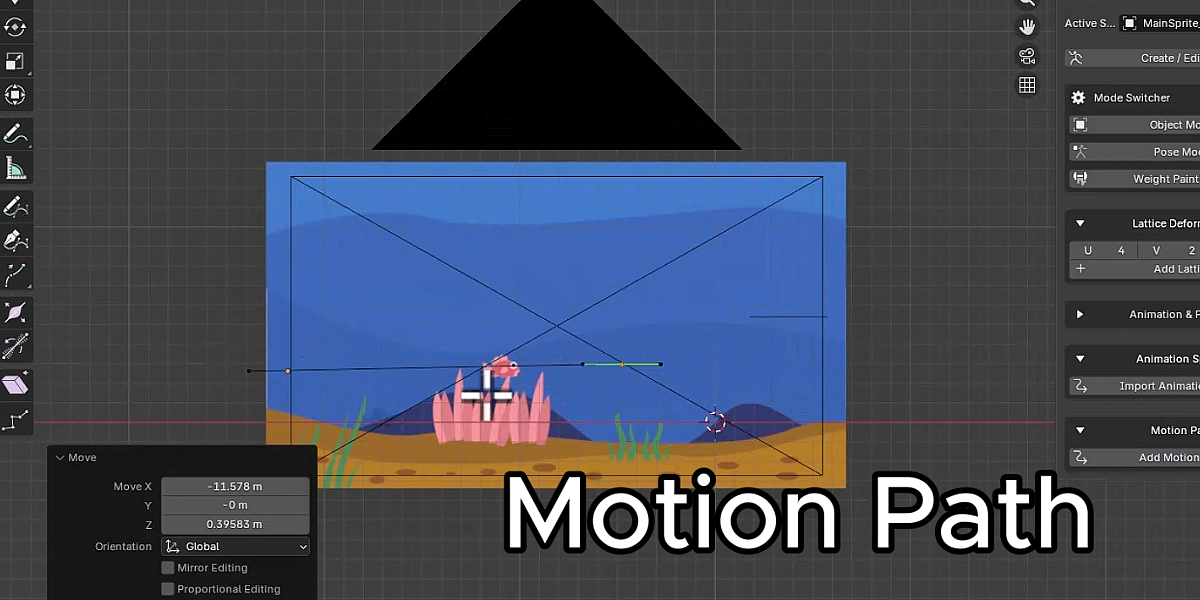
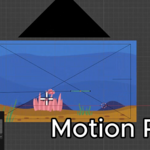
Motion Path Animation – Create editable Bezier paths and animate your sprite along them.
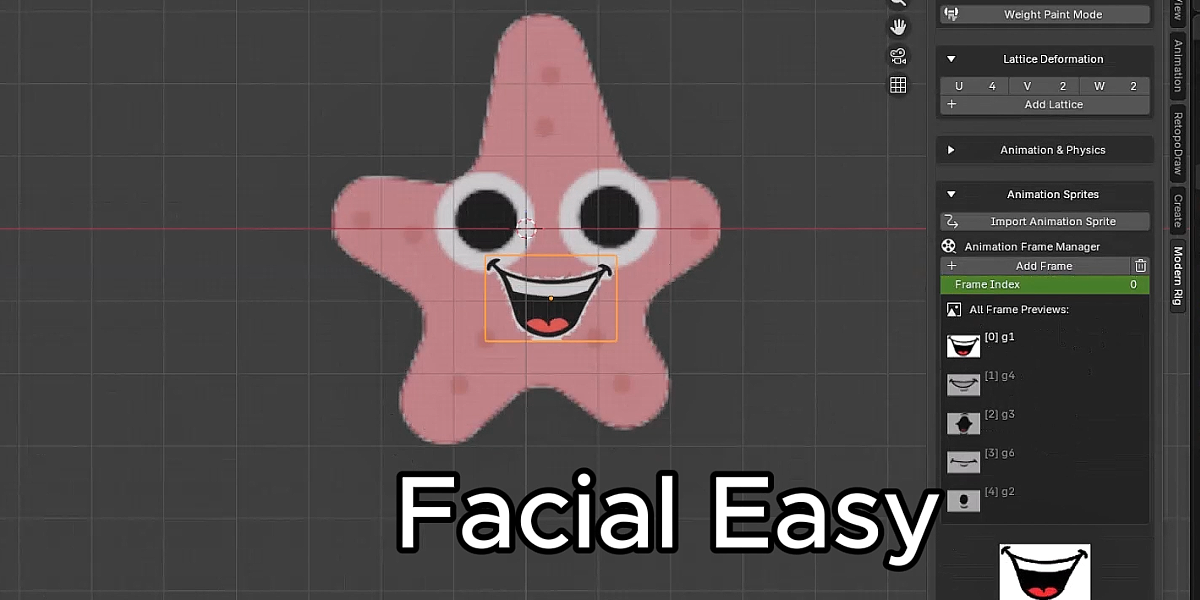
Animation Sprite Manager – Import multiple image frames, organize them, and switch between frames using an animation frame index.
Flexible Character Deformation
Give your characters more expressive movement with the built-in Lattice Deformation system.
Create a lattice around your sprite, adjust its U, V, and W resolution, edit individual control points, and insert keyframes to animate deformations over time.
This provides another way to animate your character without relying exclusively on bone-based deformation.
A More Convenient Rigging Workflow
Modern Rig Studio Pro includes a dedicated Blender sidebar panel that organizes its main tools into accessible sections.
Switch between Object Mode, Pose Mode, and Weight Paint Mode, manage your lattice, access animation tools, and create motion paths without constantly searching through Blender's menus.
Animation Beyond Basic Posing
Modern Rig Studio Pro includes additional tools to help create more dynamic animation:
Add Squash & Stretch constraints to selected bones.
Add Tail Dynamics to selected bone chains.
Apply Spring Dynamics constraints to selected pose bones.
Animate lattice control points with keyframes.
Move sprites along customizable Bezier paths.
Manage image sequences through the Animation Sprite Manager.
Designed for 2D Character Artists
Whether you're creating cartoon characters, animated illustrations, game sprites, or simple 2D character animations, Modern Rig Studio Pro brings useful rigging and animation tools directly into Blender.
It is designed for artists who want a more organized workflow for preparing, rigging, deforming, and animating their 2D artwork.
Simple Workflow
IMPORT → PREPARE → RIG → DEFORM → ANIMATE
Turn your static illustrations into characters ready for animation.
Requirements
Blender 5.0 or newer
Basic knowledge of Blender is recommended
2D artwork in supported SVG, PNG, JPG, JPEG, or WebP formats, depending on the import tool
Support
If you encounter a problem or have a suggestion, please contact me through the product support system.
Feedback and bug reports are welcome and will help improve Modern Rig Studio Pro in future updates.
Modern Rig Studio Pro — A Powerful 2D Animation Toolkit for Blender.
