 Hoa Vu


Stop Copy-Pasting. Start Linking!
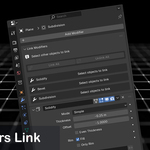
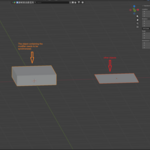
Modifiers Link is the solution. It adds a simple panel to your Modifiers tab that lets you link and live-sync modifiers between objects.
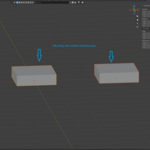
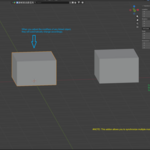
Change it once, see it update everywhere.
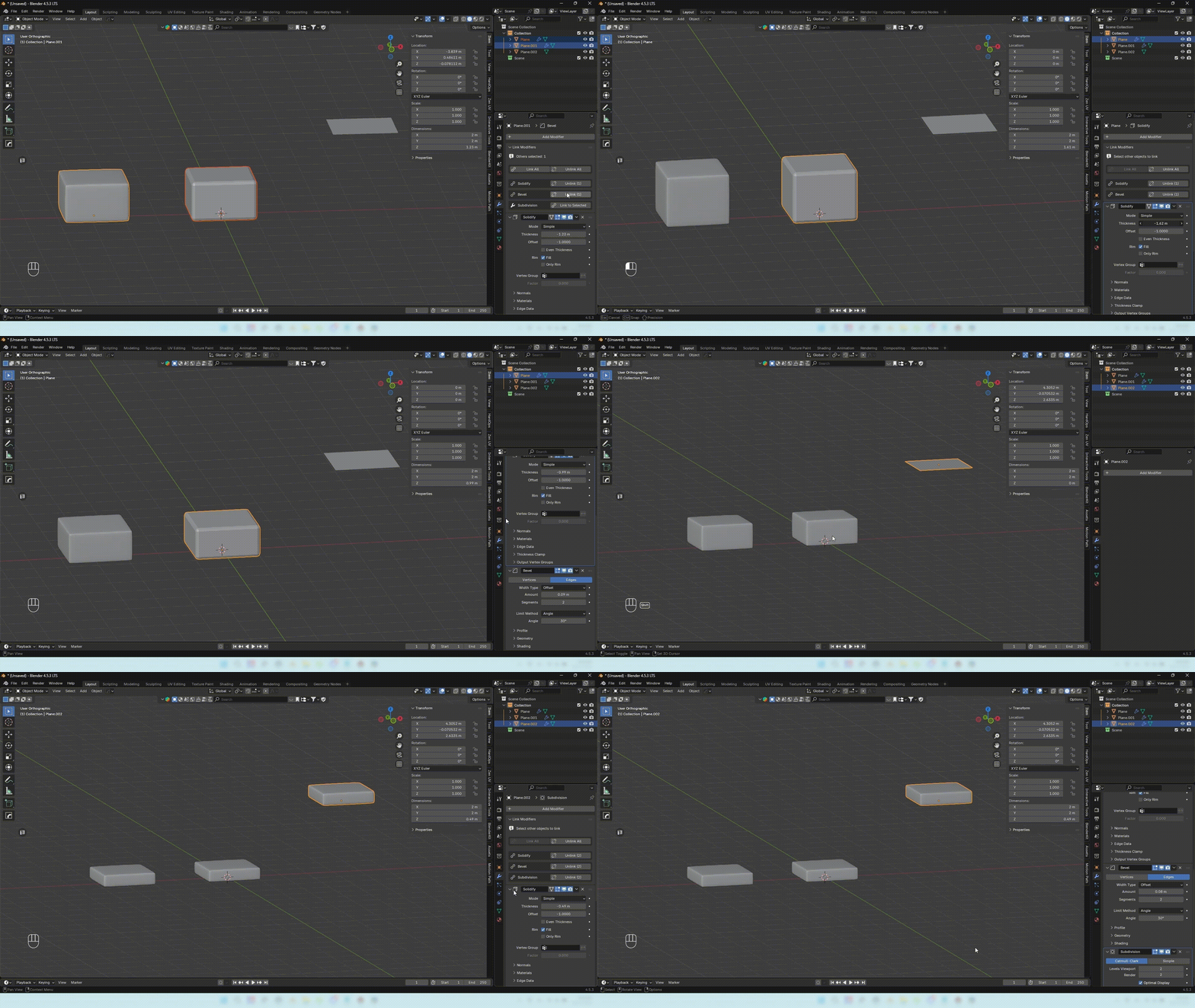
Key Features:
Link All / Unlink All: Link or unlink ALL modifiers with a single click.
Link / Unlink Single: Full control over individual modifiers.
Live Sync: Change a setting (like Solidify
Thickness) on one object, and all linked objects update instantly.Additive Linking: Easily select new objects and add them to an existing group.
-
Auto-Cleanup: Automatically removes dead links if an object or modifier is deleted.
# NOTE: This addon does not support synchronization with geometry node.
Simple Workflow:
Select all your objects (select the source object last).
Go to the Modifiers tab.
In the "Link Modifiers" panel, press "Link All".
Done! Now go change a parameter and watch the magic.
Update & Fix Bug:
- v1.2.0 (08/02/2026)
- Fix synchronization errors for array modifiers.
- v1.2.1 (17/03/2026)
- Save links after reopening project. (You must save the file before closing it.)
- v 1.2.2 (17/05/2026):
- Add the new required format for add-ons and it is the structure that will enable a lot of future capability in Blender and on Superhive (formerly Blender Market).