 SUPRA3D

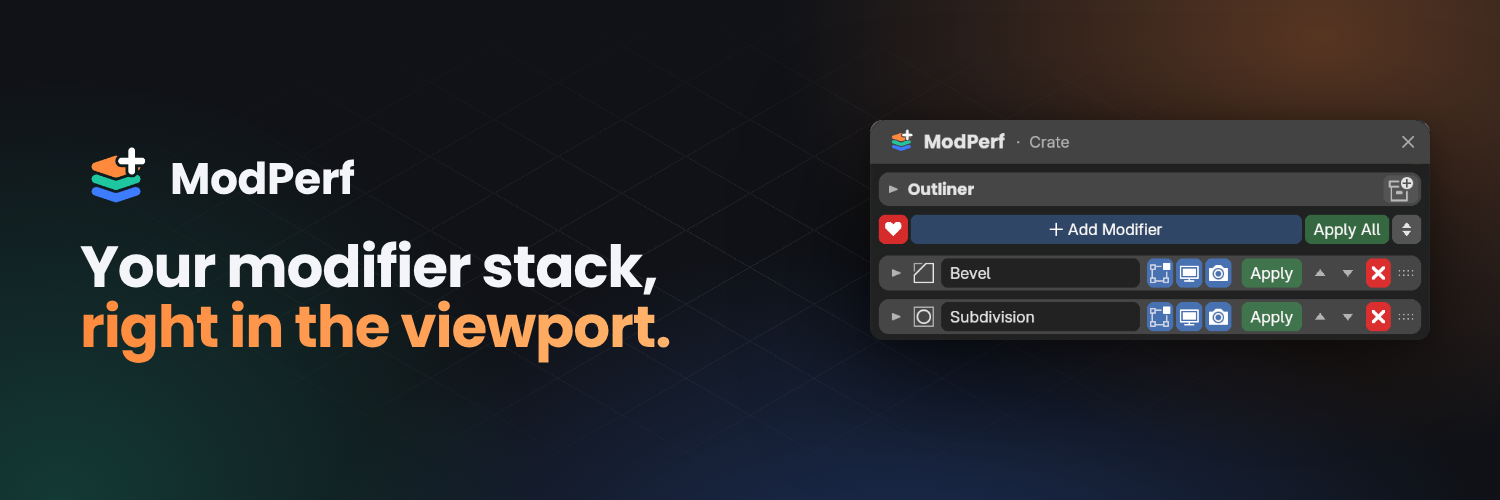
MODIFIER PANEL FOR BLENDER 5.2+
ModPerf 1.0
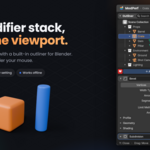
Add, tweak, reorder and reuse modifiers without ever leaving the 3D Viewport.
Modelling with modifiers means a lot of back and forth: look at the model, go to the Properties editor, find the modifier tab, scroll, tweak, look back. ModPerf fixes this.
|
1 key
to open and close, Y by default
|
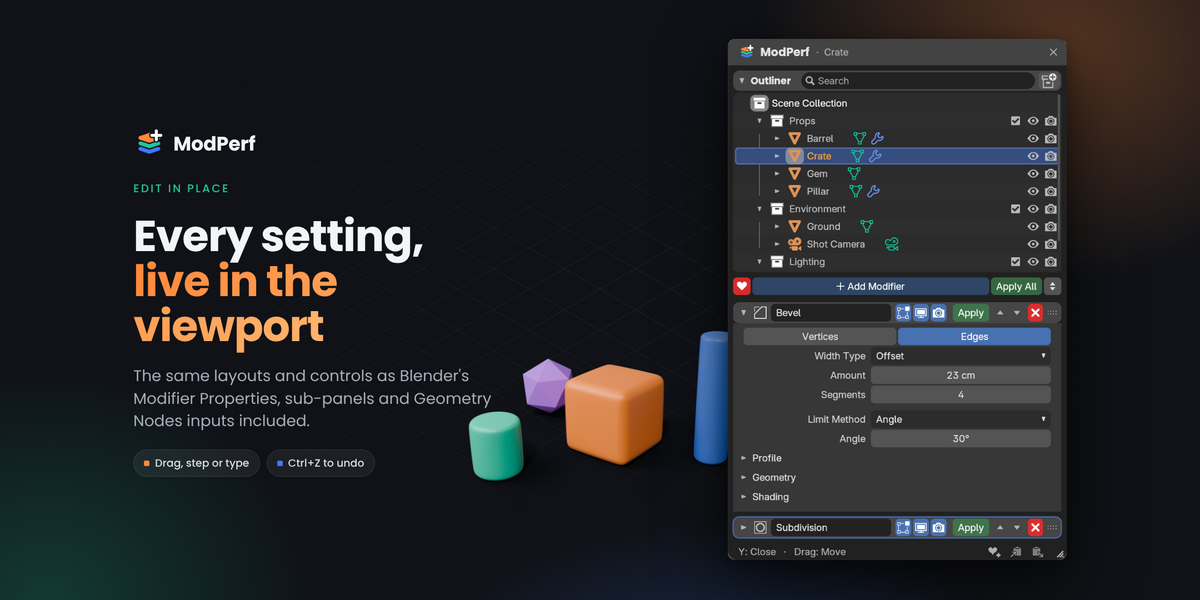
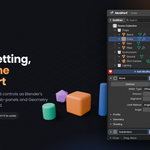
Every
modifier setting, sub-panel and Geometry Nodes input
|
5
favourite stacks, added in one click
|
 |
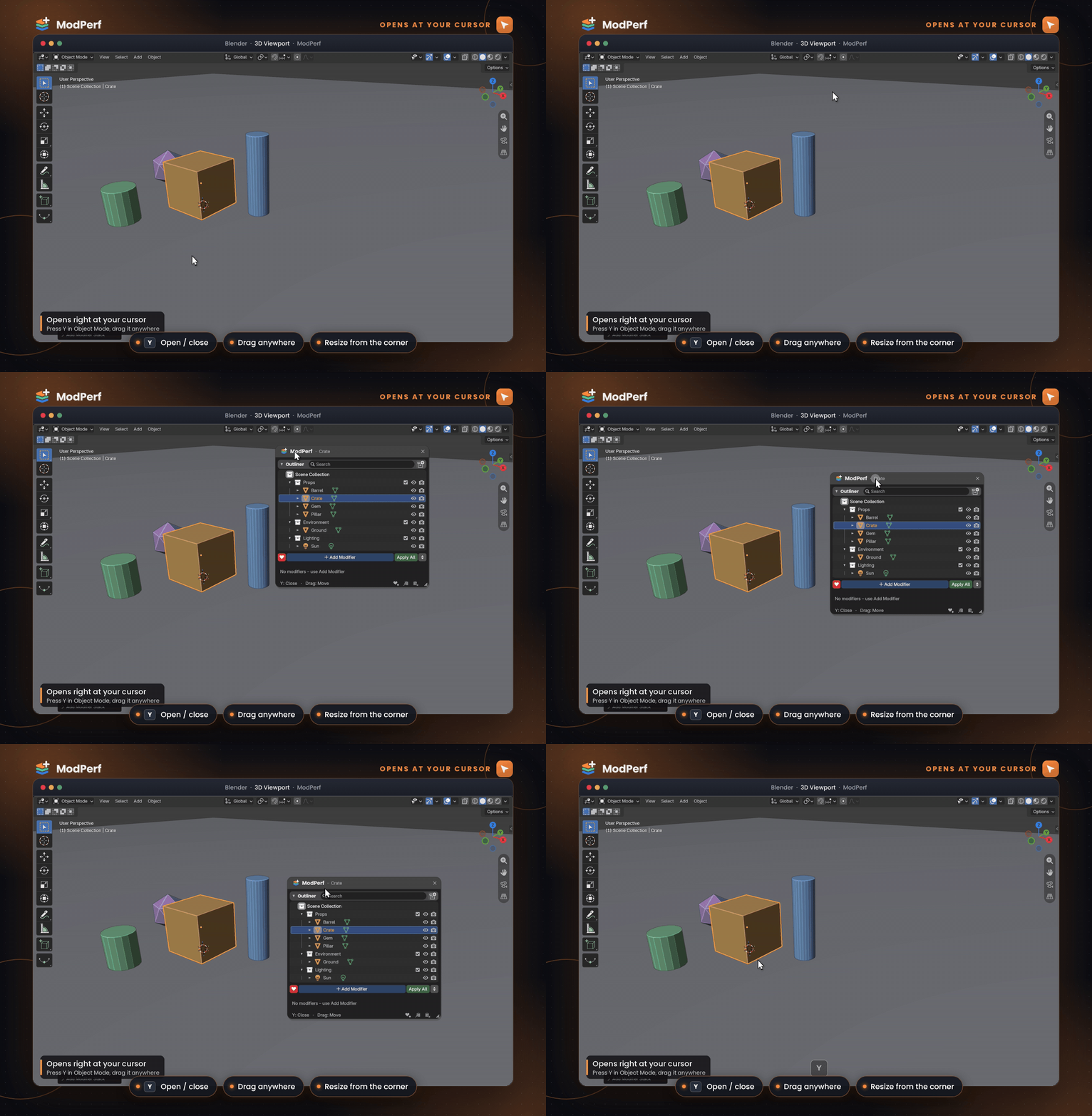
OPENS AT YOUR CURSOR Press Y. It's already there. |
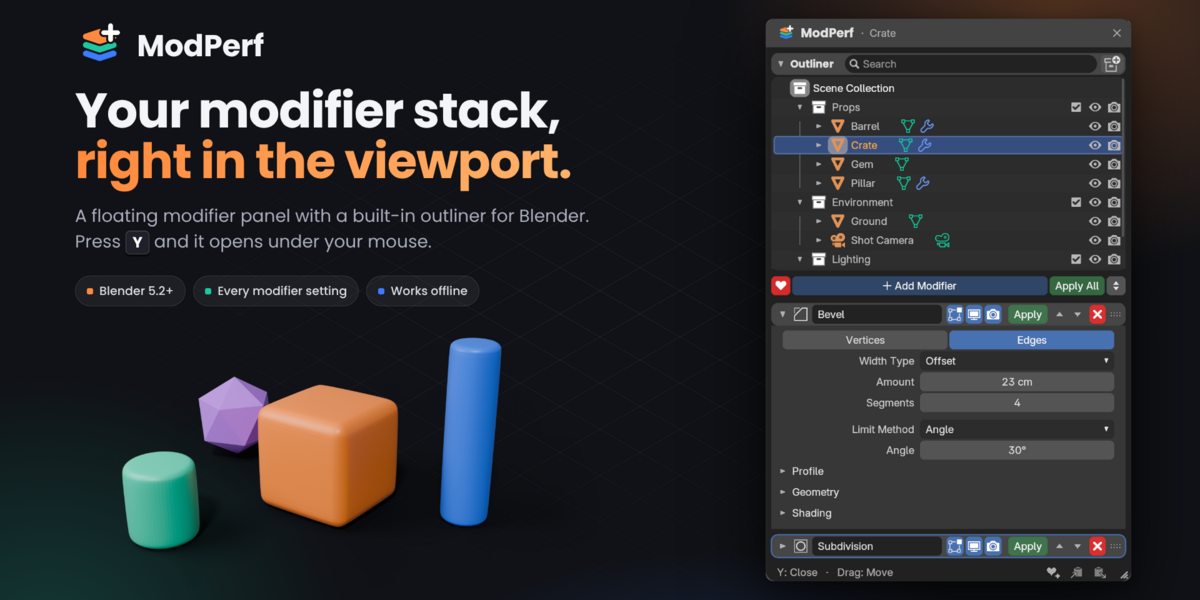
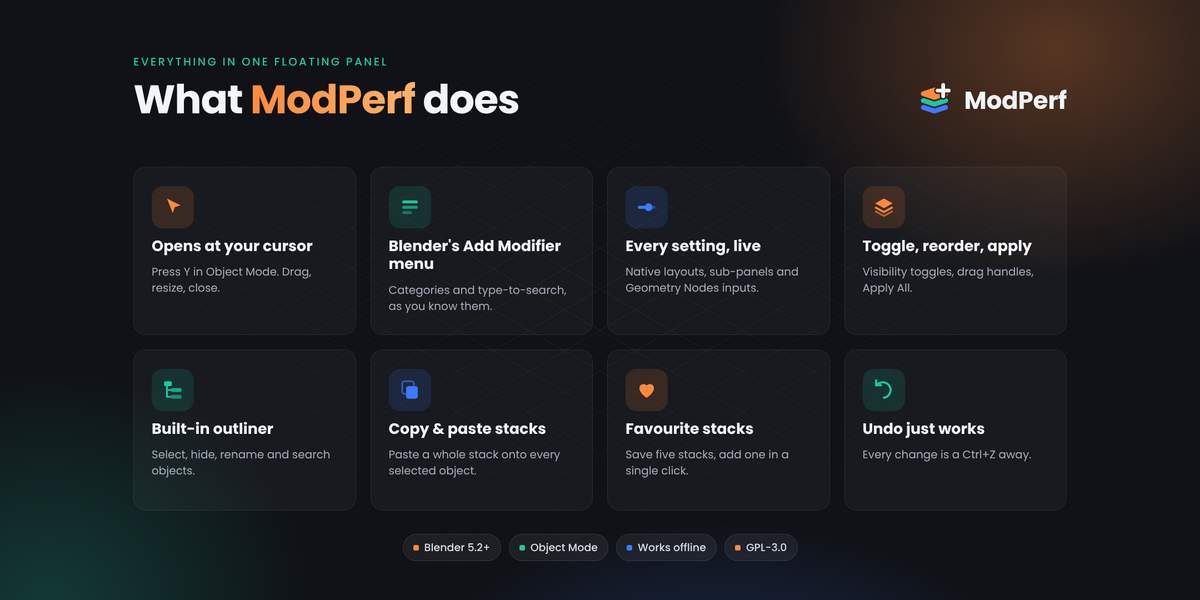
The panel opens with its title bar under your mouse, so your eyes never leave the model. Drag it anywhere, resize it from the corner, and it follows whichever object is active.
Y open / close
 |
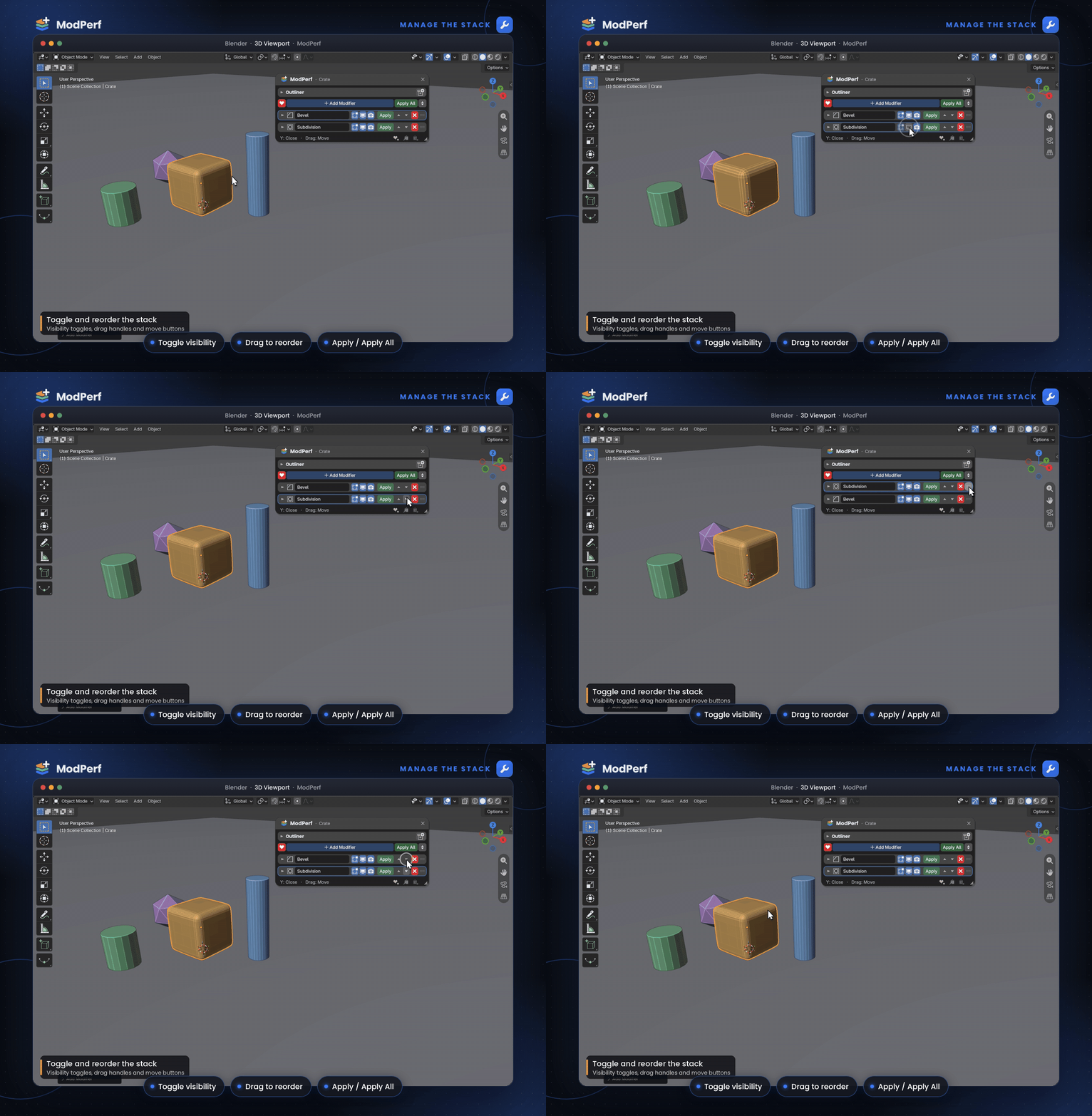
MANAGE THE STACK Toggle, reorder, apply. |
Every header has Edit Mode, Viewport and Render toggles, Apply, move up and down, delete and a drag handle. Drag a modifier and the others slide aside to show where it will land, or hit Apply All when you're done.
Shift + D over a modifier duplicates it
 |
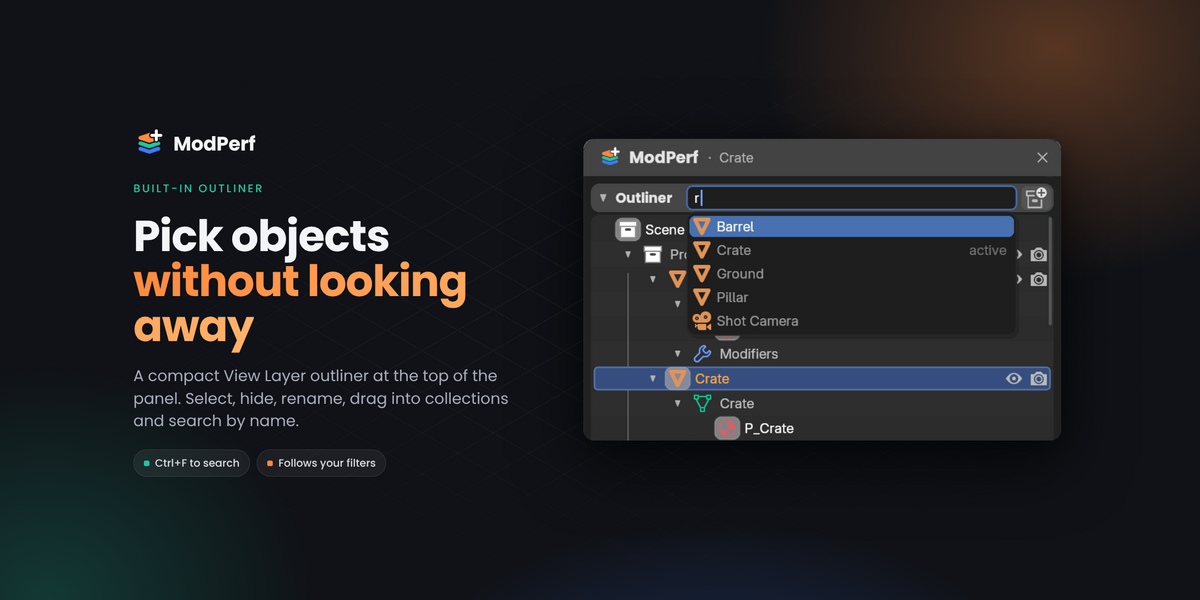
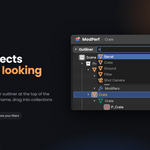
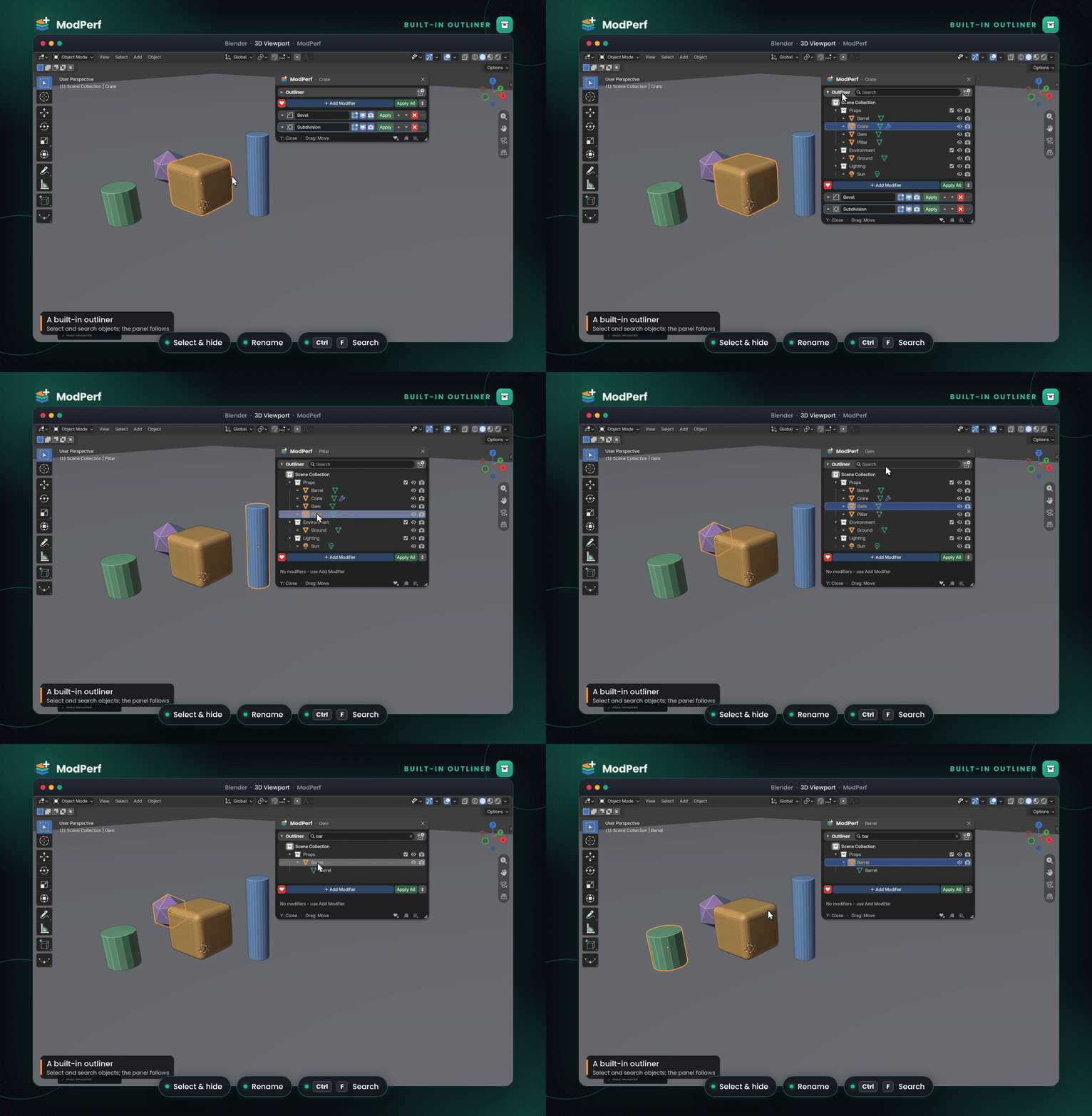
BUILT-IN OUTLINER Your scene, one glance away. |
A compact View Layer outliner sits at the top of the panel. Select, hide and rename objects, drag them between collections and search by name. Collapse it whenever you only need the modifiers.
Ctrl + F search
 |
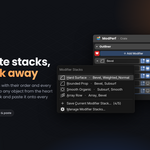
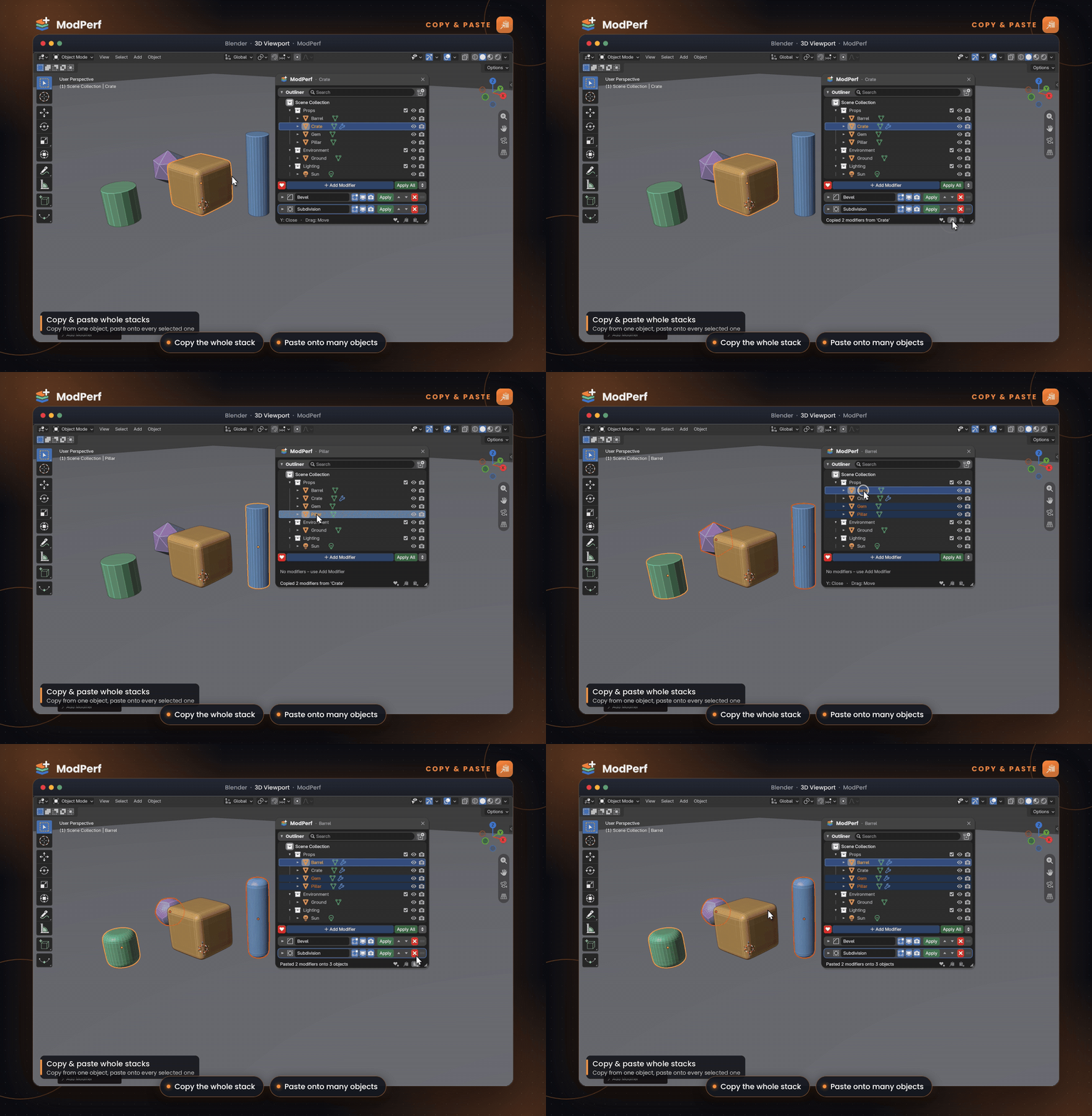
COPY & PASTE Build once. Paste everywhere. |
Copy every modifier from one object, order and values included, then paste the whole stack onto as many selected objects as you like.
 |
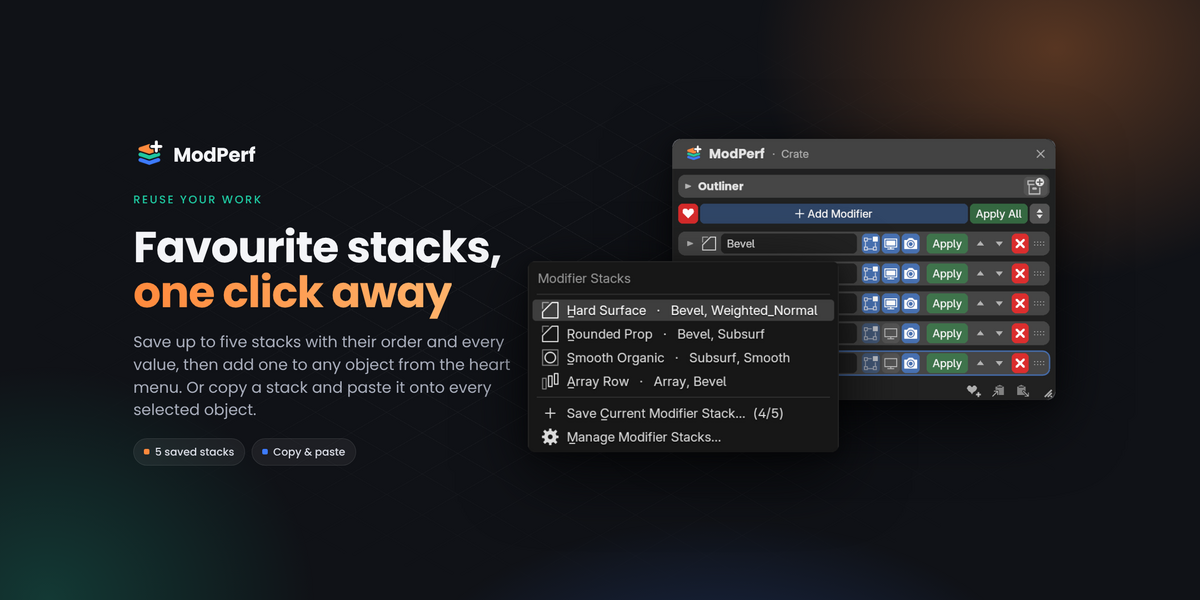
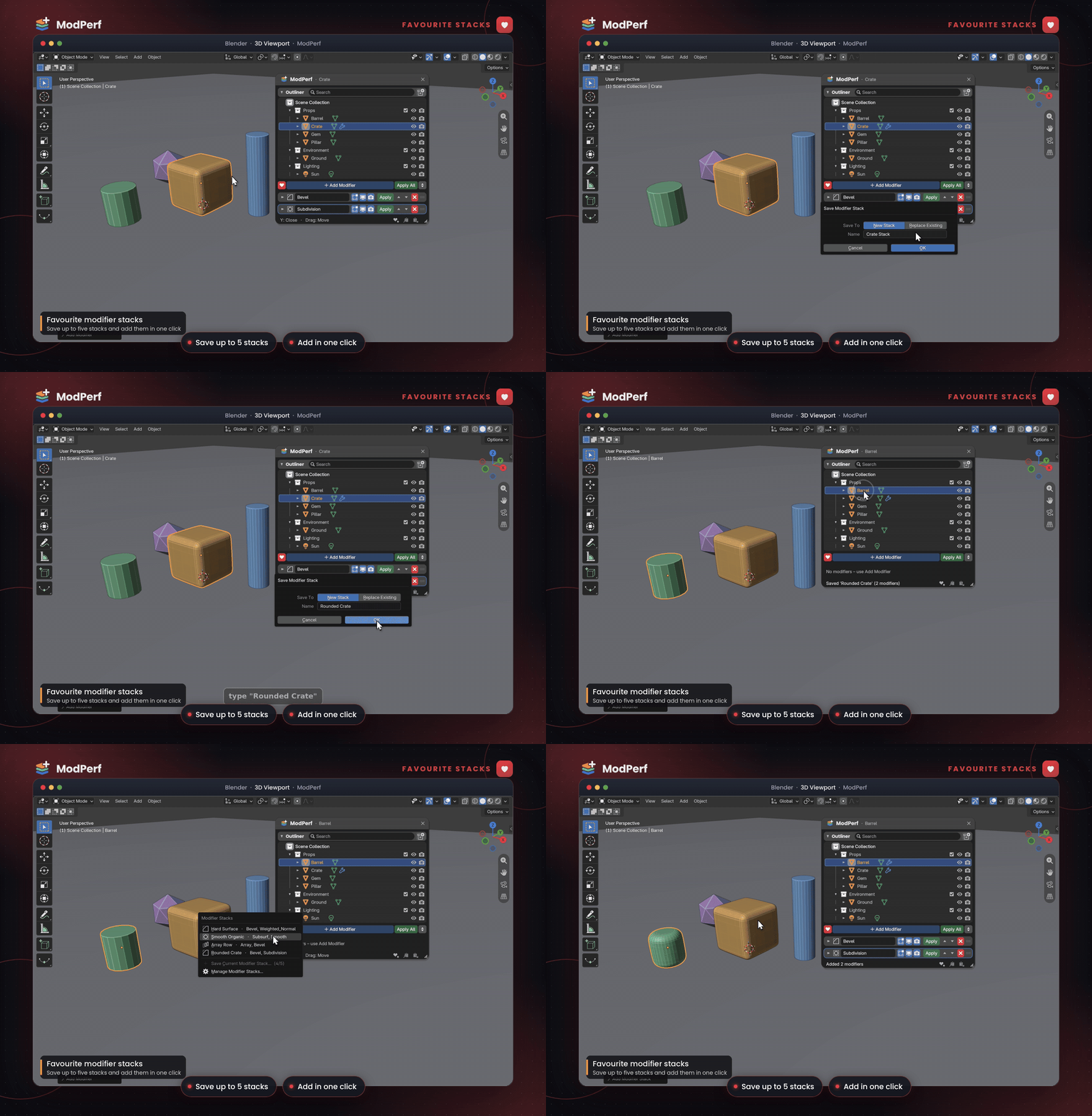
FAVOURITE STACKS Your best setups, one click away. |
Save up to five stacks with their order and every value, then add one to any object from the heart menu. Rename, reorder and delete them in the add-on preferences.
BUILT TO FEEL LIKE BLENDER
It behaves like it was always there.
- Native layouts. Modifier panels are ported from Blender's own.
- Undo just works. Every change is a Ctrl+Z away, like the rest of Blender.
- Fits your setup. Follows your theme, light or dark, and your Resolution Scale.
- Fast. GPU-drawn with a cached layout, so orbiting stays smooth with long stacks.
- Out of the way. Object Mode only. Switch modes and the panel closes, and Blender's shortcuts work as usual.
- Your shortcut. Change the open/close key in Preferences › Add-ons › ModPerf.
 |
WHAT YOU GET Everything in the download
|
Less clicking. More modelling.
One key to open. Every modifier in reach. Your viewport stays in focus.
Things to Know Before Purchase
Please read before purchasing
Please review the features and limitations listed on this page before buying. Requests based on features that aren't listed here can't be treated as defects.
About ModPerf
Blender version: 5.2 or later, installed as an extension.
Mode: Object Mode only. The panel closes in Edit Mode, Sculpt Mode and other modes.
Operating systems: developed and tested on macOS. It uses only Blender's Python API and no platform-specific code.
Offline: ModPerf never connects to the internet. Its only permission is file access, used to save and load your favourite stacks.
Linked data: follows Blender's rules. Linked objects are read-only, and editable overrides can't remove or reorder modifiers that come from the linked file.
Support: if something doesn't work, message me through Superhive with your Blender version, operating system and the steps to reproduce it.
ModPerf by Supra3D · GPL-3.0-or-later