Modular Rig Mapper
 Christopher Groff


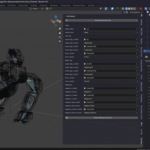
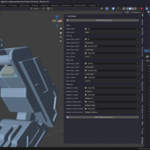
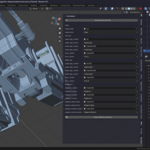
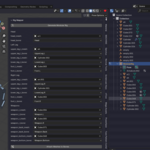
First install zip as you would for any new add on by clicking install and choosing the downloaded zip.
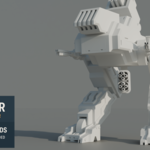
Have your mech designed or not. Click generate rig. Position the bones how you want them. It is useful when first starting off to look at the automatically generated bones names. This is important for when selecting the appropriate parts of the mesh to parent to.
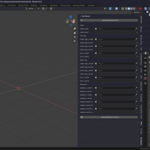
Use the eye dropper to select the parts to parent to bones.
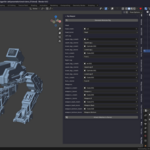
Use the dropdown menu to select the bones to parent to.
Click attach meshes to bones button
https://www.youtube.com/watch?v=7t70SJ4OG3A
$4.99
Have questions about this product?
Login to message
| Published | about 1 year ago |
| Blender Version | 4.0 - 4.4 |
| Extension Type | N/A |
| Render Engine Used | Cycles, Eevee |
| License | GPL |
Discover more products like this
3D Generator Skeleton 3D skeleton Apply Armature rigging smart -rig 2025 addon rig Add-on