 AS Formworks

Two-week launch offer: 50% off, $19.50 instead of $39. November 9–23, 2026. Ends November 23 at 11:46 UTC.
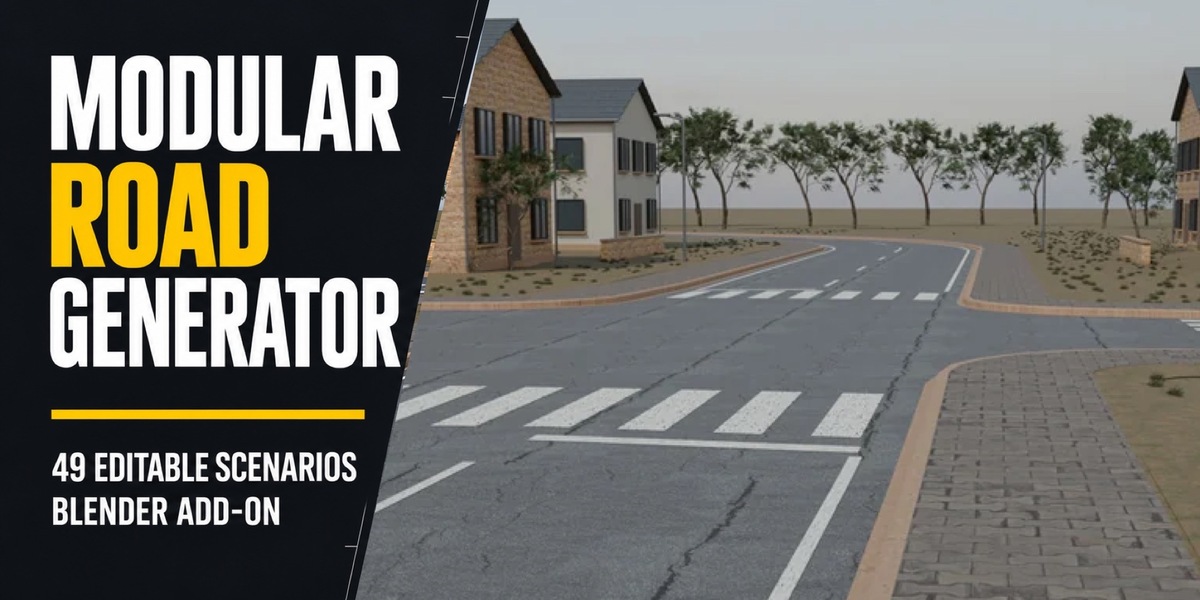
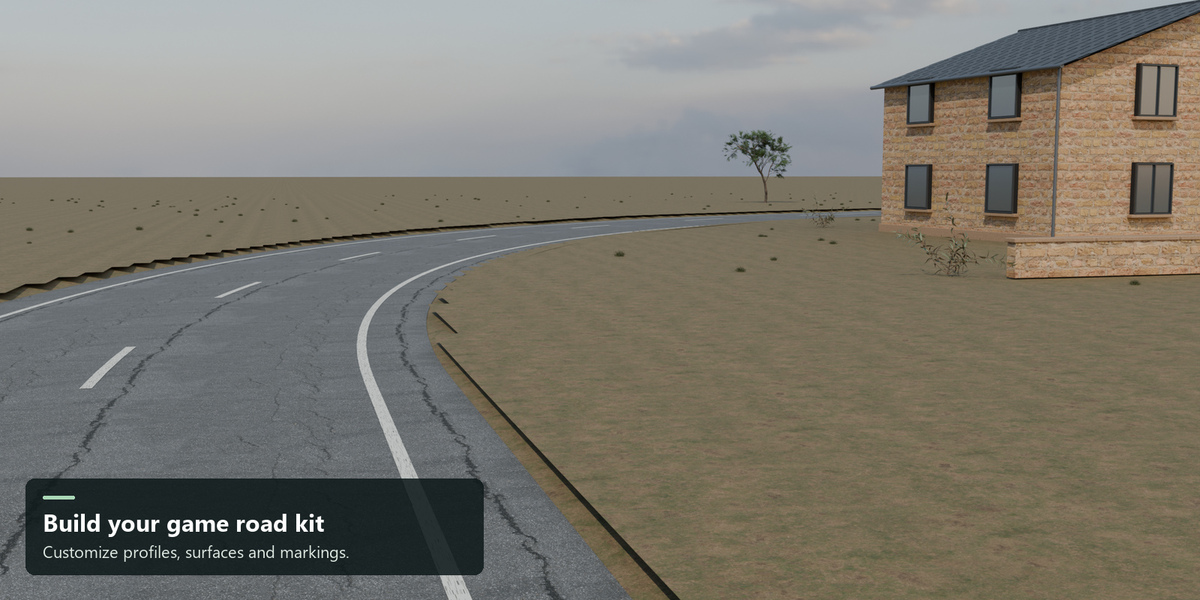
Build a modular road kit for your game.
Create roads in Blender, adjust their dimensions live, connect matching ends and export reusable modules. Start with the included examples or give the kit your own material palette.
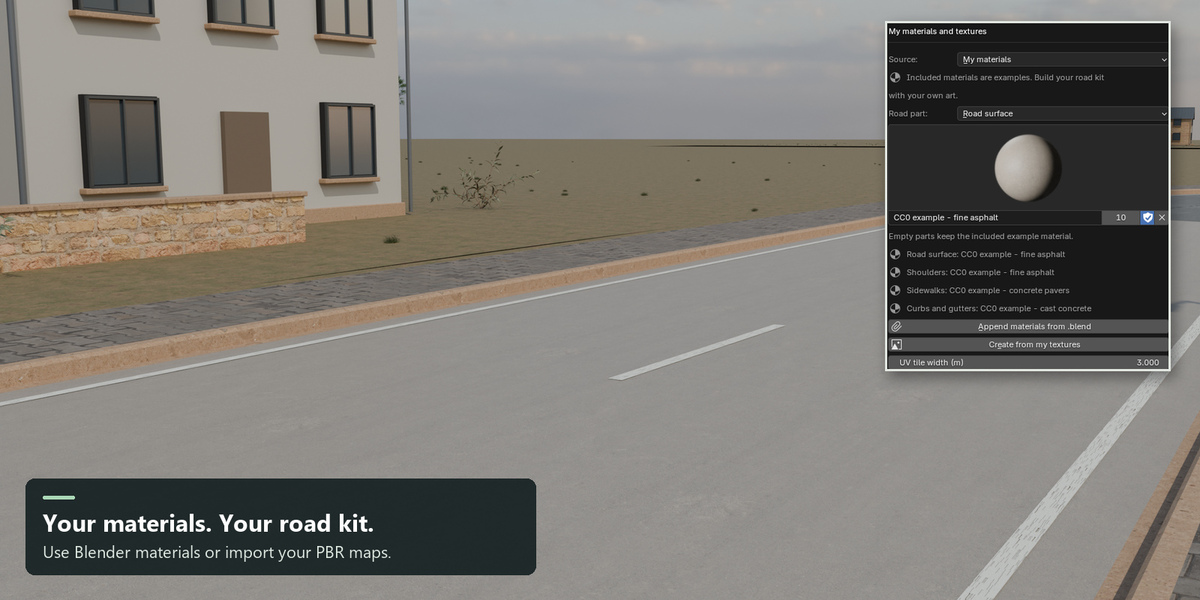
Included materials are optional examples. The road system is yours to customize.
What you can build
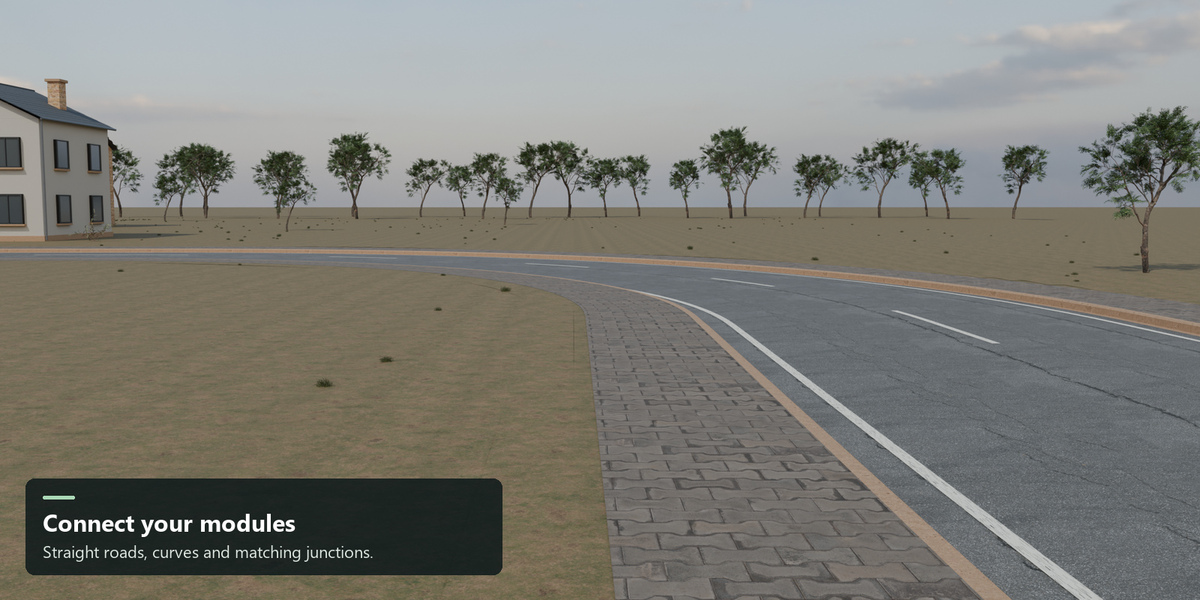
- Straight roads, curves, T junctions and four-way intersections.
- Urban streets, rural roads, parking areas and airport ground markings.
- Reusable modules with matching connection profiles, LODs and static collision.
Two ways to start
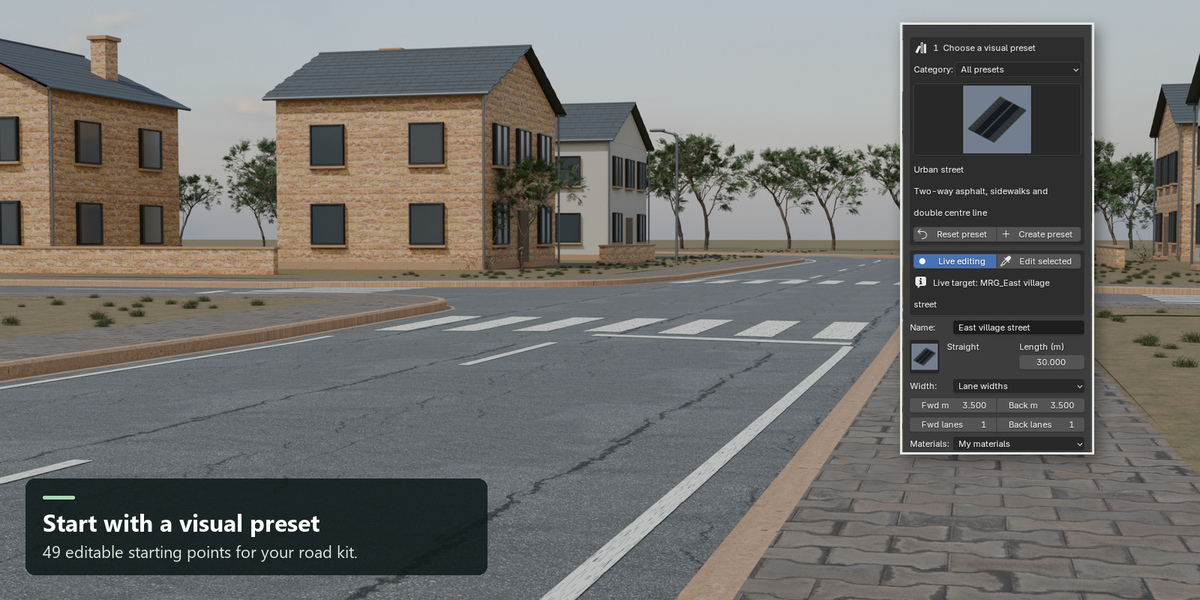
Choose from 49 editable scenarios with visual thumbnails, then create a module. Or assign your own Blender materials to the road, shoulders, sidewalks, curbs/gutters, median, slab joints and paint.
Import your PBR images, append materials from a .blend library or use materials already in your scene. The palette stays with the module through live edits, curves, junctions, LOD rebuilding and road extensions. Empty assignments keep their included example material.
A short workflow
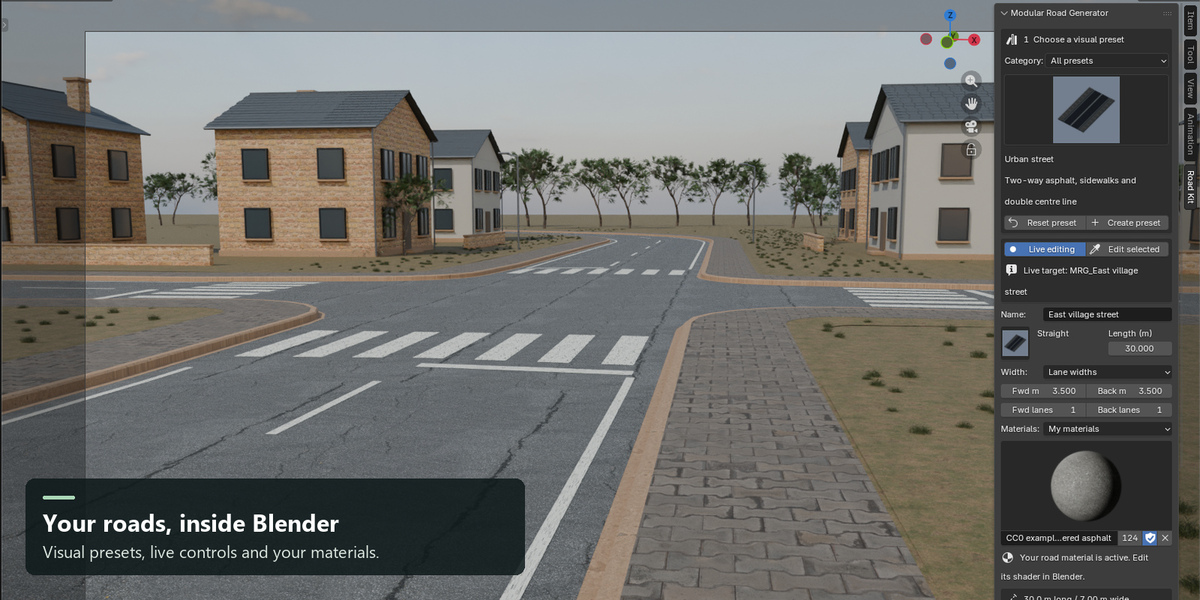
- Install the extension and open Road Kit in the 3D View sidebar.
- Choose a preset and create a module.
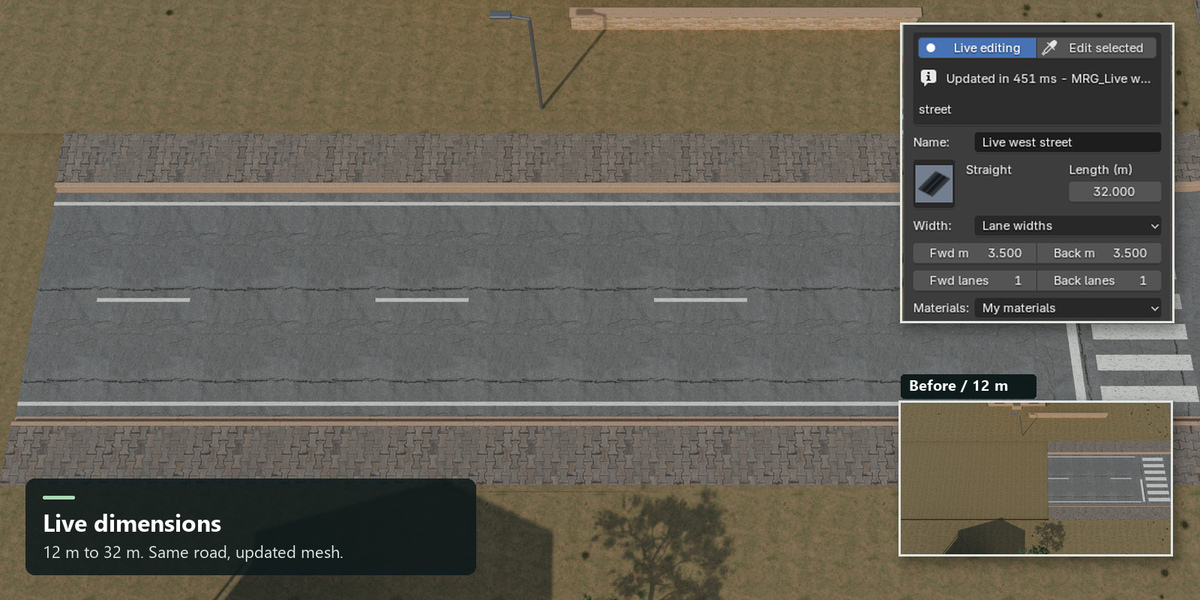
- Change dimensions while the selected live target updates.
- Connect compatible modules and choose your materials.
- Validate the result and export to your game pipeline.
Built for a modular workflow
- Live settings with validation feedback and Undo/Redo support.
- Lane widths, shoulders, sidewalks, curbs, slopes, medians and markings.
- Seven independent custom-material roles and packed PBR image import.
- OpenGL or DirectX normal input for imported texture sets.
- Port snapping and left/straight/right continuation tools.
- One to three LODs, optional distant paint removal and separate static collision.
- GLB and engine-oriented Unity URP/HDRP or Unreal FBX export packages.
What is included
- Installable Modular Road Generator 0.8.0 extension ZIP with complete Python source.
- 96 bundled offline thumbnails and 12 procedural example surfaces.
- Three packed, editable Blender demo scenes, including a realistic PBR road showcase.
- A separate appendable library with four optional image-based PBR road materials.
- English user guide, quick start, release notes and validation report.
- A sample GLB package with PBR maps, LOD files, collision and metadata.
- Unity and Unreal import-helper source and generated import instructions.
About the gallery
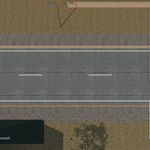
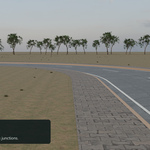
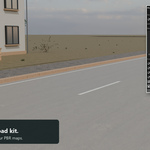
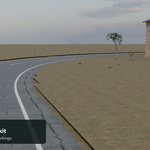
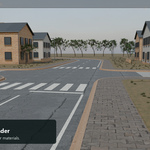
The roads shown are genuine generated add-on meshes with optional image-based PBR materials. The realistic showcase uses two asphalt examples, concrete pavers and cast concrete. These optional CC0 assets are available free from Poly Haven and are included to demonstrate the custom-material workflow; they are not exclusive textures. Sources and license notices are included.
Architecture and terrain are presentation geometry; vegetation and HDRI lighting use CC0 Poly Haven assets. The add-on generates road modules, not buildings or vegetation. The editable showcase is included as an example scene.
Requirements and scope
Requires Blender 4.2 or newer. Tested on Windows with Blender 4.2.23 LTS, 5.0.0 and 5.2.1 LTS, with 33 integration tests passing in each. Other operating systems have not been tested.
Core Principled PBR image materials export directly. Complex procedural shaders and advanced shader effects need baking or custom setup in the game engine. Your existing Blender material can still be used on generated meshes inside Blender.
Unity/Unreal-oriented files and maps are generated and checked in Blender. The included engine editor helpers were not executed inside engine editors for this release. Verify materials, scale, collision and LOD behavior in your engine version.
This add-on creates environment-art modules. It does not modify a game project automatically, conform roads to terrain, simulate traffic or certify airport/engineering layouts. Geometry rebuilds replace manual edits to generated child meshes; keep custom mesh work separately. Changing a connected module does not reposition its neighbors.
License
The add-on is GPL-3.0-or-later. Included engine integration source retains its MIT license. Original contributor attribution and license texts are included.