 Frederik Vollbrecht
Modular Design. Made Simple.
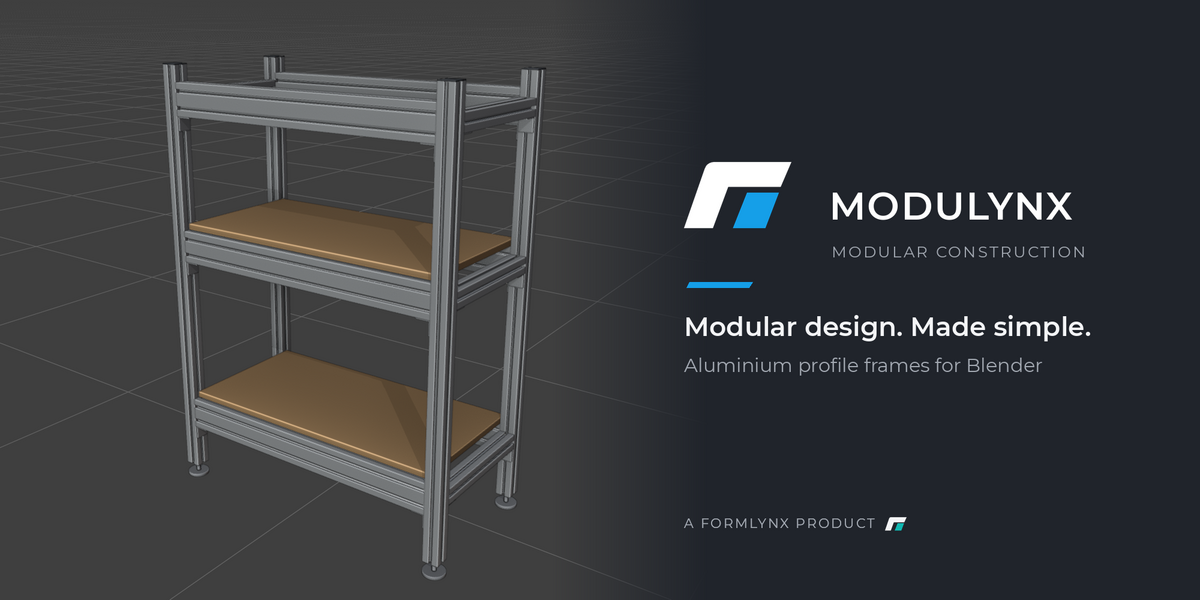
MODULYNX turns Blender into a fast tool for modular constructions. Aluminium profiles, steel tubes, timber and your own parts snap together on connection nodes – no manual alignment, no fiddling with offsets. Racks, workbenches, 3D printer enclosures, machine frames and shelving come together in minutes, exact to the millimetre.
And when the design is done, MODULYNX takes it to the workshop: a bill of materials with cut lengths, weights and prices, STEP files for CAD and DXF files for the laser cutter.
Build
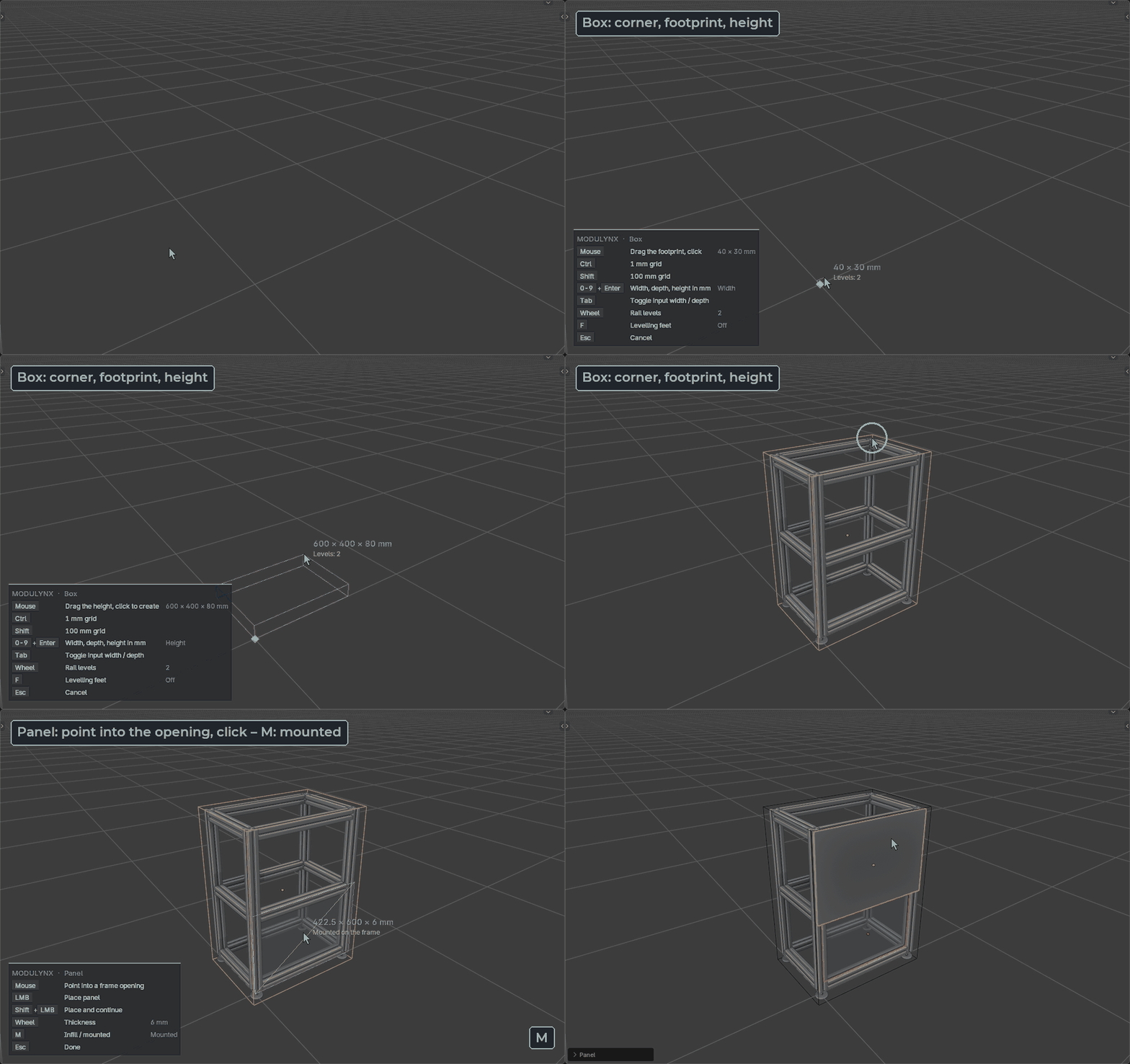
- Attach, span, join: point at one of the 27 connection nodes of a profile and click – the next part snaps into place, flush with the end of the profile it sits on. Span sets the length between two nodes automatically.
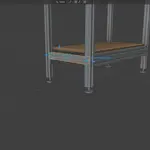
- Box in three clicks: drag the footprint and the height – posts, rails and levelling feet arrive as one assembly.
- Panels: point into a frame opening and click – infill panels go into the slots, or mount them on the frame.
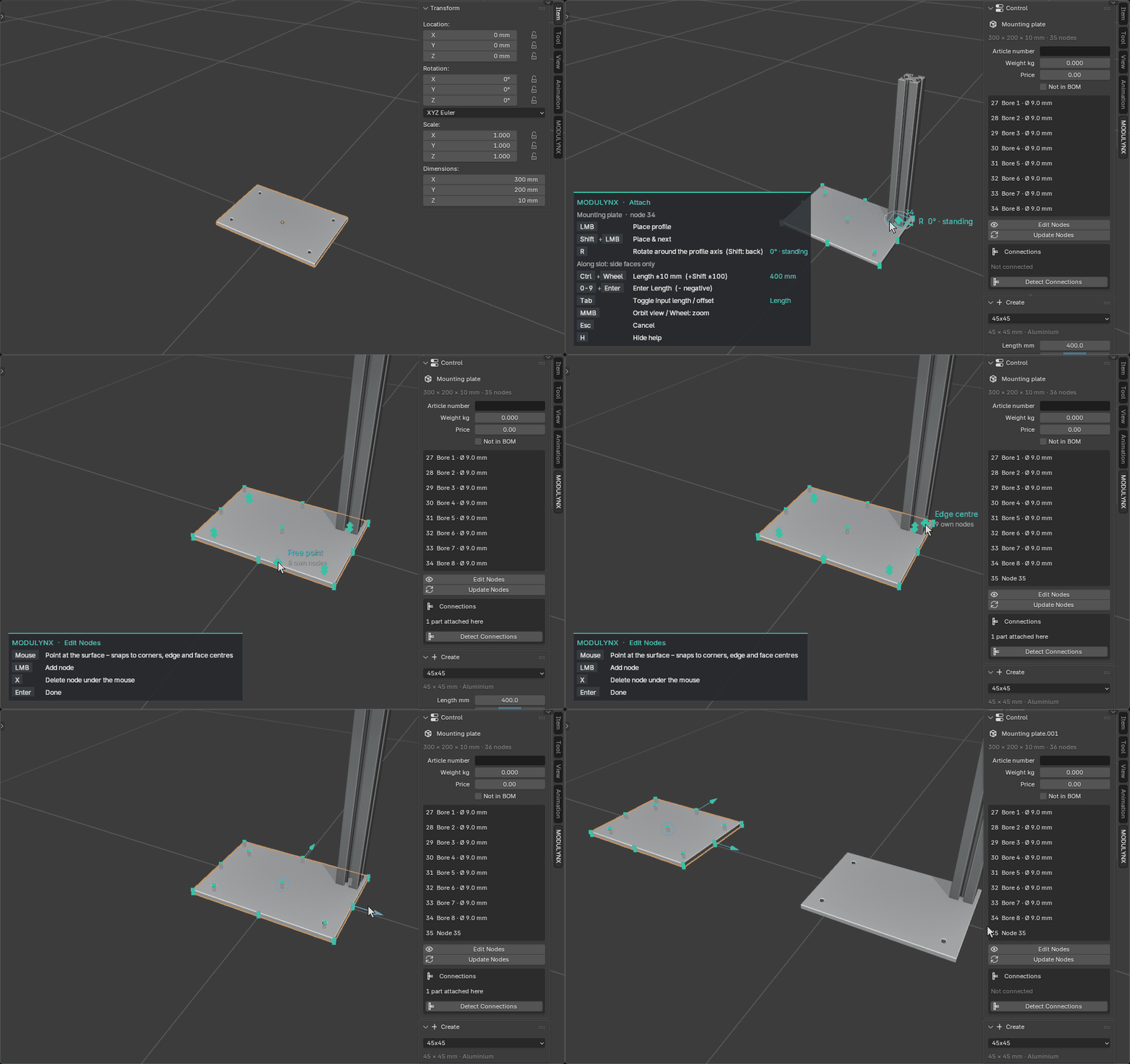
- Components: turn any mesh – a mounting plate, a holder, a bracket – into a part with connection nodes. Bores are detected automatically, your own nodes are one click away. Save components to your library and reuse them in every file.
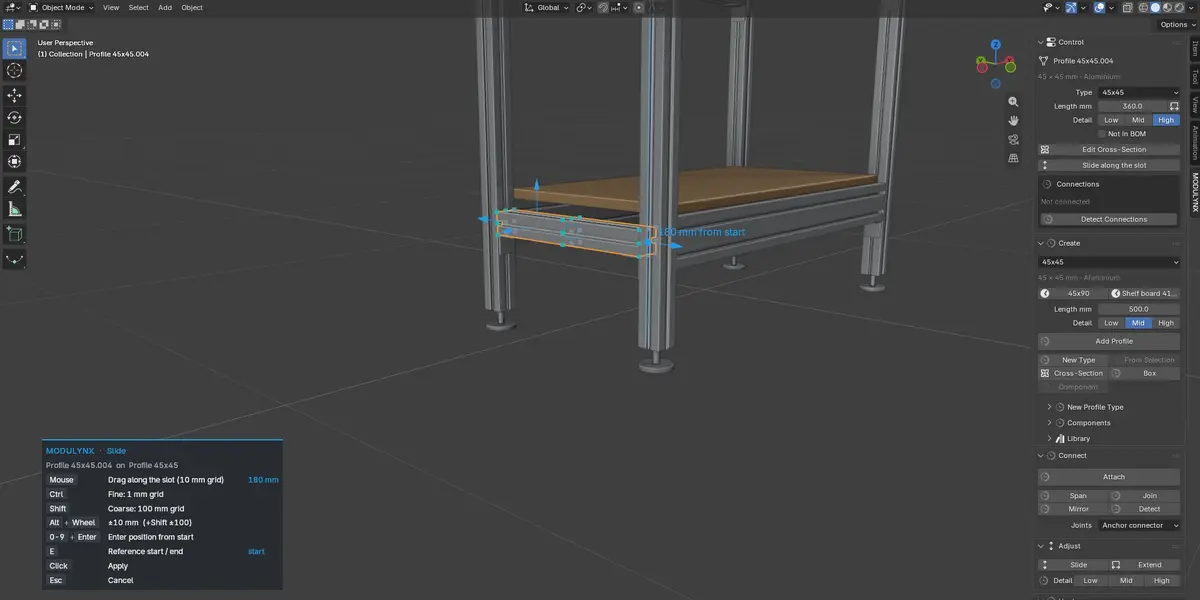
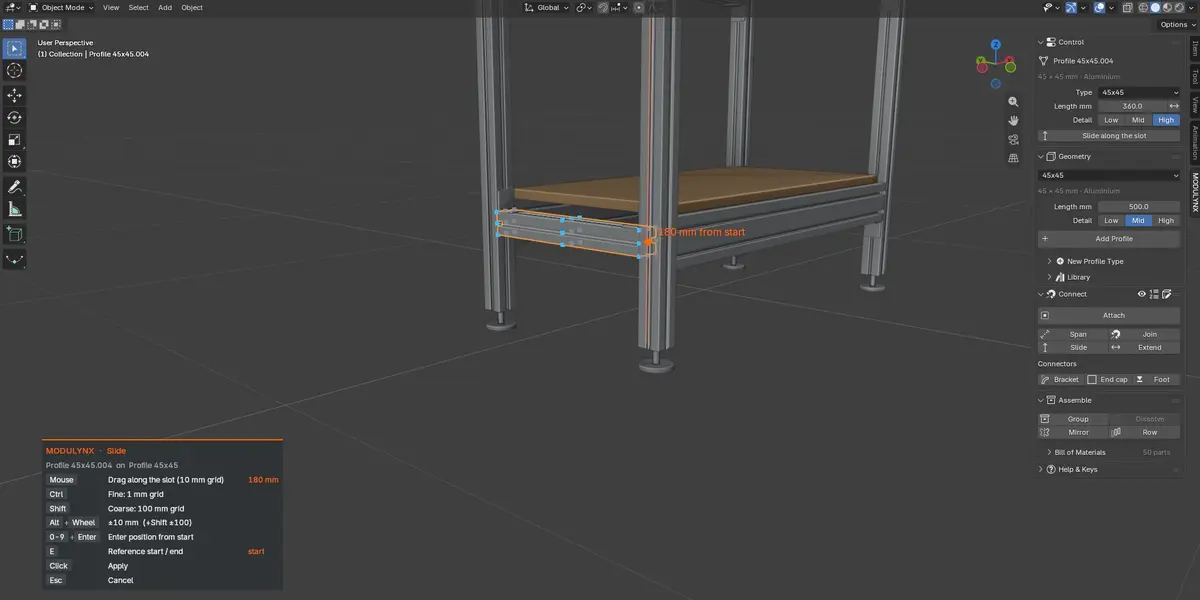
- Handles: drag length and position directly in the viewport; parts snap flush, rest against neighbours or centre on a slot. Type a number for the exact value.
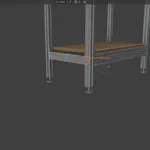
- Connected parts follow: move a post and the rails between the posts get longer or slide along.
- Hardware and assemblies: brackets, end caps and levelling feet, groups, mirror and rows.
Profiles
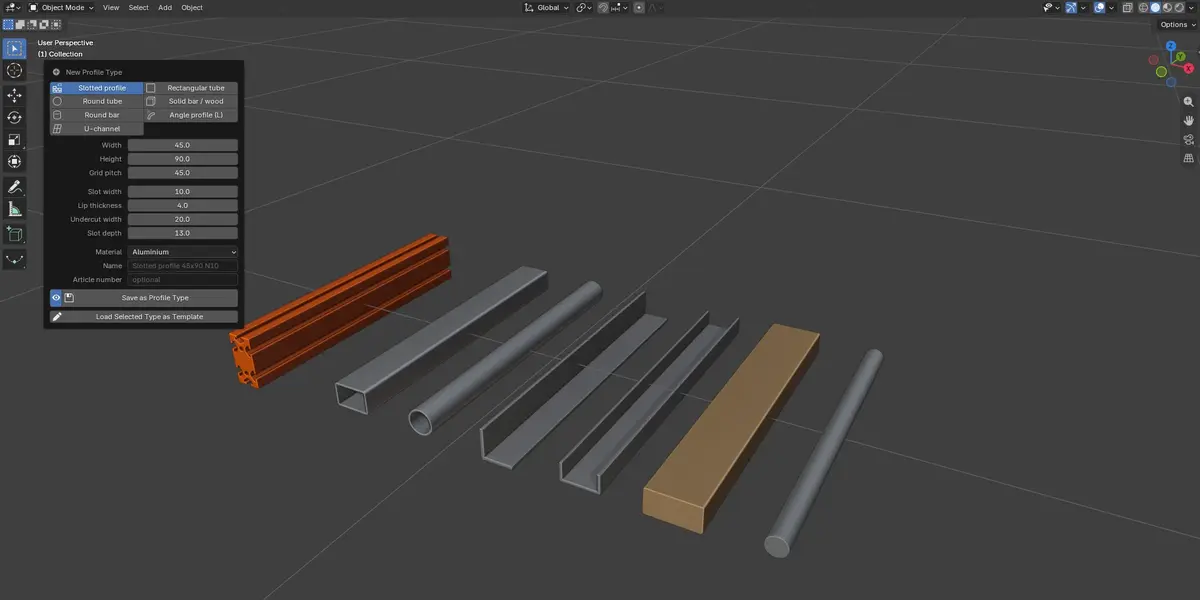
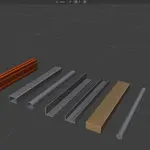
- Slotted aluminium profiles plus standard profiles: square, rectangular and round steel tubes (EN 10219), angles, channels, round bars and timber – with real cross-sections and weights.
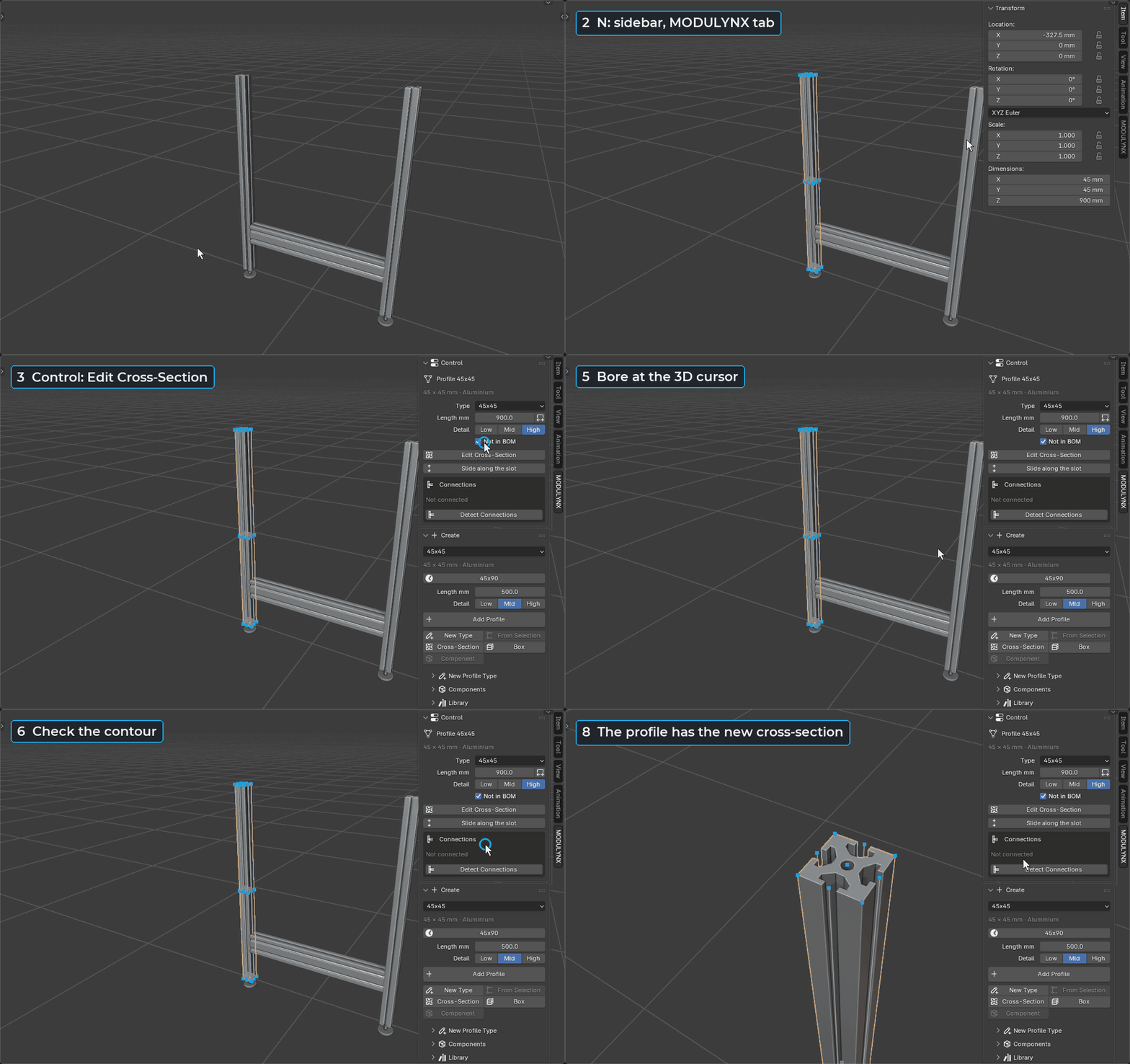
- Cross-section editor: edit any contour with Blender's own tools – add bores, rectangles and T-slots, check the contour and save.
- Create your own types from templates, drawn contours or imported manufacturer models.
From model to workshop
- Bill of materials: cut list per profile type, connector parts and machining per joint, panels and components – with weights, price per metre and per cut, kit quantity. In the sidebar and as CSV.
- Joints: choose an angle bracket, an anchor connector or none – as a default and per joint.
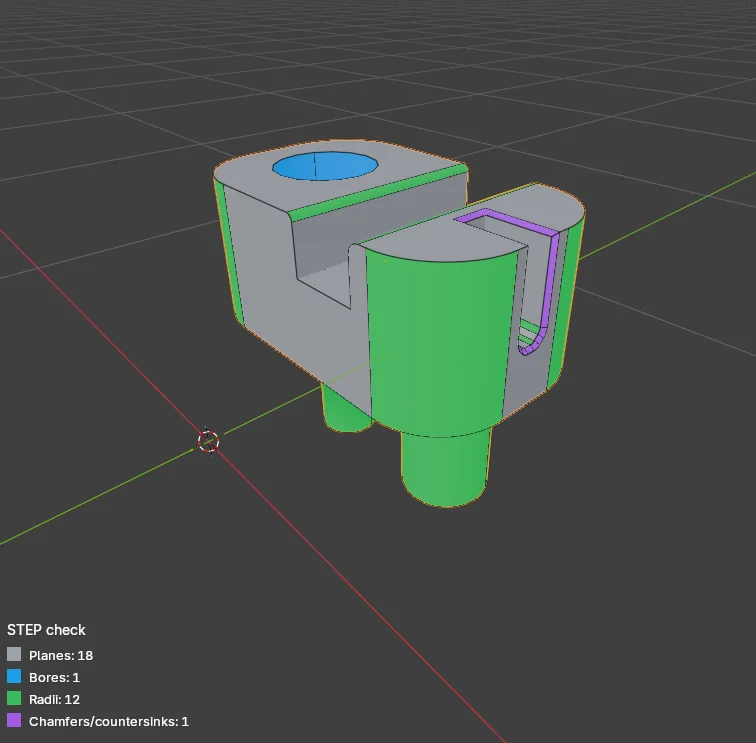
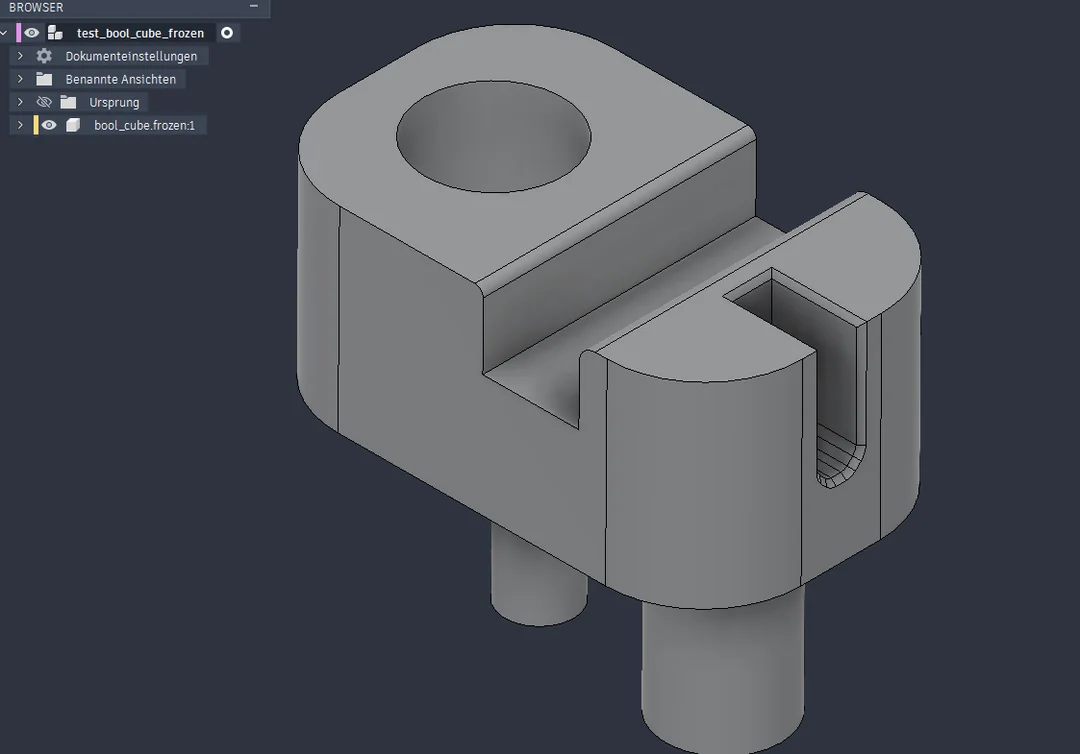
- STEP export for CAD: profiles, panels, components and your own parts as real solids in Fusion, FreeCAD or SolidWorks. Holes and rounded edges become real cylinders, assemblies stay assemblies.
- DXF export: flat parts as outlines in mm with real arcs and circles – holes on their own layer, labels with thickness, material and quantity.
- Collision check: one click selects every pair of parts that penetrate each other.
Step export
Before exporting you can initiate a Mesh check. The exporter will identify possible BRep geometries and give you a color overlay of recognized features
Once the check is performed, you can export you mesh as a step file.
Currently no Freeform surfaces are supported - but we are working hard in the Background on this feature.
|
|
Workflow
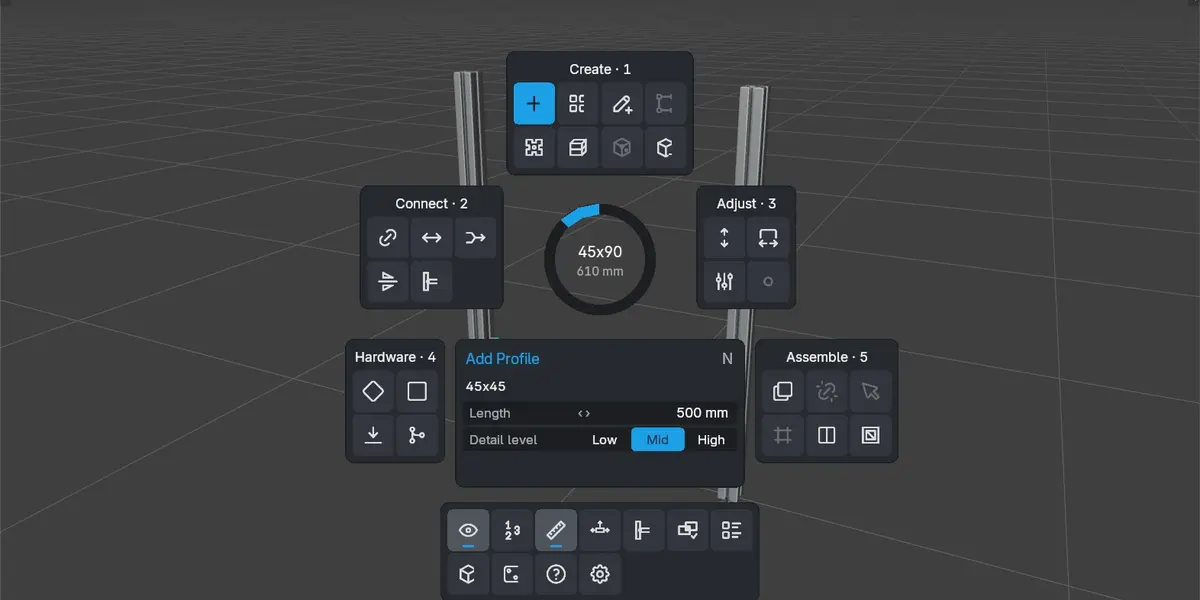
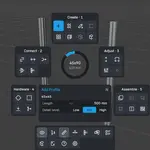
Press P for the radial menu with every tool, grouped into Create, Connect, Adjust, Hardware, Assemble and View & Export. The sidebar uses the same groups and icons. Keys for the running tool are always shown in the viewport. Interface in English and German.
Requirements
- Blender 5.2 or newer (installed as an extension)
Documentation: modulynx-addon.netlify.app · Community and support: Discord

