 Animation Store
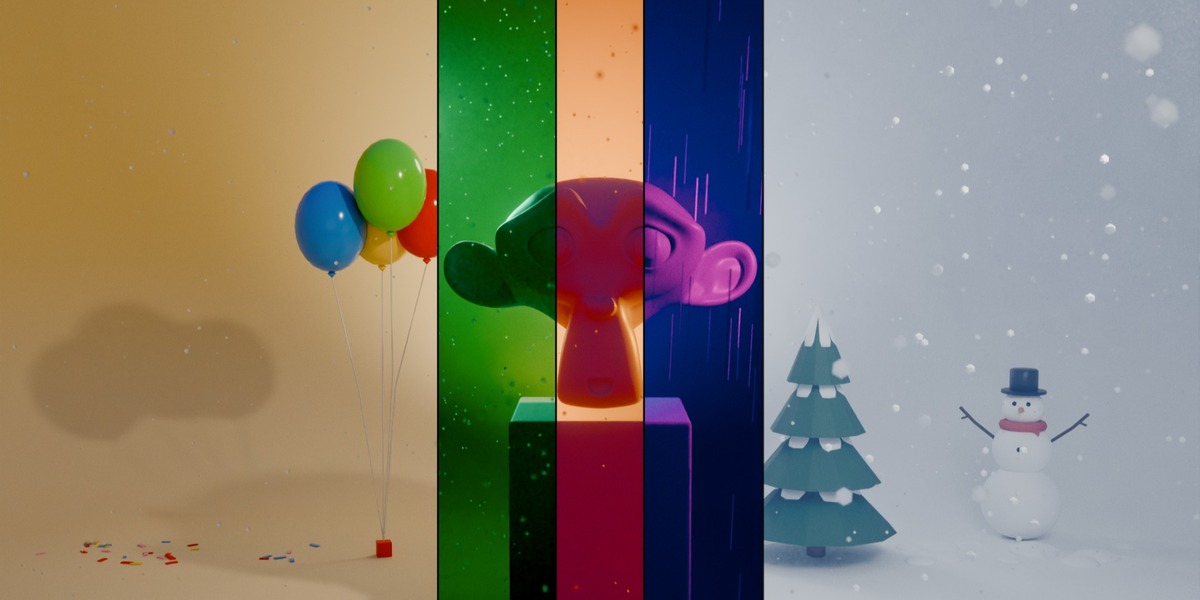
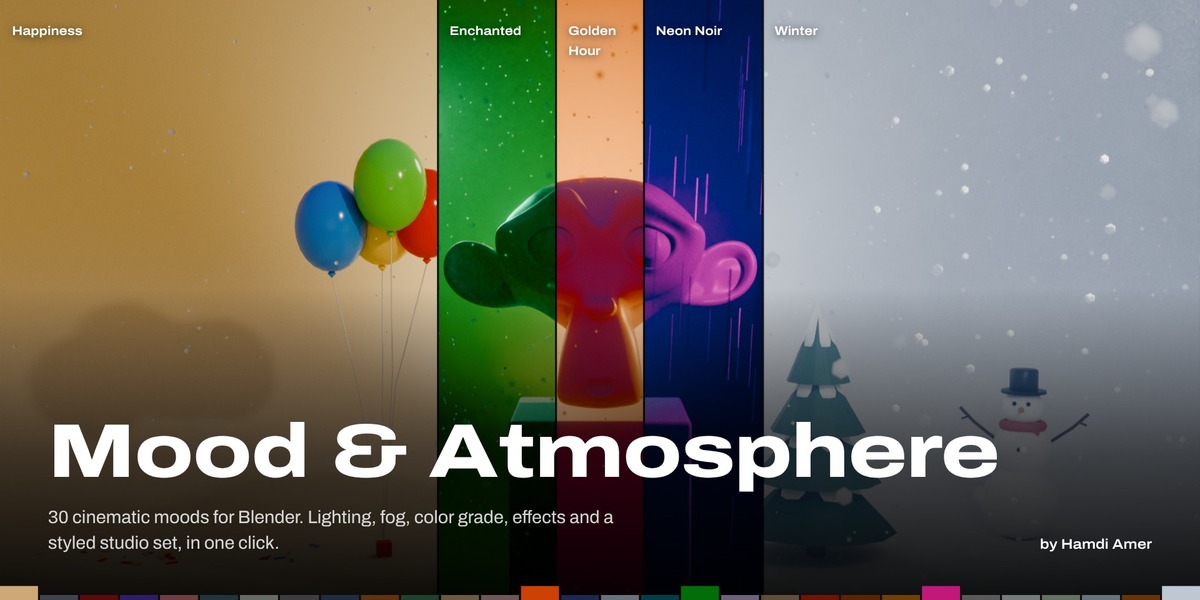


Mood & Atmosphere
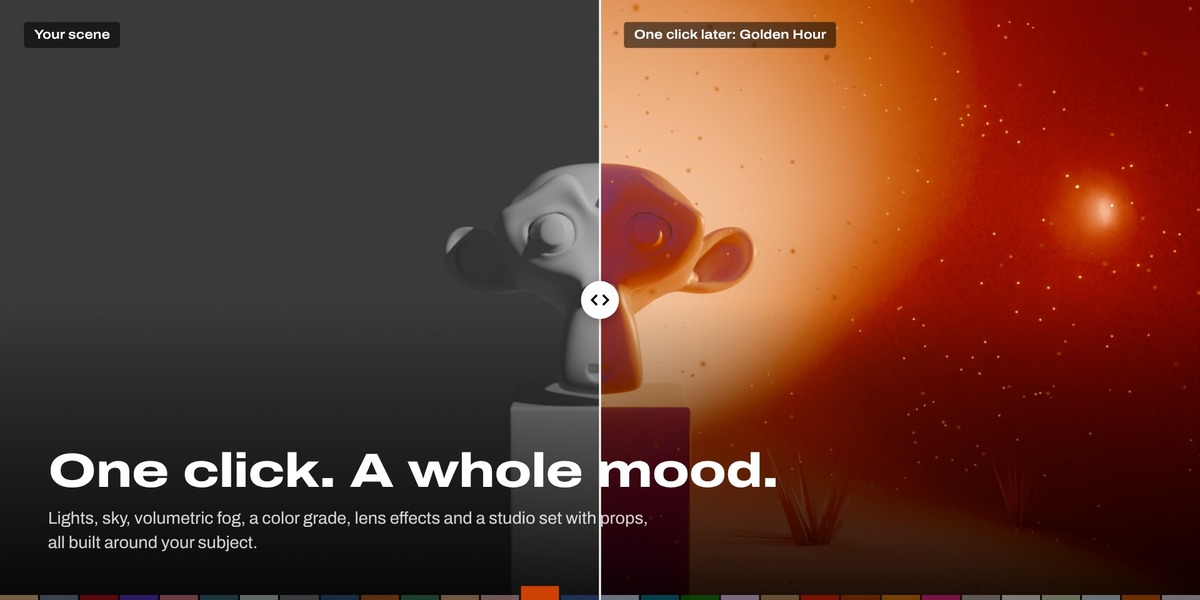
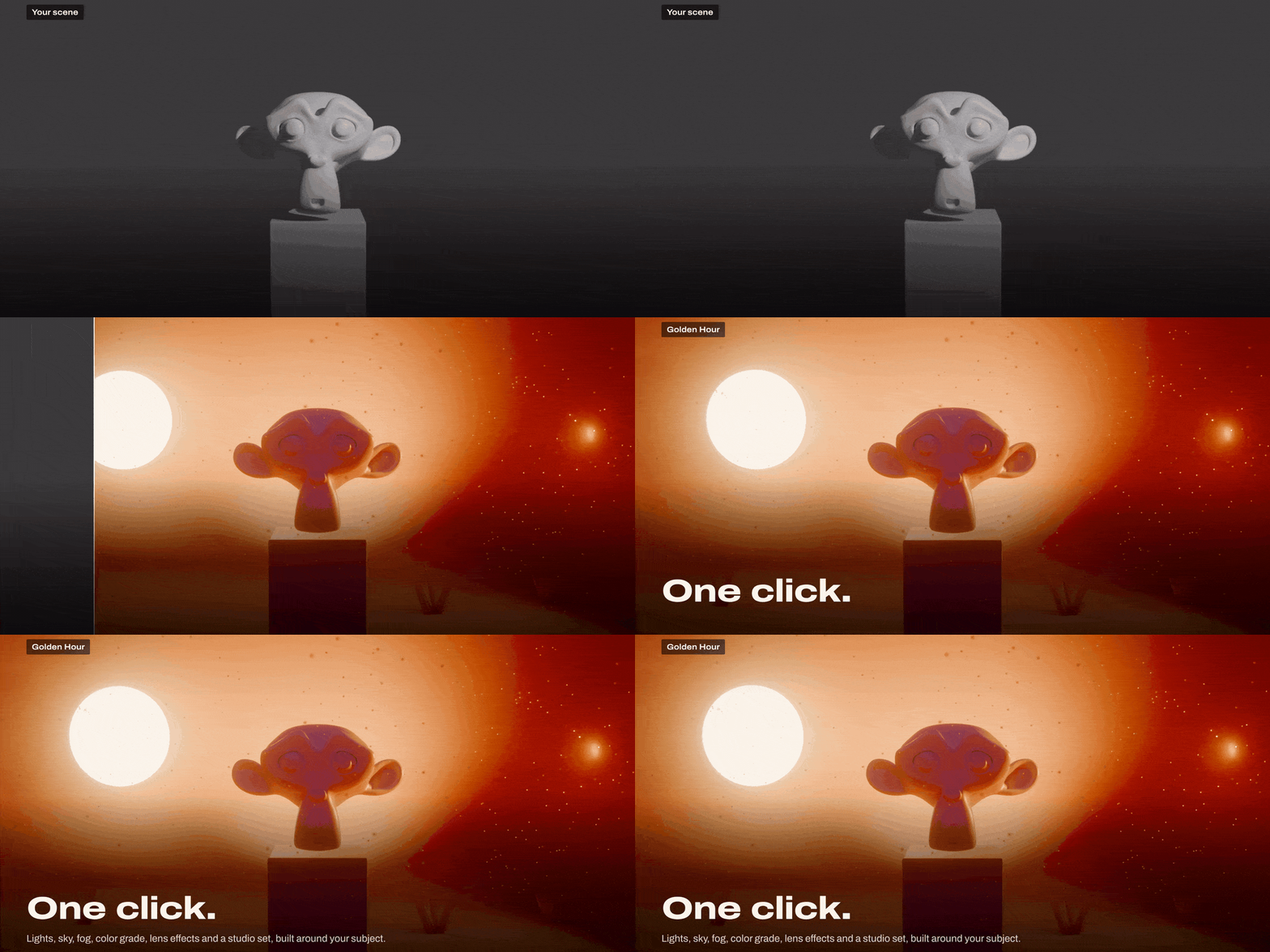
Set the emotional tone of any scene in one click.
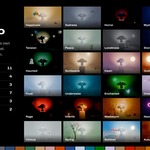
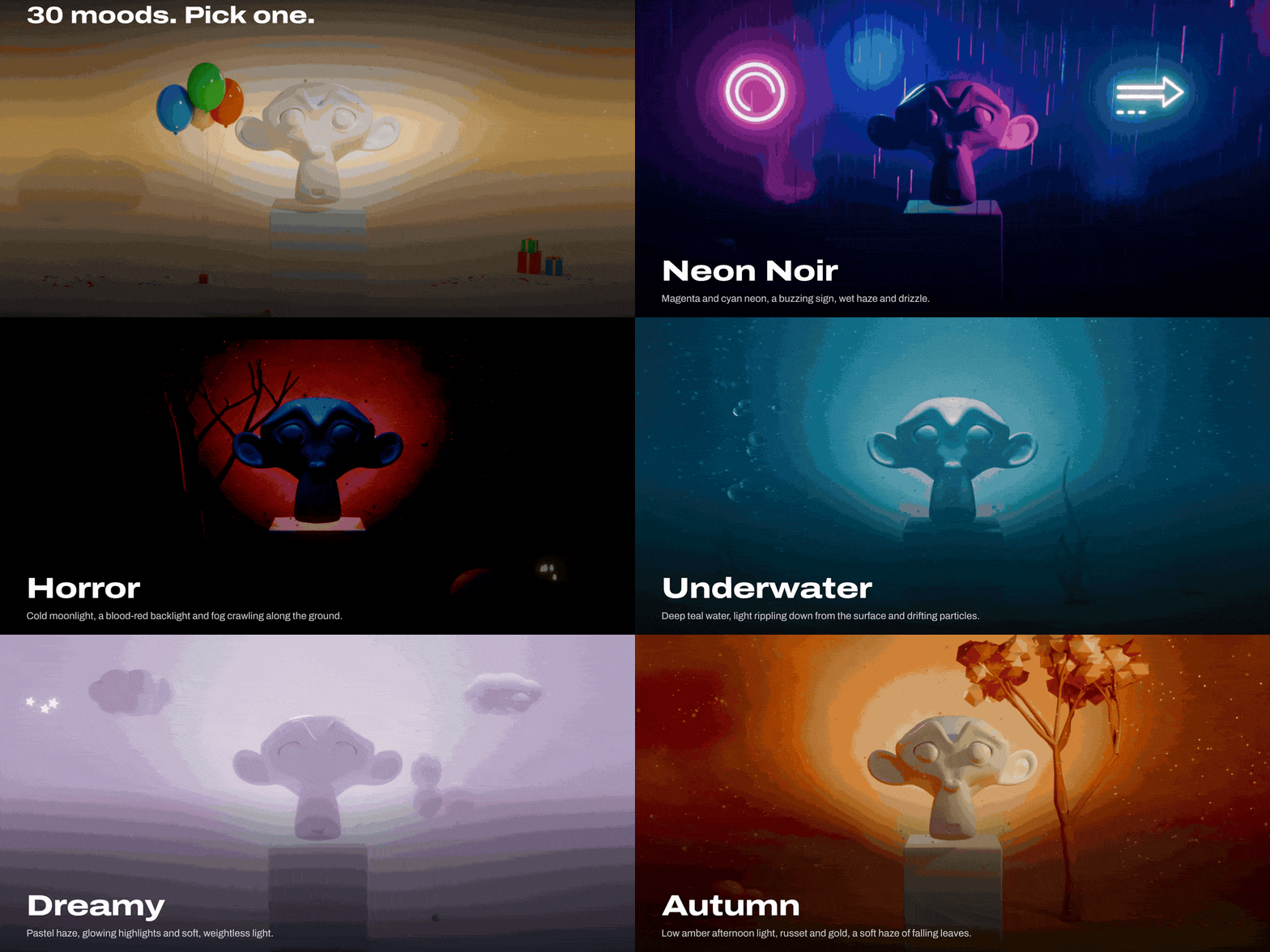
30 cinematic moods that light, fog, color grade and dress your scene, then blend over time to tell a story.
WHY MOOD & ATMOSPHERE
Light the feeling, not just the scene.
Building a mood by hand means juggling lights, world, fog, compositor, and camera. Mood & Atmosphere builds all of it around your subject, in one click.
|
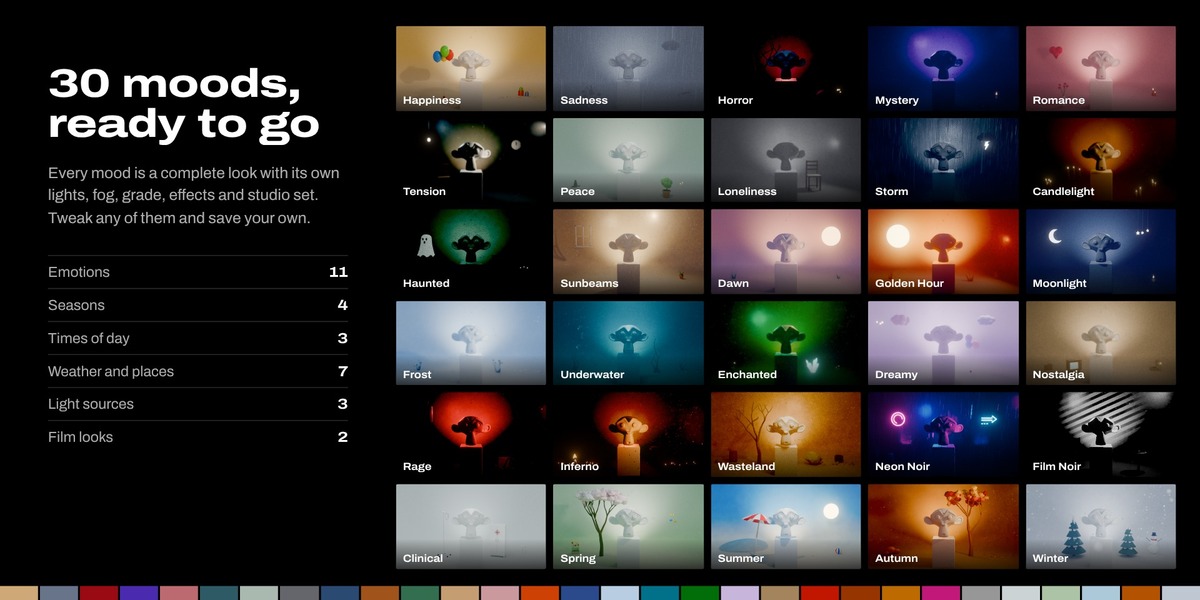
■ 30 cinematic moods Emotions, seasons, times of day, weather, and film looks, in a visual gallery. |
■ One complete look Key and rim lights, sky, volumetric fog, a color grade and lens effects. |
|
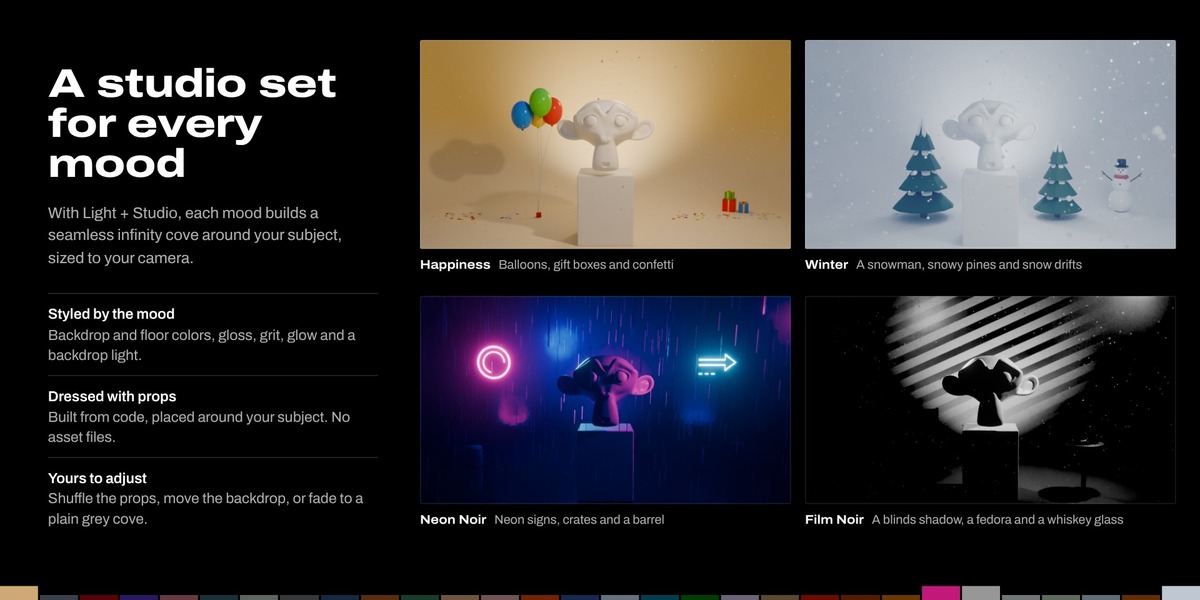
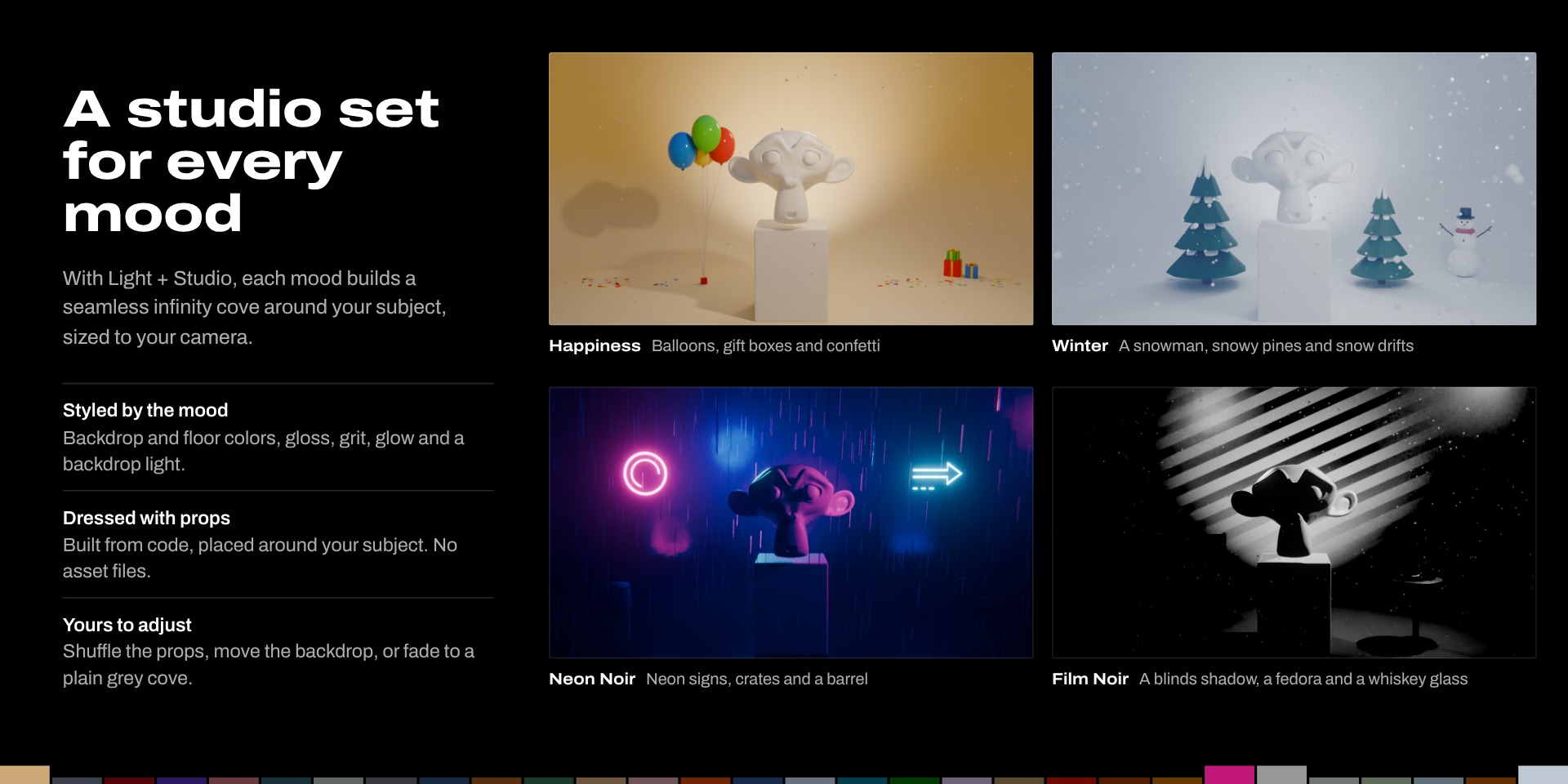
■ A studio for every mood An infinity cove sized to your camera, styled and dressed by the mood. |
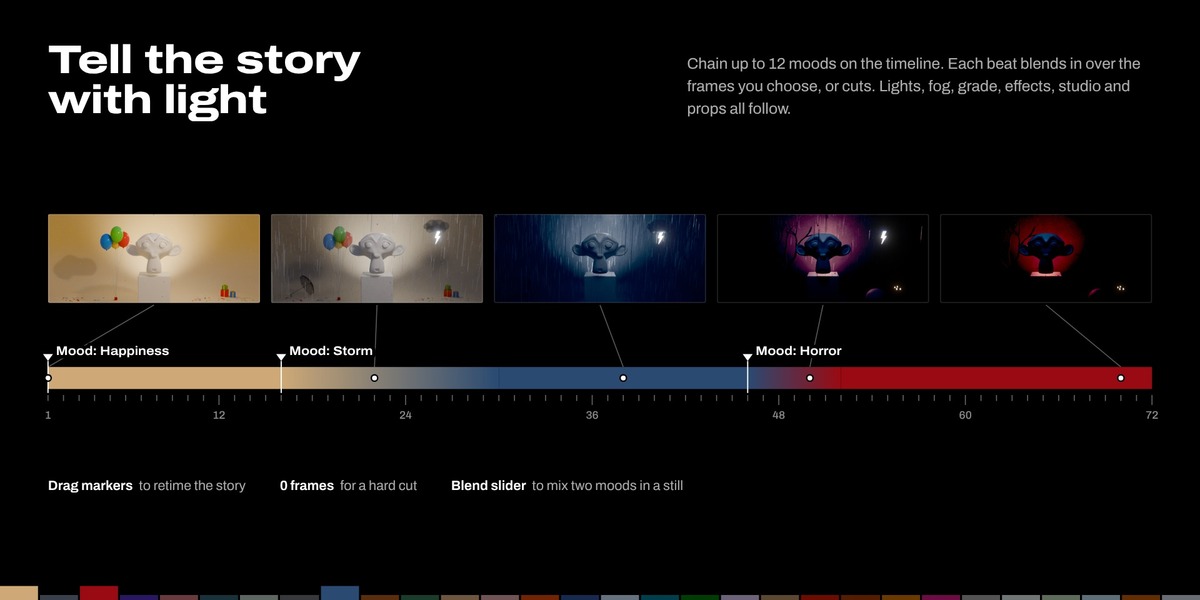
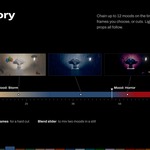
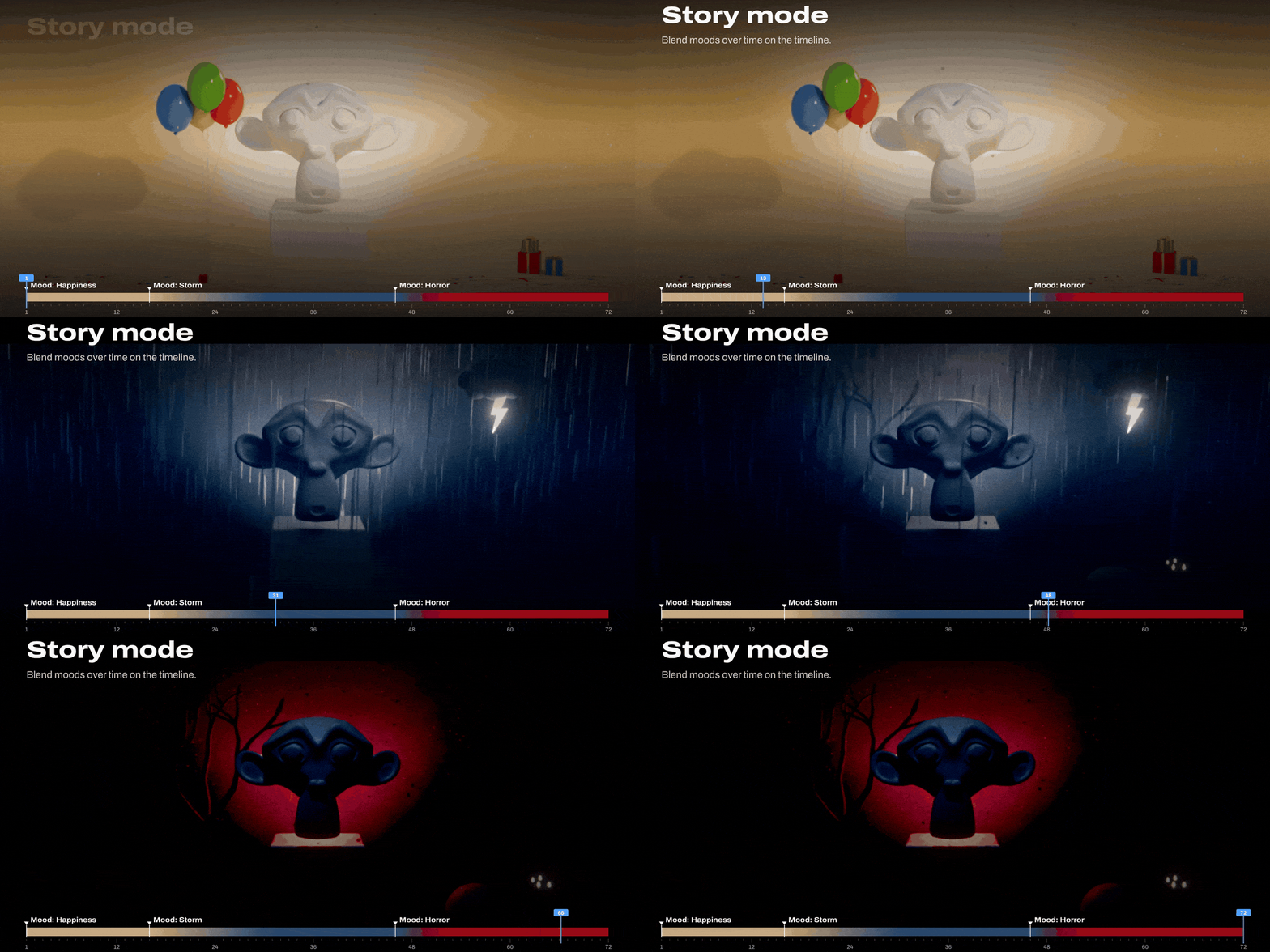
■ Story mode Chain up to 12 moods and blend them over time on the timeline. |
● IN ACTION
See it work.
Every GIF below is made from real renders of the add-on.
|
One click |
30 moods |
|
Story mode |
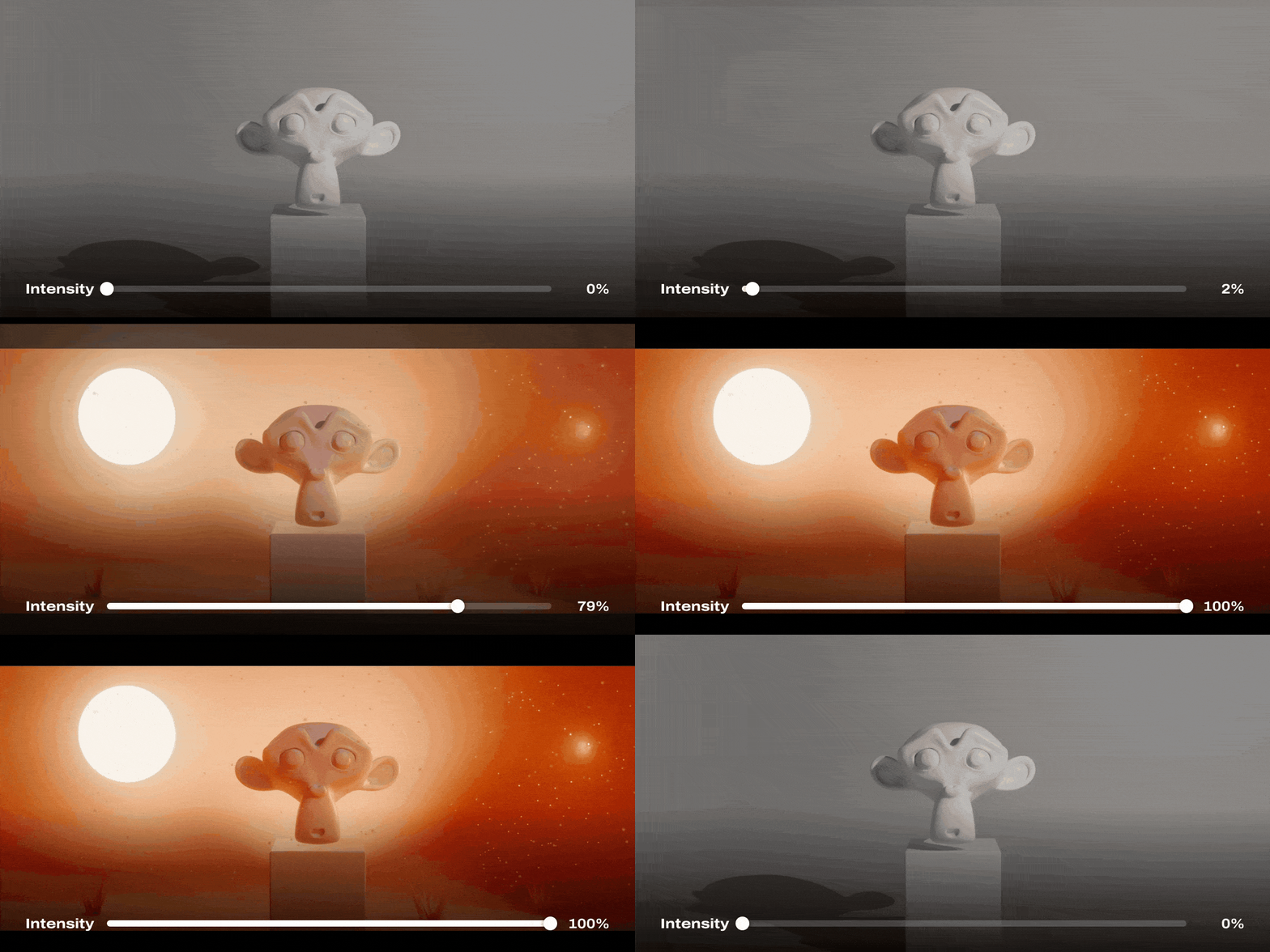
Intensity |
■ SMART LIGHTING
It reads your scene first.
|
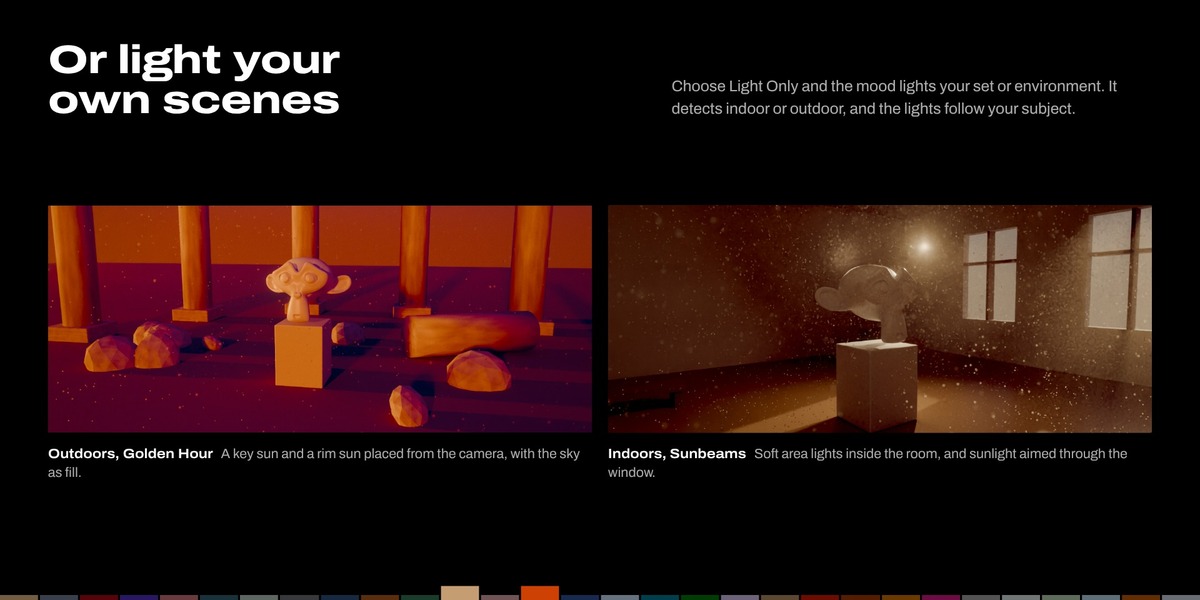
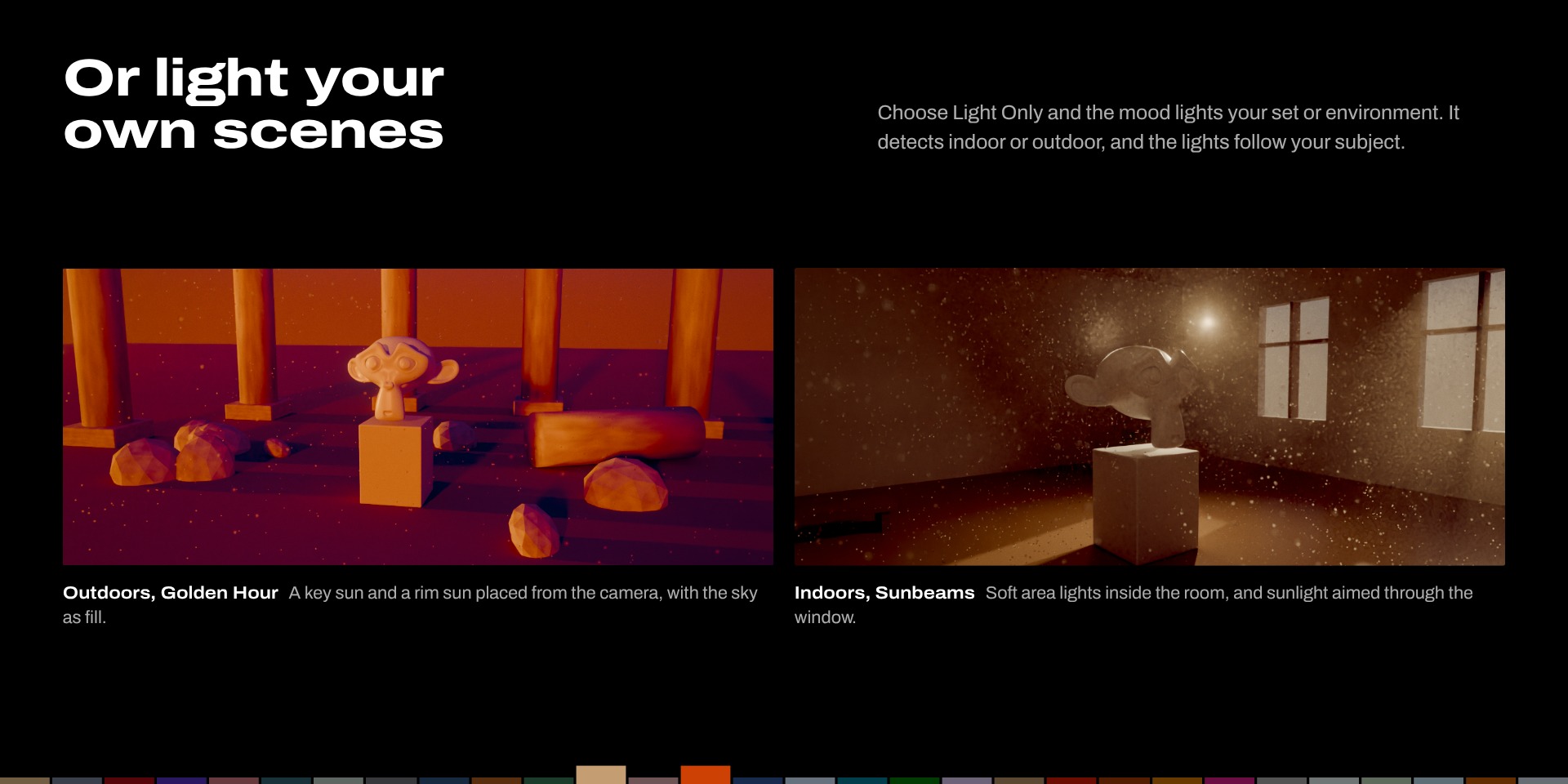
Indoors or outdoors Detects where the camera is and builds the right rig. |
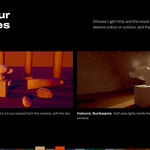
Outdoors A key sun and a rim sun placed from the camera, with the sky as fill. |
|
Indoors Soft area lights inside the room, plus sunlight aimed through a window or doorway. |
Your subject Pick it with the eyedropper and the lights follow it. Rotate Lighting swings key and rim around it. |
■ STUDIO SETS AND PROPS
A styled set for every mood.
|
Infinity cove A seamless curve from floor to backdrop, sized to fill your camera. |
Props built from code Placed around your subject as the camera sees it, never in front of it. |
|
Styled by the mood Colors, floor gloss from matte to wet mirror, grit, glow and a blinds shadow. |
Your call Shuffle the props, set Backdrop Distance, or fade Mood Style to a plain grey cove. |
■ ATMOSPHERE AND EFFECTS
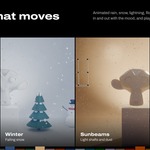
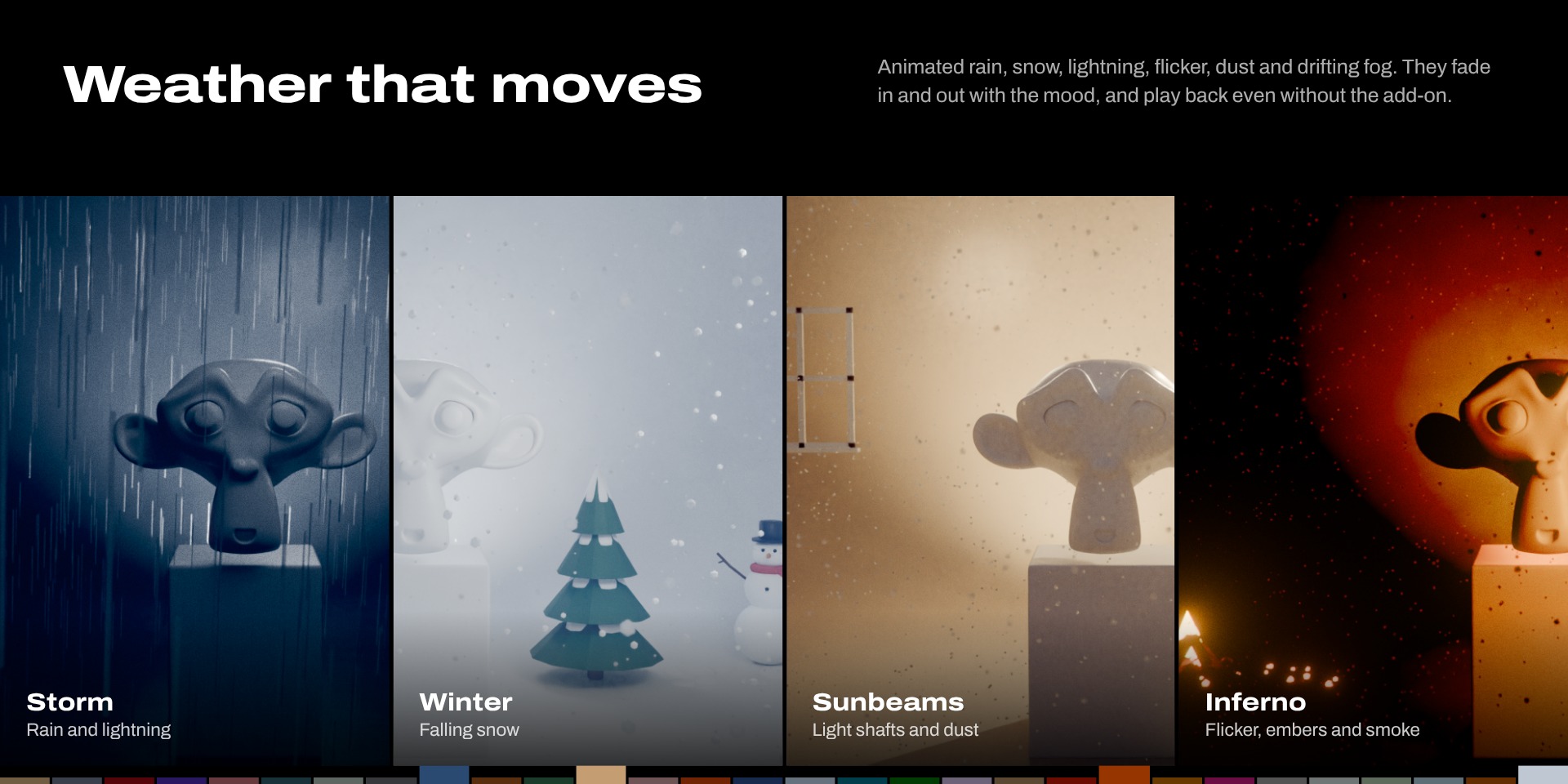
Weather that moves.
|
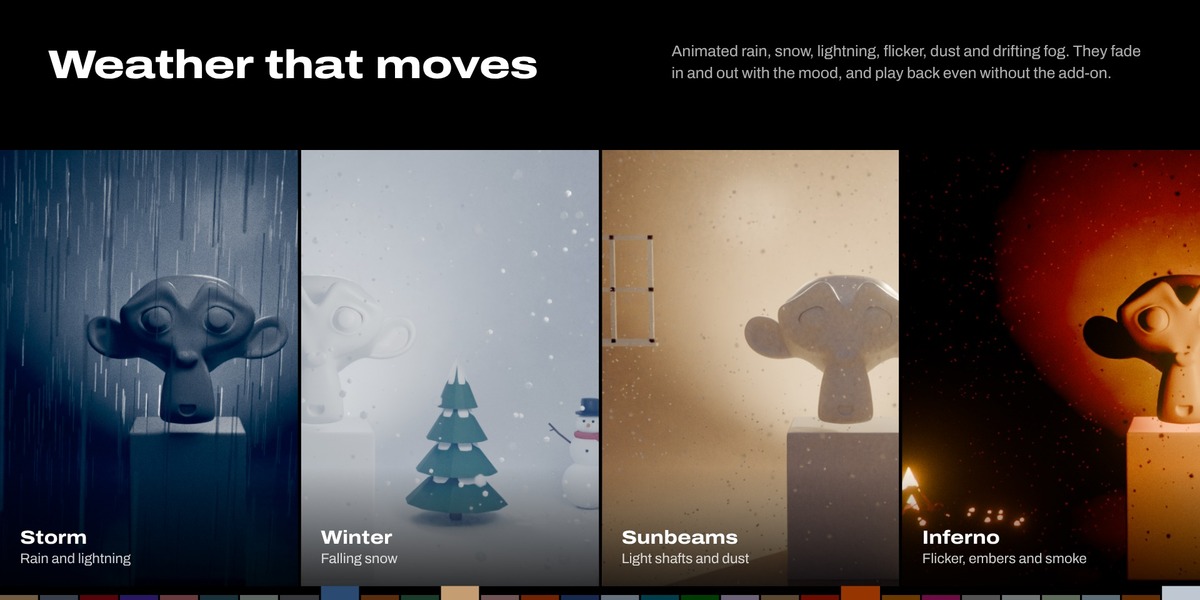
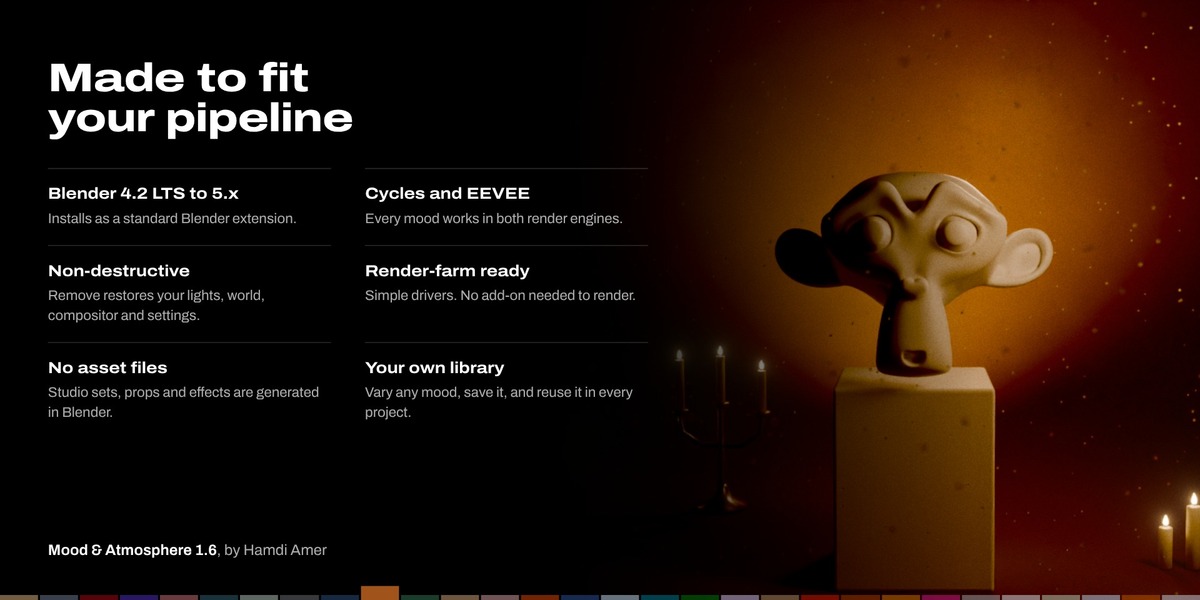
Volumetric fog Density scales with your scene, from tabletop to courtyard. Fog Drift makes it swirl. |
Lightning Short clusters of flashes that light up the sky, or the window indoors. |
|
Light flicker From a soft candle wobble to a failing fluorescent tube. |
Rain, snow and dust Built with geometry nodes, fading in and out with the mood. |
Every effect plays back and renders without the add-on installed.
★ STORY MODE
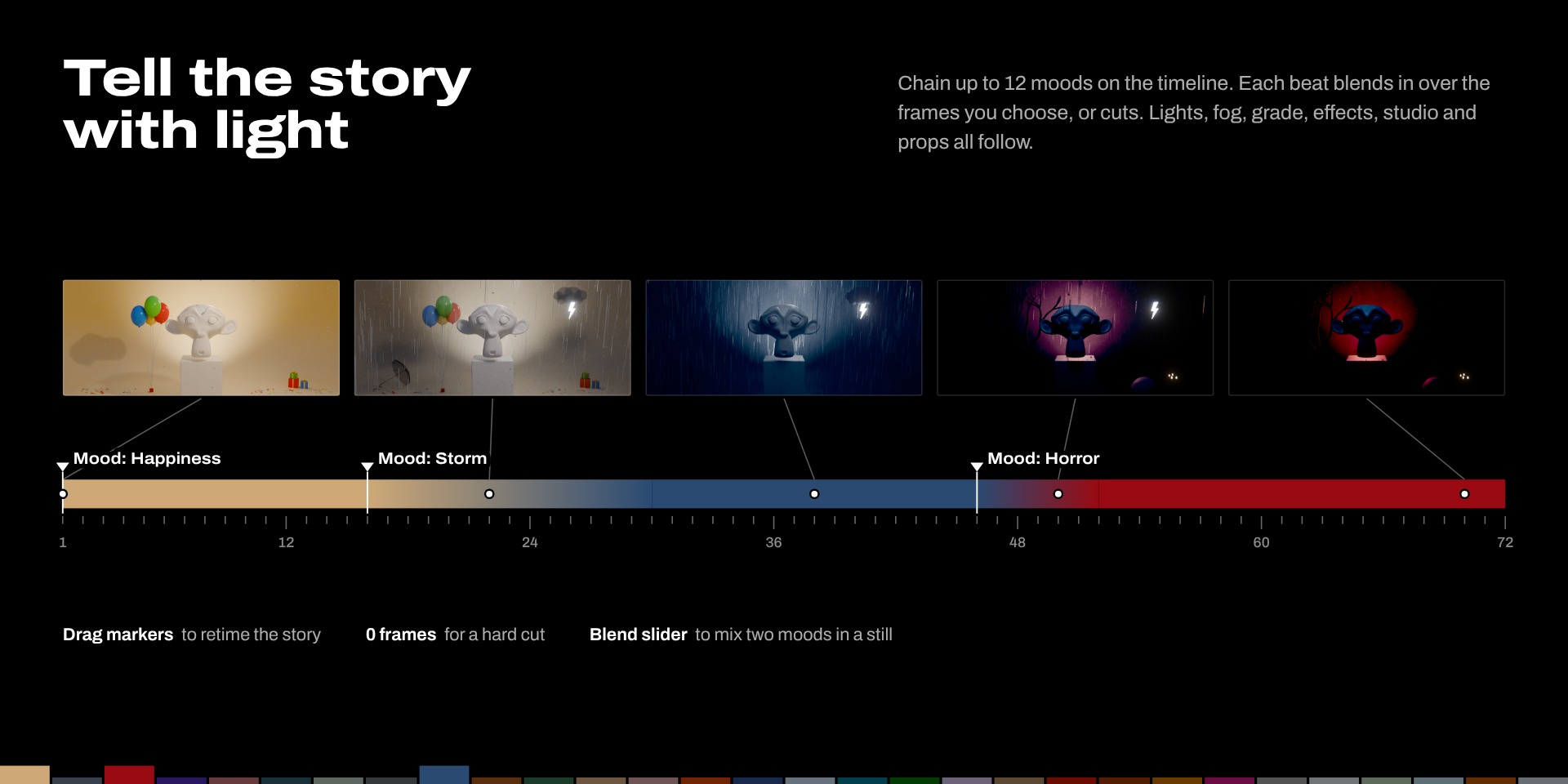
Tell the story with light.
|
Up to 12 beats Each beat is a mood that starts at a frame and blends in, or cuts. |
Timeline markers Beats show as Mood: markers. Drag them to retime the story. |
|
Everything follows Lights, fog, grade, effects, studio colors and props all blend. |
Stills too Turn off Animate Over Time and use Blend to mix two moods. |
■ CONTROL
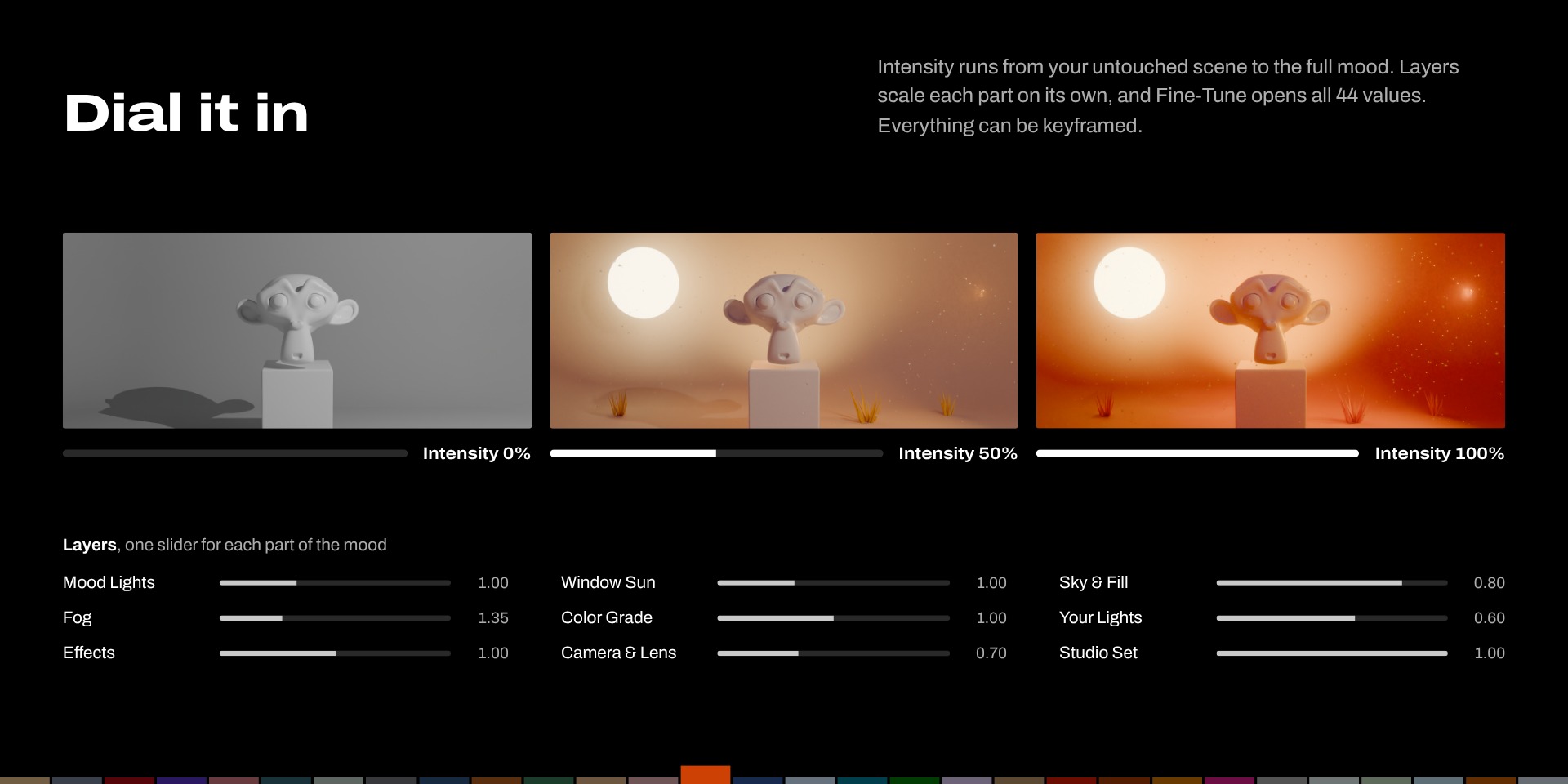
Dial in exactly how much.
|
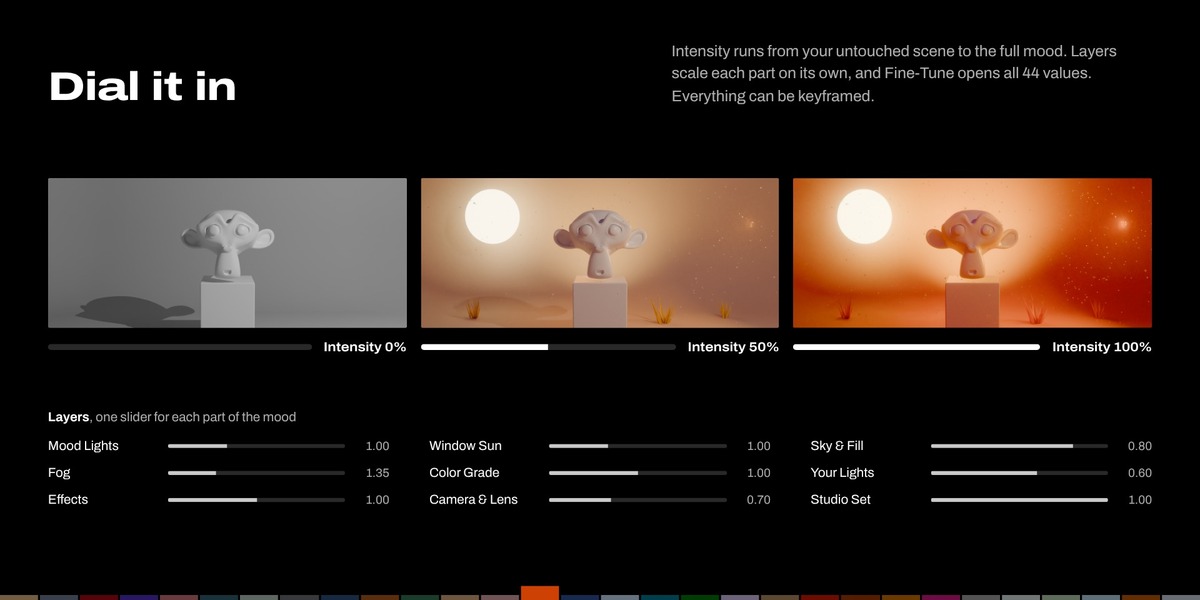
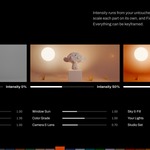
Intensity From your untouched scene at 0% to the full mood at 100%. |
Non-destructive Remove restores your lights, world, compositor, markers and render settings. |
|
Layers Nine sliders: mood lights, window sun, sky and fill, fog, grade, your lights, effects, lens and studio. |
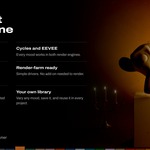
Render-farm ready Simple drivers, so the .blend renders without the add-on. |
|
Fine-Tune All 44 values of a mood in 9 groups. Every one can be keyframed. |
Your own library Vary any mood for a fresh take, then Save it to reuse. |
● ALL 30 MOODS
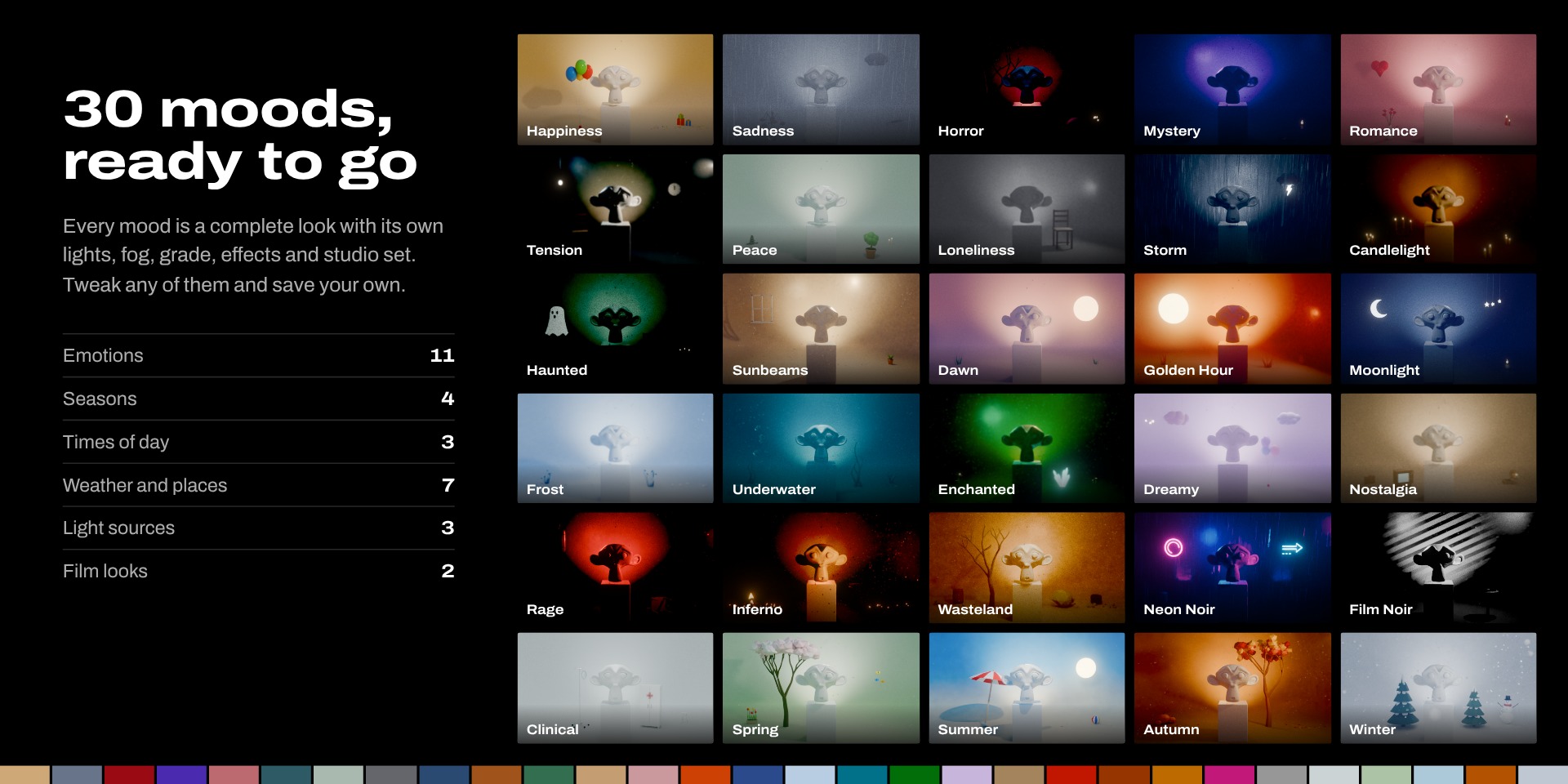
Pick a feeling.
| Emotions | Happiness, Sadness, Horror, Mystery, Romance, Tension, Peace, Loneliness, Dreamy, Nostalgia, Rage |
| Seasons | Spring, Summer, Autumn, Winter |
| Times of day | Dawn, Golden Hour, Moonlight |
| Weather and places | Storm, Sunbeams, Frost, Underwater, Enchanted, Wasteland, Inferno |
| Light sources | Candlelight, Haunted, Clinical |
| Film looks | Neon Noir, Film Noir |
● BEFORE YOU START
Up and running in four steps.
| 1. Install | Edit > Preferences > Get Extensions > Install from Disk, or drag the zip into Blender. |
| 2. Open the Mood tab | In the 3D Viewport, press N. |
| 3. Select your subject | Or select nothing, to light what the camera sees. |
| 4. Pick a mood | Choose Light + Studio, Light Only or Studio Only, then click a mood. |
Full instructions are in the Documentation tab.
