 MORI.3D


Where are my hours saved? Can I lose them?
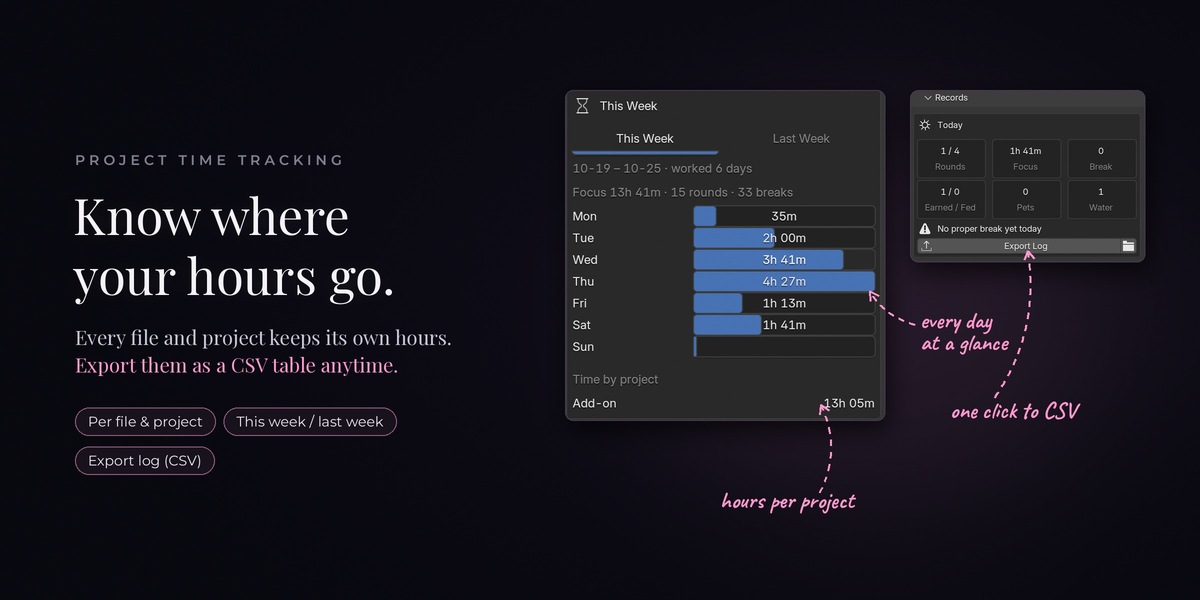
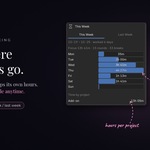
On your own computer, in their own folder next to Blender's settings, not inside your .blend file. So saving a copy, reverting, or sending the file to someone won't change your hours. They also stay when you reinstall the add-on or move to a new Blender version. Nothing is sent online.
Which languages does it speak?
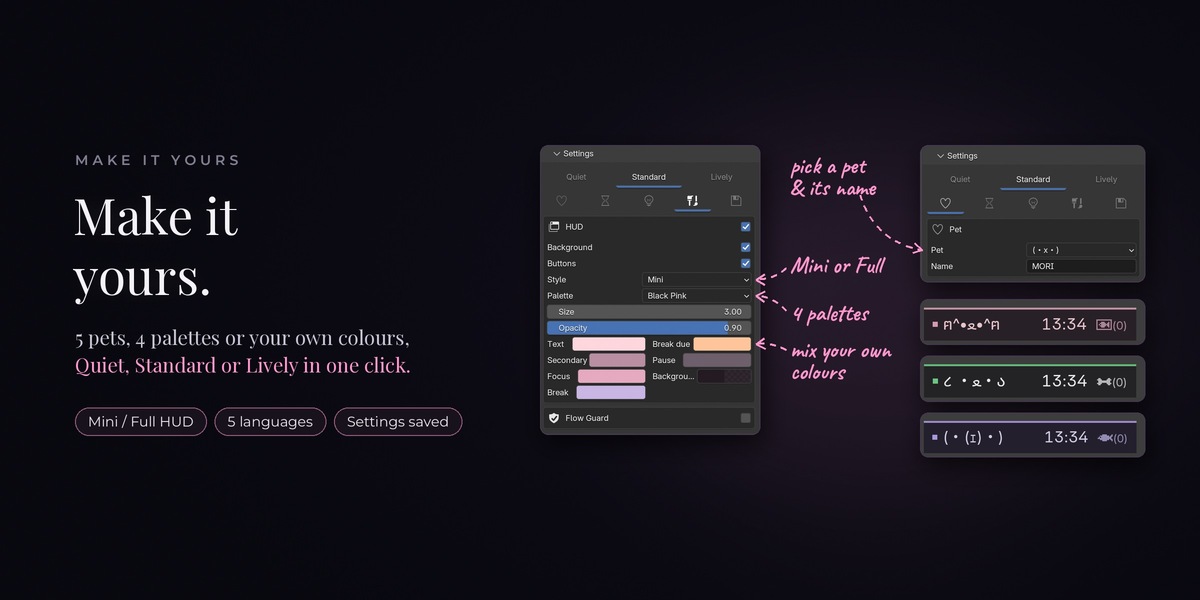
English, Traditional Chinese, Simplified Chinese, Japanese and Korean. It follows Blender's language setting. Any other language shows English.
Will I lose my settings when I update?
No. Your pet's name and all your settings are saved automatically. They come back after an update, and even after a crash.
Can I turn the sounds off, for example in a quiet office or late at night?
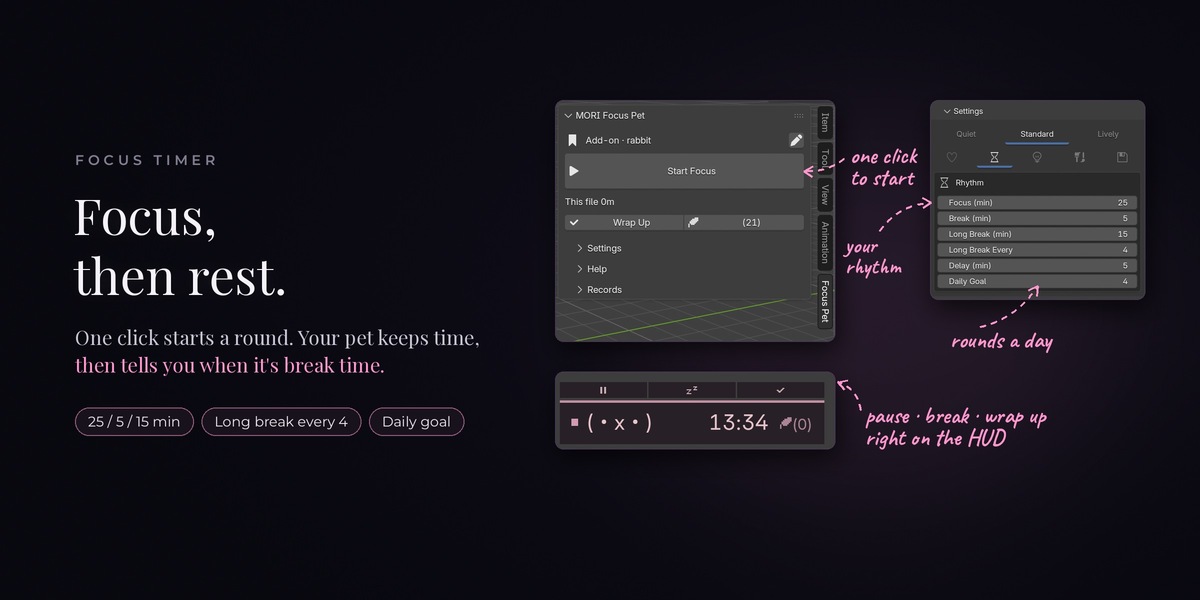
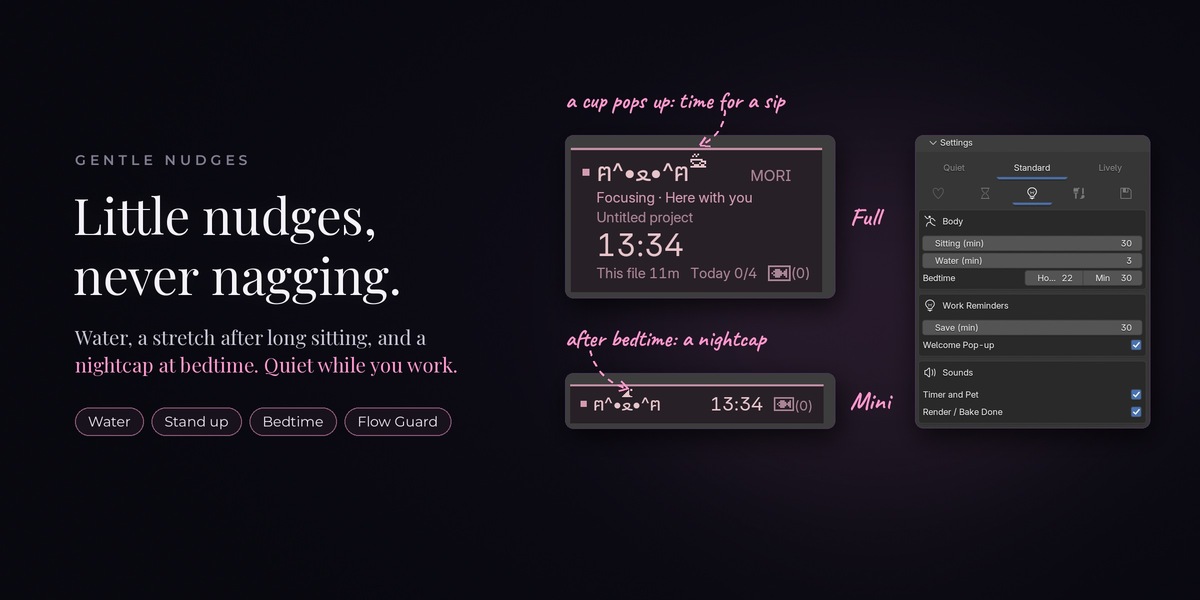
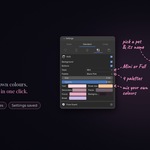
Press N to open the sidebar, go to Focus Pet › Settings, and click the light-bulb tab. Under Sounds, turn off "Timer and Pet" and/or "Render / Bake Done".
Will it interrupt me while I'm working?
No. While you're busy editing, reminders wait until you pause. Nothing pops up in the middle of a stroke.
Will it stop Auto Save from working?
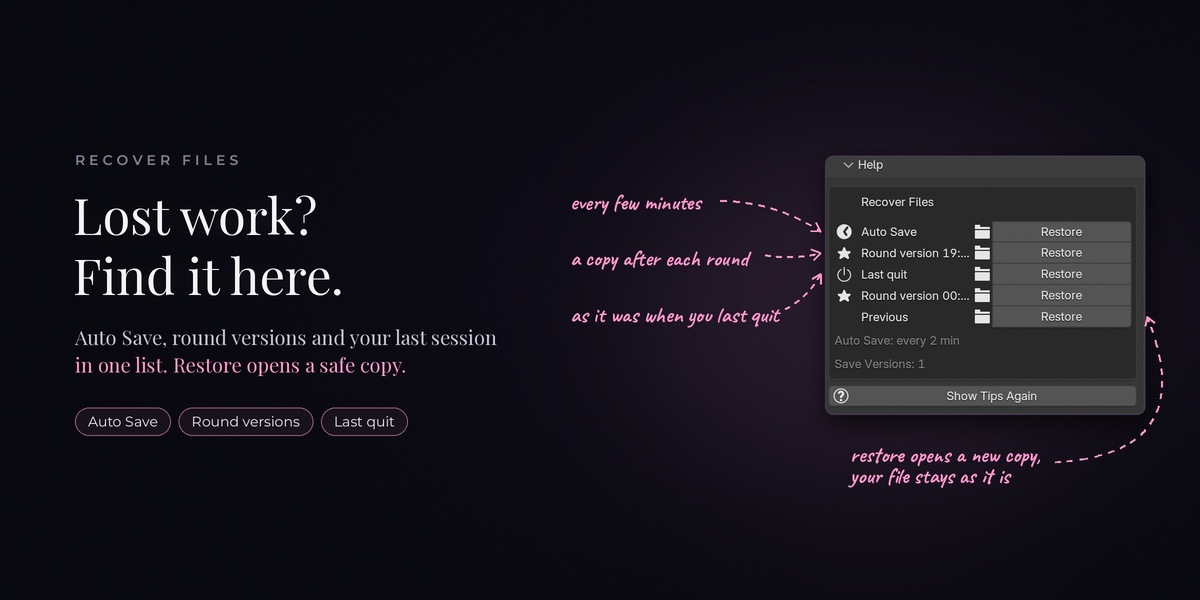
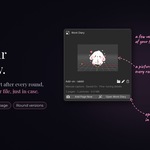
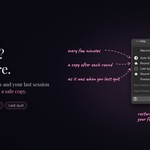
No. Blender's Auto Save keeps working as usual.
Does it slow down Blender?
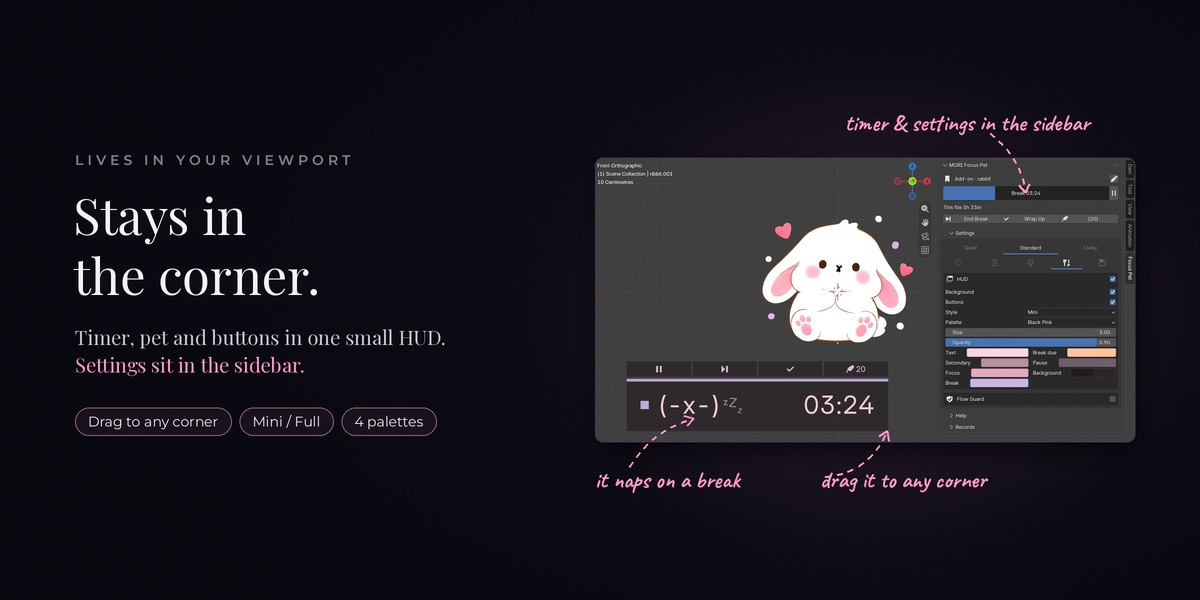
No. It only wakes up once a second to update the little box in the corner, so you won't notice it.
 Included
Includes 12 months of
- Support from MORI.3D
- Product updates
Extend this product’s Support Period +12 months: 25% of product price
Have questions before purchasing?
Login to message
| Blender Extension Compatible | Yes |
| Dev Fund Contributor | |
| Published | about 11 hours ago |
| Blender Version | 4.2 - 5.2 |
| Extension Type | Add-on |
| License | GPL |

Discover more products like this
pet project-time timer productivity focus time-tracking break reminder hud cute Workflow render-notification pomodoro