Morphix Blender Addon
 Youthcloud
Which Blender versions are supported by MORPHIX, and are there any external dependencies?
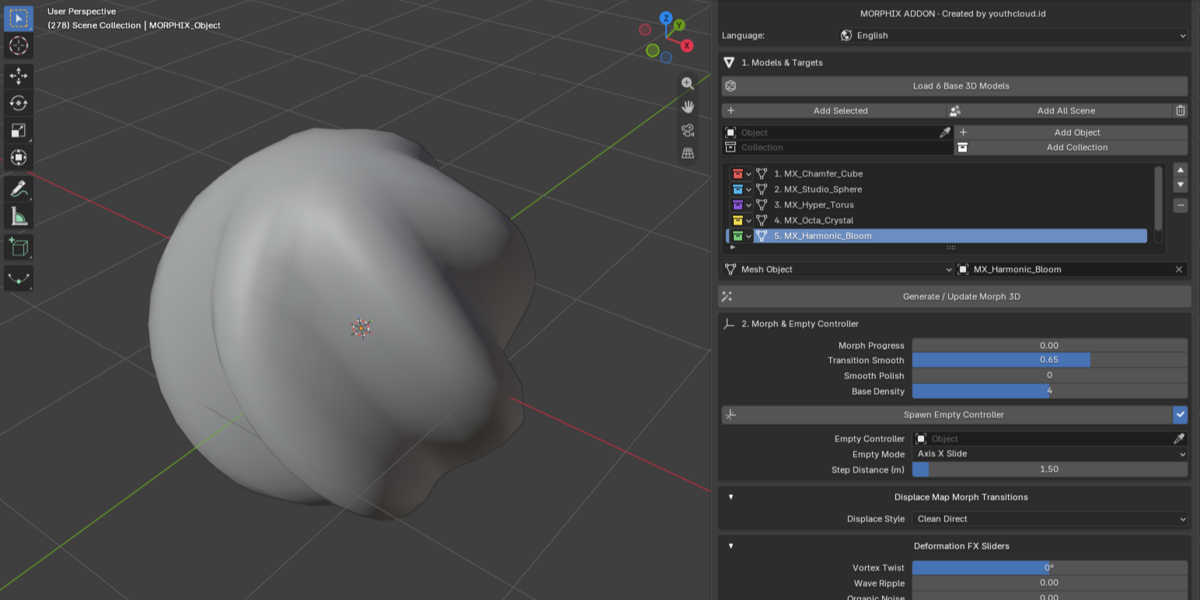
MORPHIX supports Blender 3.6 LTS, 4.0 - 4.5, and 5.0–5.3. It runs on 100% pure Blender Python API (bpy & bmesh) combined with Geometry Nodes, Vertex Weight Proximity, and Displace Modifiers, requiring zero external dependencies.
Do my source and target meshes need the same vertex count or topology?
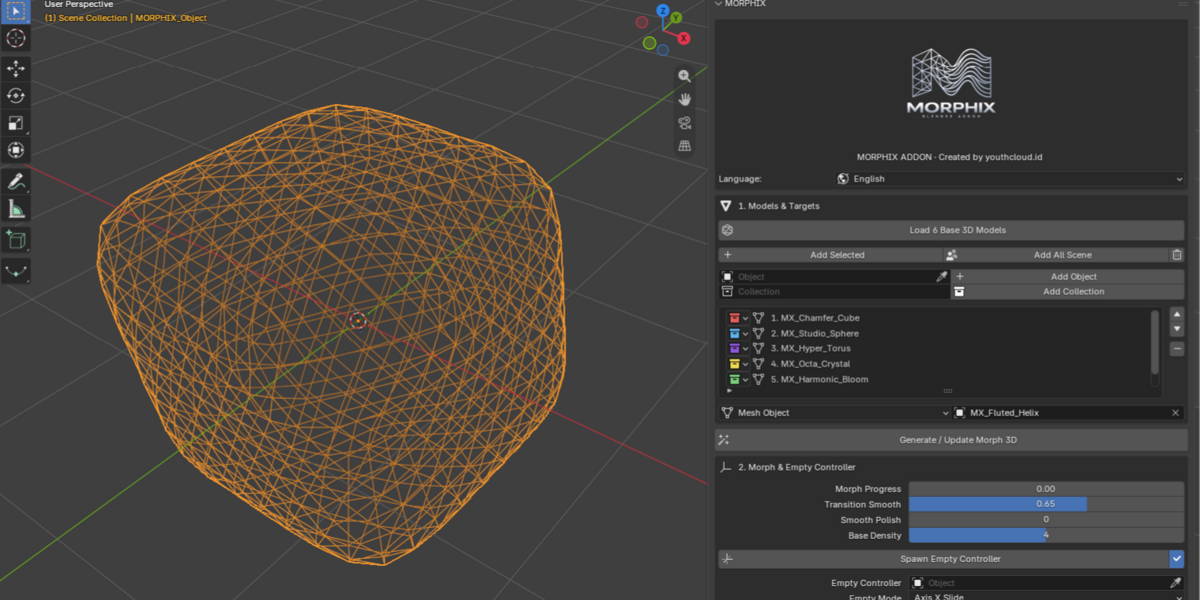
No, Unlike traditional shape keys that require matching vertex counts, MORPHIX dynamically resamples surfaces inside Geometry Nodes so you can morph smoothly between meshes or entire Collections with completely different topologies.
Why did my target objects disappear from the viewport after clicking Generate / Update Morph 3D?
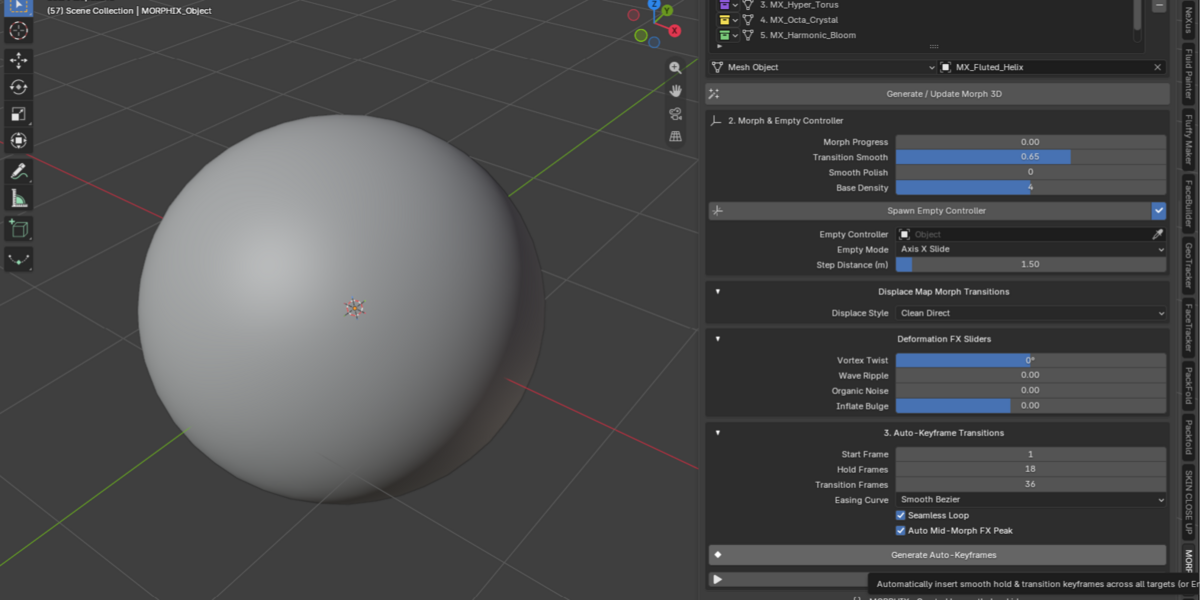
This is intentional. MORPHIX automatically hides the original target meshes in both the viewport and render (hide_viewport and hide_render) so they do not overlap with MORPHIX_Object. You can toggle their visibility back on anytime in the Outliner.
How do I keep my start and end models sharp without unwanted distortion or blobby look?
MORPHIX preserves exact start and end shapes by design, and its Displace transition follows a curve that returns to 0.0 at endpoints. For crisp results on detailed meshes, keep Deformation FX sliders at 0.0 (unless using Auto Mid-Morph FX Peak) and set Base Density to 4 or 5.
How does the Weight Proximity Empty Controller work, and what if I delete it by mistake?
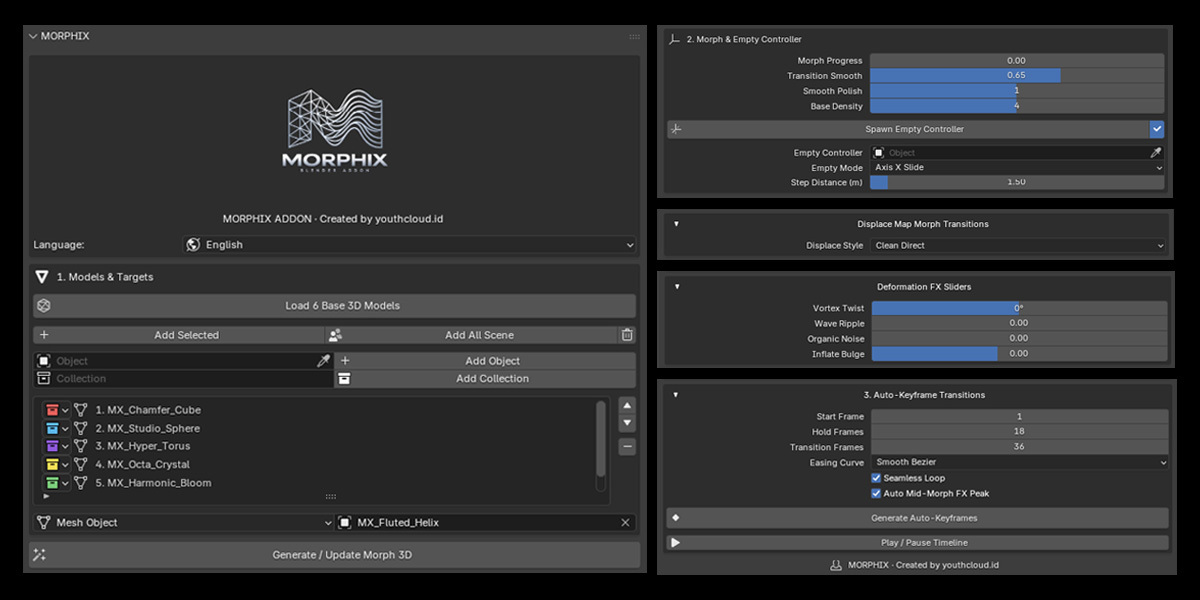
Spawning MORPHIX_Empty_Controller lets you control localized morphing using a 3D sphere Empty with Per Object / Island or Per Vertex proximity scopes, Inner Full and Outer Falloff radii, and Weight Proximity, Axis X Slide, or Any-Direction Follow modes. If you delete the Empty, simply click Spawn Empty Controller again to recreate and relink it cleanly.
How does One-Click Auto-Keyframes work across different Blender versions?
In Step 3, you can set Start Frame, Hold Frames, Transition Frames, Seamless Loop, Auto Mid-Morph FX Peak, and 7 easing curves (Bezier, Sine, Quadratic, Back, Elastic, Bounce, and Linear) to generate keyframes automatically compatible with both Blender 3.6–5.1 F-Curve actions and Blender 5.2+ Layered Actions.
My viewport feels heavy when working with very high-poly or sculpted models. Any tips?
While blocking timing and motion, lower Base Density to 3 and set Smooth Polish to 0, then raise Base Density to 4 or 5 when you are ready for final rendering.
What languages are supported in the N-Panel, and where can I find more info or support?
You can switch the N-Panel interface directly between English, Indonesian, Japanese (日本語), Chinese (中文), German (Deutsch), Russian (Русский), and Spanish (Español)[cite: 6]. For more details and updates from youthcloud.id, visit https://taufik3d.framer.website/
 Included
Includes 12 months of
- Support from Youthcloud
- Product updates
Extend this product’s Support Period +12 months: 25% of product price
Have questions before purchasing?
Login to message
| Blender Extension Compatible | Yes |
| Published | about 22 hours ago |
| Blender Version | 3.6 - 5.3 |
| Extension Type | Add-on |
| Render Engine Used | Cycles, Eevee |
| License | GPL |