Mortis
 Egret Studios LLC
Can I export Mortis assets to a game engine?
Yes. Mortis supports PBR texture baking, static GLB export, rigged-character GLB export, animated blood-object GLB export, and Alembic liquid export.
Static and character exports operate on the active mesh. Multi-part characters must be exported part by part or prepared as one compatible mesh first. Blood animation export supports up to 600 frames.
Mortis does not include a runtime blood or gore solver for game engines, and some Blender-only shader features cannot be reproduced through standard PBR maps.
Can I remove Mortis and restore the original material?
Yes. Click Remove Mortis on the affected mesh to restore its original material slots and remove the managed Mortis surface data.
Blood points, wound cutters, severed pieces, and liquid simulations are separate objects and are not removed automatically with the surface treatment.
Are wounds and cuts actual geometry?
Mortis supports both surface damage and physical geometry.
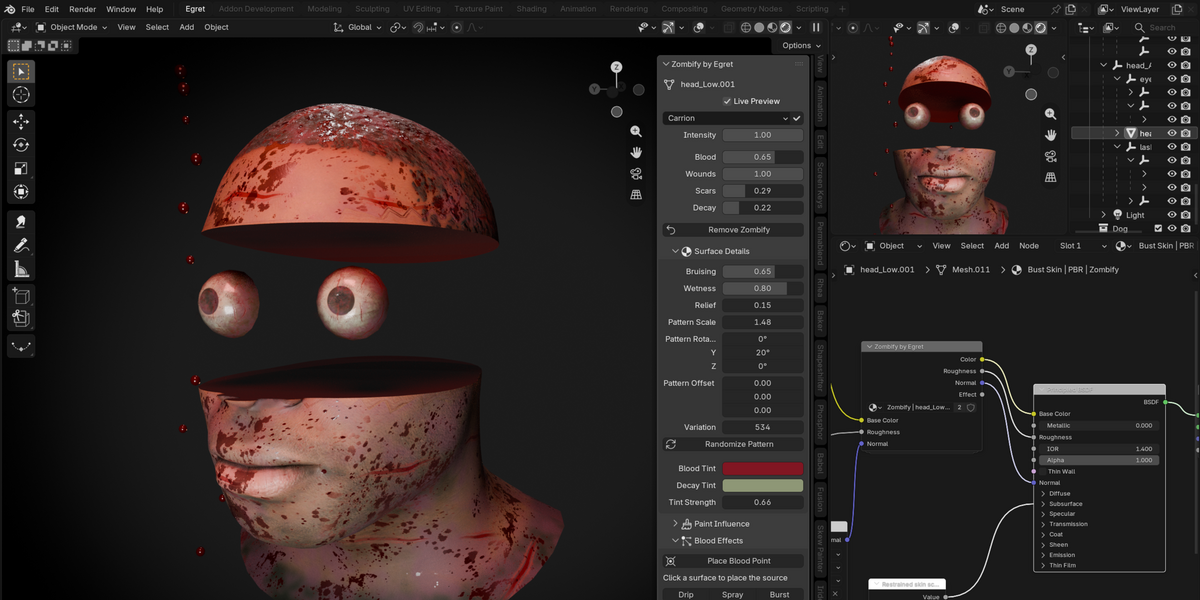
Surface scars and decay use material shading and bump relief, so they do not change the mesh silhouette. For actual geometric damage, use Carve Wound at Cursor to create a recessed Boolean wound, or Sever at Cursor Plane to cut the mesh into two capped pieces.
Severing creates static pieces and does not generate bones, organs, or internal anatomy.
Can Mortis create dripping blood, sprays, and splatters?
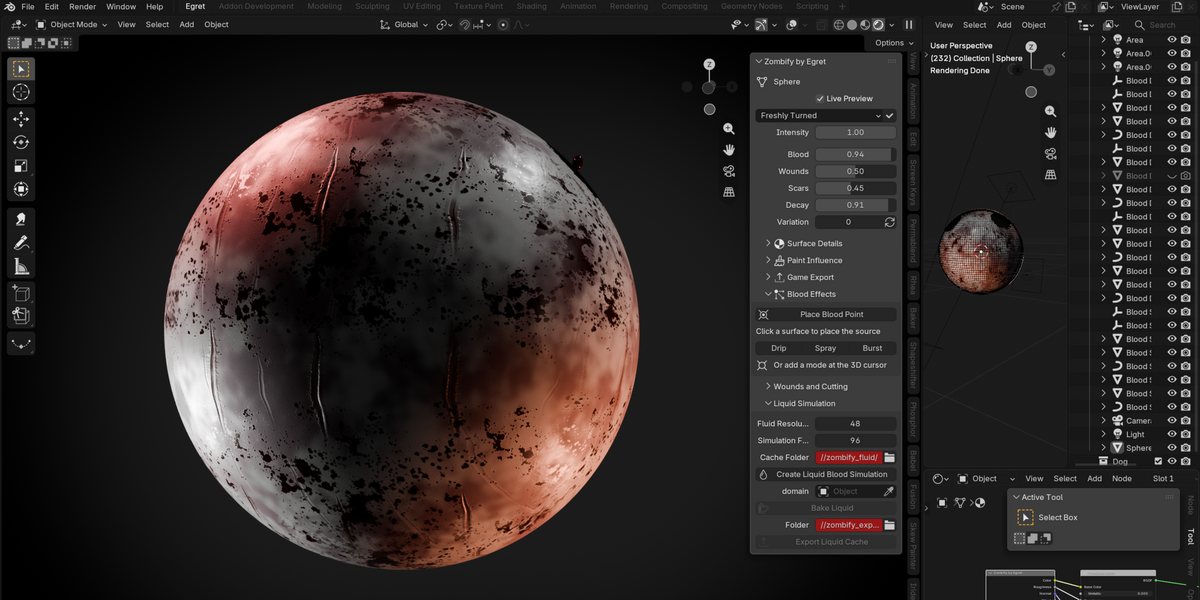
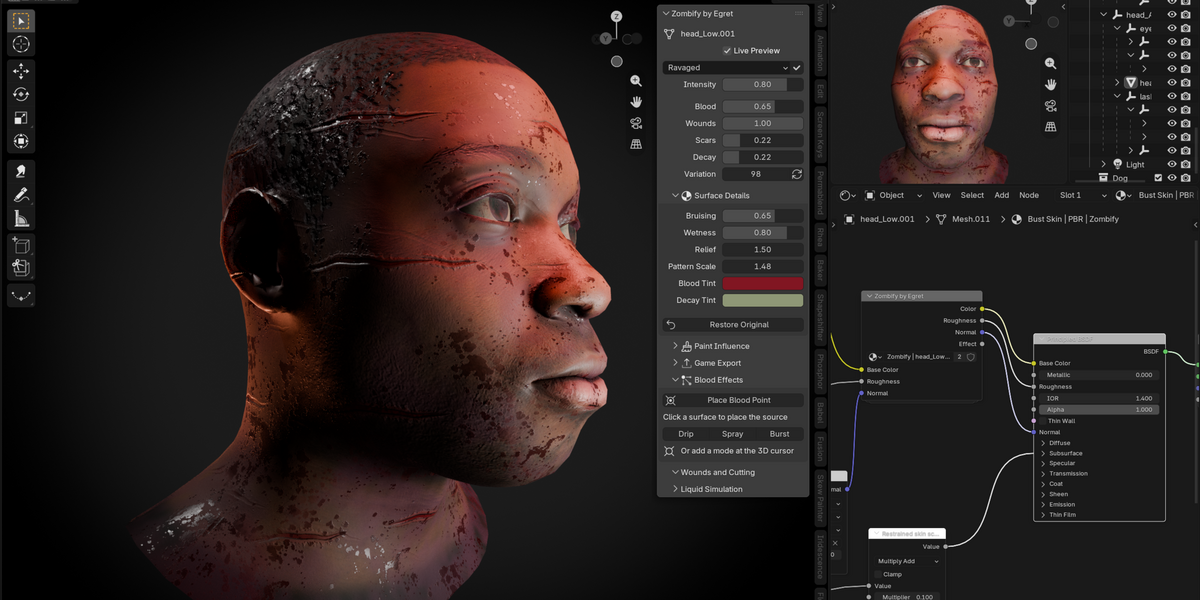
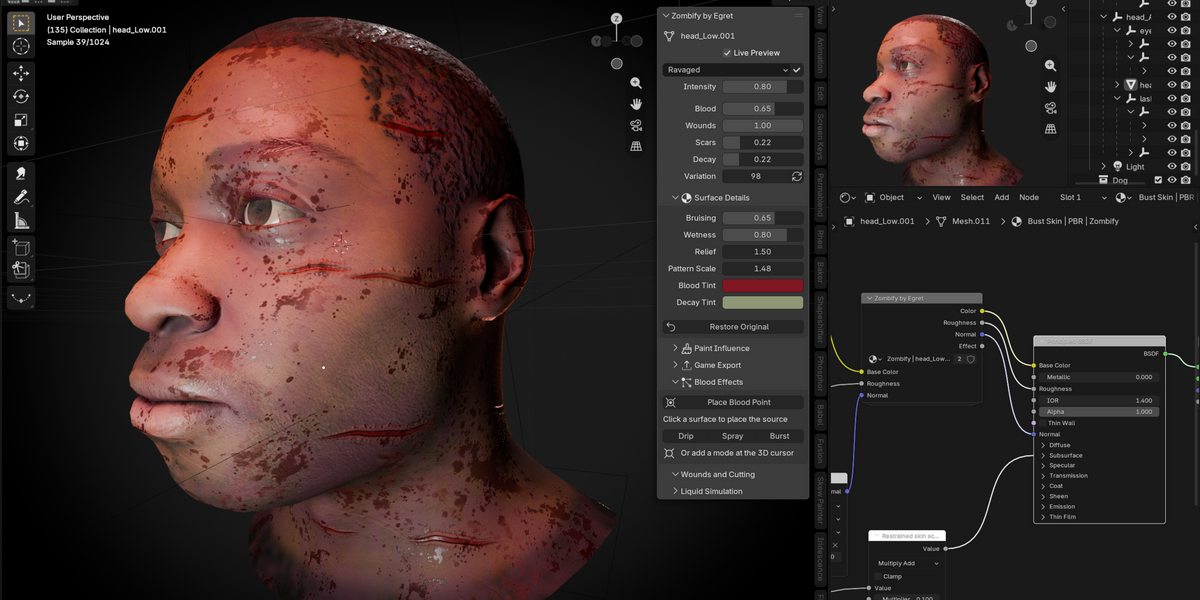
Yes. Mortis includes point-based blood effects with Drip, Spray, and Burst modes. Place a blood point, choose a collision mesh, aim the emitter, and play or scrub the timeline to preview the effect.
Each emitter supports up to 256 drops, with controls for speed, size, spread, drag, lifetime, duration, and impact size. For full continuous liquid simulation, Mortis also includes a separate Mantaflow blood workflow.
Can I control where the effect appears?
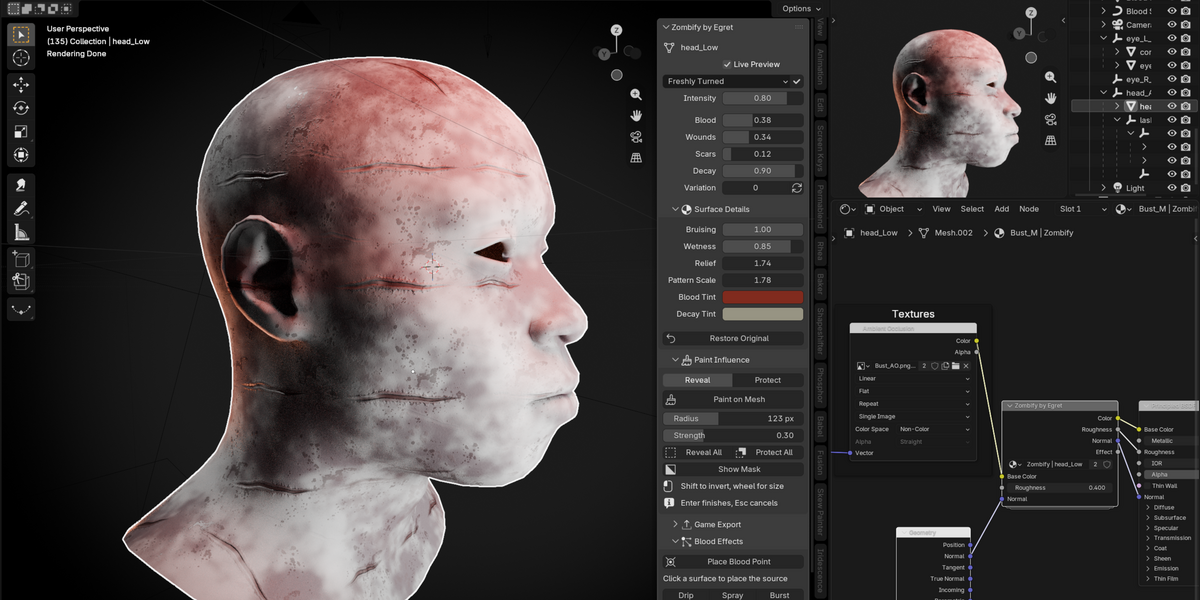
Yes. Paint Influence lets you reveal or protect specific areas of the mesh, making it easy to keep Mortis away from clothing, eyes, hair, or other regions.
You can also adjust Pattern Rotation, Pattern Offset, Pattern Scale, and Variation, or use Randomize Pattern to generate a different procedural arrangement while preserving your mask and layer strengths.
How many looks/effects are included?
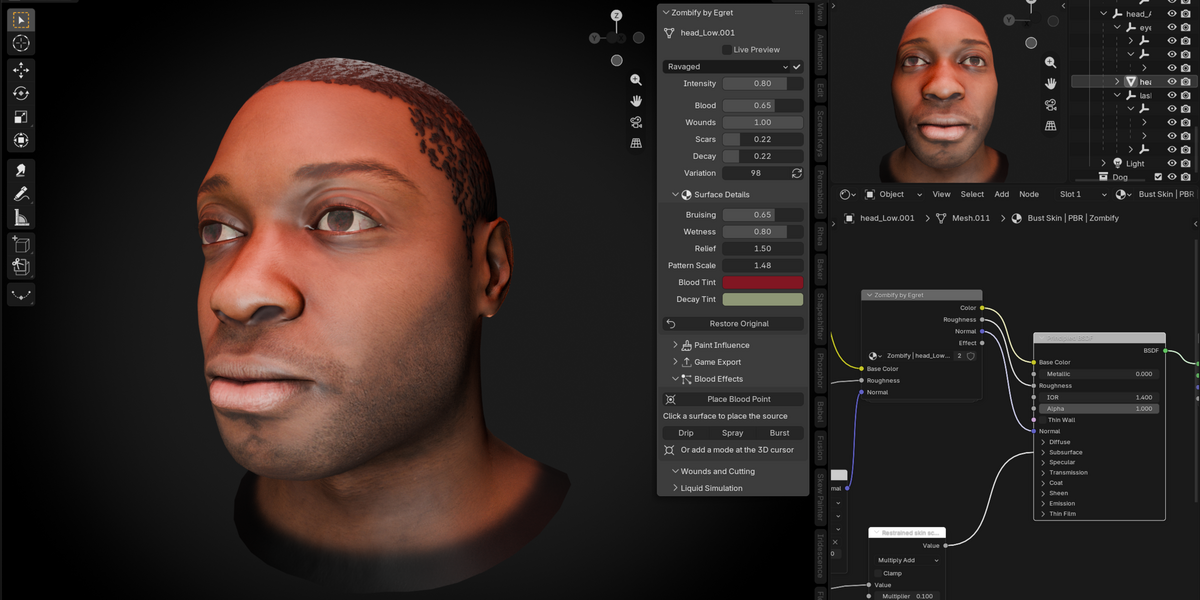
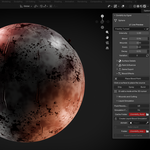
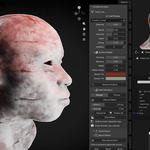
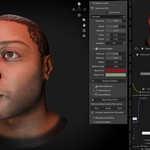
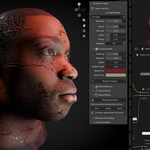
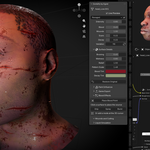
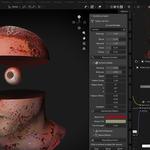
Mortis includes 17 editable undead looks, including Dead White, Freshly Turned, Necrotic, Charred, Plague, Bloodsoaked, Embalmed, and more. Every Look remains editable after it is applied, so you can adjust complexion, blood, decay, bruising, wetness, relief, and other surface properties.
For a pale corpse appearance, start with Dead White, apply the Look, and set Intensity to 1.
Is Mortis procedural, and can I preview changes live?
Yes. Surface placement and blending are procedural, while bundled image alphas provide scar and splatter shapes. Use Material Preview or Rendered mode to see the result, and toggle Live Preview to compare the Mortis treatment with the original material. Blood emitters also use Live Preview to enable or freeze their updates.
Does Mortis work with existing textures and untextured meshes?
Yes. Mortis works with meshes that already have materials as well as meshes with no materials. Supported Principled BSDF textures, roughness, and normal connections remain connected through the effect, and the original materials remain recoverable. Mortis does not automatically detect skin, eyes, hair, or clothing, so use Paint Influence to protect specific areas when needed.
What is Mortis, and which Blender versions does it support?
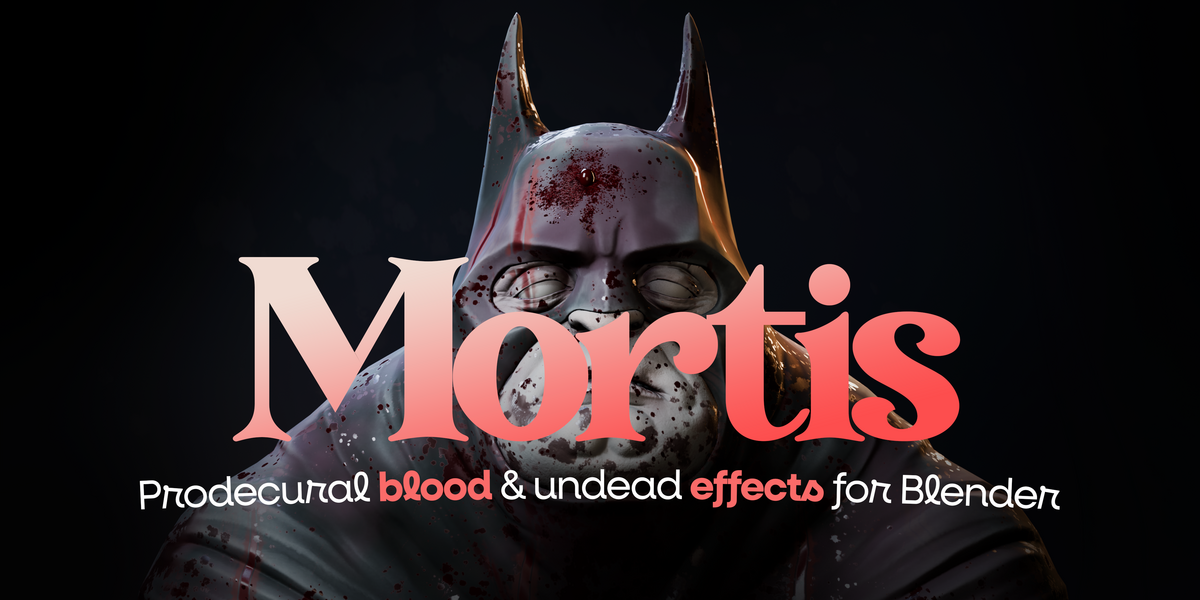
Mortis is a Blender extension for procedural undead surfaces, blood effects, physical wounds, and game-asset export. It requires Blender 4.2 or later and has been tested on Blender 4.2.0 and 5.2.0 LTS on Windows. Other operating systems have not been directly tested.
Also Supports new Blender 5.3
 Included
Includes 12 months of
- Support from Egret Studios LLC
- Product updates
Extend this product’s Support Period +12 months: 50% of product price
Have questions before purchasing?
Login to message
| Blender Extension Compatible | Yes |
| Published | 2 days ago |
| Blender Version | 4.2 - 5.3 |
| Extension Type | Add-on |
| Render Engine Used | Cycles, Eevee |
| License | GPL |
