 EdenWeby 3D


Motion Camera
Procedural Camera MOTION for Blender
Overview
Motion Camera adds professional camera motion effects to your Blender projects with just a few clicks. Create realistic camera shake, smooth orbits, dynamic tracking, and cinematic dolly zooms without complex animation.
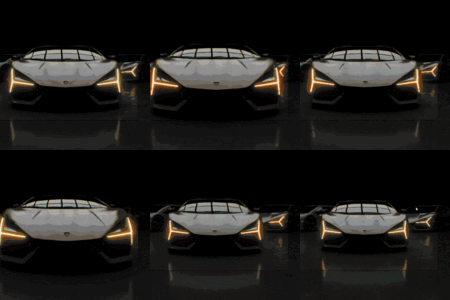
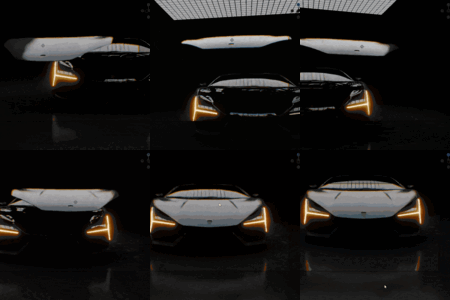
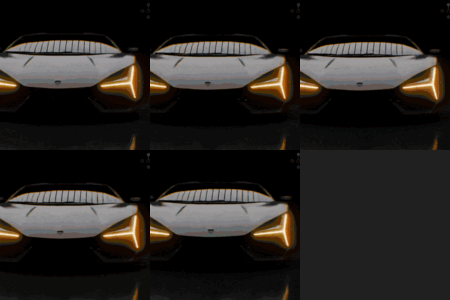
Press Play to see the Effect and to disable effect just toggle effect on and off everything is calculated real time each frame procedural
Watch in Action
Key Features
Procedural Camera Shake
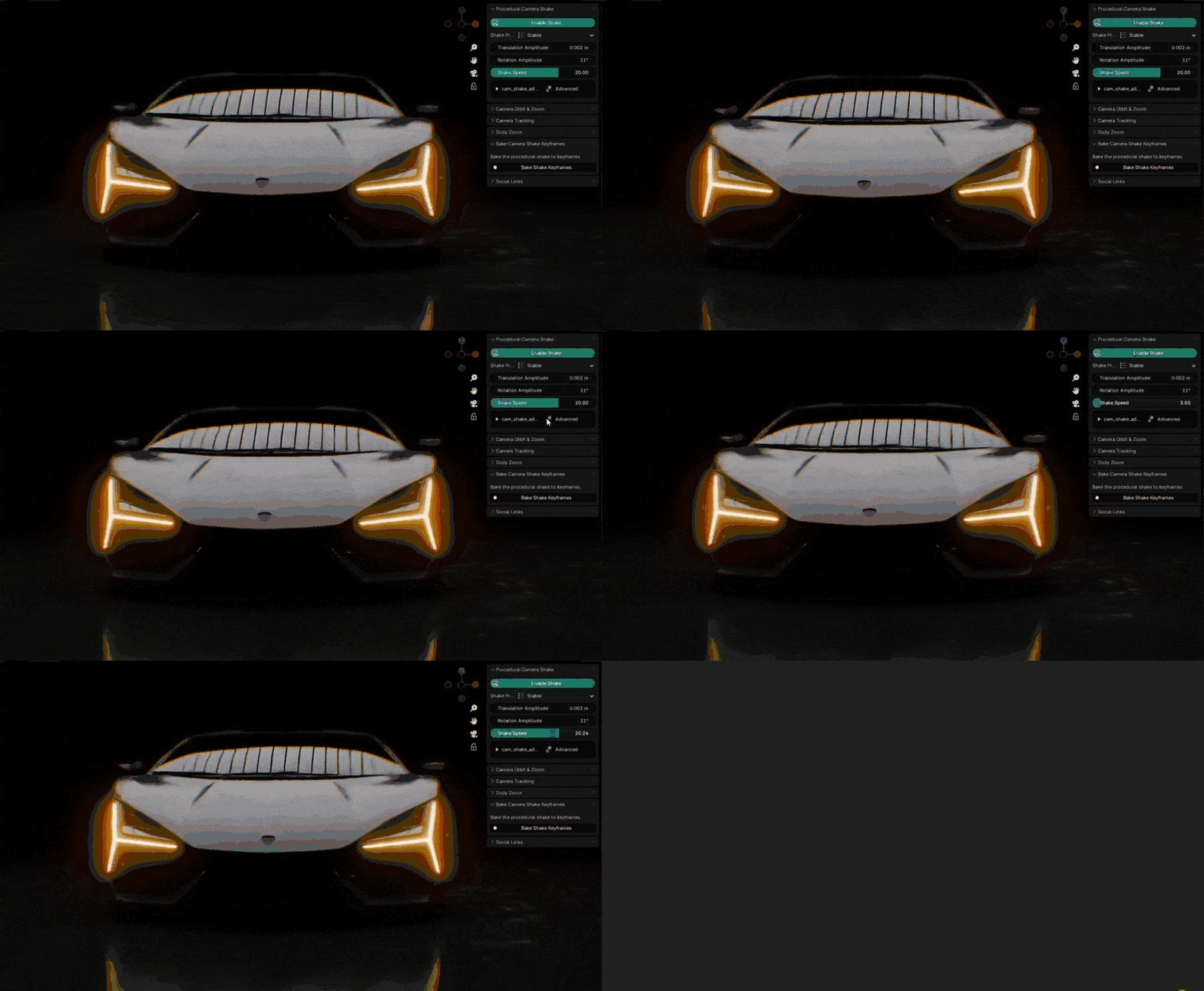
Add realistic camera shake with precise controls:
- 7 professional presets (Stable, Phone, Head POV, Car Chase, Rough Ride, Extreme, Cinematic)
- Independent translation and rotation controls
- Per-axis amplitude control for custom movements
- Adjustable speed parameter
Camera Orbit & Zoom
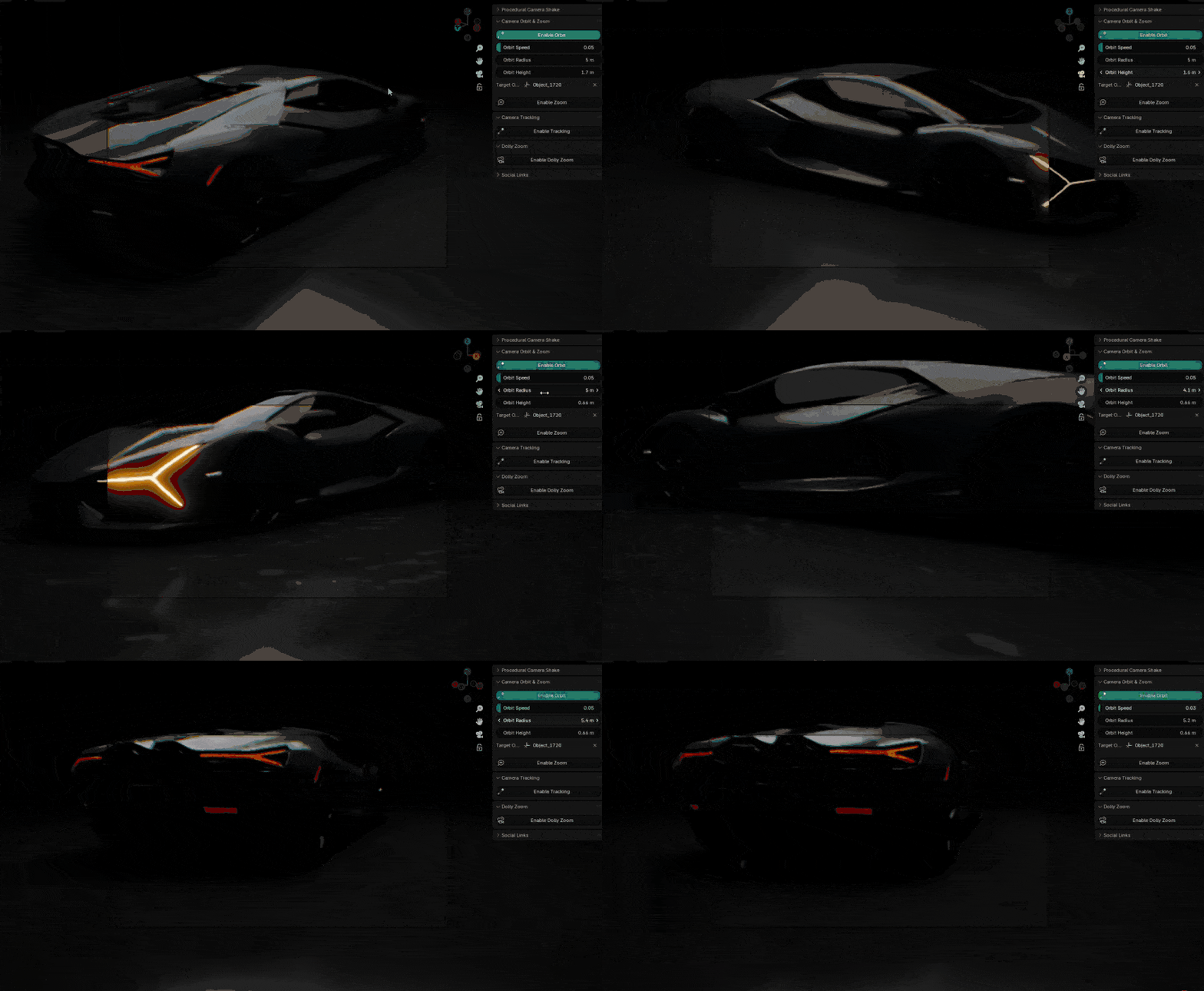
Create smooth camera movements around your subjects:
- Orbit any object with customizable radius and height
- Automatic object tracking during orbit
- Procedural zoom effects with amplitude control
- Adjustable speed parameters
Third Person Follow
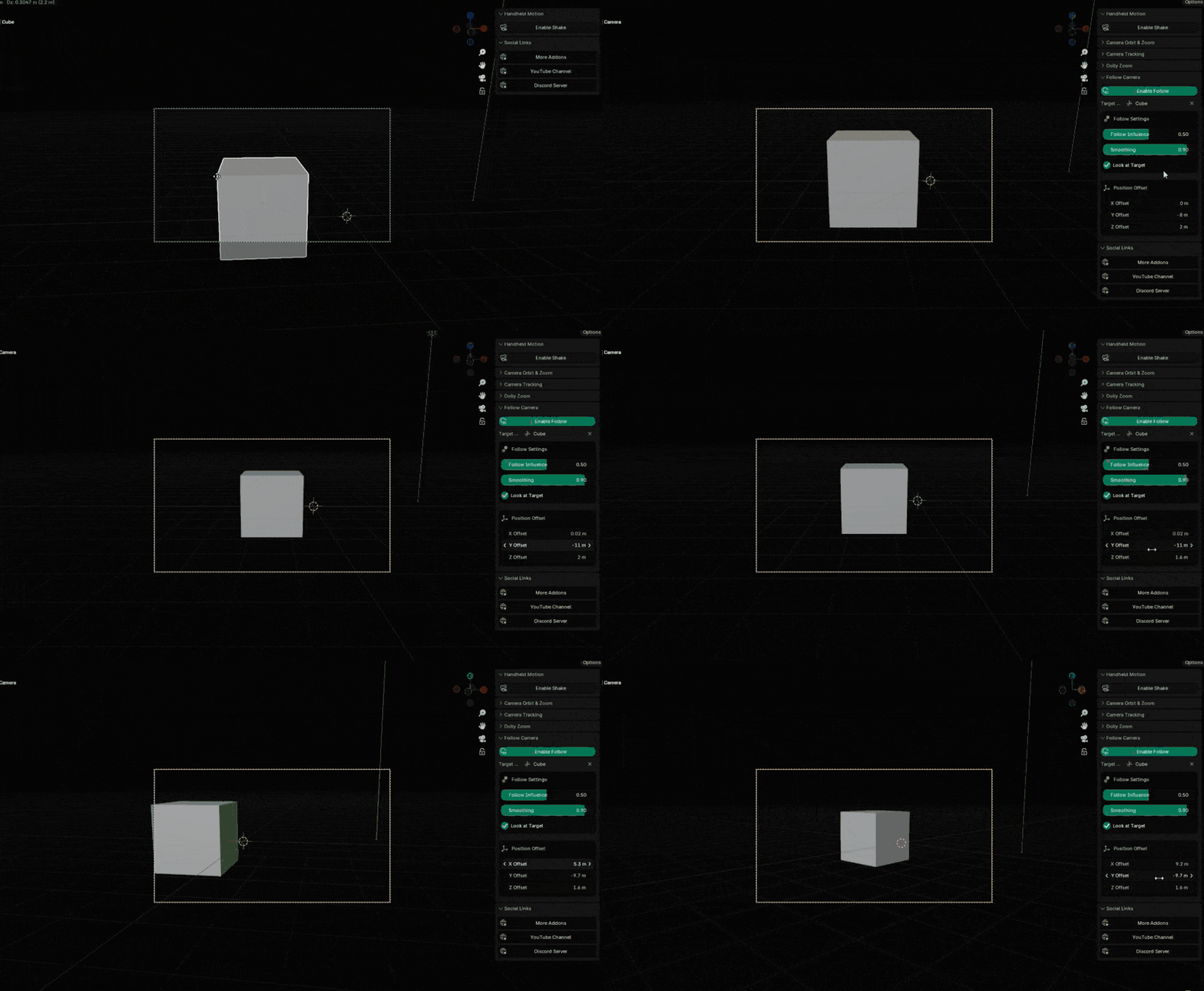
Create dynamic third-person camera movements:
- Smooth follow behavior with position offset controls
- Adjustable follow influence and smoothness
- Optional target looking
- Perfect for game-style cameras or car chase animations, the camera follows object location and looks at it
Advanced Camera Tracking
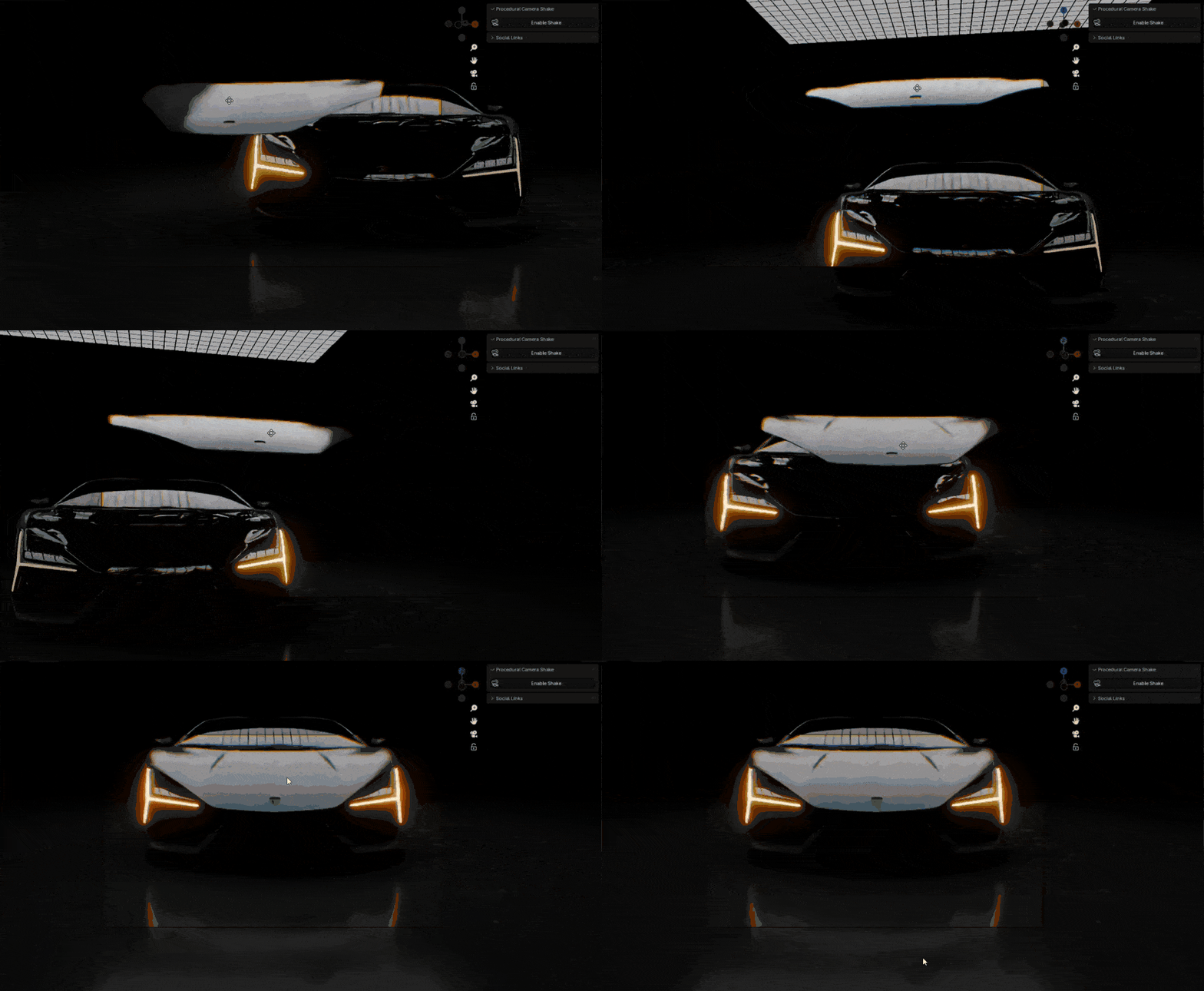
Make your camera follow objects intelligently:
- Customizable tracking with position offset controls
- Adjustable influence and damping
- Selectable tracking and up axes
Dolly Zoom Effect
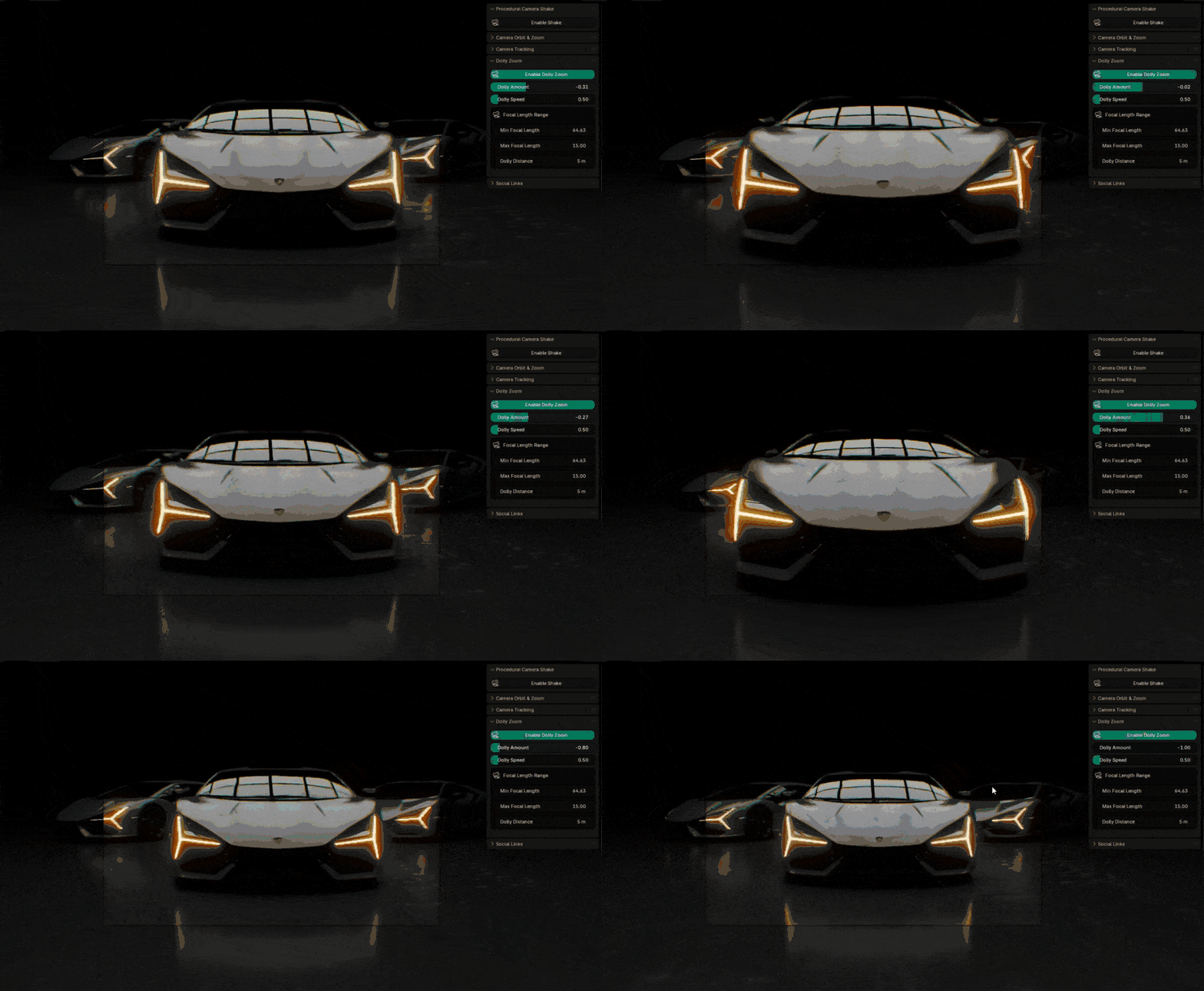
Create the iconic Hitchcock/Vertigo effect:
- Simple slider-based control
- Automatic focal length adjustment
- Customizable min/max focal length
- Adjustable movement distance
Keyframe Baking
Convert procedural effects to keyframes with one click:
- Bake any procedural effect to standard Blender keyframes
- Maintain all effect details
- Perfect for sharing and rendering
Pro Tips
Tip #1: For the best cinematic shake, use the Cinematic preset and reduce the Translation Amplitude slightly.
Tip #2: When using orbit, set your camera's rotation mode to XYZ Euler for the most predictable results.
Tip #3: For third-person follow, start with high smoothness and gradually reduce it until you get the responsiveness you want.
Discover Our Best Selling Addons
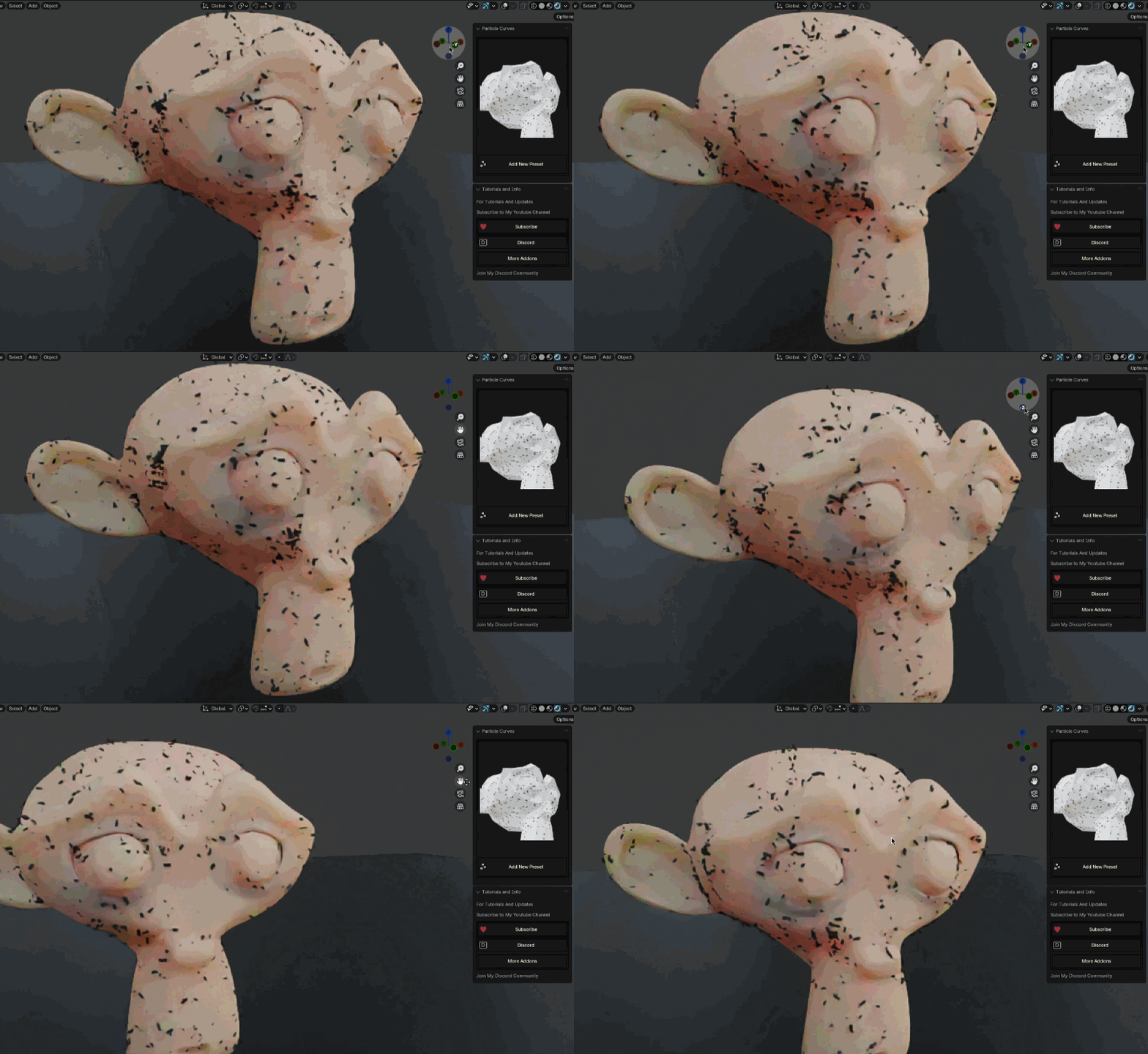

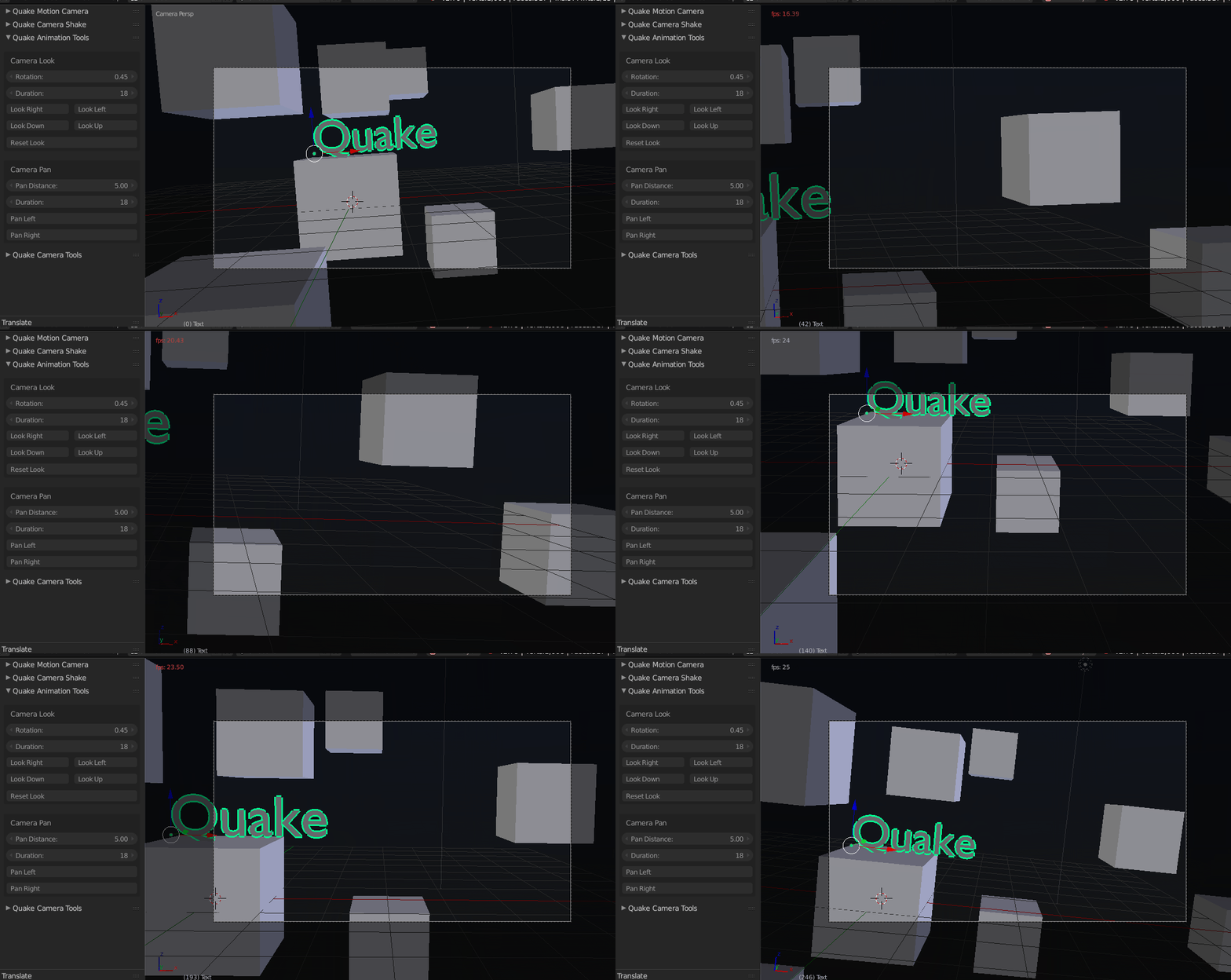


For more information or Bug Reports, Send me a message on my Blender Market Store.
Thank You


Subscribe to My Youtube Channel and Join Discord Community: Discord
Thank You for buying
