 Taiga2






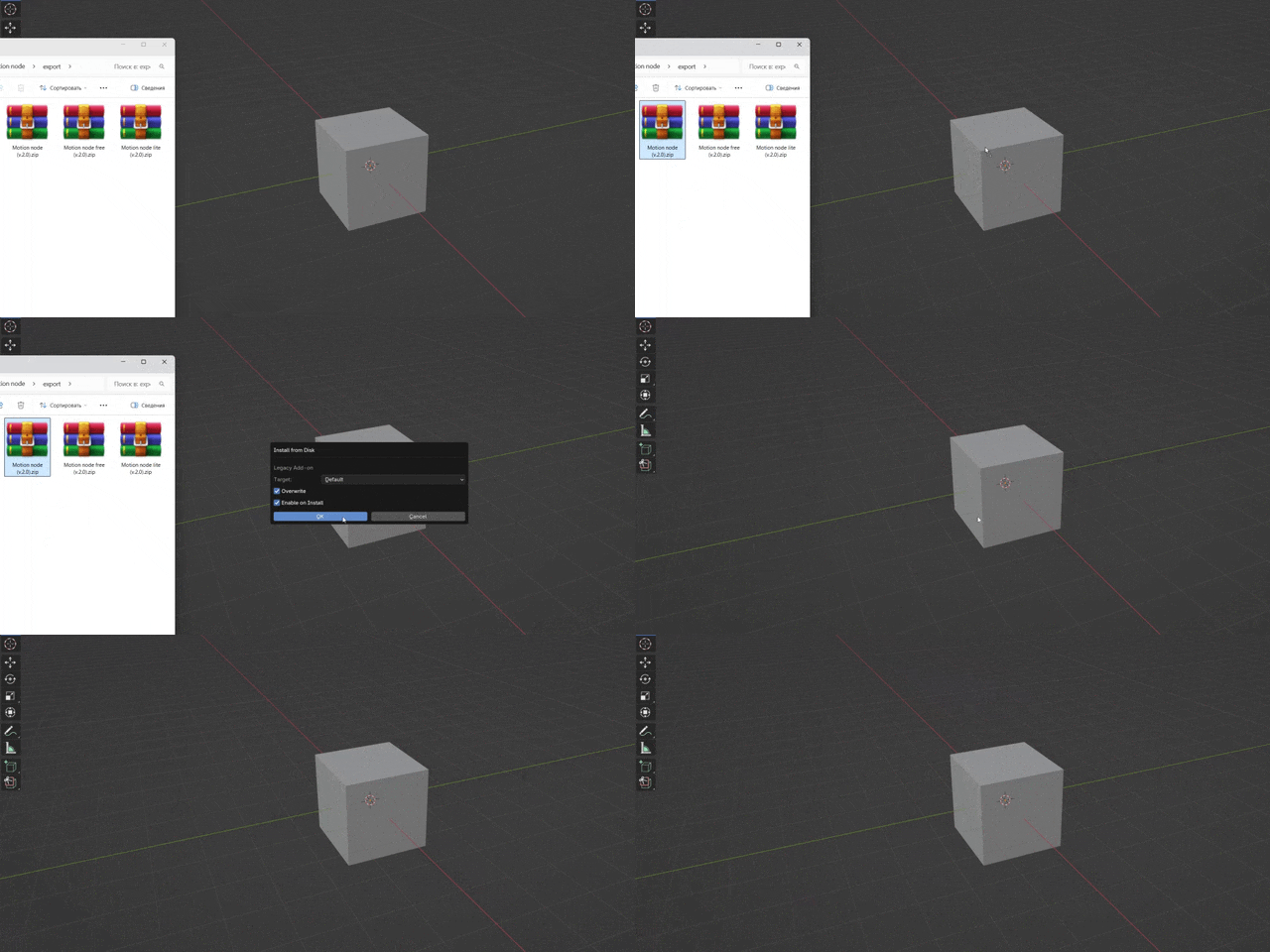
If you just drag and drop the archive with Motion_Node (v.2.0.2) into the Blender window, it will automatically install the addon and write the path to the nodes — you don't need to do anything manually.
However, if you prefer to install the nodes manually, this is also possible. For this:
- Download the MotionNode archive (only nodes).
- Unzip it to a convenient location.
- In Blender, go to Edit = Preferences = File Paths = Assets Libraries and specify the path to the folder with the nodes.
Links:
-
$94
Fully Featured; Free Updates; 1 Seat.
Have questions about this product?
Login to message

Discover more products like this
morgaph-tool motiongraphics mograph addon 3DMotionGraphics motion-node mograph