 cmd
cmd

Hamdi Amer
over 1 year ago
Thanks for your kind review, cmd
I'm glad that you found the ad-don useful for you :)
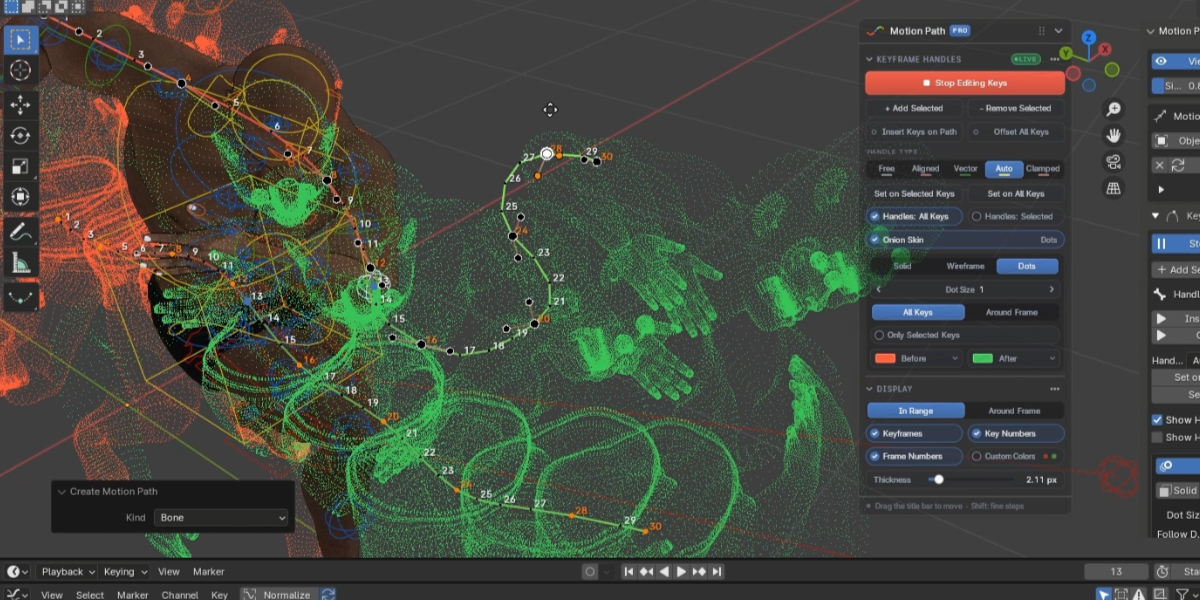
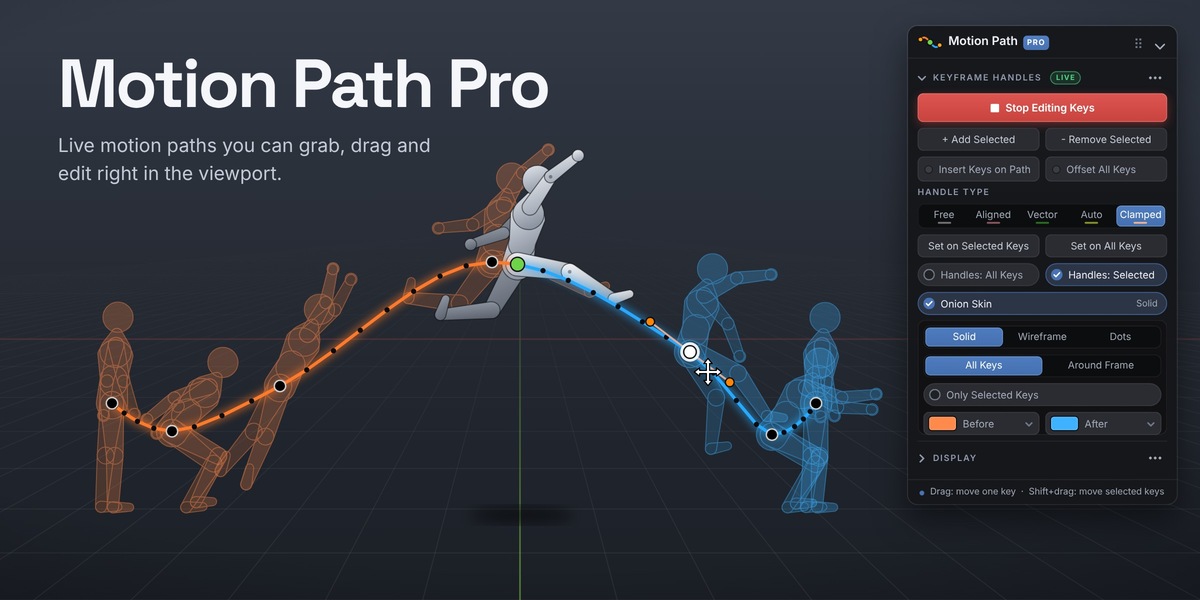
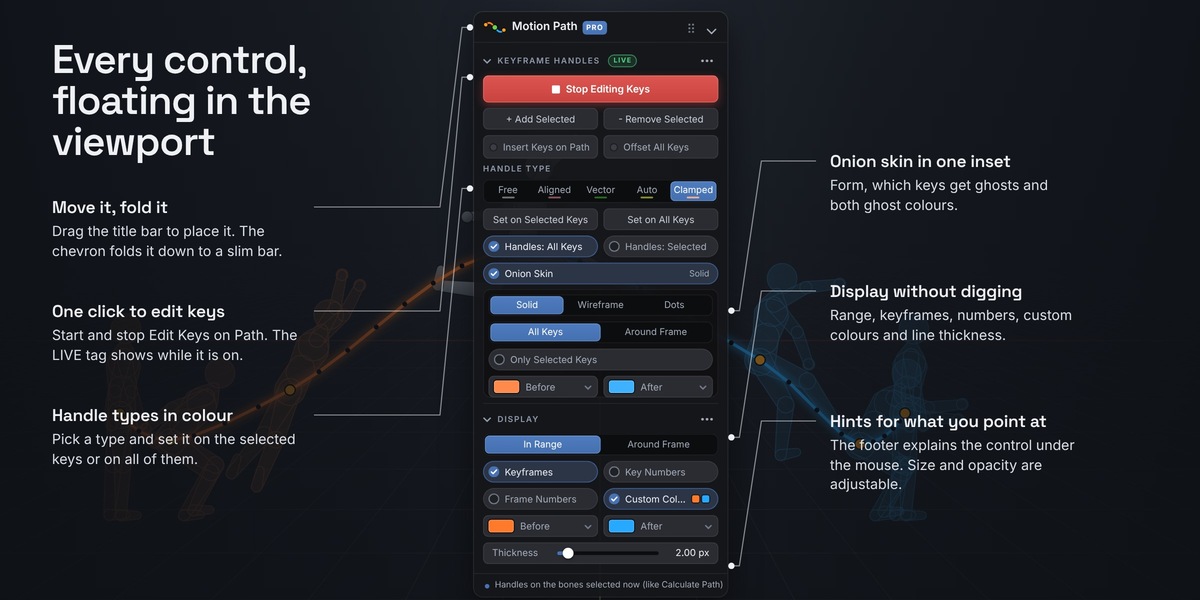
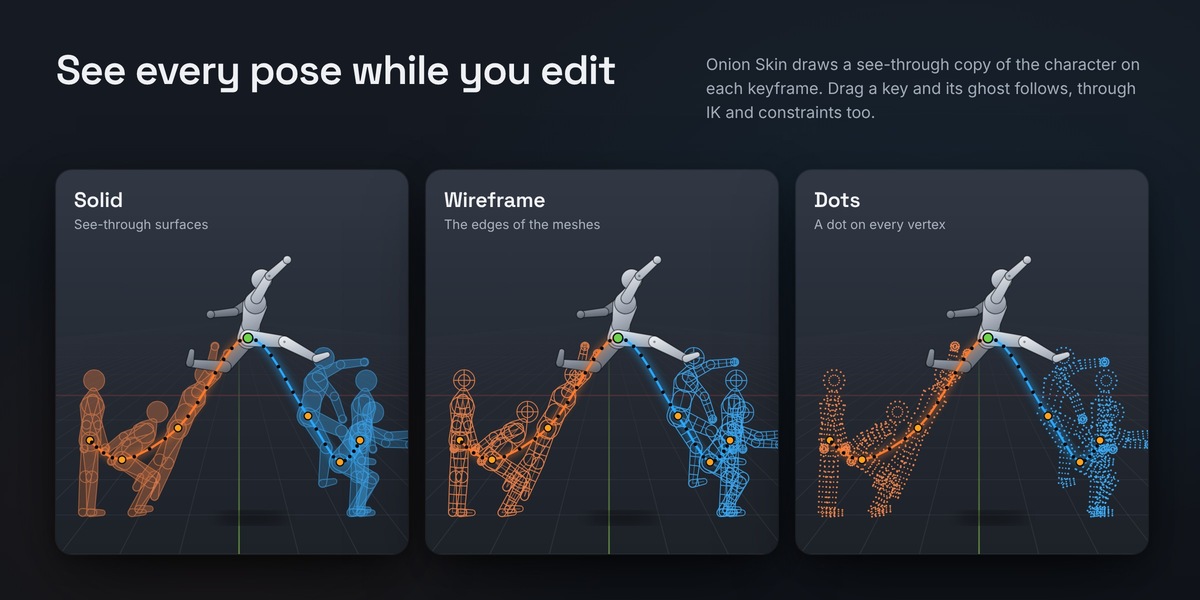



This item has an average rating of 4 from 6 ratings by the community.
Purchase this item to leave a review!
Hamdi Amer
over 1 year ago
Thanks for your kind review, cmd
I'm glad that you found the ad-don useful for you :)
Hamdi Amer
almost 2 years ago
Thanks Dominingo Glad that you like it. Thanks for your review 🙂
Hamdi Amer
almost 2 years ago
Thanks Keai, I'm glad that you found the addon useful for you.
Thank you so much for the review and kind words. 😊
Hamdi Amer
almost 2 years ago
Hi Valter, Thanks for purchasing the addon. 🙂
Yes, you edit the motion path in the 3D viewport.
Make sure to watch the tutorial in the description.
If you still need help, do not hesitate to let me know.
Hamdi Amer
almost 2 years ago
hi upeo1sarf Thanks for purchasing the addon 🙂
If there are many drivers on your rig or you are using a weak device with a complex rig,
You can increase the timer or use update after change parameter
Thanks
Hamdi Amer
4 months ago
Hi gagepielsticker
There are two versions:
one for Blender 5 and newer versions
The other one for Blender 3 : 4.5
You’ll find a small drop-down arrow below.
Make sure to click on it and choose the right version
 Dominingo
 Keai
Keai
 Valter Sarapuu
 upeo1sarf
 gagepielsticker