 JB FX
JB FX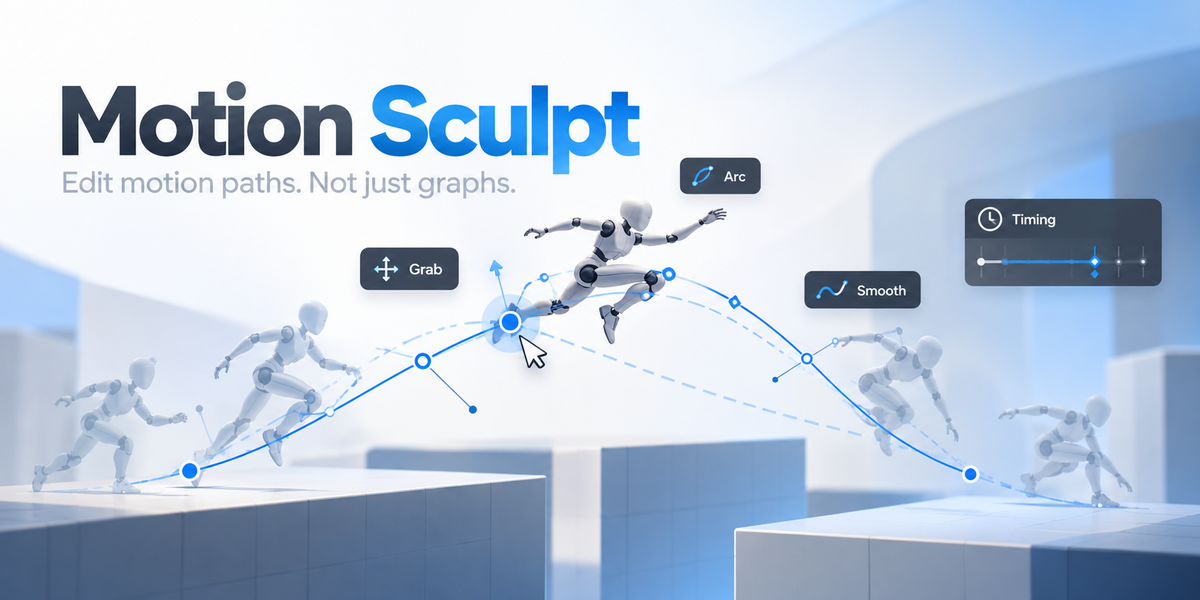
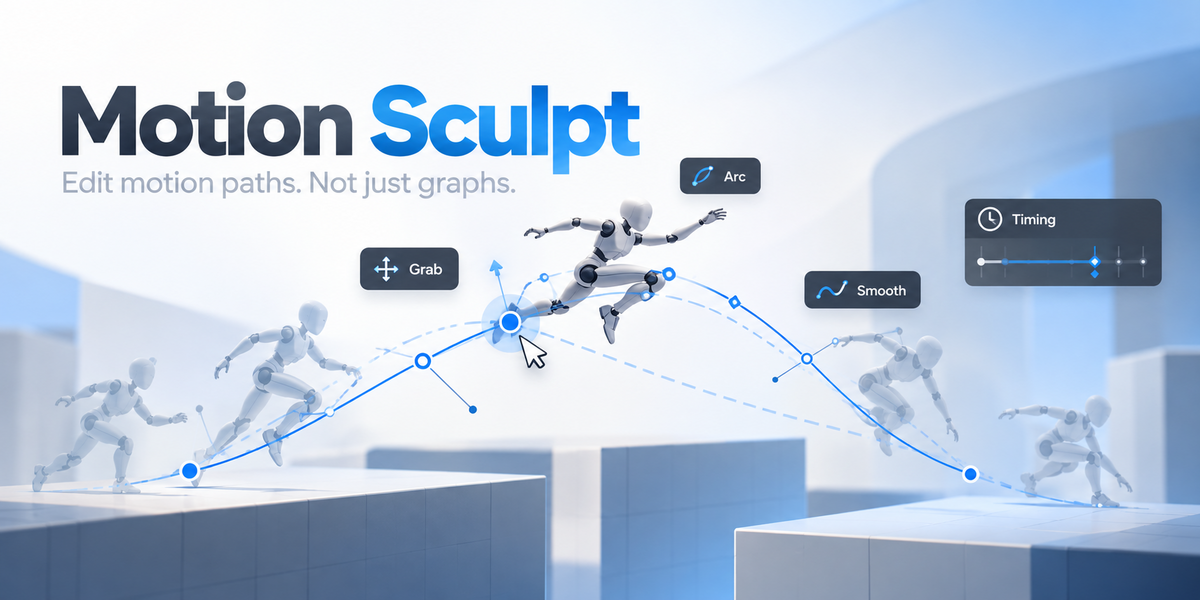
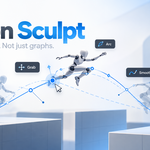
Edit motion paths.
Not just graphs.
Motion Sculpt lets you grab animation paths directly in Blender's viewport, reshape arcs, adjust tangents, smooth movement and refine curve behavior without constantly jumping between editors.
Your animation already has a path.
Motion Sculpt makes it useful.
Instead of correcting every arc through trial and error, work directly on the trajectory your audience actually sees. Less editor hopping. Faster cleanup. More intuitive motion.
Grab the path. Shape the motion.
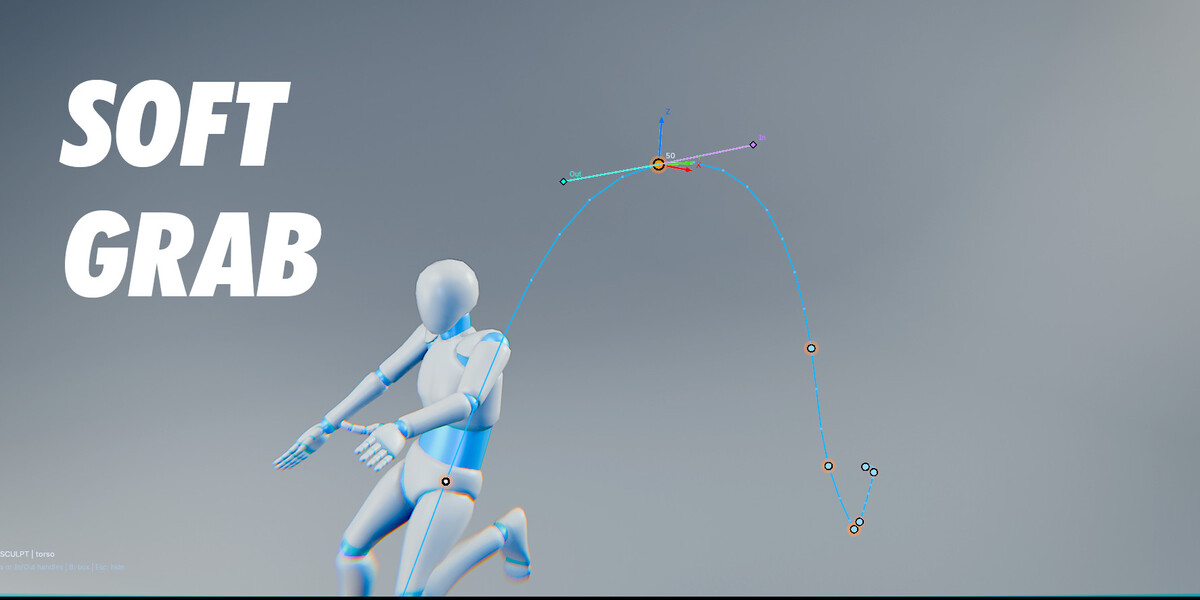
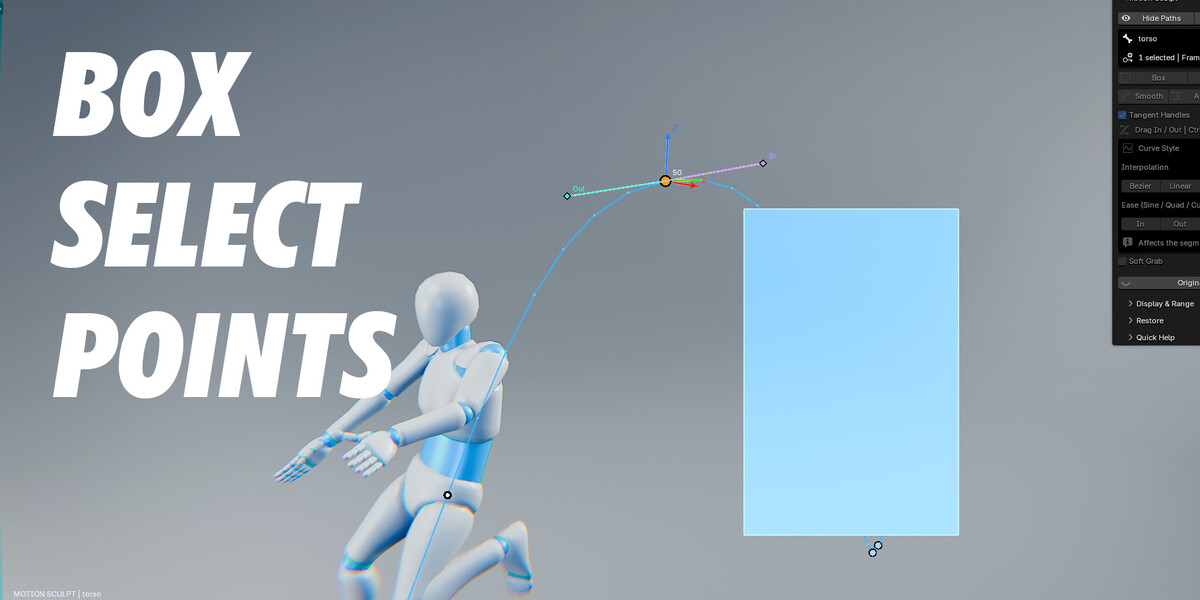
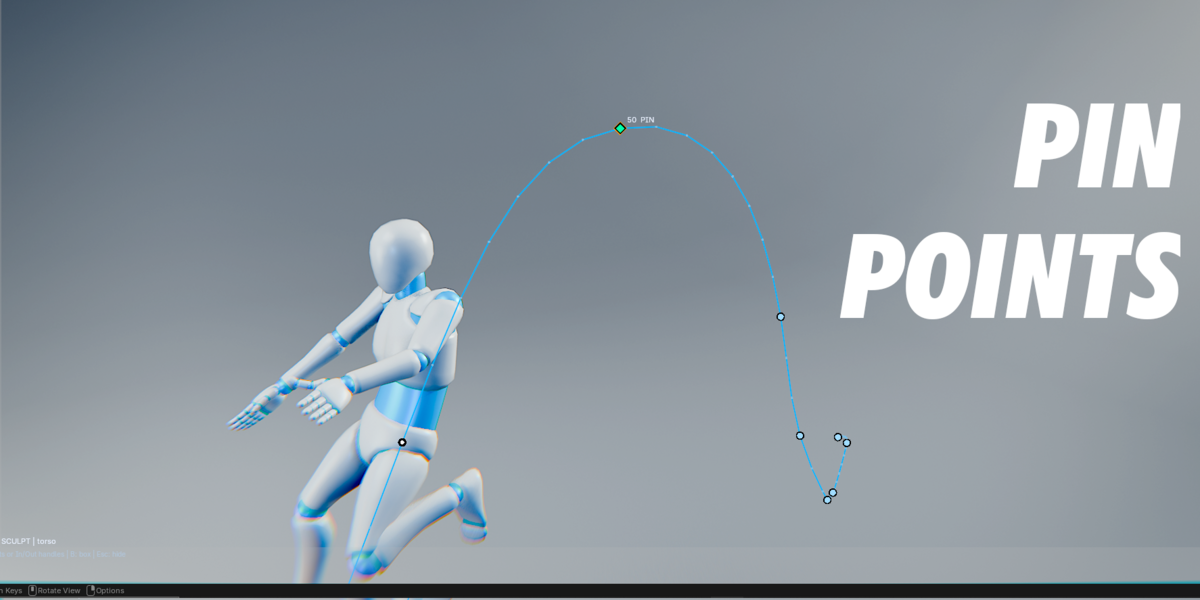
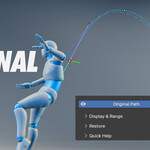
Drag key points directly in the 3D Viewport and reshape the trajectory where the motion actually happens. Soft Grab lets nearby points follow with adjustable falloff. 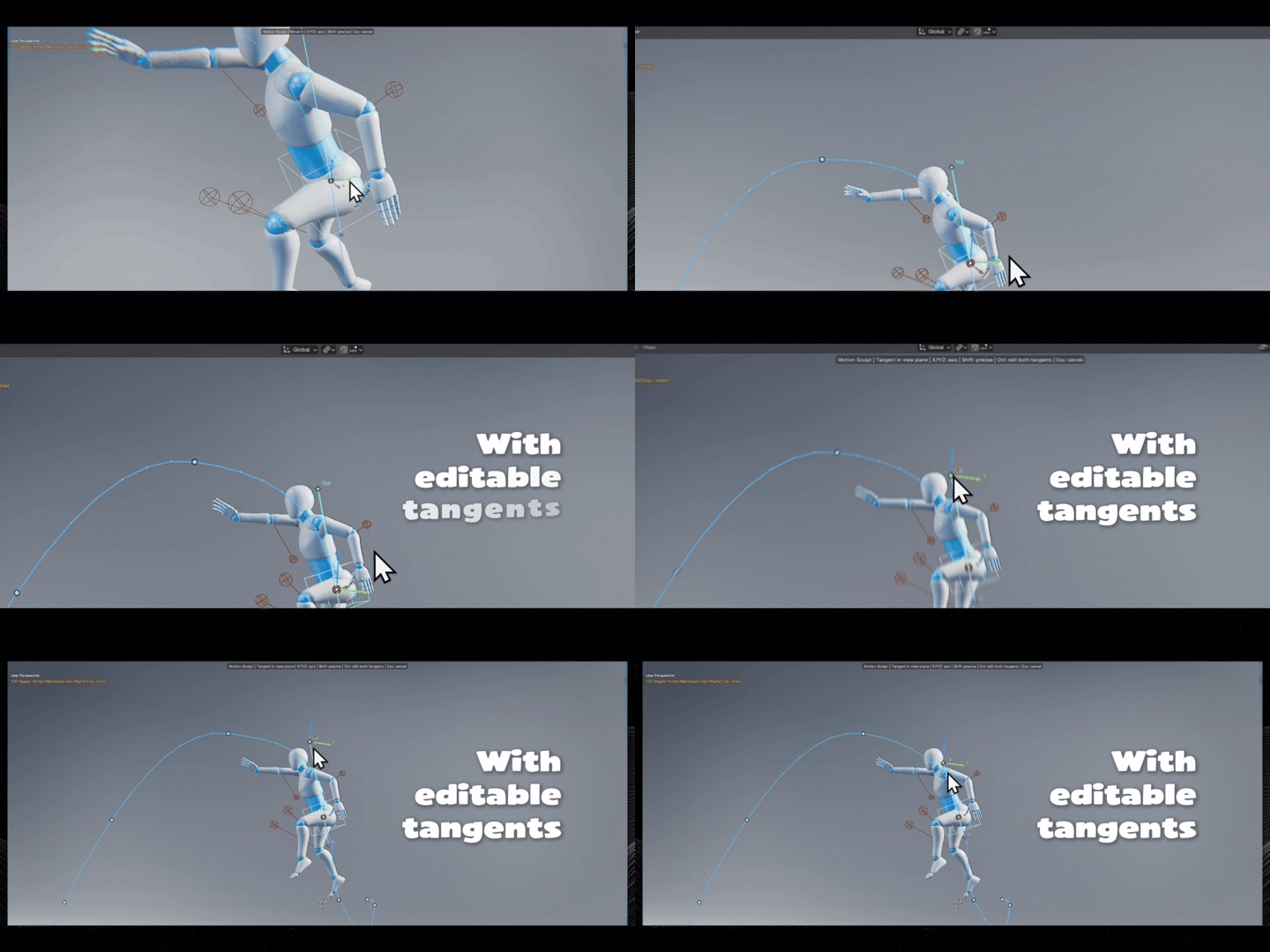
Refine the flow around every key.
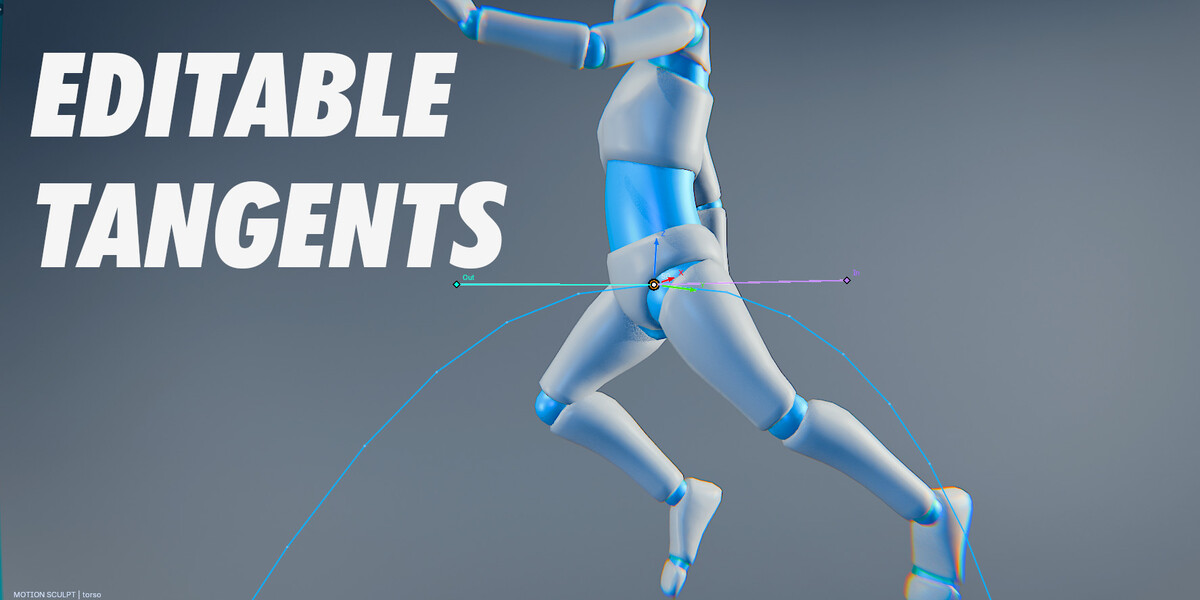
Select a waypoint and edit its In / Out tangent handles directly in the viewport. Shape how movement enters and leaves the pose without losing sight of the path.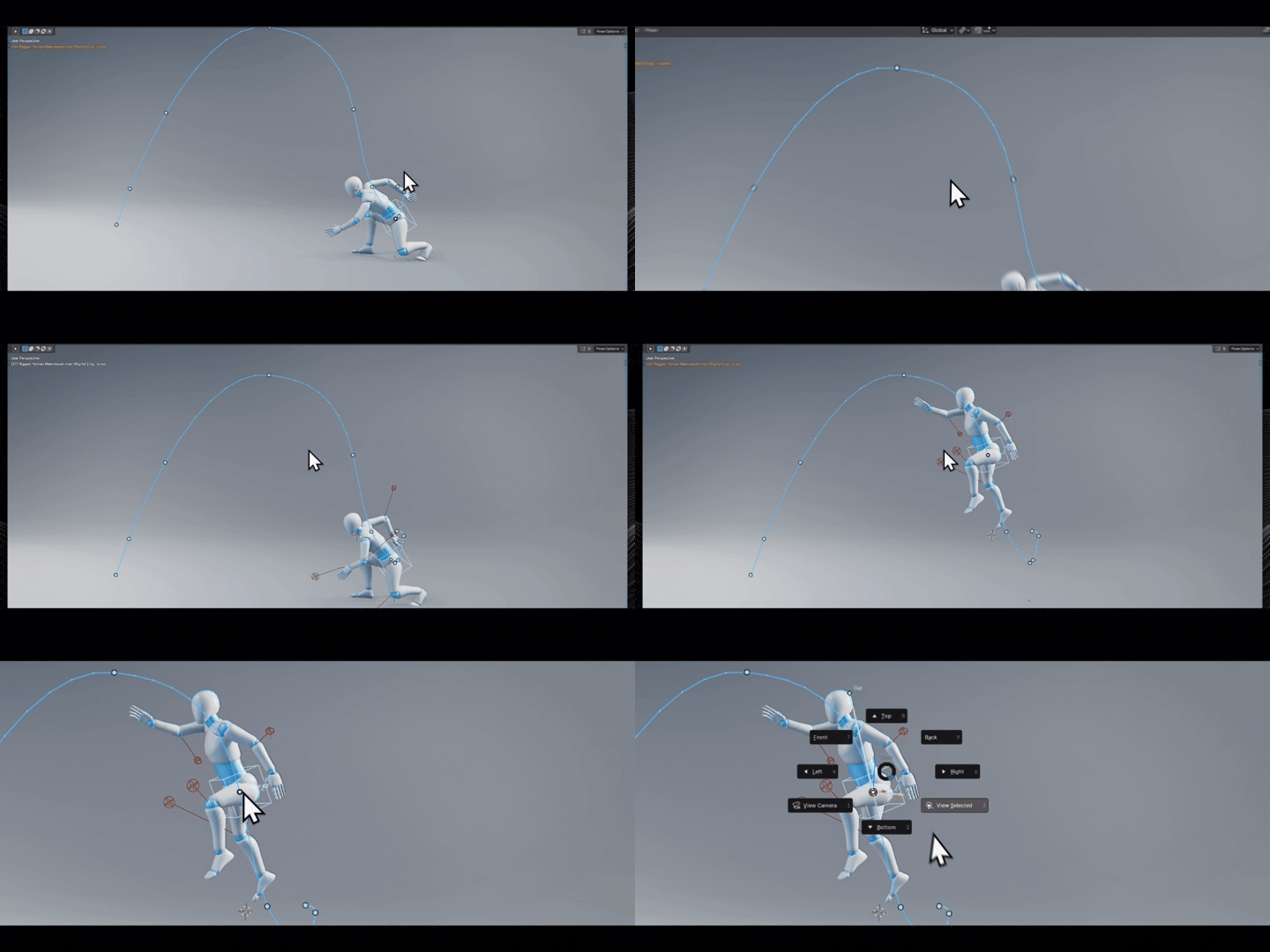
Relax it. Straighten it. Make your arc.
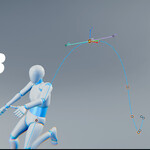
Smooth helps smooth the arc between two or more points. 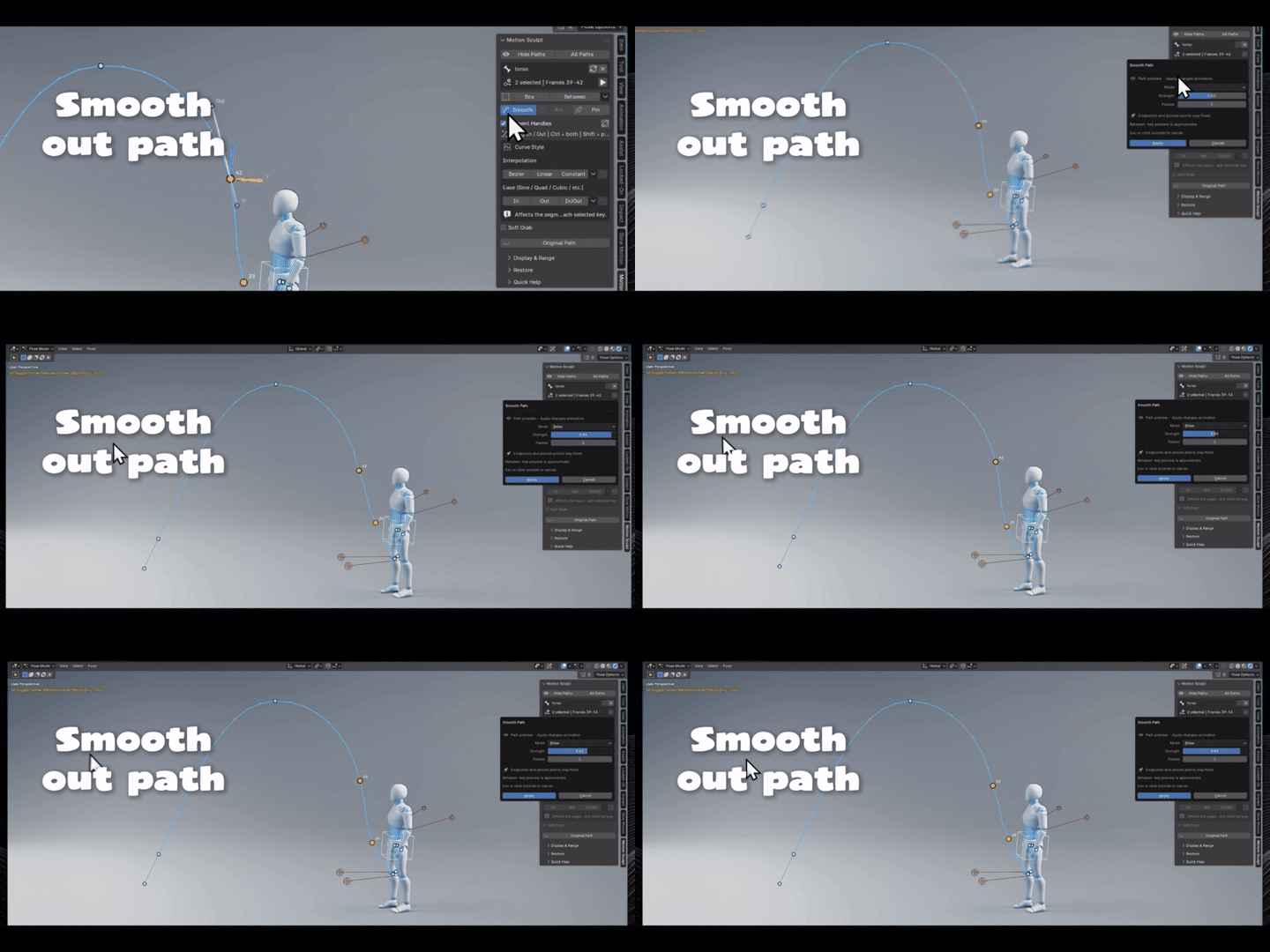
Made for real animation controls.
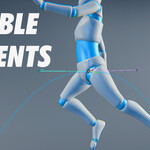
Work with animated objects and supported IK / FK controls while staying focused on trajectory, not on constantly switching between animation editors. 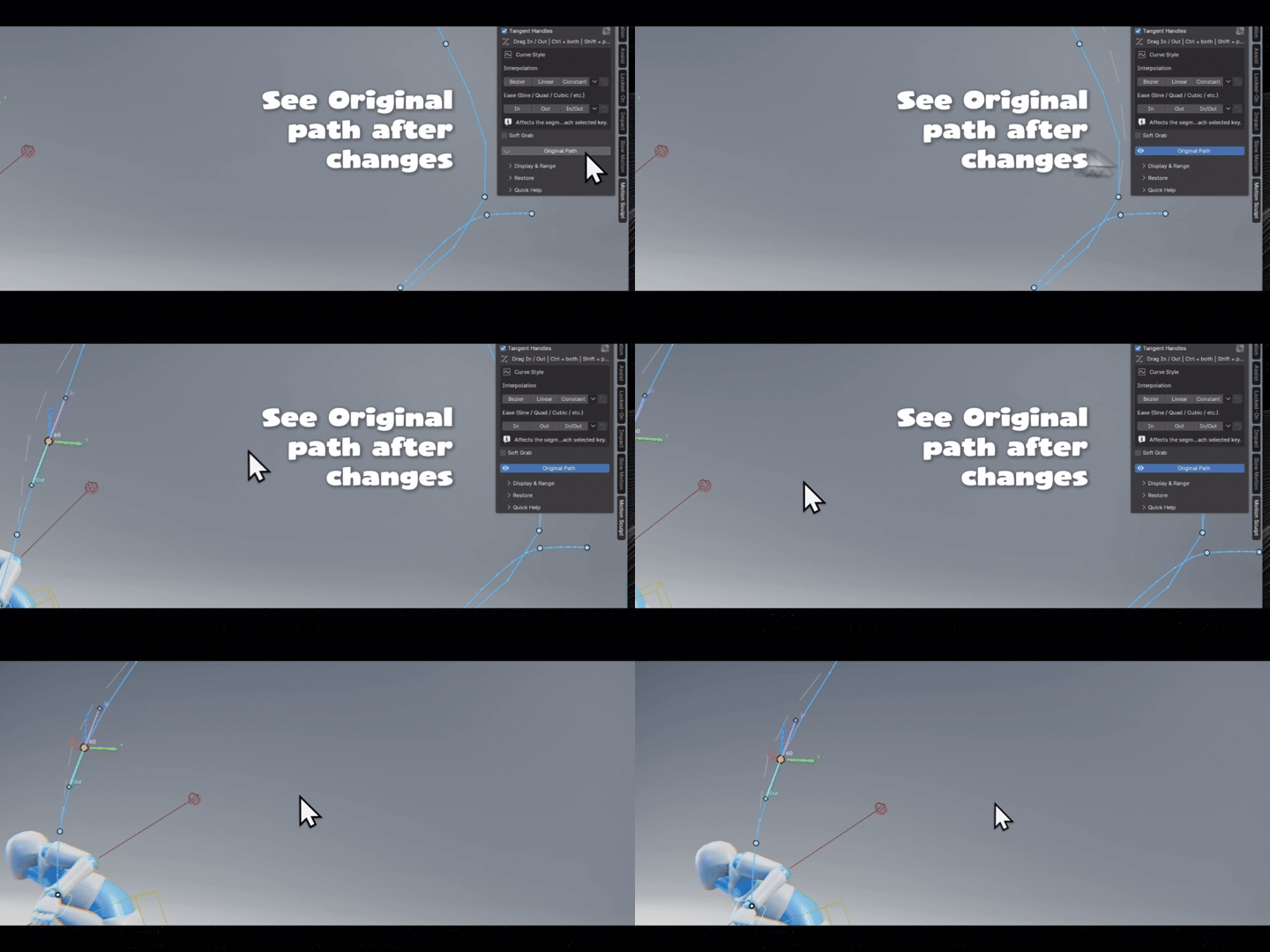
Small tools that make the path feel better.
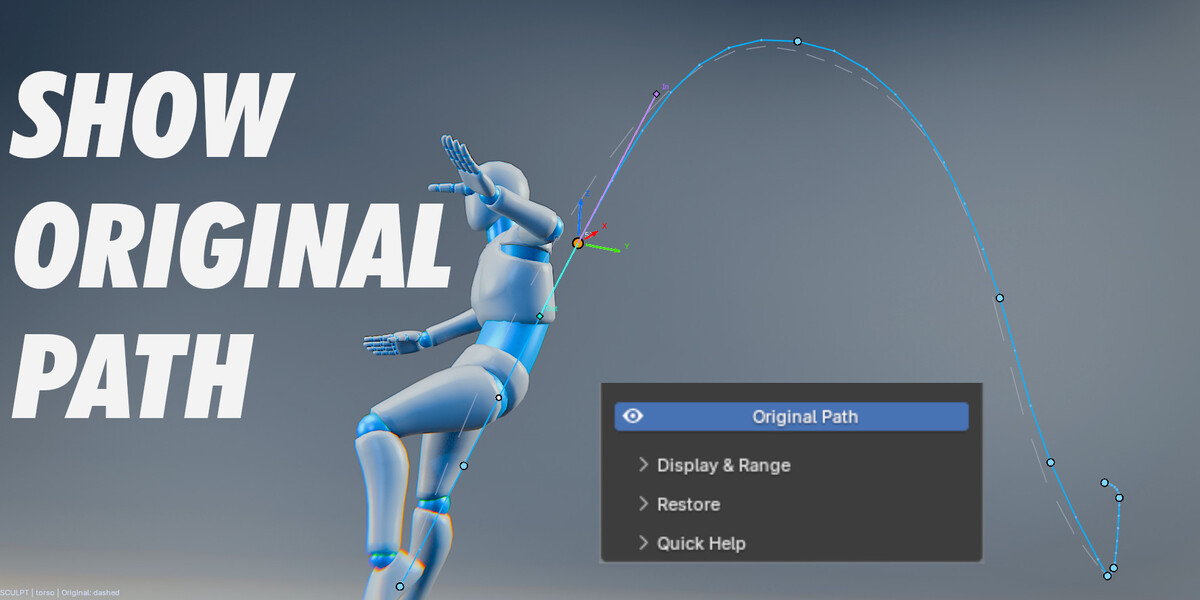
Select. Show Path. Sculpt.
| 01 Select Choose an animated object or supported control. | 02 Show Path Reveal the editable trajectory in the viewport. | 03 Sculpt Move, smooth, arc and refine the motion. |
Stop fighting the graph just to fix an arc.
Shape motion where you can actually see it - directly in Blender's viewport.
Blender 4.2+ • Viewport-first • Non-destructive animation workflow

