 JB FX
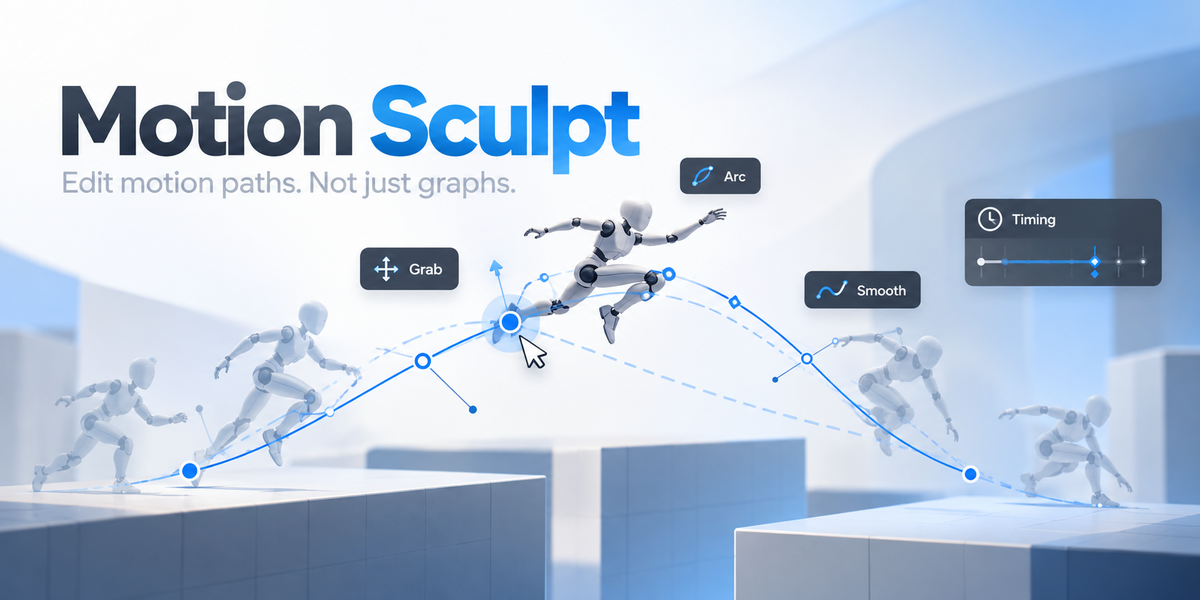
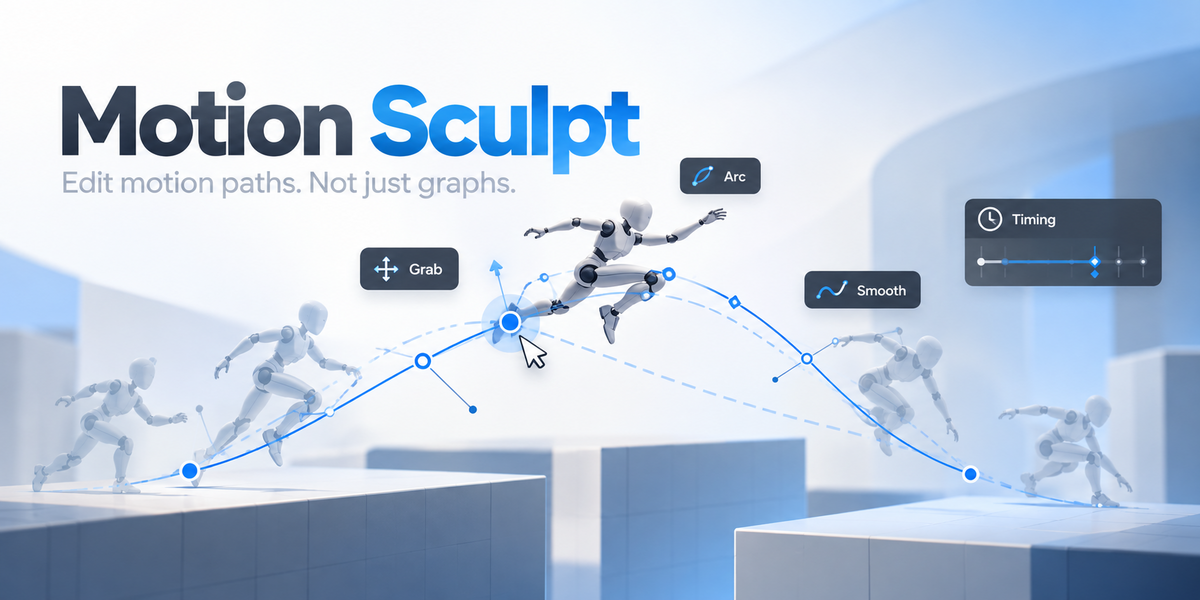
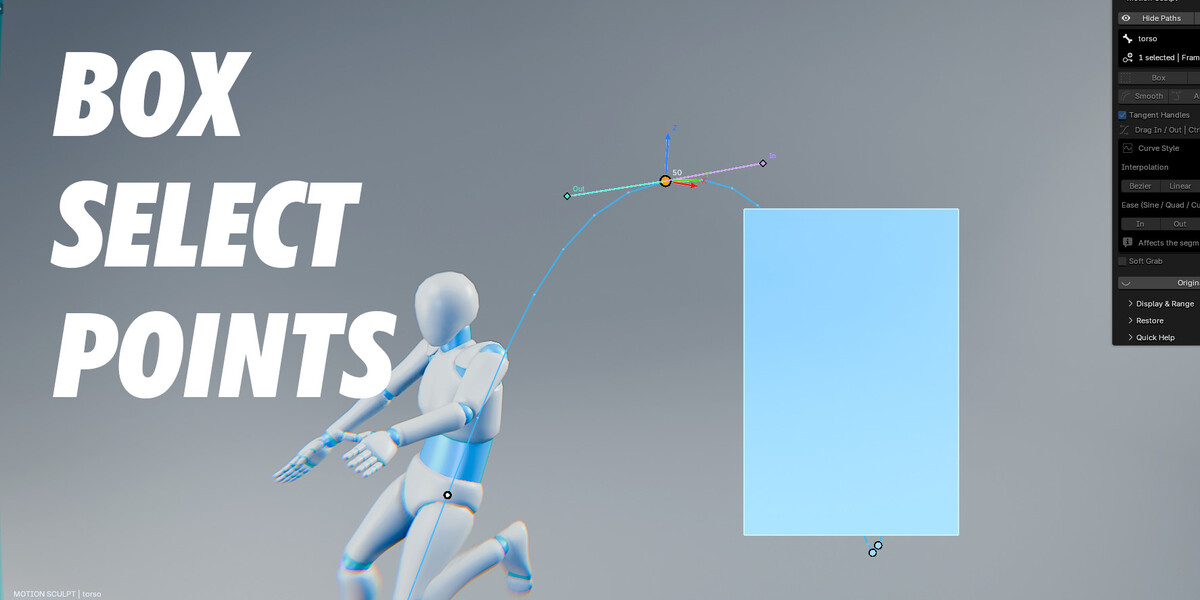
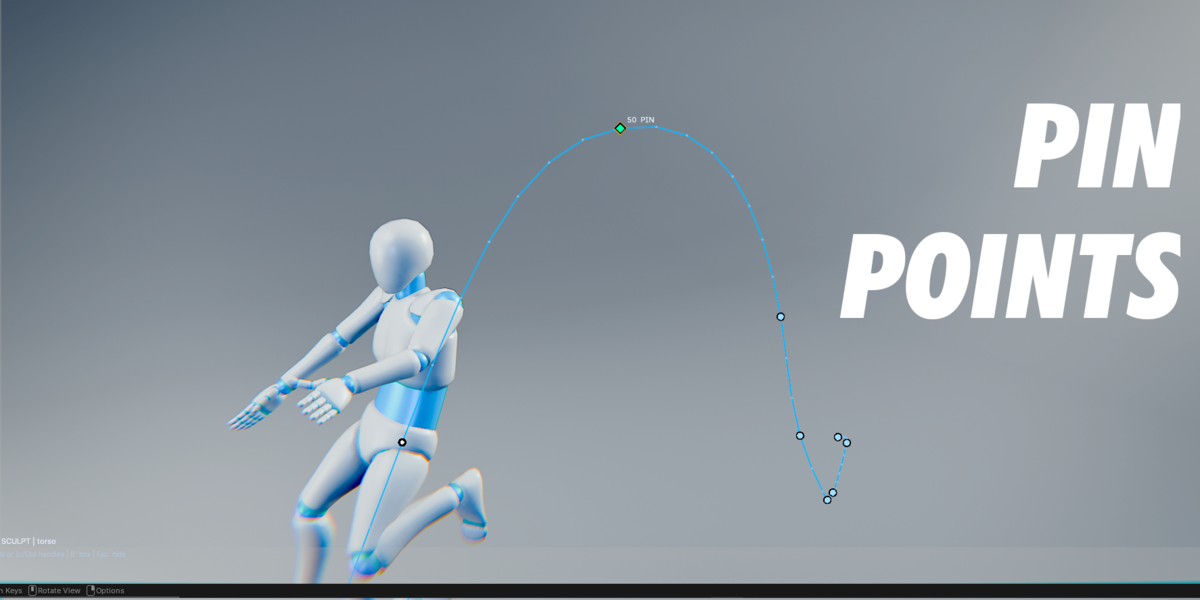
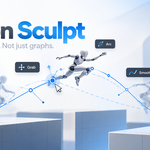
Edit motion paths.
Not just graphs.
Motion Sculpt lets you grab animation paths directly in Blender's viewport, reshape arcs, adjust tangents, smooth movement and refine curve behavior without constantly jumping between editors.
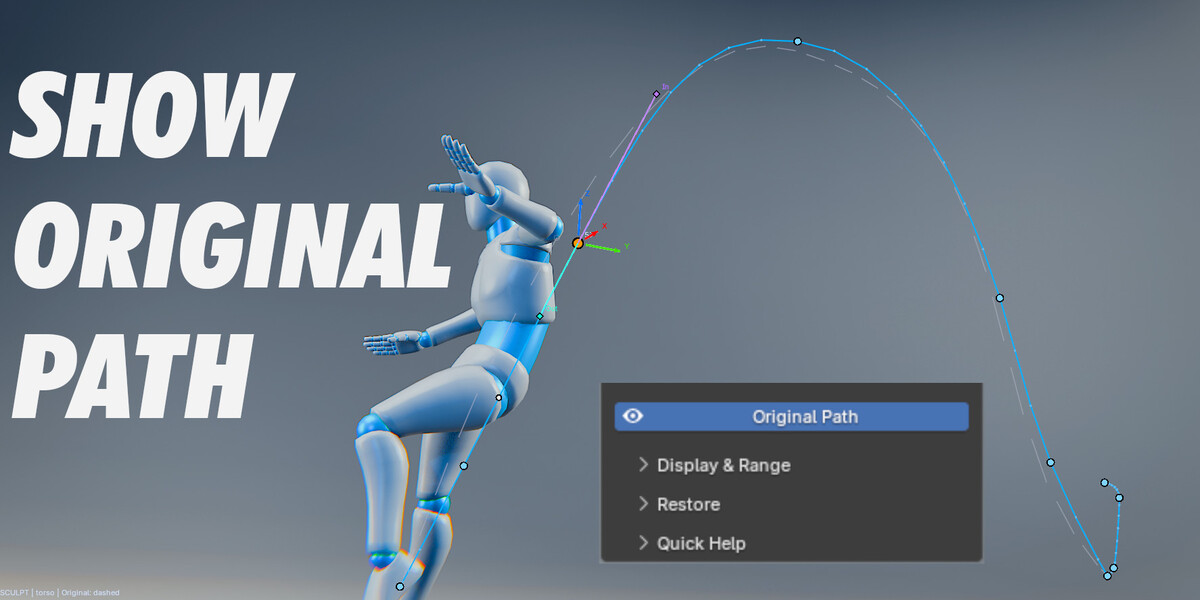
Your animation already has a path.
Motion Sculpt makes it useful.
Instead of correcting every arc through trial and error, work directly on the trajectory your audience actually sees. Less editor hopping. Faster cleanup. More intuitive motion.
Grab the path. Shape the motion.
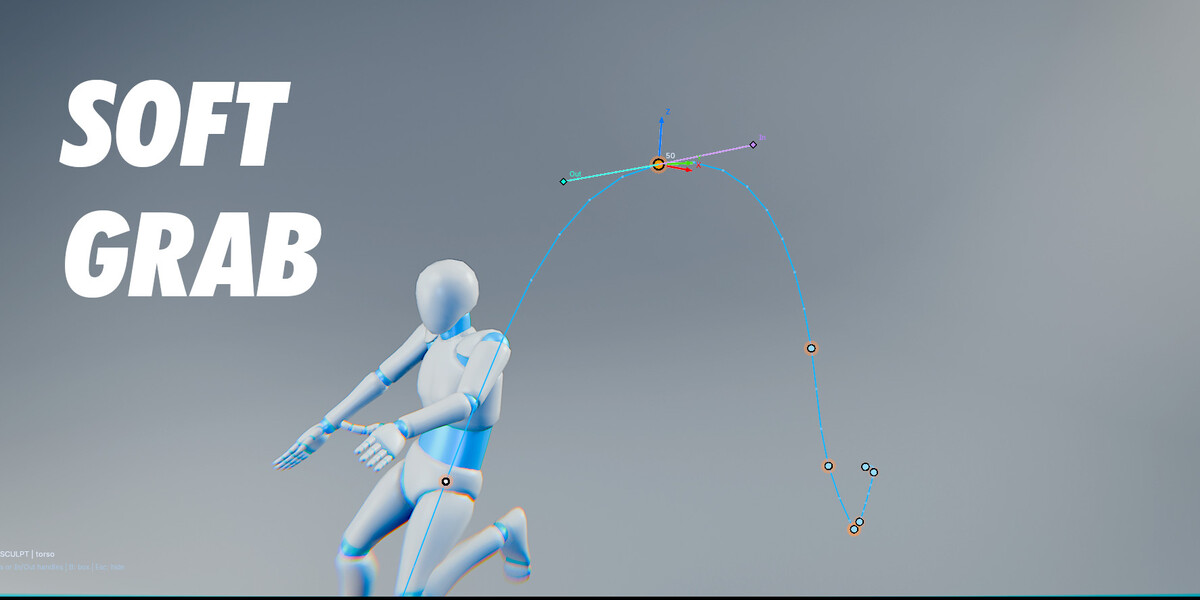
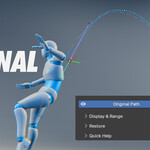
Drag key points directly in the 3D Viewport and reshape the trajectory where the motion actually happens. Soft Grab lets nearby points follow with adjustable falloff. 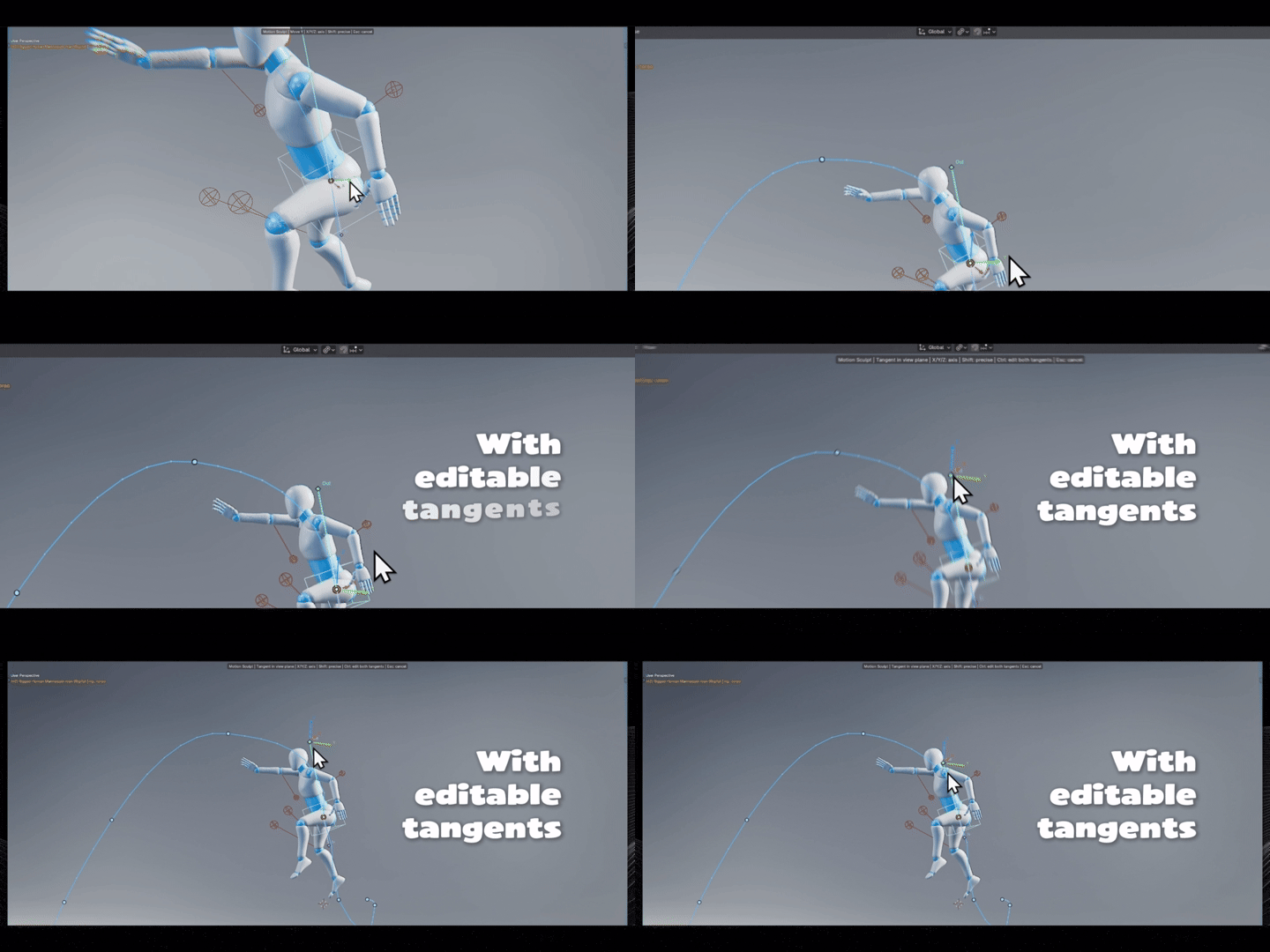
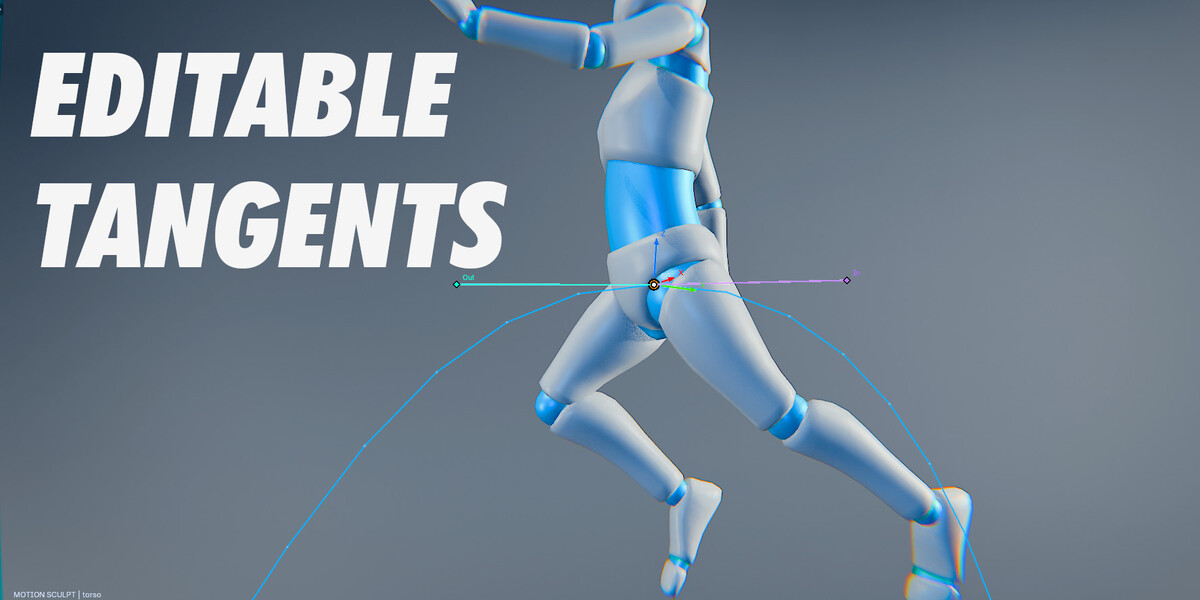
Refine the flow around every key.
Select a waypoint and edit its In / Out tangent handles directly in the viewport. Shape how movement enters and leaves the pose without losing sight of the path.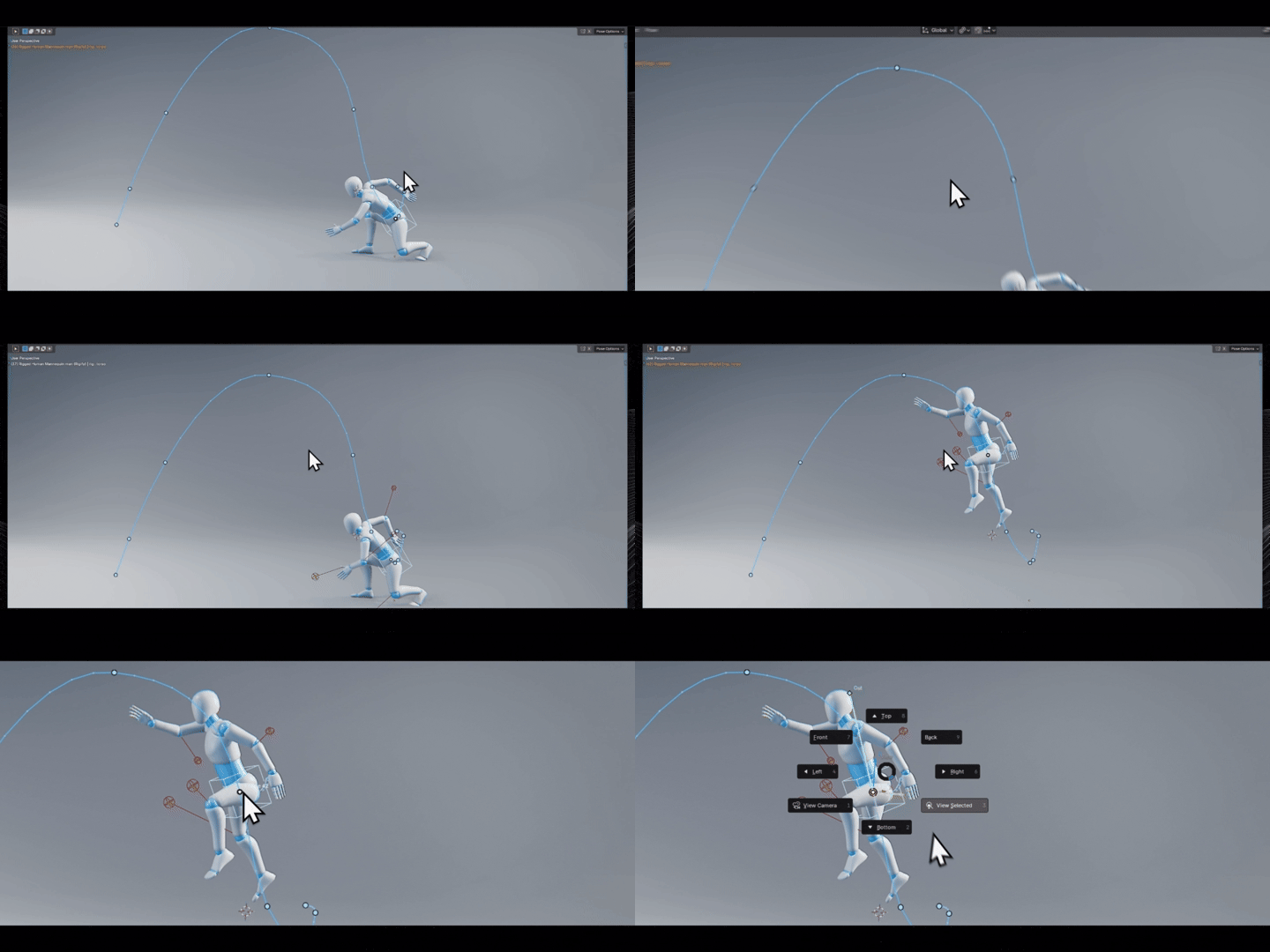
Relax it. Straighten it. Make your arc.
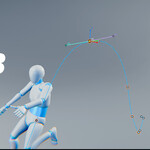
Smooth helps smooth the arc between two or more points. 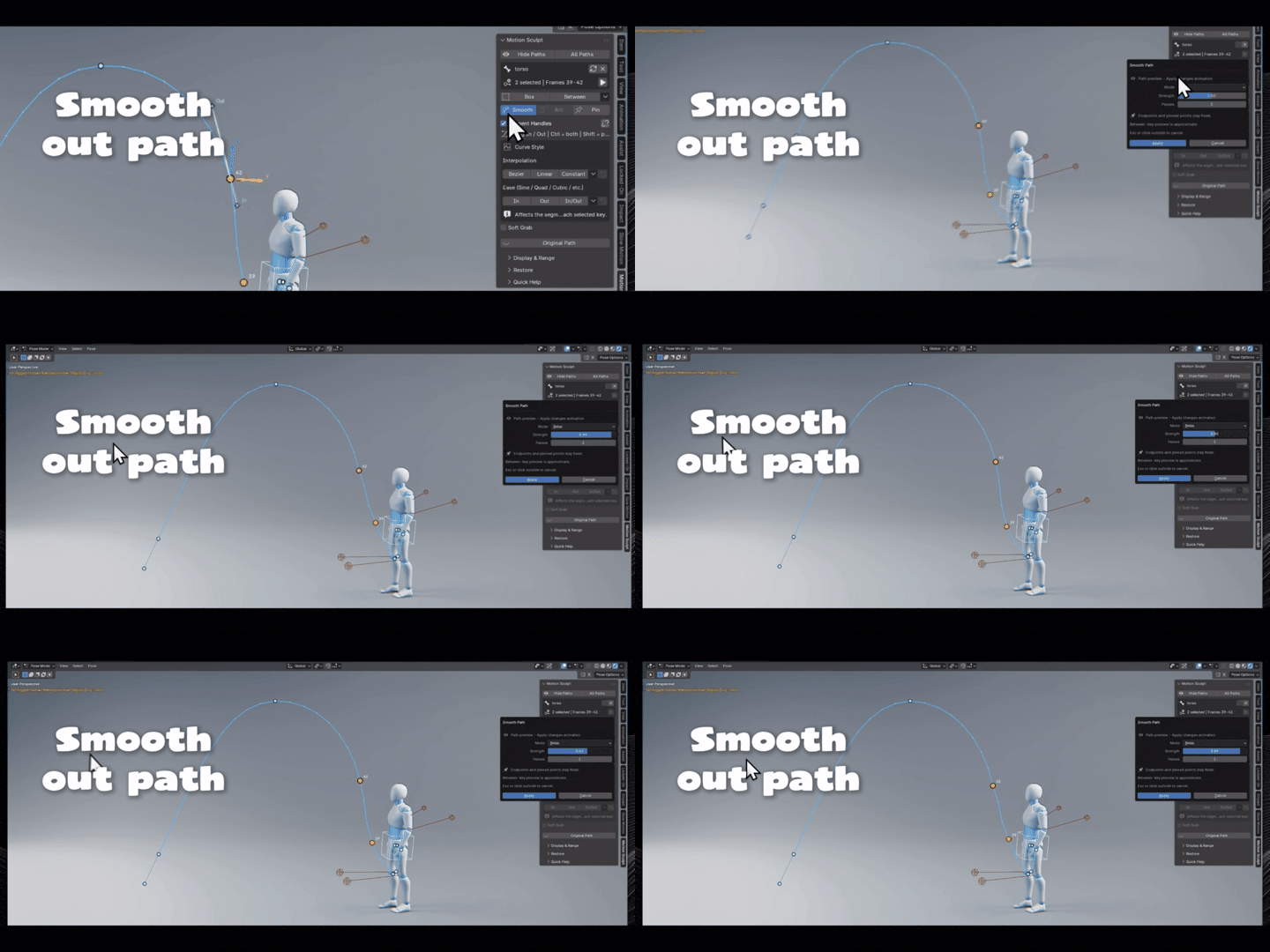
Made for real animation controls.
Work with animated objects and supported IK / FK controls while staying focused on trajectory, not on constantly switching between animation editors. 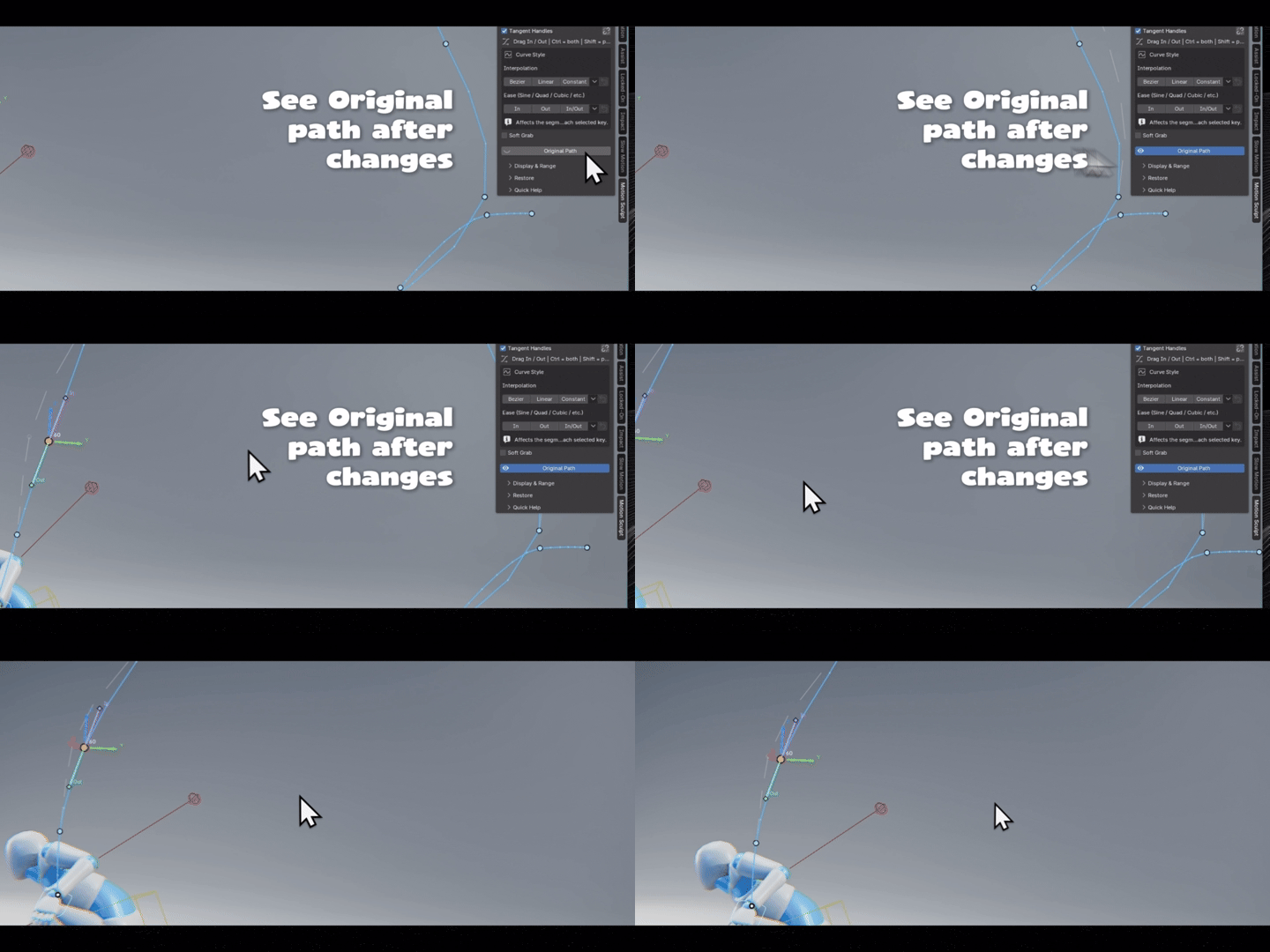
Small tools that make the path feel better.
Select. Show Path. Sculpt.
| 01 Select Choose an animated object or supported control. | 02 Show Path Reveal the editable trajectory in the viewport. | 03 Sculpt Move, smooth, arc and refine the motion. |
Stop fighting the graph just to fix an arc.
Shape motion where you can actually see it - directly in Blender's viewport.
Blender 4.2+ • Viewport-first • Non-destructive animation workflow
See where it was.
Shape where it goes.
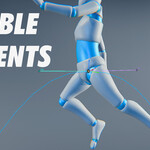
Bring pose references into the viewport alongside your motion paths. Compare silhouettes, pin a pose, and see past and future positions as you refine the animation.
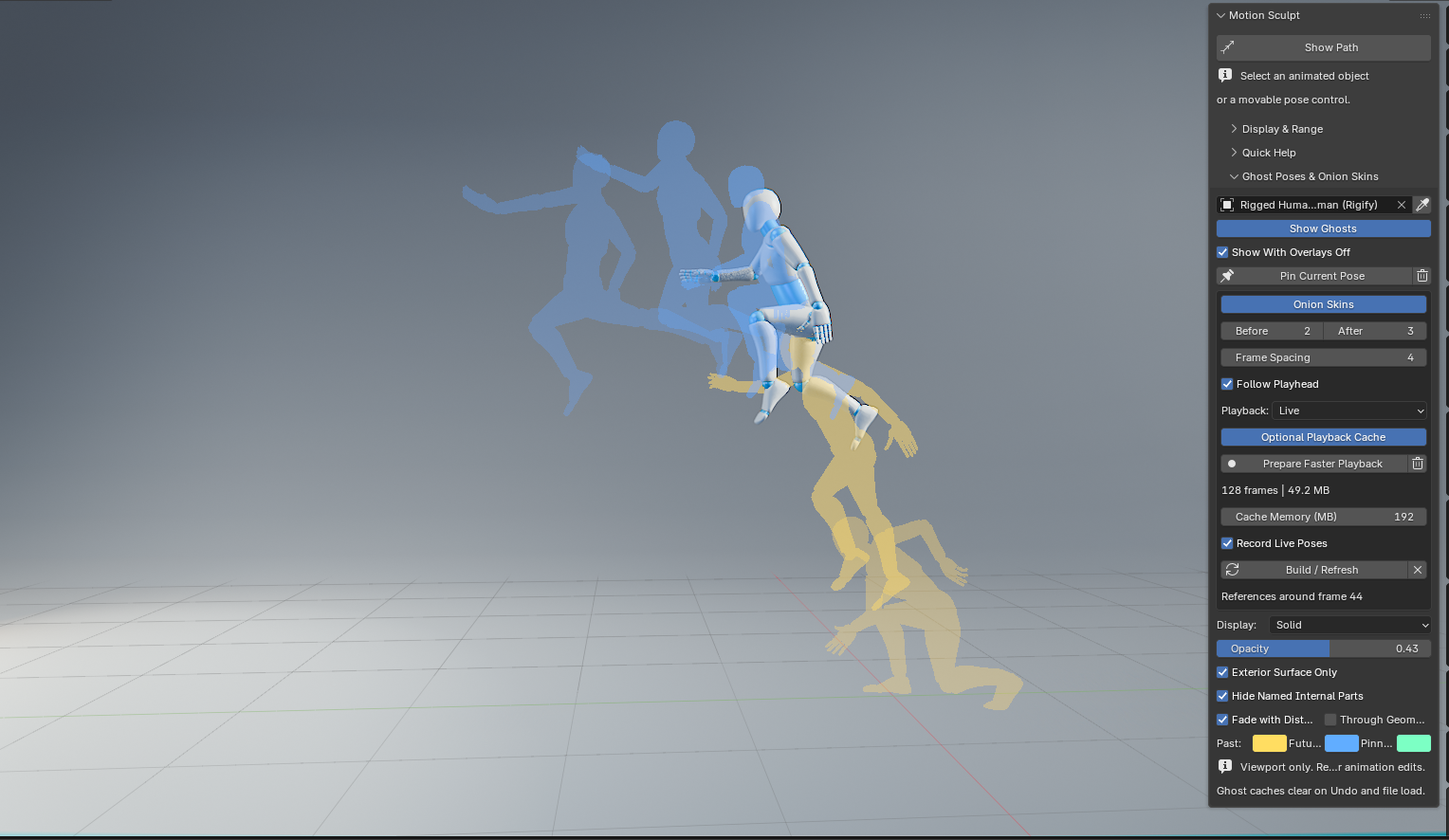
Live onion skins. Frozen pose references.
Live mode automatically updates nearby past and future poses as you play or scrub. Pin Current Pose keeps a comparison frozen, while Hold mode keeps the onion reference set stationary. Adjust frame spacing, opacity, fading and colors.
Clean silhouettes. A lighter workflow.
Exterior-only Solid display hides enclosed inner surfaces, with extra filtering for named internal parts. Efficient mesh capture and reusable frame data reduce repeated work. Solid, Wire and Bones give you a choice of detail.
No mandatory cache step.
Start with Live. For smoother playback on heavier scenes, open Optional Playback Cache → Prepare Faster Playback. The cache button is still there when you want it.
Find it in N → Motion Sculpt → Ghost Poses & Onion Skins. Ghosts are viewport references; your original animation and materials stay intact. New future samples can take a moment on complex rigs.

