 MeiU
MeiU



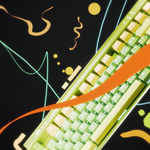
Motion Stroke FX for Blender
Create dynamic, doodle-style animated lines in seconds — just drag, draw, and play.
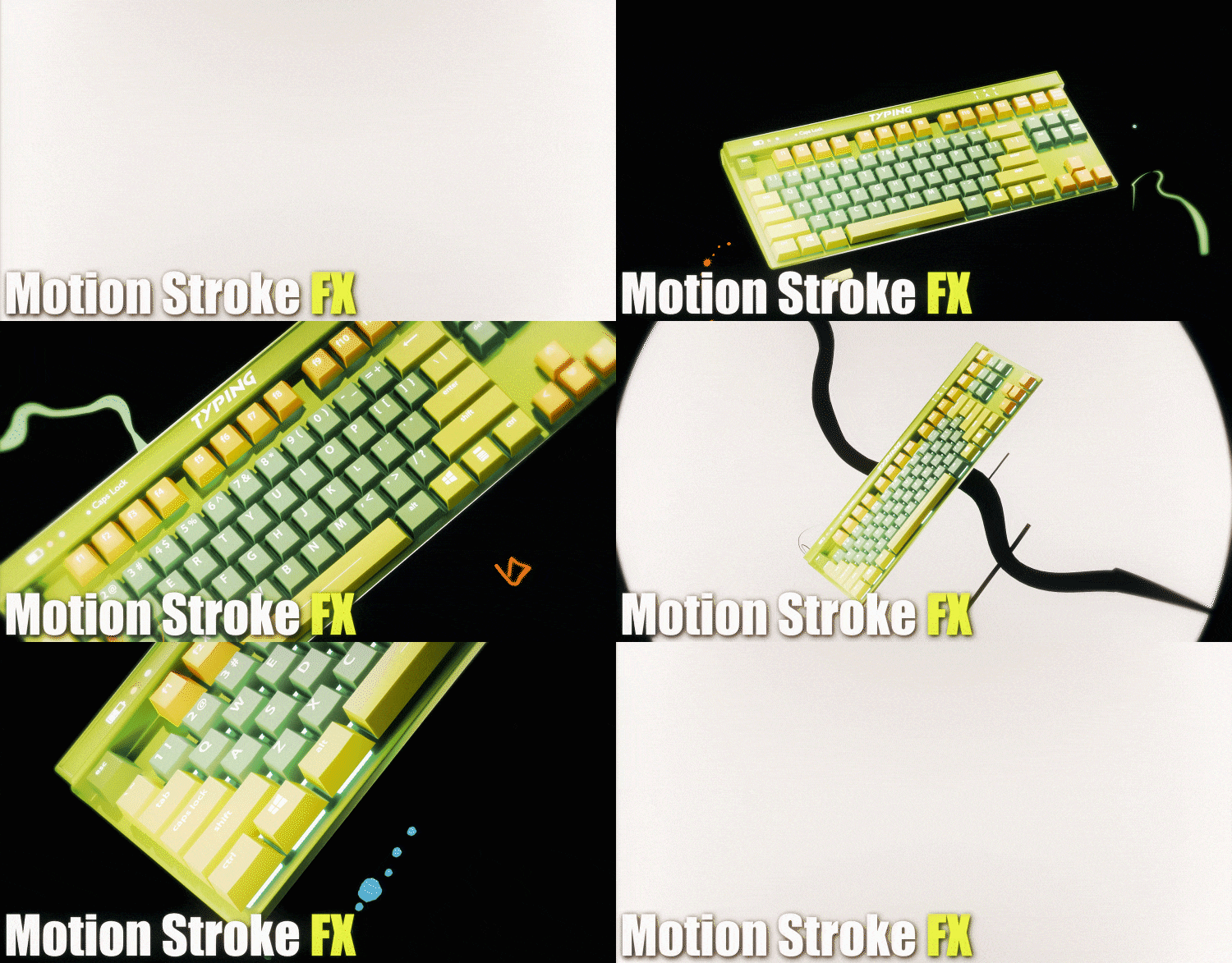
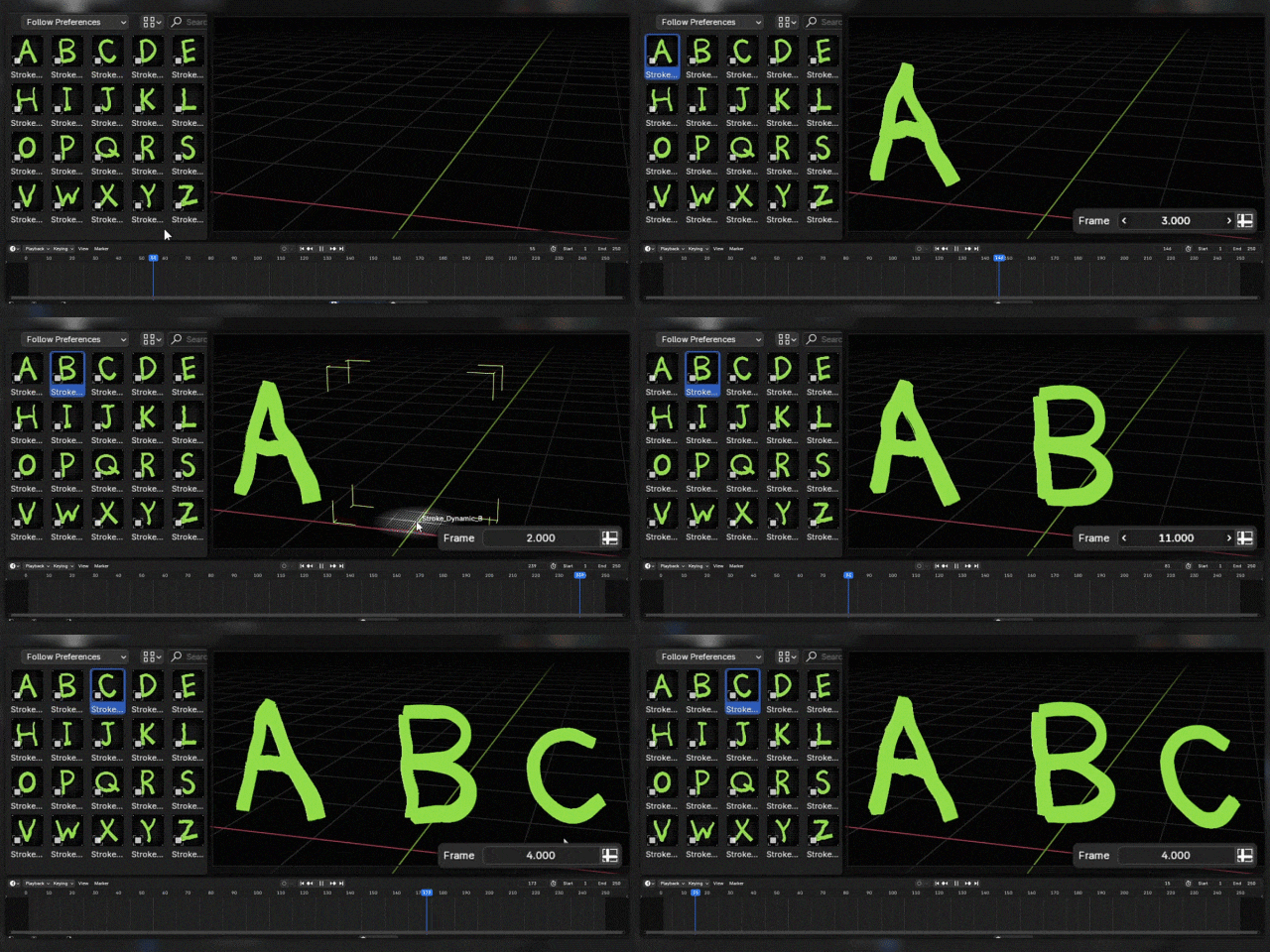
Motion Stroke FX is an assets library that lets you create dynamic, animated line effects in a doodle style with just a few simple curves.
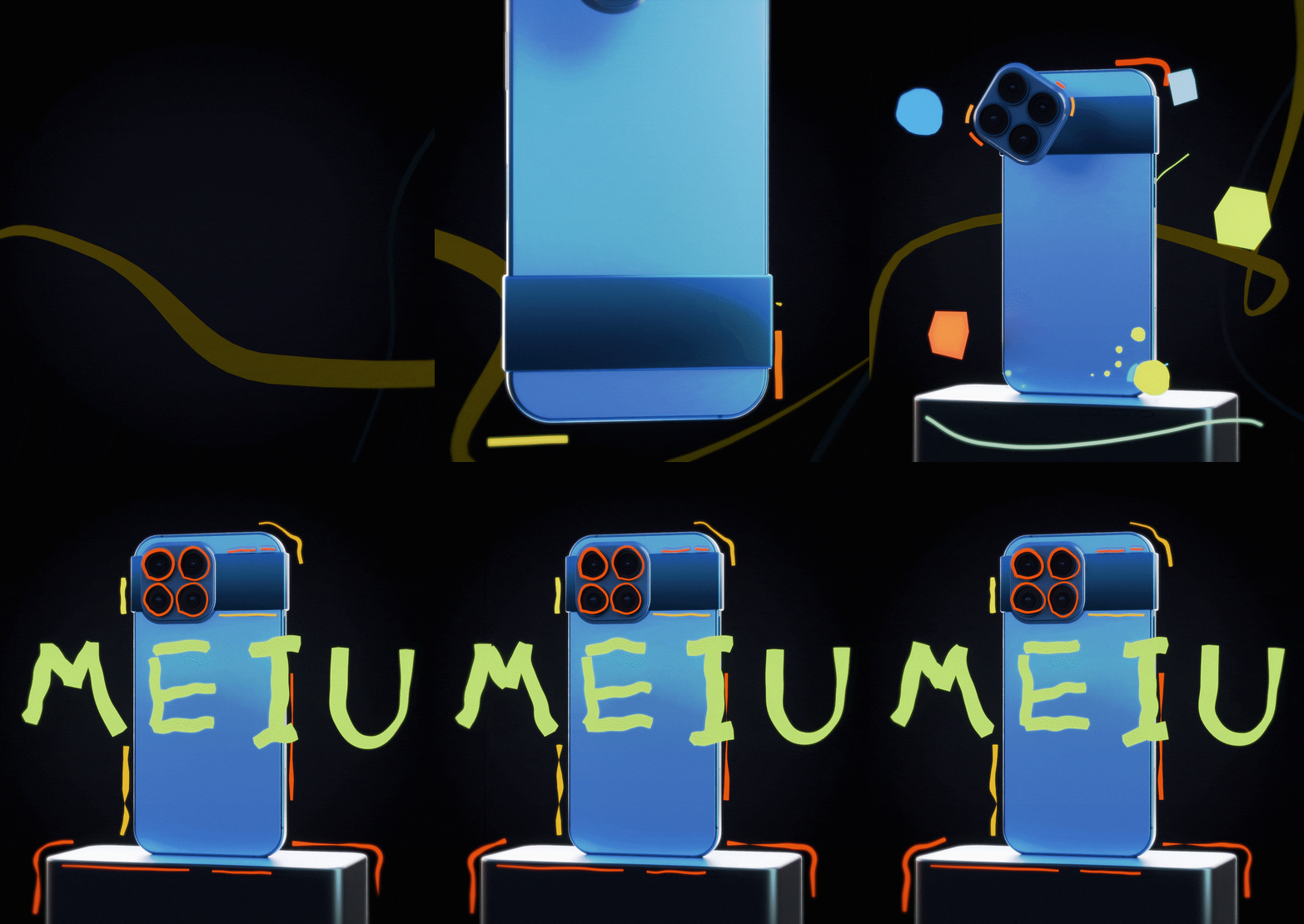
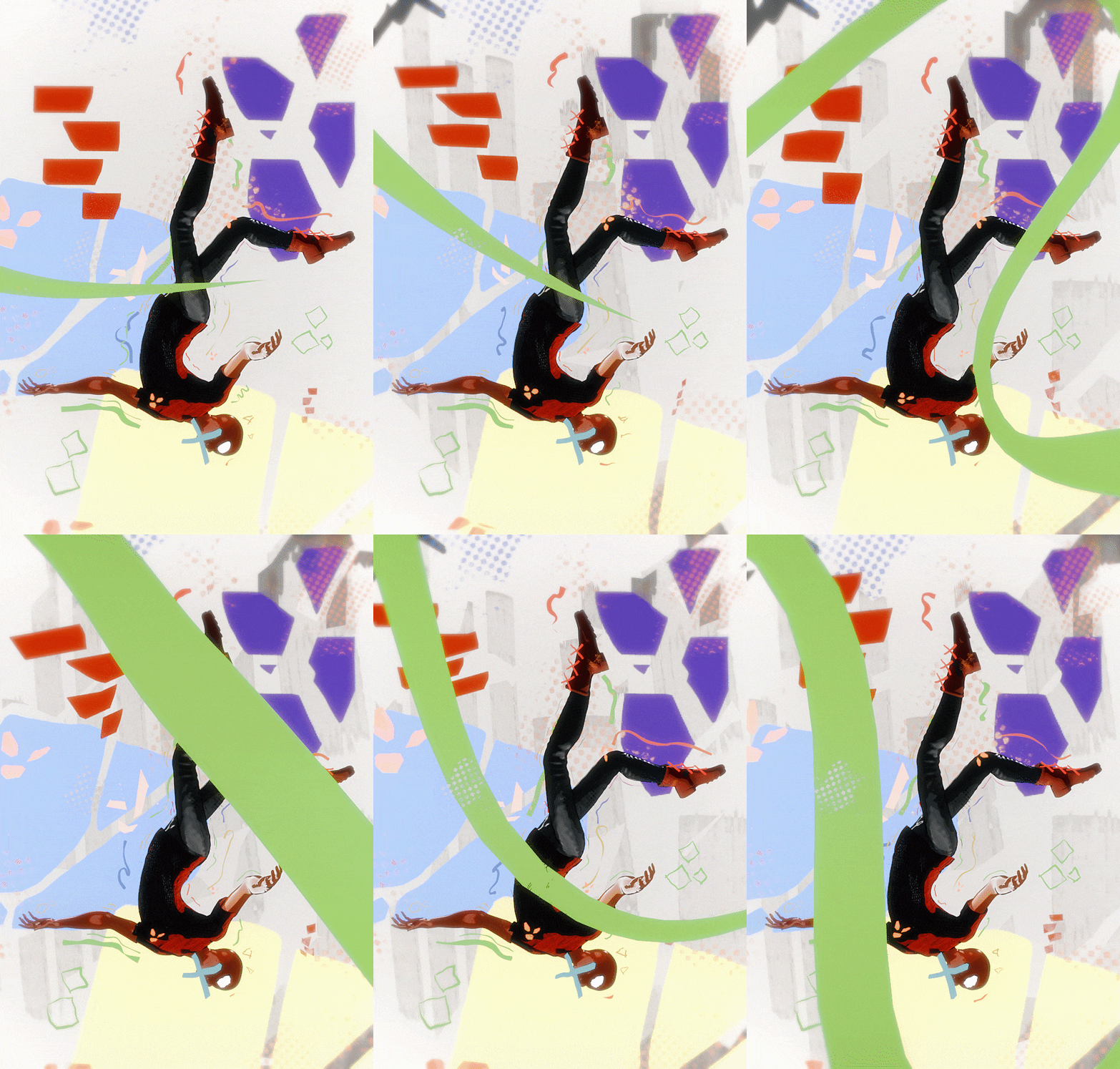

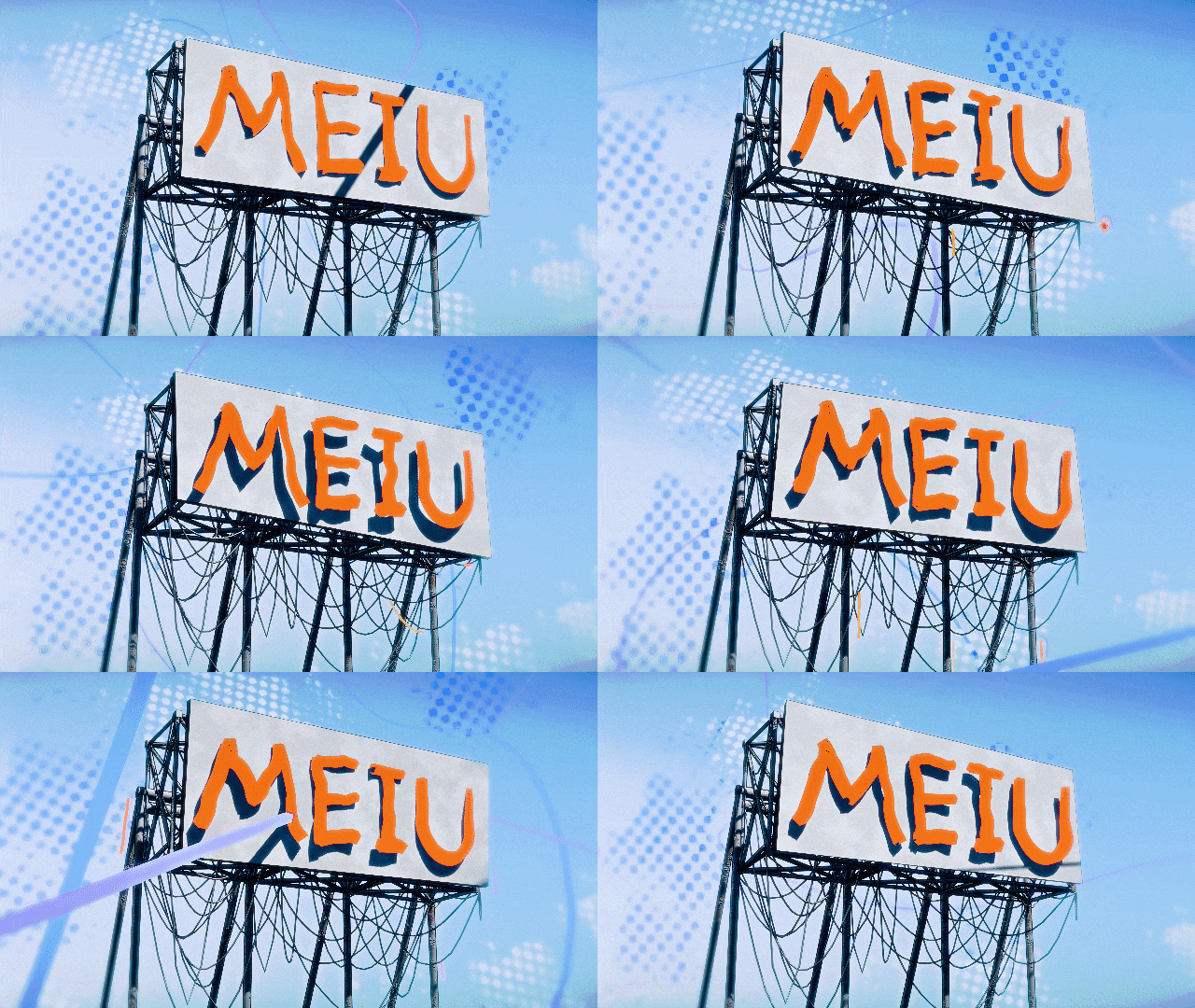
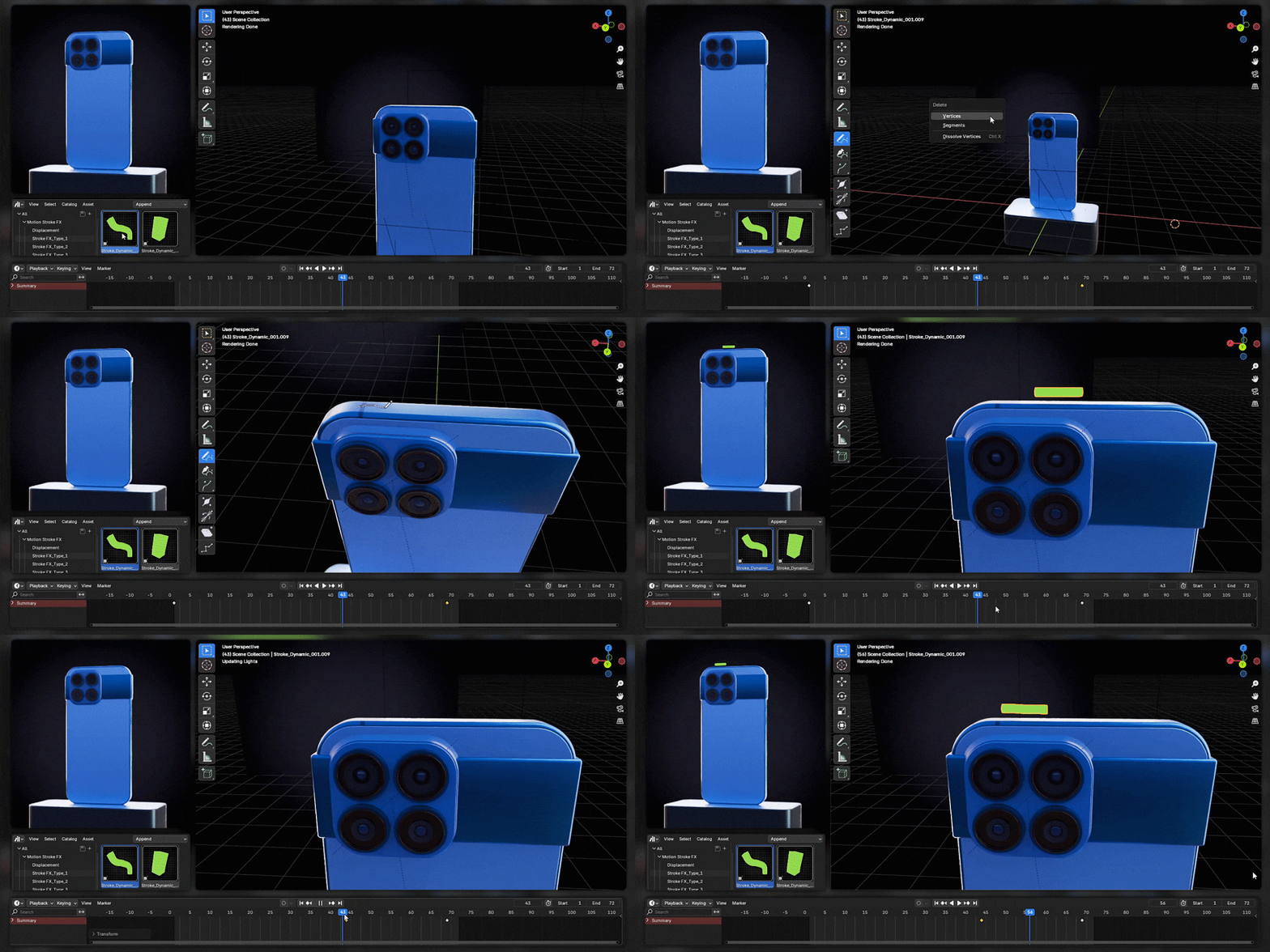
Drag it into the scene, then draw!
Adjust the keyframes, and then play the animation!
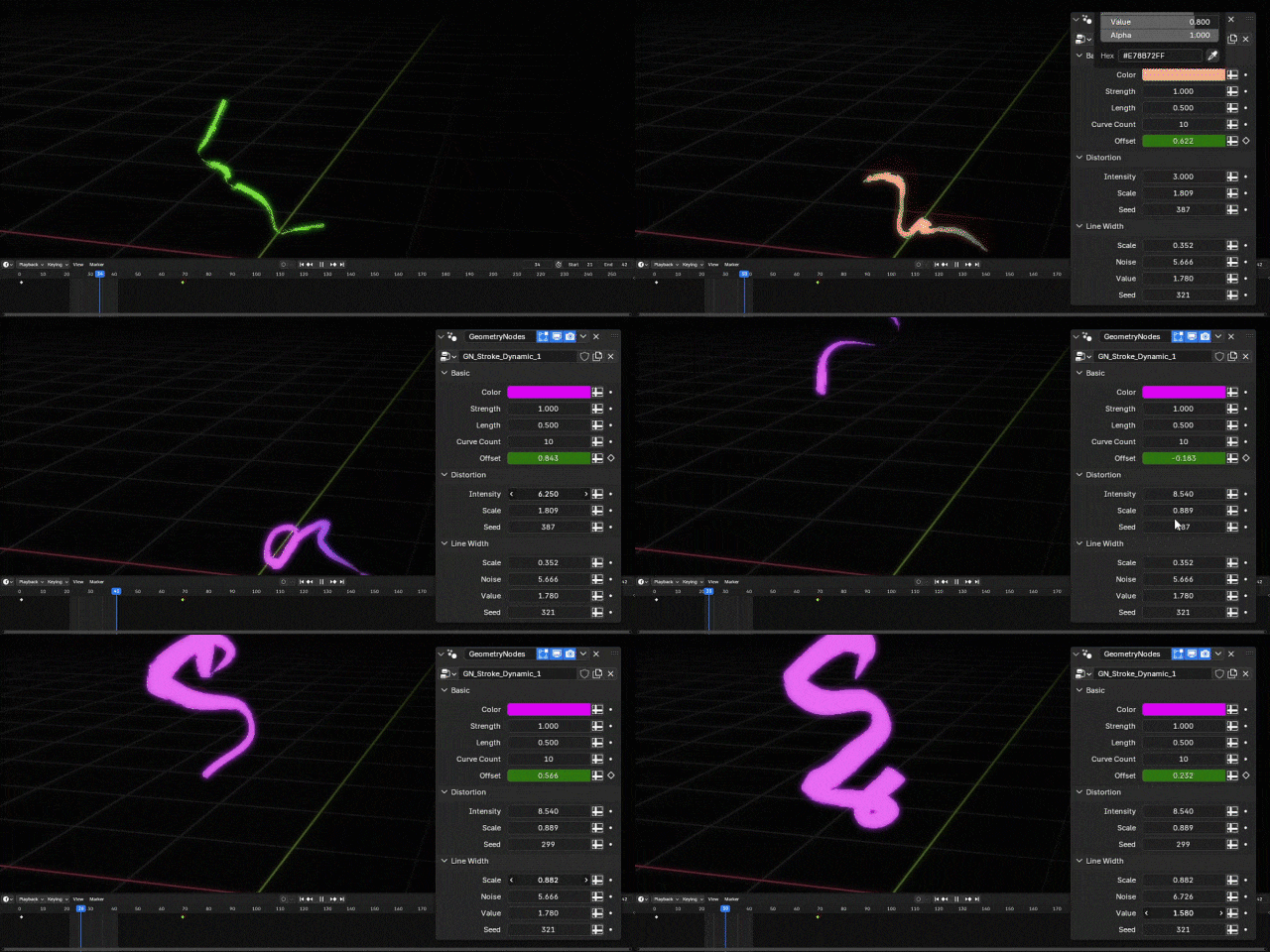
Highly Customizable Line Effects
Simply adjust the values in the modifier to achieve a unique effect.
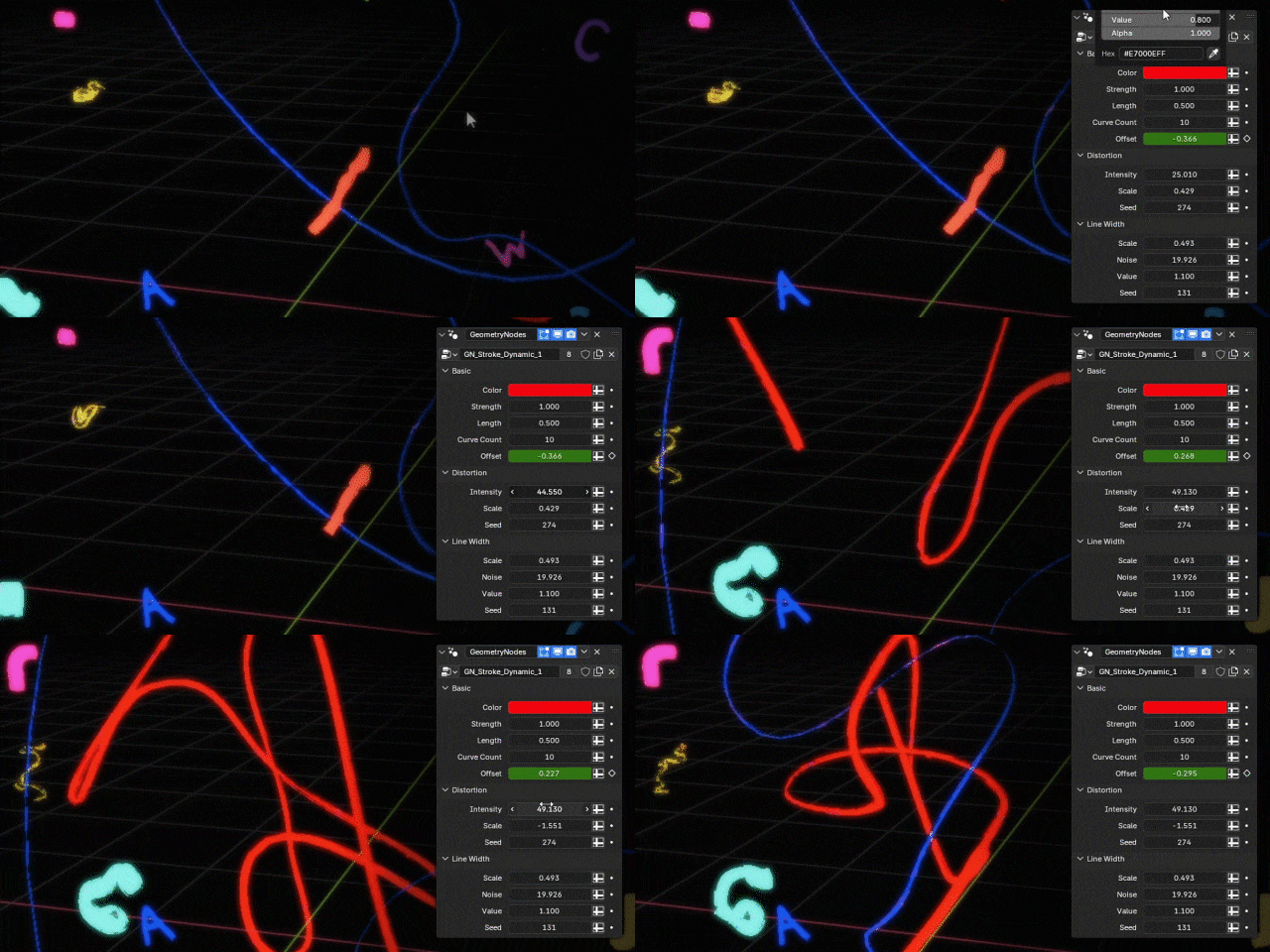
Visual Effects at Different Frame Rates
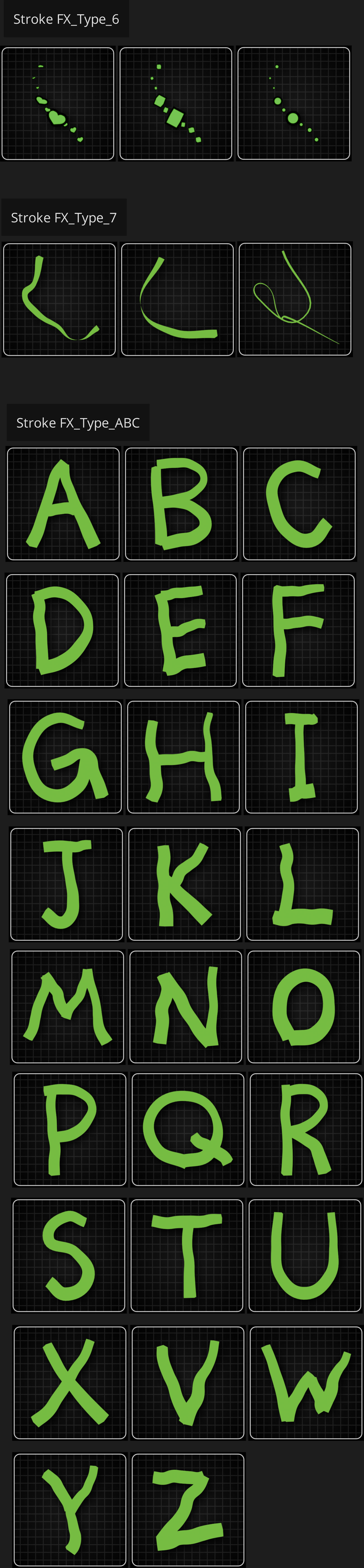
In the Asset Browser, Type_7 and Type_ABC allow you to adjust the variation in frame rates.
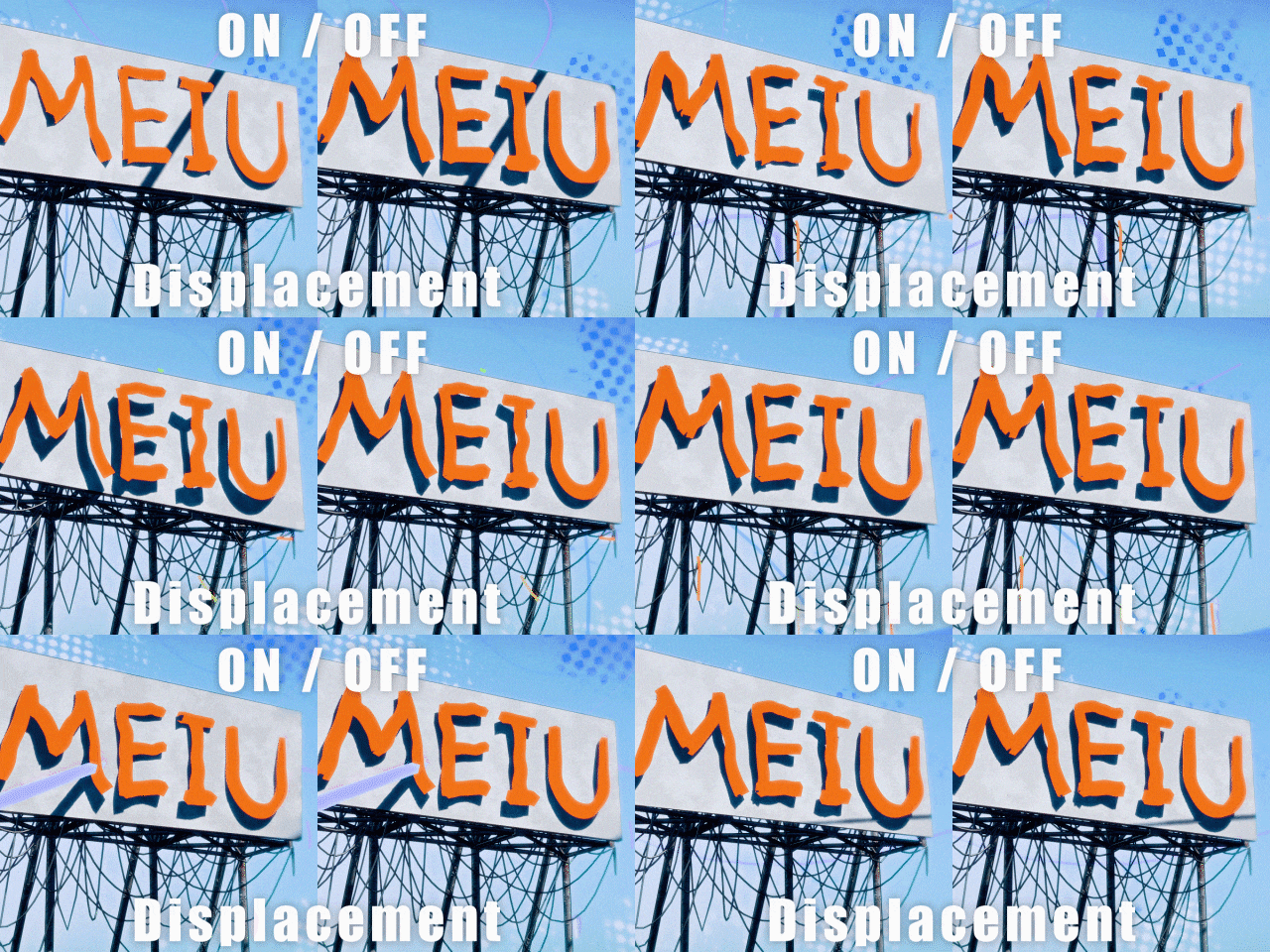
Jitter & Displacement Effects
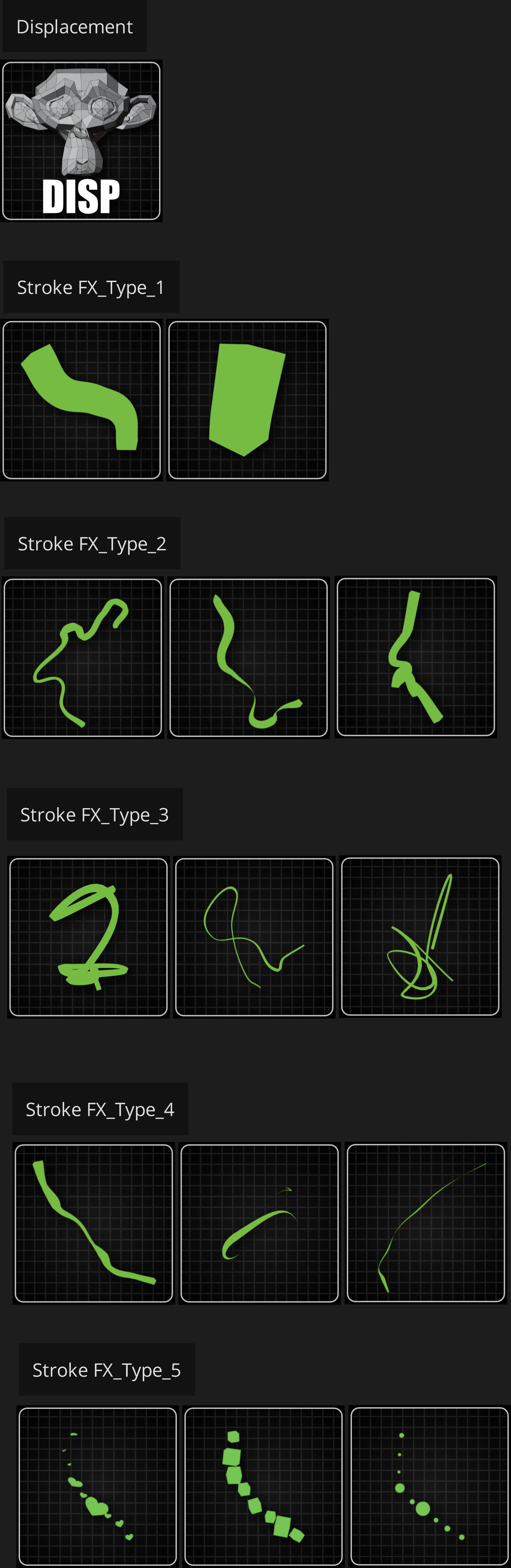
Dragging the effect into the object will result in a jitter and displacement effect similar to the lines.
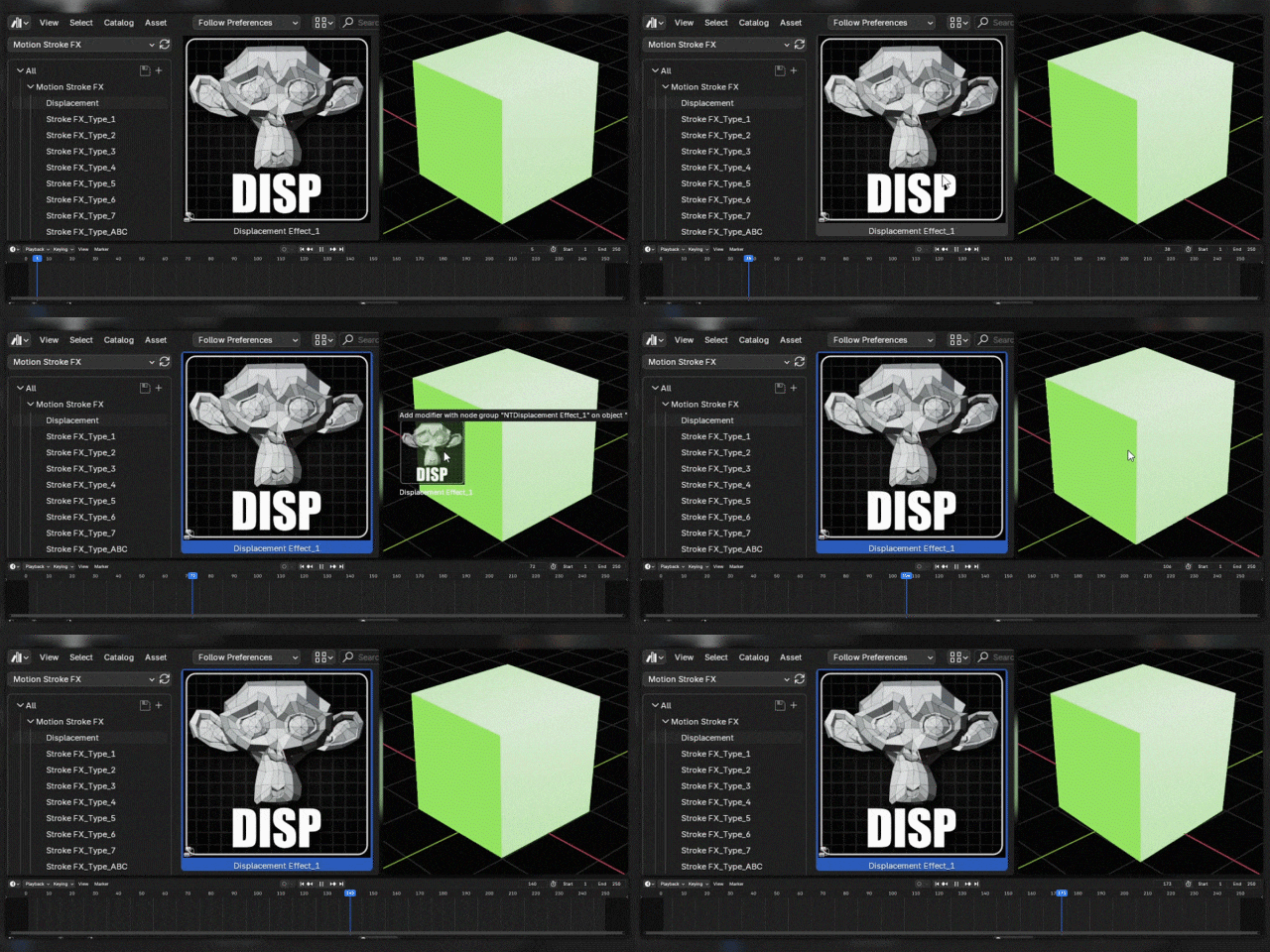
Adjusting its values can produce different jitter effects.

This product includes only the Motion Stroke.
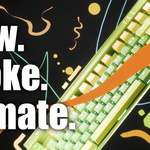
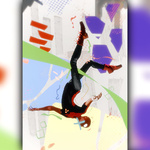
The assets showcased in the demonstration, such as phones, keyboards, and characters, are for illustrative purposes only and are not included in the product.
The assets included in this product are displayed in the “ASSETS” section below.
If you drag the asset into your scene and it doesn't display, check and adjust your timeline to ensure the animation plays correctly.
What creators say
| “Plug-and-play and super flexible. I can sketch motion ideas fast without rigging.” — Indie Animator | “Perfect for adding doodle strokes and energy to UI shots and product videos.” — Motion Designer |