Motion Stroke Fx

MeiU in Geometry Node Groups


Motion Stroke FX User Manual

Blender Doodle-Style Animated Line Assets — Complete Usage Guide

Disclaimer banner

📋 Table of Contents

  • 1. Product Overview
  • 2. Installation & Asset Library Setup
  • 3. Basic Workflow
  • 4. Included Assets
  • 5. Tips & Troubleshooting

1. Product Overview

✏️ What is Motion Stroke FX?

Motion Stroke FX is an asset library that lets you create dynamic, animated line effects in a doodle style with just a few simple curves. Drag an asset into your scene, draw along a curve, adjust keyframes, and play — no complex rigging required.

  • Plug-and-play doodle-style motion lines and speed accents
  • Highly customizable line effects via modifier parameters
  • Multiple visual styles with adjustable frame-rate variation (Type_7, Type_ABC)
  • Jitter & displacement effects for expressive, hand-drawn energy
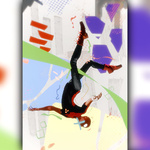
  • Ideal for product UI shots, character motion, tech/HUD animations, and action FX

📋 Product Information

  • Product Name: Motion Stroke FX for Blender
  • Author: MeiU
  • Type: Asset Library (not an add-on)
  • Access: Blender Asset Browser
  • Category: Animated line / motion stroke effects

⚠️ What's Included

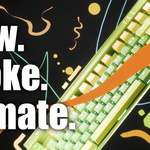
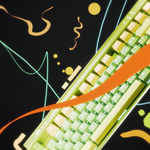
This product includes only the Motion Stroke assets. Items shown in demos — such as phones, keyboards, and characters — are for illustration purposes only and are not included. Refer to Section 4 below for the full asset list.

2. Installation & Asset Library Setup

1

Unzip the Download

Extract the downloaded zip file. You should see a folder named Motion Stroke FX containing the asset library files.

2

Add the Asset Library

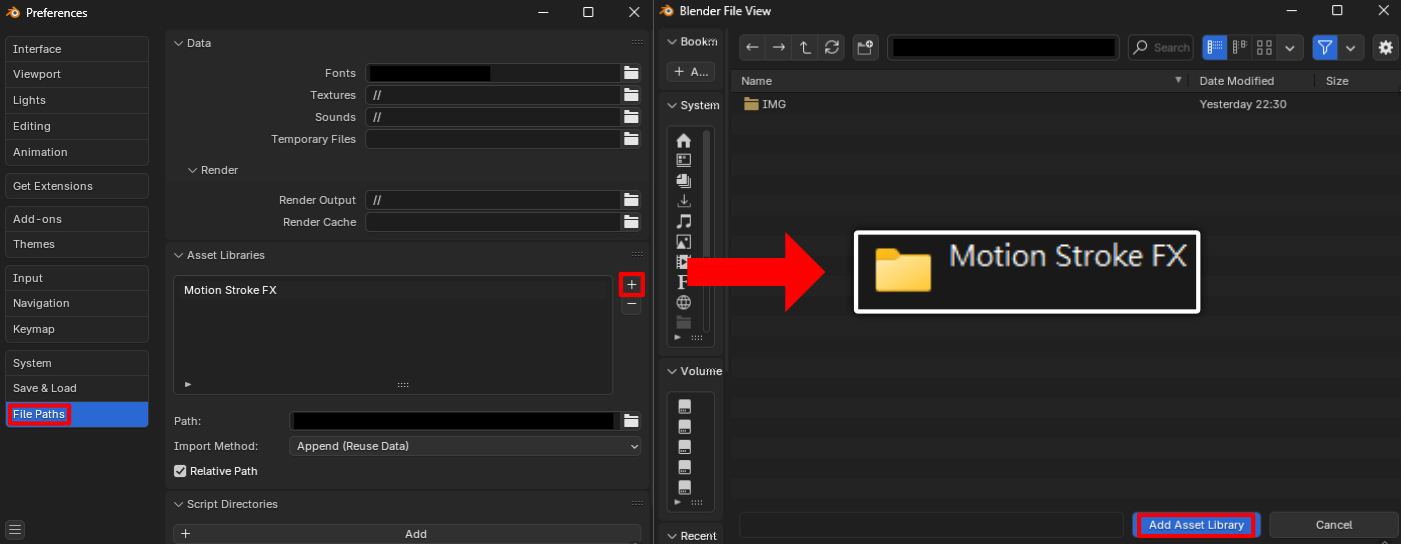
Open Preferences → File Paths, click the + button next to Asset Libraries, double-click on the unzipped Motion Stroke FX folder, then click Add Asset Library.

Add Asset Library step 1 Add Asset Library step 2
3

Set Import Method to Append

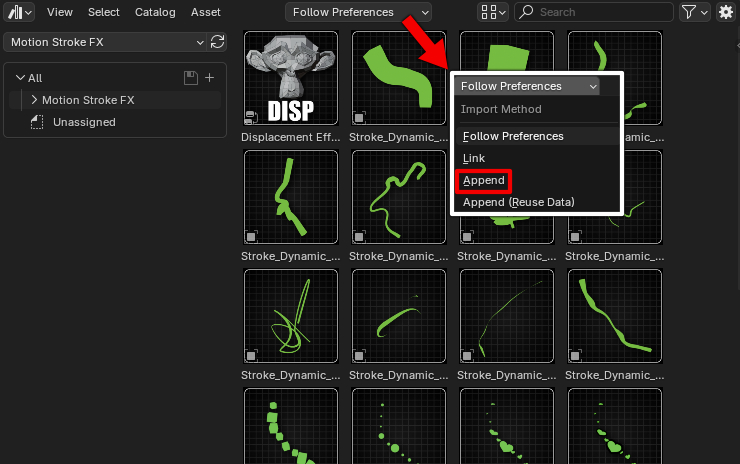
In the Asset Browser, change the default Follow Preferences to Append. This ensures assets are correctly linked into your scene.

Set import method to Append

3. Basic Workflow

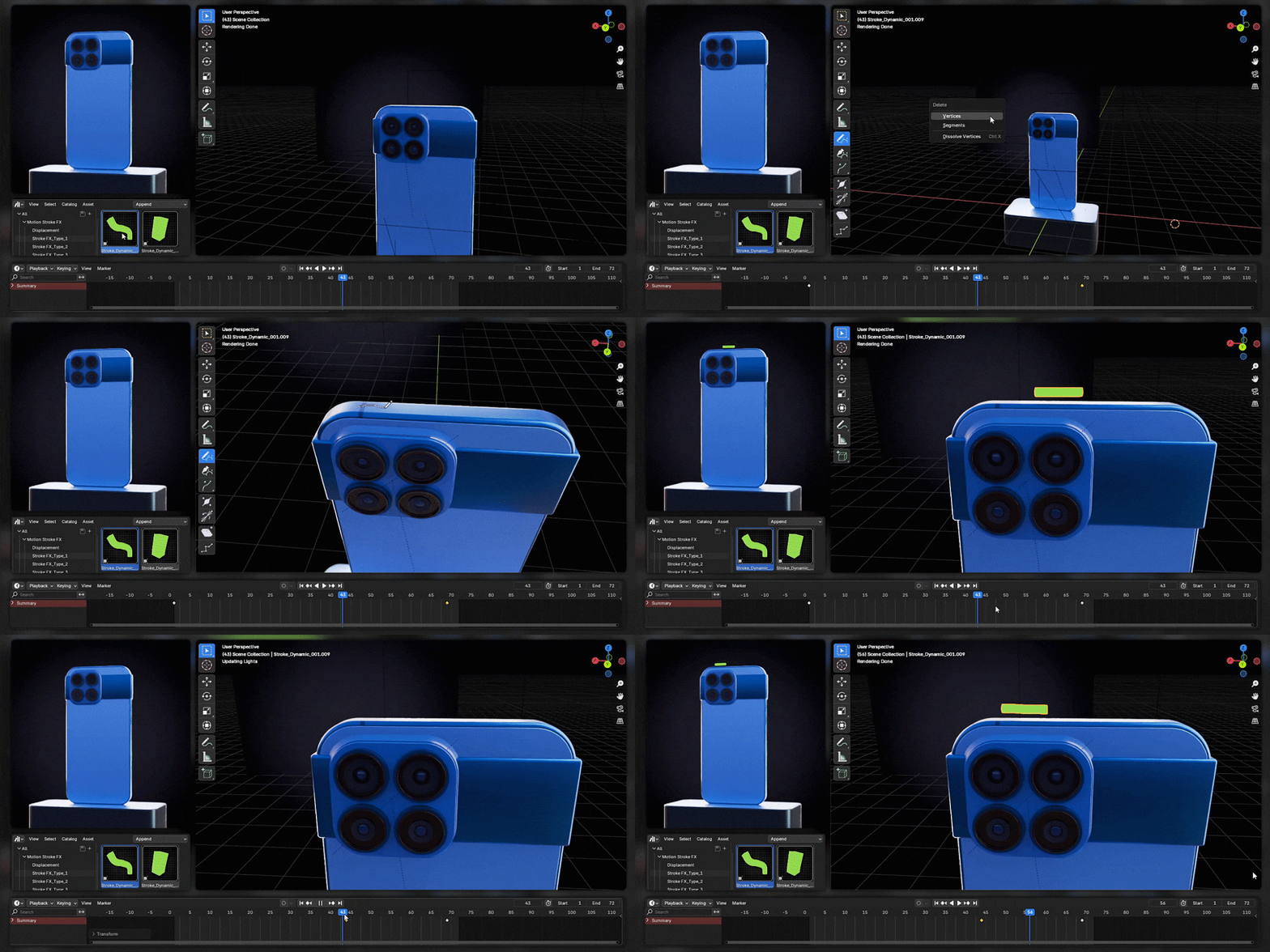
Open the Asset Browser, select the Motion Stroke FX library, drag an asset into your scene, draw along a curve, adjust keyframes, and play the animation.

1

Open the Asset Browser

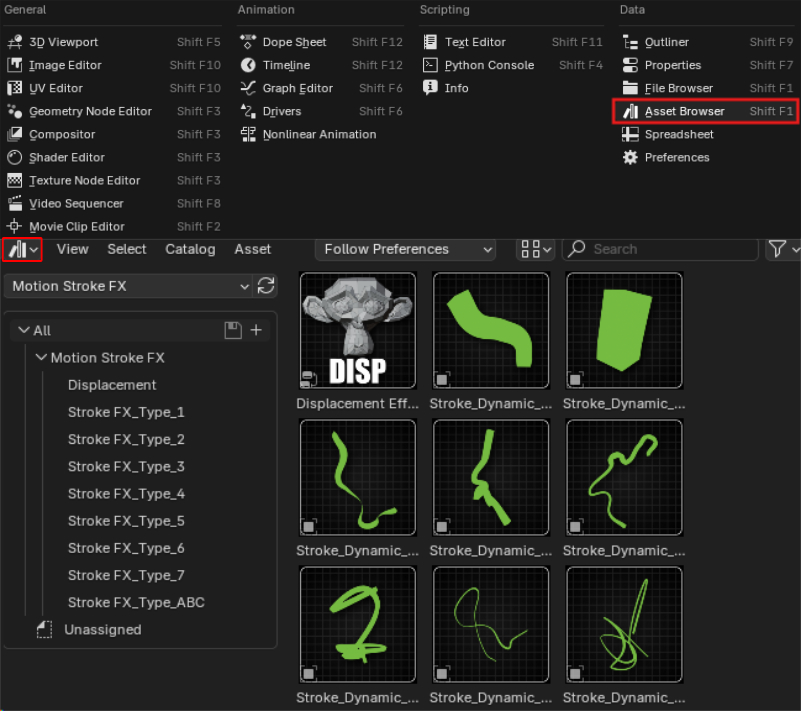
Switch to the Asset Browser editor and select the Motion Stroke FX library from the library dropdown.

2

Drag into the Scene & Draw

Drag your chosen stroke asset into the 3D viewport, then draw your motion line along a curve path.

Drag into scene and draw
3

Adjust Keyframes & Play

Fine-tune the keyframes on the timeline to control timing and motion, then press Play to preview the animation.

4. Included Assets

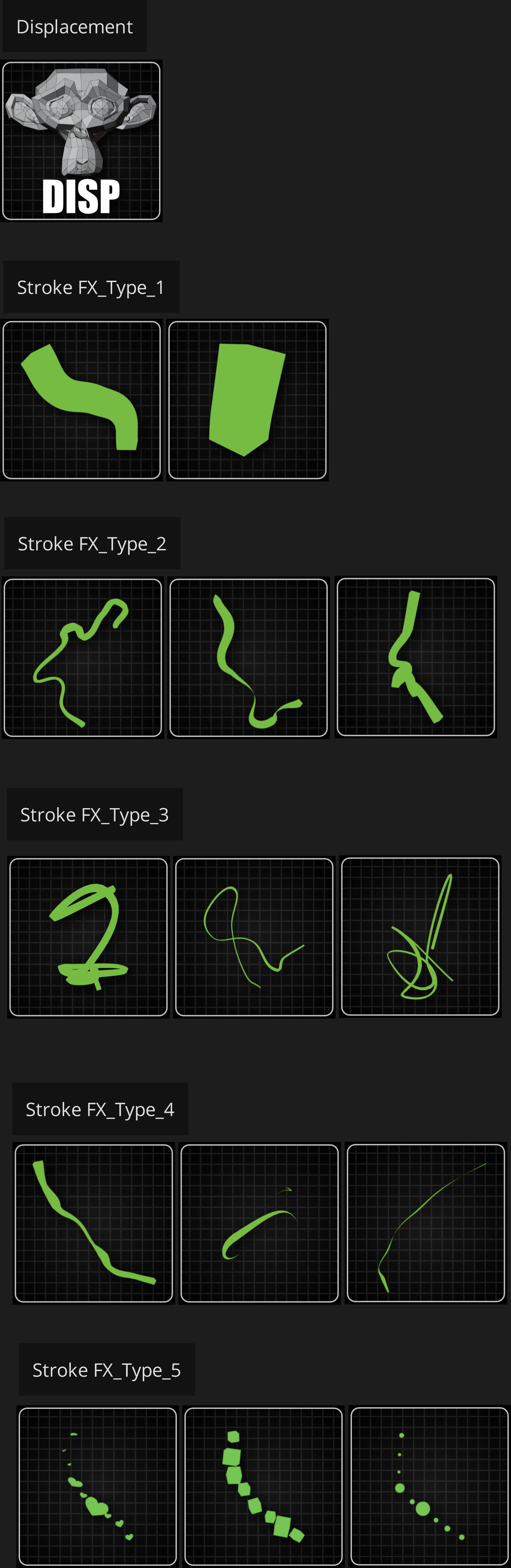
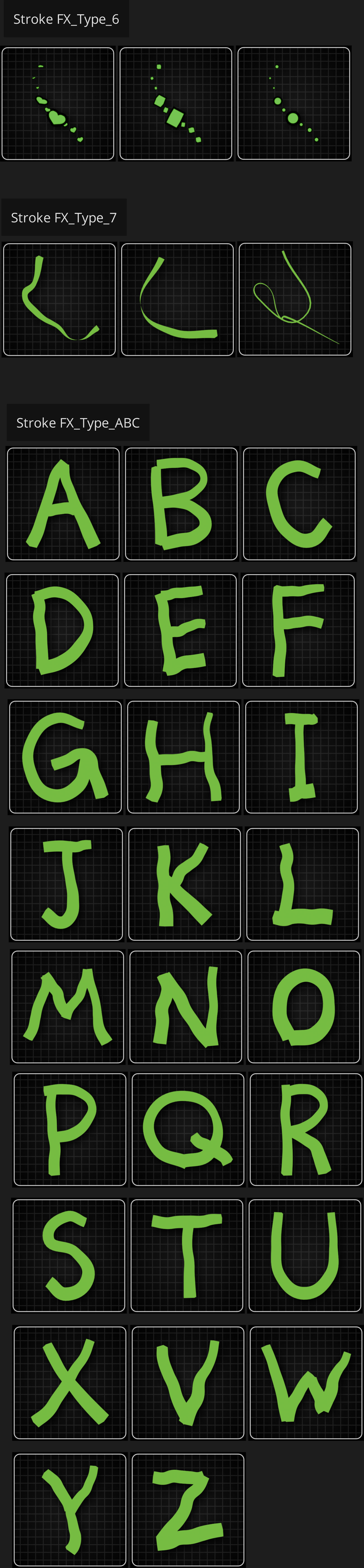
The following asset sheets show everything included in this product. Browse them in the Asset Browser under the Motion Stroke FX library.

Assets sheet 1 Assets sheet 2

5. Tips & Troubleshooting

💡 Recommended Workflow

  1. Always set the Asset Browser import method to Append before dragging assets
  2. After dragging an asset in, check the timeline to confirm keyframes are within the playback range
  3. Experiment with modifier values to find the look that fits your scene
  4. Use Type_7 and Type_ABC assets when you need frame-rate style variation
  5. Apply jitter/displacement effects separately to add hand-drawn energy to objects

❌ Common Issues

  • Asset doesn't display after dragging in: Check and adjust your timeline to ensure the animation range is visible and playing correctly
  • Library not showing in Asset Browser: Verify the folder was added in Preferences → File Paths → Asset Libraries
  • Asset behaves unexpectedly: Confirm import method is set to Append, not Follow Preferences
  • Missing demo objects (phones, characters, etc.): These are not included — only Motion Stroke assets are part of this product

❓ FAQ

What's included in Motion Stroke FX?
Only the Motion Stroke assets. Items shown in demos (e.g., phones, keyboards, characters) are for illustration and not included. Refer to Section 4 for the full asset list.

I dragged an asset in but it doesn't show. What should I do?
Check your timeline and keyframes to ensure the animation range is visible and playing correctly.

  • Full Content.

    $7
  • Full Content. (Supports up to 10 seats) / 50%off

    $35
$7

Have questions about this product?
Login to message

Details
Sales 100+
Dev Fund Contributor
Published about 1 year ago
Blender Version 4.2 - 4.5
Render Engine Used Cycles, Eevee
License Royalty Free
Discover more products like this

stroke Motion Stroke FX motion line