liuran
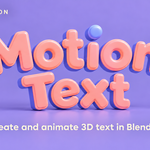
Motion Text
Create and animate 3D text in Blender.
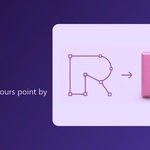
Build editable 3D titles, layer character effects, and shape letters along curves. Add spring and jitter, and edit outlines point by point.
Overview:
Feathers:
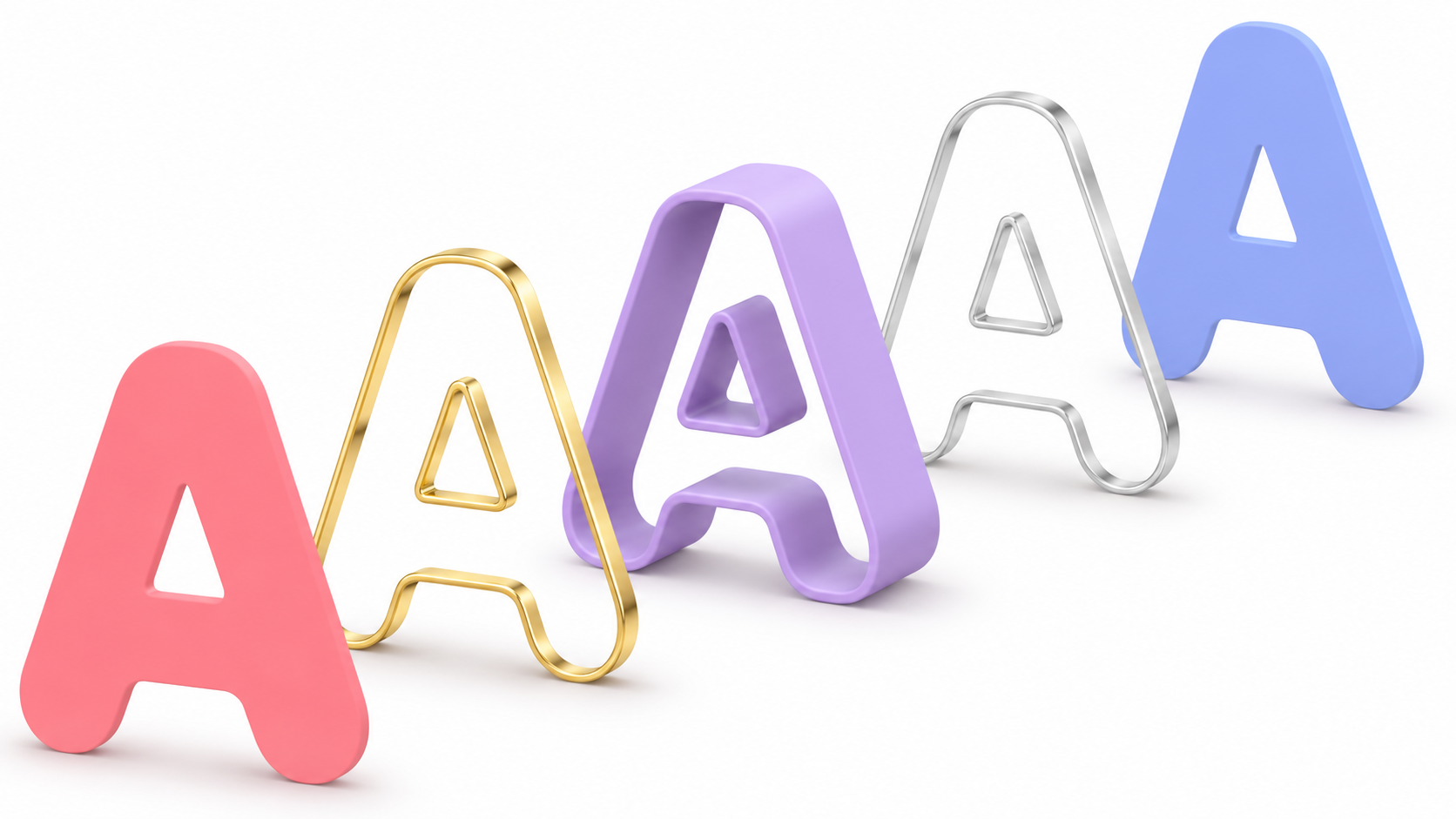
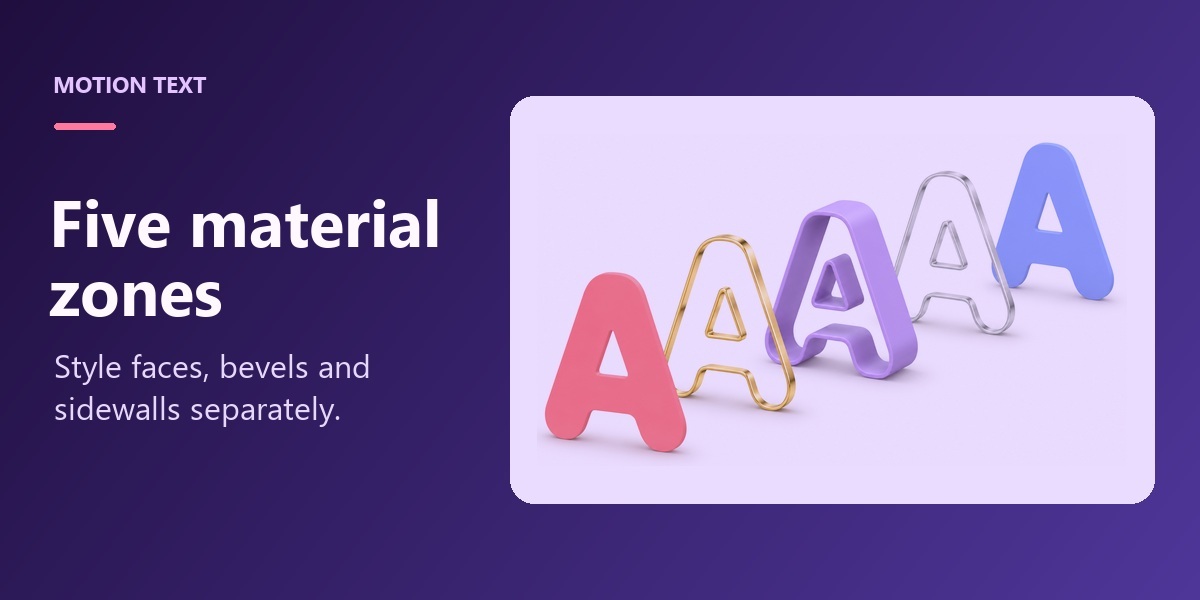
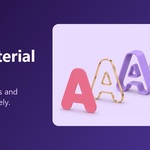
Five material zonesAssign separate materials to the front cap, front bevel, side, back bevel, and back cap. |
|
|
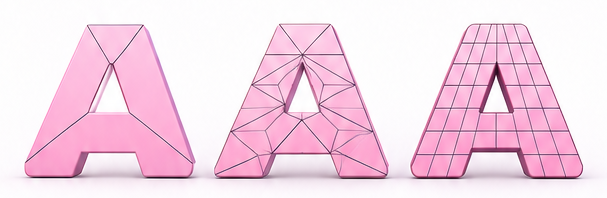
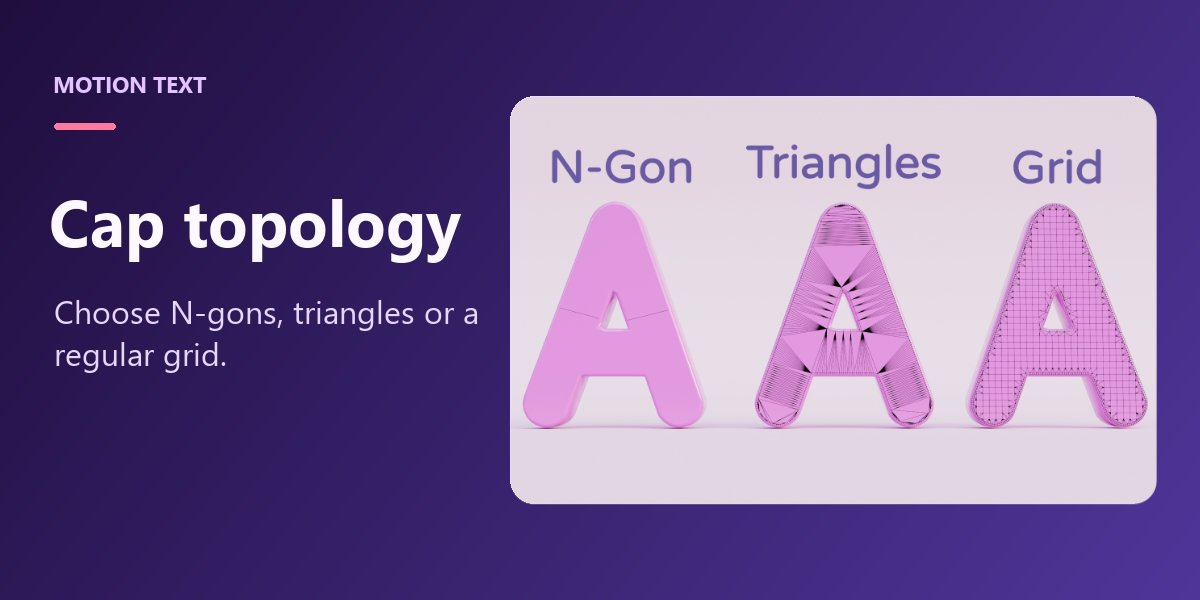
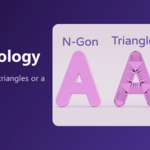
Cap topology optionsChoose how the front and back faces are built, from N-gons to regular grids. |
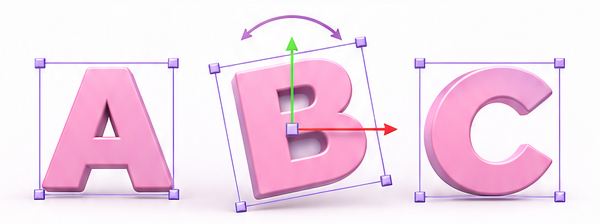
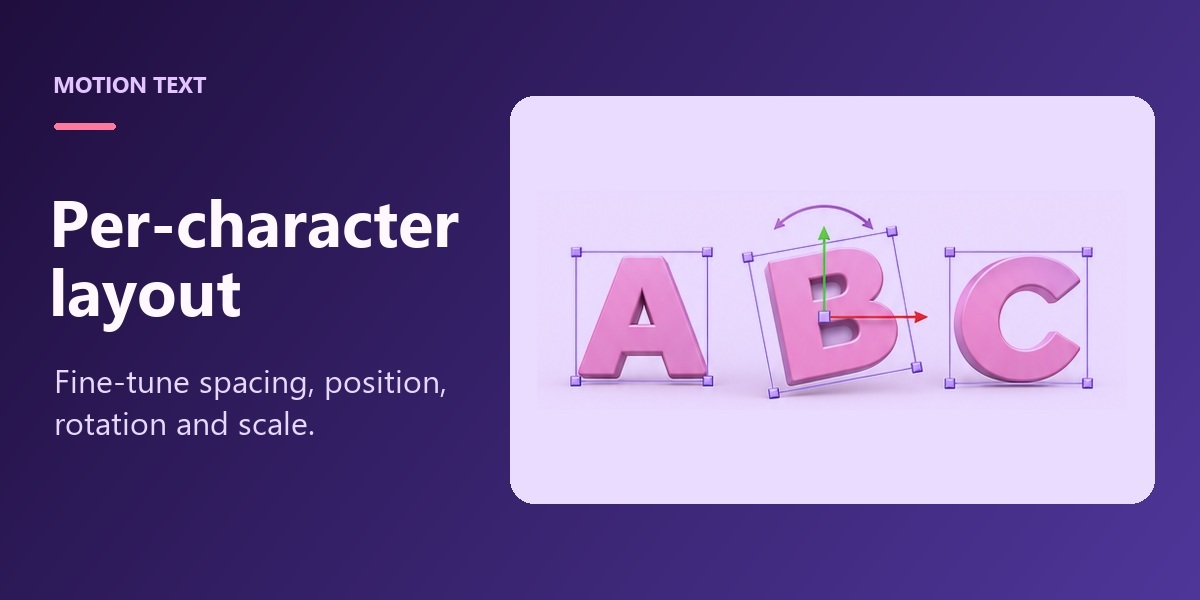
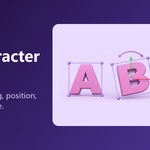
Per-character layoutUse viewport handles to adjust each letter’s spacing, position, rotation, and scale. |
|
|
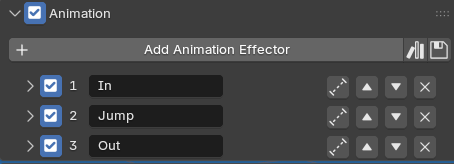
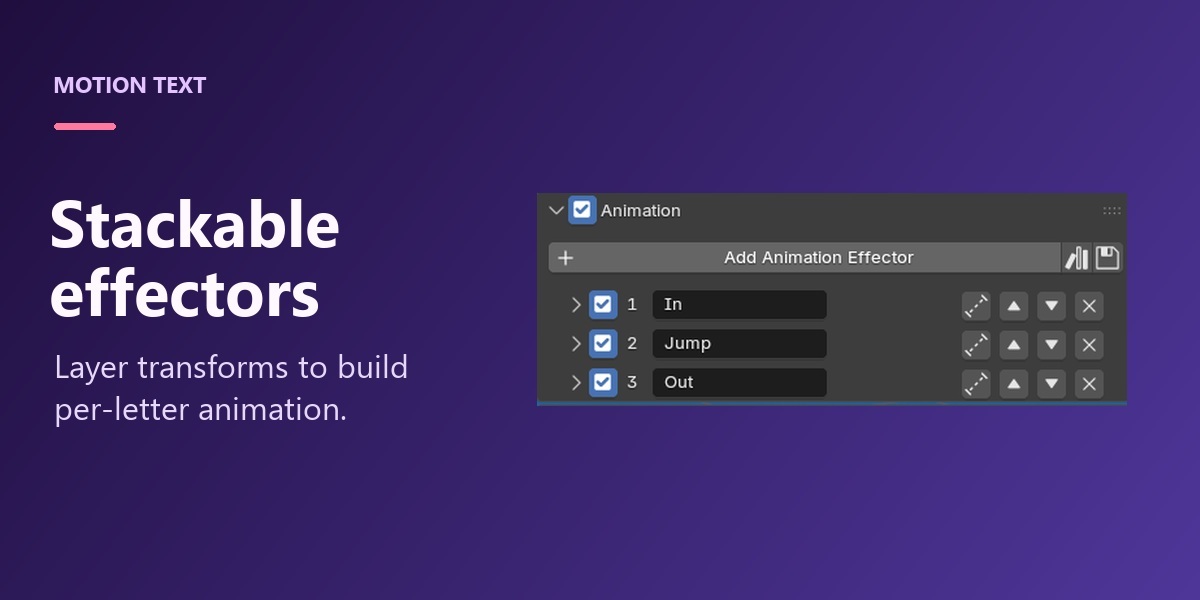
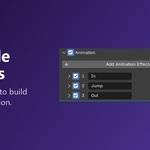
Stackable animation effectorsLayer position, rotation, and scale effects to build motion graphics with type. |
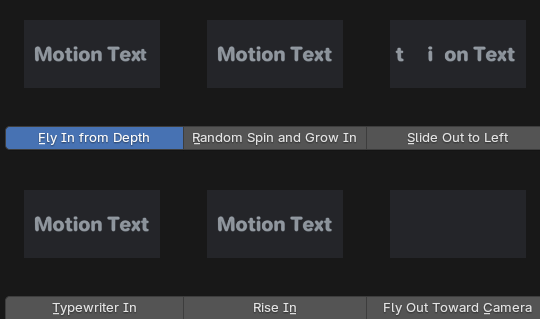
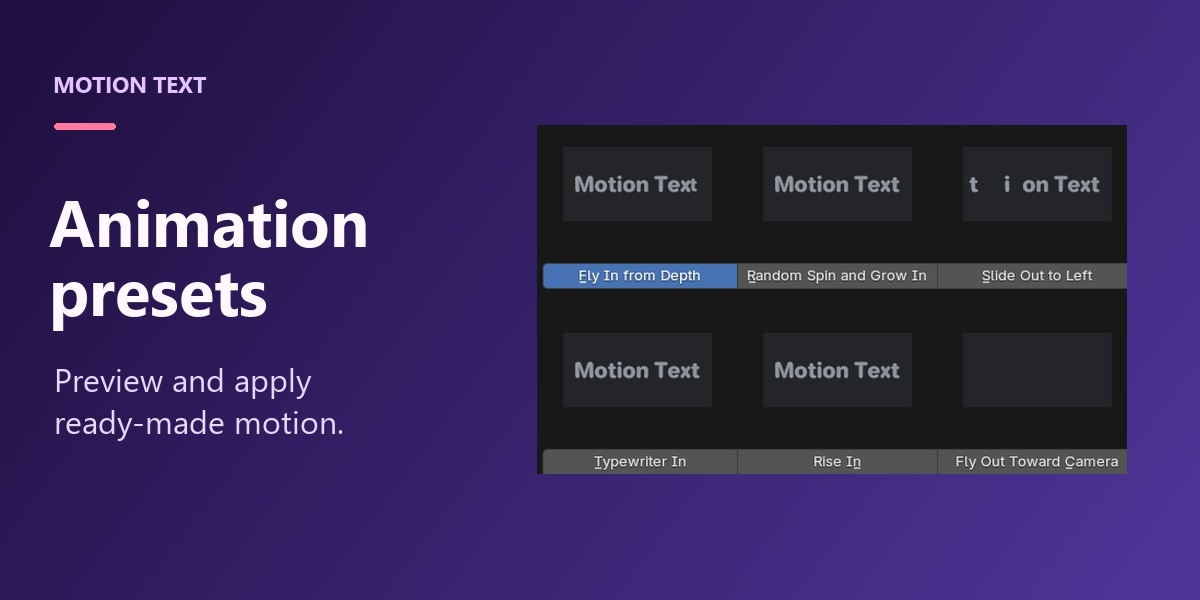
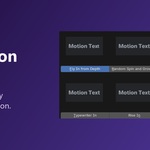
One-click presetsPreview an animation, apply it, and adjust it to suit your title. |
|
|
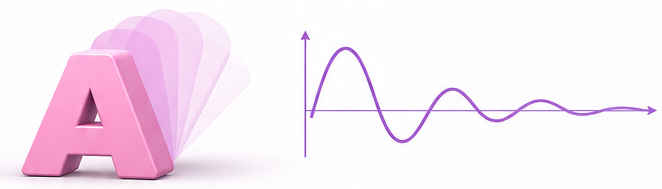
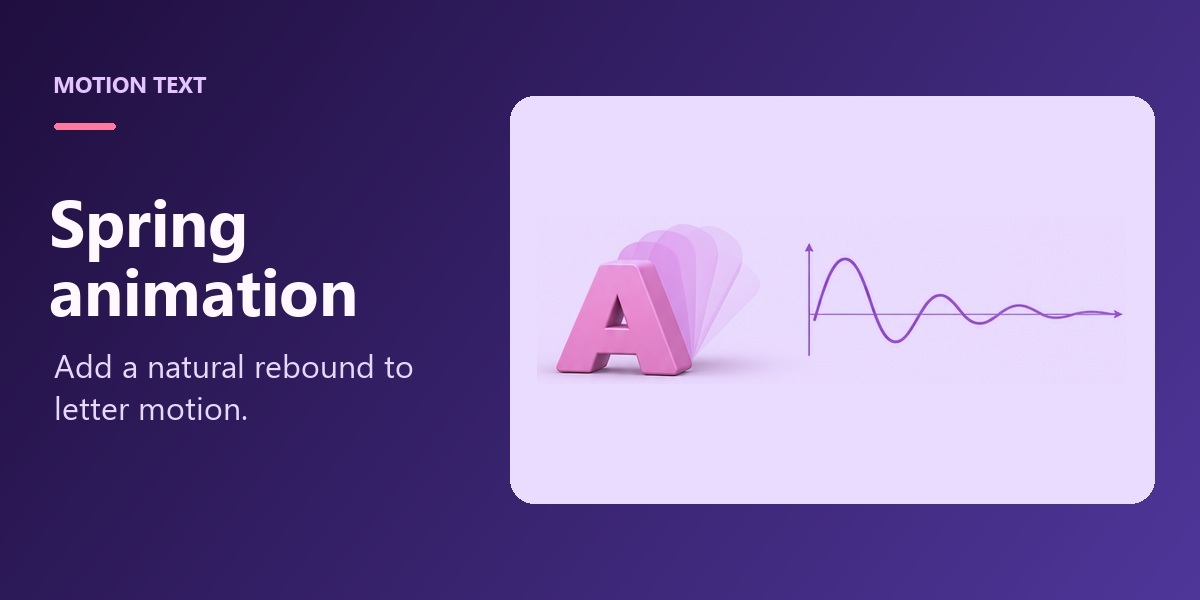
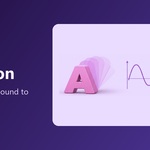
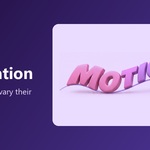
Spring animationEnable spring response to give letters a lively rebound. |
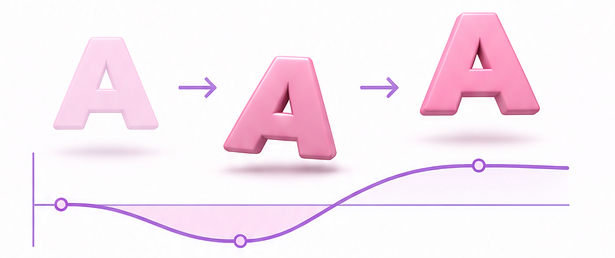
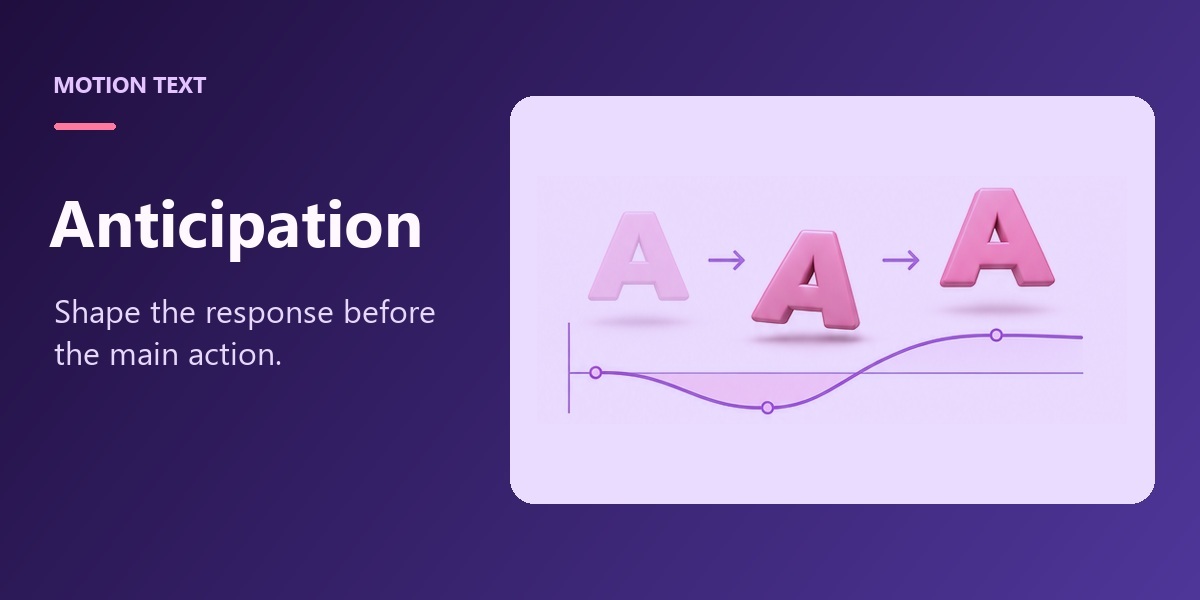
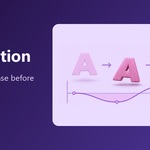
AnticipationShape the response curve so letters briefly move the other way before the main action. |
|
|
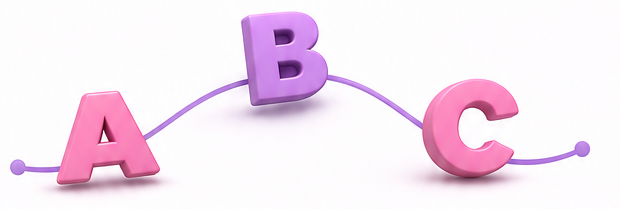
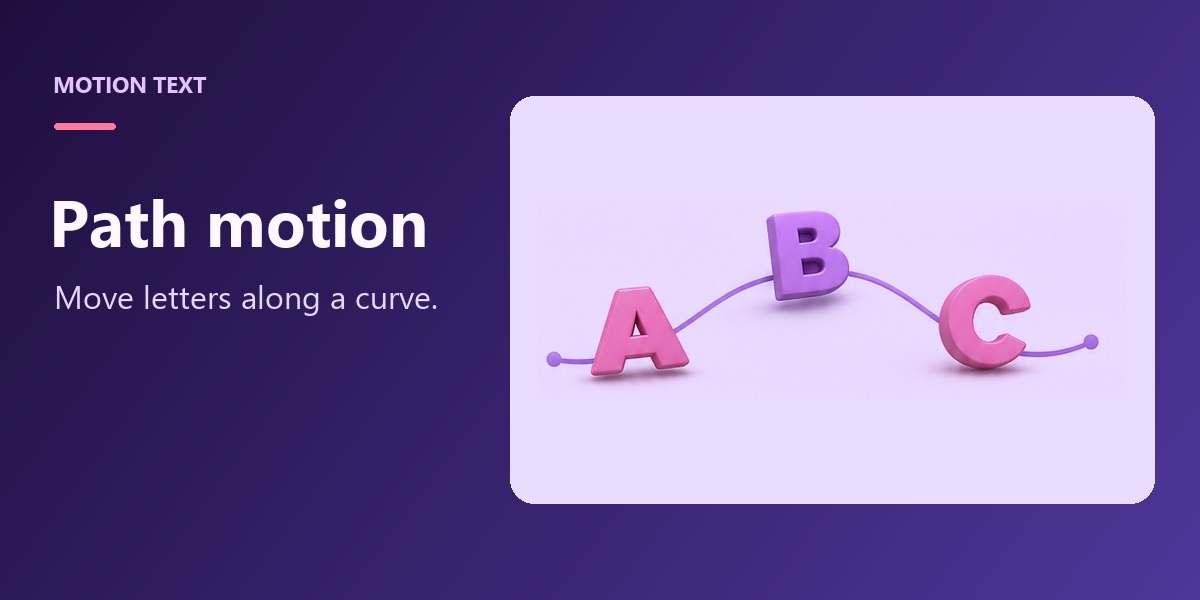
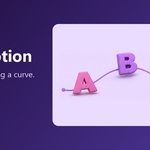
Path motionMove letters along a curve while keeping their shapes rigid. |
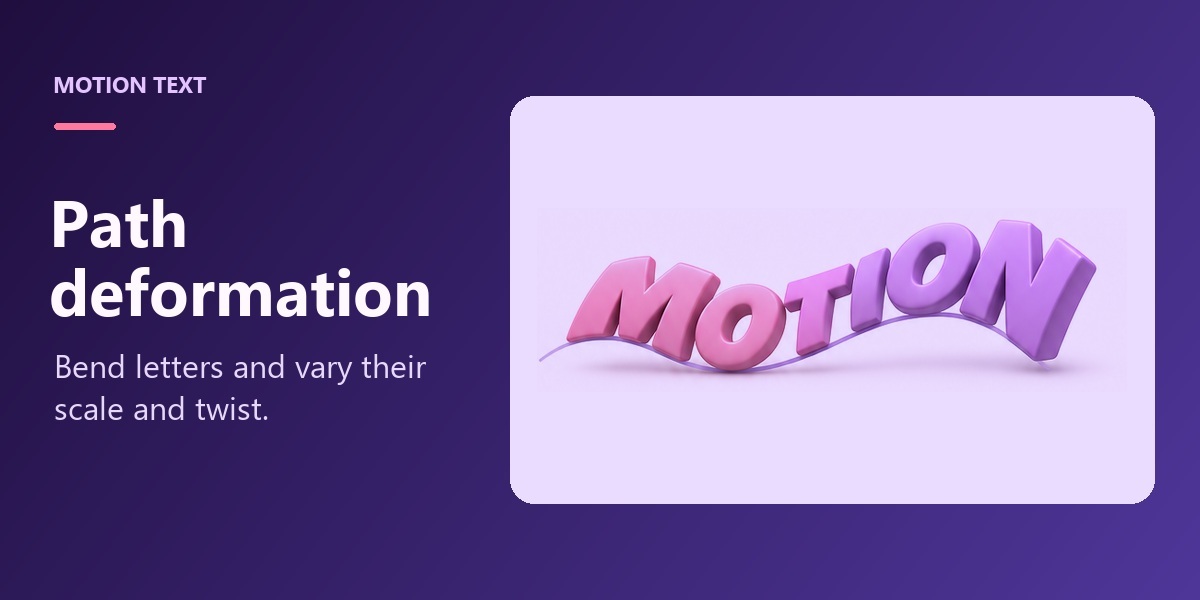
Path deformationBend letter shapes along the curve and vary scale and twist along its length. |
|
|
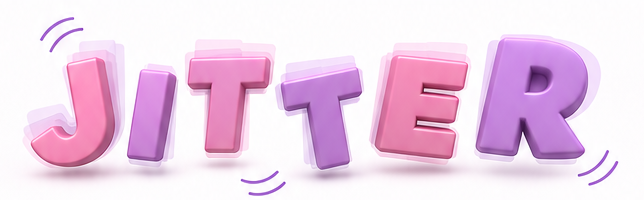
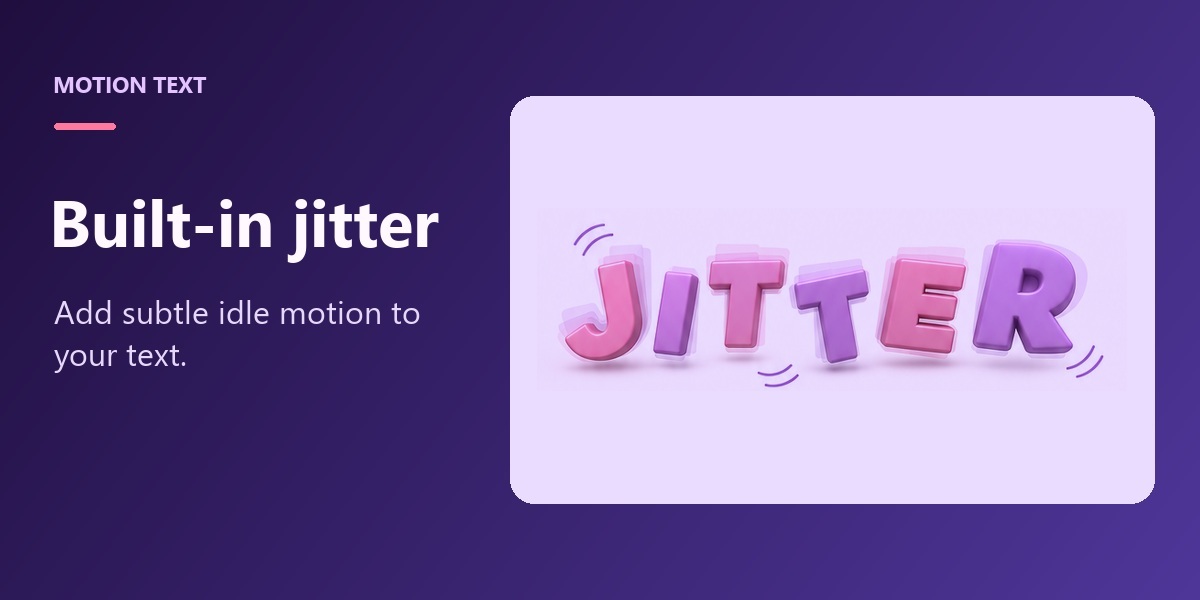
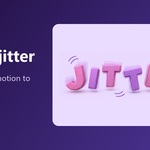
Built-in jitterAdd gentle idle motion with position, rotation, and scale variations. |
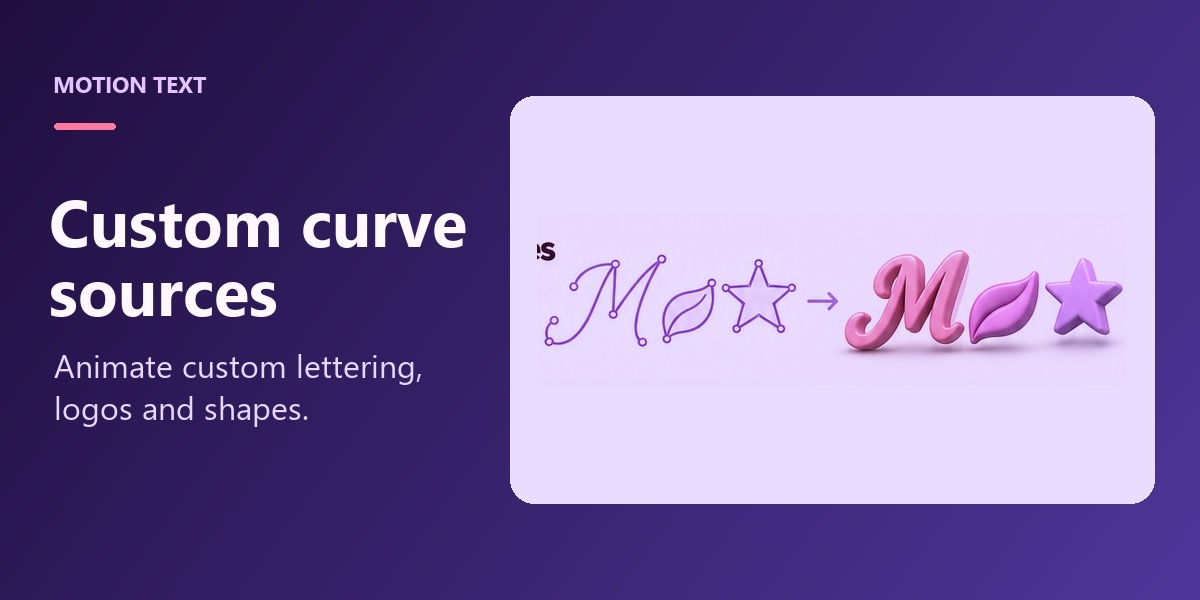
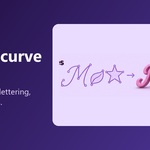
Custom curve sourcesUse curve collections to animate custom lettering, logos, and shapes. |
|
|
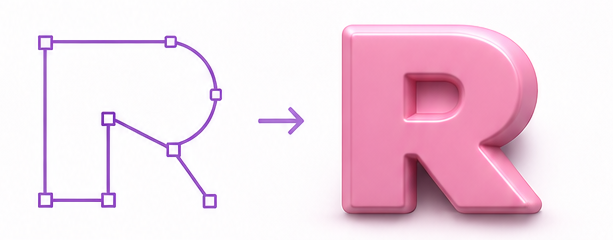
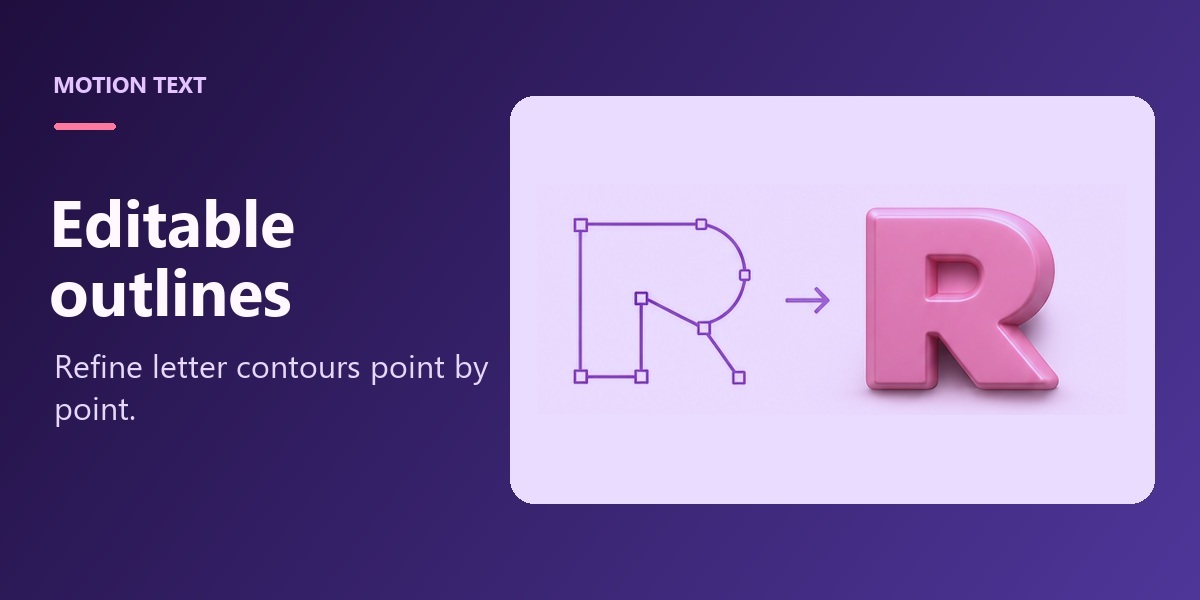
Editable text outlinesConvert text to editable outlines and refine troublesome corners before extrusion and beveling. |