 liuran






Getting Started with Motion Text
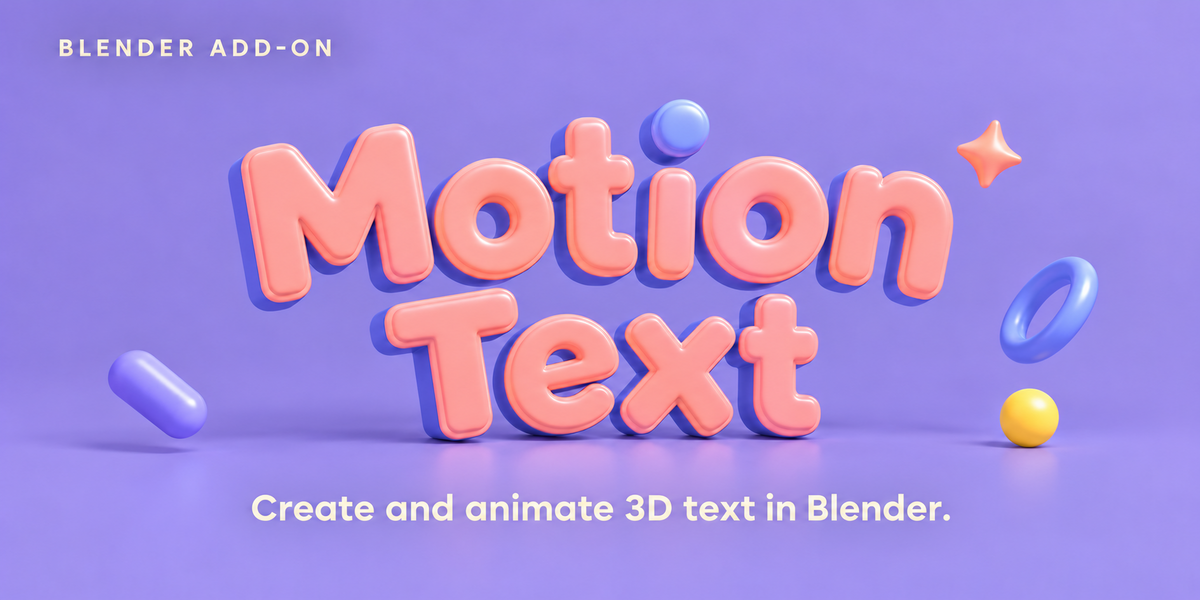
Motion Text lets you create and animate 3D typography, imported designs, model collections, and Geometry Nodes instances inside Blender.
The interface supports English and Chinese.
Compatibility
Motion Text requires Blender 5.2 or later.
Core functionality has been tested in Blender 5.2.0 LTS and the locally tested Blender 5.3.0 build. Blender 4.x, 5.0, and 5.1 are not supported.
Installation
- Download the Motion Text ZIP package.
- Drag the ZIP file directly into Blender’s 3D Viewport.
- Follow Blender’s installation prompts and enable Motion Text.
- Open the sidebar with N, then select the Motion Text tab.
Keep the installation package zipped when dragging it into Blender.
Create Your First Text Animation
- Click Create from Text.
- Enter your text and choose a font in the Source panel.
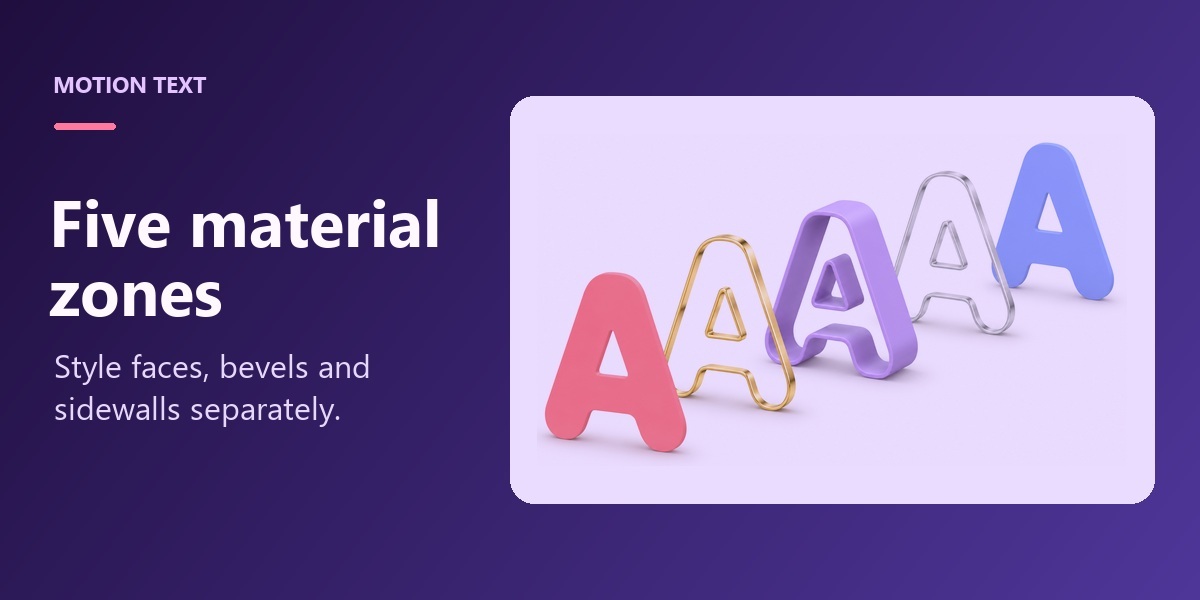
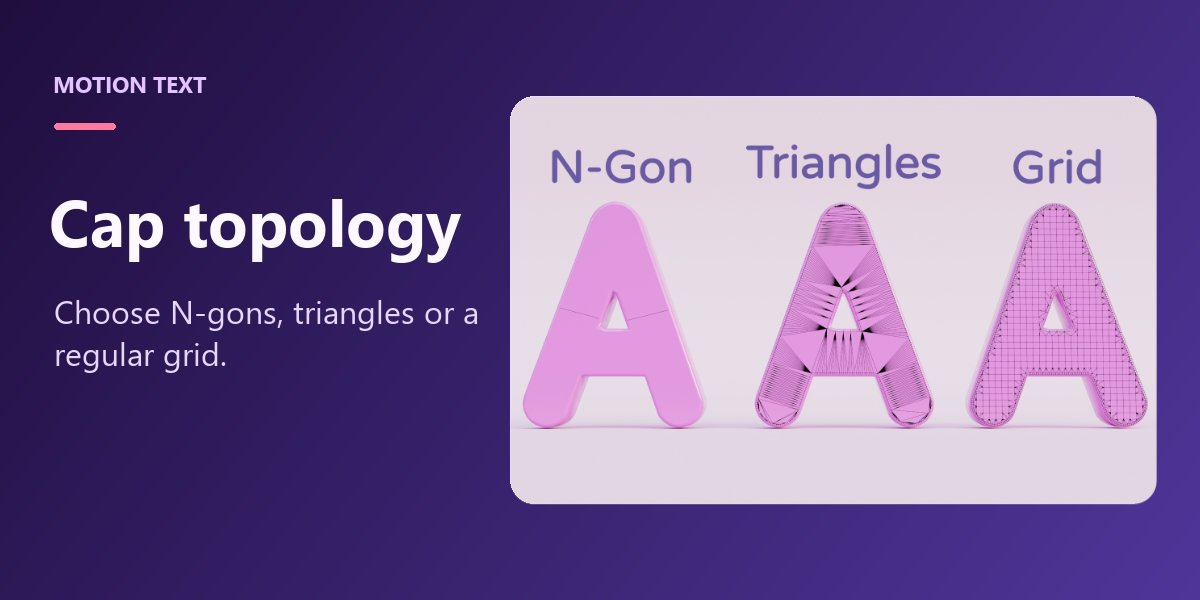
- Adjust thickness, bevels, and materials in the Extrusion panel.
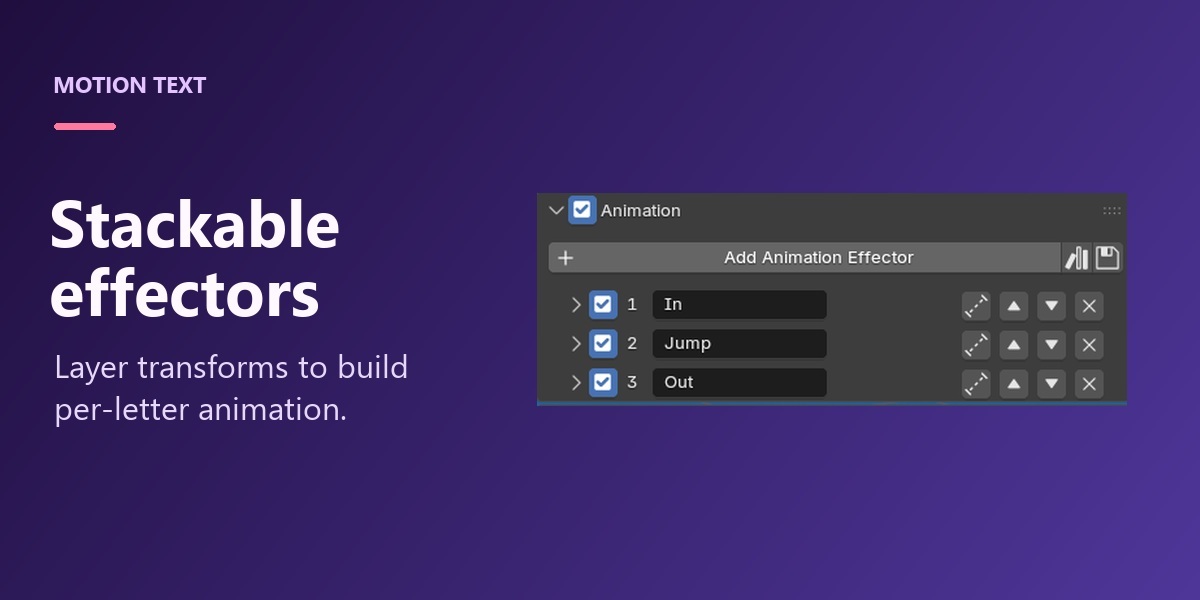
- Enable the Animation panel and add an animation effector.
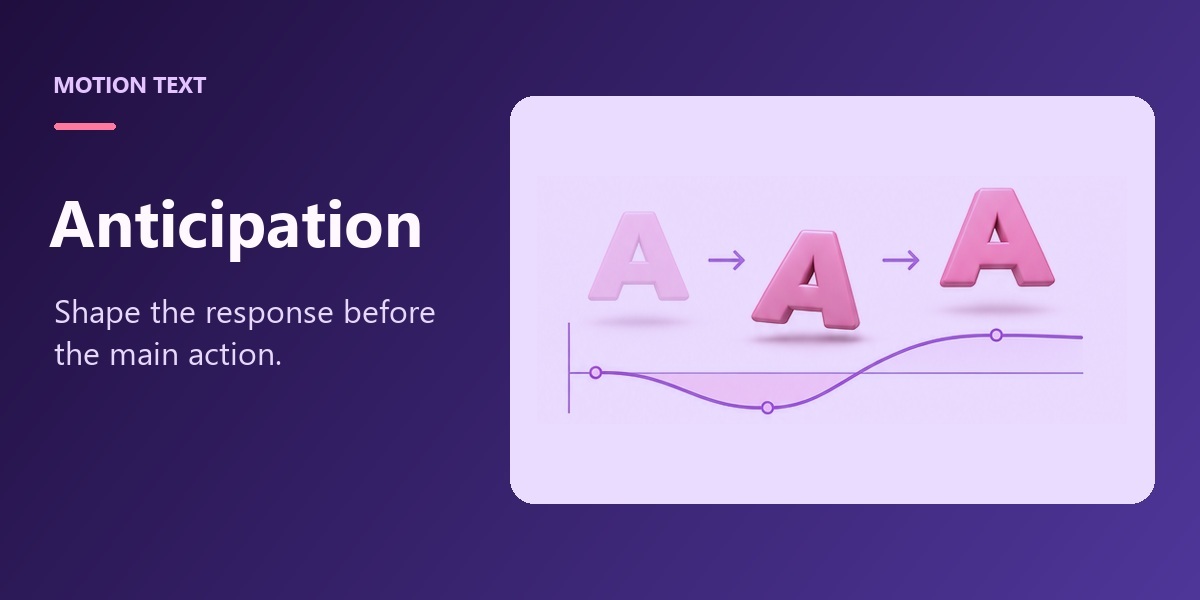
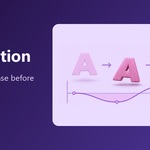
- Set the effector’s position, rotation, or scale, then animate its progress to reveal the text.
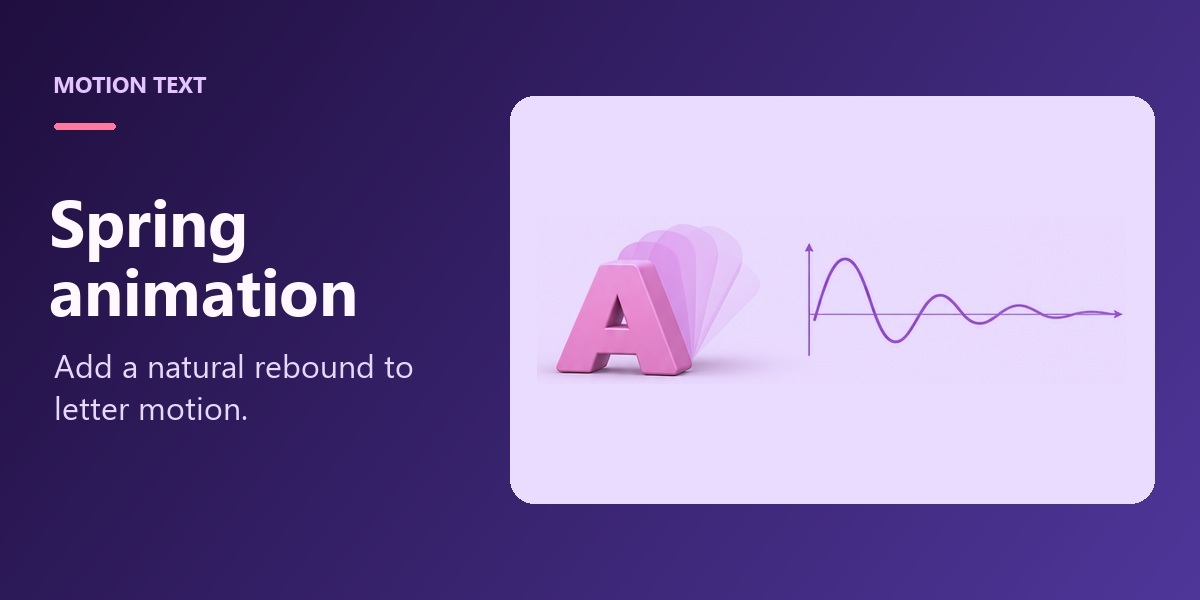
- Enable Spring within the effector to add a bounce as each character reaches its destination.
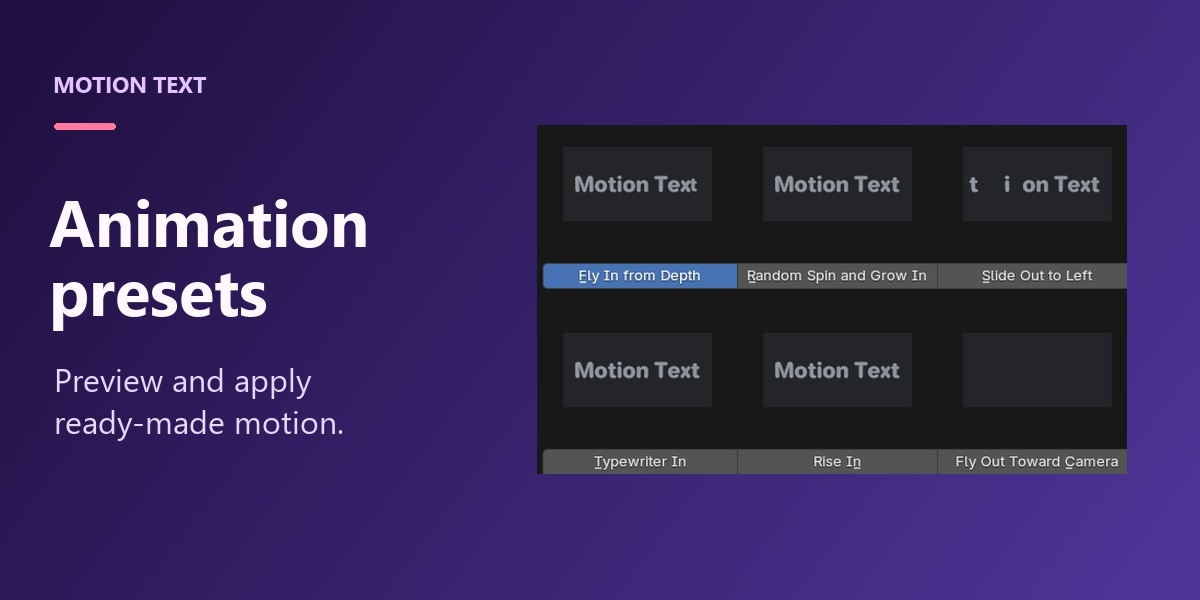
You can also start with an animation preset and adjust its settings.
Use Other Sources
Open Tools → Source to access additional creation methods.
From Curve Collection
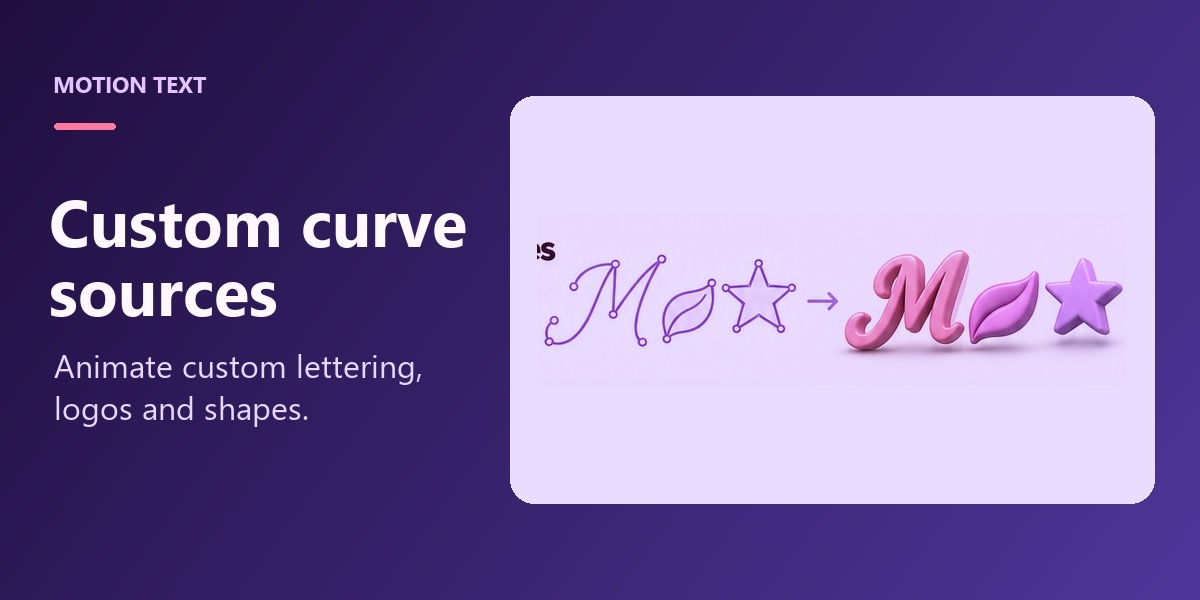
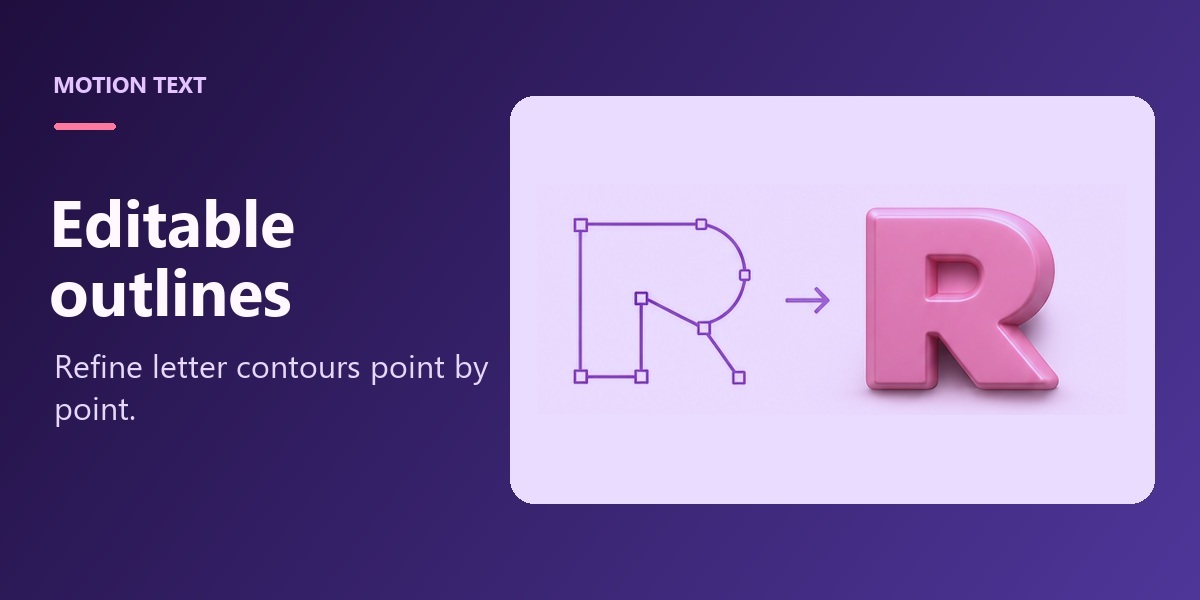
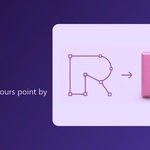
Use a collection of editable curve objects, such as an imported SVG logo. Each curve object becomes one animation unit. Multiple outlines belonging to the same letter or symbol should be joined into one curve object.
Enable Inherit Curve Materials in the extrusion material settings to use the source curves’ colors. Separate face, bevel, side, and back materials can override those inherited materials.
From Model Collection
Use existing mesh objects with their geometry and materials. Each object becomes one animation unit. Object names determine the initial sequence, so numbered names such as 01_A, 02_B, and 03_C make the order easy to manage.
After renaming or reorganizing the source objects, use Refresh Model Order.
From Geometry Node Instances
Select a mesh object whose Geometry Nodes output contains instances, then use this command to add Motion Text animation after the existing modifiers. Each output instance becomes an animation unit.
If the selected object does not output instances, Motion Text displays a warning.
Control Animation Order
In the animation effector’s Advanced panel, choose a sorting method:
- Character Order / Instance Order follows the source sequence.
- Random produces a repeatable shuffled sequence.
- Horizontal Position orders units from left to right.
- Vertical Position orders units from top to bottom.
- Distance to Empty orders units by their distance from a selected Empty.
Use Forward or Reverse to change the direction. The direction buttons are hidden for random sorting.
Add Variation
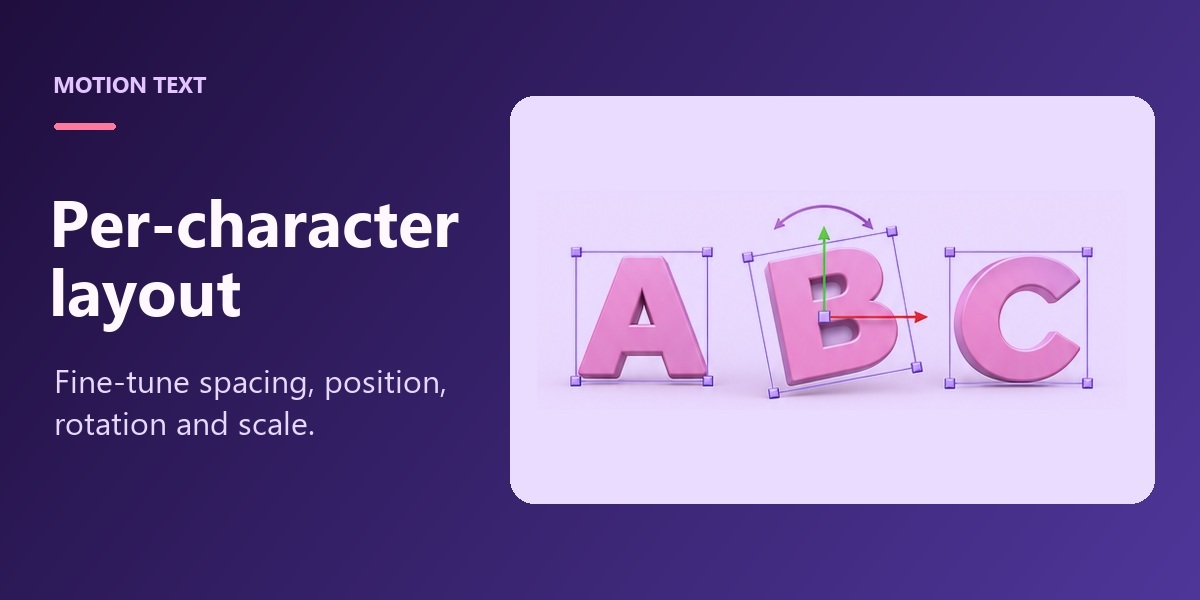
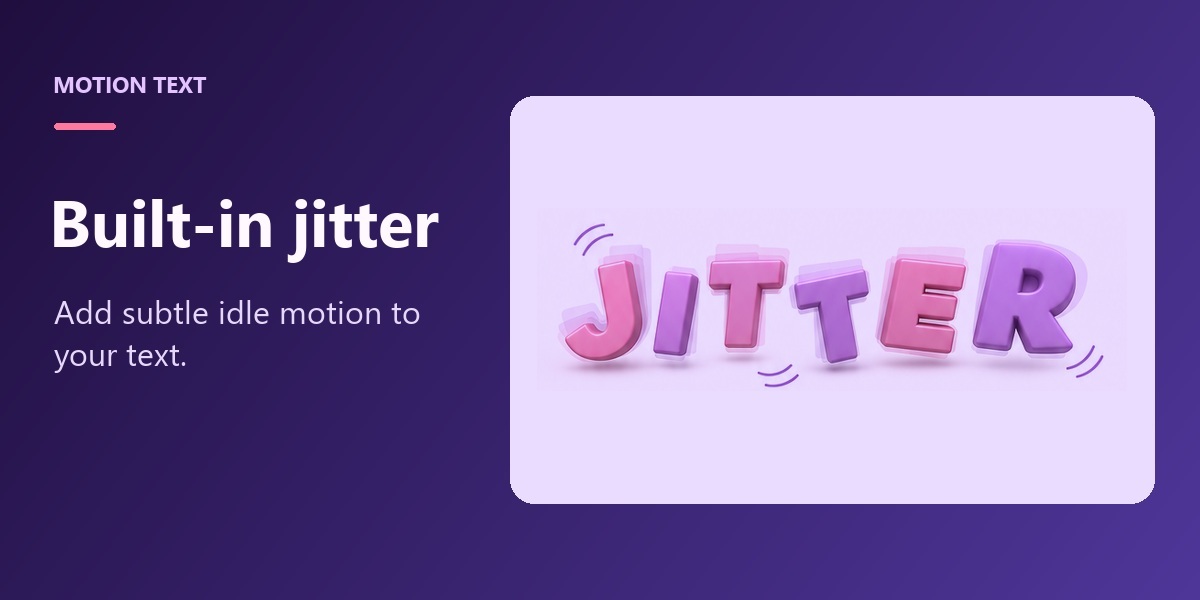
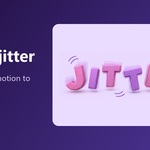
Use Random Transform to vary position, rotation, and scale.
Choose Independent Random for separate values per unit, or Spatial Noise for variations that change smoothly across neighboring units. Spatial noise includes frequency, position offset, flow speed, and evolution speed.
For ordinary effectors driven by progress keyframes, Random Time Offset delays individual units by a random number of frames. For example, a value of 4 gives each unit a delay between 0 and 4 frames. Spring timing follows that delay.
Work with Paths
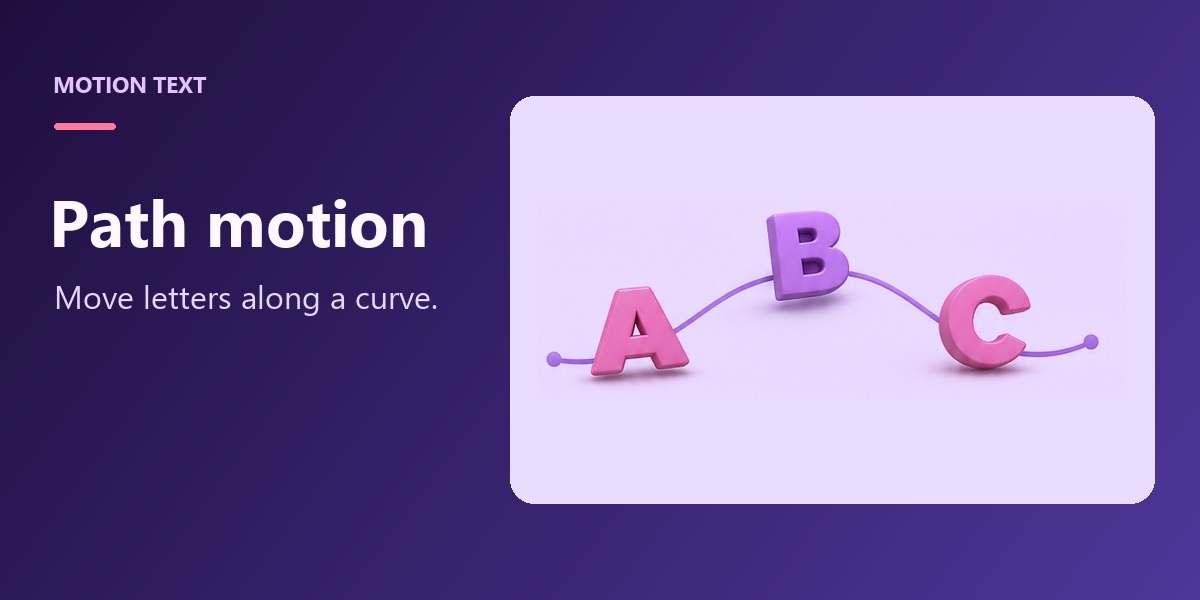
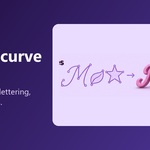
For generated text, use the Path panel to arrange characters along a curve. Choose an orientation mode to control their direction, or select a guide rail for additional control.
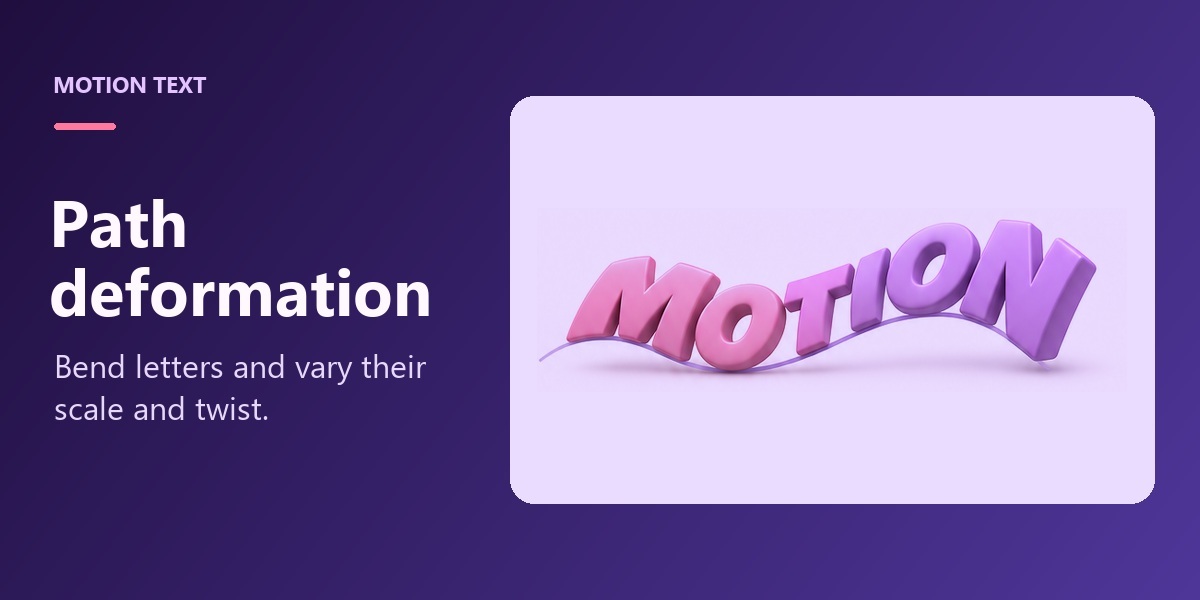
Enable path deformation to bend the letter geometry along the curve. Scale and twist distribution curves provide further shape control.
Updating Motion Text
Save your work before updating. Install the new ZIP package and restart Blender.
If an existing animation effector displays Update Animation Interface, click it to access newly added controls.
 Included
Includes 12 months of
- Support from liuran
- Product updates
Extend this product’s Support Period +12 months: 25% of product price
Have questions before purchasing?
Login to message
| Published | about 10 hours ago |
| Blender Version | 5.2 - 5.3 |
| Extension Type | N/A |
| Render Engine Used | Blender-Internal, Cycles, Eevee |
| License | GPL |

Discover more products like this
Text animation motion kinetic typography spring animation motion graphics logo animation mograph text 3D text typography Animation Presets geometry nodes