 Domenas


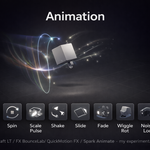
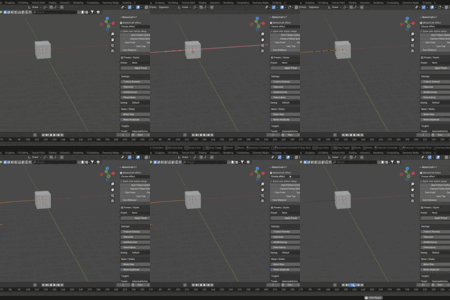
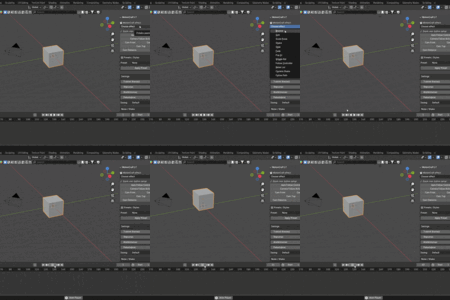
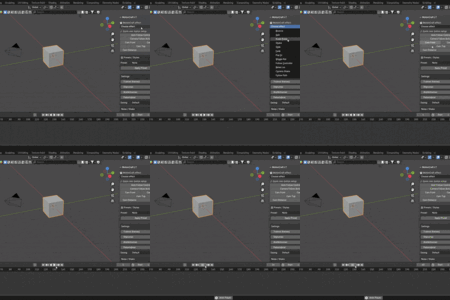
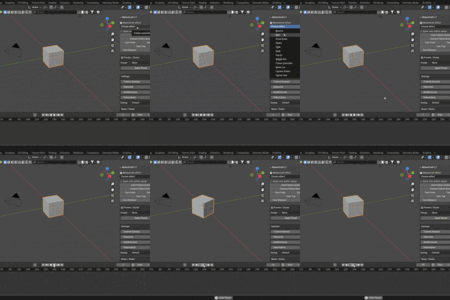
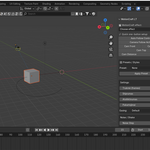
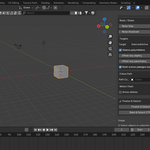
Animation is a simple animation toolset for Blender. It creates quick motion effects with one click, so you don’t have to keyframe everything manually. Good for logos, UI elements, objects, props and camera movement.
How to Install
-
Download the ZIP file.
-
Open Blender → Edit → Preferences → Add-ons.
-
Click Install, choose the ZIP.
-
Enable Animation (MotionCraft LT).
-
Open 3D Viewport → N-panel → MotionCraft.
How to Use
-
Select one or more objects.
-
Open the MotionCraft panel.
-
Set Duration, Strength, Randomness, Loops (optional).
-
Press MotionCraft effect and choose an effect.
-
Play the timeline and adjust settings if needed.
Available Effects
-
Bounce
-
Spin
-
Scale Pulse
-
Shake
-
Slide
-
Fade
-
Pop In
-
Wiggle Rotation
-
Follow Controller
-
Noise Location
-
Camera Shake
-
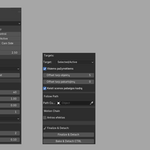
Follow Path
Camera Tools
-
Auto Follow Control
-
Camera Follow Active
-
Camera Front / Side / Top
-
Adjustable camera distance
Cleanup
-
Finalize & Detach removes animation curves and controllers.
-
Bake & Detach CTRL bakes controller motion into the object.
Compatibility
-
Blender 3.0 and newer
-
Works with Mesh, Curve, Font, Empty, GPencil, Light, Camera
License
This add-on is released under GPL-3.0.
Do not remove the copyright “© 2025 Domenas”.
Have questions about this product?
Login to message
| Published | 10 months ago |
| Blender Version | 3.0 - 4.2 |
| Extension Type | N/A |
| Render Engine Used | Cycles, Eevee |
| License | GPL |

Discover more products like this
toolset bounce Motion design addon quick animation Follow Path animation n-panel addon Shake camera-tools motion