 Achat
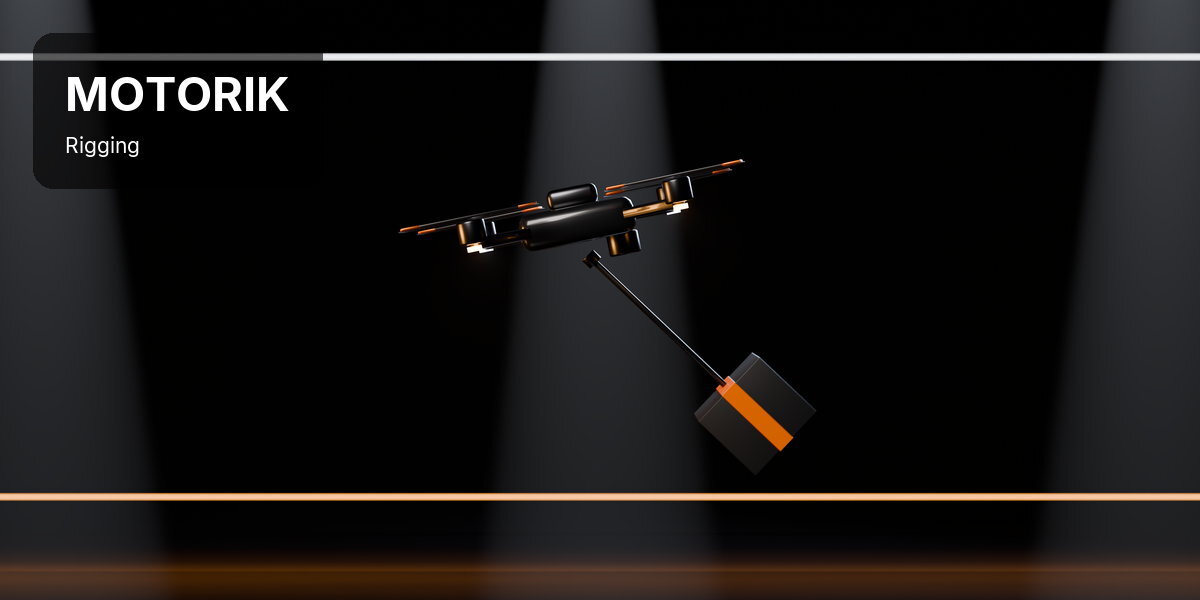

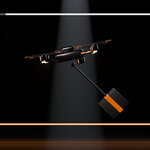


Motorik makes things in Blender move under their own power. Put the cursor where the engine goes and click: the ship flies. Select the wheels, then the body, and click: the rover drives. Then steer it live and keep the take.

16 one-click tools·Thrusters and six-axis flight·Driven wheels·7 joint presets·Keyboard or gamepad·Blender 4.2 and newer
How it works
Four rigs, each from the Motorik tab of the 3D Viewport sidebar.
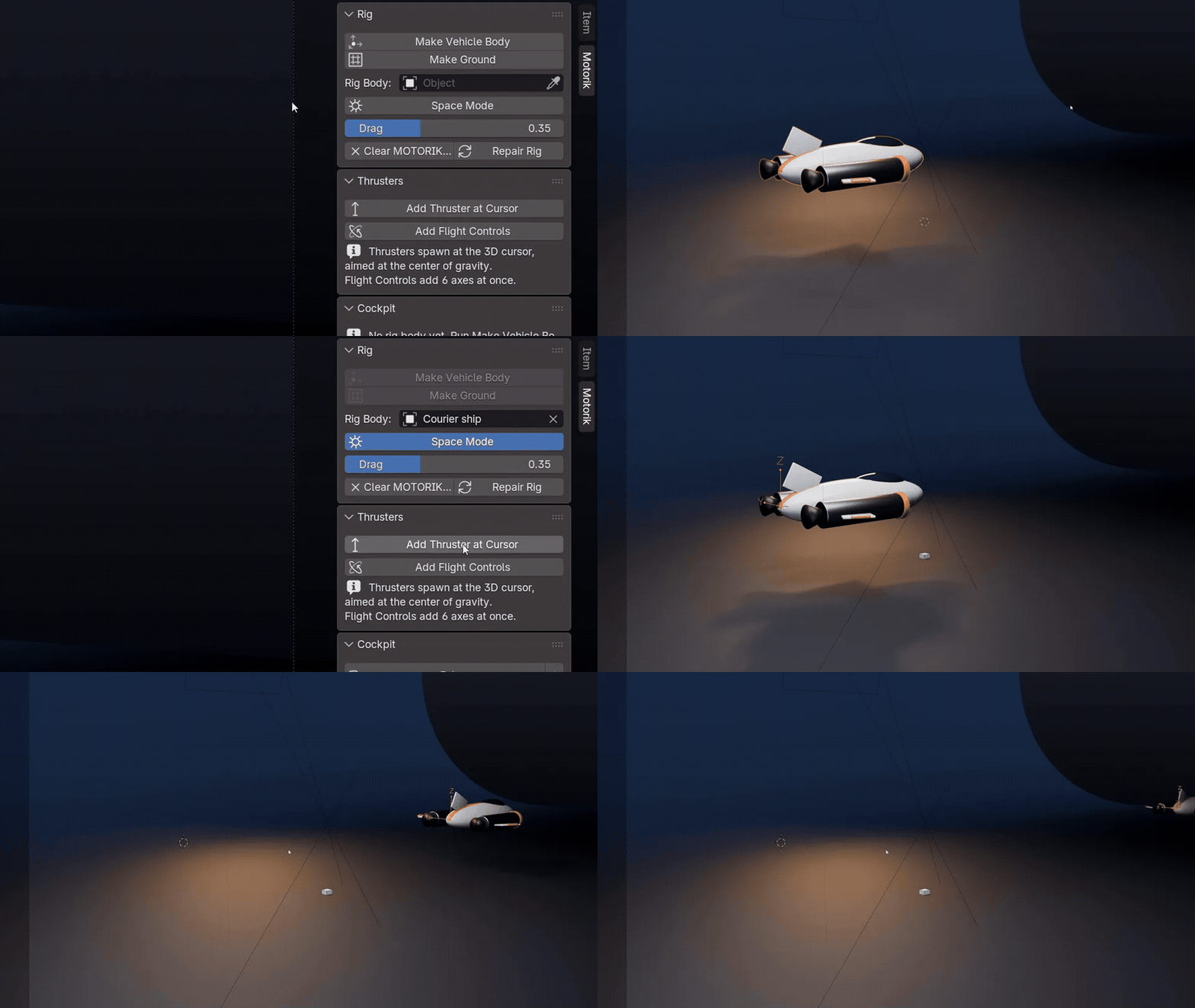 |
Step 1 A thruster where the cursor isClick Make Vehicle Body, put the 3D cursor where the engine sits and click Add Thruster at Cursor. It aims through the centre of gravity, so the ship flies straight and coasts when you let go. |
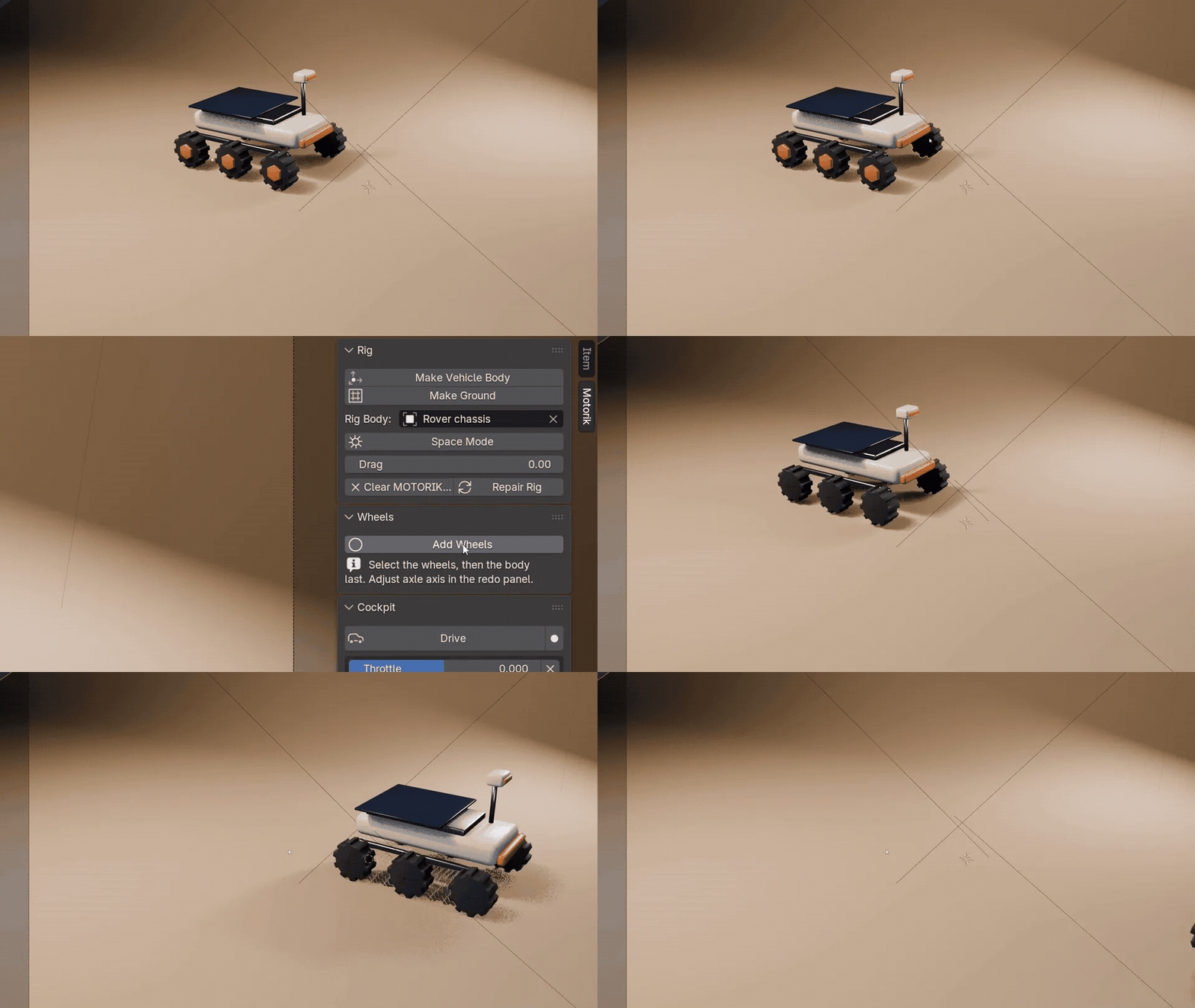 |
Step 2 Wheels in one clickSelect the wheels, then the body, and click Add Wheels. Every wheel gets an axle and a motor on one shared throttle, and mirrored wheels still spin the right way. |
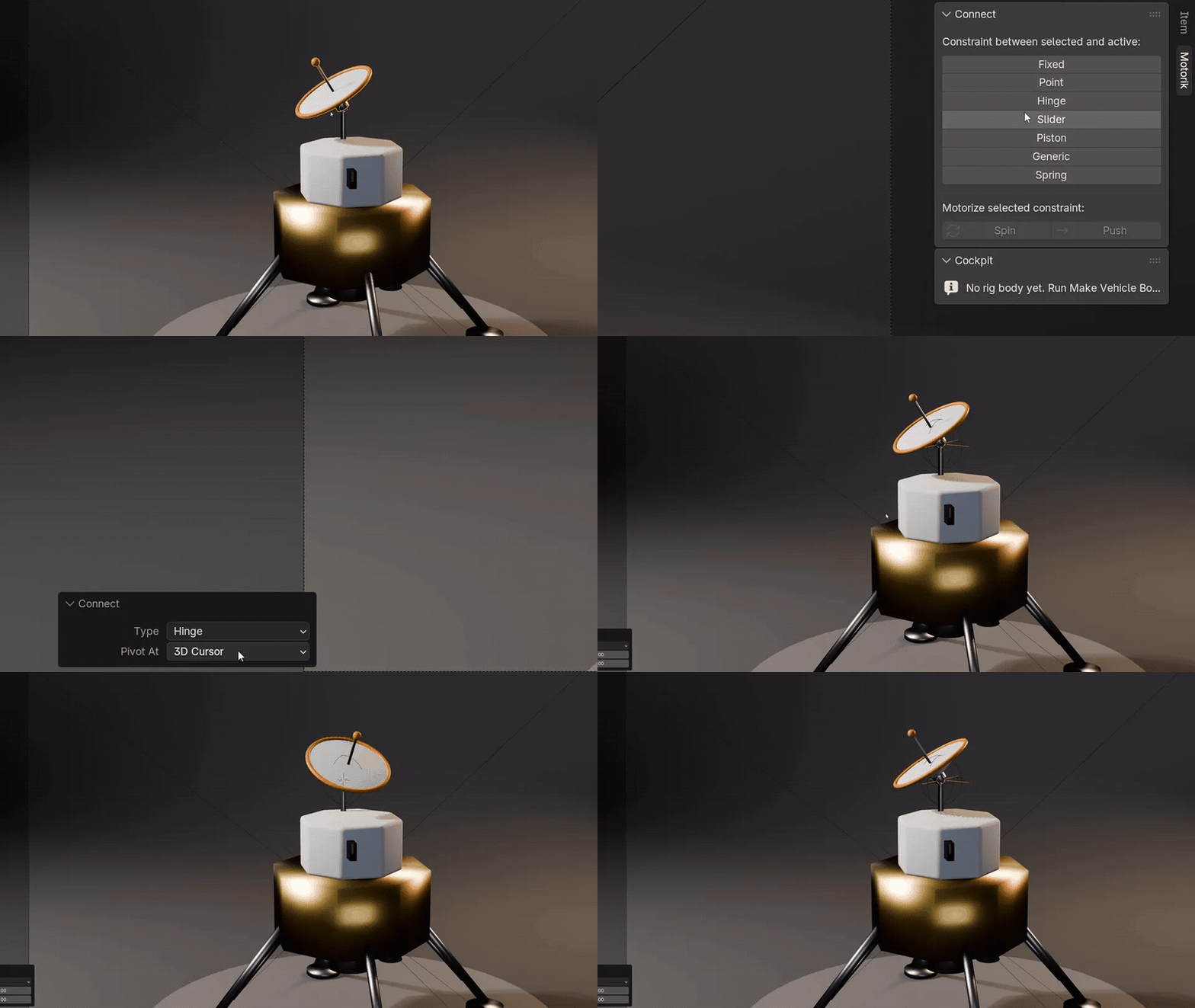 |
Step 3 Motorize any jointConnect two parts with a hinge, put the pivot at the 3D cursor, and click Spin. It becomes a motor with its own slider, its frame already turned the right way. |
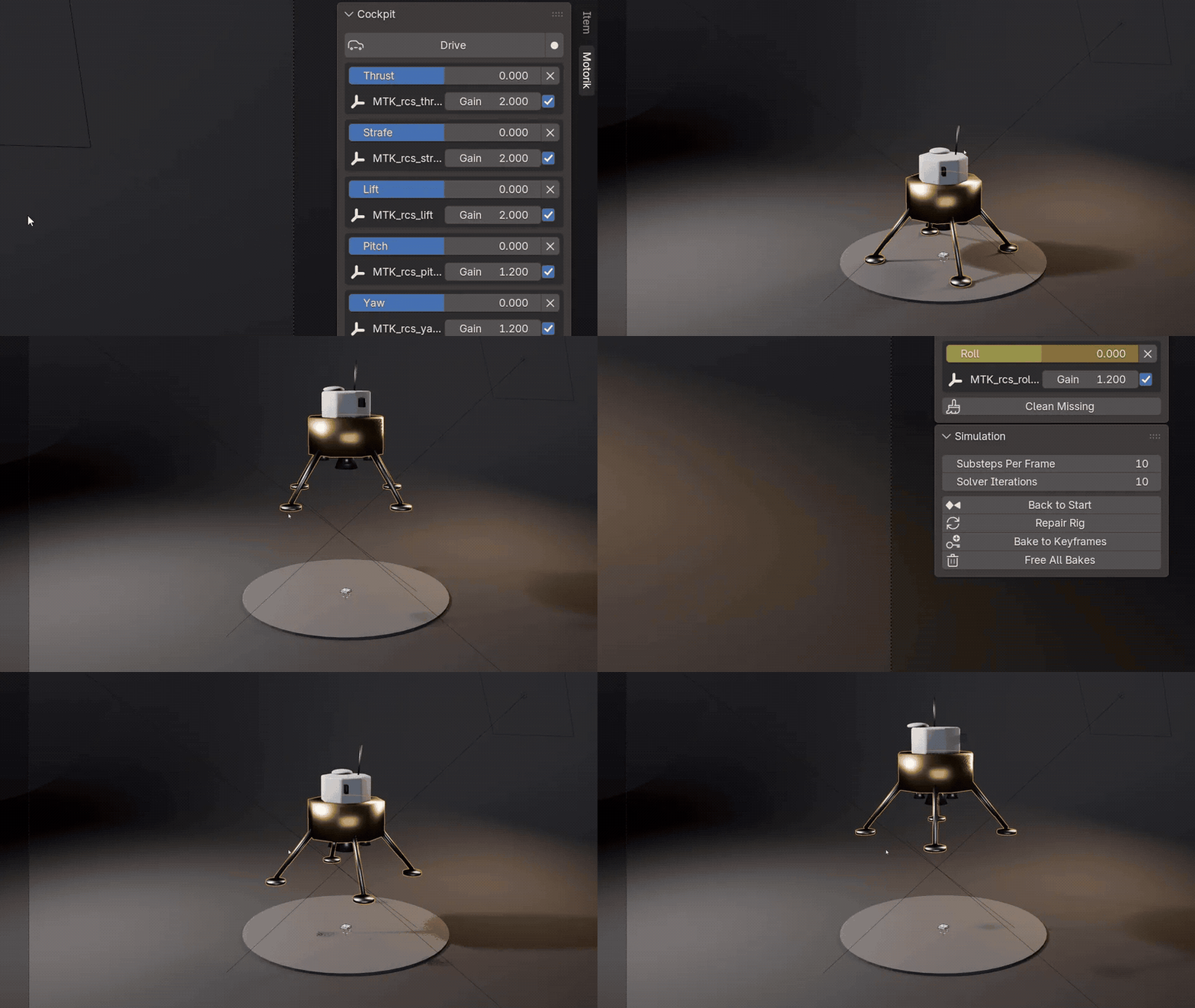 |
Step 4 Drive it live, keep the takePress Drive and fly with the keyboard or a gamepad while the simulation plays. With Record on, the take is saved as keyframes: Back to Start replays it. |
What it rigs
Ships, landers, rovers, doors and the parts that hang off them, all real rigid-body physics.
 |
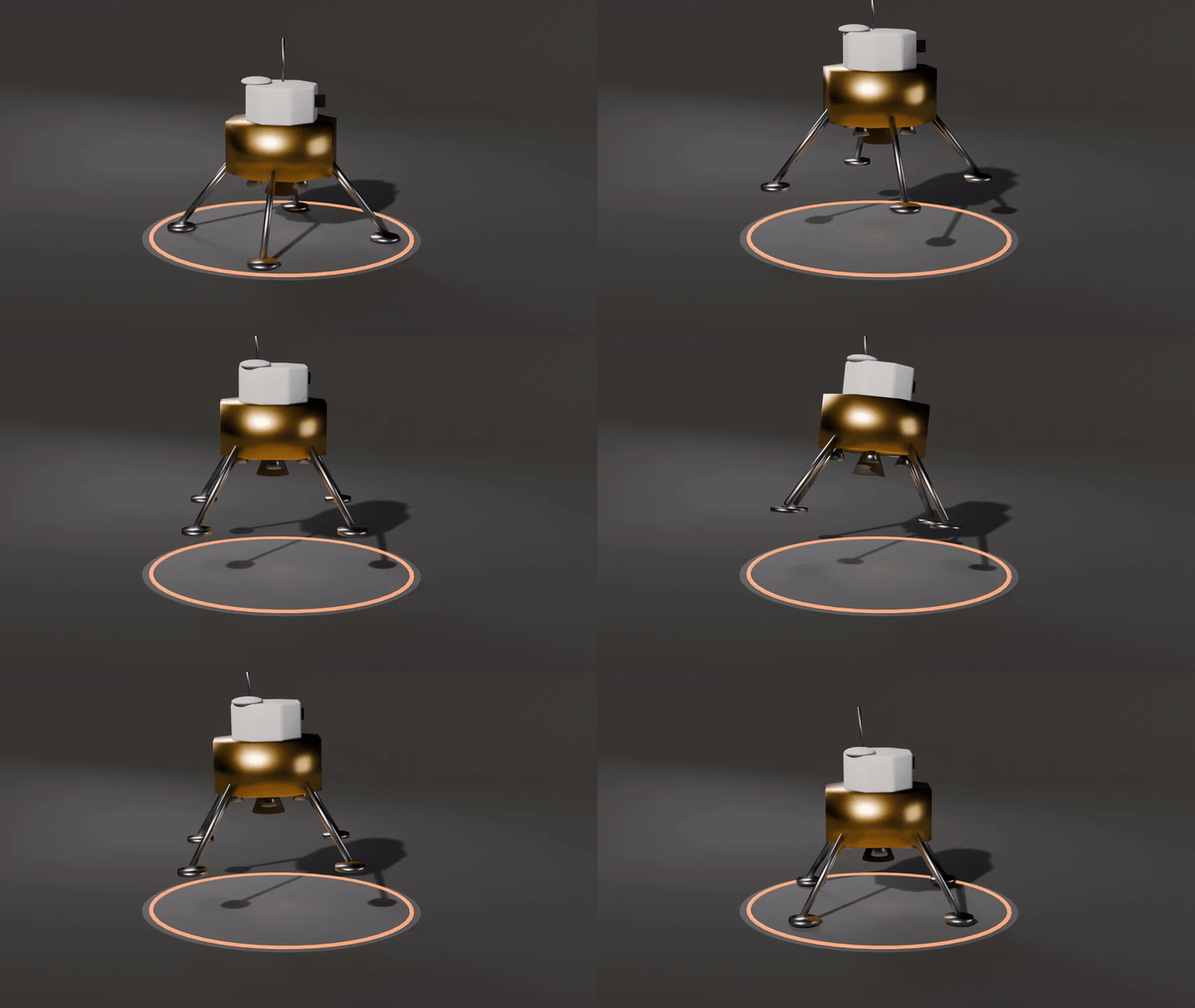
Thrusters that push from where they sitEach thruster gets its own throttle, or share one. Space Mode turns gravity off in one click.
|
Six axes of flightAdd Flight Controls puts thrust, strafe, lift, pitch, yaw and roll on any body at once, each with its own slider and keys already bound.
|
 |
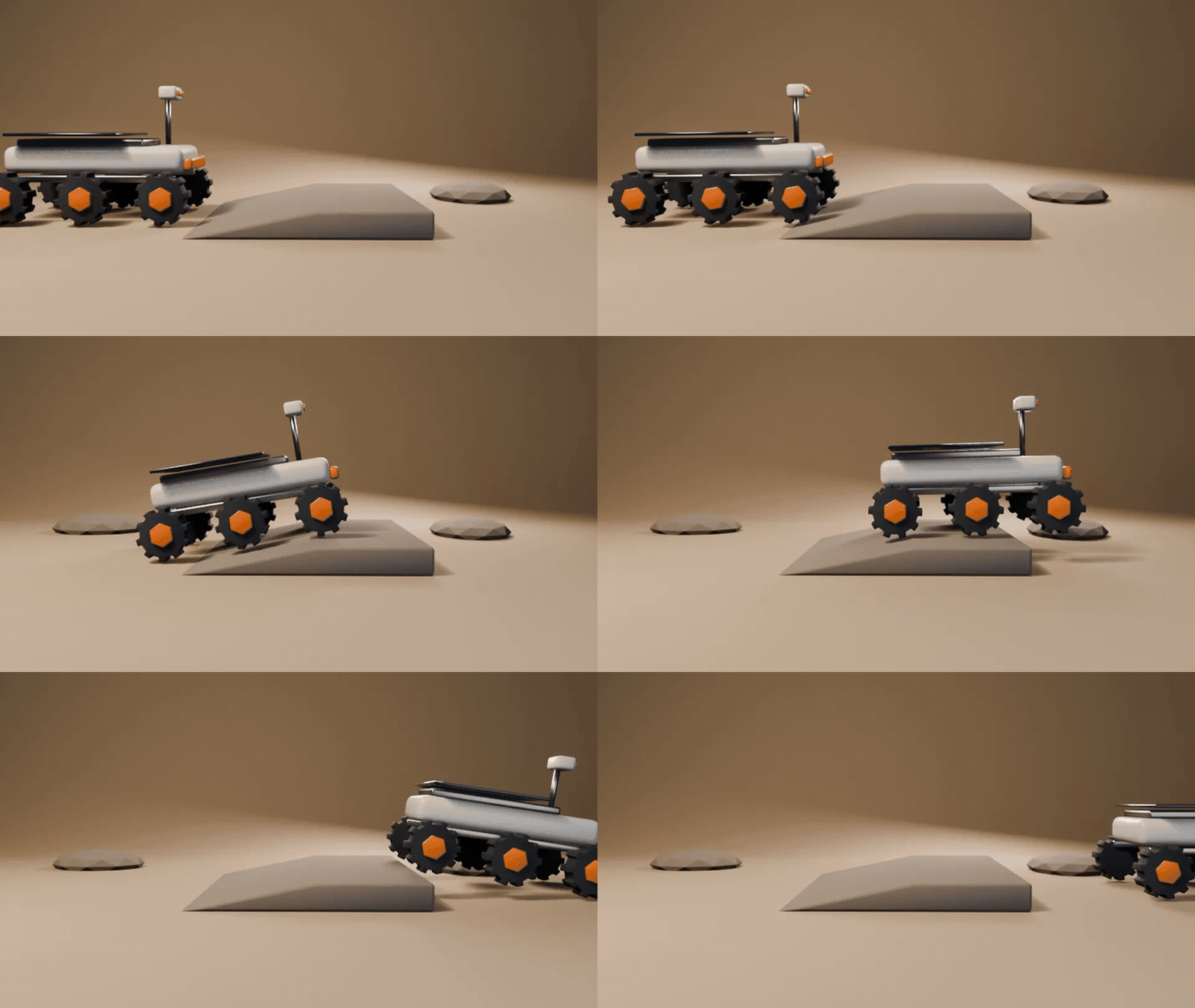 |
Rovers over rough groundAny number of wheels, with the axles found for you. Make Ground turns your floor into ground the wheels drive on.
|
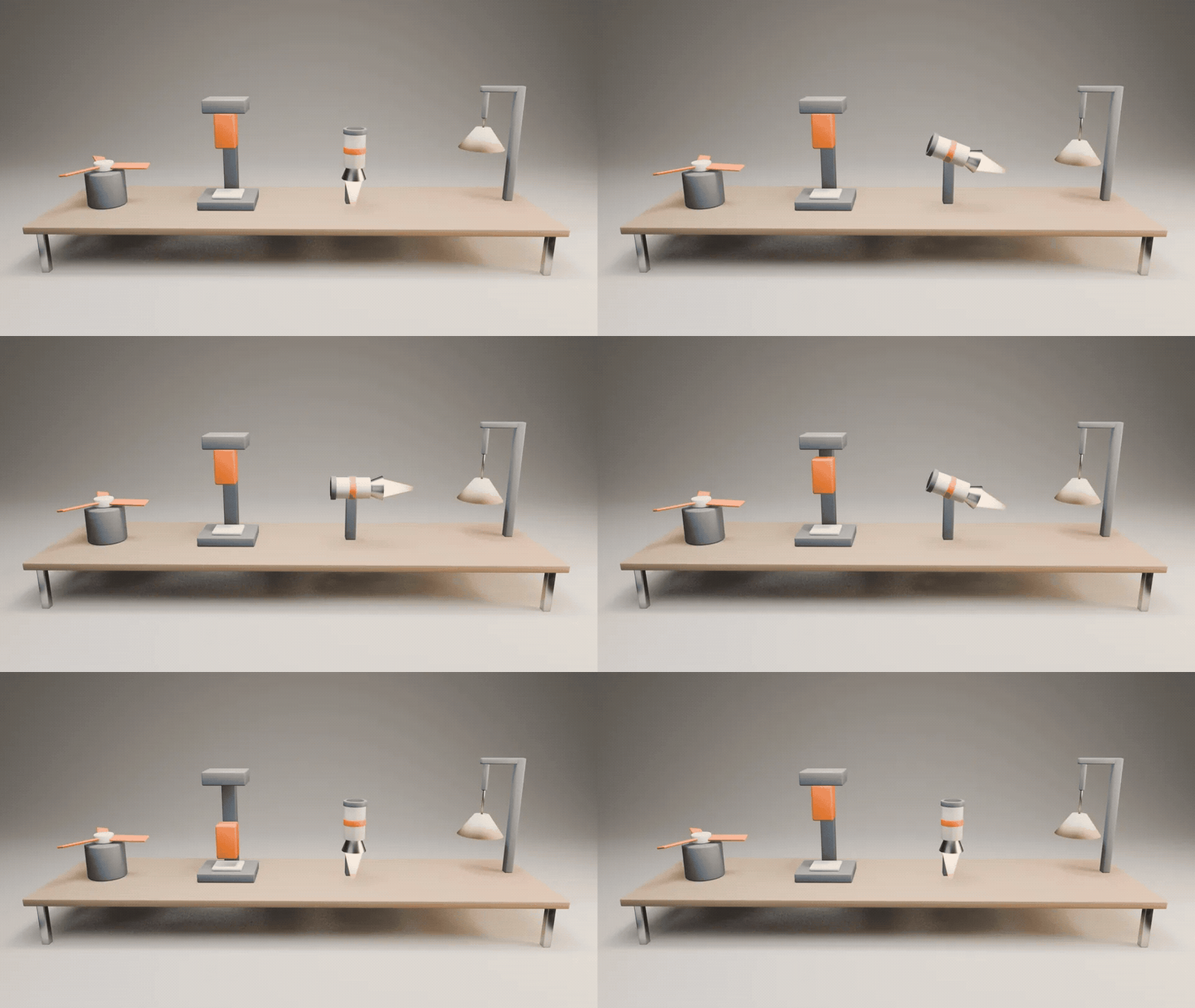
Hinges, pistons and springsSeven joint presets connect any parts. Objects get physics automatically, with the pivot at the midpoint, the active object or the 3D cursor.
|
 |
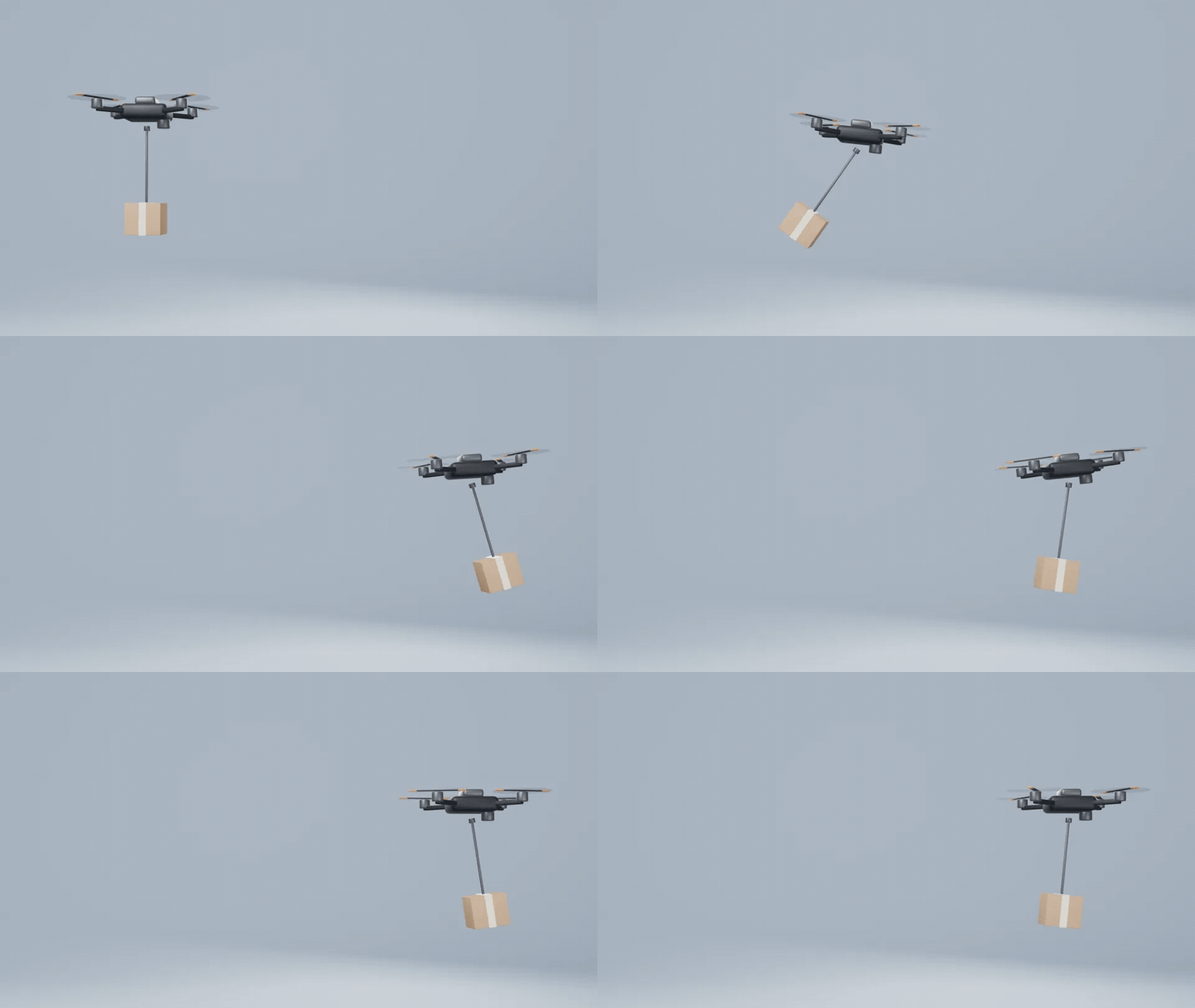 |
Secondary motion by itselfHang a parcel on a point joint or mount a lamp on a spring, and it swings and settles on its own whenever the vehicle moves.
|
Ready for production
Bakes to plain keyframesBake to Keyframes writes location and rotation keys that match the live run exactly. |
A cockpit of slidersEvery control is a slider in one panel, with each motor's gain and an on/off switch. Keyframe them like any value. |
Renders without MotorikSimple drivers only, so the file simulates on a render farm without the add-on. |
Motorik or stock Blender
Blender has the rigid-body physics. Motorik builds the rig around it in one click.
| Task | Stock Blender | With Motorik |
|---|---|---|
| A thruster that pushes a ship | An anchor, a Motor constraint, an aimed empty, two drivers | Cursor where the engine goes, Add Thruster at Cursor |
| Full flight control | Six motors on six axes, six drivers | Add Flight Controls: six sliders, keys bound |
| A car or rover that drives | A hinge and a motor per wheel, each frame turned to match | Wheels, then the body, Add Wheels |
| A motorized door or piston | Rebuild the joint as a motor, turn its frame 90 degrees | Select the hinge, click Spin |
| Steer it live | Not without scripting | Drive with the keyboard or a gamepad, and record |
| Render on another machine | Python drivers need Auto Run Scripts | Simple drivers only: it runs without Motorik |
| Realistic car handling | Not built in either | Not this: no suspension or steering. Use a car rig |
Details
| Blender | 4.2 and newer, tested on 5.1 and 5.2 LTS |
| Render engines | Any (the result is ordinary keyframes) |
| Systems | Windows, macOS, Linux |
| Gamepad | Optional: any controller SDL2 recognises (Windows x64, macOS, Linux x64) |
| Install | Drag the .zip into Blender (extension) |
| Updates | Every update is free |
| Licence | GPL, source included |
| Support | [email protected] |
Changelog
| 1.1.1 (2026-10-05) | Support contact is now [email protected]. |
| 1.1.0 (2026-07-07) | Thrusters, Flight Controls, wheels, joint presets with Motorize, Drive Mode with gamepad and Record, Bake to Keyframes, Repair Rig. |