 Quad Lab


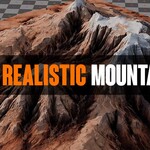
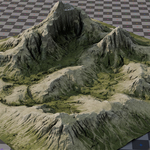
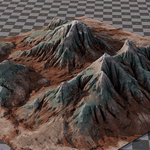
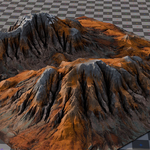
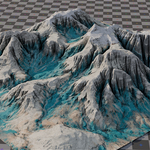
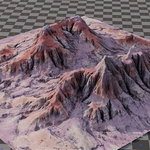
Realistic Mountains
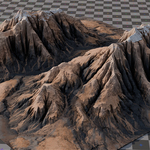
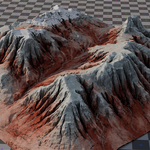
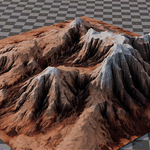
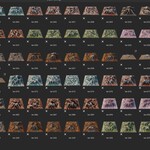
A collection of 110+ ultra high-poly mountain assets with 4K textures, designed for cinematic environments, large-scale backgrounds, kitbashing, establishing shots, and detailed hero compositions.
Cinematic terrain for large-scale environments
Build expansive mountain ranges, distant horizons, rocky valleys, and dramatic landscape compositions using highly detailed assets prepared for direct use in Blender. The collection is suitable for both distant environment work and closer shots where additional surface detail is required.
Technical overview
Three organized Blender libraries
These three Blender files contain the complete mountain collection. Every mountain is already marked as an asset for direct use through Blender's Asset Browser.
Backgrounds, kitbashing, and hero environments
- Large-scale mountain ranges and distant landscape backgrounds
- Cinematic establishing shots and environment compositions
- Kitbashing custom cliffs, valleys, rocky formations, and terrain layouts
- Close and medium-distance hero shots requiring high geometric detail
- Concept art, matte painting support, animation, and rendered stills
Prepared for Blender rendering workflows
Installation and usage
.blend files inside your Blender Asset Library folder. High-density geometry
For lighter scenes or distant background placement, use Blender's Decimate Modifier or remeshing tools to create optimized versions. Scene performance will depend on the number of mountains loaded, available system memory, and the selected viewport and render settings.
Commercial usage
- Royalty-free for commercial use
- Redistribution or resale of the raw mountain assets is not allowed
Build landscapes at cinematic scale
Create detailed mountain ranges, rocky horizons, and large-scale environments using 110+ high-poly Blender assets.