 Quad Lab


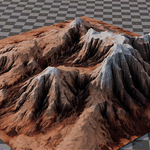
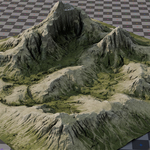
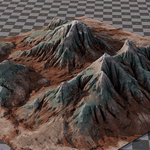
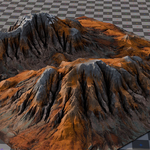
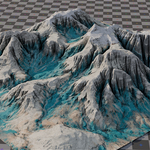
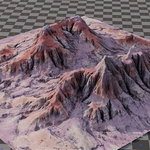
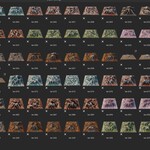
Installation (Asset Library Setup)
-
Copy the
.blendfiles into your Blender Asset Library folder. -
In Blender, go to Edit → Preferences → File Paths → Asset Libraries to set or confirm your library path.
-
Open the Asset Browser and switch to your chosen Asset Library.
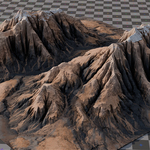
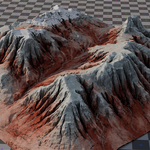
Your mountains will now appear as drag-and-drop assets, organized by category.
⚠️ Note: These are very high-poly models. For lighter scenes, use Blender’s Decimate Modifier or Remesh tools to generate optimized versions.
$8
Have questions about this product?
Login to message
| Dev Fund Contributor | |
| Published | about 1 year ago |
| Blender Version | 3.0 - 5.1 |
| Render Engine Used | Cycles, Eevee |
| Misc Data | Uvs-Unwrapped, Normal-Mapped, Textured |
| License | Royalty Free |