 dgraphycs
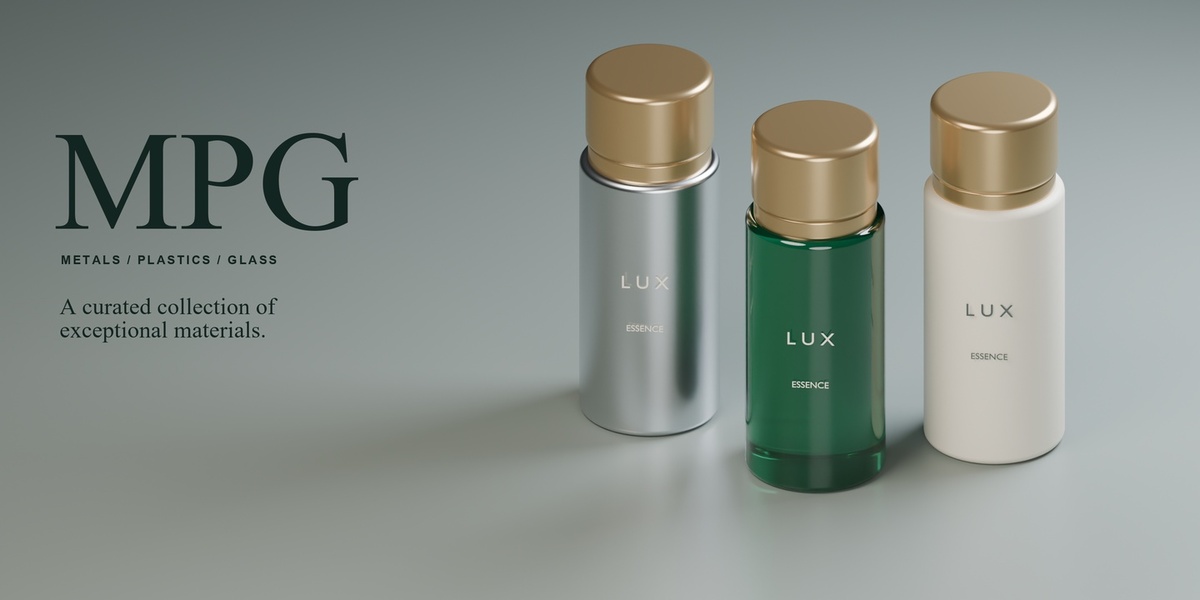
MPG — Metals, Plastics & Glass for Blender
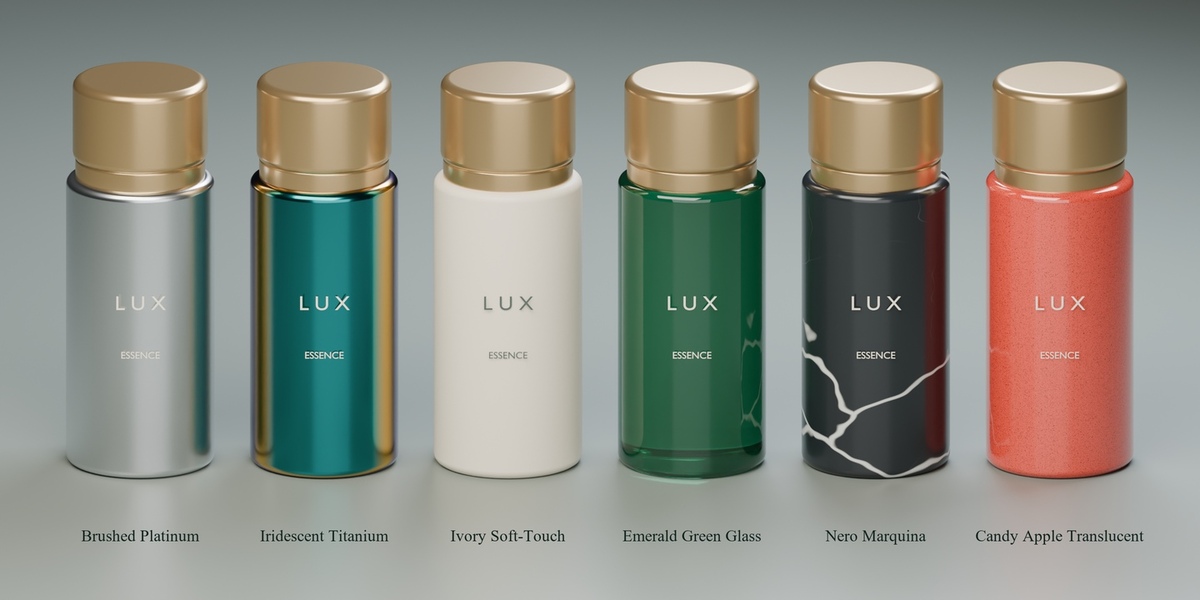
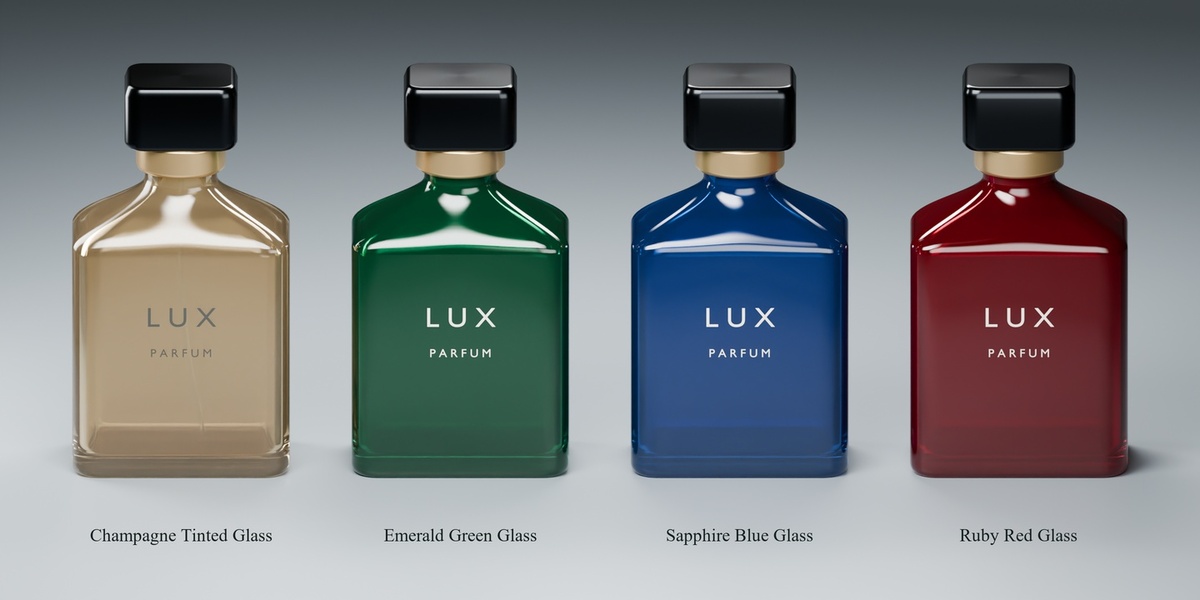
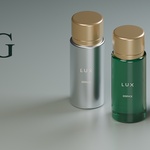
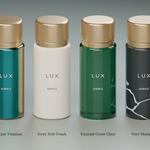
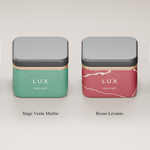
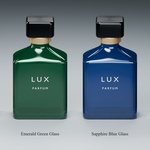
One bottle. Six finishes. Each gives the same design a different character.
MPG is a curated material library and design toolkit for product visualization in Blender. These materials are aimed for high end product showcase, as opposed to products requiring tear and wear.
217 materials, ready to apply
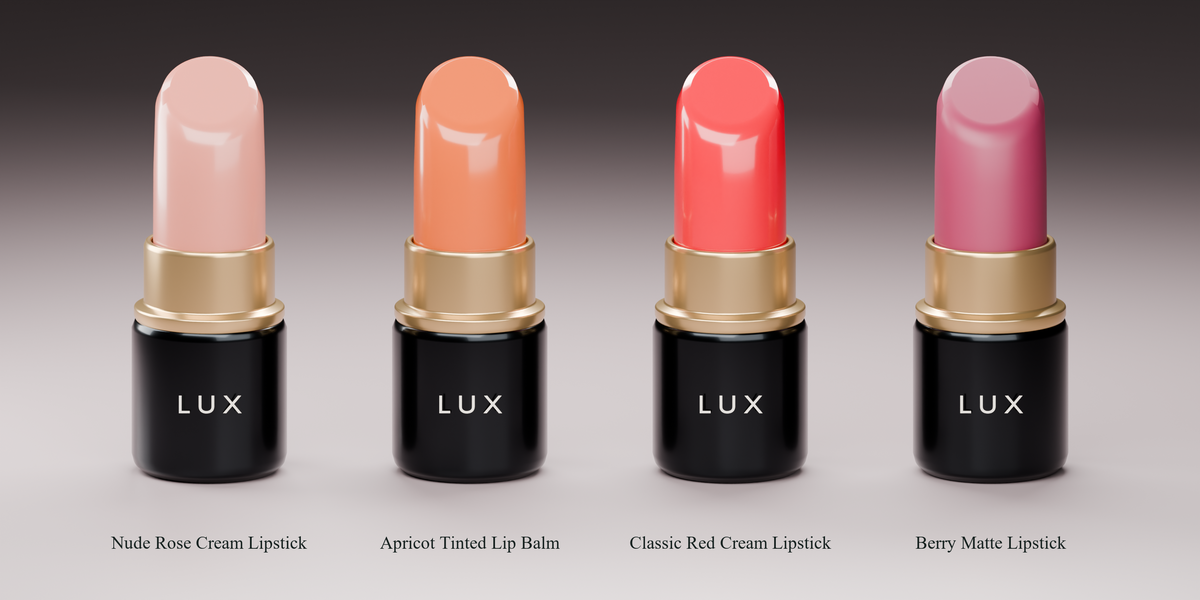
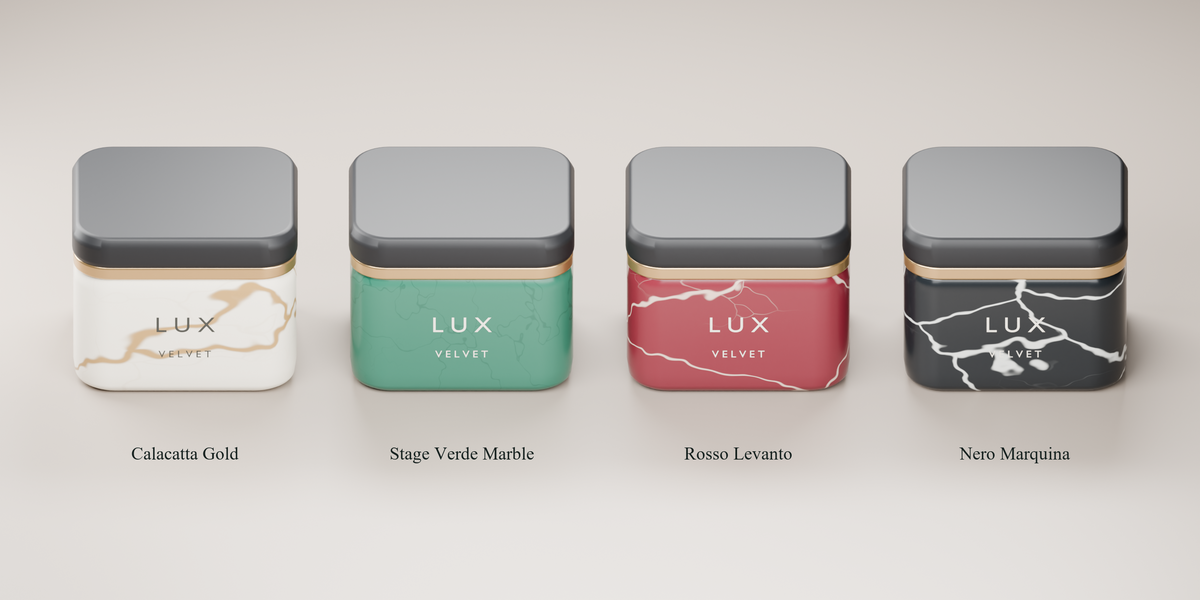
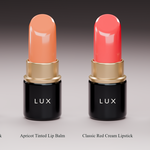
Browse 217 procedural materials across 11 collections, including raw and finished metals, plastics, automotive paints, rubber and silicone, glass, leather, textiles, cosmetic media, packaging substrates, and luxury stone.
The built-in presets are procedural, so they don’t require external texture packs.
Add patterns, text, and logos
Choose from built-in patterns such as Art Deco fans, herringbone, guilloché, and geometric mashrabiya, or import your own image as a repeating pattern. Adjust the scale, rotation, projection, and coverage to fit the product.
Add wrapped text for labels and product names, or place a logo directly on the surface. Text and logos stay separate from the repeating pattern, so you can update a wordmark or change a finish without rebuilding the whole design.
Build a color palette for the entire product
Start with a curated palette, generate a harmony around a single color, or extract colors from a moodboard image. Refine the primary, secondary, accent, neutral, and glass swatches, then turn them into editable Blender materials.
Concept Forge brings those choices together into a complete color, material, and finish (CMF) proposal. Select a product hierarchy, assign roles to parts such as the body, trim, hardware, and lens, and choose which parts MPG can change. Save and compare different concepts, restore the original materials, or export a JSON CMF specification for review. If you also use Multi Material Render (MMR), you can send saved concepts there to render comparisons.
