Ms Super Tools (18 In 1)
 Mergim Sahiti


📄 Documentation
Overview
MS Super Tools is a bundled package of 18 powerful Blender addons created by Mergim Sahiti. Instead of installing each addon separately, this single package gives you access to all the tools you need for modeling, animation, effects, and scene management.
Included Addons & Features
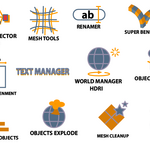
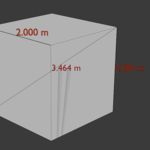
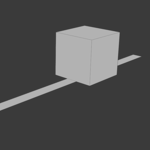
| Quick Measurement Tool | Measure distances, angles, areas in viewport |
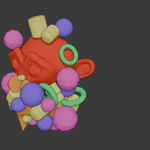
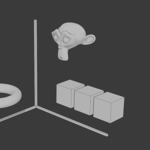
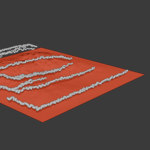
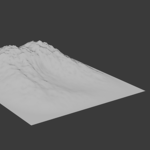
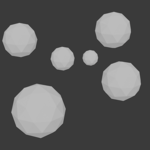
| Scattering Objects | Procedural distribution of assets over surfaces |
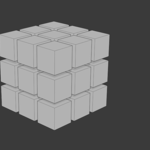
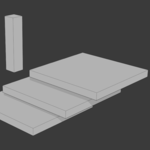
| Align Objects | Snap, align, distribute objects precisely |
| Mesh Tools | Tools for mesh editing (extrude, bevel, subdivide, etc.) |
| Mesh Cleanup | Auto-removal of doubles, non-manifolds, normals fixes |
| Object Animator | Quick creation of object animations (move, scale, rotate) |
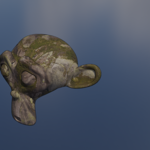
| PBR Connector Pro | One-click linking of PBR textures (Base, Roughness, etc.) |
| Remover | Smart deletion (by type, by attribute, by hierarchy) |
| Camera Shake | Procedural shake effects on camera motion paths |
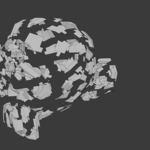
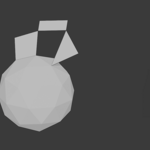
| Objects Explode | Explode / fragment effects for meshes |
| Tween | Interpolation & transitions between key shapes or values |
| Vertex Jiggle Animator | Organic jiggle effects on vertices over time |
| Super Bend Tool | Advanced bending, twisting, deformation controls |
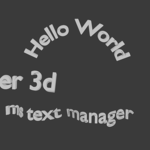
| Text Manager | Manage and edit text objects with style templates |
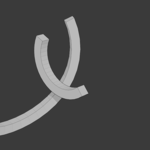
| Splines Growth | Animate spline growth or “drawing” effects |
| World Manager HDRI | HDRI library, switch HDRIs, manage environment maps |
Installation & Setup
-
Download the MS Super Tools ZIP file.
-
In Blender, go to Edit → Preferences → Add-ons → Install…
-
Select the ZIP, click “Install Add-on.”
-
Activate “MS Super Tools” from the Add-ons list.
-
All component addons are now available under a unified menu or panel.
Note: Ensure your Blender version is supported (e.g. Blender 4.0 – 4.x). Some tools may require updates for future Blender releases.
Workflow Tips & Best Practices
-
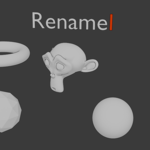
Use Renamer first to keep your scene clean and well-named.
-
Scatter objects with Scattering Objects, then adjust distribution manually if needed.
-
For text-heavy scenes, use Text Manager to centralize text settings.
-
Use PBR Connector Pro to automatically set up clean shader nodes for imported textures.
-
For animations, combine Object Animator, Tween, and Vertex Jiggle to add dynamics. Before final render, run Mesh Cleanup to remove leaks, isolated verts, or face normals.
Object Animator, Tween, and Vertex Jiggle to add dynamics.
Before final render, run Mesh Cleanup to remove leaks, isolated verts, or face normals.
Have questions about this product?
Login to message
| Dev Fund Contributor | |
| Published | 12 months ago |
| Blender Version | 4.0 - 4.5 |
| Extension Type | N/A |
| Render Engine Used | Arnold, Blender-Internal, Cycles, Eevee, Freestyle, Luxrender, Octane |
| License | GPL |

Discover more products like this
addon bundle modeling camera Render 16k-hdri bender arraymodifier blenederaddons meshtools 3danimation Text Manager 3d-model-pbr