World Manager HDRI
 Mergim Sahiti



Documentation (Step-by-Step Usage)
Installation:
Download the
.zipfile from Blender Market.Open Blender → Edit → Preferences → Add-ons → Install.
Select the downloaded file and click Install Add-on.
Enable it by checking the box next to MS World Manager HDRI.
Using MS World Manager HDRI:
-
Access the Addon Panel:
Find the addon under World Properties → MS World Manager HDRI.
-
Load HDRI Images:
Click Load HDRI to browse and add your HDRI maps.
Images are automatically added to your world background.
-
Adjust Lighting Controls:
Tint: Color balance for mood.
Saturation & Contrast: Control vibrancy and tonal range.
Exposure & Intensity: Adjust brightness and strength of lighting.
-
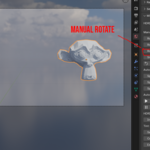
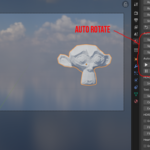
Rotate HDRI:
Manual Rotation: Adjust X, Y, Z axes; use Snap steps for precise alignment.
Auto-Rotate: Choose Continuous or Ping-Pong mode.
-
Dynamic Effects:
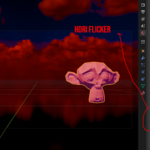
Flicker: Simulate unstable lighting.
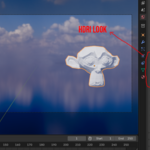
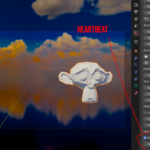
Heartbeat: Create pulsating brightness effects.
-
Preview & Apply:
Changes update in real-time in the viewport.
Once satisfied, render your scene with enhanced lighting.
Have questions about this product?
Login to message
| Dev Fund Contributor | |
| Published | about 1 year ago |
| Blender Version | 4.0 - 4.5 |
| Extension Type | N/A |
| Render Engine Used | Cycles, Eevee |
| License | GPL |

Discover more products like this
Studio Lighting worldsky PBR environment map sky texture hdri sky 360 HDRi high-dynamic-range Lighting 3D background hdriaddon