 mkeyworks


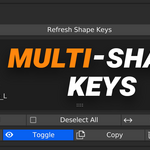
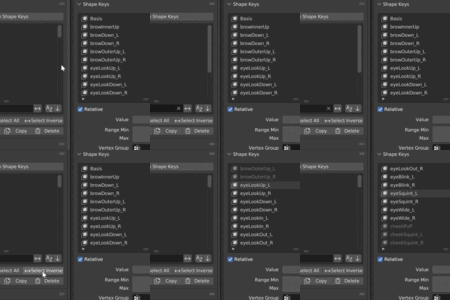
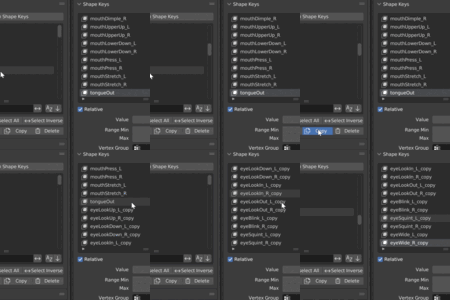
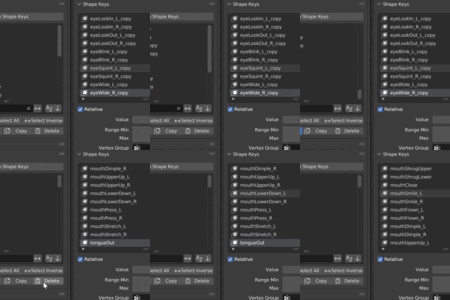
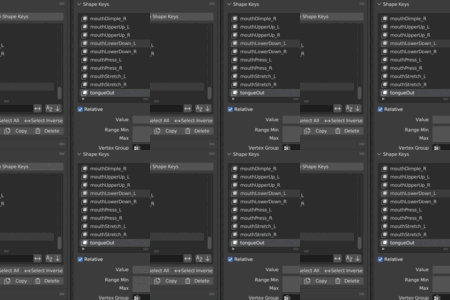
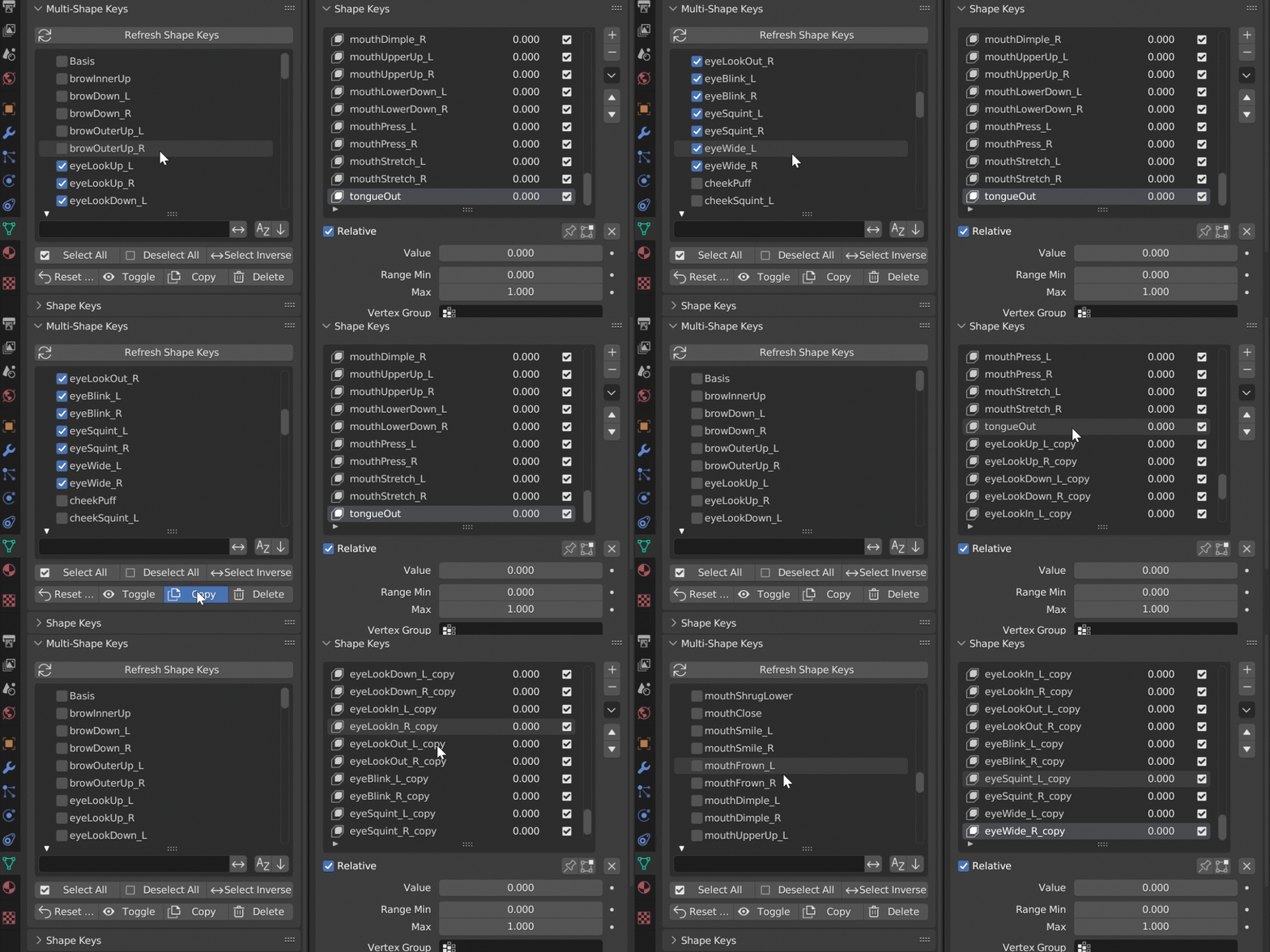
Multi-Shape Keys — Multiple Shape Key Management for Multiple Selected Objects!
Managing shape keys in Blender can get slow and tedious — especially when working with facial rigs, imported characters, or models containing dozens of keys.
Instead of selecting and editing shape keys one by one, you can now filter, select, mute, reset, and delete multiple keys on multiple objects at once.
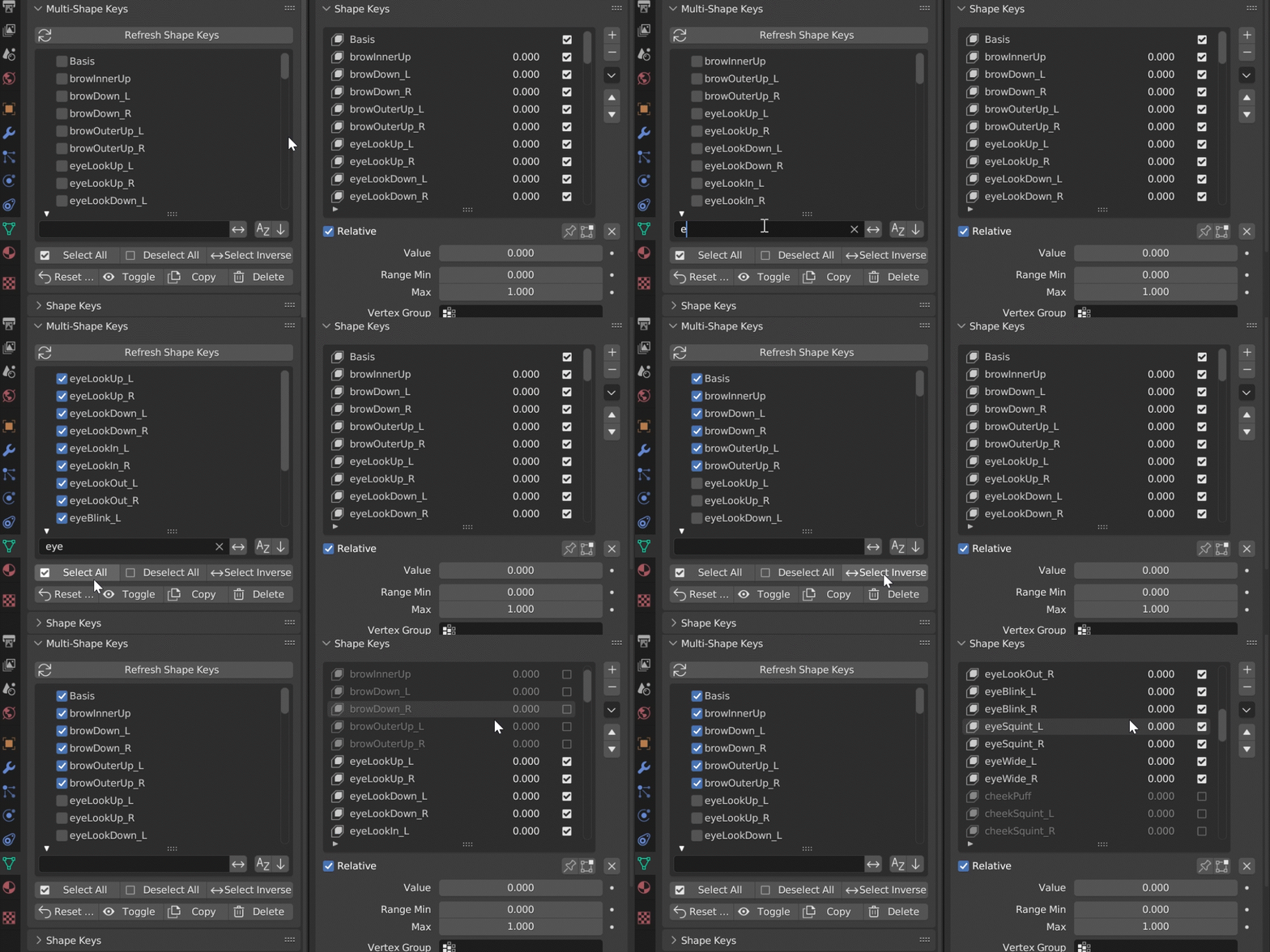
Features
-
Select All
-
Deselect All
-
Select Inverse
-
Reset Values
-
Toggle
-
Copy
-
Delete
Batch Rename
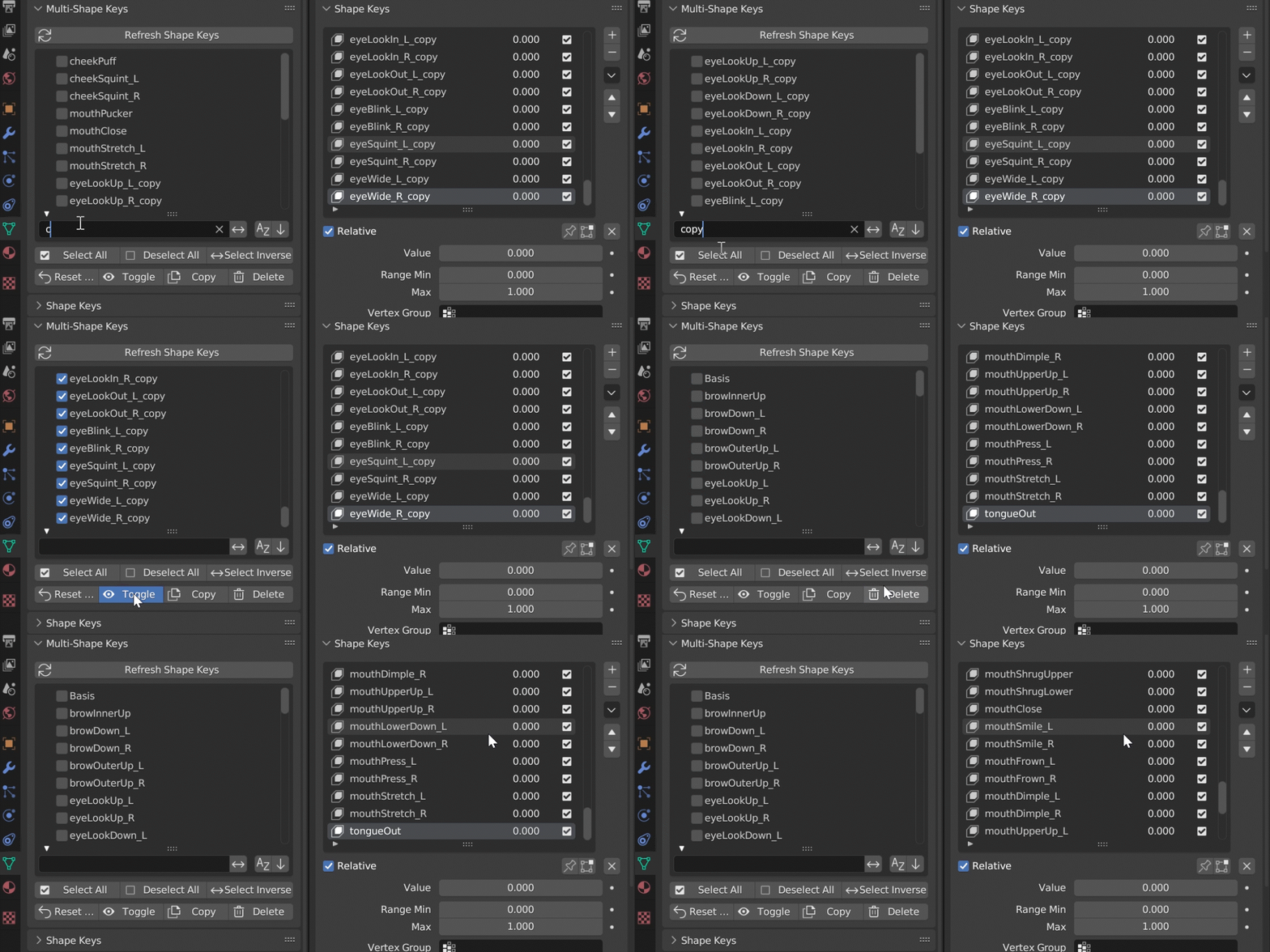
Batch Operations
Everything you need for fast cleanup and adjustment:
Mute / Unmute Keys
Toggle the mute state of all selected keys at once.
Reset Values
Instantly set the value of every selected key back to 0.
Great for testing rigs or preparing models for export.
Copy Selected Keys
Copy any number of shape keys in a single step.
Delete Selected Keys
Remove any number of shape keys in a single step — no repetitive clicking through the shape key stack.
Benefits
-
Reduces clicking and UI friction
-
Makes complex shape key setups manageable
-
Supports all Blender-native shape key features
Limitations
-
After adding or renaming shape keys outside the panel, click Refresh to sync.