 mkeyworks


Installation:
-
Download the Add-on File
Get the latest
.zipfile of the add-on
-
Open Blender Preferences
Go to the top menu:
Edit → Preferences → Add-ons
-
Install from File
Click “Install…” in the top-right corner of the Add-ons tab.
Locate and select the downloaded
.zipfile.Click Install Add-on.
Access
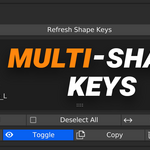
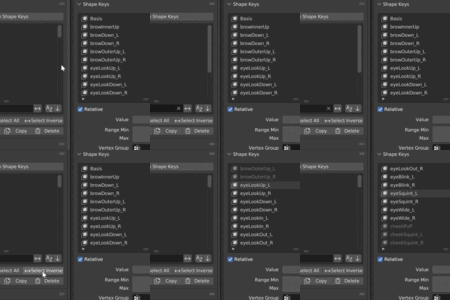
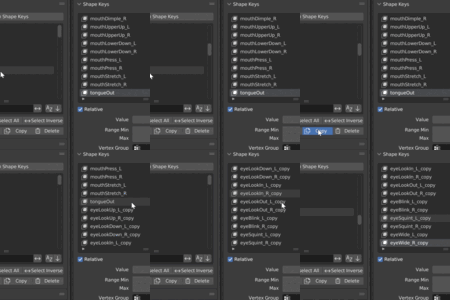
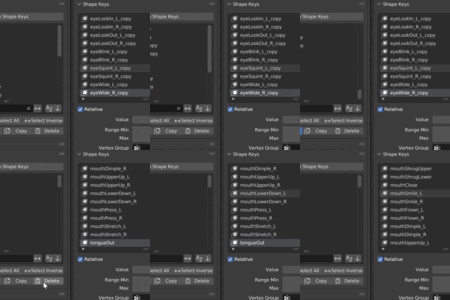
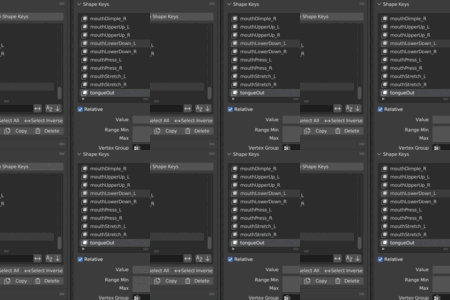
Open Properties → Object Data, scroll to Multi-Shape Keys, and press Refresh to load the current keys
Filtering uses Blender’s built-in UIList search field.
All operations work on the active mesh object.
$5
Have questions about this product?
Login to message
| Sales | 10+ |
| Dev Fund Contributor | |
| Published | 10 months ago |
| Blender Version | 3.0 - 5.0 |
| Extension Type | N/A |
| License | GPL |
Discover more products like this
52-shapekeys blender shape keys blendshapes #AnimationWorkflow 52shapekeys shapekeys Workflow Animation Workflow speed shape key blendshape blendshapekeys batch shape keys