Multi Texture Paint Mode With Undo In Stencil Mapping
 zeek34


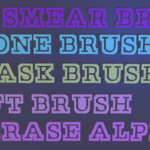
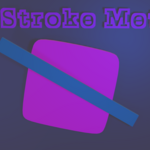
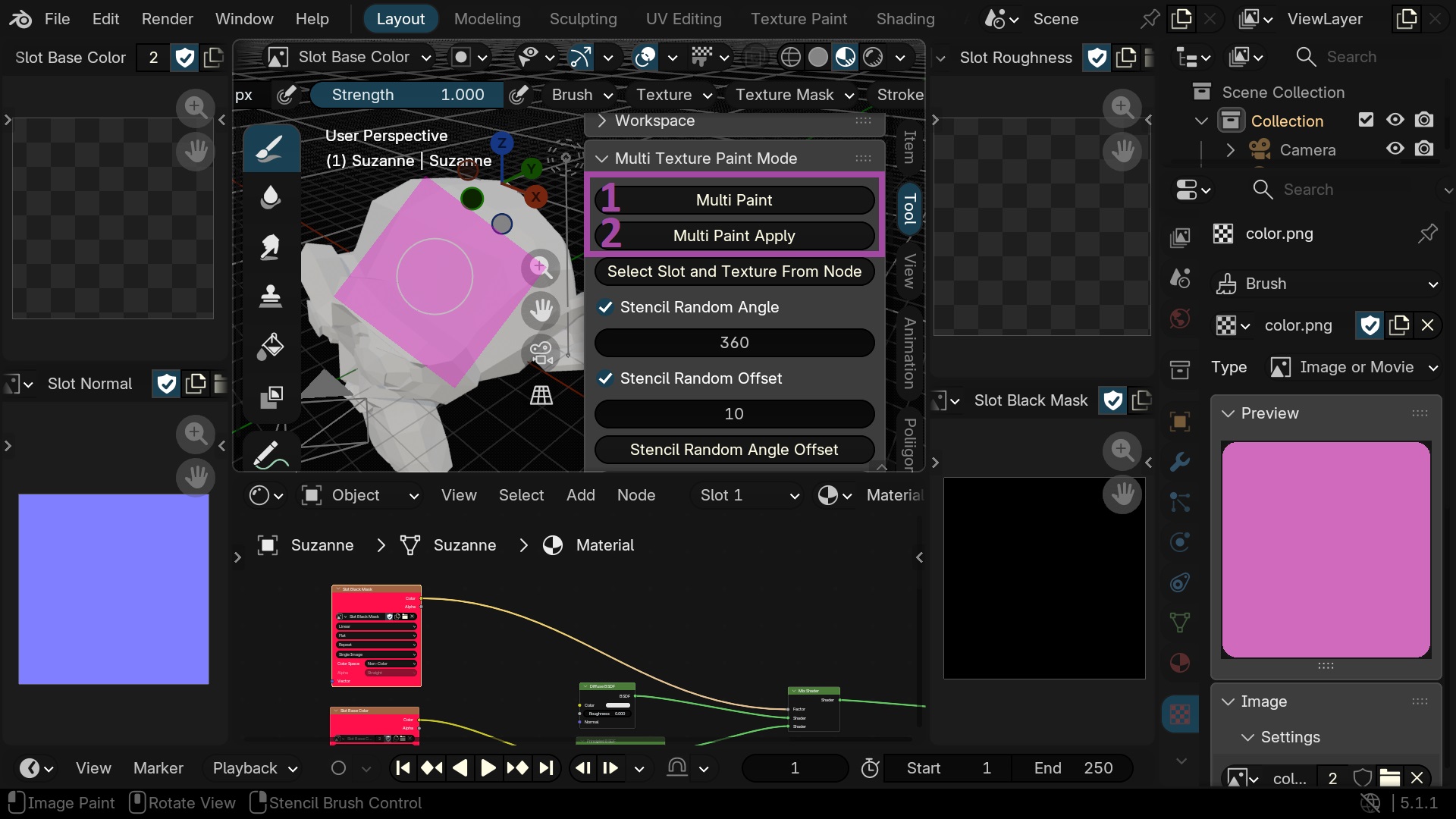
1 Saves the stroke coordinates
ALT + LEFT MOUSE BUTTON
2 Applies the stroke coordinates on selected texture nodes
you can repeat this operation several times
ALT + MIDDLE MOUSEE BUTTON
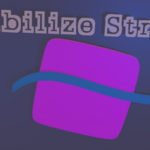
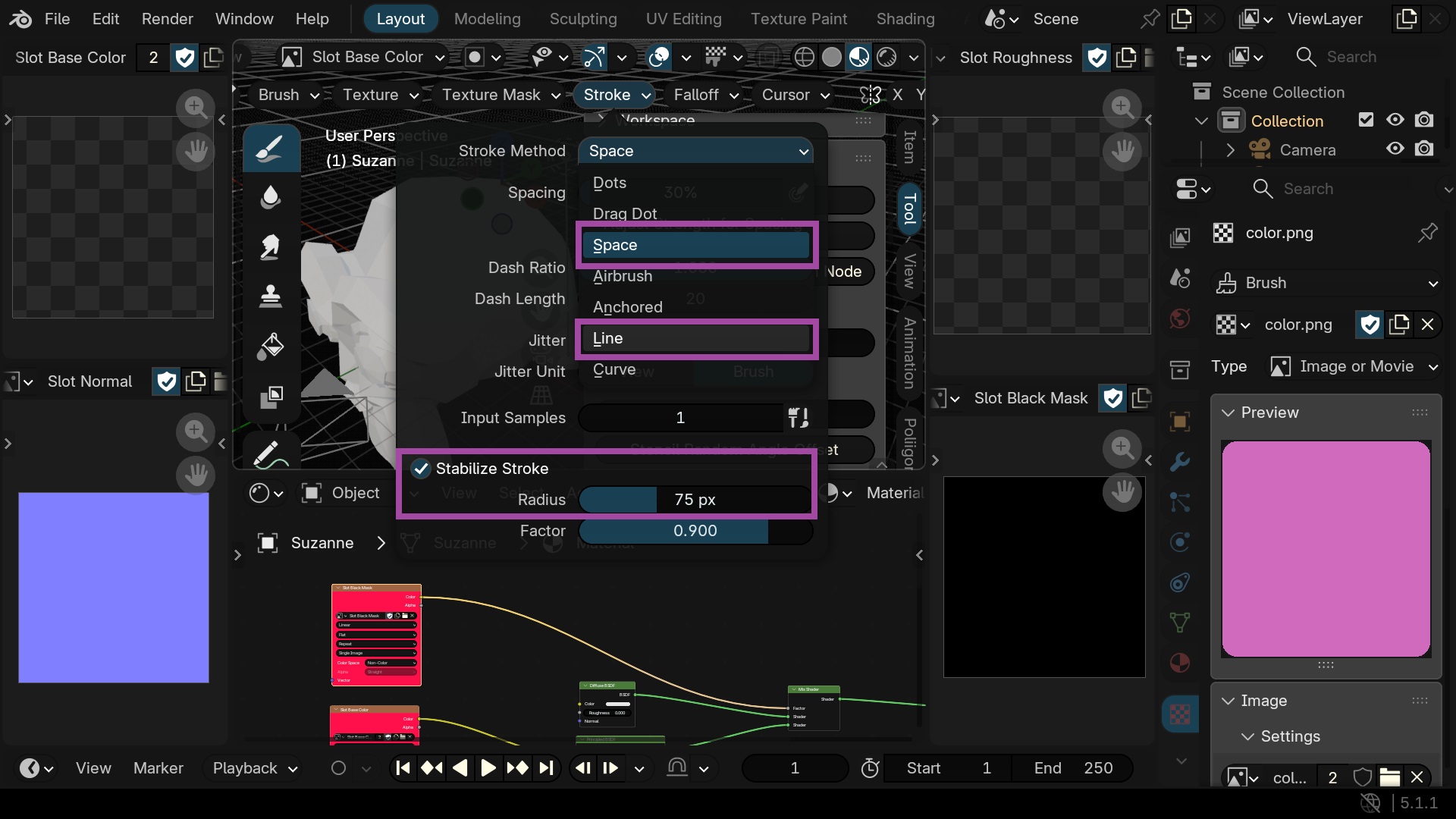
You can use the stabilize stroke and the line or space stroke
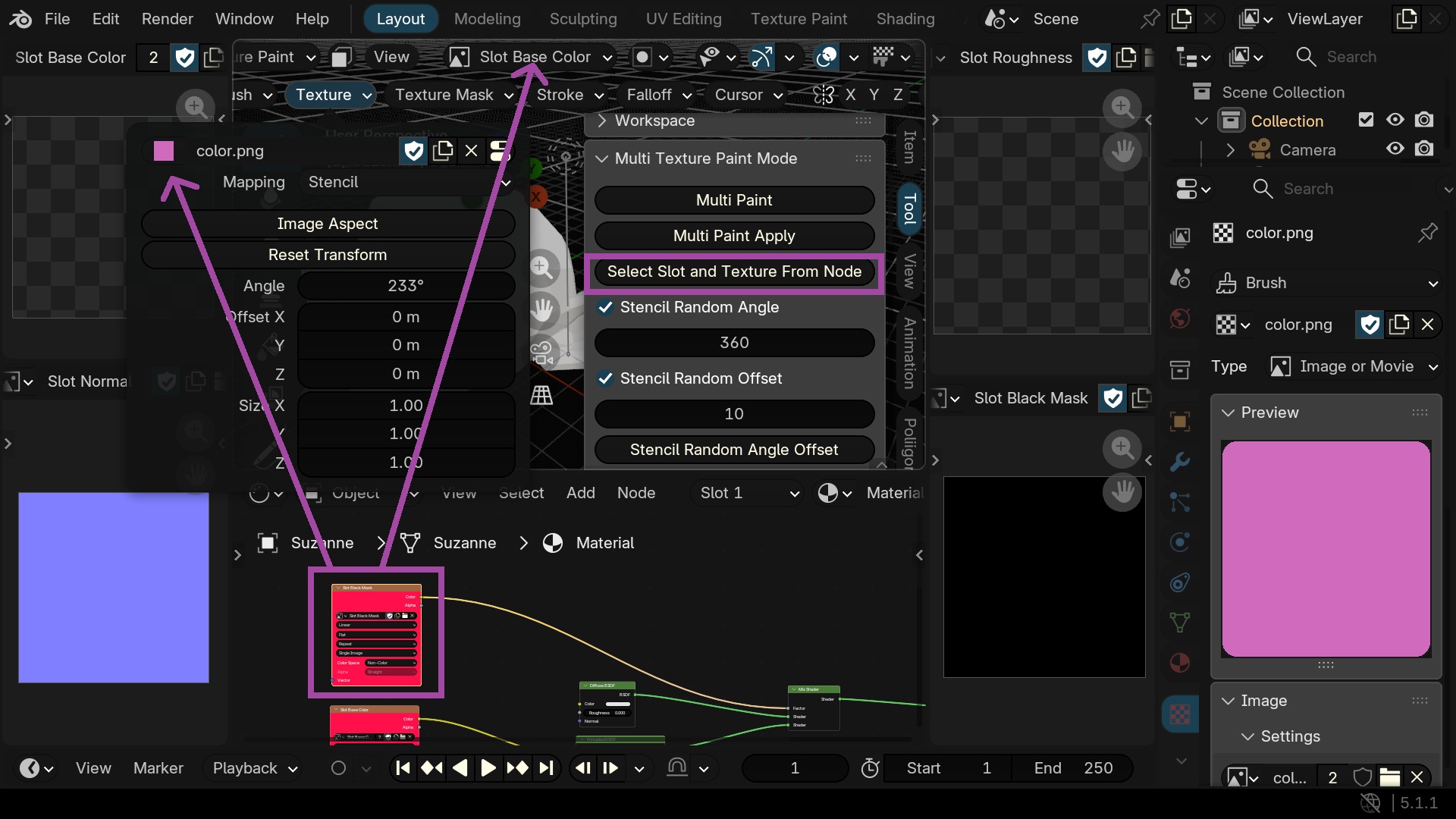
Selected the slot (canvas) and the texture (brush) from texture node
ALT + LEFT MOUSE BUTTON TO TEXTURE NODE
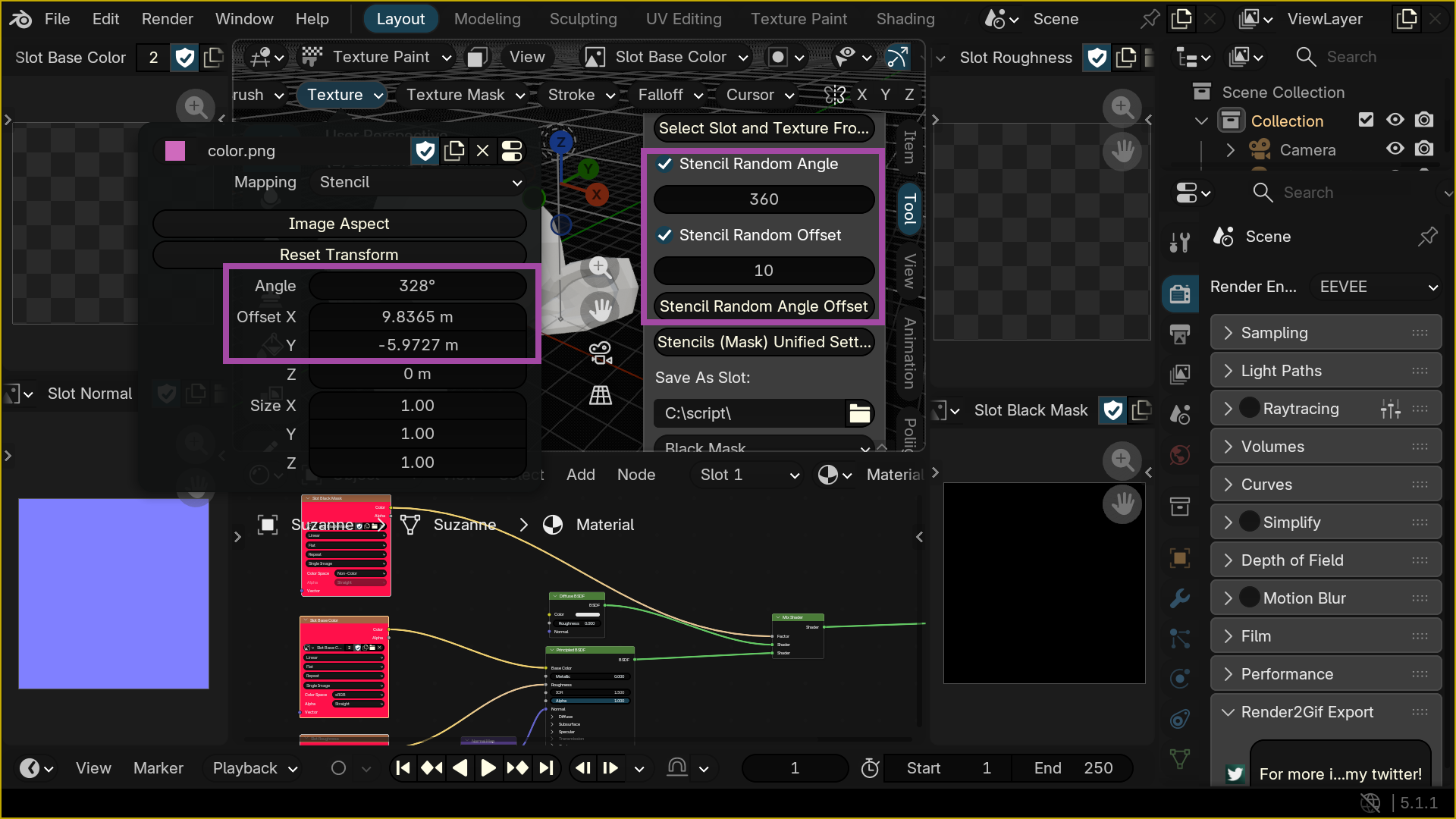
Random angle and/or offsets
CTRL + SHIFT + R
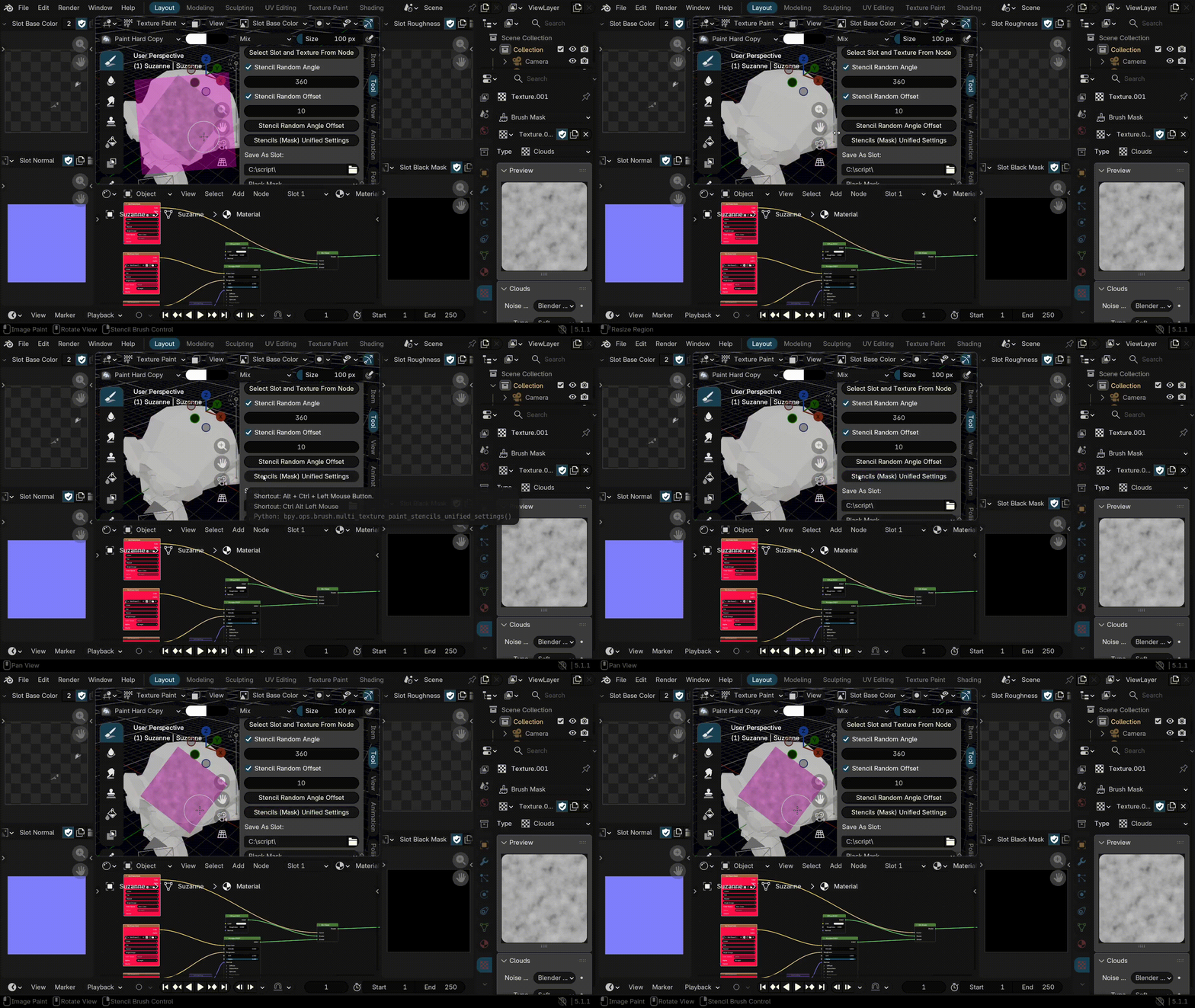
Copy texture mask transformation to texture
ALT + CTRL + LEFT MOUSE BUTTON
Path of the new slot and/or texture EA
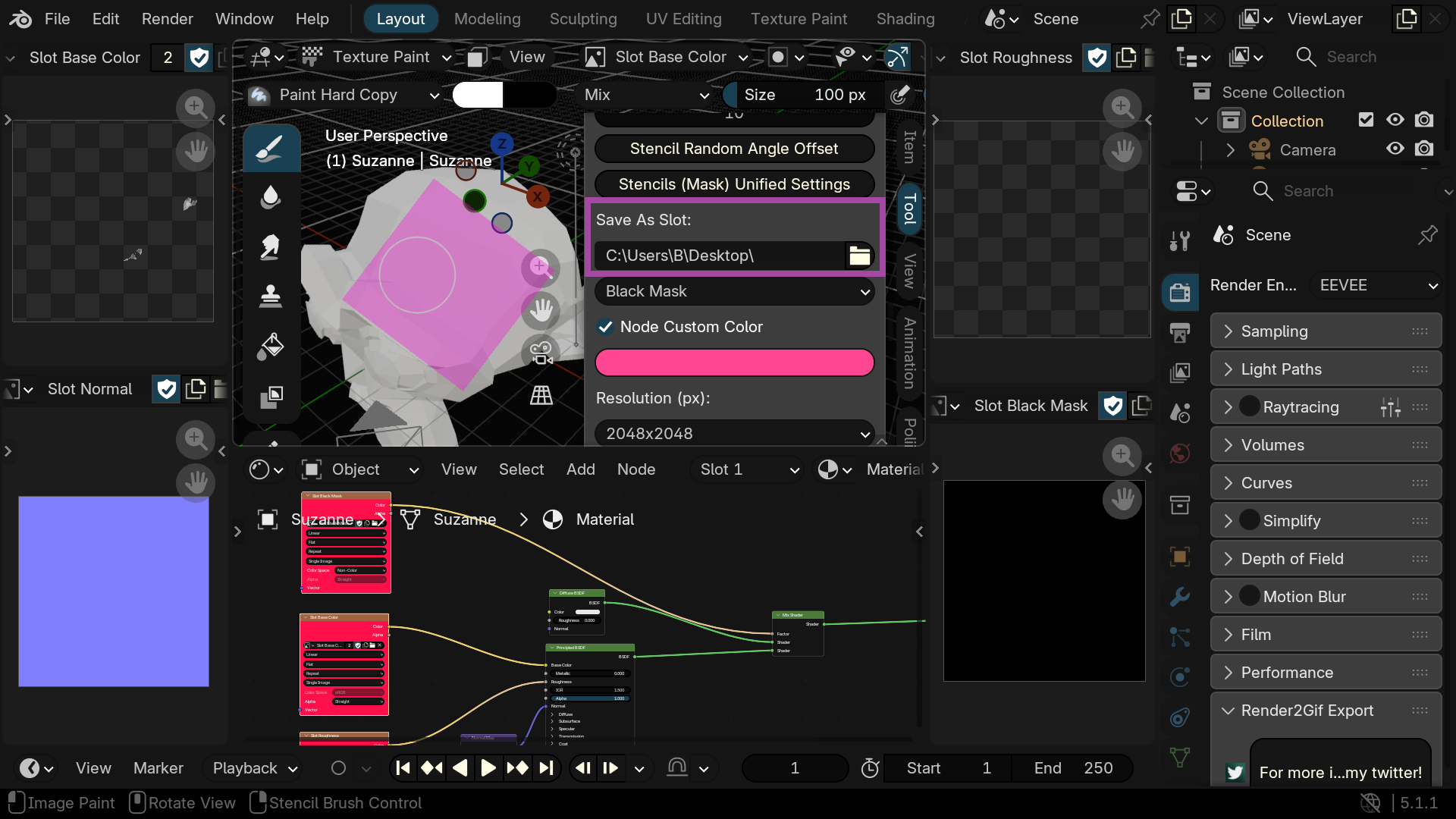
(you can save all slots with the Save All Images command)
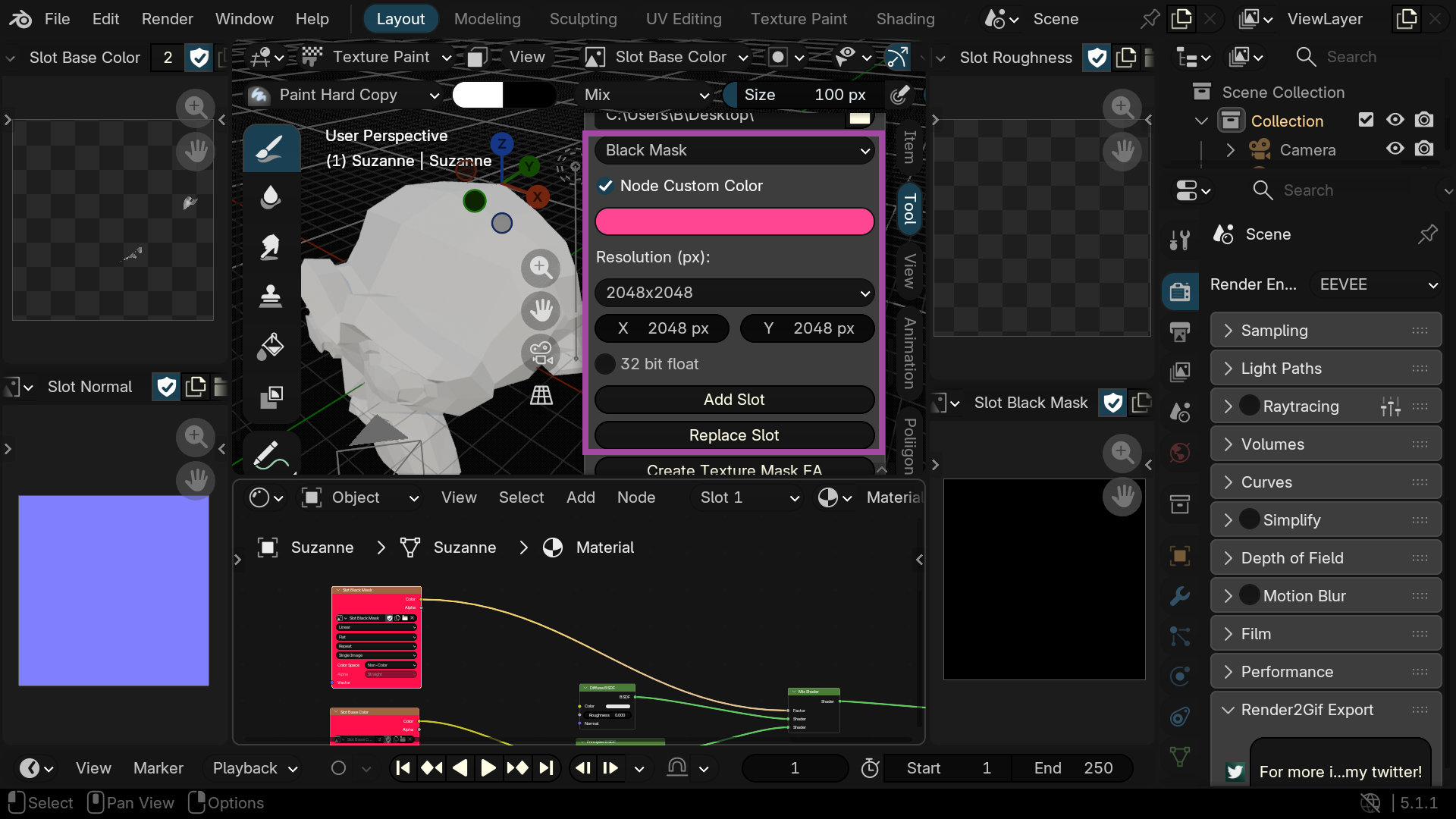
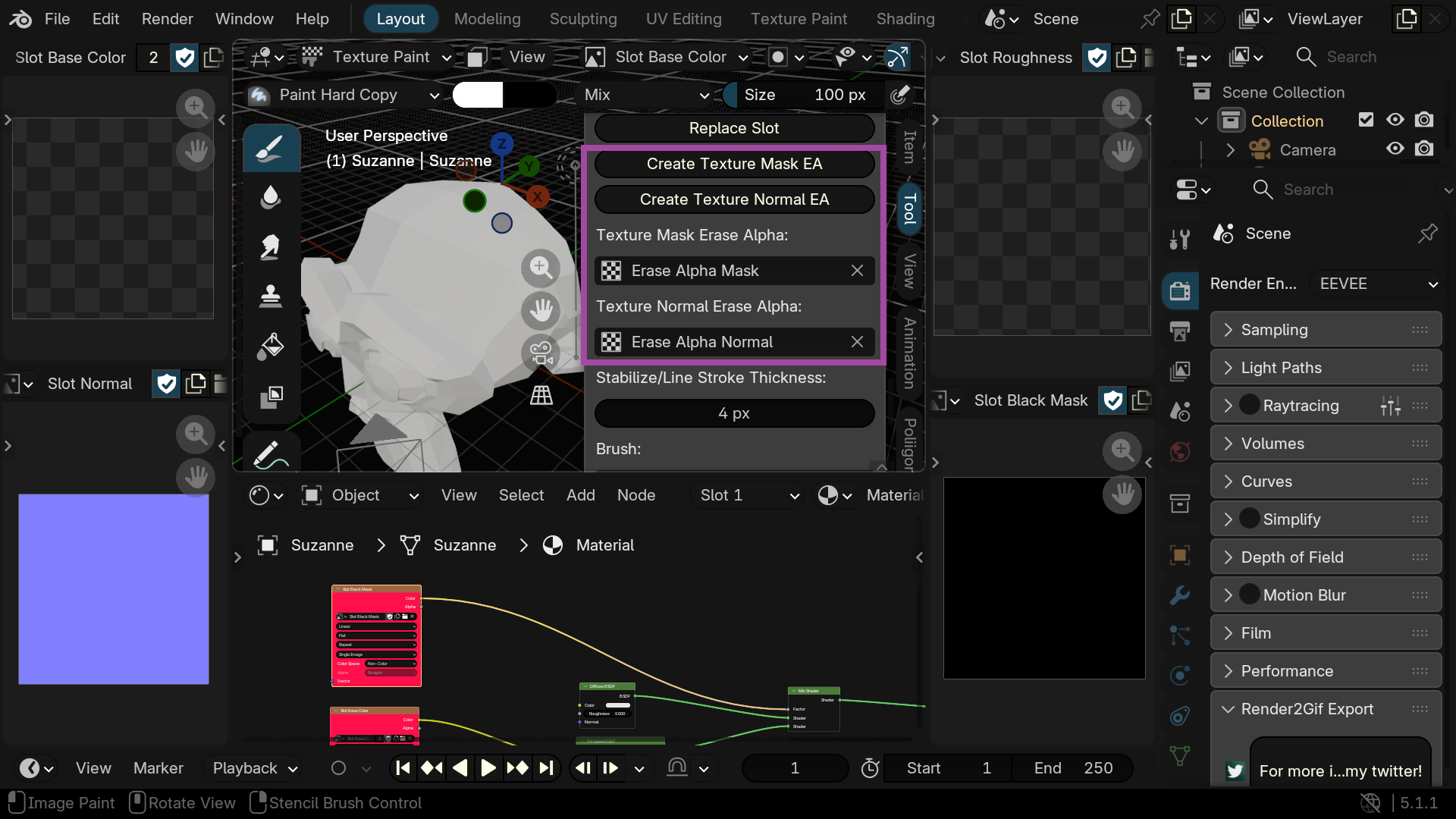
Create a texture to use a color on the Mask slot and/or Normal slot while Erase Alpha Painting
Use the 'Save As Slot' path
Change the stroke thickness
(you can change the color in the preferences)
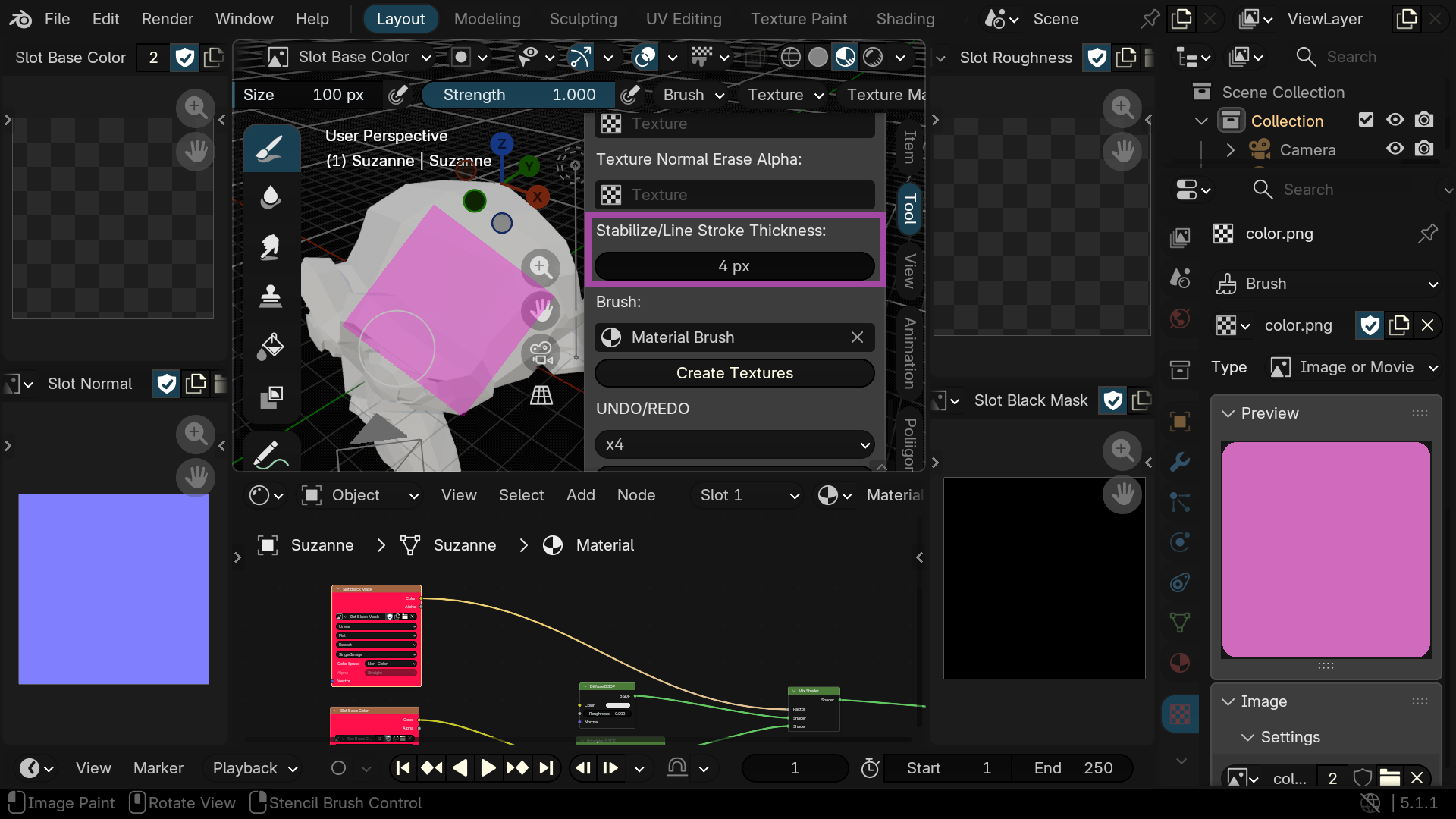
Select the material (Brush) that contains textures in the nodes and automatically create them
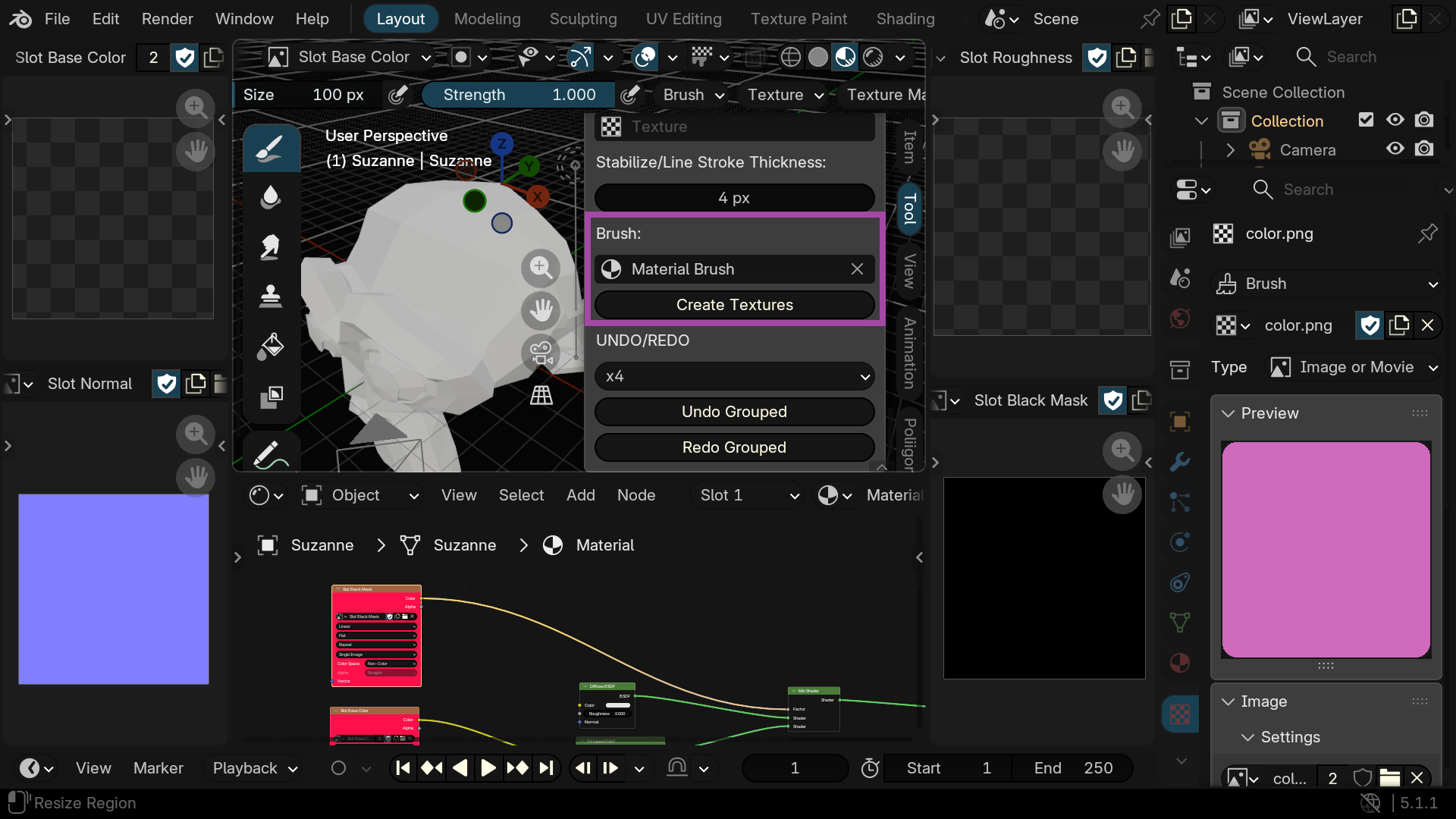
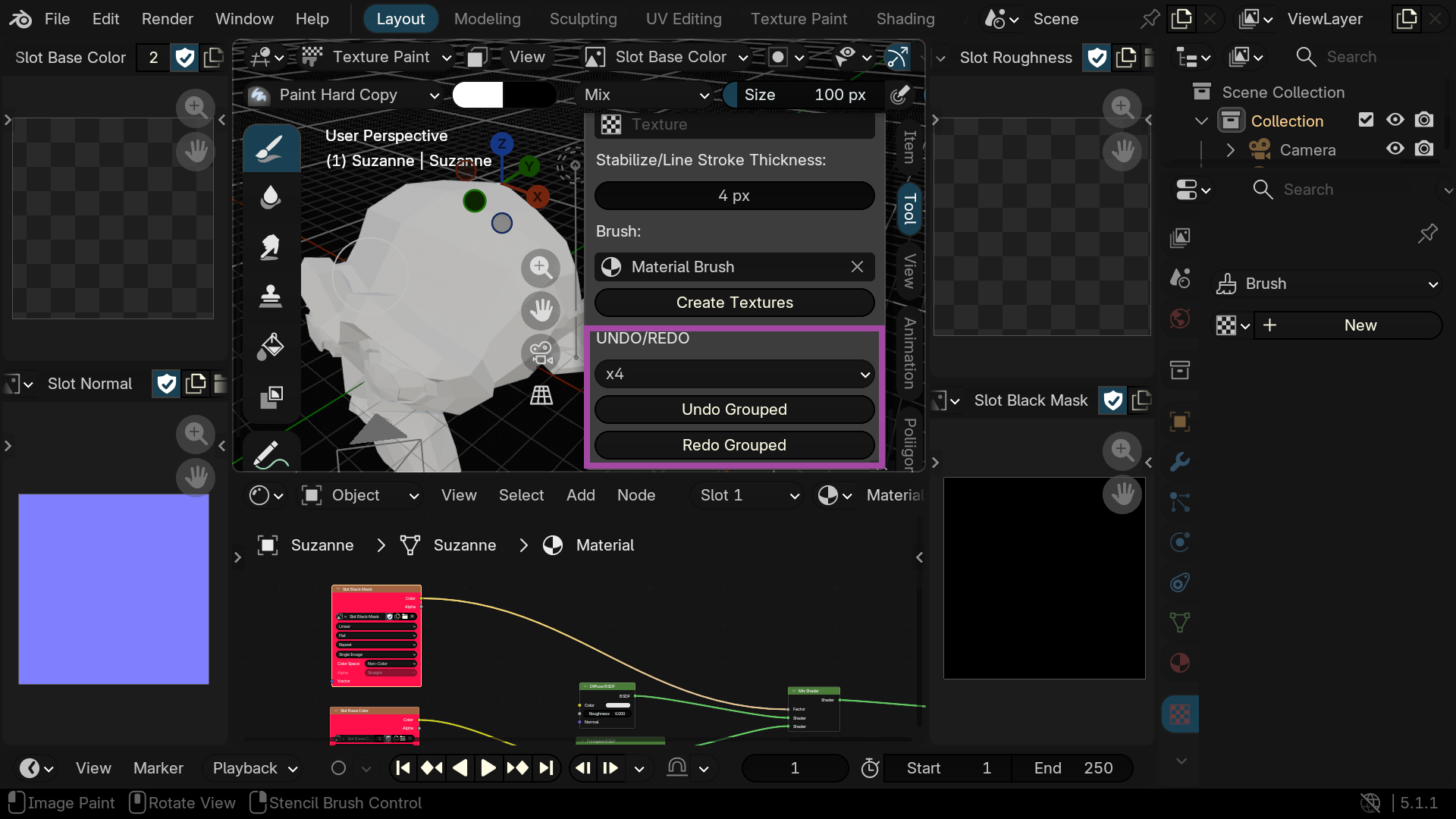
Number (based on number of textures) of undo operations
Undo : U
Redo : SHIFT + U
BRUSH :
Connections are used to find the texture (Factor, Base Color etc.)
You can add 1 MixColor per connection, in this case
the slot connection must be the same as the texture (MixColor A or MixColor B)
No group
(if you import a texture with Node Wrangler or an Addon, check the color space)
SLOT :
To make selection easier, you can select them by color (SHIFT + G)
or place them in a group
You can copy the node's color to replace the group's color or for a new slot
Have questions about this product?
Login to message
| Blender Extension Compatible | Yes |
| Dev Fund Contributor | |
| Published | 3 months ago |
| Blender Version | 5.1 |
| Extension Type | Add-on |
| Render Engine Used | Cycles, Eevee |
| License | GPL |
