 mkeyworks


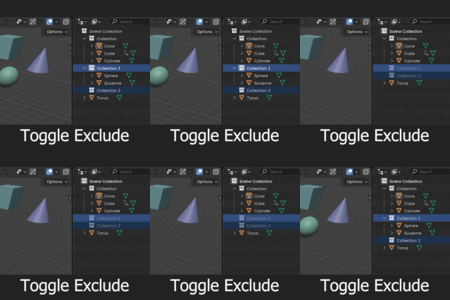
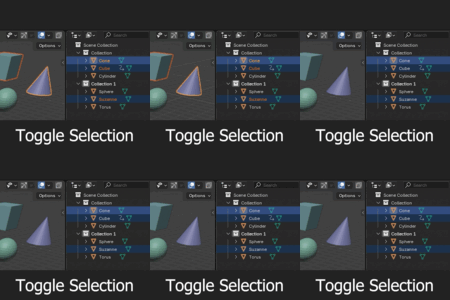
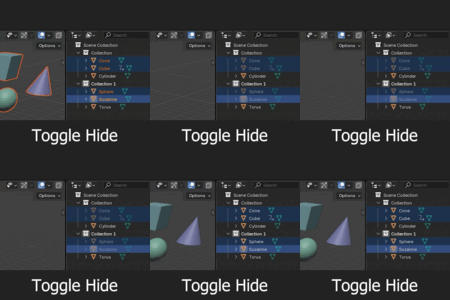
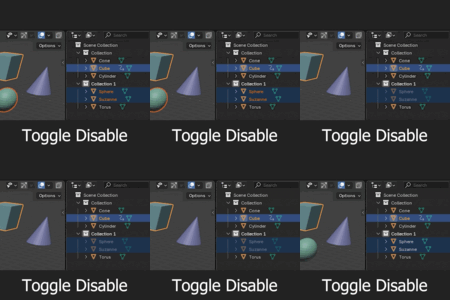
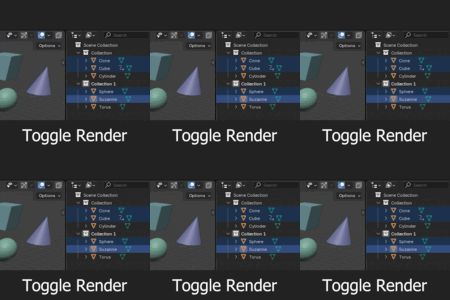
Multi-Toggle in the Outliner!
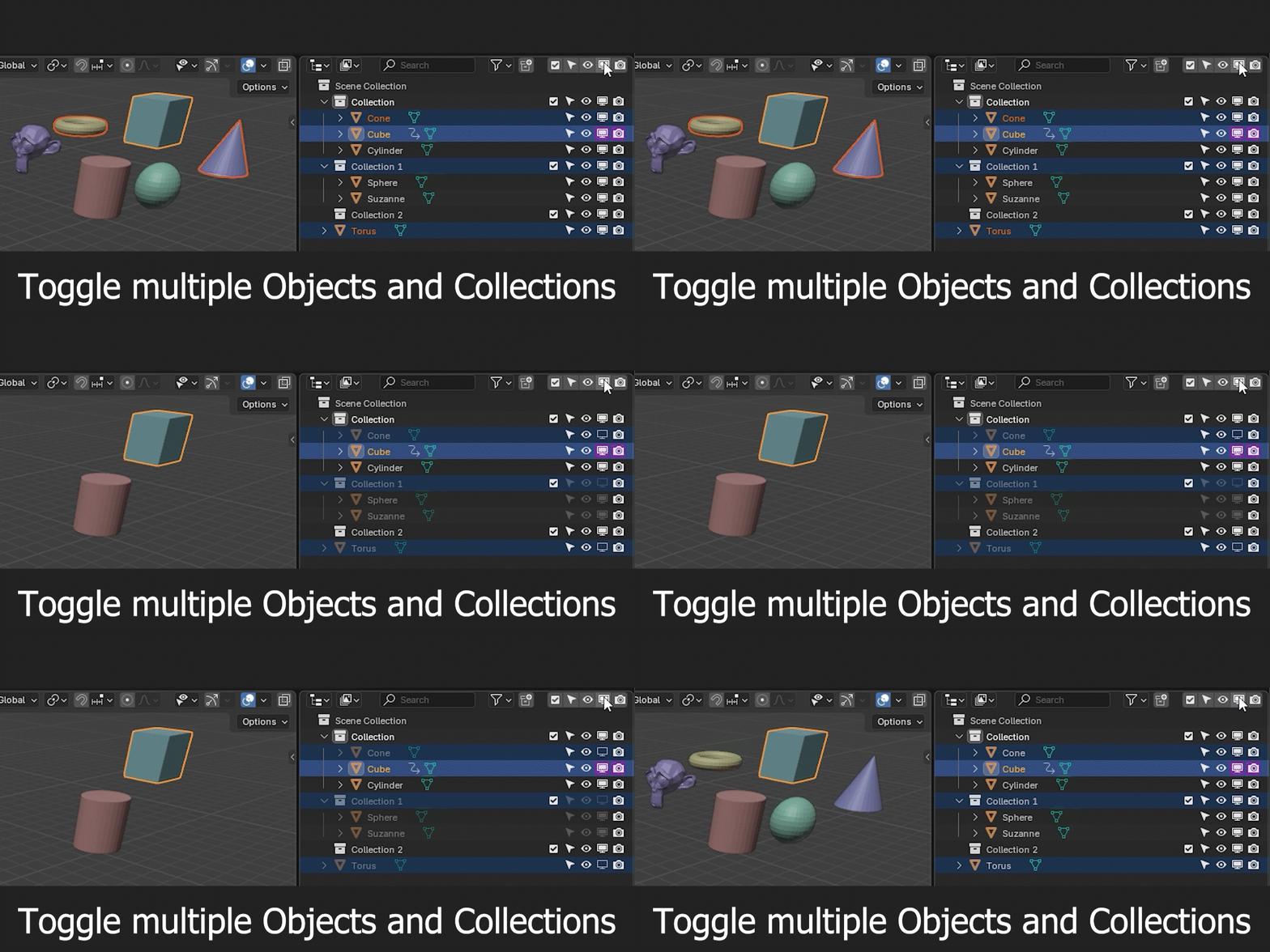
Easily manage multiple visibility and selection states at once — for both objects and collections.
Features
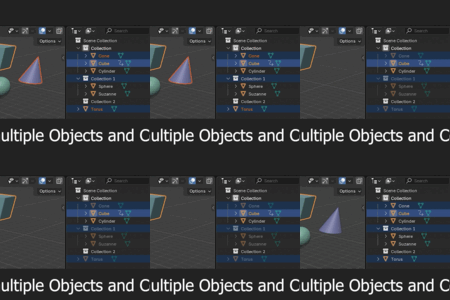
No more clicking through every single item — simply select your objects or collections
and use one of the Multi-Toggle buttons.Works from both the 3D Viewport and the Outliner.
-
Toggle multiple states at once:
Exclude from View Layer (for collections)
Disable Selection
Hide in Viewport
Disable in Viewport
Disable in Renders
Access
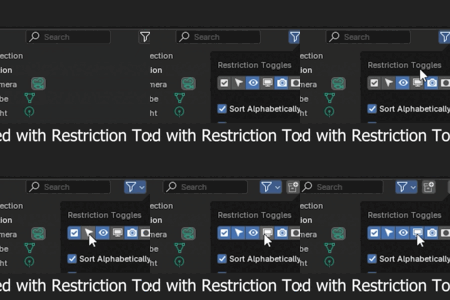
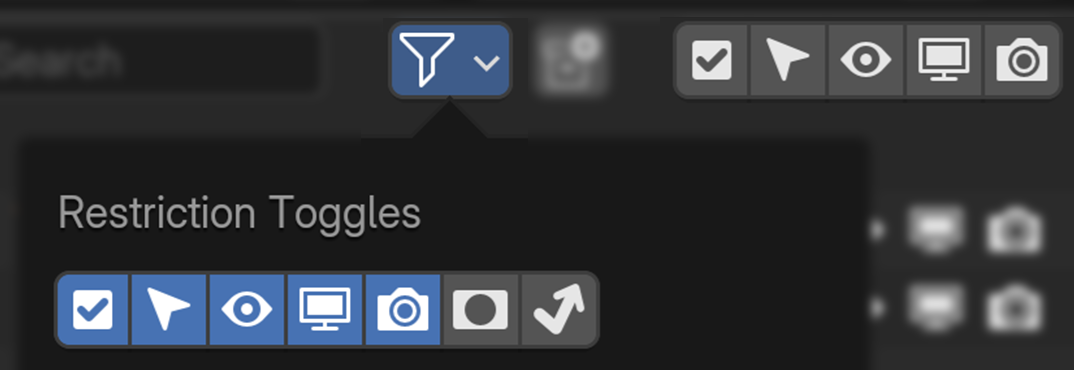
In the Outliner go to Filter → Enable Restriction Toggles — they sync with the Multi-Toggle buttons.
Benefits
These functions don’t have native shortcuts in Blender — this tool fills that gap for faster automation.
Disable in Viewport can significantly improve playback performance, often more than Hide in Viewport.
Avoid issues with Alt + H, which unhides all hidden objects instead of just the selected ones.
Bonus Feature
If an object has a driver, the add-on won’t overwrite its functions.
Limitations
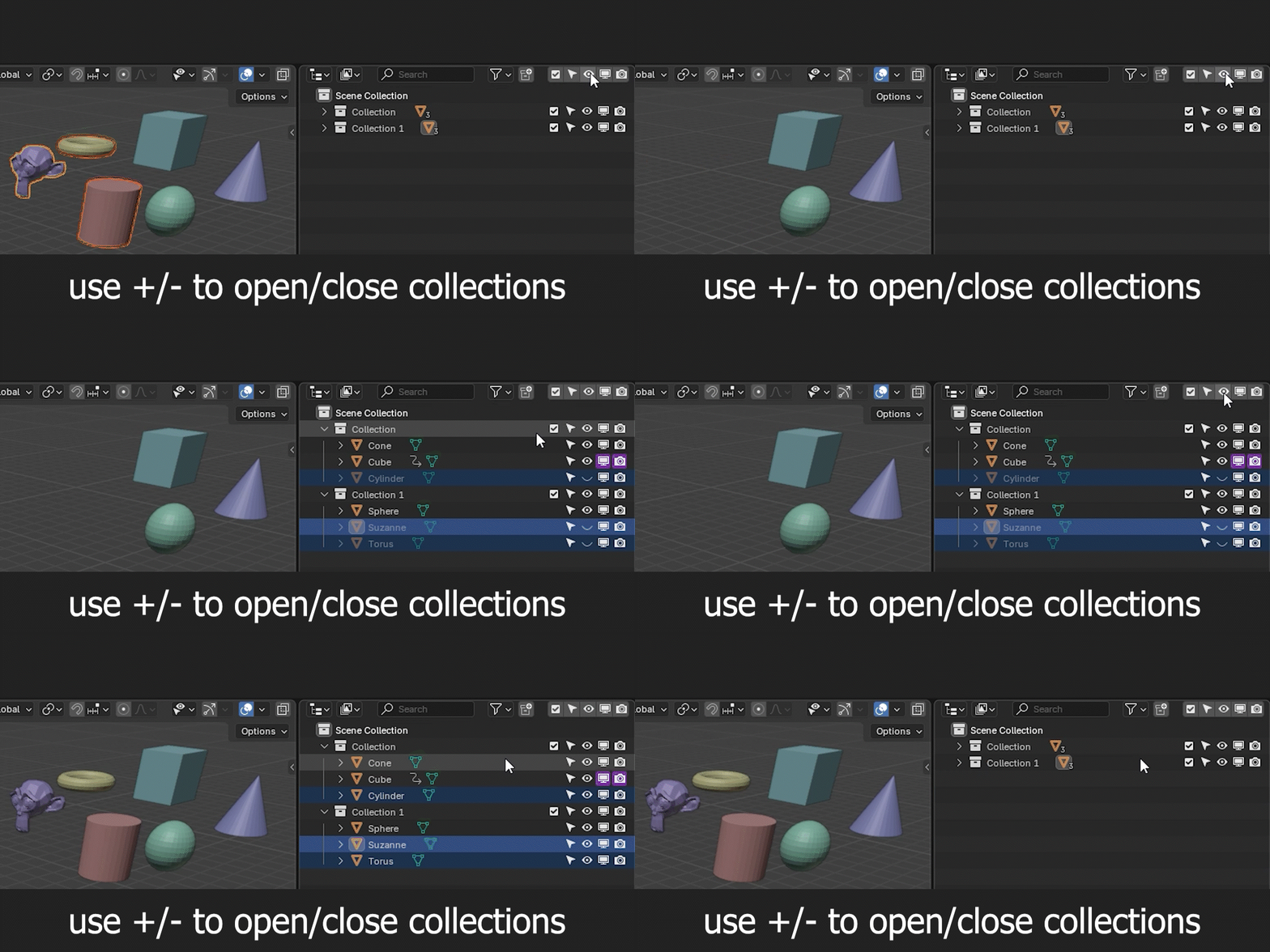
Use the + / – icons to open or close collections — hidden or disabled objects can only be re-enabled if they are visible in the Outliner.