 mkeyworks


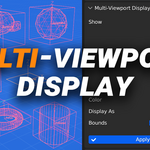
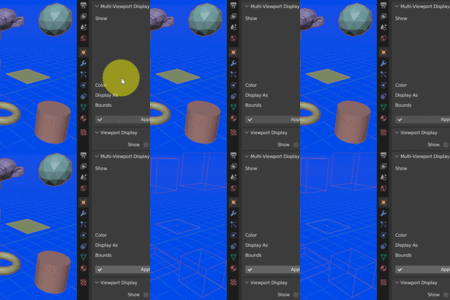
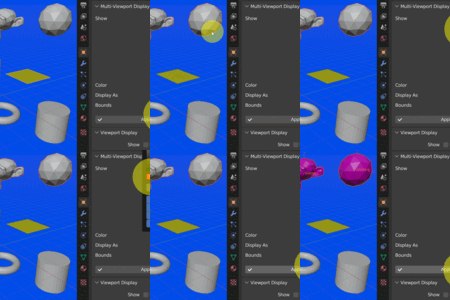
Multi-Viewport Display — Batch-edit viewport display settings!
Speed up your Blender workflow by batch-editing Viewport Display settings for multiple selected objects at once!
Features
-
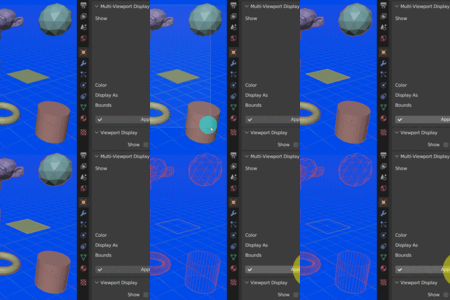
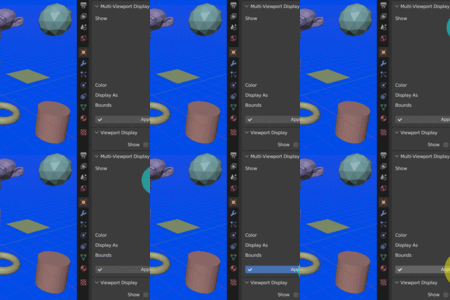
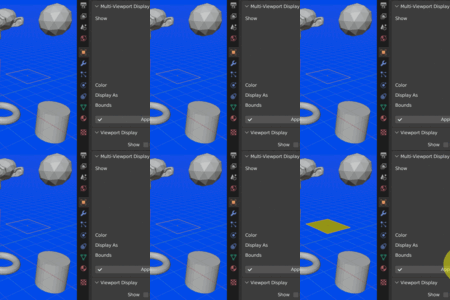
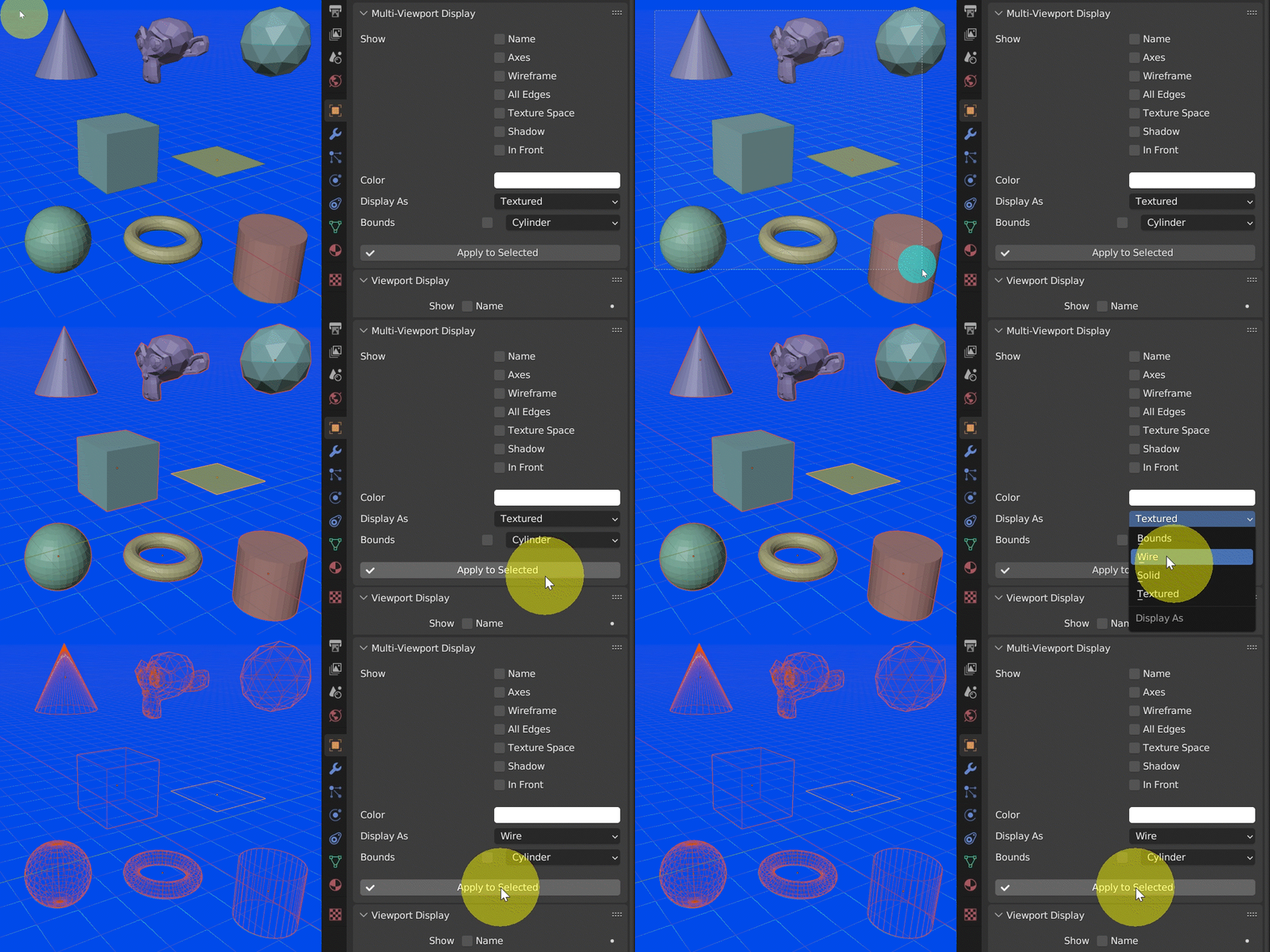
Instantly batch-edit viewport settings for all selected objects.
-
Toggle visibility of names, axes, wireframes, edges, texture space, and shadows.
-
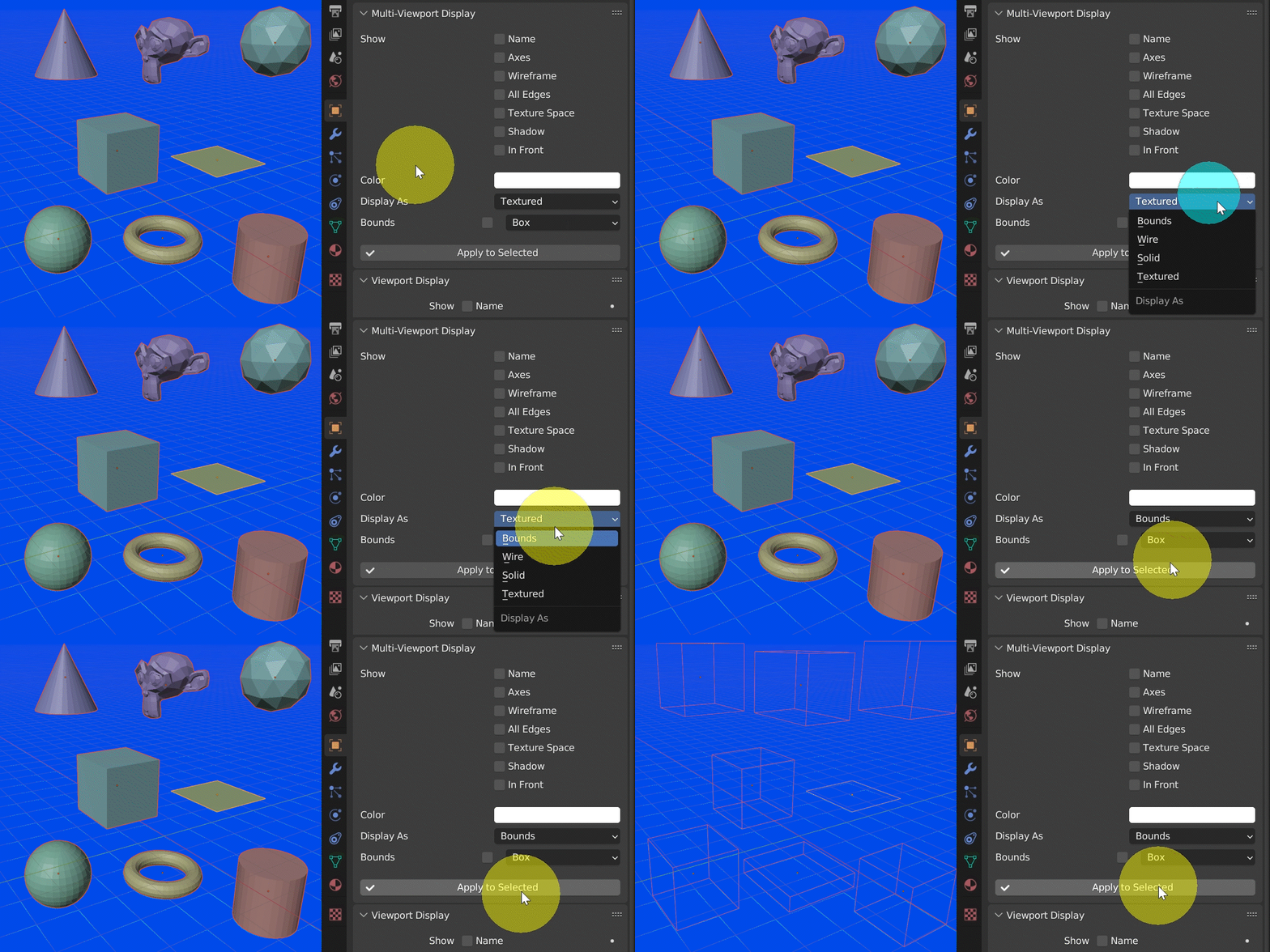
Choose display mode: Bounds, Wireframe, Solid, or Textured.
-
Customize bounds shapes: Box, Sphere, Cylinder, Cone, or Capsule.
-
Assign colors directly in the viewport to organize complex scenes.

Access
-
Easy access under Properties > Object Tab — no extra setup required.
-
Quick installation as a standard Blender add-on.
Benefits
-
Save hours by applying viewport settings to multiple objects at once.
-
Keep your workspace clean, organized, and visually clear.
-
Improve workflow efficiency for modeling, layout, and scene management.