 ZEG
ZEG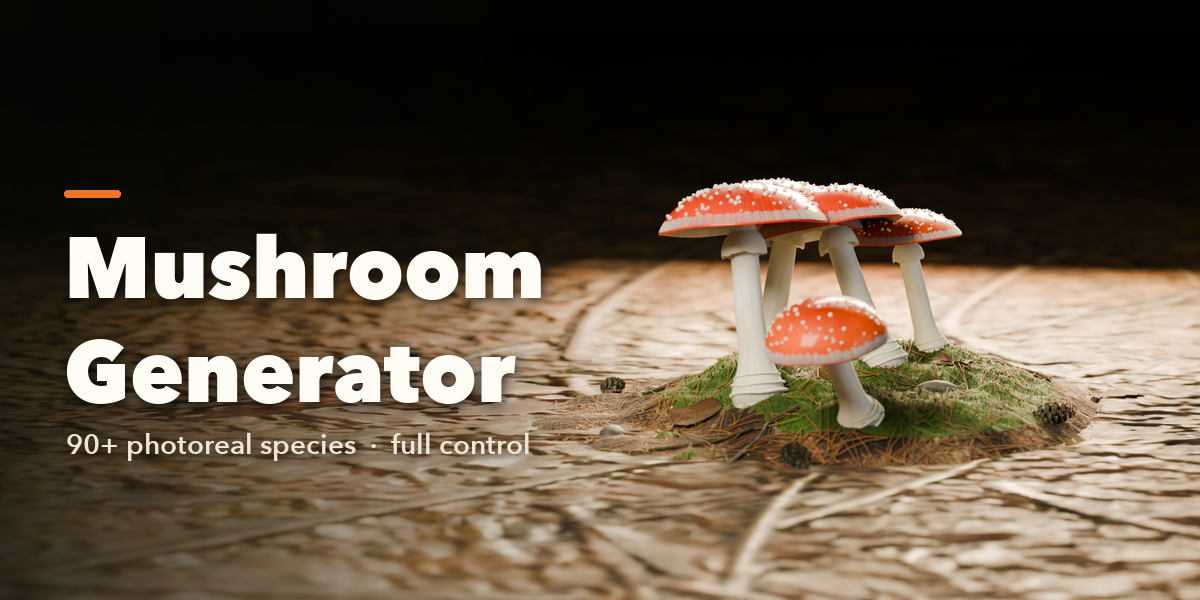

Installation
In Blender open Edit, Preferences, Get Extensions, then use Install from Disk and pick the zip.
Usage
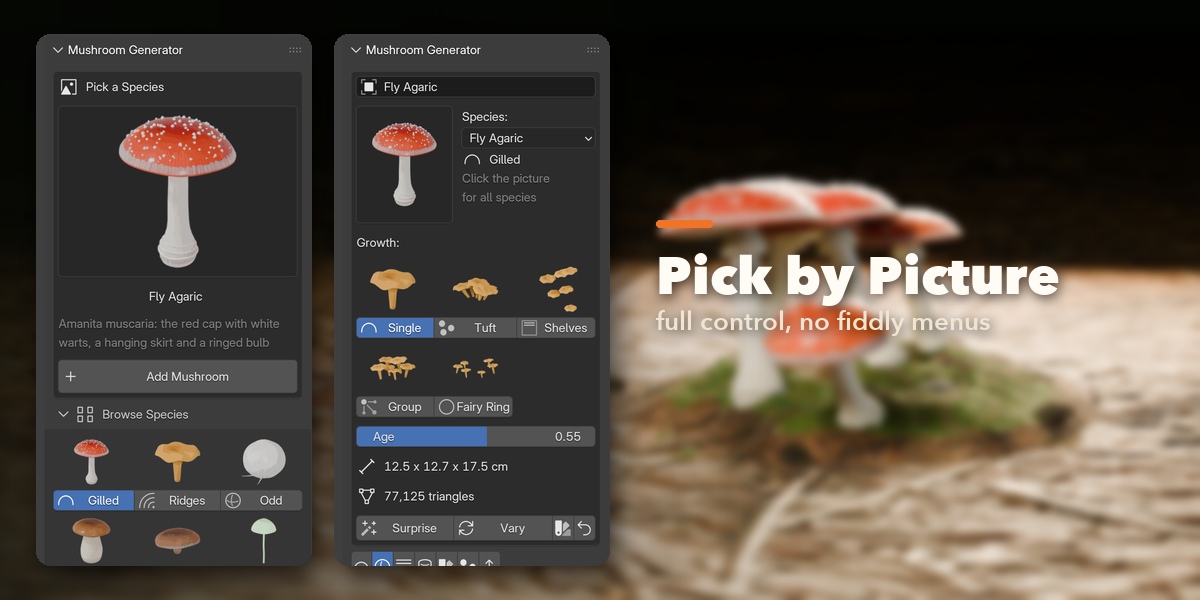
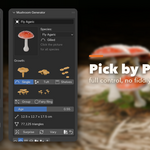
- Open the Mushroom tab in the 3D viewport sidebar (N).
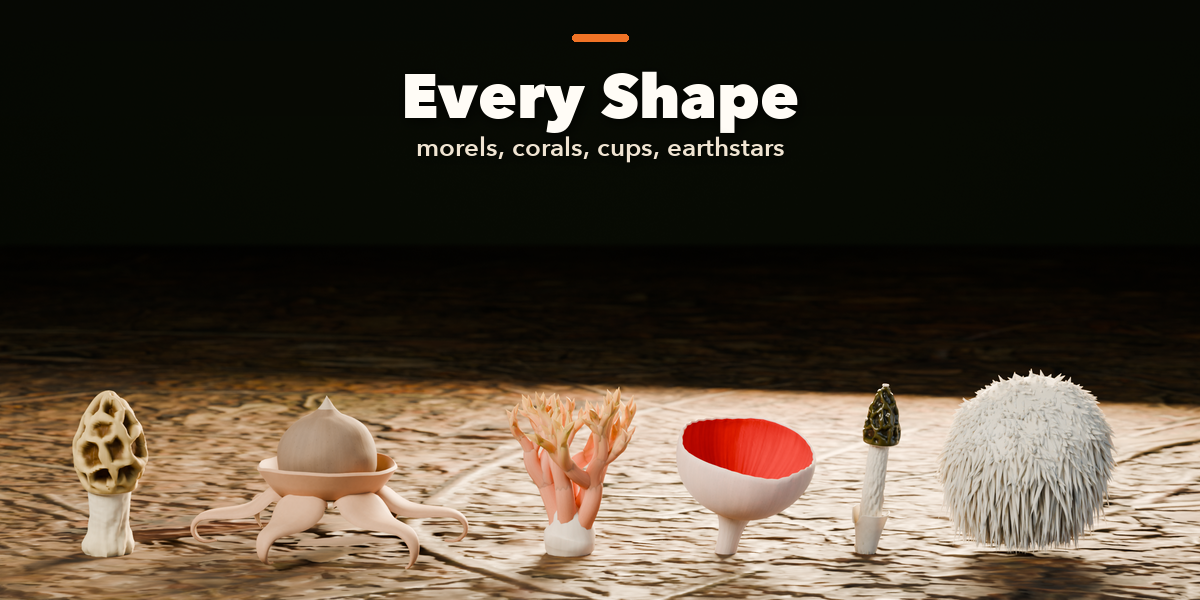
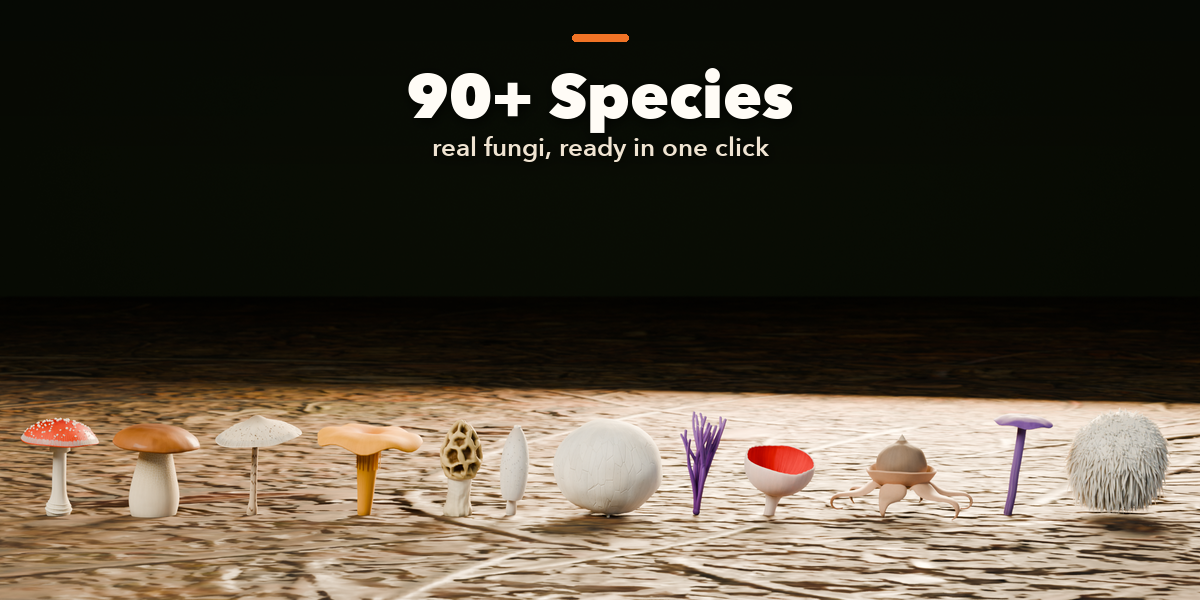
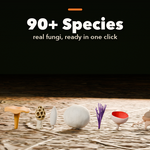
- Click the big picture to choose a species, then Add.
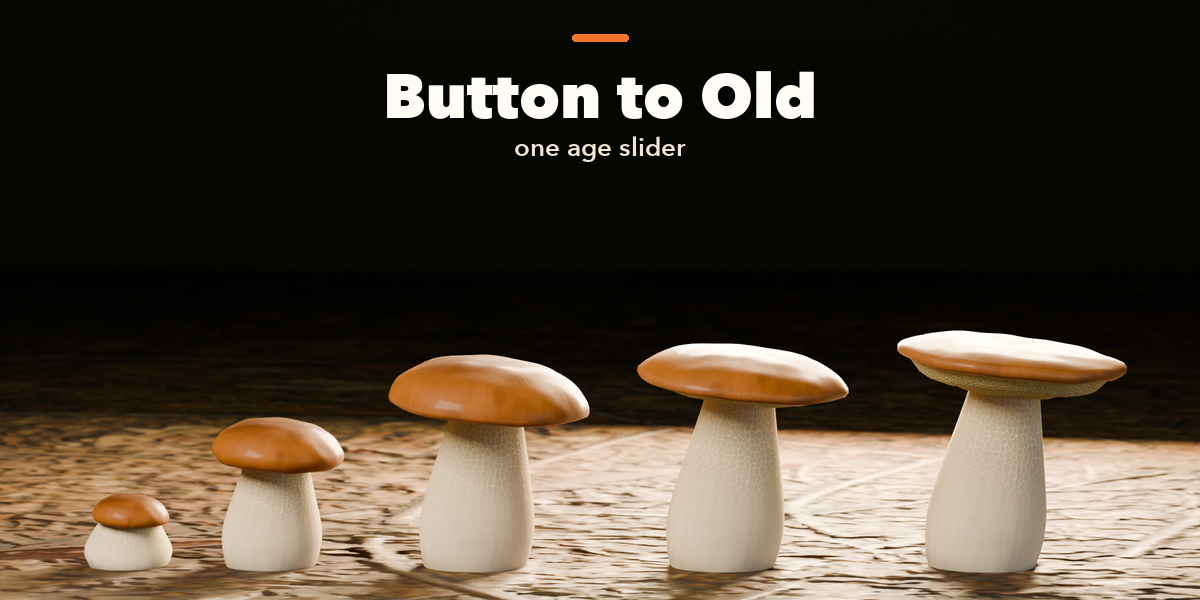
- With the mushroom selected, change it in the tabs: Body Plan, Cap, Underside, Stem, Colors & Surface, Colony & Ground.
- Surprise, Vary and Colors make new variations from the current one.
- In Parts & Export choose a detail level, then Export for Games (GLB, glTF, FBX or OBJ with optional LODs), Photo Studio, or Convert to Mesh.
Have questions about this product?
Login to message
| Blender Extension Compatible | Yes |
| Published | about 11 hours ago |
| Blender Version | 4.2 - 5.2 |
| Extension Type | Add-on |
| Render Engine Used | Cycles, Eevee |
| License | GPL |

Discover more products like this
forest mushroom-generator procedural fungi mushroom game assets toadstool fantasy plants #nature photorealistic Generator