 Creative Collections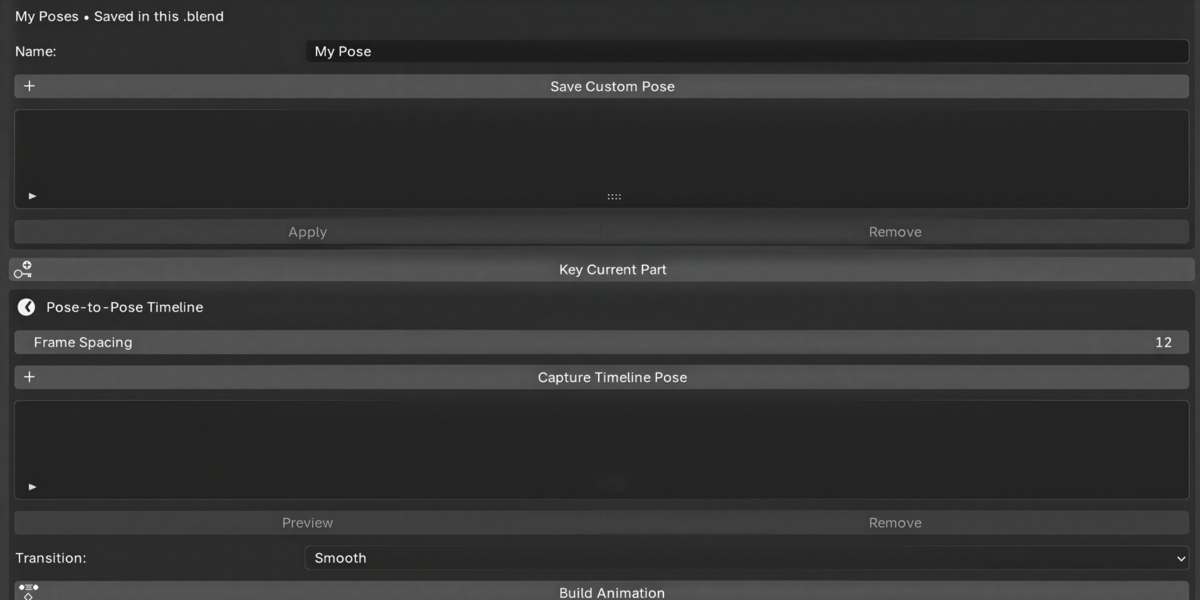
Full description
Stop rotating bones one at a time.
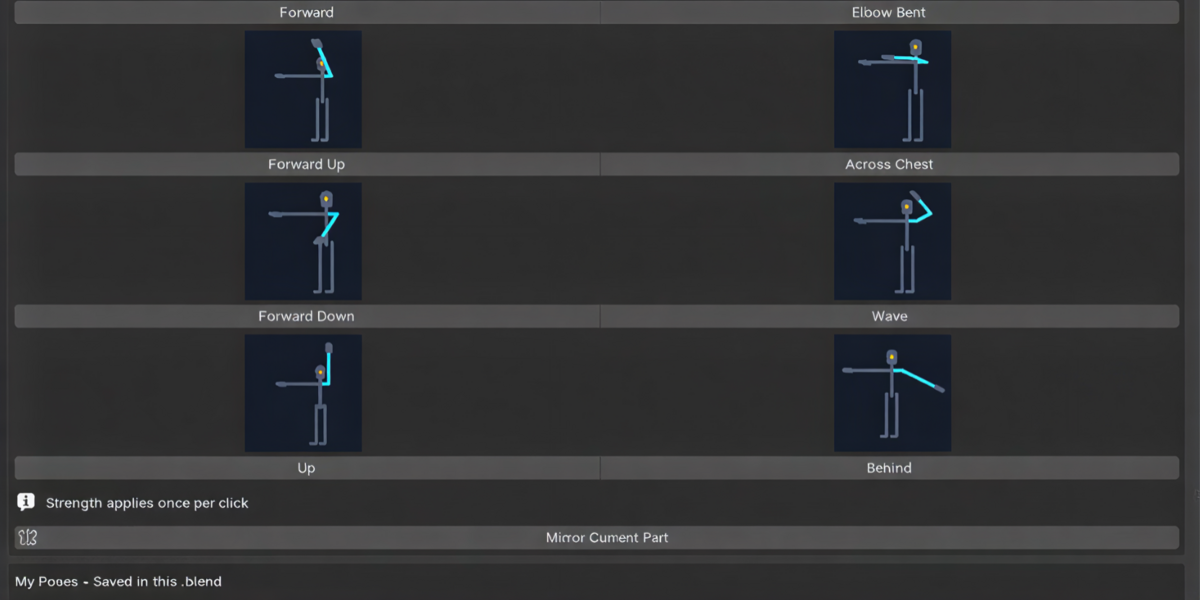
Posing a character by hand means rotating dozens of bones one axis at a time, fixing the other side, and nudging a foot that slid through the floor. PoseFlow gives you a visual pose panel instead. Map your rig once, then click your way to a pose and turn a series of poses into a timed animation, without leaving the N-panel.
Map once. Click to pose. Build the animation.
🎯 Pose in seconds
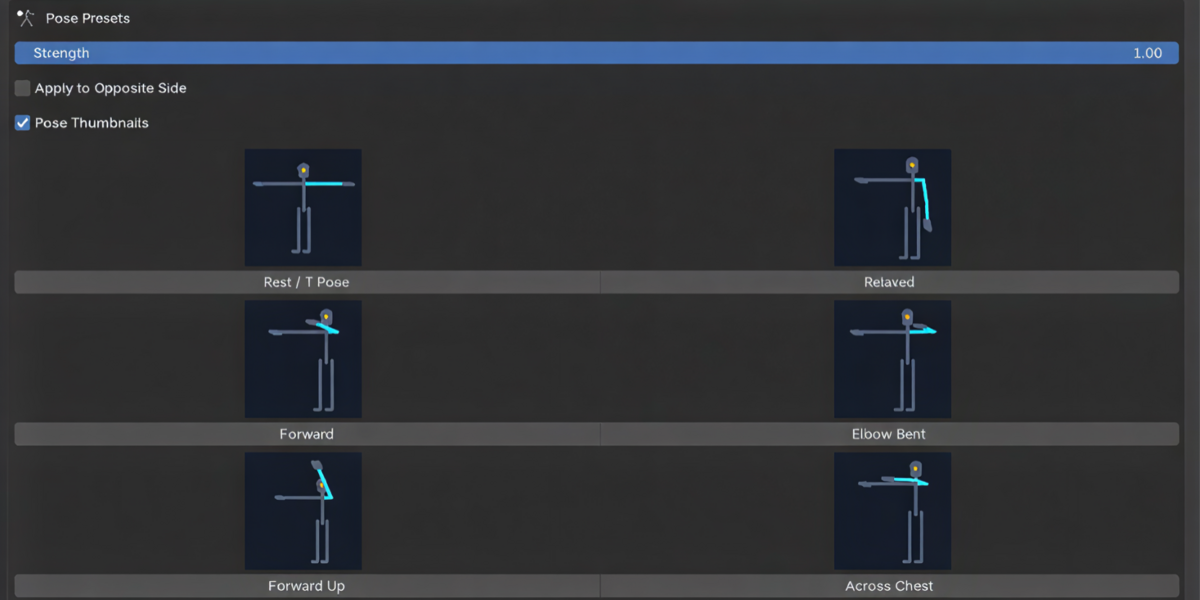
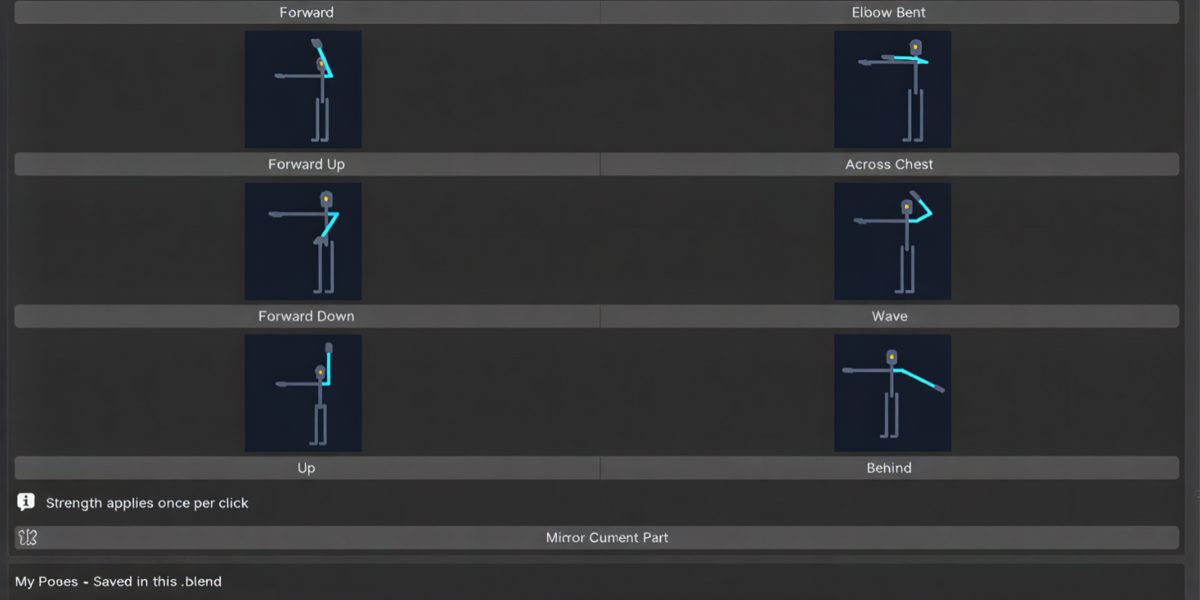
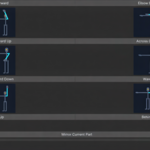
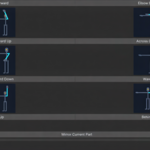
- 65 illustrated presets for head, chest, hips, arms, legs and hands. See the pose before you click.
- Blend strength: apply a preset at 30%, 70% or 100%, and layer poses to get exactly the shape you want.
- One-click mirroring: pose one side and copy it to the other, with bone roll handled correctly.
- Smart crouch: the hips drop using your character's real leg lengths, and the feet stay where they are.
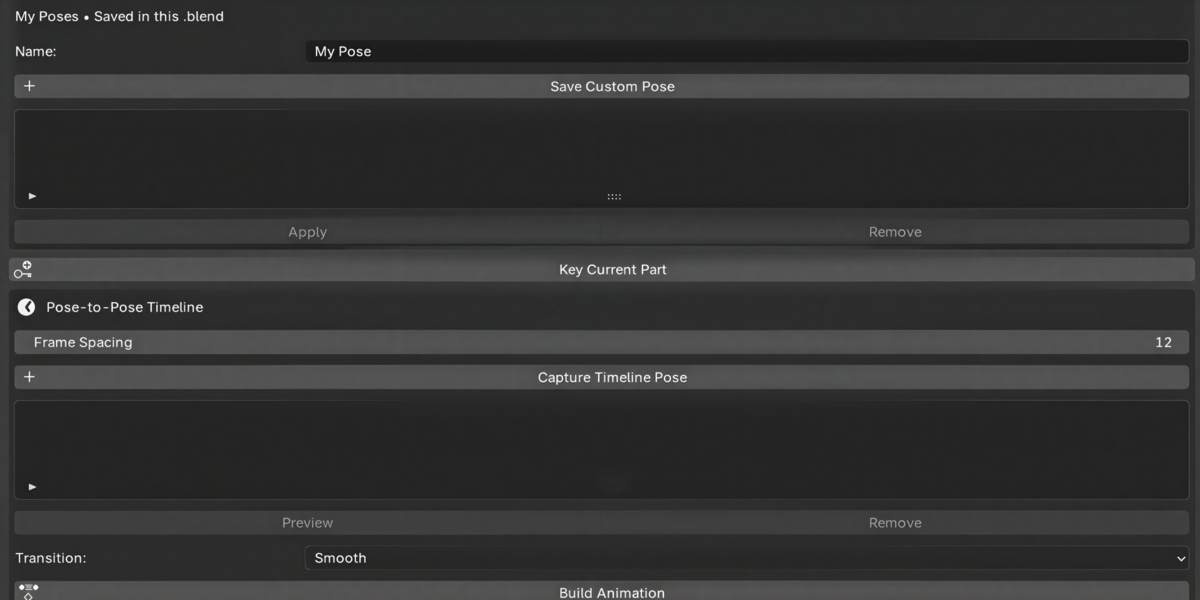
- Your own pose library: save favourite poses per character in the .blend.
🦶 Keep your character grounded
- Foot locks: move the hips anywhere and the feet stay planted.
- Weight shift & stance width for natural, balanced standing poses.
- Sit, kneel and lunge from a seat or floor marker.
- Reach & Grab: send a hand to the 3D cursor, or attach it to a prop and it follows wherever the prop moves.
🎬 Block animation fast
- Pose → Capture
- Pose → Capture
- Pick Stepped, Linear or Smooth → Build Animation
Your key poses are on the timeline, ready to refine in the Graph Editor. Contact targets are captured too, so planted feet stay planted between poses.
🛡️ Safe for your files
- Every action is undoable.
- Animation is written to a private copy of your Action. Existing keys and shared Actions are never overwritten.
- PoseFlow checks your rig before changing anything, and tells you in plain language if a control can't be driven.
- Fully offline: no accounts, internet access, telemetry or extra installs.
Who it's for
- Animators who want to rough out key poses quickly and spend their time polishing.
- Game developers posing characters for concept shots, thumbnails or animation blockouts.
- Illustrators and 3D artists who need a character posed for a render without learning to animate.
- Beginners who find rigs intimidating: click a preset and adjust from there.
✅ Compatibility
- Blender 4.5 LTS and newer (release-tested on Blender 5.2 LTS)
- Humanoid rigs with FK controls, with auto-suggested mapping for standard, Mixamo and Rigify-style bone names
- Rigify / Auto-Rig Pro: map the FK controls with limbs switched to FK
- Built-in presets assume a T-pose rest skeleton facing −Y. A-pose characters work with saved custom poses.
Not sure about your rig? Run Suggest Mapping → Check from the demo workflow. Check tells you straight away whether every control can be driven, before any change is made to your character.
📦 What you get
- PoseFlow extension (installs with Install from Disk)
- Two demo scenes: a ready-to-pose mannequin with a five-pose animation, and a contacts demo with planted feet and a hand following a prop
- Step-by-step user guides and changelog
- Free updates within version 1.x
⚡ Get started in 2 minutes
- Install the ZIP → open the PoseFlow tab (press N)
- Open the demo scene and click any preset
- Map your own rig with Suggest Mapping, and start posing
Spend your time on the animation, not on setting up poses.
Licensed GPL-3.0-or-later. All code, demo characters and preview images are original.
