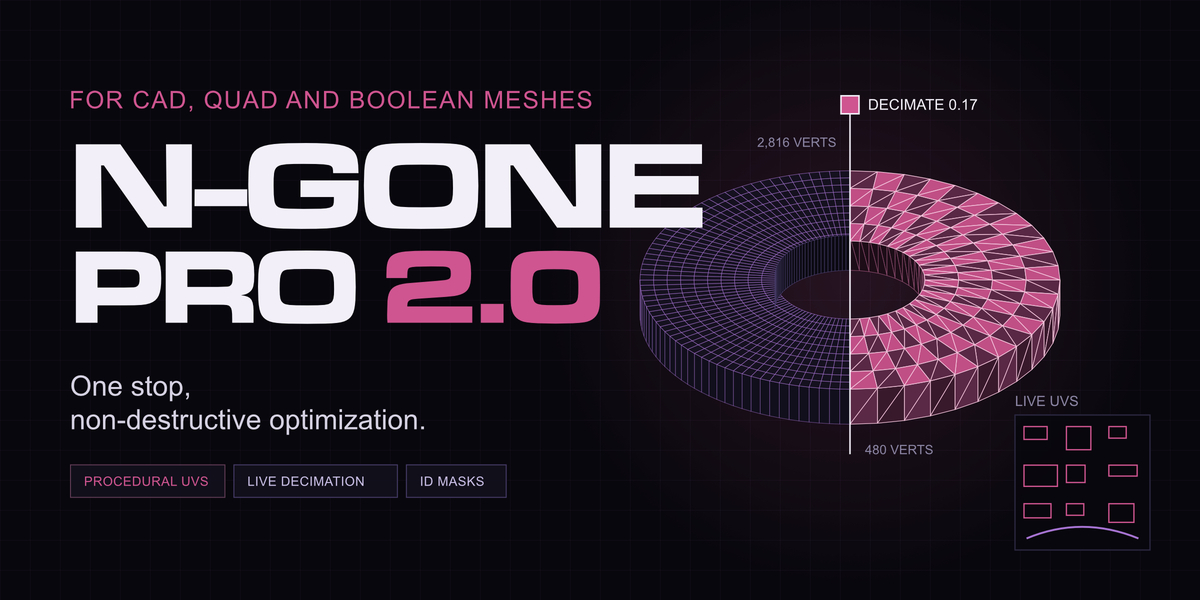
N-Gone Pro 2.0

Take Refuge 3D in Modeling


FAQ

Frequently Asked Questions.

Is it just for CAD exports from Plasticity?

No. CAD exports are a common use, but N-Gone Pro works on any mesh built from n-gons, wherever it came from. That includes quad models and boolean-heavy meshes made in Blender, and meshes imported from other 3D software.

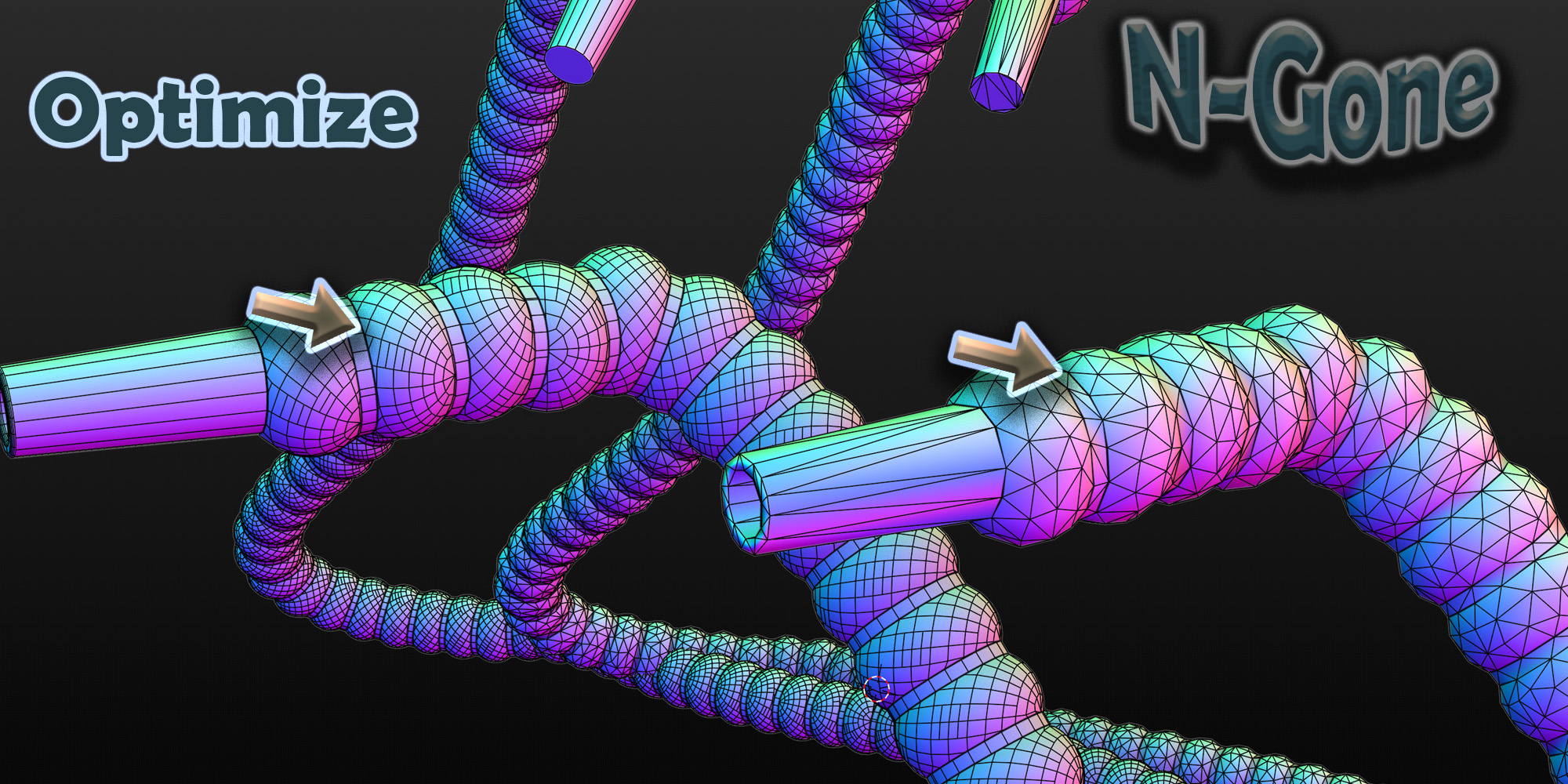
If a mesh is dense, full of n-gons or left messy by boolean cuts, N-Gone Pro can bring the poly count down and give it clean UVs in the same step.

CAD exports Quad modelling Boolean workflows Other 3D software

What does N-Gone Pro actually do?

At its core, N-Gone Pro is a labour-saving tool. It takes the repetitive jobs involved in getting a mesh ready for texturing software and does them for you, across many objects at once.

Naming
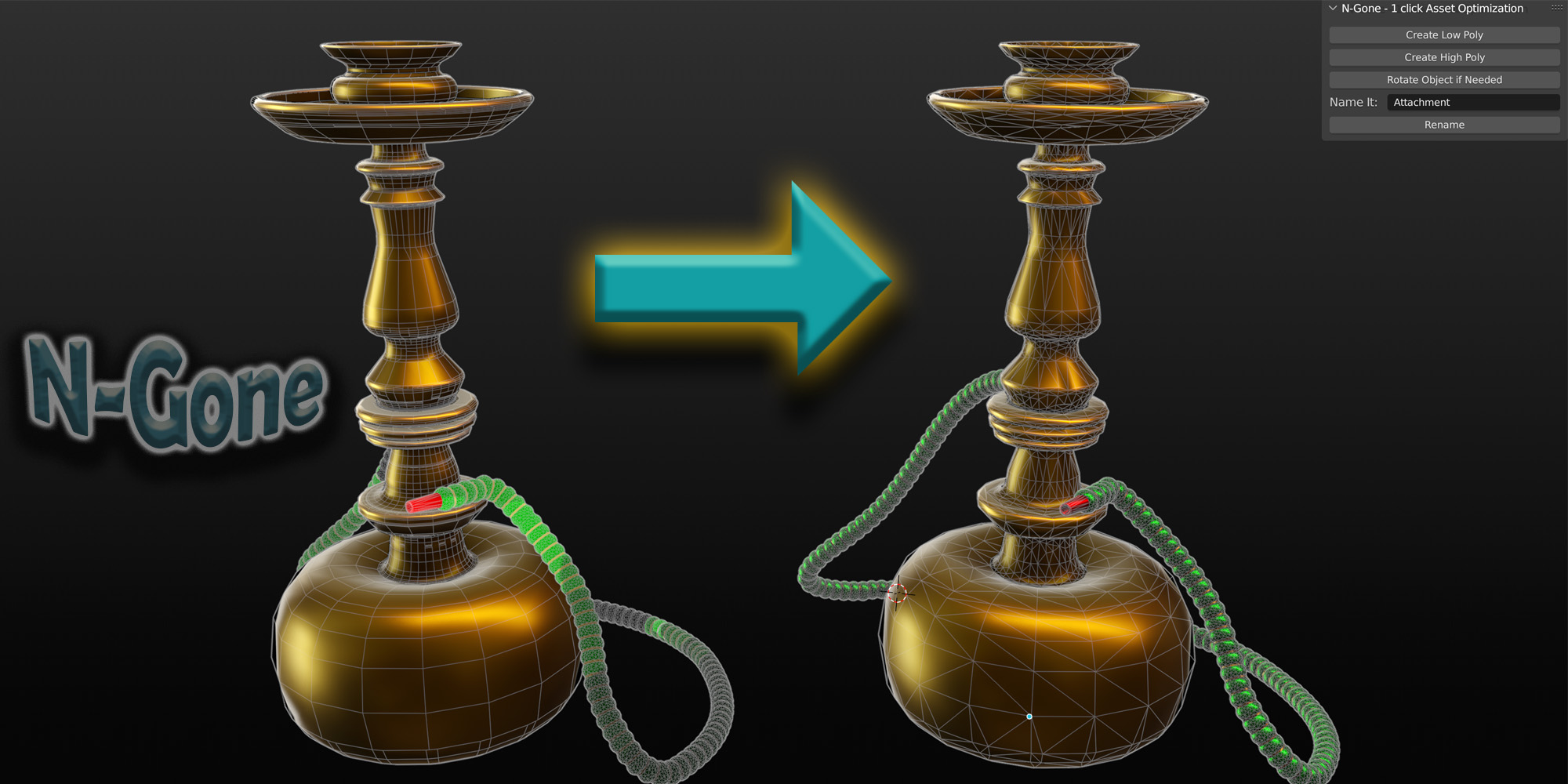
Applies consistent naming conventions, so your low and high poly meshes match up when you bake.
Low poly
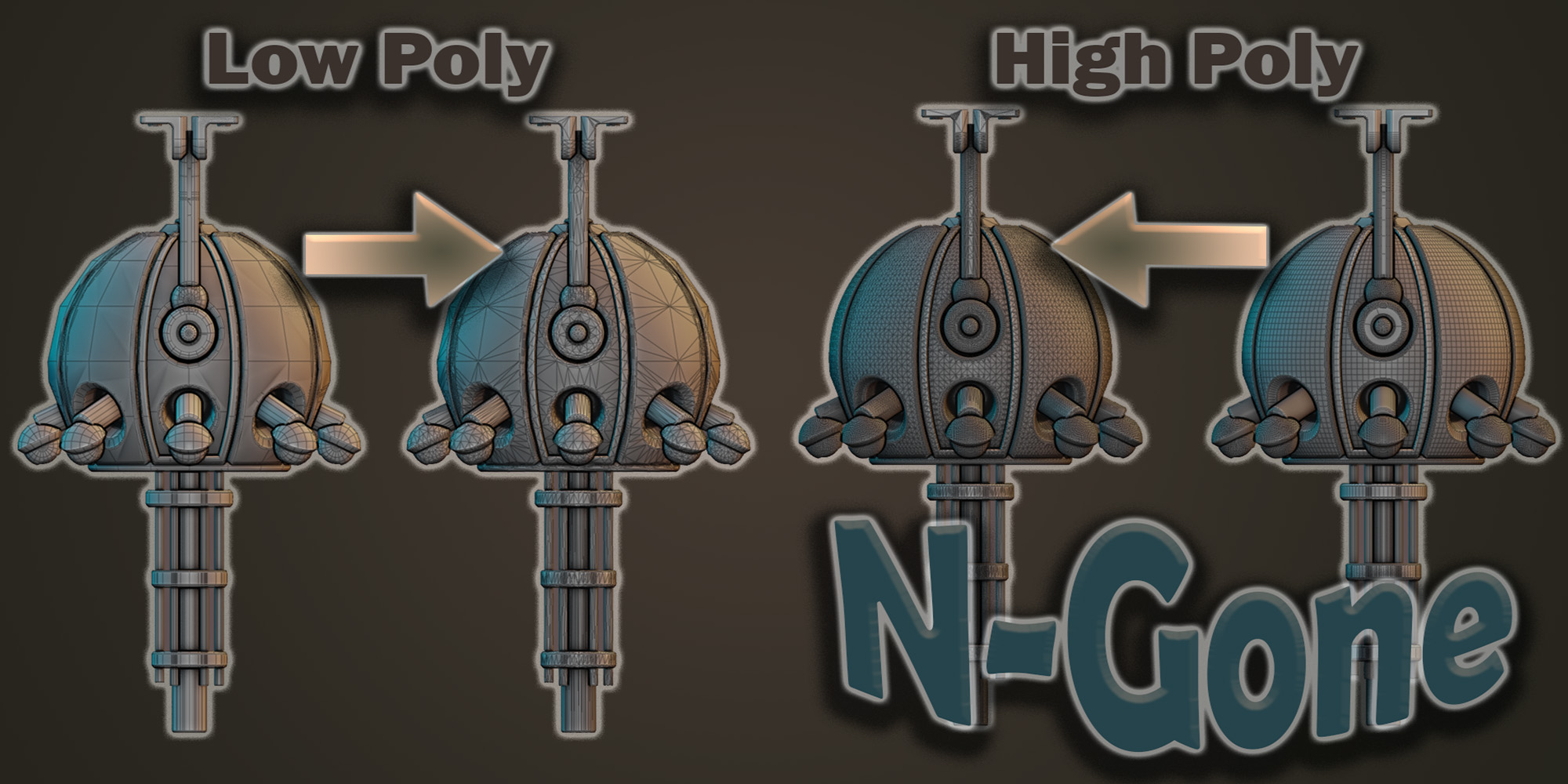
Decimates the mesh while preserving its normals, giving you a lighter, cleaner result.
High poly
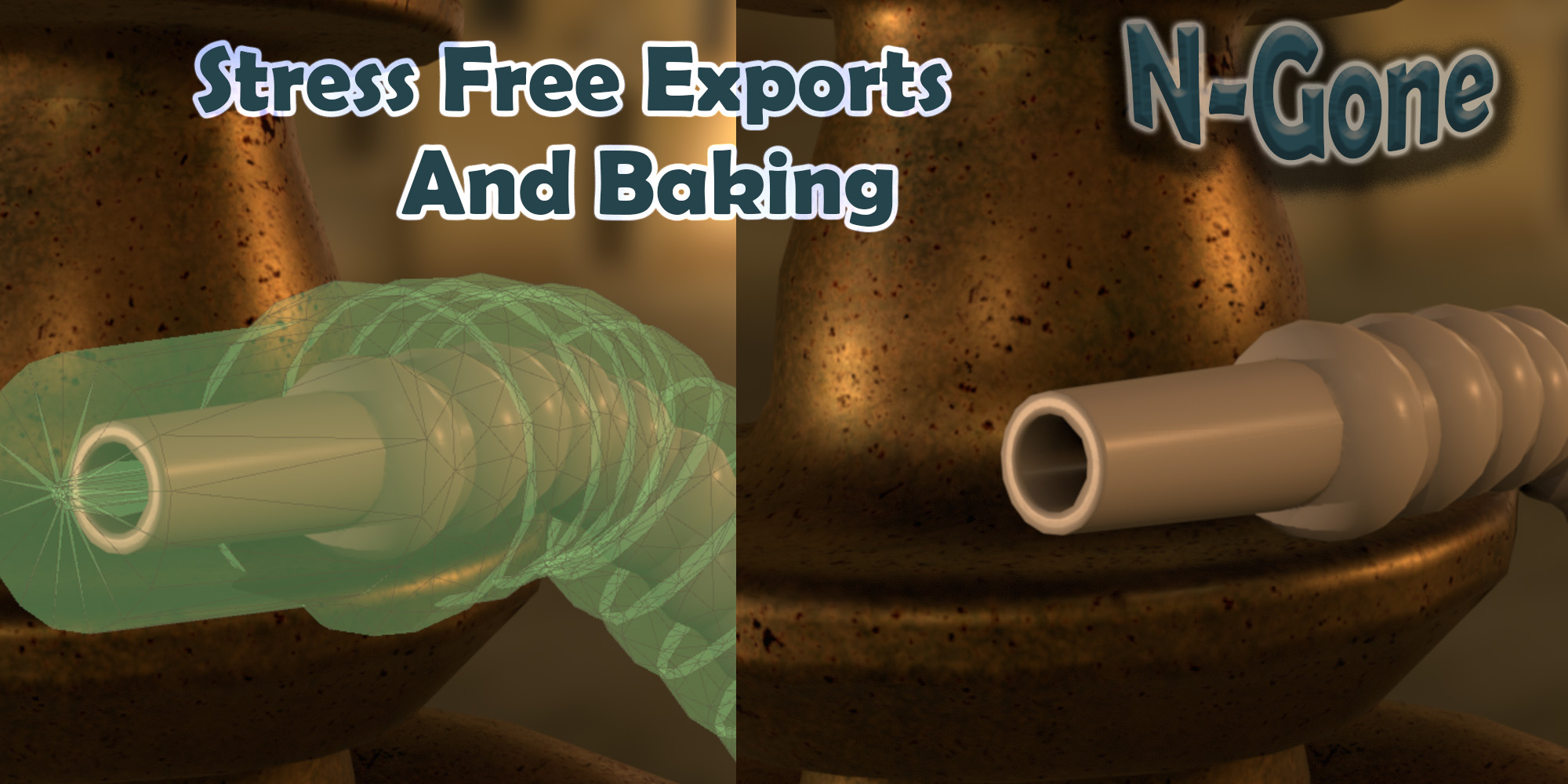
Triangulates the mesh and preserves its normals at the same time, which cuts down errors in texturing software and game engines.
UVs
Creates UVs on the fly for multiple meshes at once.

Does it work with the latest version of Blender?

Yes. N-Gone Pro 2.0 supports Blender 4.2 to 5.2 and installs as a Blender extension, so setup is a drag and drop.

  • For Solo Users

    $14.99
  • For Small Business, with 1-3 Employees

    $39.99
  • For Companies with 4+ employees

    $69.99
  • For Companies that want multiple users to use N-Gone Pro.

    $299.99
$14.99

Have questions about this product?
Login to message

Details
Blender Extension Compatible Yes
Sales 500+
Rating
2 ratings
Published about 3 years ago
Blender Version 4.0 - 5.2
Extension Type Add-on
License GPL