 Bill_3D


N-Panel Navigator
Simple Addon Search & Navigation
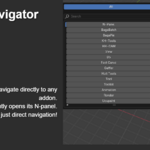
Find addons and navigate directly to their panels in Blender. Click any addon in the search results and it immediately opens that addon's panel in the N-panel - no more manual hunting through categories.
😤The N-Panel Problem
Blender's N-panel becomes frustrating as you install more addons:
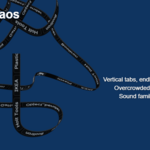
- Vertical tab names are hard to read and take up precious screen space
- Endless scrolling through dozens of addon categories to find what you need
- No search function - you have to remember where each addon is located
- Can't reorder tabs - addons appear in random order based on installation
- Shared categories get overcrowded (Tool, Edit, Modifier panels become a mess)
- Context switching means hunting through irrelevant addons for your current task
- Lost addons - you forget what you have installed because they're buried
🎯What This Addon Does
Direct Navigation (Main Feature)
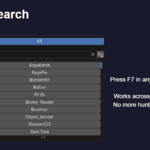
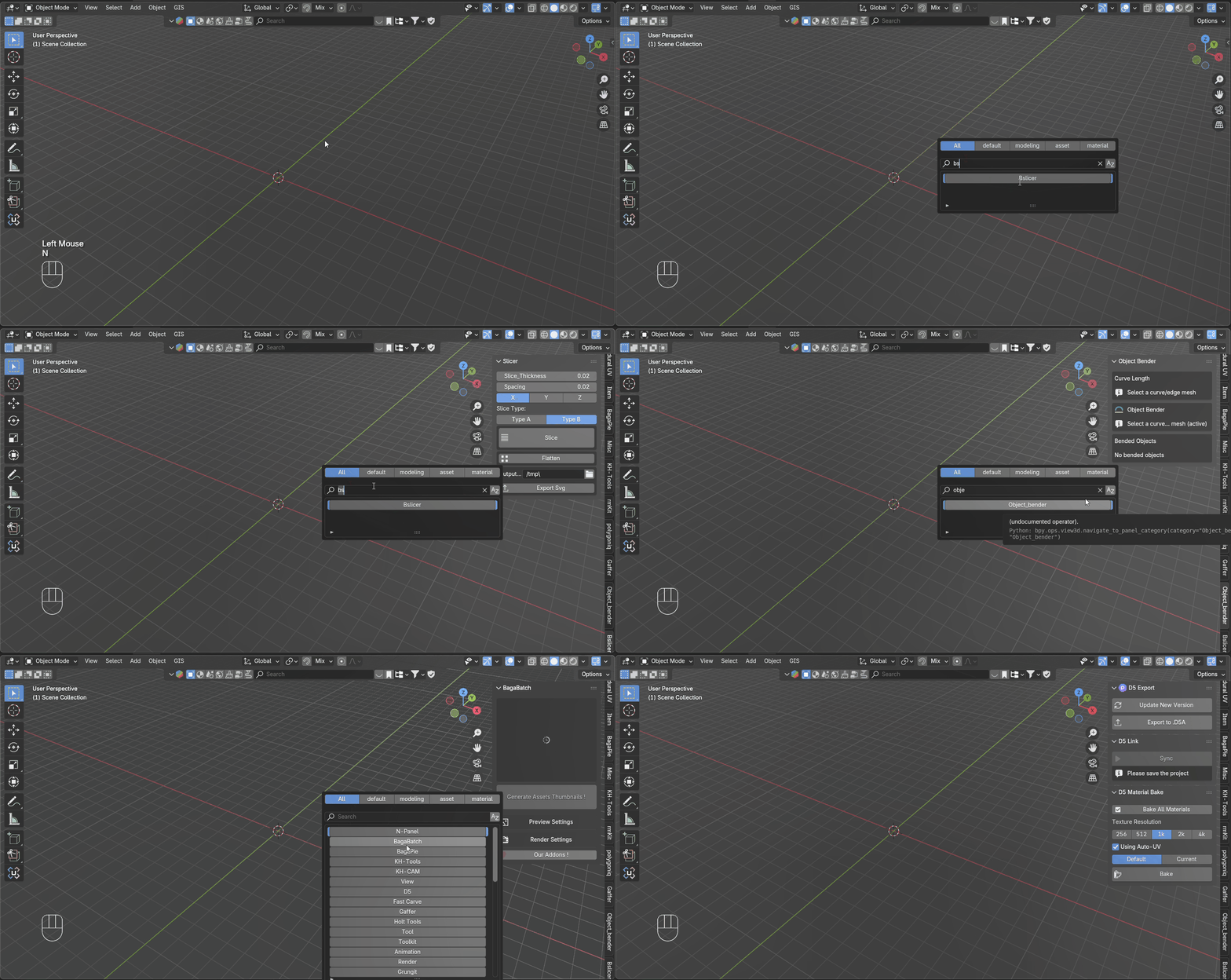
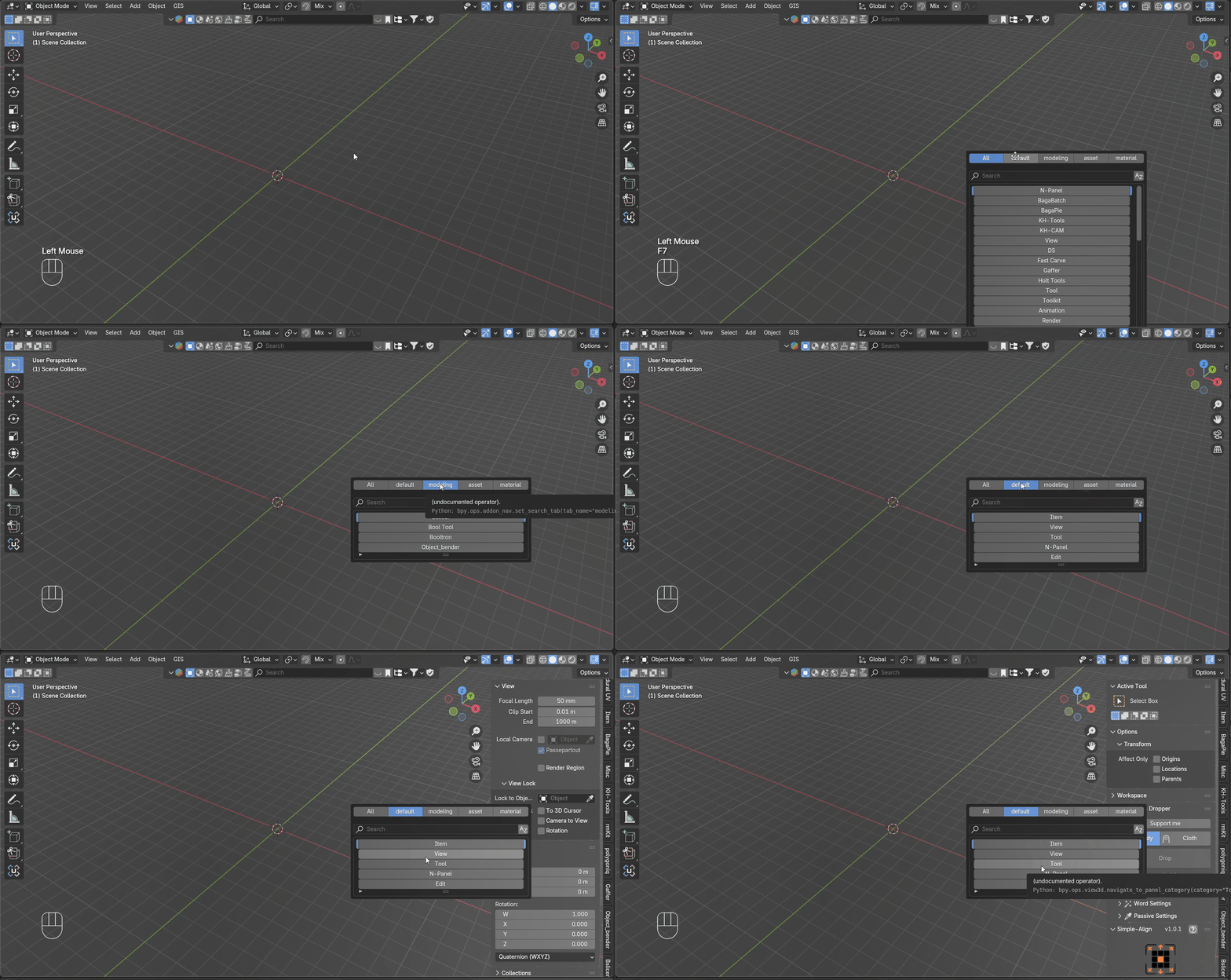
- Search for any addon using the F7 popup menu
- Click an addon → instantly navigates to its N-panel
- Works in all Blender editors - 3D View, Shader Editor, Image Editor, etc.
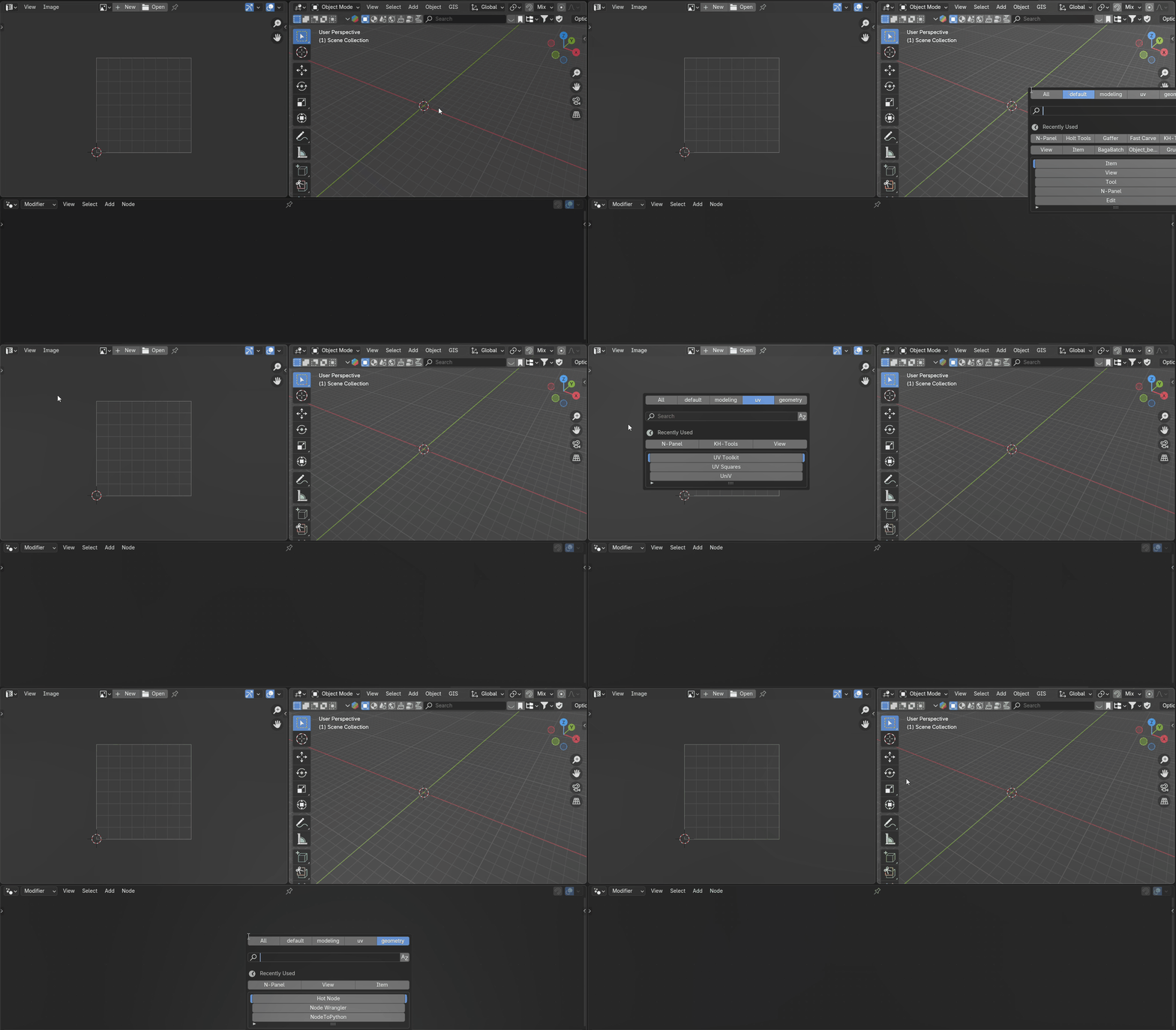
Quick Search (F7)
- Search popup works in all Blender editors
- Shows only addons available in your current workspace
- Filter by name with instant results
- Access recently used addons quickly
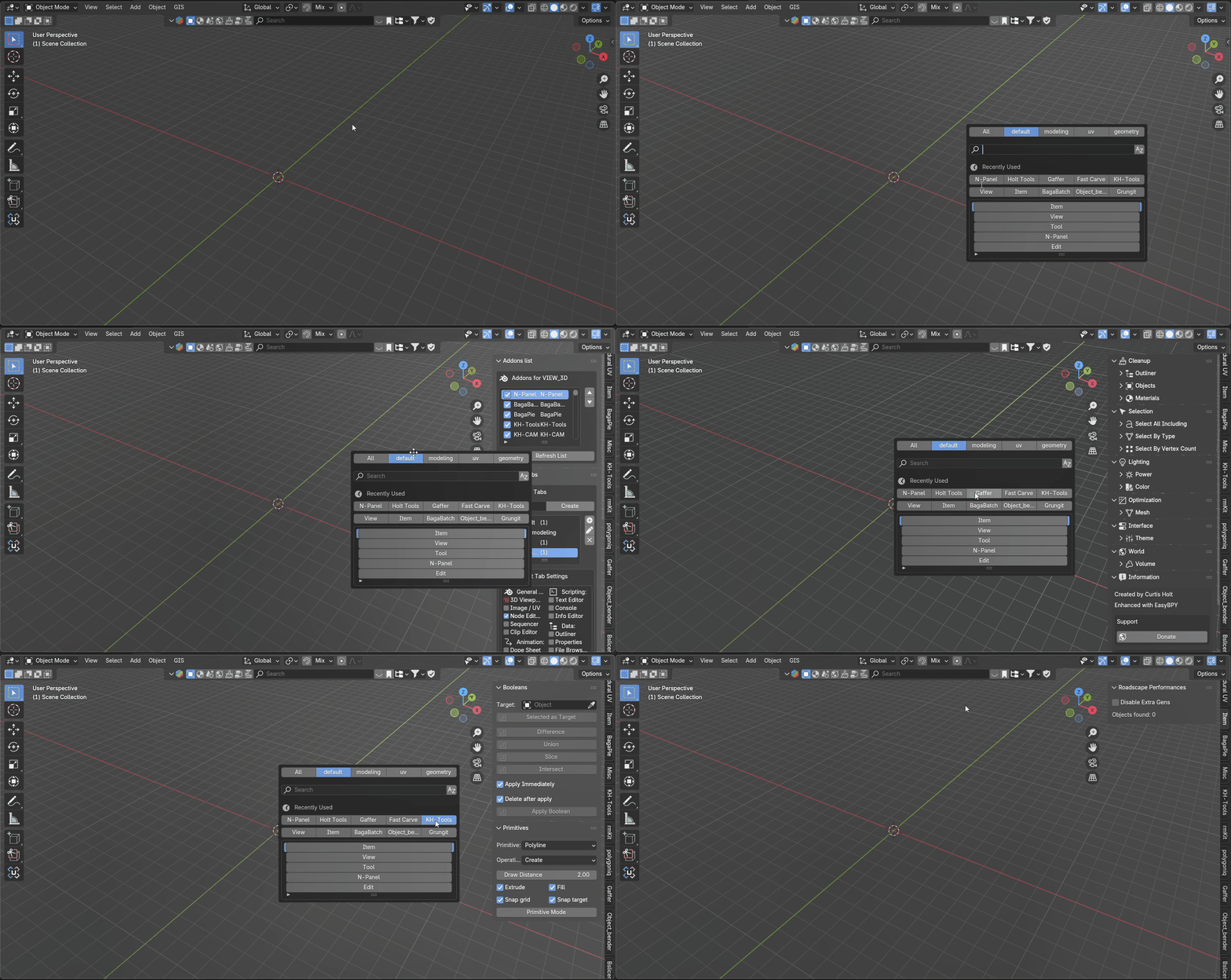
Custom Tabs
- Group your favorite addons into custom collections
- Set different default tabs for different editors
- Reorder addons within tabs
- Save and share your setup with others
Panel OrganizationExperimental
- Attempts to move addon panels from shared categories to their own sections
- Note: This feature is experimental and doesn't work with all addons
- Some addons may not organize properly due to how they're coded
- Toggle organization on/off for individual addons
💡Why It's Useful
Core Benefits (Always Work):
- Direct navigation - Click and go straight to any addon panel
- No more vertical tab hunting - horizontal search interface with instant navigation
- Instant access instead of scrolling through dozens of categories
- Context-aware filtering shows only relevant addons per editor
- Quick rediscovery of forgotten addons with immediate access
Bonus When It Works:
- Cleaner categories for compatible addons
- Custom organization with tabs and collections
Good For:
- Users with multiple addons installed
- People who work across different Blender areas
- Anyone tired of N-panel clutter and inefficiency
- Teams sharing addon configurations
🎯Simple and Practical
- Press F7 anywhere to search
- Click any addon to navigate directly to its panel
- Shows only relevant addons per editor
- Remembers your recently used tools
- Clean, focused interface
⚙️How It Works
The addon scans your installed addons and creates a searchable database. When you click an addon from the search results, it automatically navigates to that addon's location in the N-panel - expanding the correct category and making the addon immediately accessible. Custom tabs provide additional organization for your workflow.
🔧Getting Started
- Install and enable the addon
- Press F7 to open the search menu (this always works)
- Click any addon to navigate directly to its N-panel
- Use the N-Panel > N-Panel tab for organization options
- Create custom tabs for workflow-specific grouping
- Enjoy direct addon navigation
📋Technical Details
- Works with Blender 4.2 and newer
- Navigation function is stable and reliable
- Panel organization success depends on addon compatibility
- Restores original layout when disabled
- Lightweight with minimal performance impact
- Includes import/export for settings
A straightforward solution for Blender's N-panel chaos, with reliable search and instant navigation to any addon.
