 Team Blender

N-Panel Pie Menu — Radial Access for All Your Addon Tabs
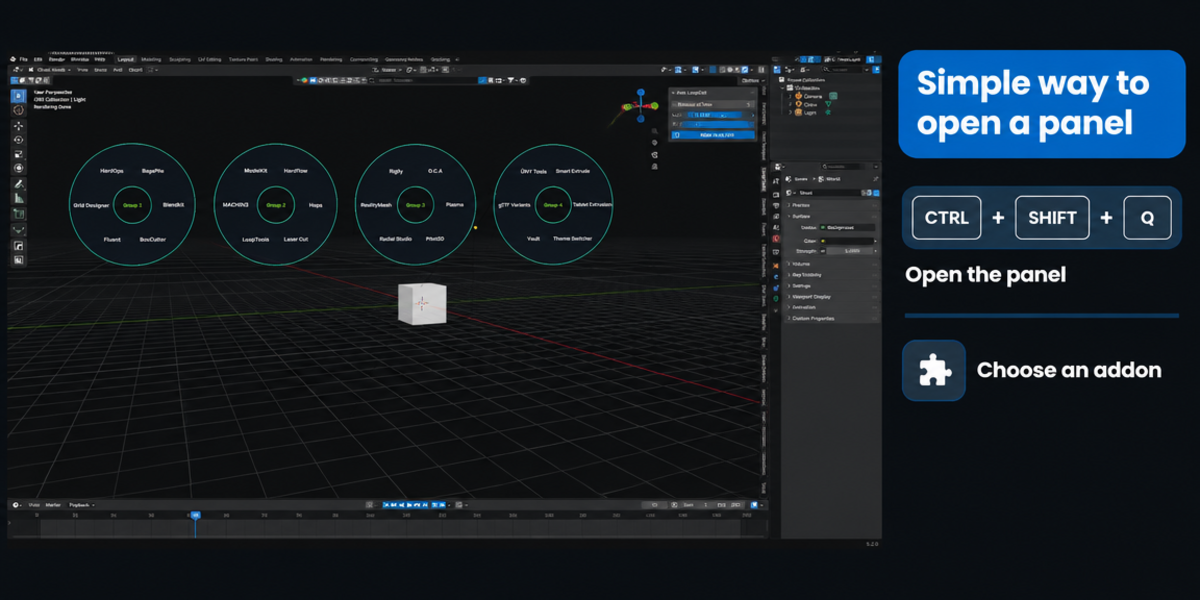
Stop scrolling through a wall of N-panel tabs. N-Panel Pie Menu gives you instant, radial access to every addon tab in your 3D viewport sidebar — with a single shortcut.
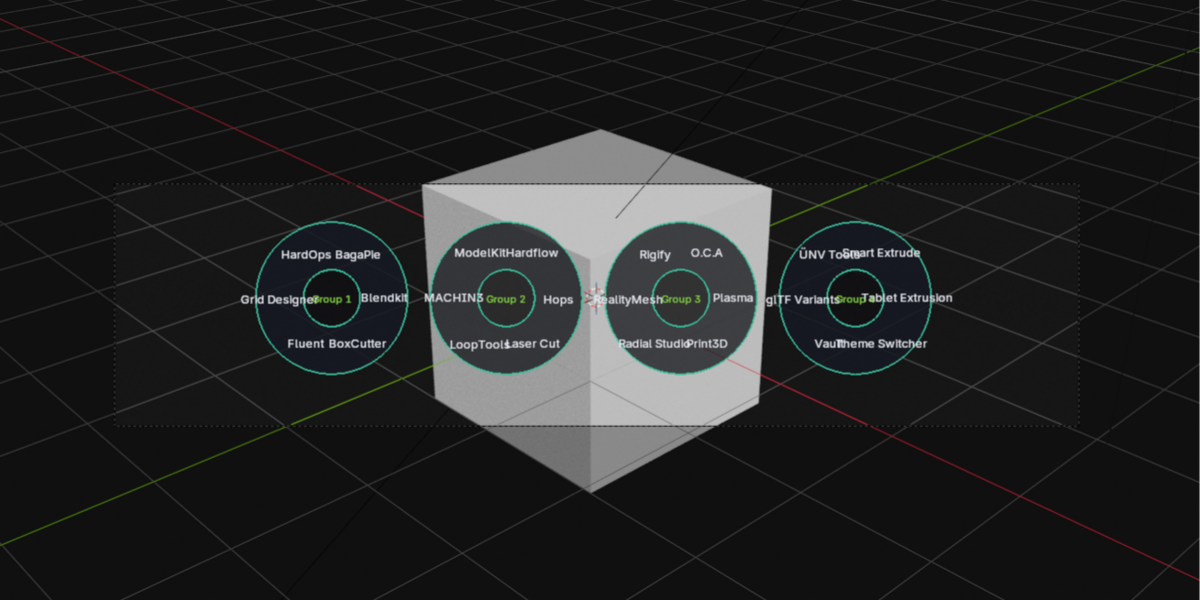
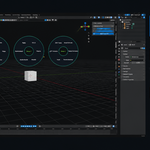
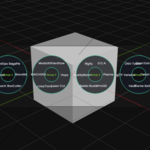
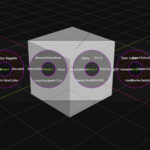
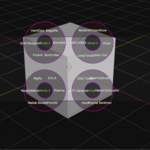
Press Ctrl+Shift+Q and one or more custom-drawn rings appear right at your cursor, each holding up to 8 tabs. Move your mouse to highlight a wedge, click to jump straight to that tab — no more hunting through a crowded sidebar.
Key Features:
- One shortcut, instant access — Ctrl+Shift+Q opens the menu anywhere in the 3D viewport
- Automatically detects your tabs — scans every N-panel category from every installed addon, no manual setup
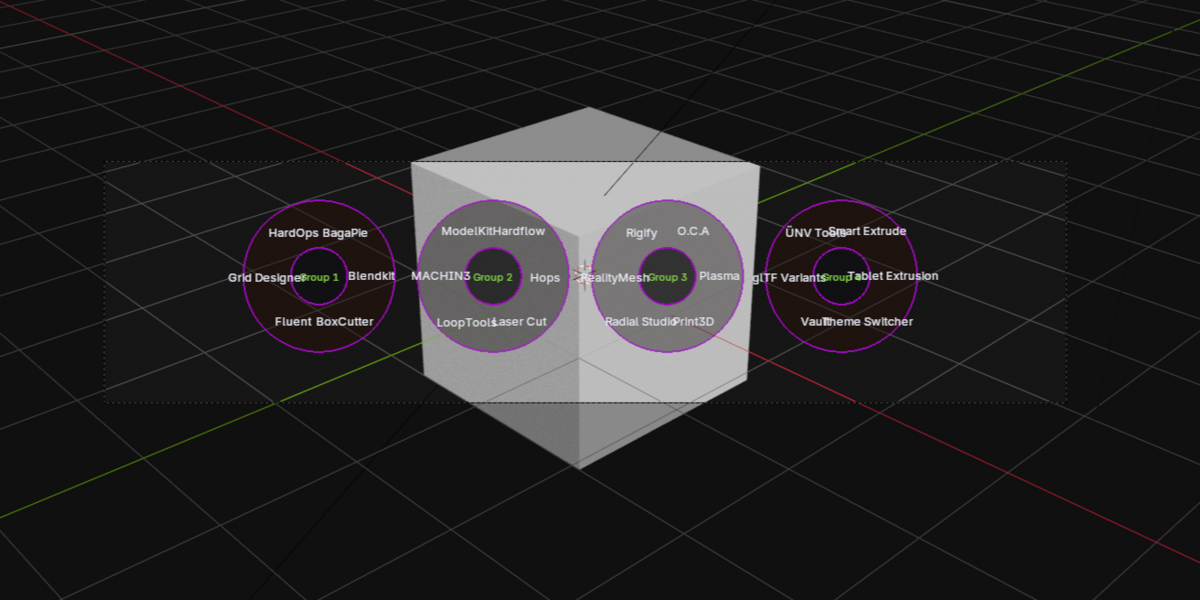
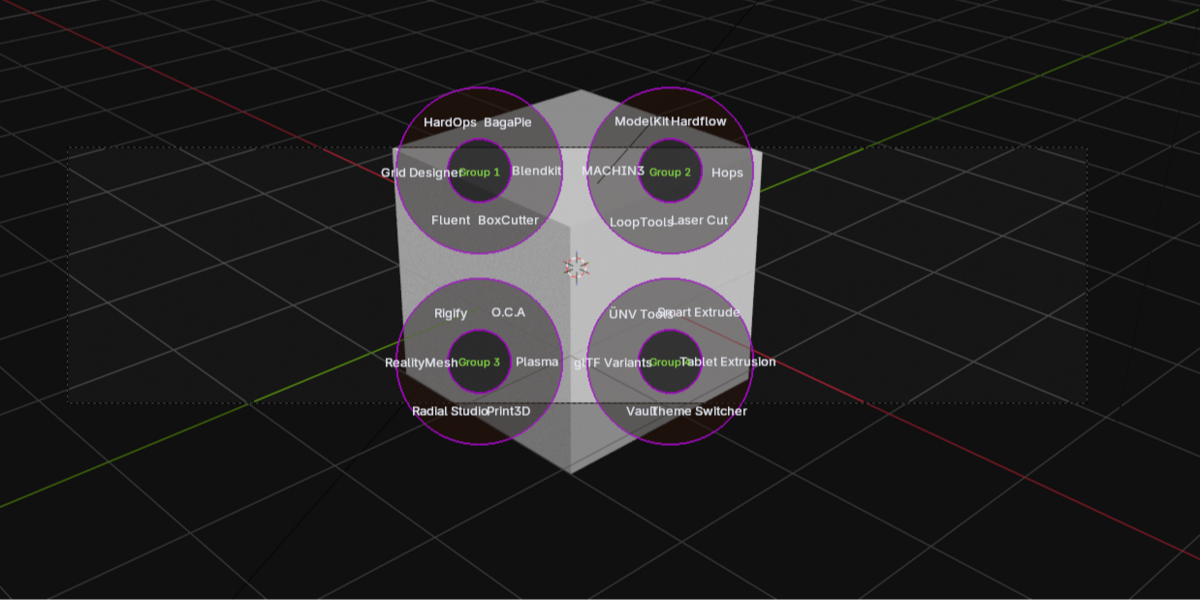
- Multiple rings, more room — got 20+ addon tabs? They're automatically split across several rings shown at once, not buried in submenus
- Fully custom visuals — built with Blender's GPU drawing tools, not the default pie-menu system, for a cleaner, more modern look
- Configurable to match your style — adjust colors (wedge, hover, outline, text, and more), ring size, and how rings are arranged on screen (around your cursor, in a row, or in a grid)
- Hide built-in tabs — optionally filter out Item/Tool/View/Animation so only your addons show
- Lightweight — a single Python file, no external dependencies
Whether you're running HardOps, BoxCutter, LoopTools, or a dozen other addons, N-Panel Pie Menu turns your sidebar clutter into a fast, visual launcher — built for modelers and riggers who don't want to break their workflow just to switch tools.
Compatible with: Blender 2.93 and newer