N-Panel Pie Menu
 Team Blender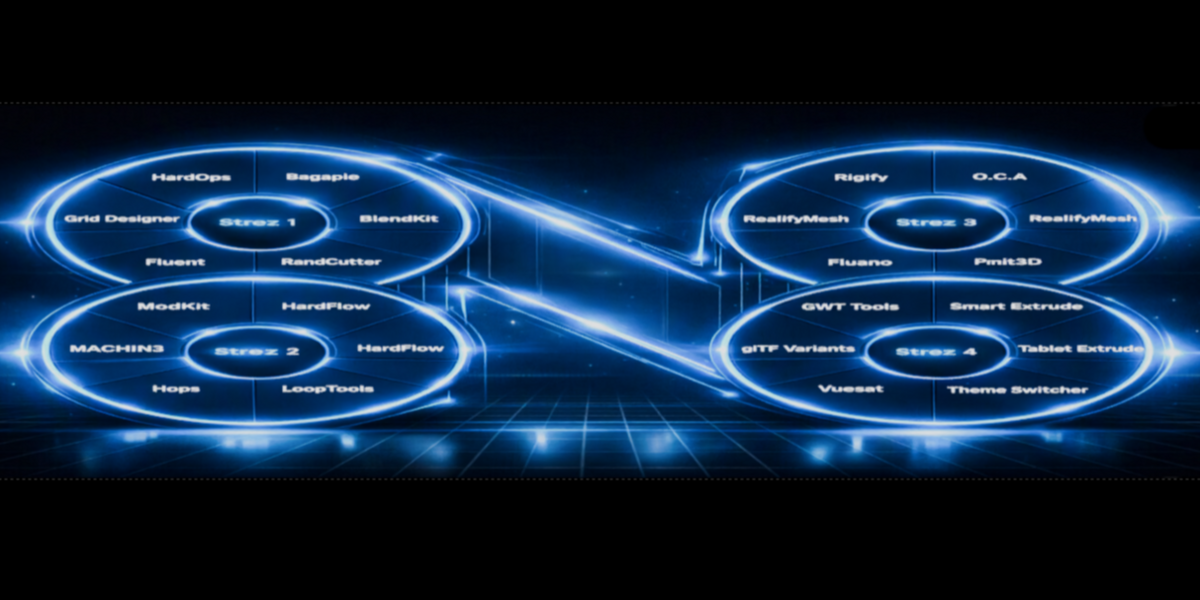
N-Panel Pie Menu — Documentation
What it does
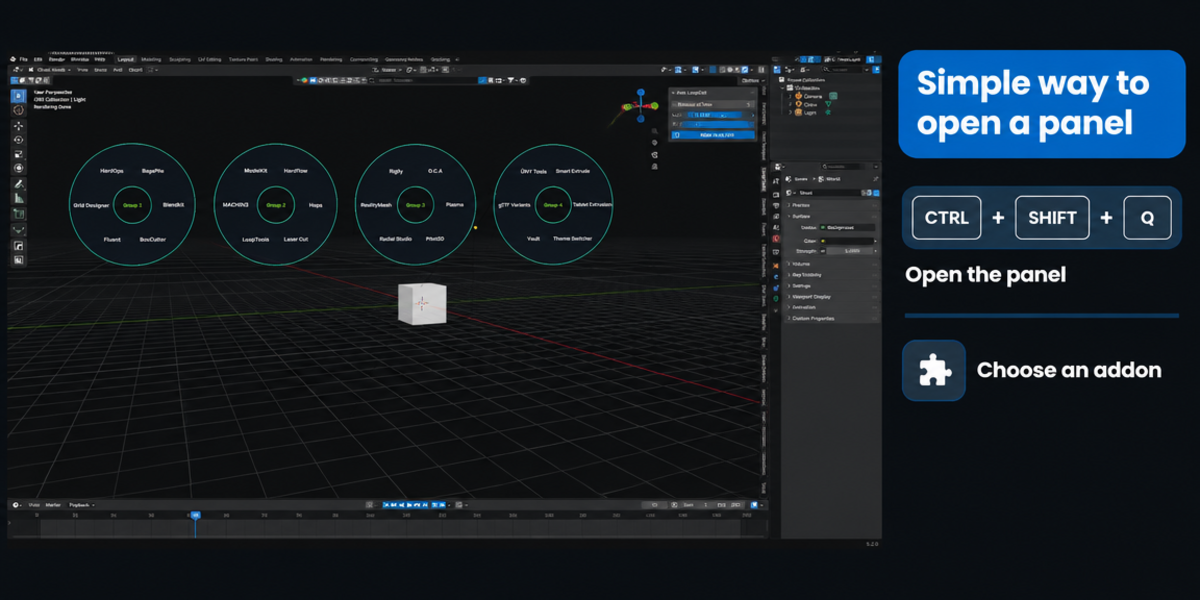
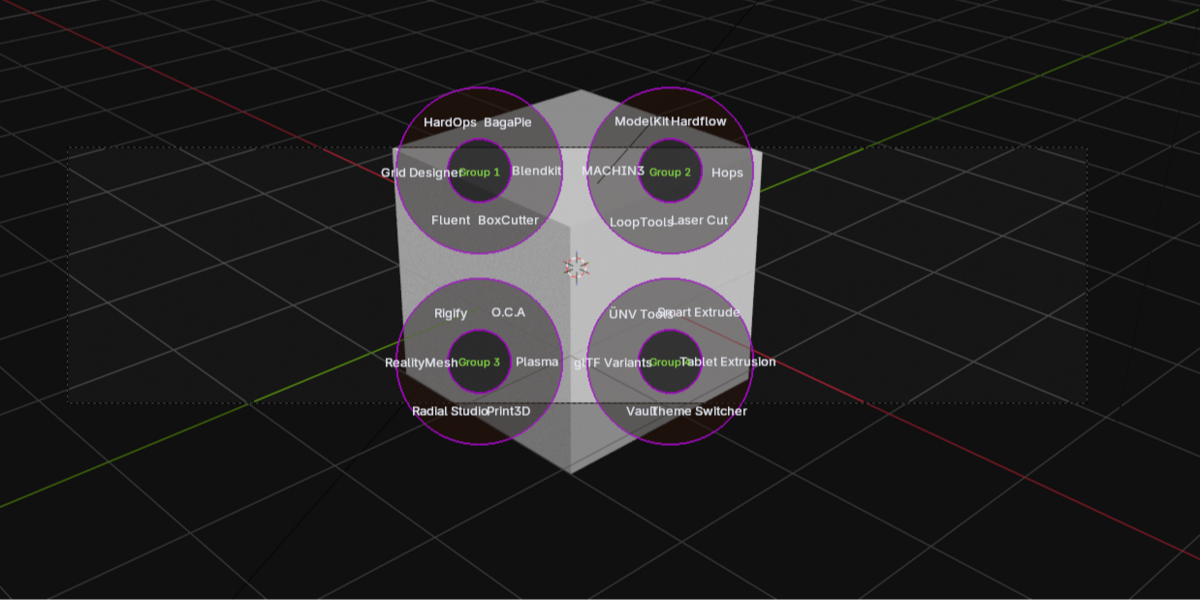
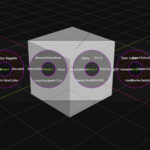
N-Panel Pie Menu replaces slow, manual tab-clicking in Blender's 3D viewport sidebar (N-panel) with a fast radial menu. Press one shortcut, and every addon tab you have installed appears as a clickable wedge in one or more rings around your cursor. Click a wedge to jump straight to that tab.
Requirements
- Blender 2.93 or newer
- No external dependencies — everything is built from Blender's own Python API (
bpy,gpu,blf)
Installation
- Download the
.pyfile. - In Blender, go to Edit > Preferences > Add-ons > Install...
- Select the downloaded file and click Install Add-on.
- Enable the checkbox next to N-Panel Pie Menu in the add-ons list.
Usage
- Hover your mouse over the 3D Viewport.
- Press Ctrl + Shift + Q.
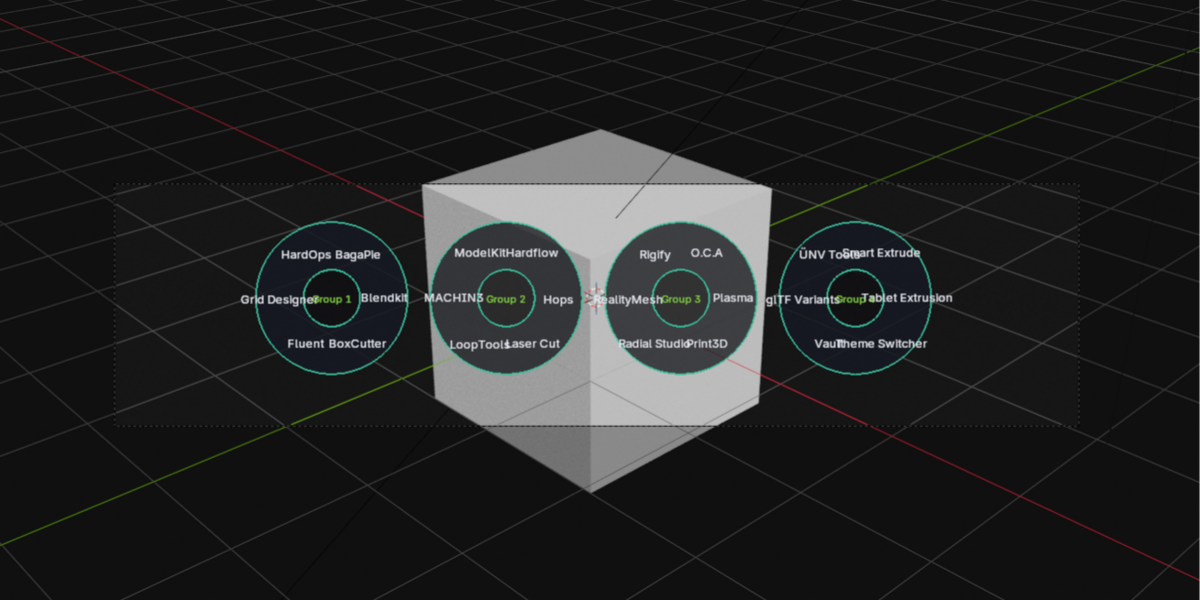
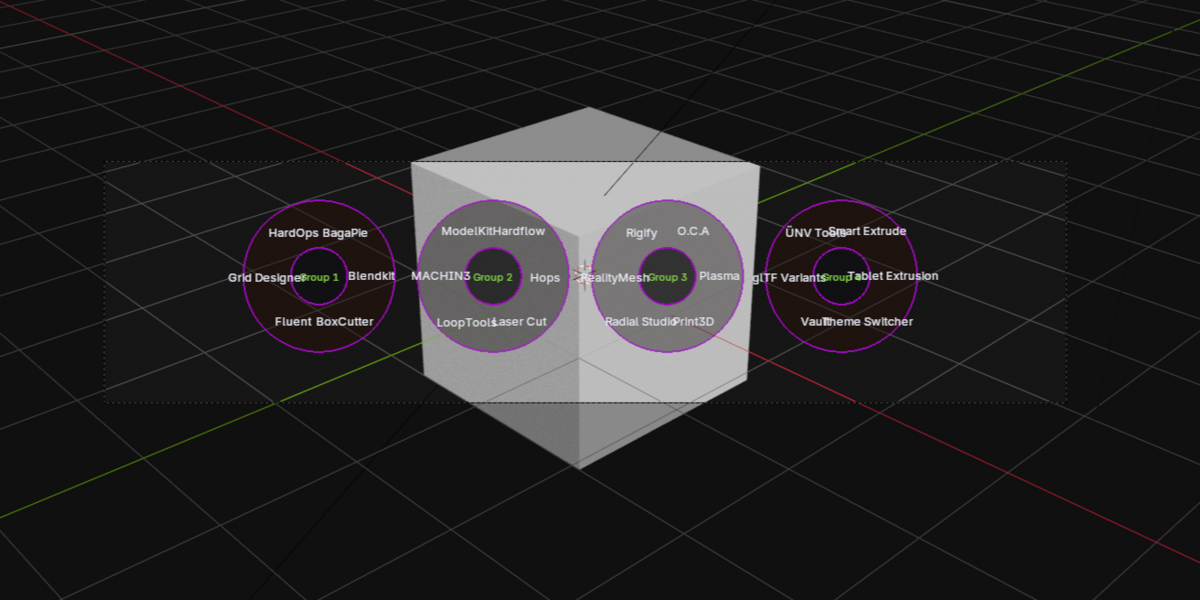
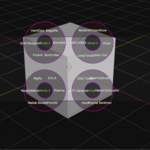
- One or more rings appear at your cursor position, each divided into up to 8 wedges — one per addon tab.
- Move your mouse toward a wedge to highlight it, then left-click to open that tab in the N-panel.
- Right-click or press Esc at any time to cancel without making a selection.
If you have more tabs than fit in one ring, they're automatically split across multiple rings, all shown together — no submenus, no paging.
Settings
Open Edit > Preferences > Add-ons, find N-Panel Pie Menu, and click the arrow to expand its settings:
General
- Hide built-in tabs — hides Blender's own Item/Tool/View/Animation tabs so only addon tabs show. Enabled by default.
Layout
-
Placement — choose how multiple rings are arranged:
- Around Cursor — rings spread outward from your click point (default)
- Horizontal Row — rings line up side by side
- Grid — rings arranged in rows and columns
- Items per Ring — how many wedges fit in one ring before a new ring is started (default: 8)
- Ring Size — the outer radius of each ring, in pixels
- Center Hole Size — the radius of the empty center of each ring
- Ring Spacing — how far apart ring centers are, relative to ring size
Colors
- Wedge color, hover color, outline color, center hole color, text color, and group label color — each independently adjustable, so the menu can match your own theme or workspace style.
How it works (technical notes)
This add-on doesn't use Blender's built-in pie menu system. Instead, it draws everything itself using Blender's gpu and blf modules inside a modal operator, which is what allows multiple rings to be shown simultaneously and every visual property to be configurable. Tabs are detected automatically at the moment the menu opens by scanning all registered panel classes for the 3D viewport's UI region — so newly installed or updated addons show up immediately, with no configuration needed.
Troubleshooting
- "No N-panel tabs found" — make sure you have at least one addon (or Blender's own Item/Tool/etc. tabs, if Hide built-in tabs is off) with a panel in the 3D viewport sidebar.
- "Open this menu from the 3D viewport" — the shortcut only works while your mouse is over the 3D viewport itself.
- A tab doesn't respond to a click — some tabs are only shown conditionally by their addon (e.g. only with a specific object selected or in a specific mode). If a tab isn't currently available, you'll see a short warning instead of an error.
Have questions about this product?
Login to message
| Published | 4 days ago |
| Blender Version | 2.93 - 5.2 |
| Extension Type | N/A |
| Render Engine Used | Cycles, Eevee |
| License | GPL |