 ATDIGIT


Overview
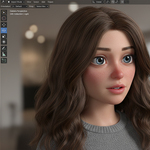
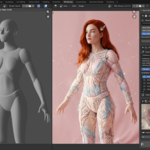
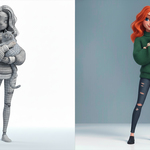
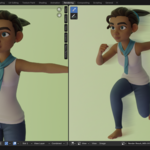
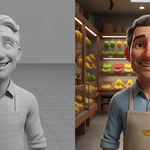
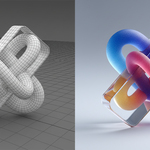
Imagine transforming your Blender renders into stunning new variants without losing the magic of your original composition. Nano Banana Studio is your AI-powered post-render re-rendering engine, designed for artists who want to push creativity further. It takes your finished render or any image and generates fresh interpretations that preserve the core layout, objects, and camera angle.
Nano Banana Studio connects directly from your workstation to Google's official endpoints. It requires your own Billing-Enabled Google Gemini API Key (AI Studio) or Google Cloud Project ID (Vertex AI). Free/unbilled tiers are not supported to guarantee commercial stability, enterprise speed, and ensure your private data is never used for model training. API costs are billed directly by Google; no middleman subscriptions or third-party proxies are involved.
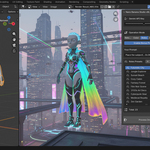
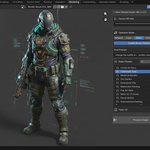
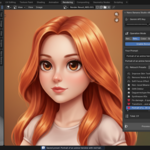
Now featuring the newly released Nano Banana 2.1 flagship model, 12 built-in Visual Styles, five AI models, and a collapsible panel UI that keeps your sidebar clean while giving you full creative power. Whether you're polishing a portrait or reimagining a scene, this tool turns "good enough" into "absolutely captivating." Bonus presets add even more curated magic for pro-level results.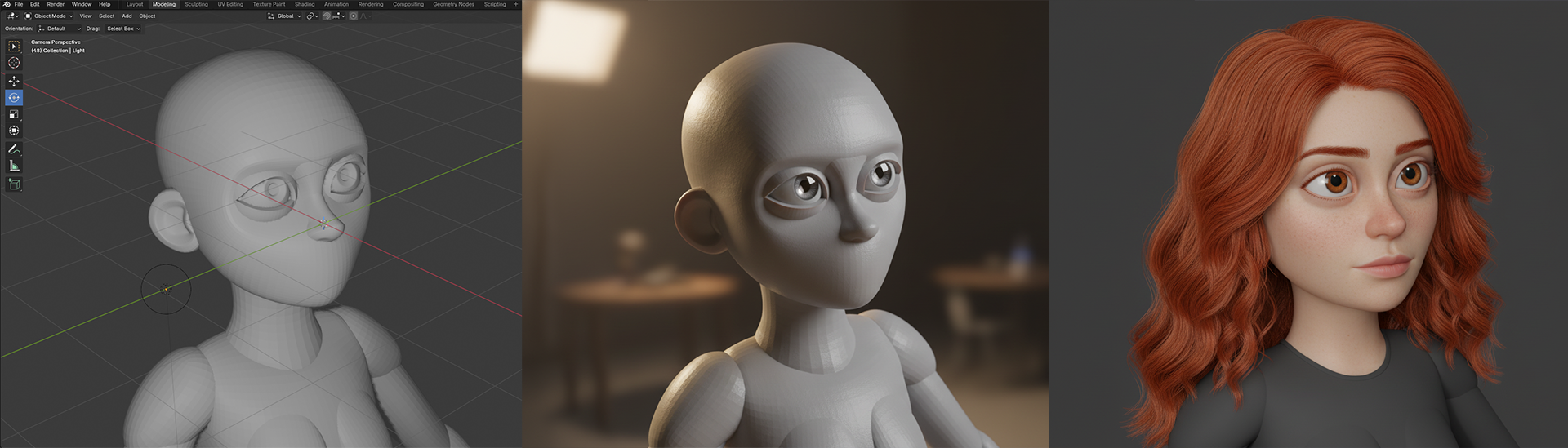
Why Nano Banana Studio?
As a Blender artist, you've poured hours into perfecting that render—only to feel it's missing a spark. Nano Banana Studio solves that frustration by letting you experiment with AI-driven variations while keeping your composition intact. No more starting from scratch; just refine and elevate. With Visual Styles, you can instantly apply professional lighting, color palettes, and atmospheres from curated reference images—like switching between cinematic moods with a single click. It's like having a creative partner who understands your vision and amplifies it effortlessly.
How It Works: You're in Control
Nano Banana Studio is designed with a human-in-the-loop workflow—meaning YOU remain the artist throughout:
- YOU create the original render in Blender through your artistic work
- YOU choose the creative direction using curated presets, Visual Styles, or custom prompts
- AI generates a variant under your guidance, preserving your composition
- YOU refine and make all final artistic decisions
The AI doesn't replace your creativity—it amplifies it. You're the director; AI is your technical assistant.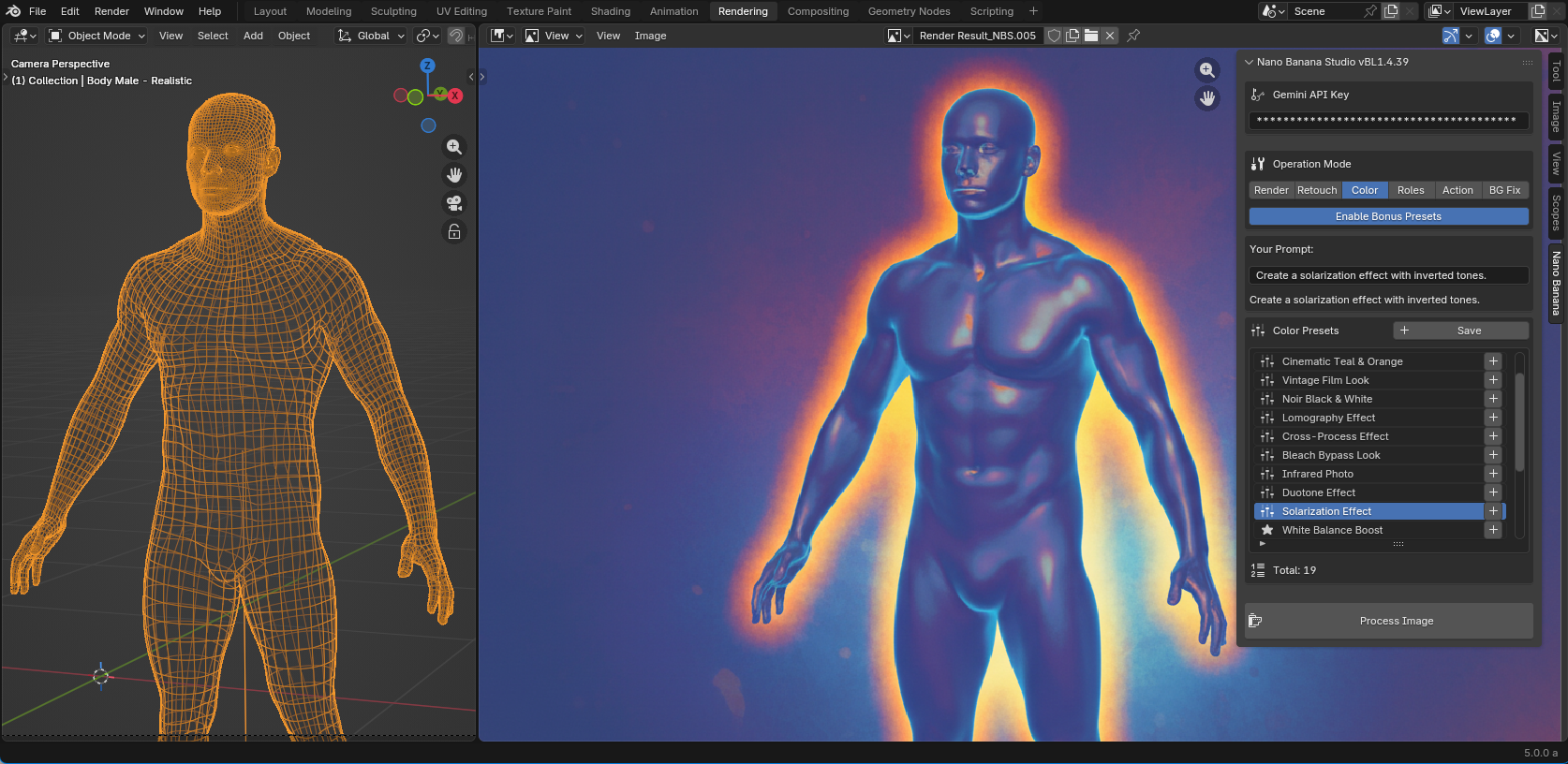
Key Features
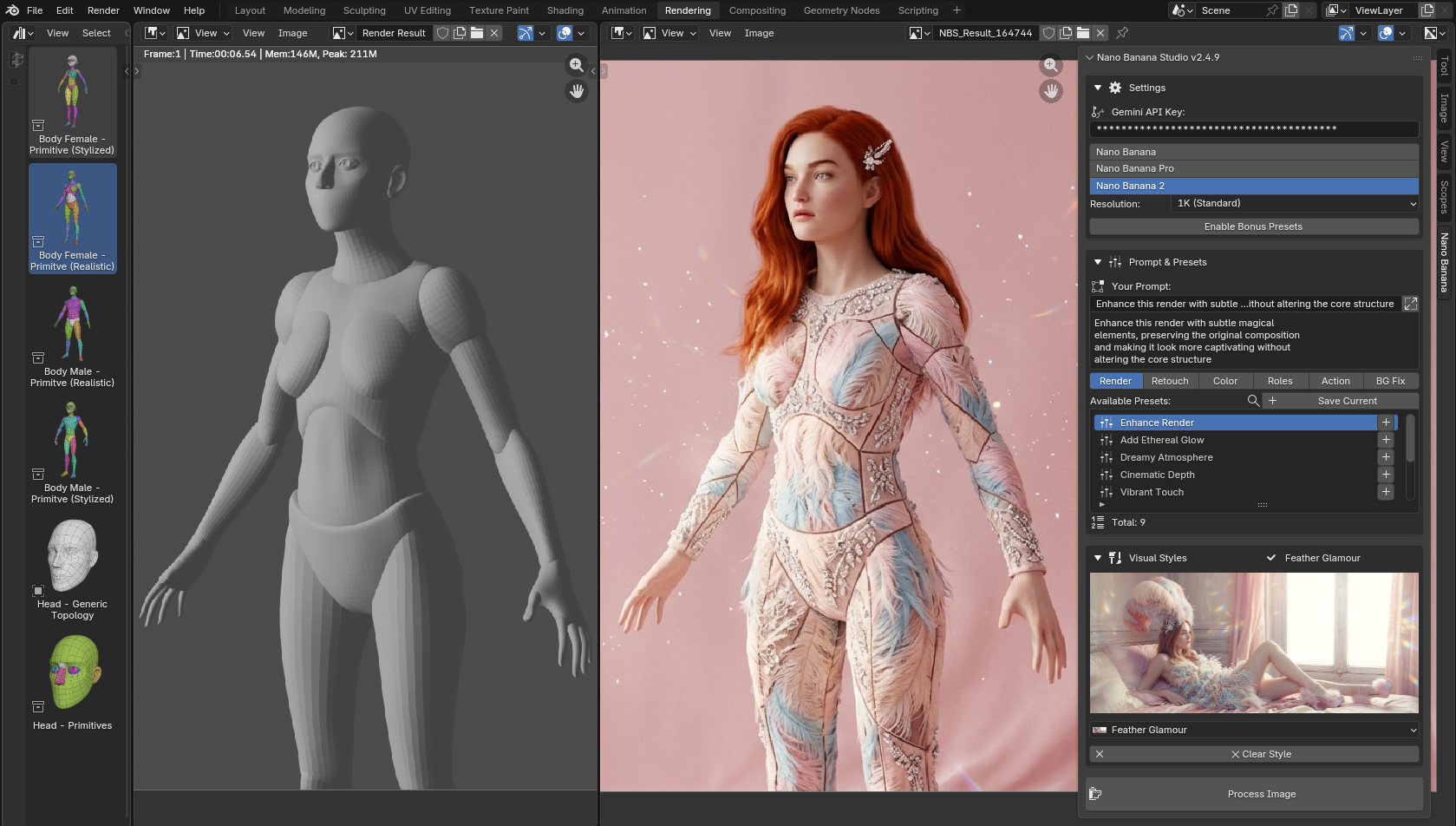
- Five AI Models: Nano Banana 2.1 (Flagship up to 4K), Nano Banana (Standard), Nano Banana 2 Lite (fast preview), Nano Banana Pro (commercial quality), and Nano Banana 2 (next-gen).
- Dual Connection Engines: Google AI Studio (API Key) or Google Cloud Vertex AI (Project ID).
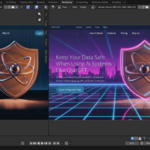
- 12 Visual Styles: Curated style references—Blender Classic, Anime Soul, Arcviz Daylight, Noir Portrait, and more.
- Panoramic Style Preview: Expand the Visual Styles section to see a full-width, high-quality preview of the selected style right in the panel.
- Resolution Control: Select 512px (fast), 1K, 2K, or 4K output depending on the model.
- Post-Render Re-Rendering: Generate new variants of your renders while preserving composition.
- Mode-Based Presets: Dive into Render, Retouch, Color, Roles, Action, and BG Fix modes.
- Collapsible Panel Sections: Three main categories collapse individually to save sidebar space.
- Settings Persistence: Your mode, visual style, and panel states are saved to disk.
- Smart Search & Append: Per-tab search lets you find presets fast.
- NEW: Gemstone & Jewelry: Stunning diamond renders with caustics and light dispersion effects.
- Bonus Presets: Unlock extra curated prompts for advanced tweaks.
- Custom Presets: Save and delete your own creations locally.
- User-Friendly Errors: Clear popups for project ID, API keys, quotas, or network issues.
- Flexible Sources: Works with regular images, Render Results, and video frames.
-
Blender 5.2 & 5.1 Compatible: Tested and confirmed on Blender 4.2+, 5.1, and 5.2.
Visual Styles
12 curated visual styles are included. Each one provides a reference image and a text prompt that guide the AI to apply a specific visual look to your render—without changing your composition or objects.
- Anime Soul — Stylized anime aesthetic with soft bokeh
- Arcviz Daylight — Warm architectural visualization with natural sunlight
- Blender Classic ⭐ (Default) — Clean photorealistic 3D render look
- Blender Playground — Playful colorful geometric primitives
- Candy Vortex — Joyful rainbow spiral with vivid colors
- Crystal Corporate — Elegant transparent glass with iridescent light
- Feather Glamour — Soft dreamy fashion editorial atmosphere
- Gloss Pop — Hyperrealistic glossy commercial aesthetic
- Noir Portrait — High-contrast black and white cinematic mood
- Solar Contrast — Harsh sunlight with dramatic shadows
- Thermal X-Ray — Scientific heat-map visualization look
- UV Pulse — Blacklight neon glow atmosphere
Our Story
Born from the frustration of endless render tweaks, Nano Banana Studio was created by Andrew Turtsevych at ATDIGIT to empower Blender artists like you. We tested it with top creators in the community, refining presets and Visual Styles through real-world feedback to ensure it fits seamlessly into your workflow. It's not just a tool—it's the bridge between your imagination and stunning results.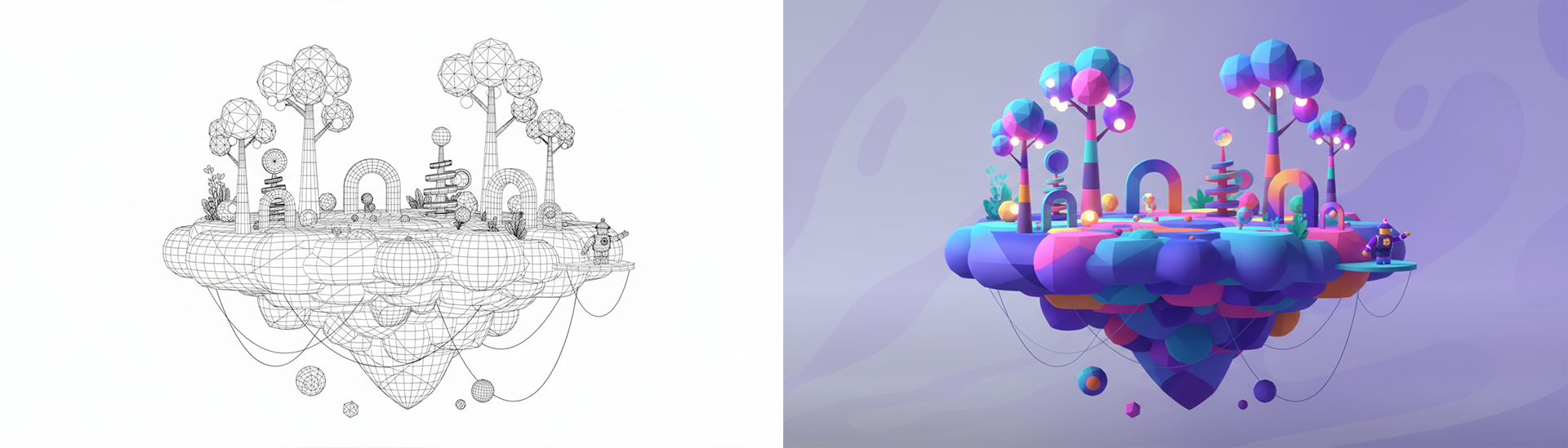
Requirements
- Blender 4.2 or higher (Blender 5.1 and 5.2 supported)
-
Google Credentials (Direct Connection):
- Google AI Studio (Billing-Enabled Gemini API key), OR
- Google Cloud Project ID (Vertex AI with local ADC)
- Internet connection
Authentication Options
- AI Studio Mode: Head to aistudio.google.com/app/apikey, create your key, and enable billing. Paste into Nano Banana settings.
- Vertex AI Mode: Select Vertex AI, enter your Google Cloud Project ID, and connect directly via your local Application Default Credentials.
In Blender: go to Rendering tab → N-panel → Nano Banana → enter credentials. Save your .blend or defaults to keep it for future sessions.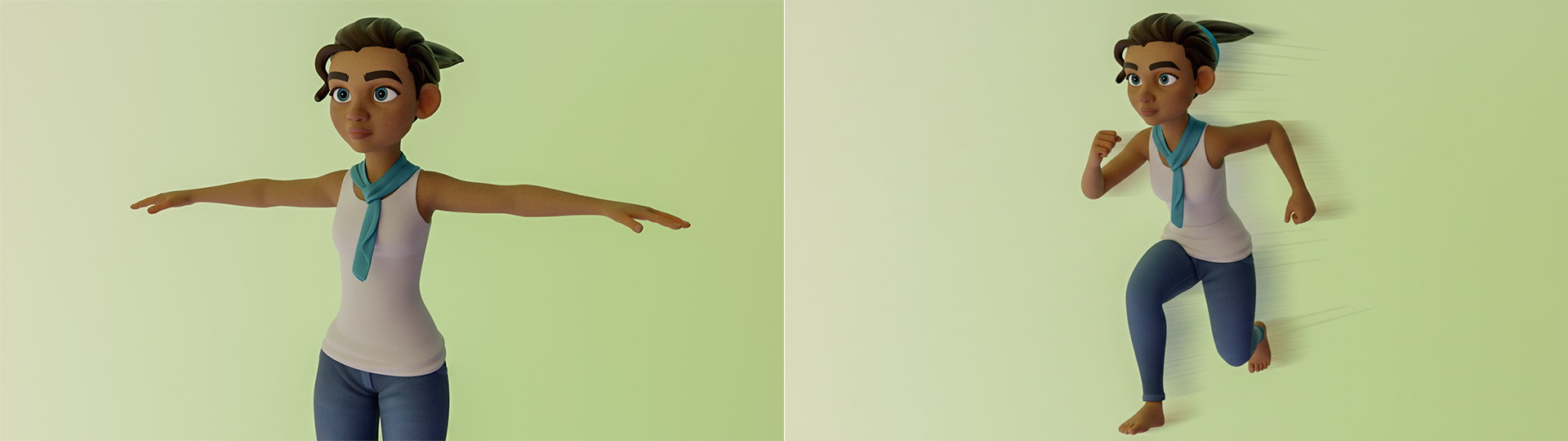
Installation
Getting started is a breeze—choose the method that fits your setup for the smoothest experience.
- Drag-and-Drop (Recommended for Blender 4.2+): Download the ZIP, drag it into Blender's window, and you're set.
- Via Preferences: Download ZIP, go to Blender → Edit → Preferences → Add-ons → Install from Disk → Select ZIP → Enable.
Once installed, open Rendering tab → N-panel → Nano Banana and start creating.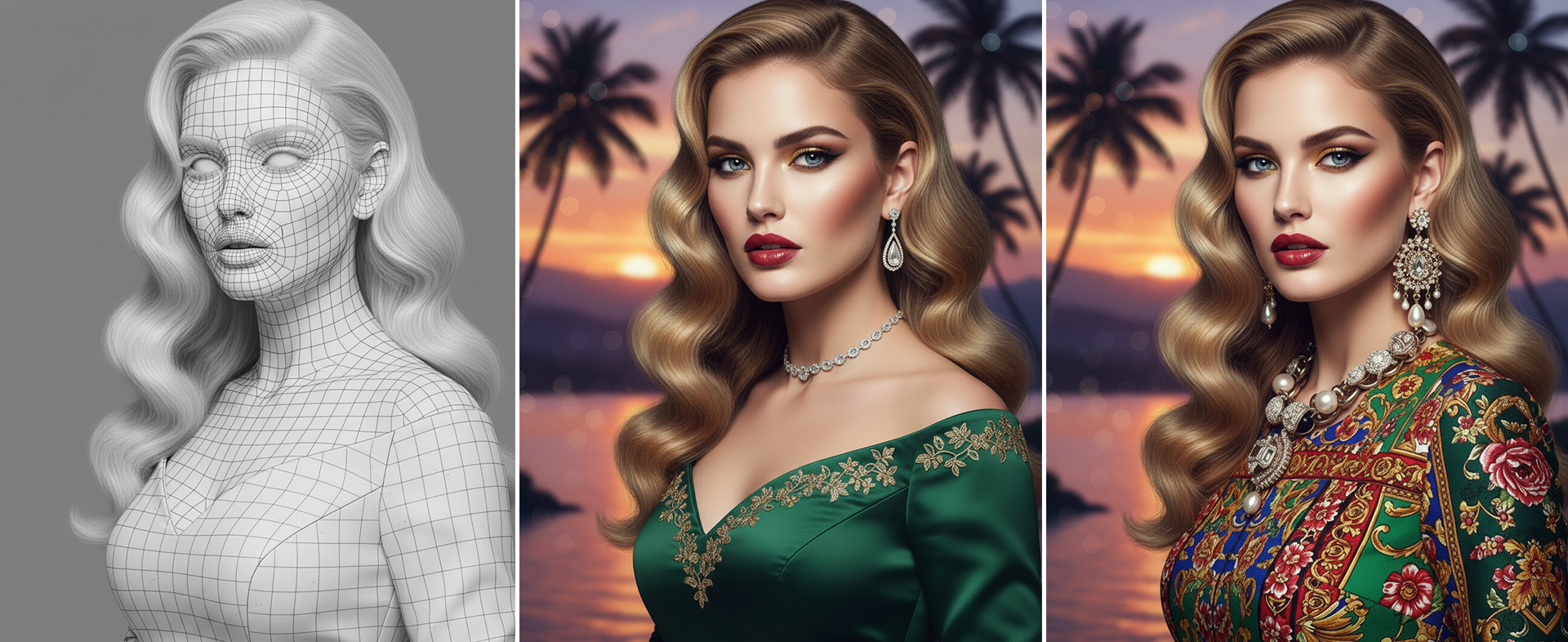
Privacy & AI Ethics
Your credentials stay secure on your machine—no sharing with third parties. We're committed to ethical AI practices:
- Human-in-the-loop design: YOU create the render, YOU choose creative direction, AI assists with execution.
- No Training: By requiring a Billing-Enabled key or enterprise Google Cloud project, we ensure that Google's enterprise terms apply. According to Google's terms, your prompts and images are not used to train their models. Nano Banana Studio does not store or share your work.
- Compliance: This tool follows the Superhive Market Off-Site Services Policy (Exception Agreement signed January 8, 2026). Direct client-to-Google communication without relays.
- Creative Control: All final artistic decisions remain in your hands.
Changelog
-
BL2.5.1 (Current): NEW: Nano Banana 2.1 flagship model (
gemini-nano-banana-2.1) up to 4K resolution; NEW: Nano Banana 2 Lite model; Dual backend engine (Google AI Studio & Vertex AI Project ID); UI redraw fixes; confirmed support for Blender 5.2. - BL2.4.9: NEW: 12 Visual Styles with panoramic preview; three AI models (Standard, Pro, V2); collapsible panel sections; settings persistence; smart search; Blender 5.1 support.
- BL1.5.0: Dual AI Models (Nano Banana + Pro); Resolution Control (1K/2K/4K); Updated company name to ATDIGIT.
- BL1.4.39: User presets (save/delete), Bonus Presets toggle, compact error popups, BG Fix mode improvements.
Support
Need help? Share your Blender version, OS, steps to reproduce, and any messages for quick assistance.