Nebulous
 Meister FX
in Sci Fi
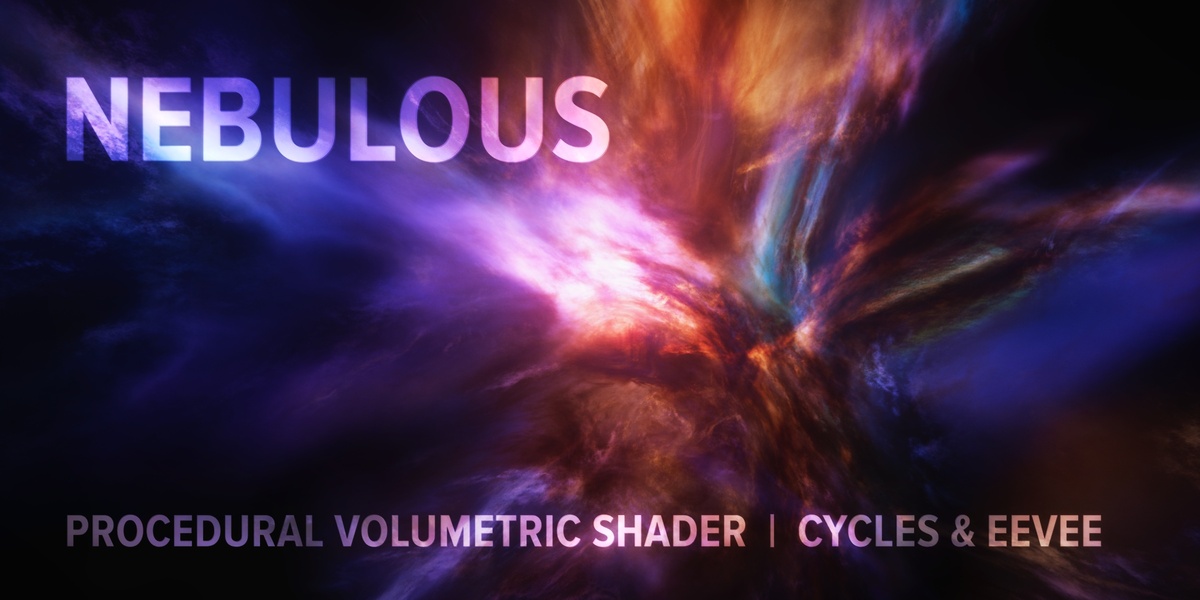
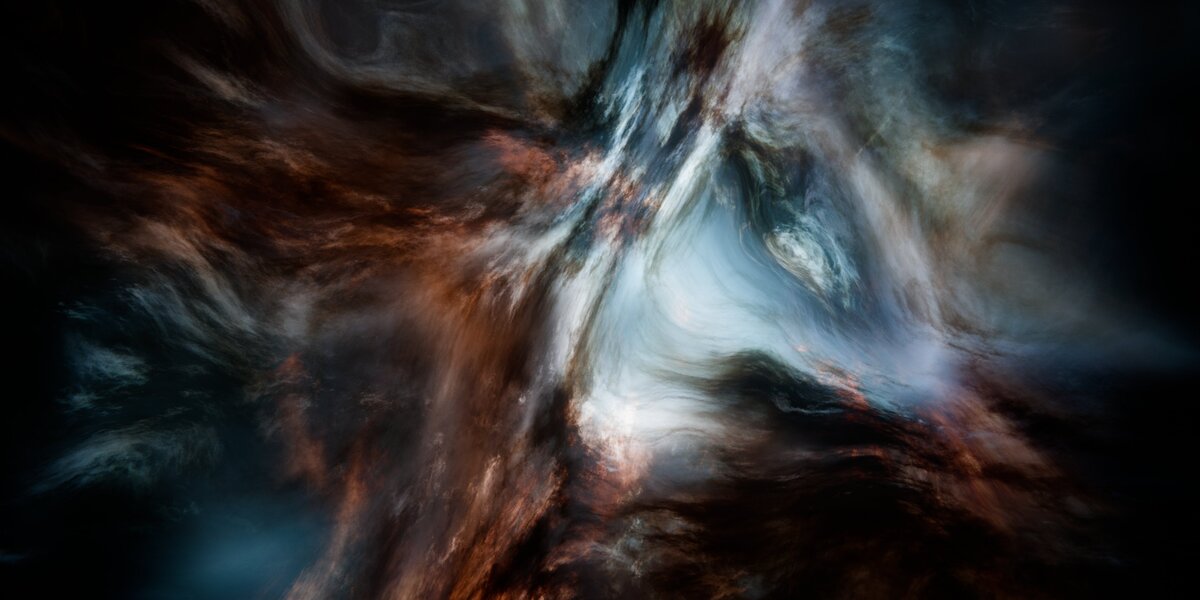
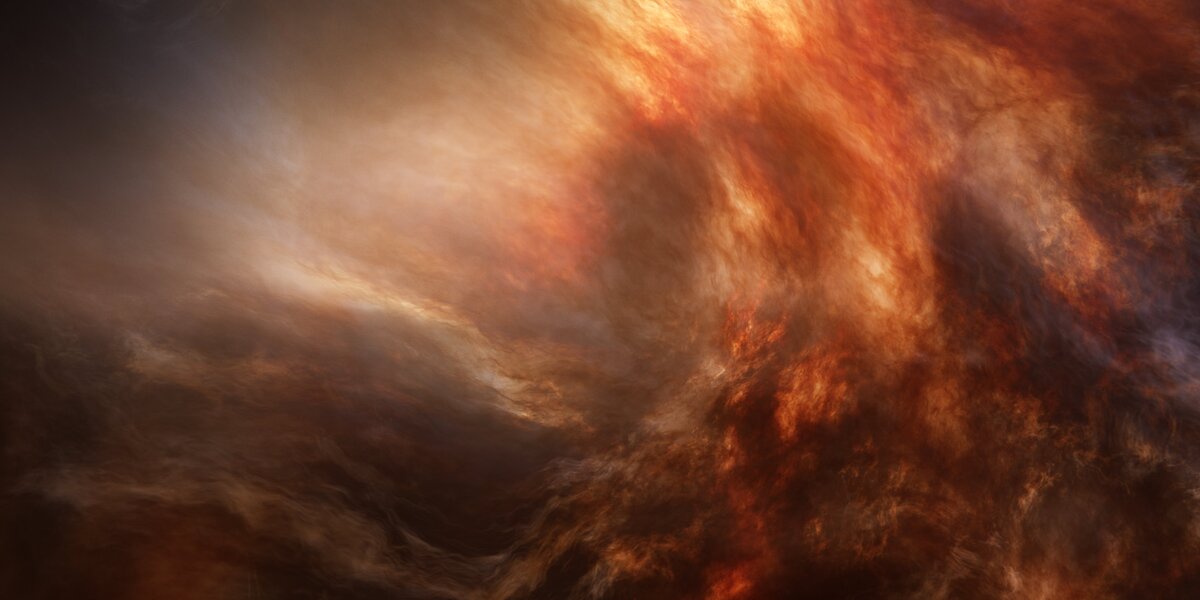
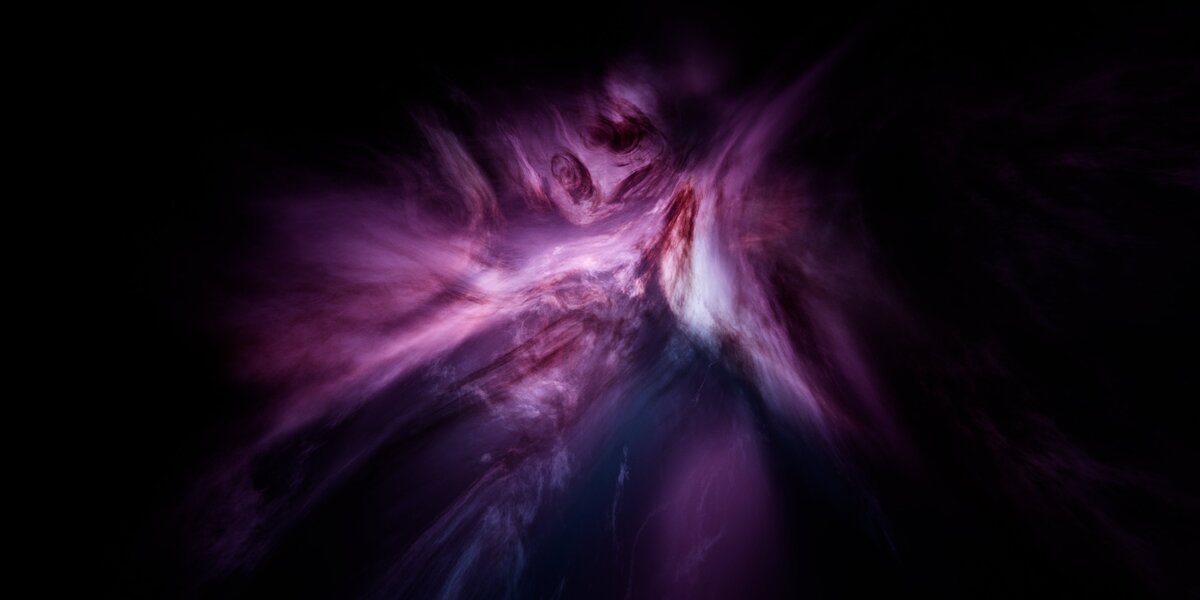
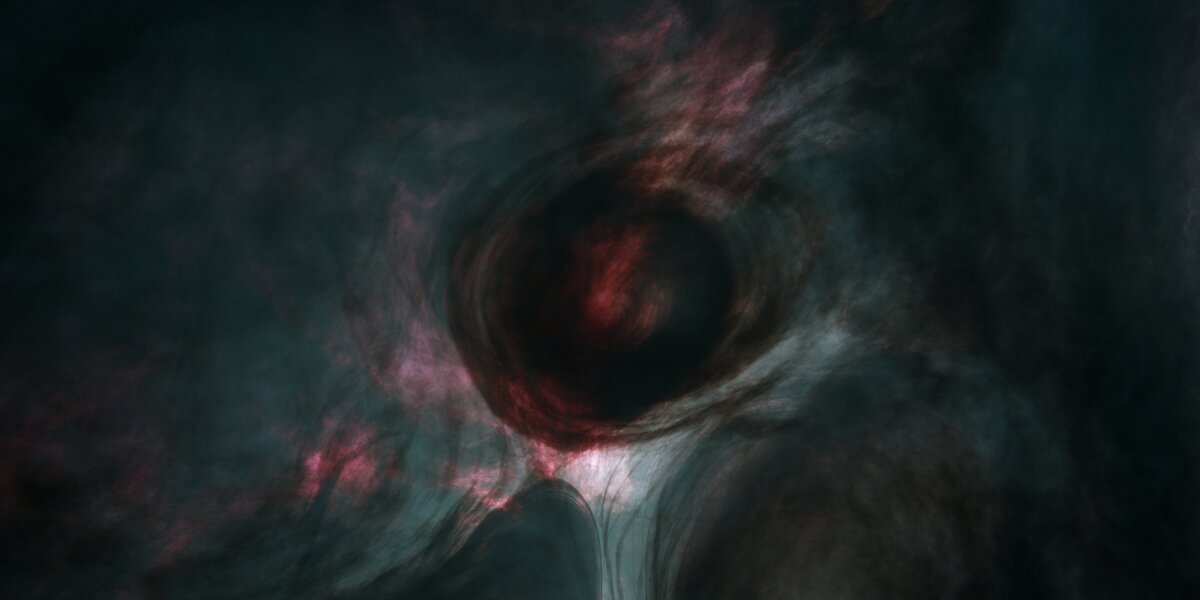
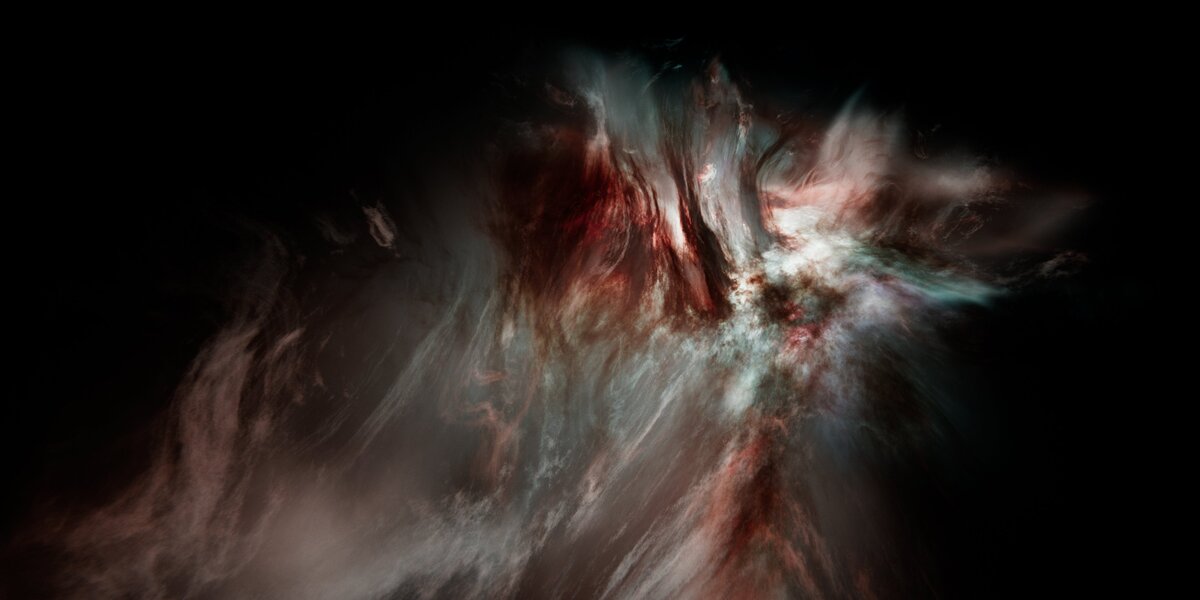
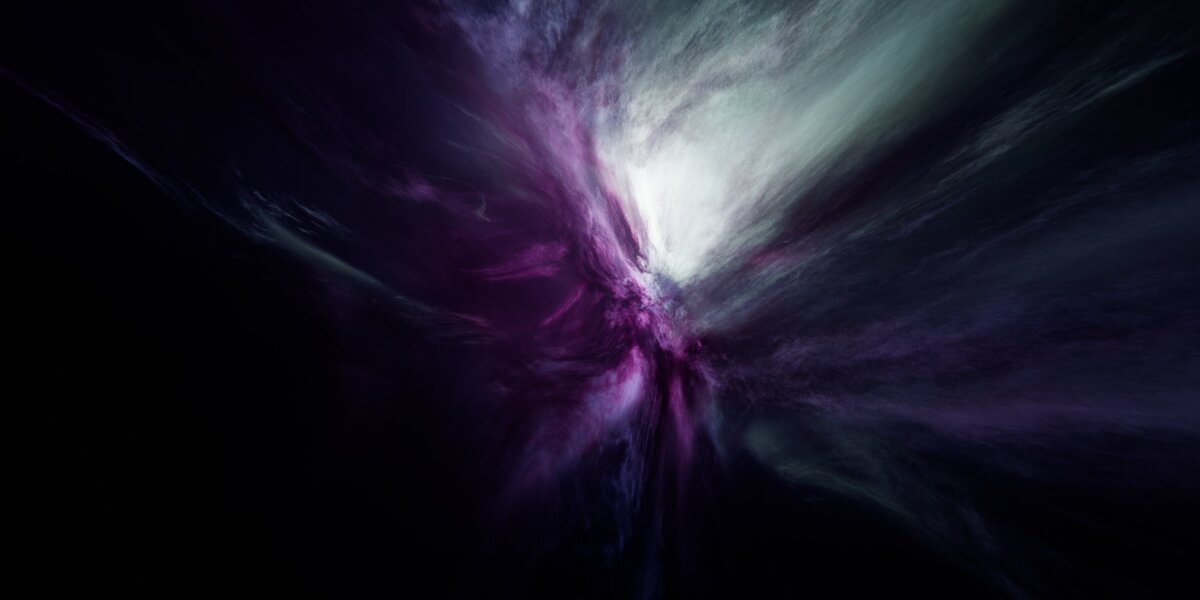
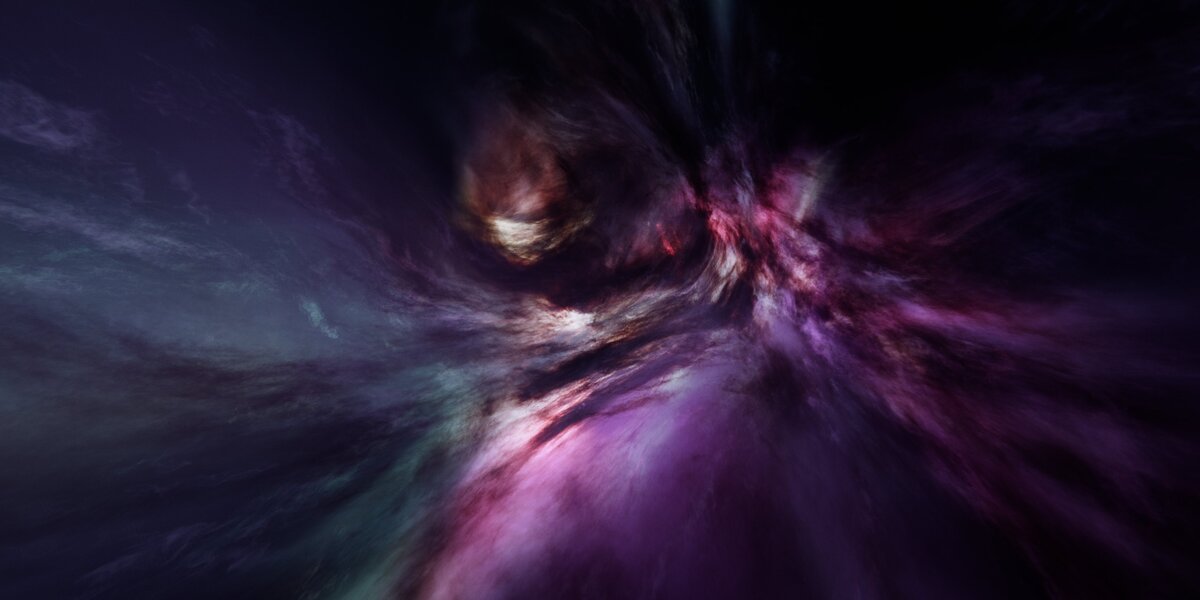

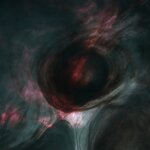
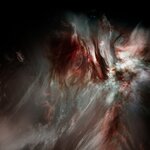
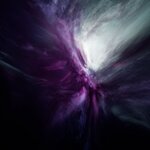
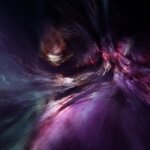
The Volumes tab in Eevee's Render Properties panel has several im portant parameters to adjust in order to find the best balance between fidelity and VRAM usage for your hardware.
Nebulae with very dense Dark Gas may require increasing Steps to 64 or higher, in order to match the way it looks in Cycles. Higher step counts tend to result in better handling of Dark Gas density at the cost of VRAM, and higher Resolution gives more detailed volumes at the cost of VRAM (dependent on both render resolution and the ratio defined in the Volumes tab). The Temporal Reprojection toggle can vastly increase the perceived step count in the viewport, but it is unfortunately not available for final renders.
If you are struggling to get your Eevee renders looking the way you want, it may be worth experimenting to find the best balance between Steps and Resolution to make the most of your hardware.
Have questions about this product?
Login to message
| Published | 13 days ago |
| Blender Version | 5.0 - 5.2 |
| Render Engine Used | Cycles, Eevee |
| License | Royalty Free |