 ZEG
ZEG

Installation
In Blender open Edit, Preferences, Get Extensions, then use Install from Disk and pick the neon_sign_generator zip.
Usage
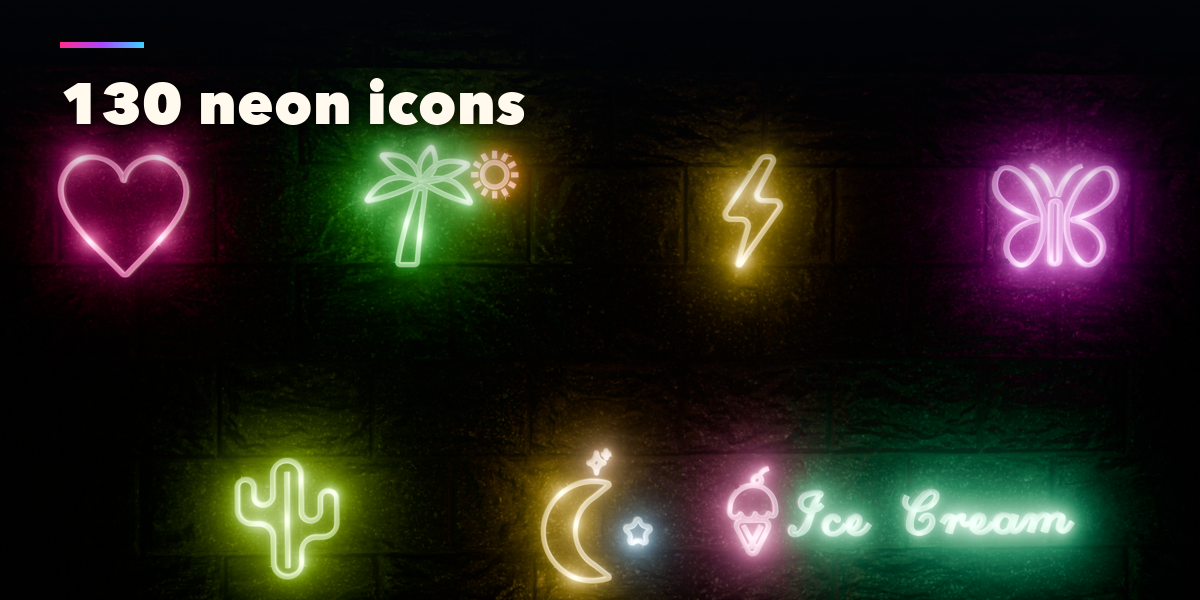
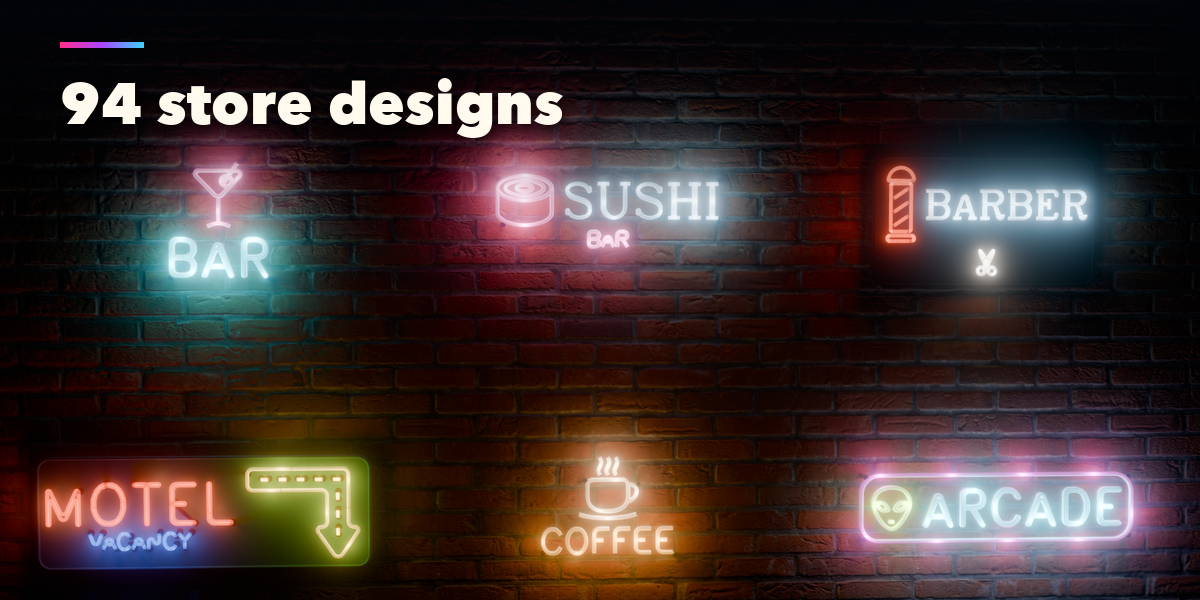
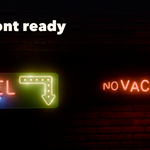
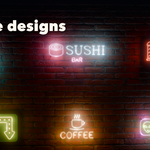
- Open the Neon tab in the 3D viewport sidebar (N). With no sign selected, click a design picture to add it at the 3D cursor, or use Shift+A, Neon Sign.
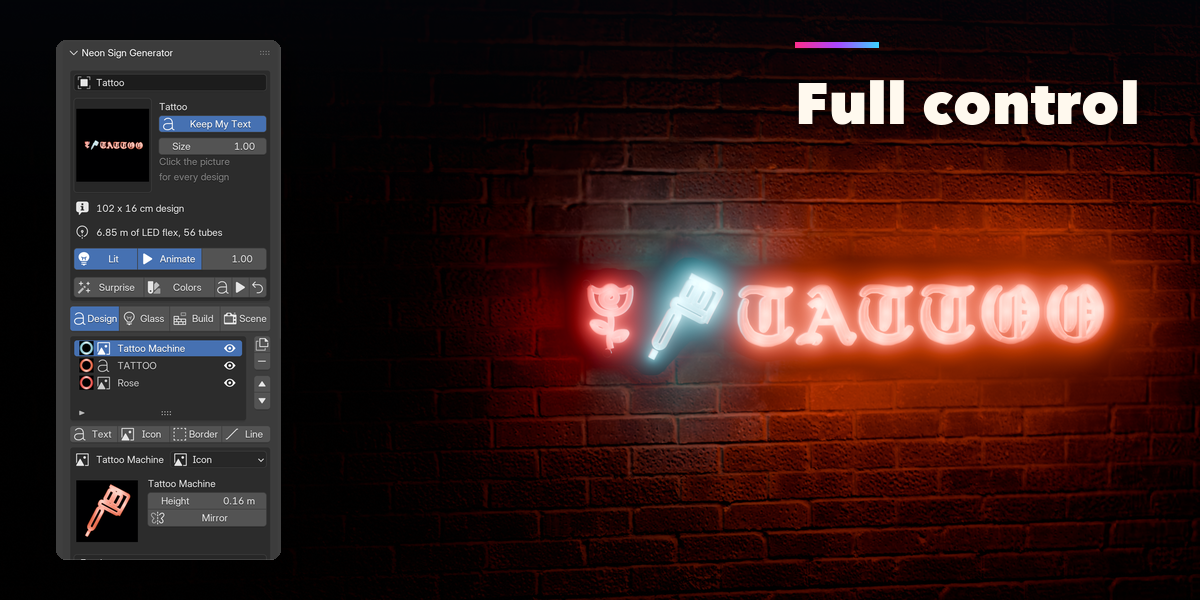
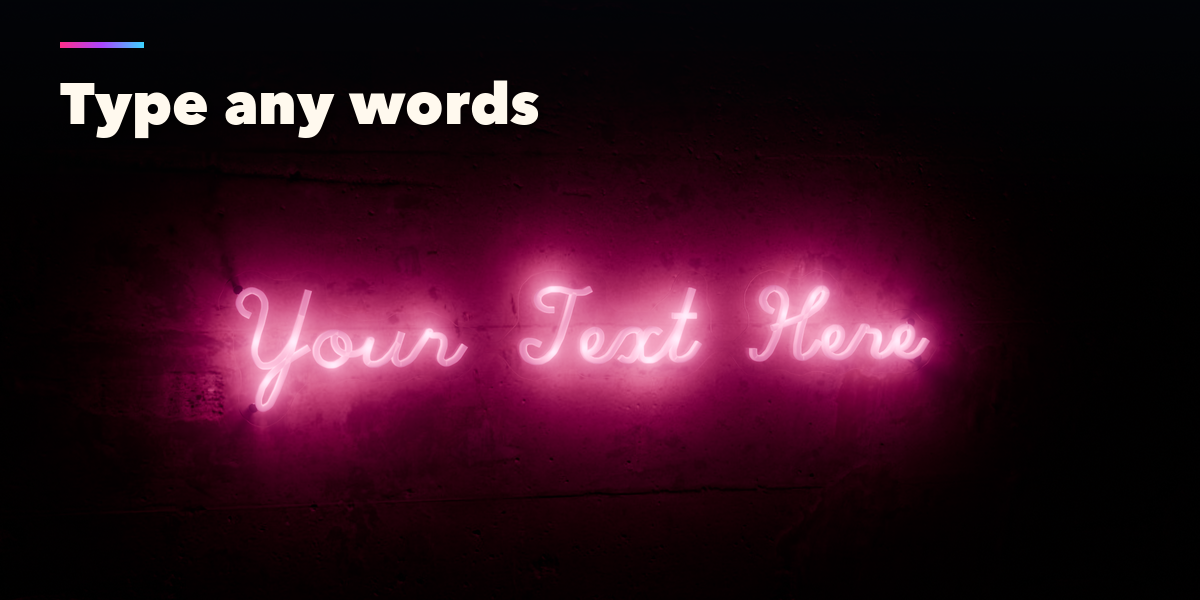
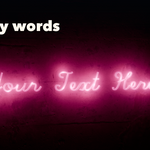
- Type your own words in the text field: the sign, its border and backing fit them automatically.
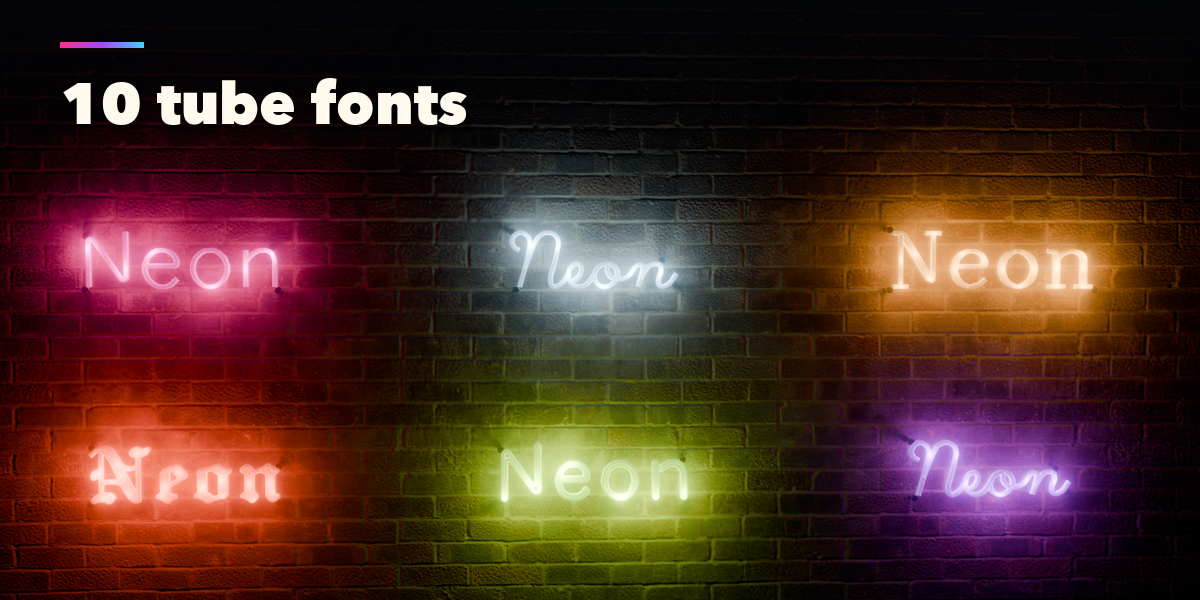
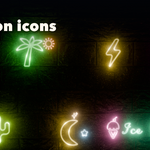
- The element list holds the text, icons, borders and lines of the sign. Add, duplicate, reorder or remove them, and give each one its font, icon, color, size and animation.
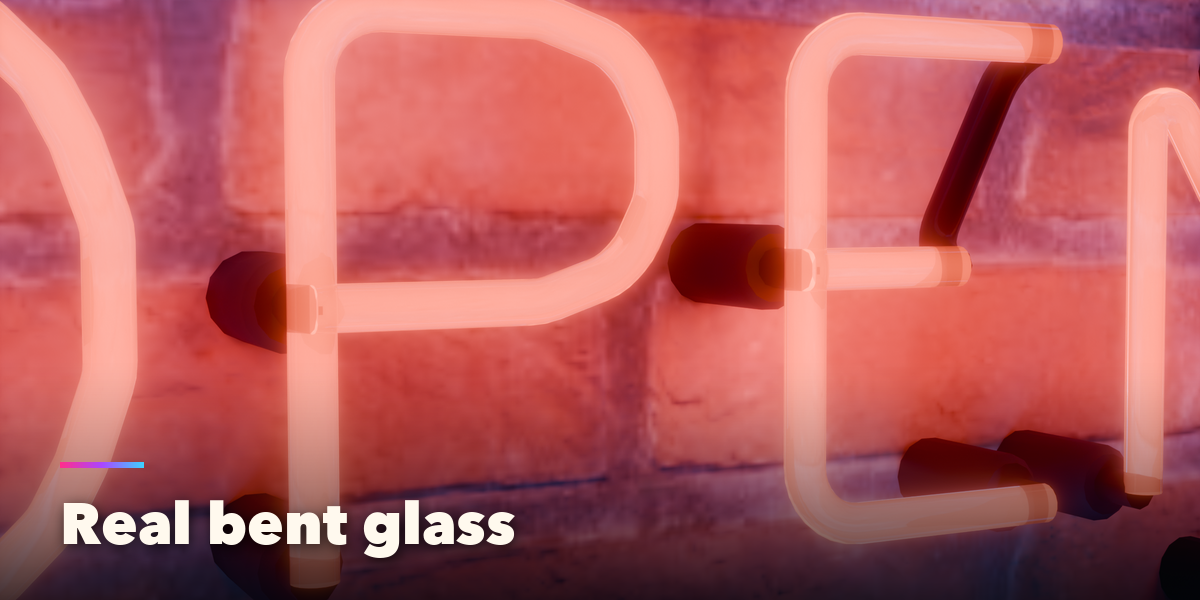
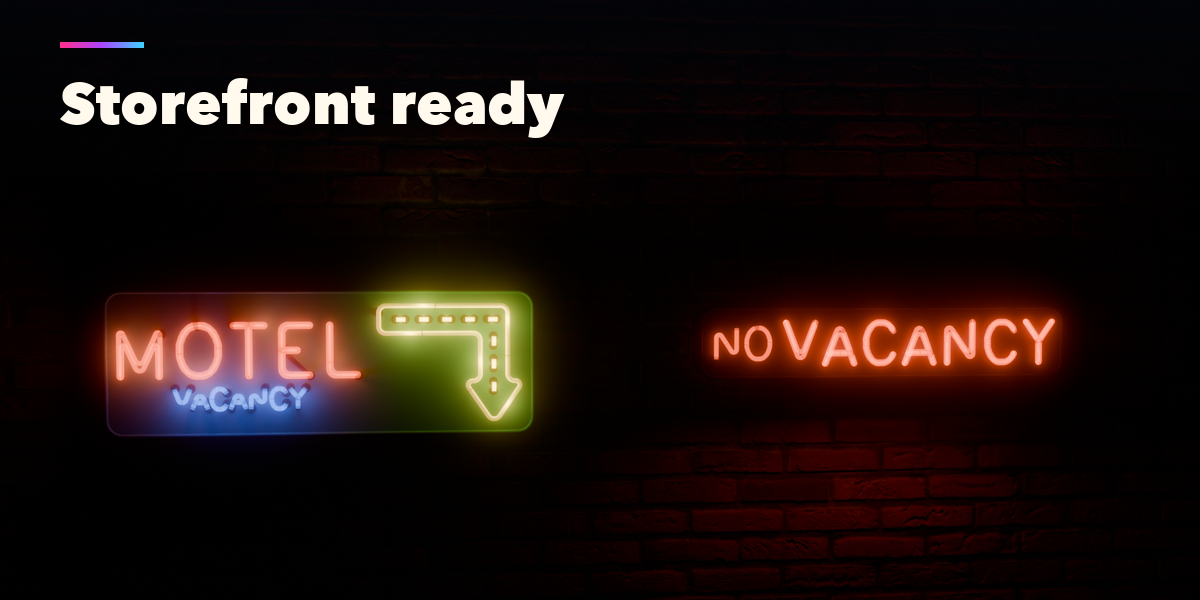
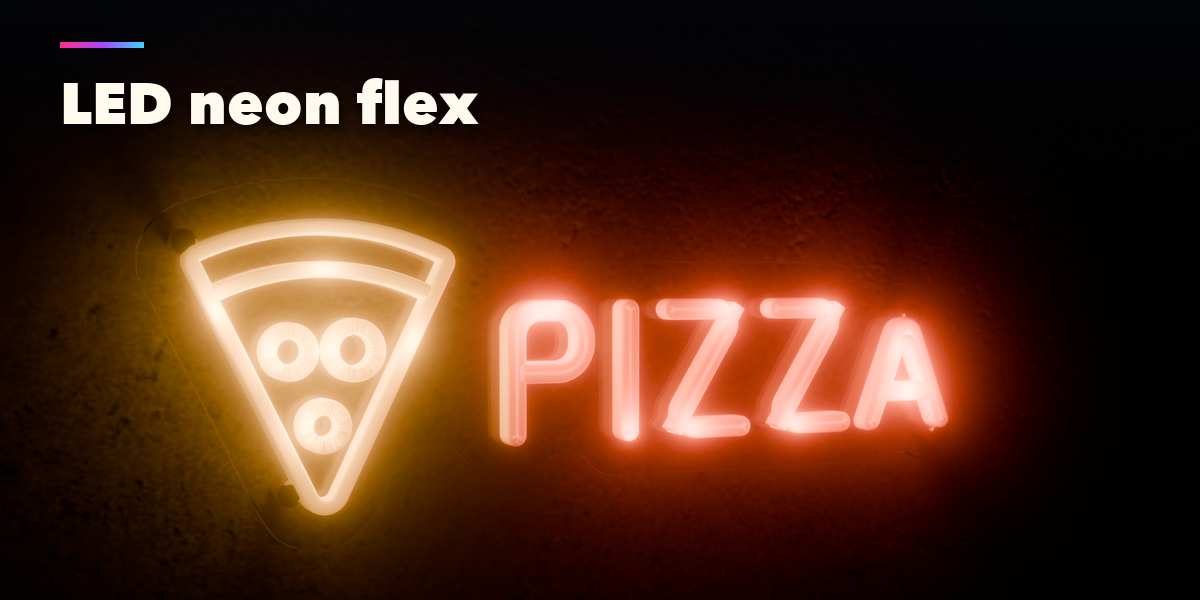
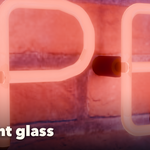
- The other tabs set the glass or LED tubes, the backing and mount, the wall behind the sign and the room lights.
- Press Setup Render for the night world, glow and a camera framing the sign, then use Rendered view.
- Convert to Mesh keeps the sign as plain meshes for editing or export; Delete removes it with all its parts.
Have questions about this product?
Login to message
| Blender Extension Compatible | Yes |
| Published | 2 days ago |
| Blender Version | 4.2 - 5.2 |
| Extension Type | Add-on |
| Render Engine Used | Cycles, Eevee |
| License | GPL |

Discover more products like this
led-neon neon sign night Generator storefront procedural signage Glow Neon Light neon Neon Text sign