 NexStudio
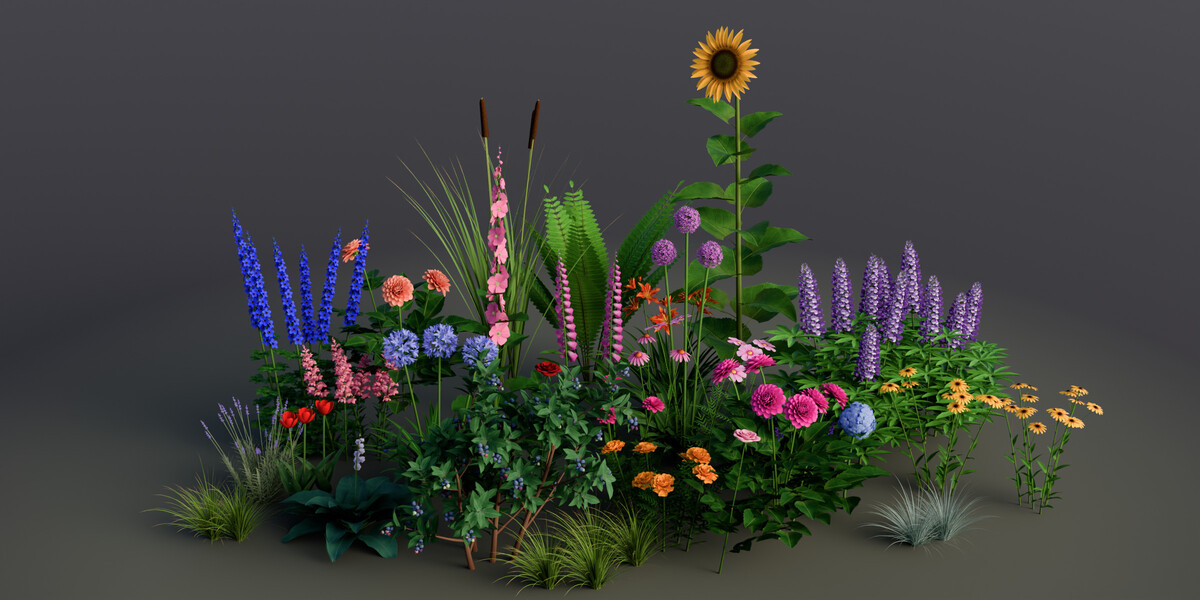




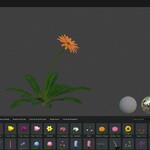
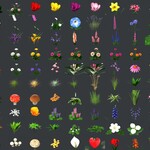



Yes. Plants you make with NexFoliage are yours to use in renders, animations, games and client work. The add-on's code is licensed GPL-3.0-or-later.
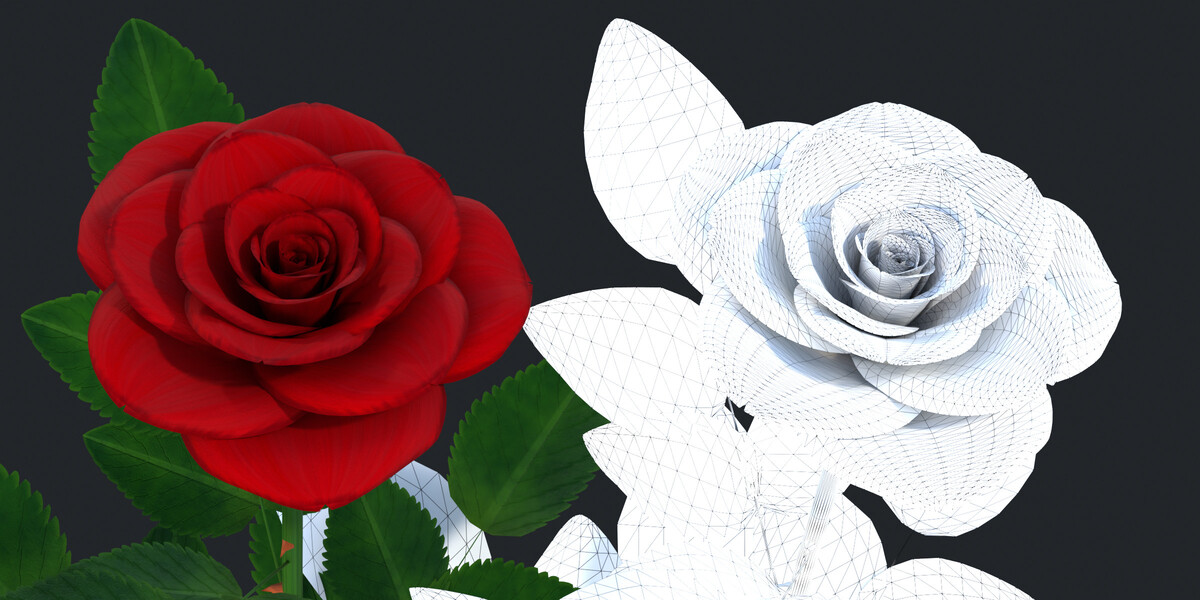
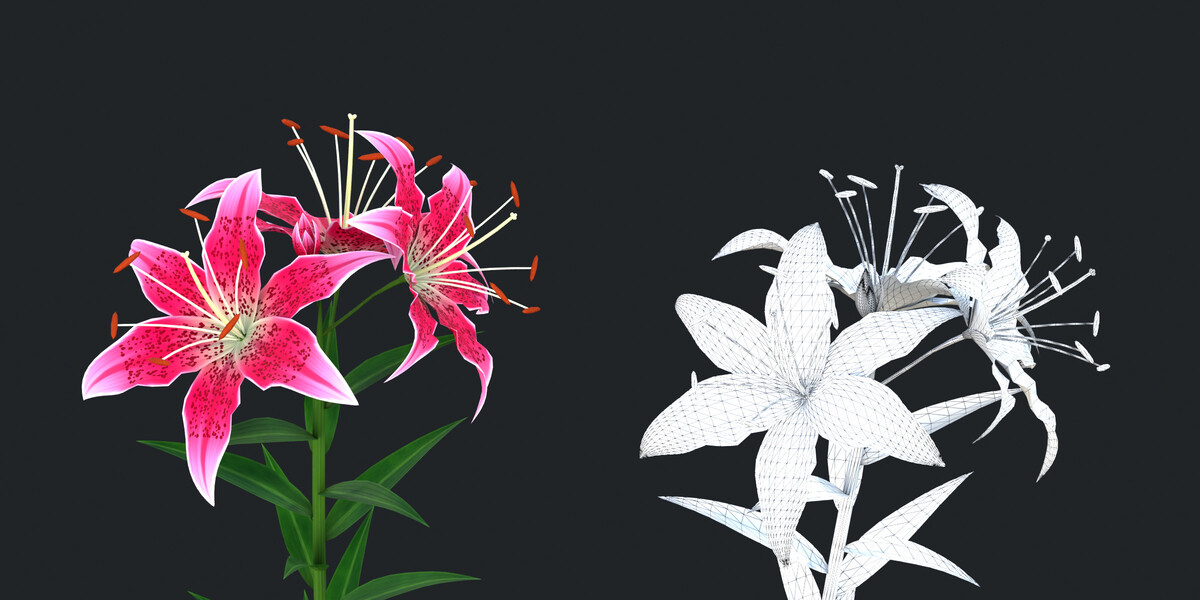
No. Each plant is generated by a Python generator into a normal mesh with clean UVs and one material. You can also freeze any plant into a plain mesh with Convert to Static Mesh.
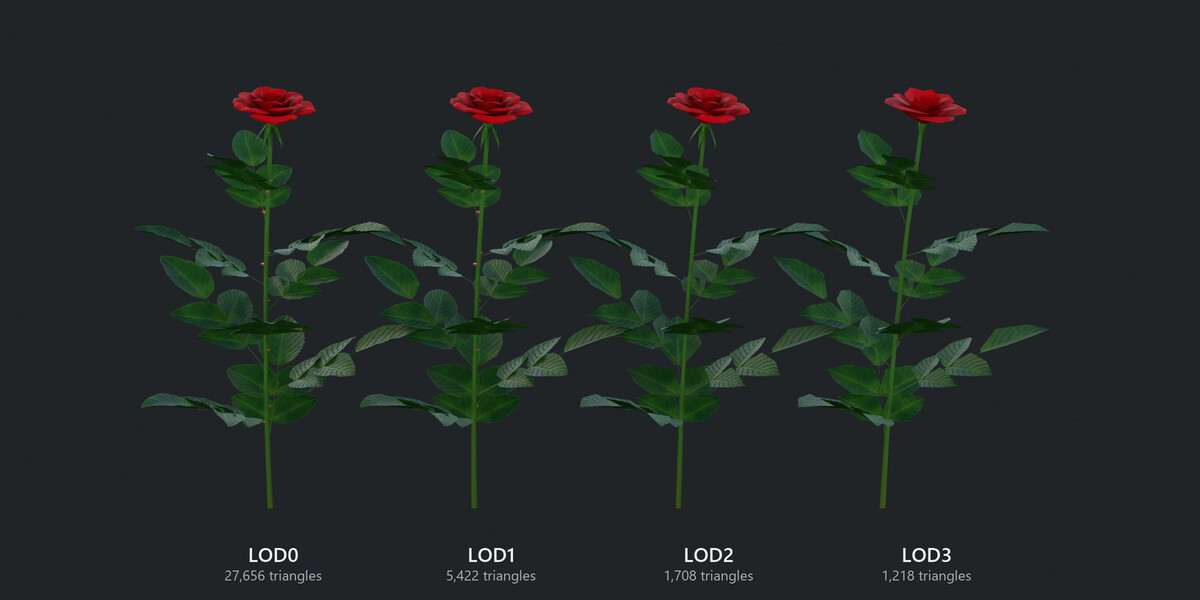
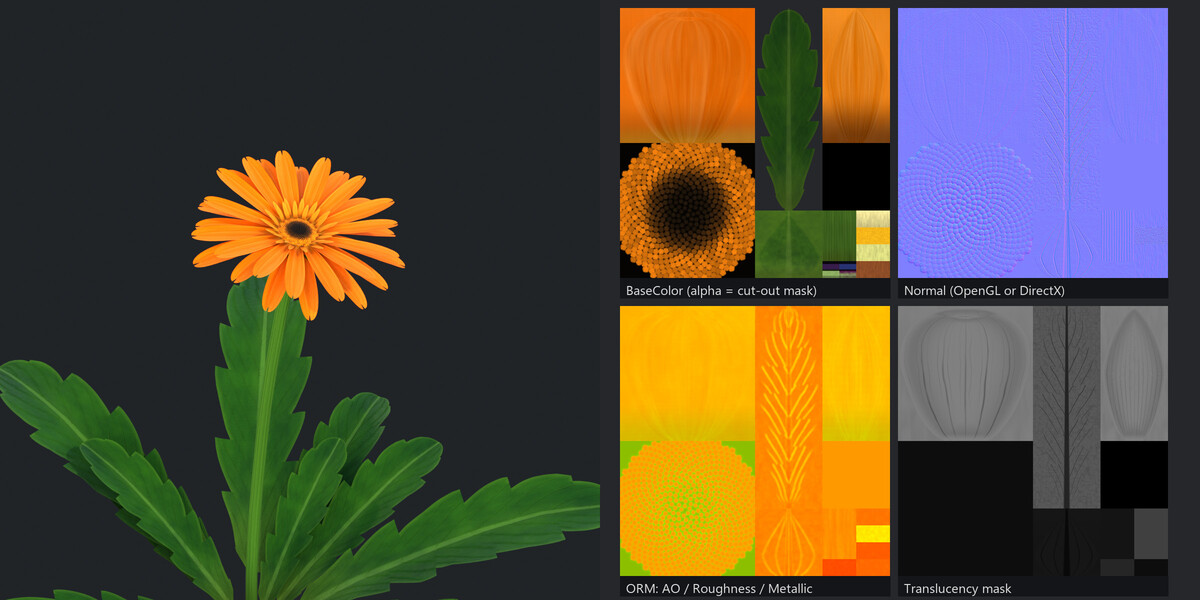
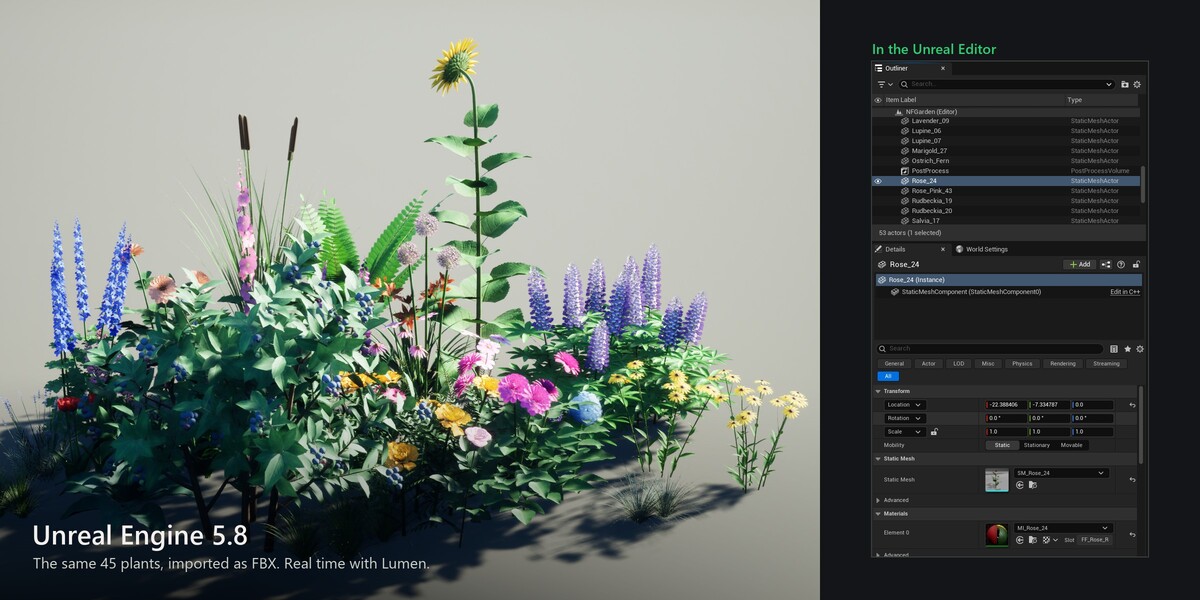
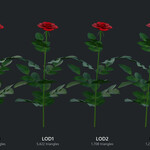
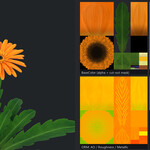
Yes. Export for Game Engine writes FBX or glTF with four LODs named Name_LOD0 to Name_LOD3. Unity groups them into an LOD Group automatically. Unreal imports them as four separate static meshes, so in Unreal use Name_LOD0 and add LODs in the Static Mesh Editor. It also writes the BaseColor, Normal, ORM and Translucency textures. For Unreal, export FBX and choose the DirectX normal map (glTF files always use OpenGL normals). In the engine, use a masked material (alpha clip 0.5) that renders two-sided.
The library median is about 26,000 triangles at full detail and about 1,600 at LOD3. The densest plants (blueberry, holly, lavender) reach 110,000 to 140,000 at full detail; use LOD1 or lower Mesh Detail for those in big scenes.
NexFoliage makes the plants. To fill a scene, scatter them with Blender's own tools (particles or Geometry Nodes instancing).
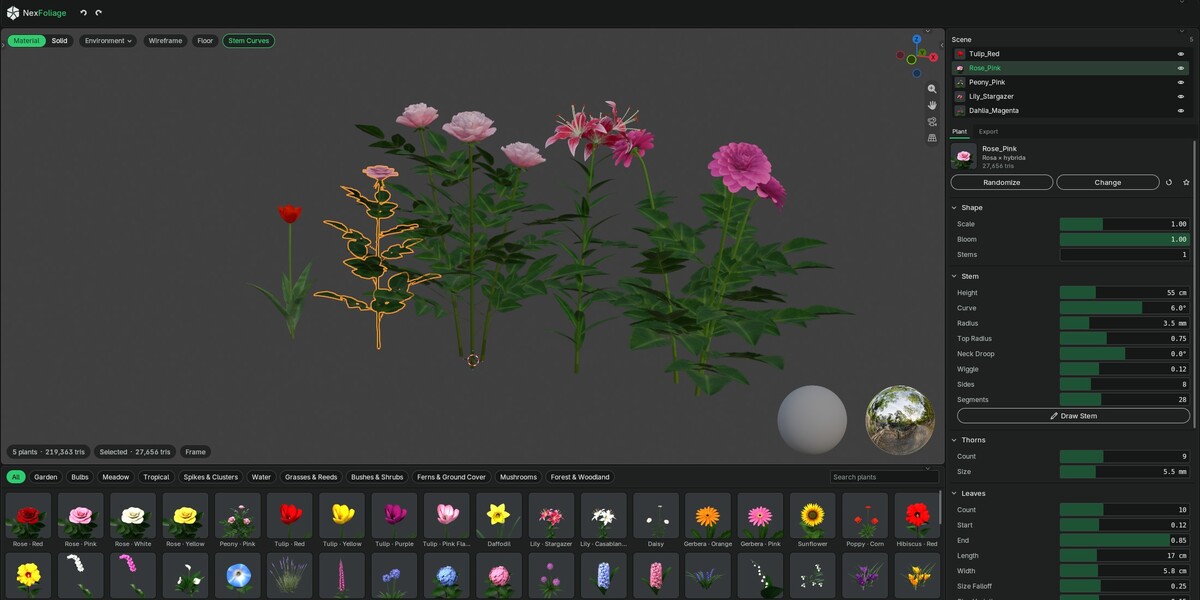
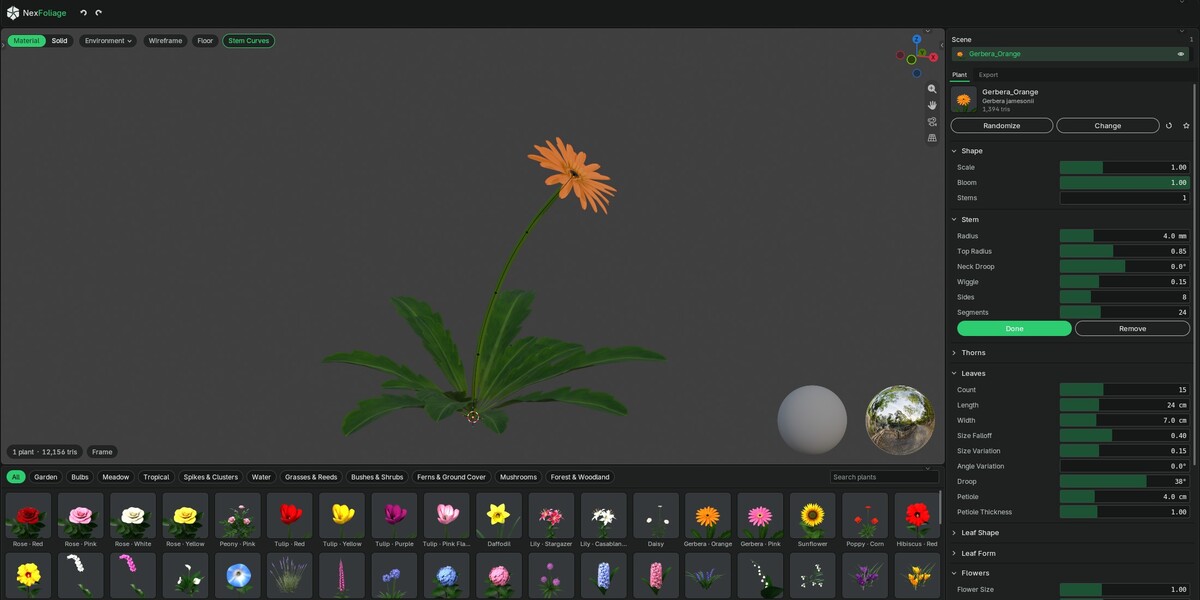
Yes. Start from any plant, adjust it in the plant panel, then click Save to Library to keep it as a preset or Save as Asset to put it in the Asset Browser.
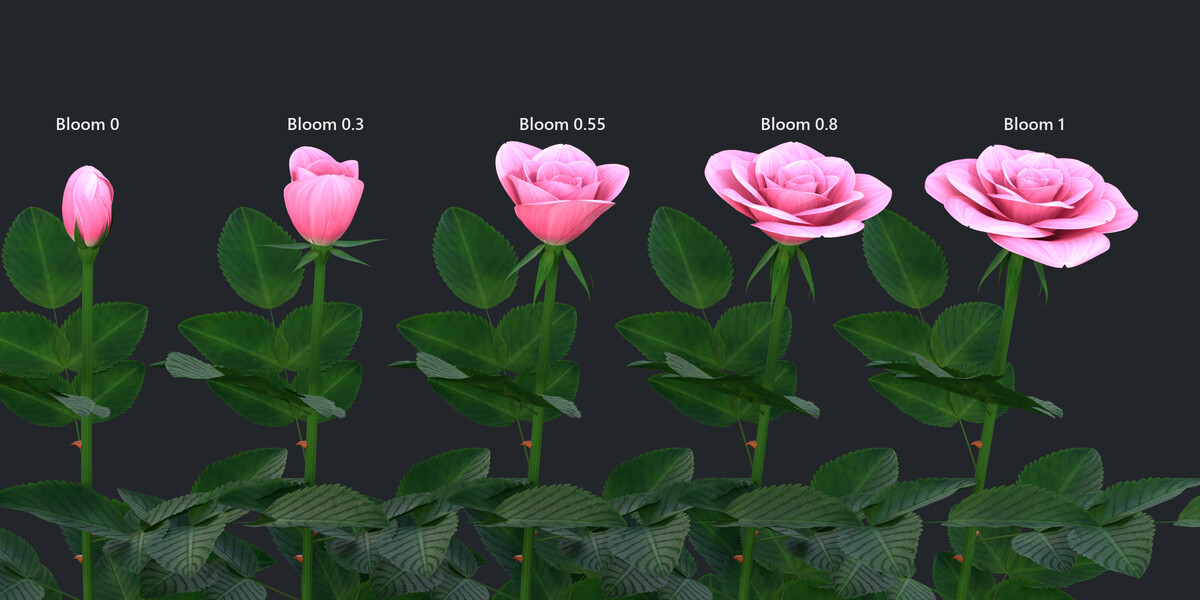
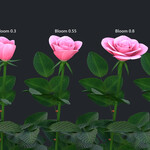
Yes. Keyframe Bloom (or any other setting) and the plant rebuilds on every frame, in the viewport and in final renders. For animation renders, turn on Render › Lock Interface.
Blender's default AgX view desaturates bright, saturated colors. For vivid flowers, use AgX with the Punchy look, or the Standard view.
Blender 4.2 to 5.3. NexFoliage is a standard Blender extension with no external dependencies.
NexFoliage is pure Python with no compiled parts, so it should run wherever Blender runs. It was tested on Windows with Blender 4.2, 4.5, 5.0, 5.1, 5.2 and 5.3.
No. Everything is generated on your computer. Nothing is downloaded and nothing is sent anywhere.
Yes. More plants and new features are on the way, and every update is free for owners.
Yes. Plants are stored in the .blend file with their settings, so they stay editable when you reopen the file or install a newer version. Your saved presets and assets are kept too.
Each plant rebuilds only when you change it, so a finished scene is just normal meshes. For large scenes, make a few variations and scatter them as instances instead of adding hundreds of separate plants. Convert to Static Mesh freezes a plant into a plain mesh.
Leaves avoid cutting through other leaves and flower stems. When a change would make two leaves cross, one of them turns slightly or shrinks a little to make room. Click Randomize or change the leaf settings for a different arrangement.
Email [email protected] or send a message through the Superhive product page. Please include your Blender version, the plant name and, if you can, a screenshot.
Have questions about this product?
Login to message
| Blender Extension Compatible | Yes |
| Sales | 20+ |
| Dev Fund Contributor | |
| Published | about 22 hours ago |
| Blender Version | 4.2 - 5.3 |
| Extension Type | Add-on |
| Render Engine Used | Cycles, Eevee |
| Misc Data | Uvs-Unwrapped, Low-High-Resolution, Normal-Mapped, Textured |
| License | GPL |
Discover more products like this
flowers vegetation garden botanical asset library foliage #nature plants LOD game assets PBR procedural