Night And Day - Procedural City Buildings
 Markfecit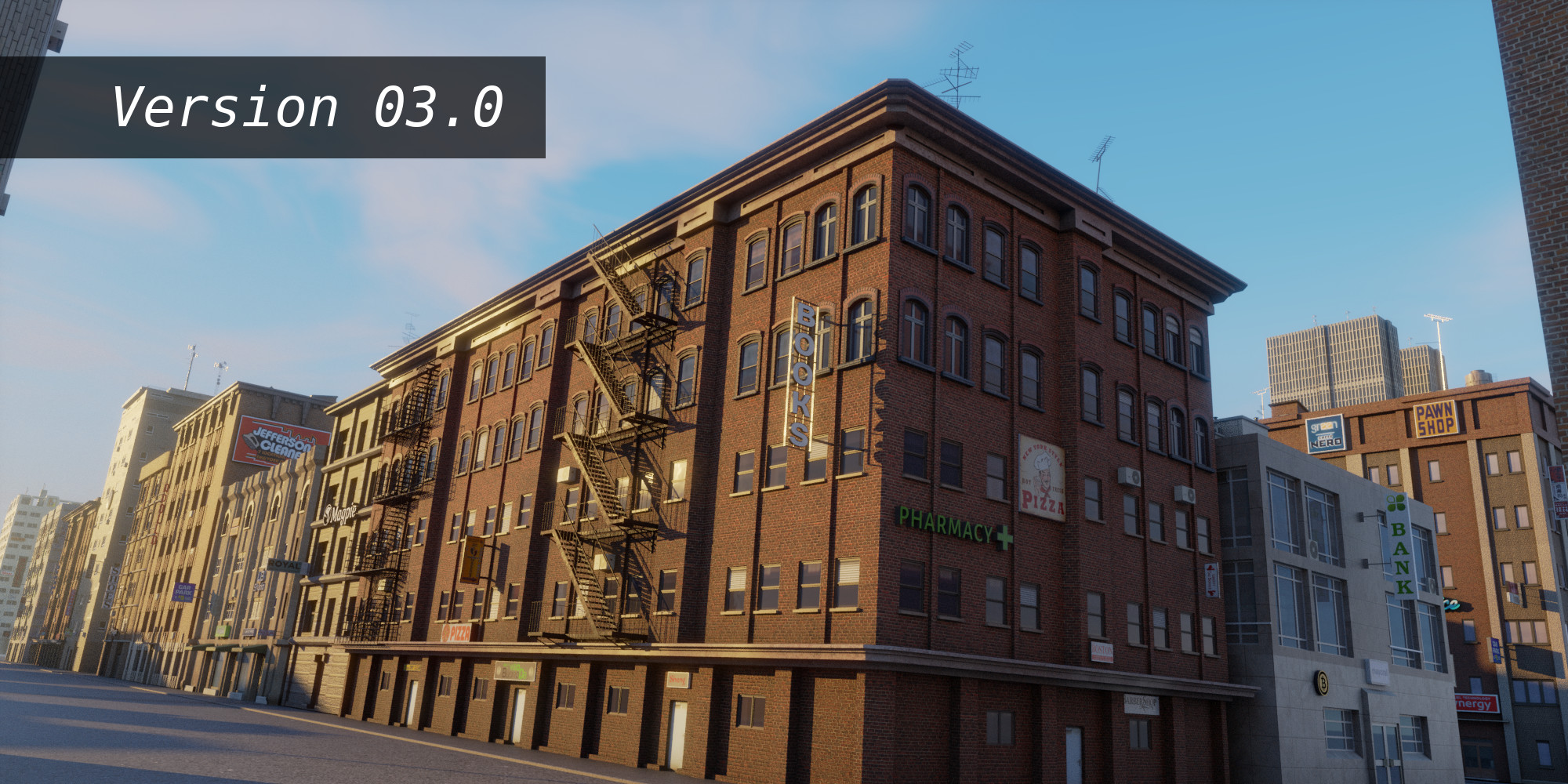

















This is due to the default import method of the asset browser which now (blender 5) is set to "Pack". Just change the import method to "Append". That solves the problem.


If you use Blender 3.5 - 4.0 choose the version 2.9. Note that this version does not have all the latest features, such as the interiors for night scenes.
If you use Blender 4.1 choose version 3.0.
If you use Blender 4.2 or above choose version 3.1.
Change the light bulbs or pay your light bills :)
There are two different main reasons for this:
Probably the light strength parameter is set to zero. Select a positive number.
If you have converted the building to mesh be sure that the realize instances parameter is still selected.
It is possible but when you export a building in other formats (such as FBX or OBJ) unfortunately you loose some of the building materials. Most of the materials are Blender specific.
Yes it is. Just activate the realize instances parameter and apply the BUILDING modifier as explained in the documentation.
Have questions about this product?
Login to message
| Sales | 500+ |
| Rating | 12 ratings |
| Dev Fund Contributor | |
| Published | over 3 years ago |
| Blender Version | 4.1 - 5.2 |
| Render Engine Used | Cycles, Eevee |
| Misc Data | Uvs-Unwrapped, Normal-Mapped, Textured |
| License | Royalty Free |
Discover more products like this
city high-rise building abandoned procedural parallax material skyscrapers crane office building environment city asset night scaffolding cityscape