 AFX LAB


Introducing: Node Deck 
What is it?
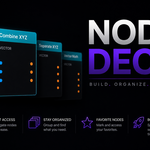
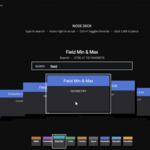
Node Deck is a fast visual node browser for Blender's Geometry Nodes editor. It provides a palette based workflow for browsing, searching, favoriting, and placing nodes without digging through Blender's standard Add menu.
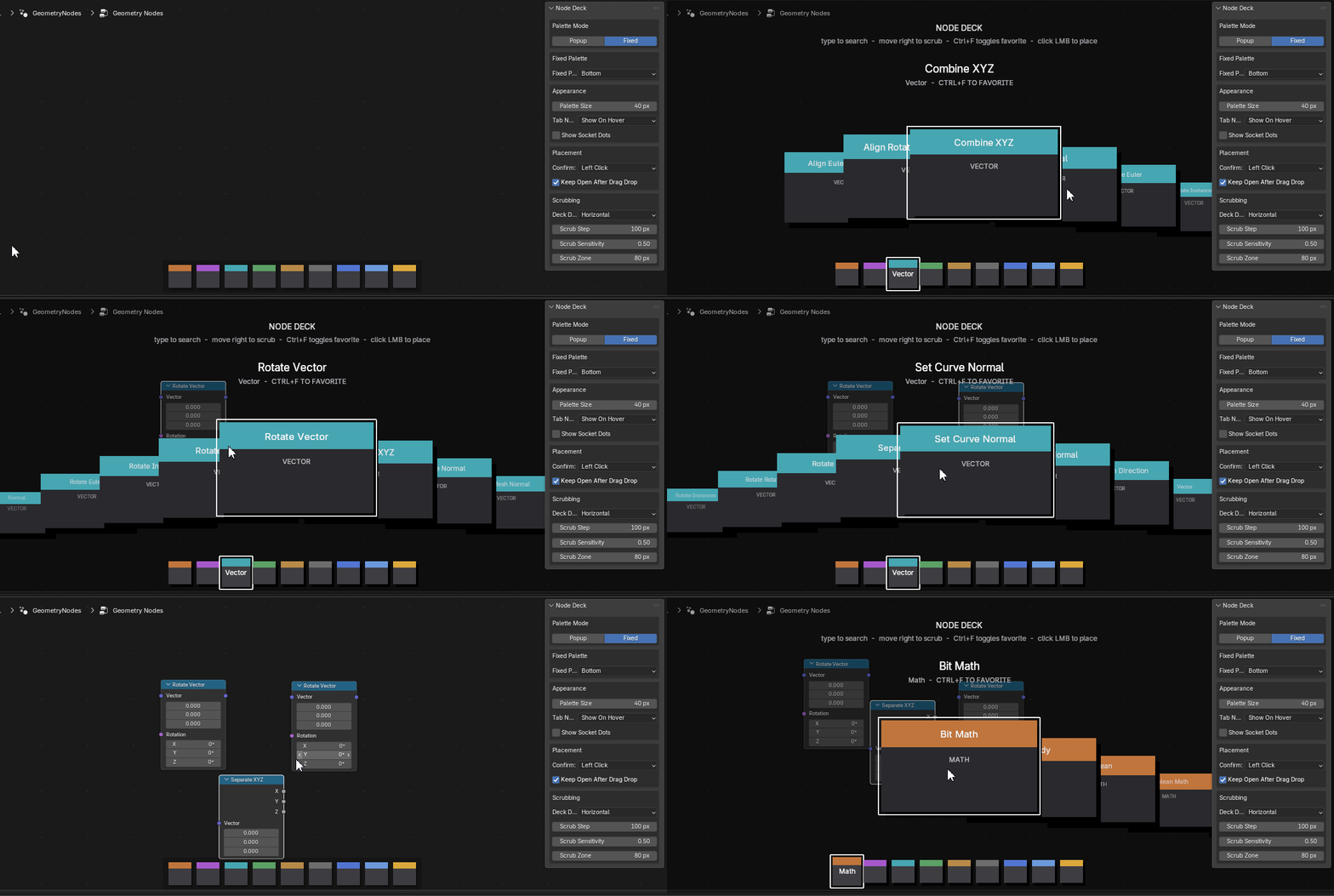
Designed for artists and technical users alike, Node Deck keeps commonly used nodes within immediate reach, helping speed up node creation and reduce interruptions while building Geometry Nodes systems.
Designed for speed
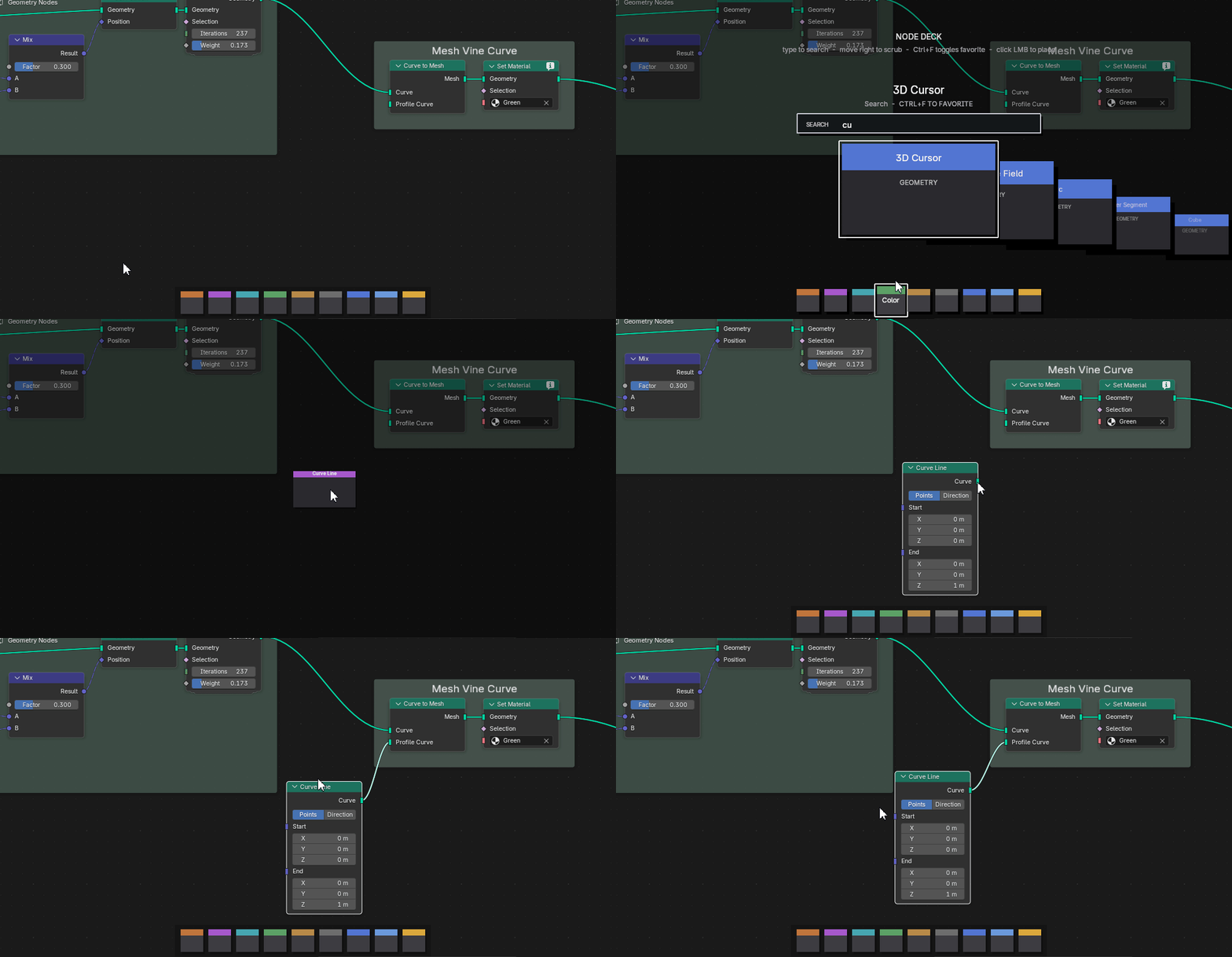
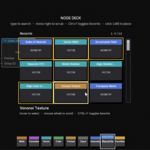
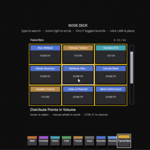
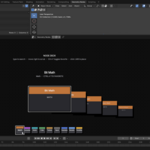
Node Deck adds an interactive palette directly inside the Node Editor, combining visual browsing, searchable catalogs, favorites, recents, and drag-and-drop placement into a single streamlined workflow.
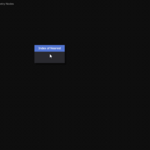
Use it as a fixed palette for instant access to nodes at all times, or switch to popup mode when you prefer a hotkey-driven workflow that stays out of the way until needed.
Features
Workflow
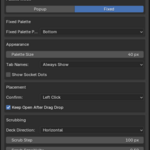
- Fixed palette mode for always-visible node access
- Popup mode with configurable hotkey
- Drag-and-drop node placement
- Keep deck open after drag/drop option
Organization
- Favorites tab for frequently used nodes
- Recents tab showing recently added nodes
- Automatic Geometry Nodes-compatible node catalog
- Favorites keep their original group colors
- Recent nodes update automatically after placement
Search & Navigation
- Search filtering while typing
- Search support inside Favorites and Recents grids
- Horizontal and vertical deck scrubbing
- Adjustable scrub speed, sensitivity, and scrub zone
- Mouse-wheel grid scrolling
- Wide scrollbar for quick navigation
Customization
- Custom palette tab header colors
- Restore default palette colors
- Optional socket dots on cards
- Always-show or hover-only tab names
- Top or bottom fixed palette placement
Node Categories
- Geometry
- Input
- Texture
- Color
- Vector
- Converter
- Math
Compatibility
- Designed for Blender 5.1+
- Built specifically for Geometry Nodes workflows
- Integrated directly into the Node Editor