 Minimal Effort Tech


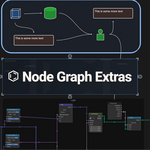
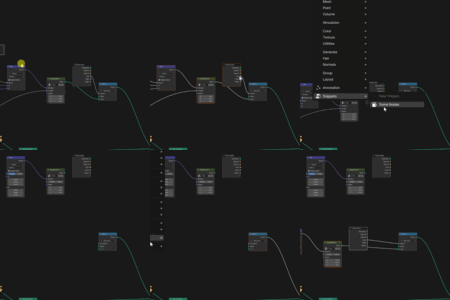

Node Graph Extras brings four connected workflows into Blender's node editors: annotations for context, layout tools for readability, scripted groups for repeatable systems, and snippets for fast reuse.
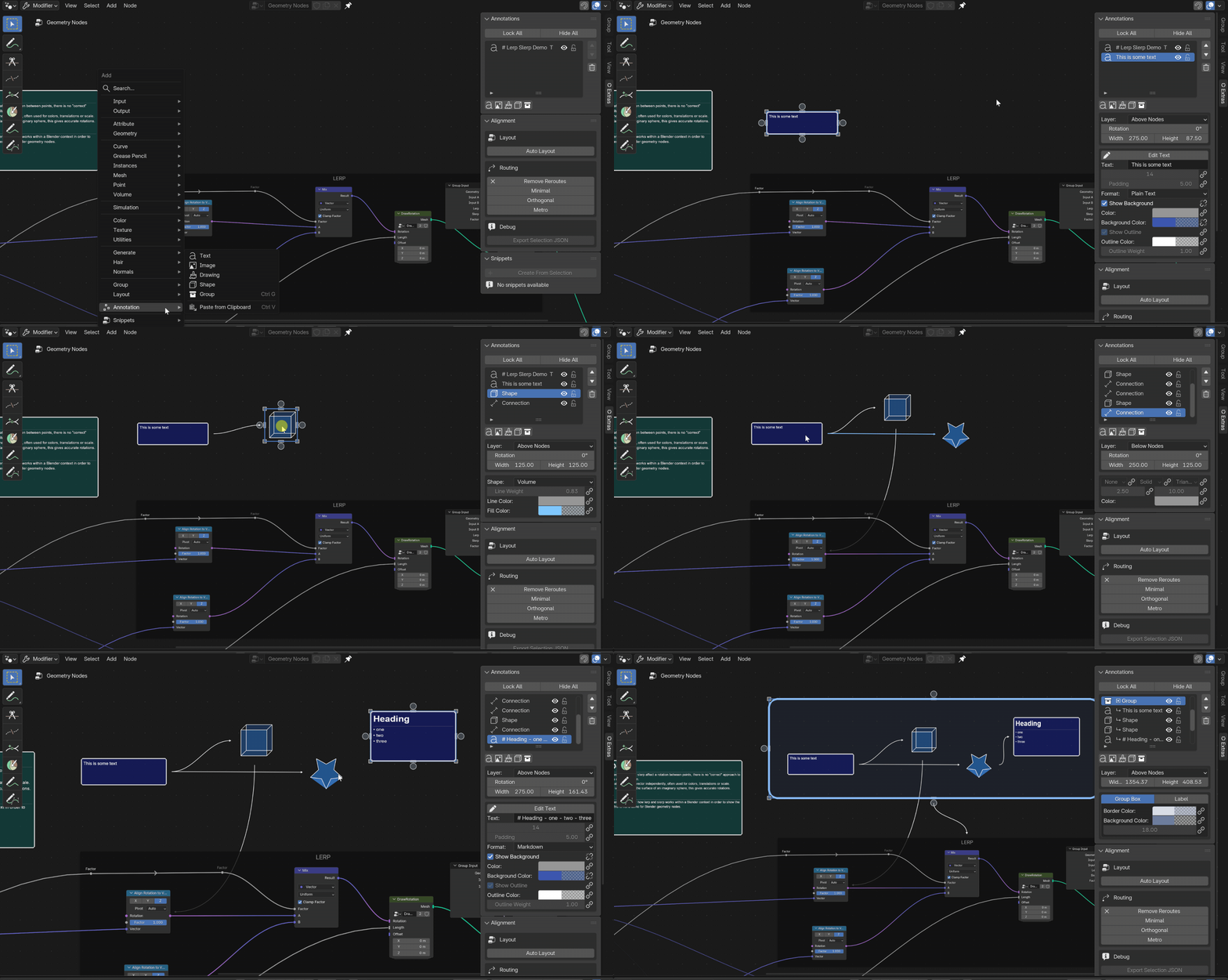
Add notes, drawings, images, groups, and flow markers without moving the explanation outside the graph.
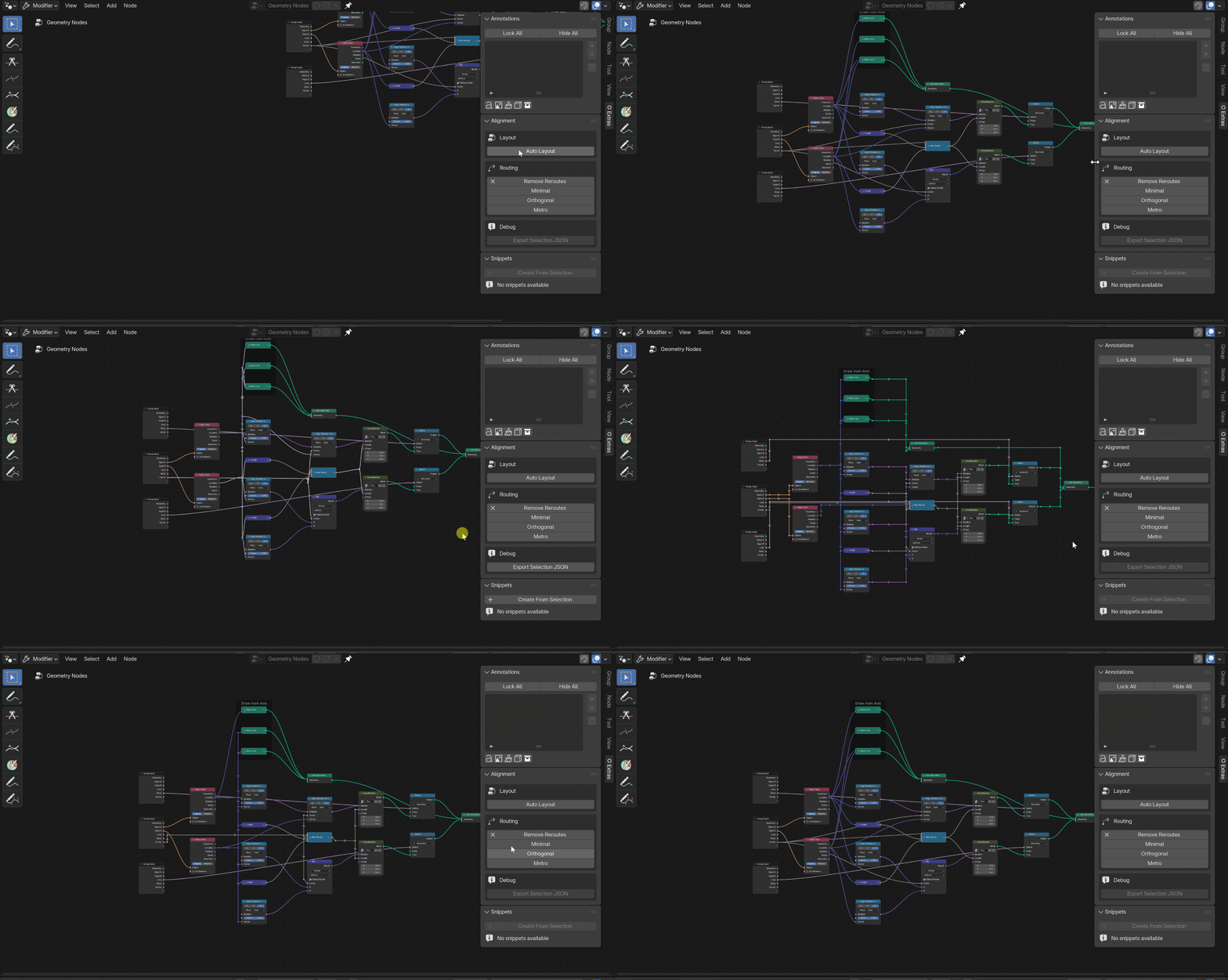
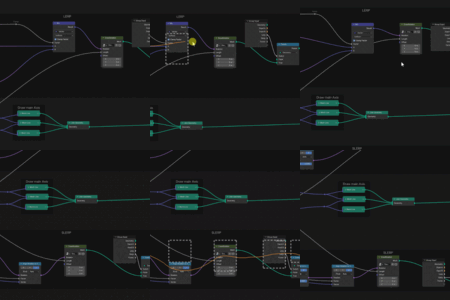
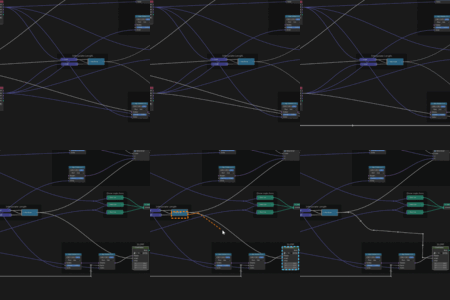
Clean up spacing, alignment, and wire paths so dense node setups read faster at a glance.

Generate node groups from source text and keep the exposed interface tied to the script behind it.
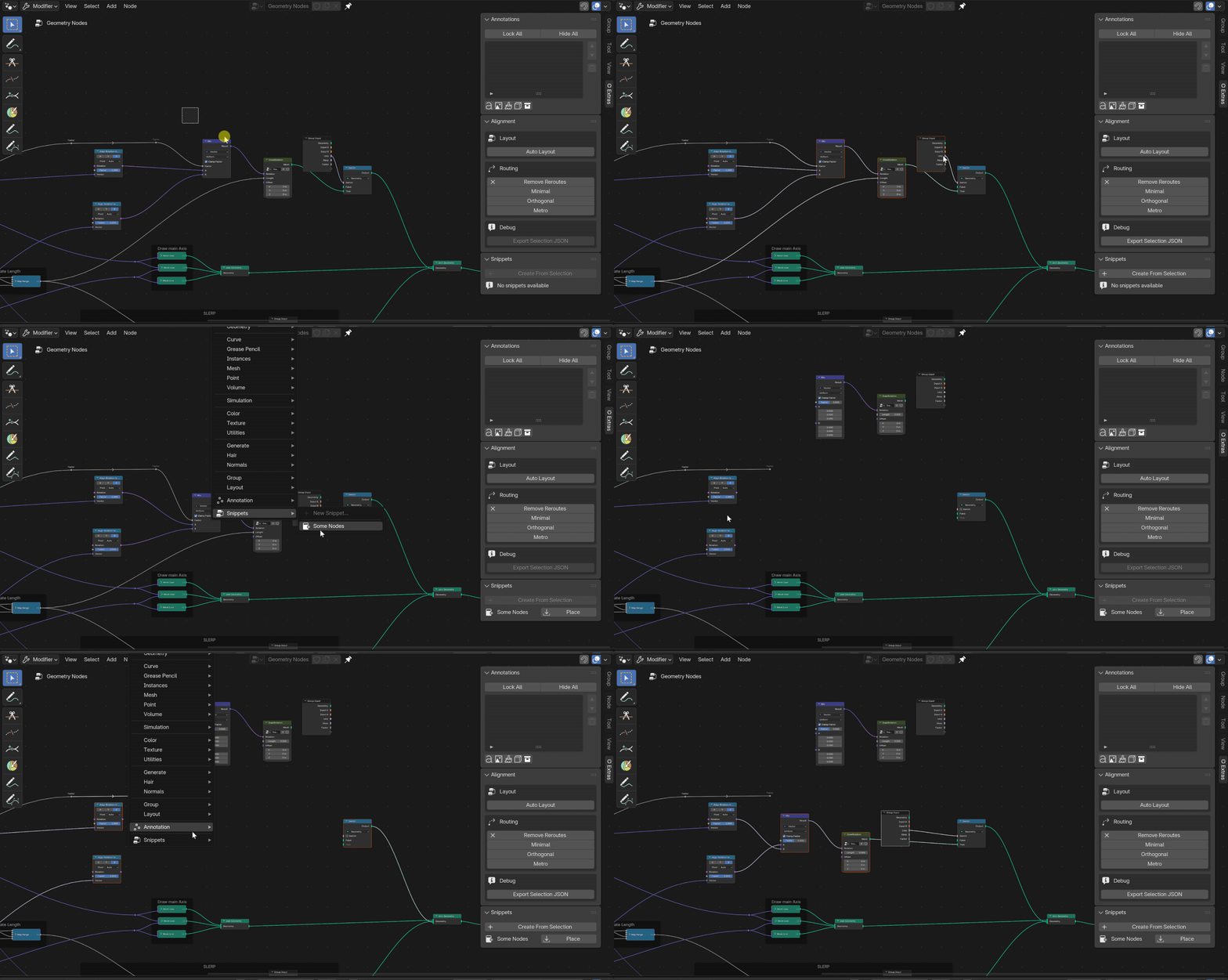
Capture recurring node setups once, then place them back into compatible graphs in seconds.
Add rich text, images, drawings, grouped callouts, and flow connections directly in the node editor. Instead of splitting the explanation into a separate document, the context stays attached to the work people are actually reading.
Use Markdown or HTML text blocks, place supporting images, and add flow markers directly inside the graph.
Mark paths, frame regions, and sketch visual guides without leaving the node editor.

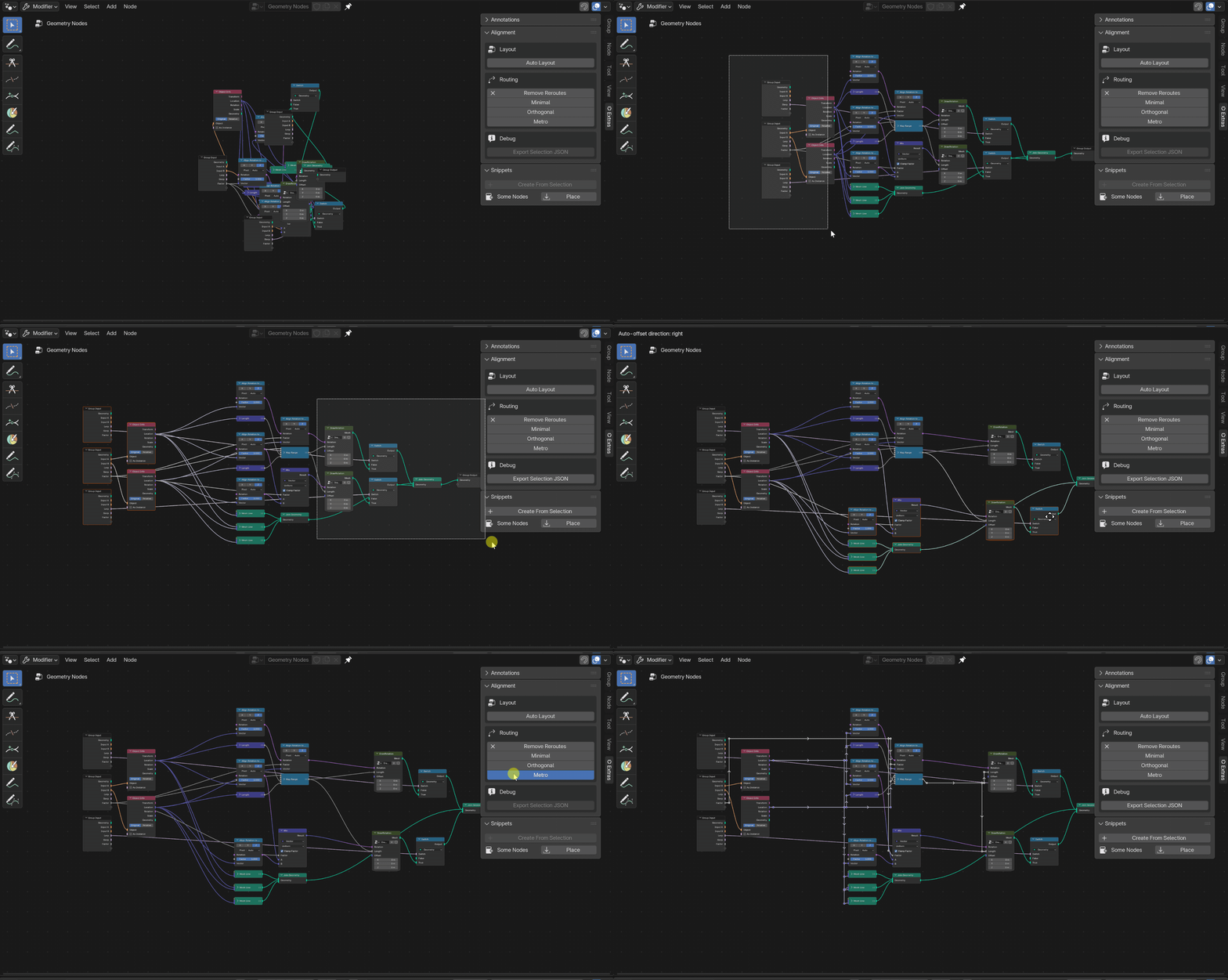
Use quick alignment, manual routing, auto layout, reroute cleanup, and routed reroutes to bring order to busy graphs. The result is not just tidier nodes, but clearer direction, spacing, and flow.
Straighten selected nodes into cleaner rows or columns with minimal manual nudging.
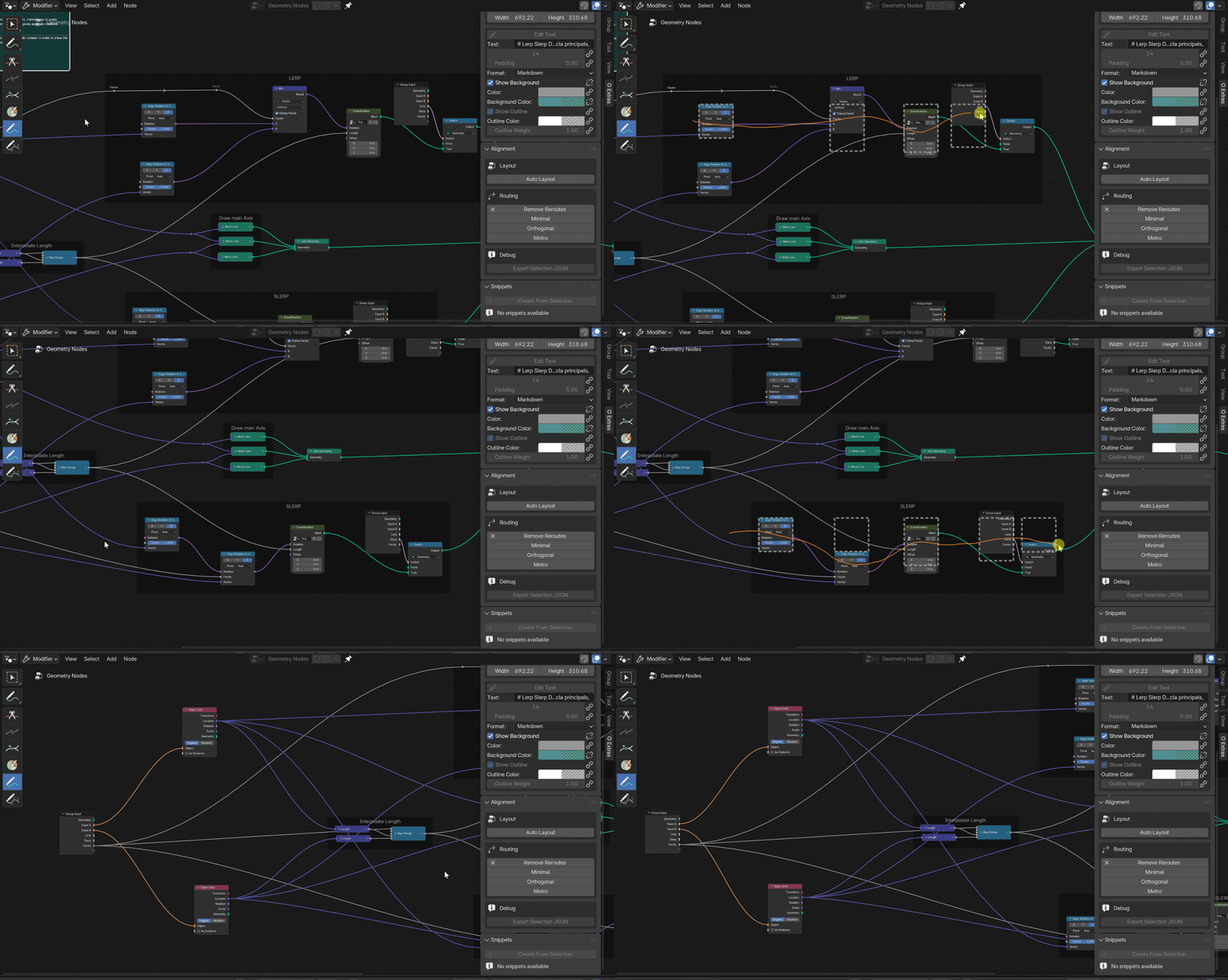
Place routed reroutes intentionally when you need cleaner, more deliberate wire paths.

Rebuild the overall arrangement of a busy graph so spacing and reading order are easier to follow.
Scripted Groups are backed by a Blender text block and can rebuild from that source when parameters change, keeping the generated group aligned with the script that defines it.
Snippets save a useful node setup once and let it be placed again later. They are built for the repeating pieces of a graph that should be reusable, not rebuilt by hand every time.
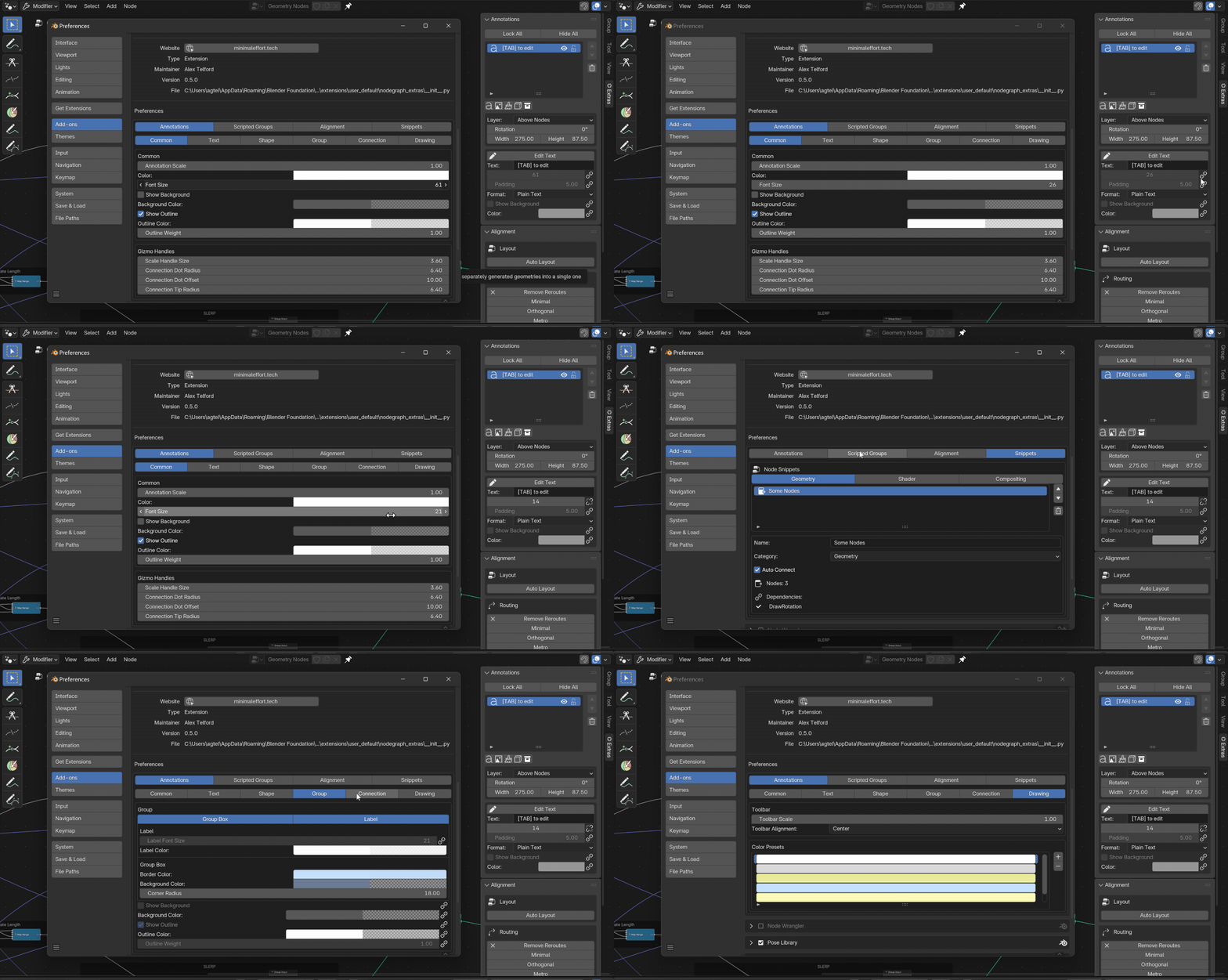
The preferences panel gives each major workflow its own settings. For annotations in particular, defaults can stay linked to shared preferences or be unlinked when a specific annotation needs to be adjusted manually.