 pullup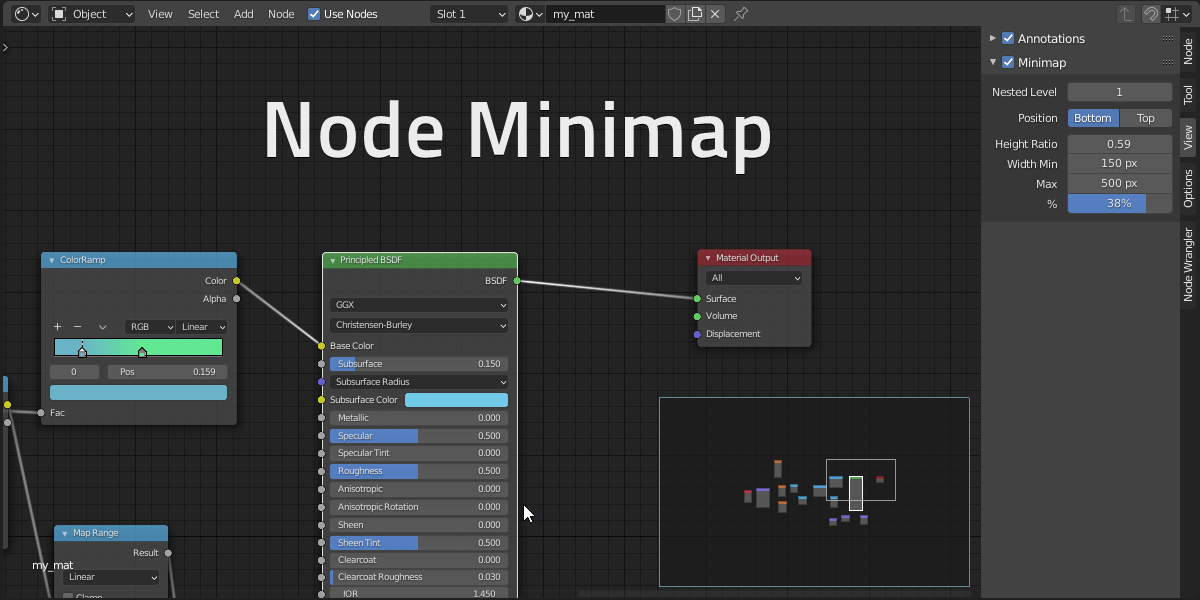

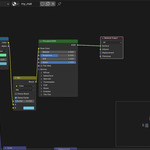
Node Minimap
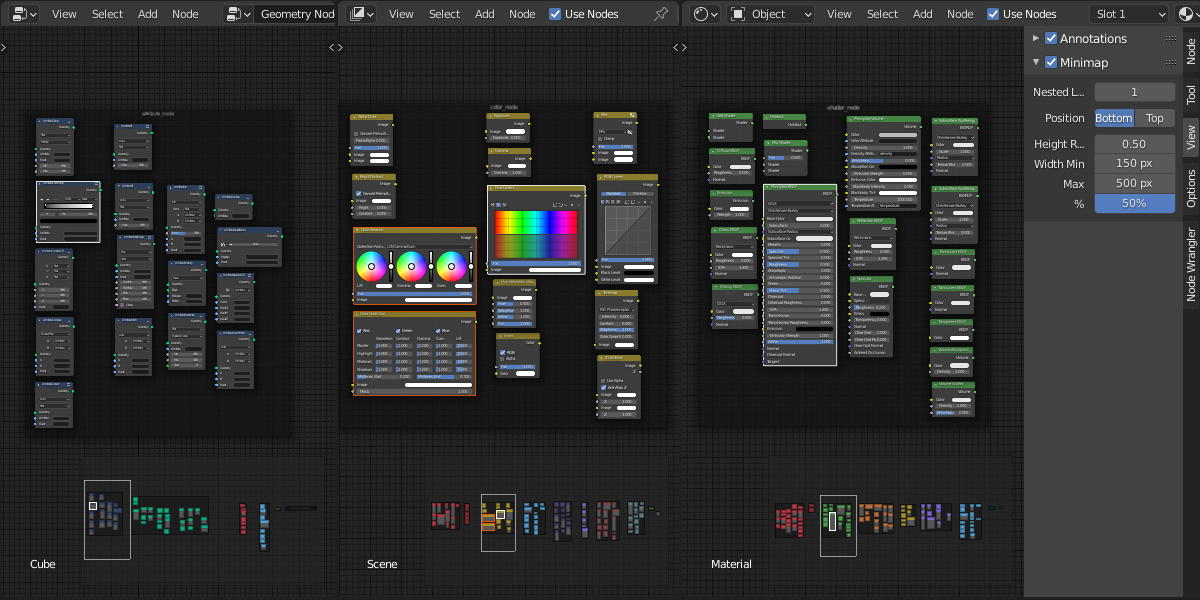
Blender add-on that display an interactive minimap of the node tree in all node editors
Never be lost in the node editor again!
Features
- Use MMB (middle mouse button) to navigate- Compatible with all node trees
- Show node color by type
- Show node custom colors
- Highlight active and selected nodes
- Limit nested frames display to simplify complex node trees
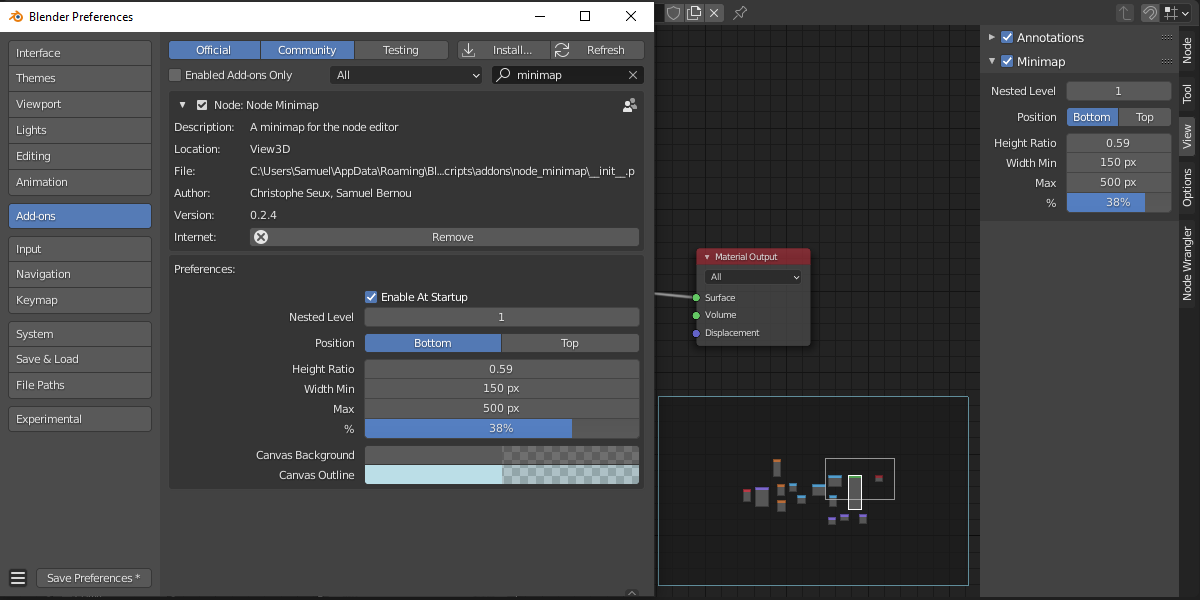
- Tweak minimap position, size and canvas color
Navigate with MMB
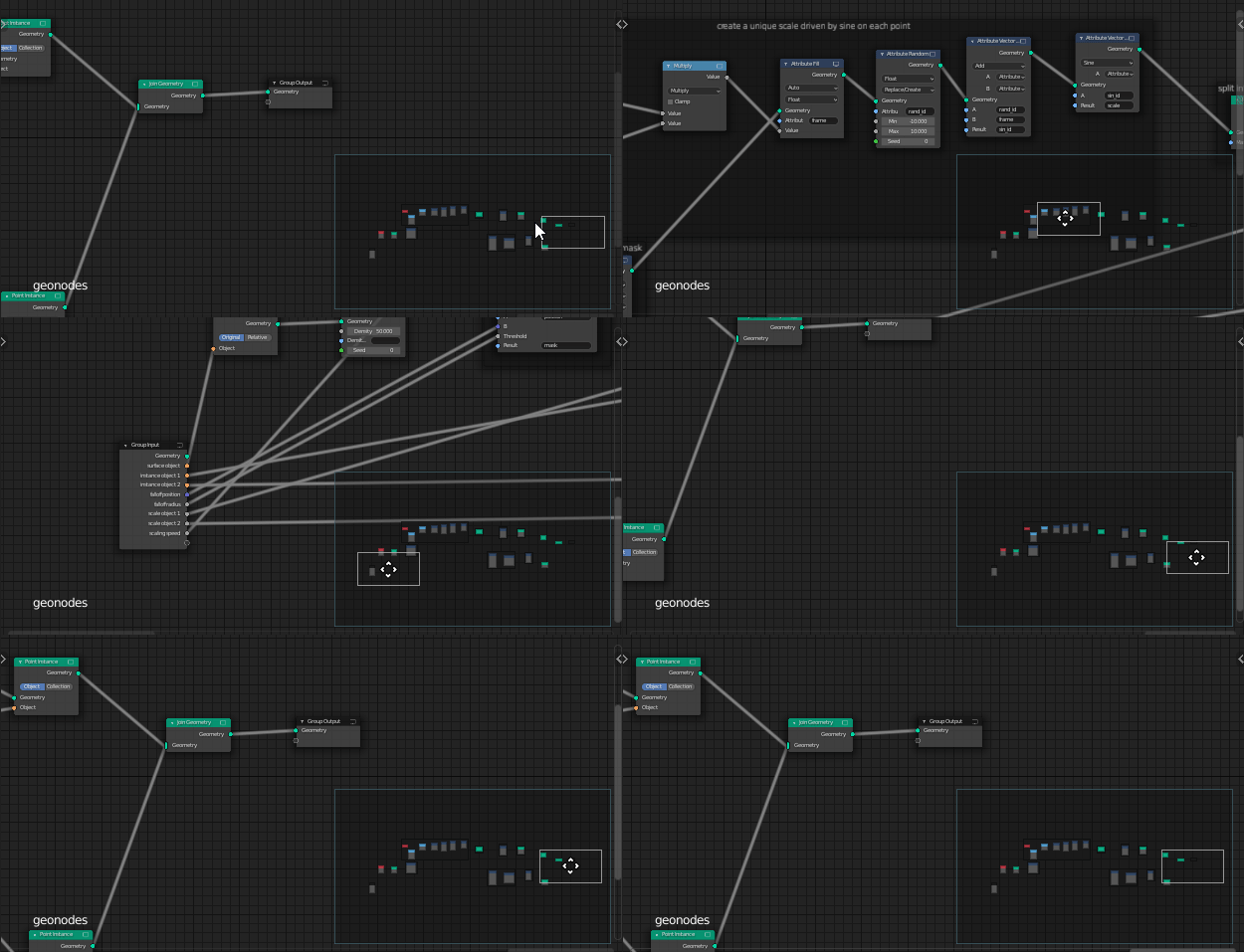
Customize UI
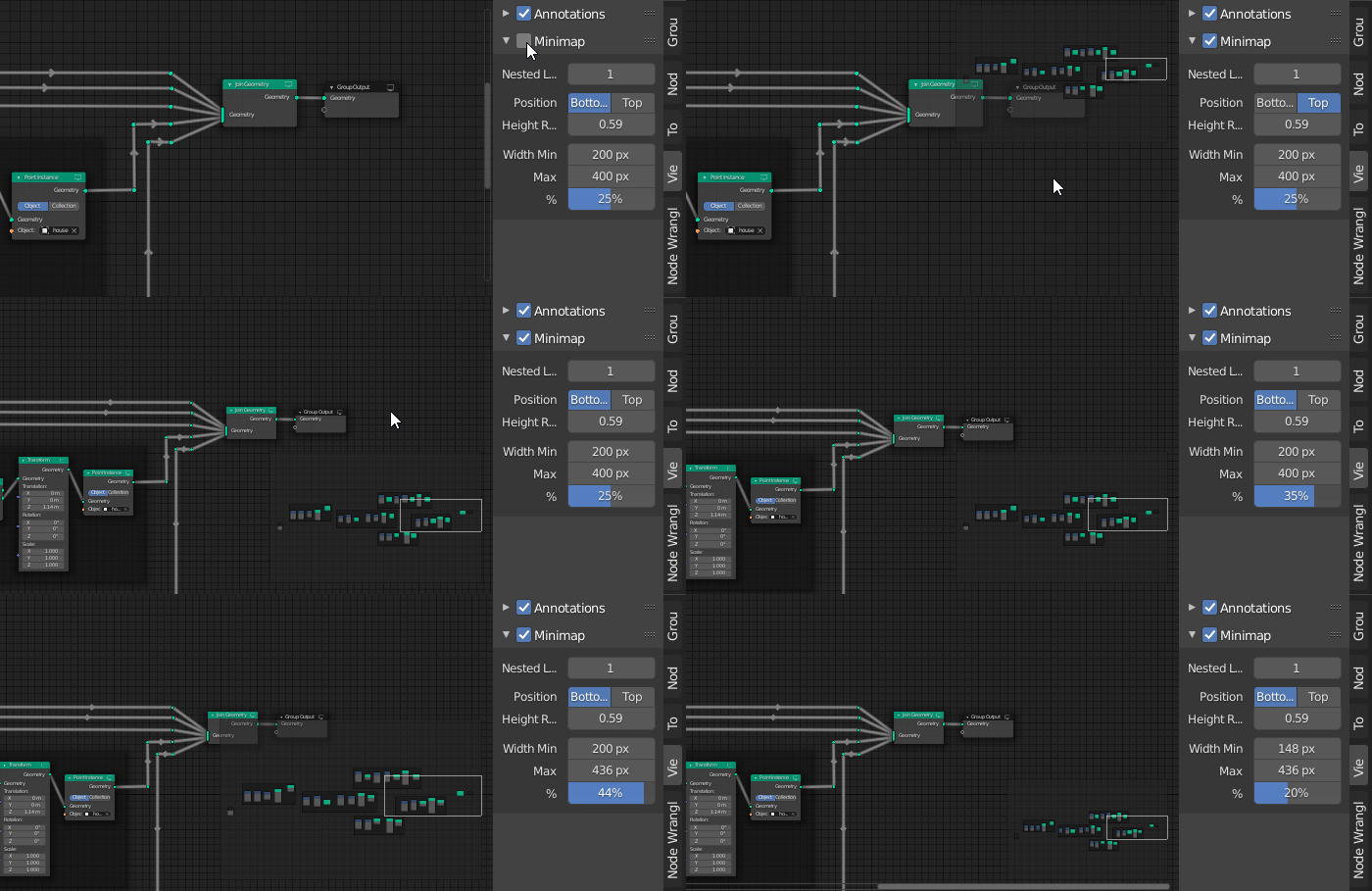
Change nested frame level
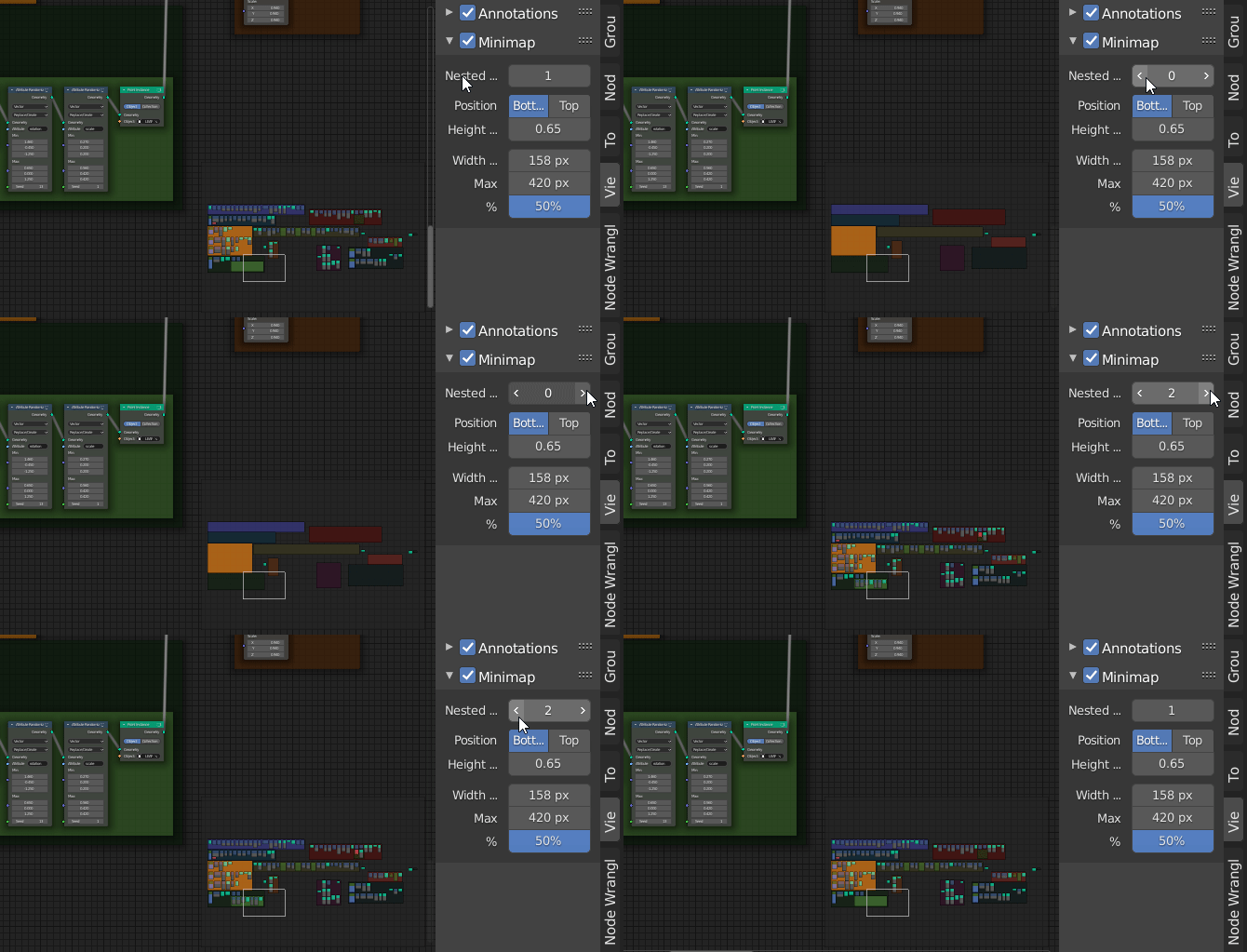
Option details
Button to toggle the minimap on/off is located in node editor sidebar (N) > View Tab > MinimapChanging the `Nested Level Display` show more or less framed nodes according to their number of parent frames.
Size
Size options are accessible in add-on preferences and directly in the sidebar panel.
The size of the minimap is defined as a percentage of each editor width.
Size is also clamped to a min/max pixel width to avoid a too big or too tiny minimap.
Height of the minimap can also be changed with the Height ratio
Tips: if you prefer a fixed pixel size instead of adaptive. Set min and max to the same pixel value
Other add-on preferences
You can disable the minimap activation at startup.
Set the canvas background and outline colors
Samuel Bernou & Christophe Seux
