 HanaYou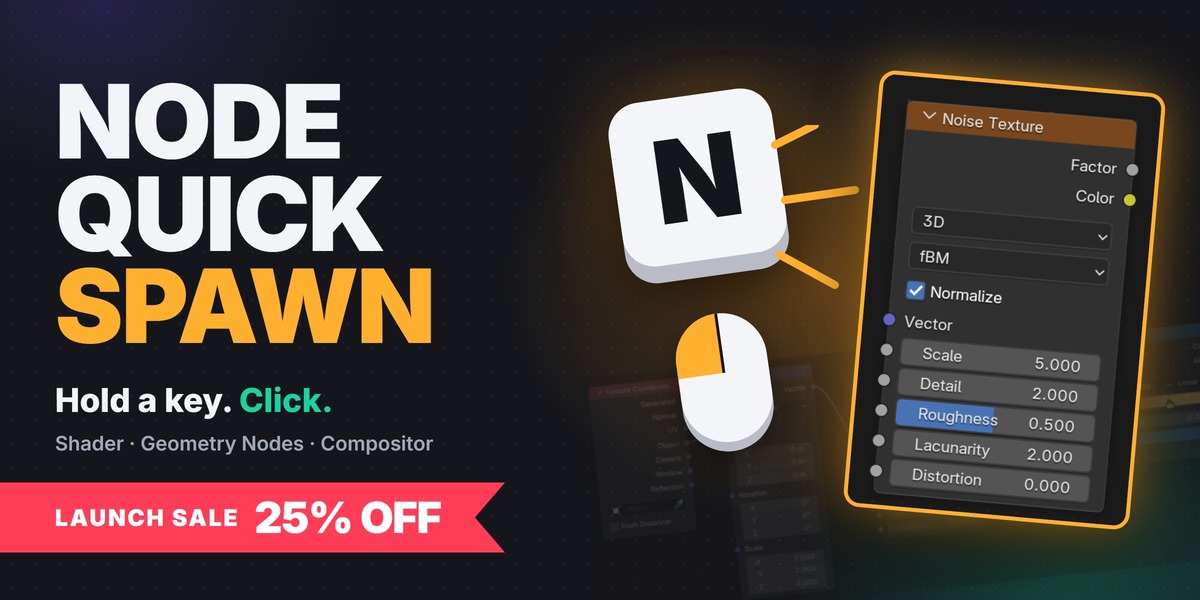

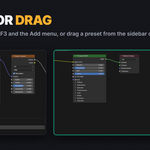
NODE EDITOR ADD-ON
Save any node setup.
Spawn it instantly.
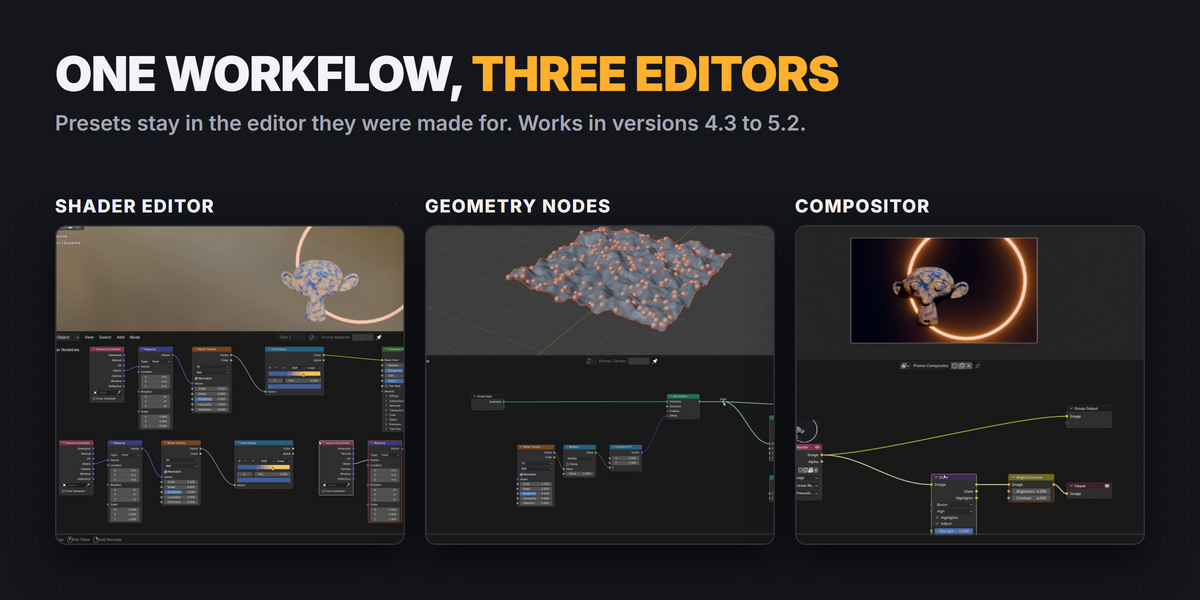
Turn any group of nodes into a preset. Hold its key, click the canvas, and the whole setup comes back with its values, links and layout. Shader Editor, Geometry Nodes and Compositor, Blender 4.3 to 5.2.
ex) N + click · M + click · Shift N + click

A single key is enough. Combinations work too.
Do you rebuild the same Noise → Color Ramp mask, the same scatter setup or the same glow chain in every file? Node Quick Spawn keeps those setups one key away, in every file, without opening a single menu.
How it works
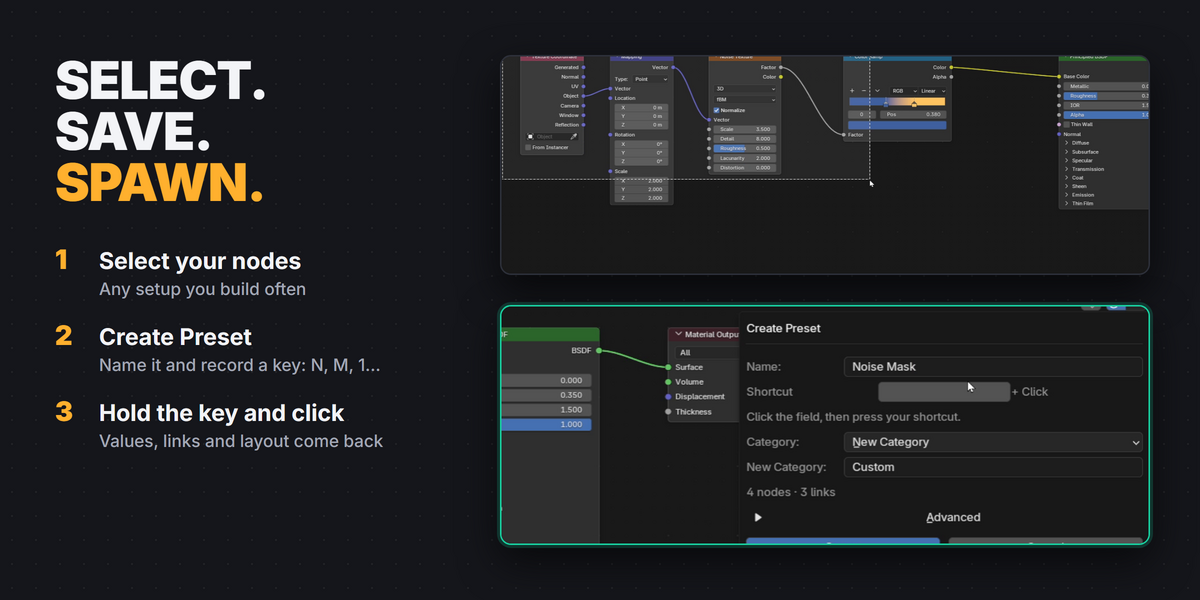
Select → Save → Spawn
1
Select
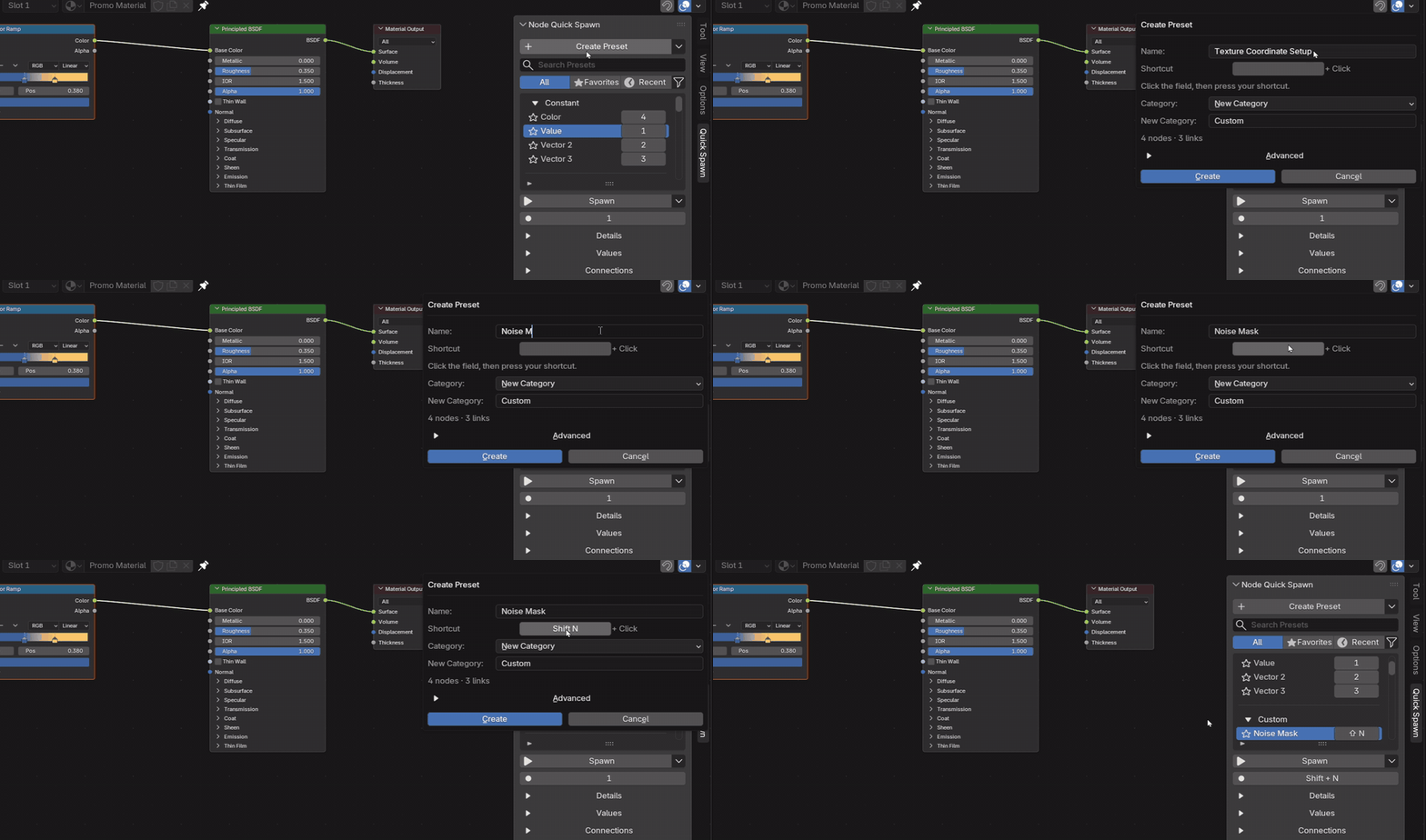
Box-select the nodes you build again and again.
2
Save
Create Preset, name it and record any key.
3
Spawn
Hold the key and click. Release without clicking and the key does its usual job.
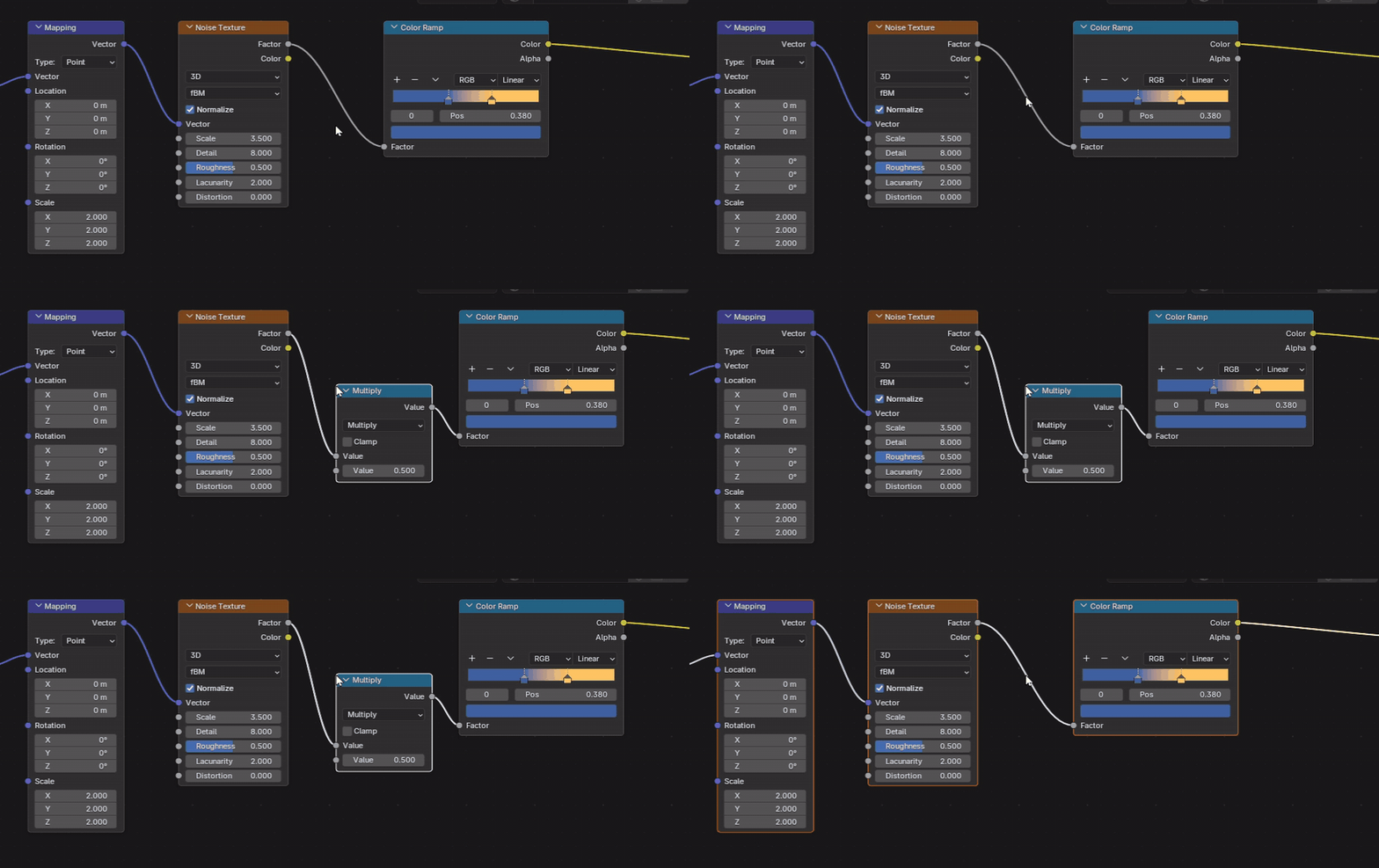
Insert into links
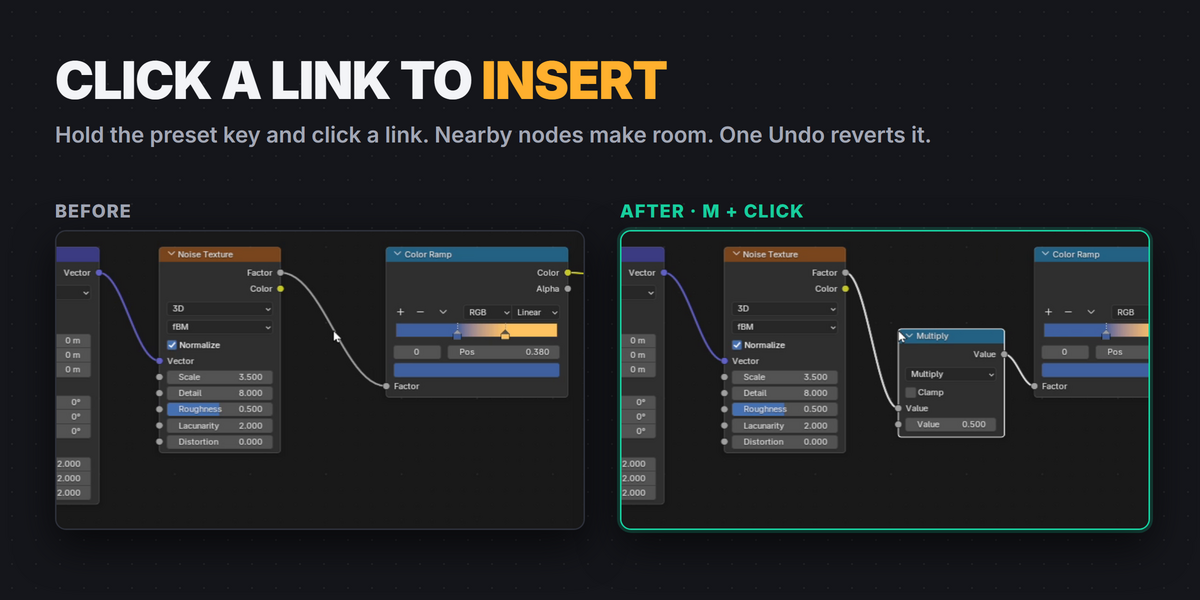
Click a link to drop a preset in
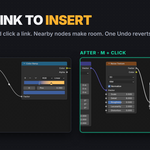
Hold the preset key and click an existing link. The preset is connected in, nearby nodes make room, and one Undo reverts everything. Works with multi-input sockets such as Join Geometry.
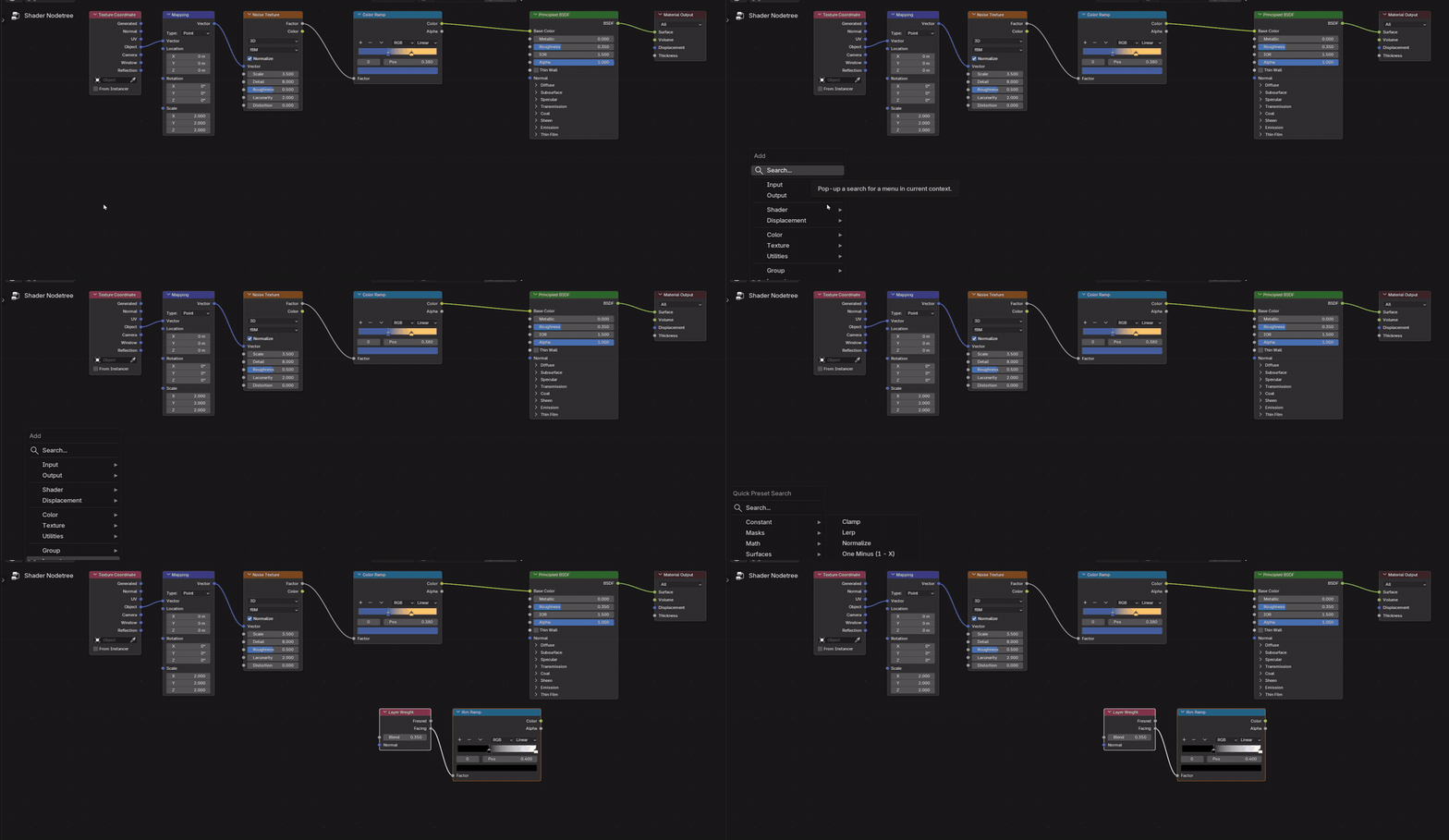
Search
Find any preset by typing
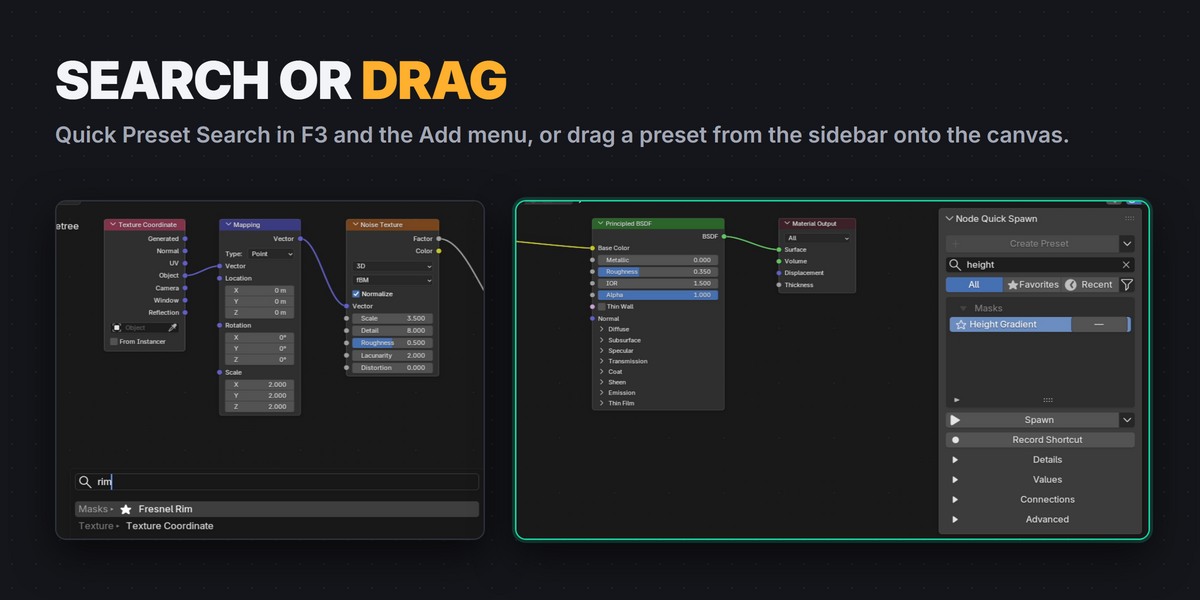
F3 or the Add menu opens Quick Preset Search with your categories. Start typing to filter, press Enter, and the preset lands where your mouse was.
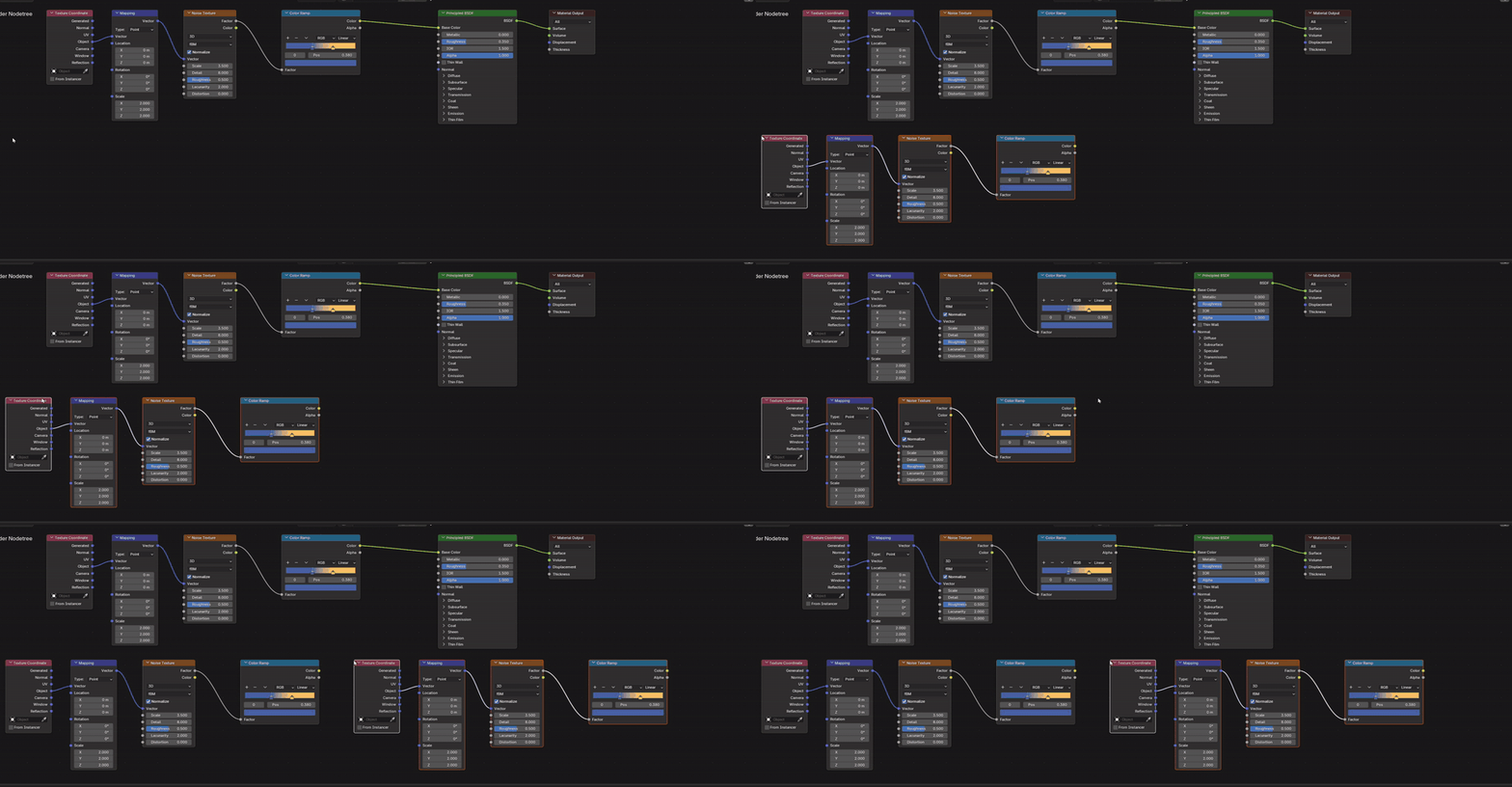
Drag and drop
Or drag it from the library
Hold a preset name in the sidebar and drag it onto the canvas. A hint shows what will happen before you drop.
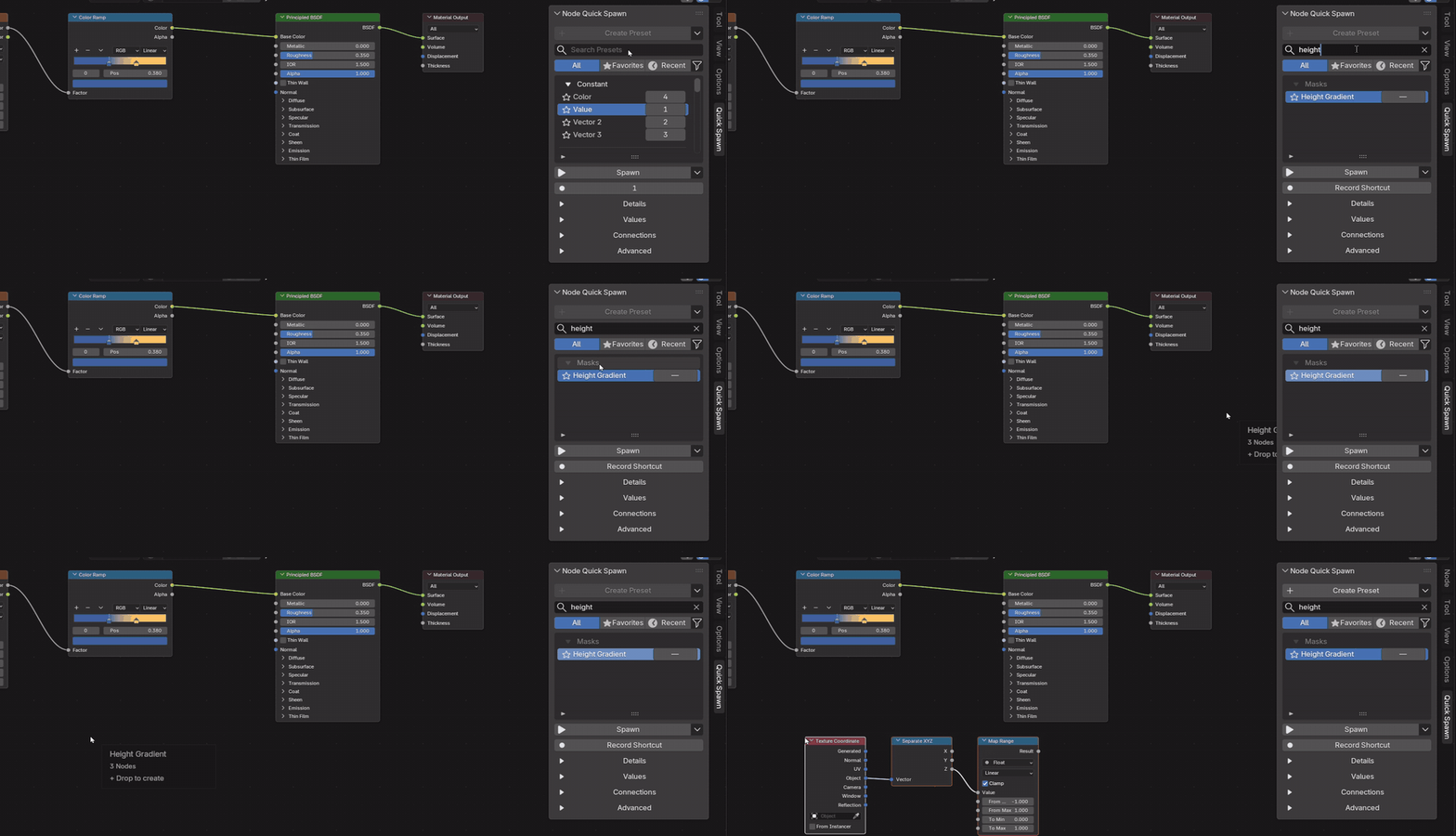
Three editors
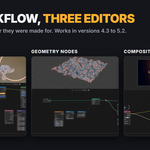
Shader, Geometry Nodes and Compositor
One workflow everywhere. Presets stay in the editor they were made for, so a Geometry Nodes preset never shows up in the Shader Editor.
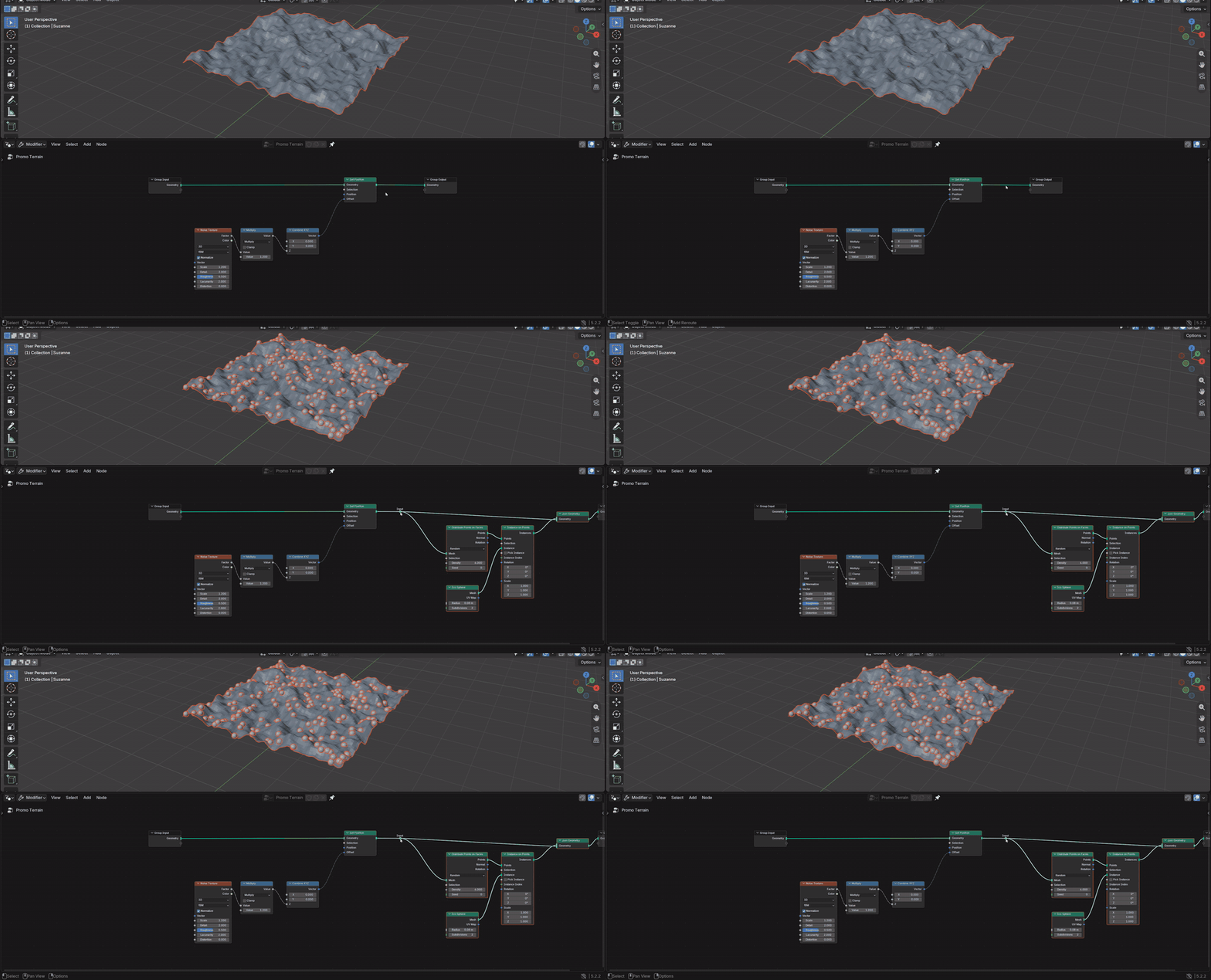
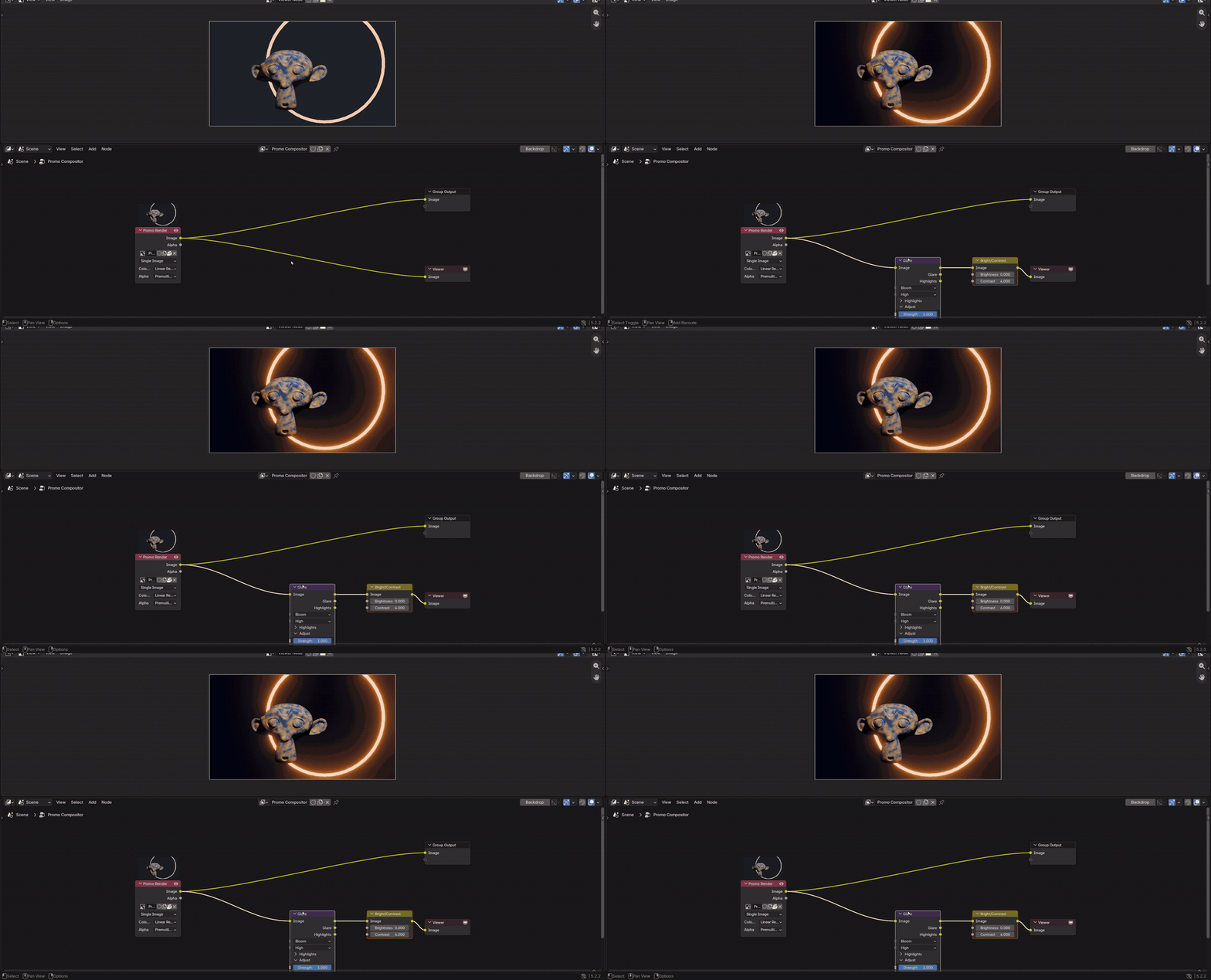
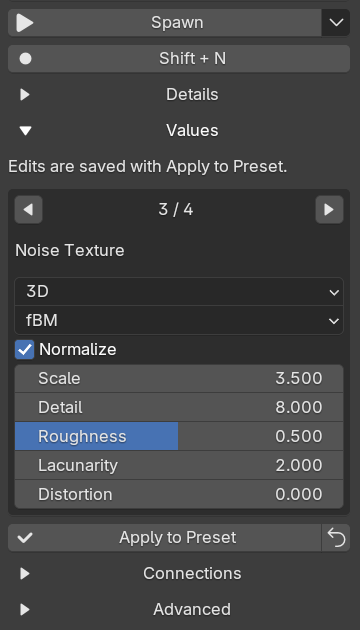
Your keys, your values
Customize everything you saved
Record any key or combination for each preset. Open Values to change saved settings with the node's own controls, from menus and checkboxes to color ramps and curves, then Apply to Preset.
Shortcut conflicts are shown when you record a key, and you decide what happens.
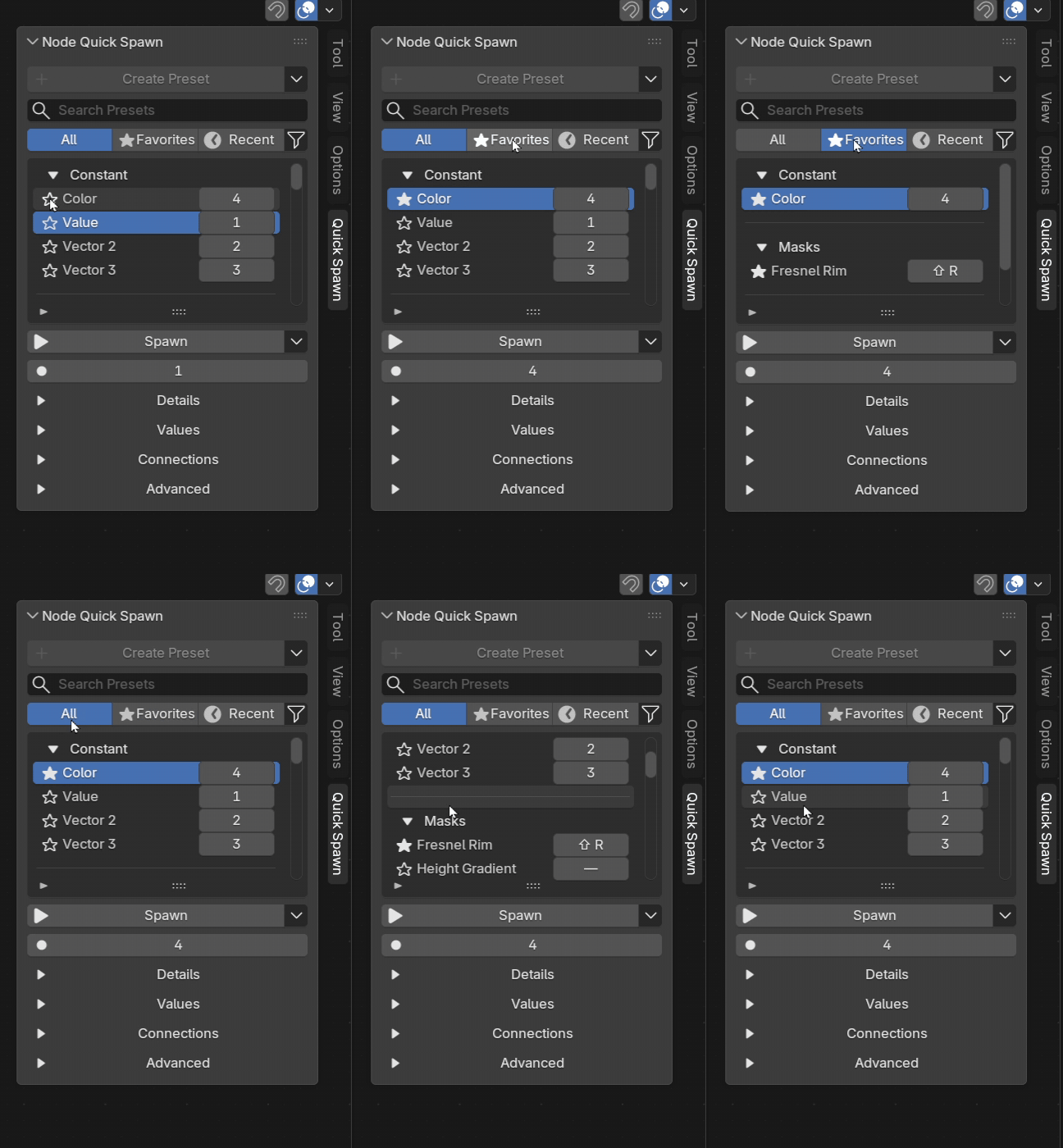
Library
Organized, portable, safe
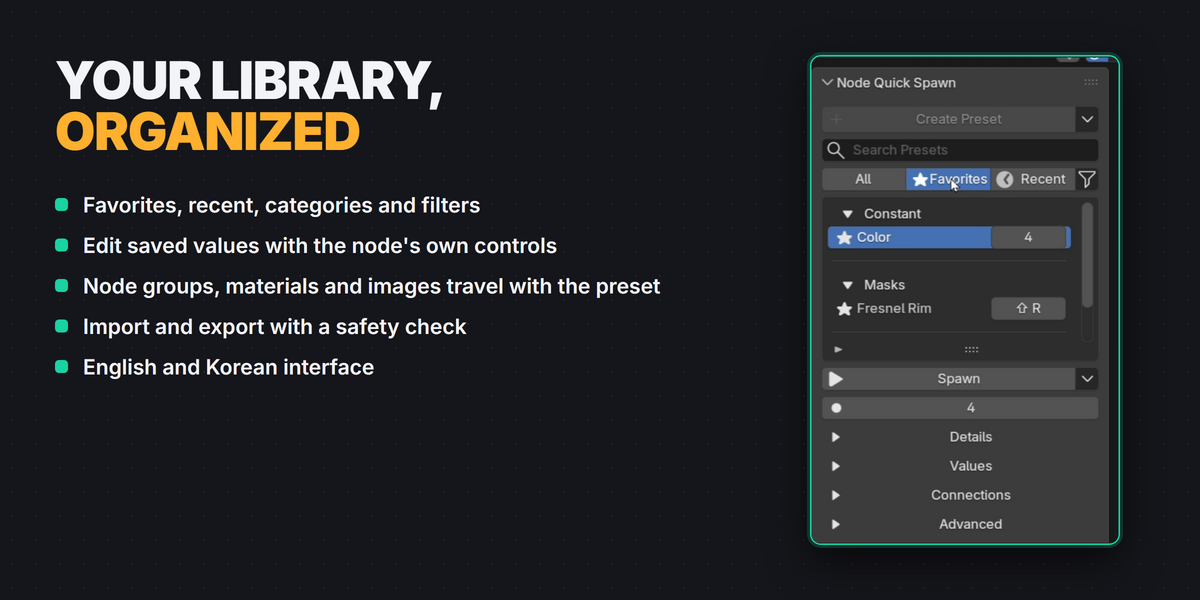
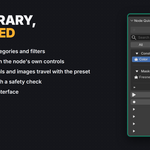
Favorites, recent, categories, filters and manual order. The library is global, so presets work in every file. Node groups, materials and images used by a preset travel with it.
Also included
Compatibility
| Blender | 4.3 to 5.2 |
| Editors | Shader Editor, Geometry Nodes, Compositor |
| Tested | Windows with 4.3.2, 4.5.9 LTS and 5.2.2 LTS. macOS and Linux are expected to work but were not part of release testing. |
| Package | Extension package (recommended) and regular add-on ZIP. Install one of them. |
Good to know
- Simulation and bake results, For Each zones and custom data from other add-ons are not saved. Simulation and Repeat zones must be saved with both their input and output nodes.
- Movies, image sequences, external caches, volumes and other external files are not bundled with presets.
- Full instructions are in the Documentation tab.
Licensed under GPL-3.0-or-later.