Node Reveal
 Bastien Colliat

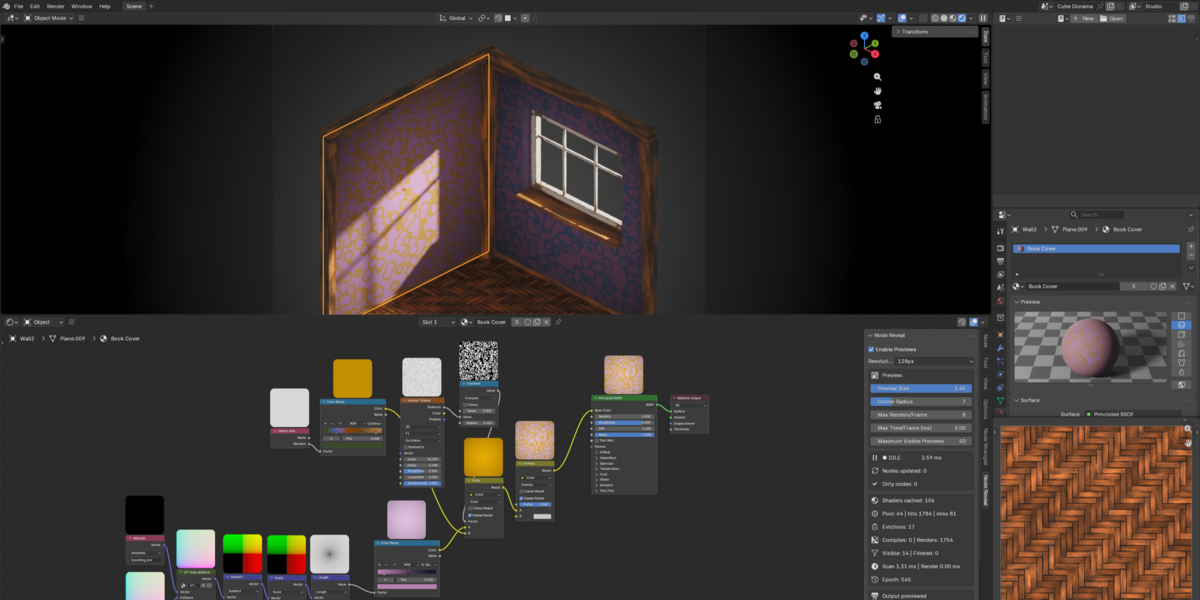
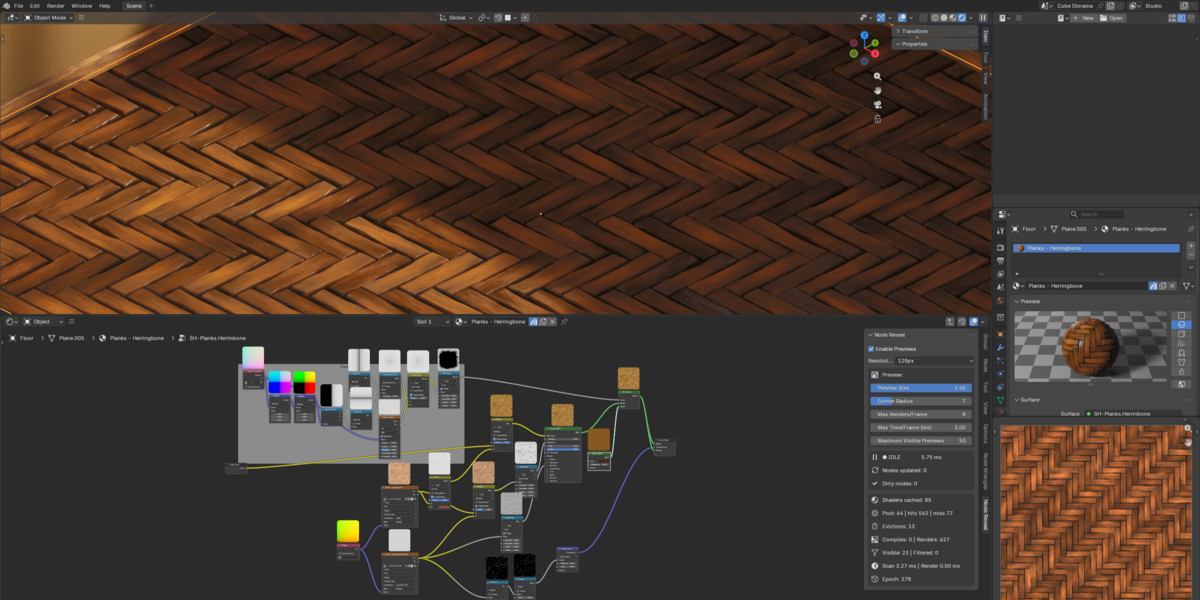
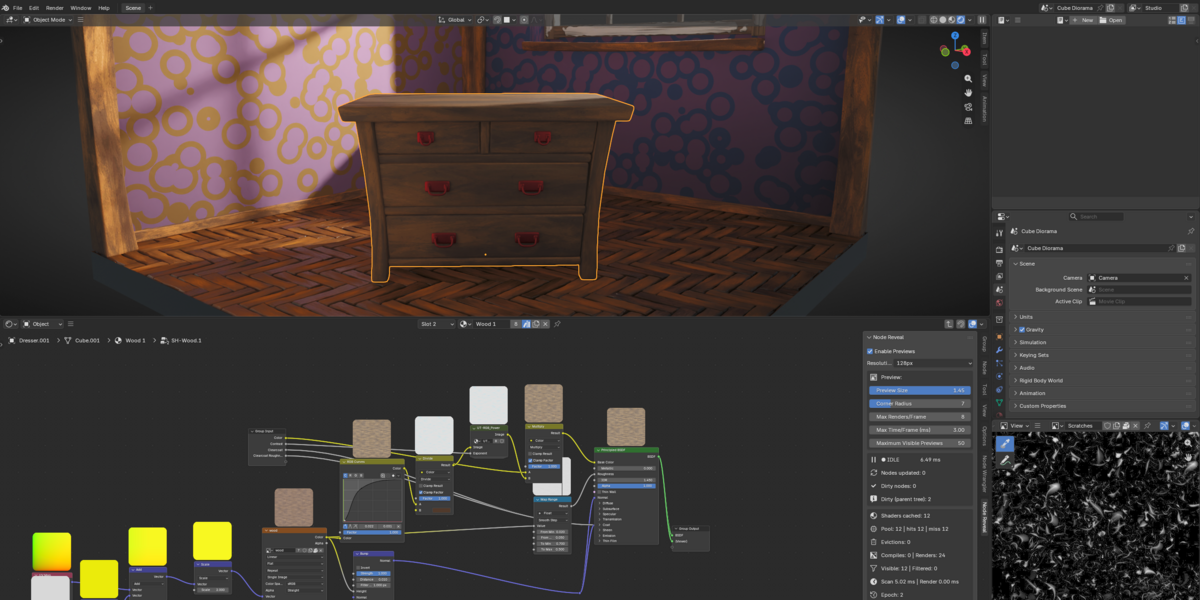
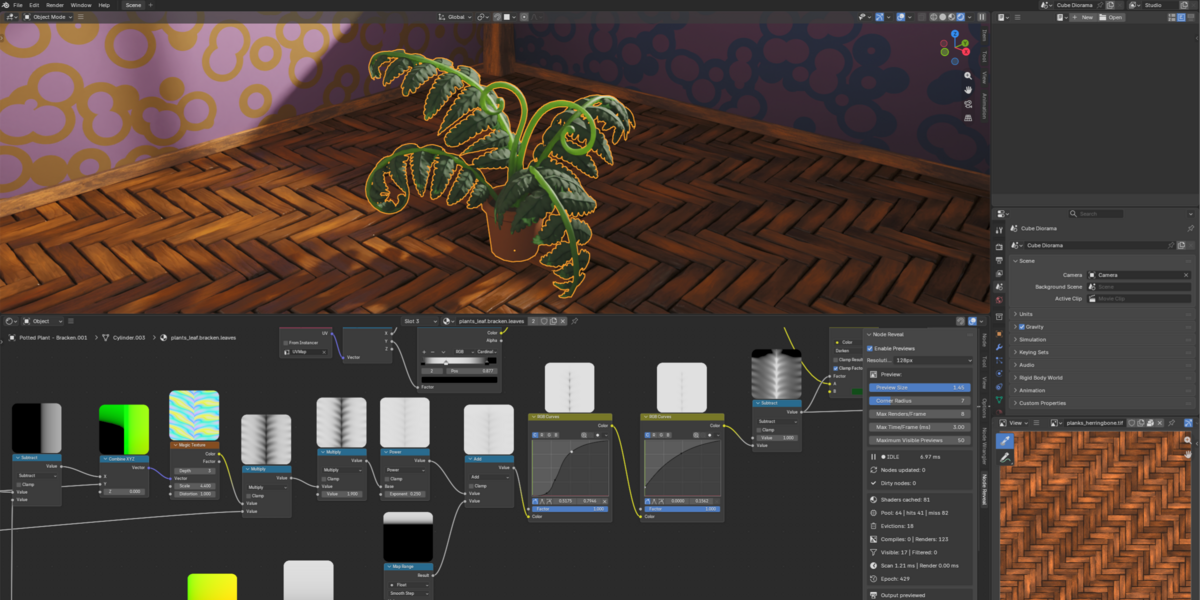

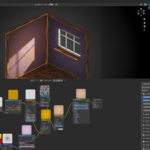
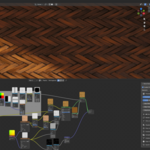
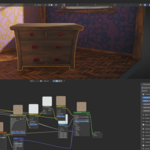
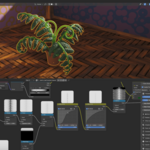
Q7 - How do I get updates?
Updates install the same way as the first install (Preferences ▸ Get Extensions ▸ Install from Disk).
Restart Blender after updating: Blender does not reload an add-on's Python modules, so the new version only takes effect after a restart.
Q6 - Which Blender versions and GPUs are supported?
Blender 5.2 or newer, with a GPU supporting OpenGL 4.6 or Vulkan. Tested on Windows 11 with an NVIDIA RTX 5070 Ti in both backends.
macOS/Metal, AMD and Intel GPUs are not tested yet, if previews cannot run, the side panel reports it instead of failing silently.
Q5 - Does it handle node groups?
Yes, including groups nested inside other groups, with per-instance values.
A group instance can be previewed both from the material and while you are editing inside another group.
Q4 - Does it slow Blender down?
Measured: 0-3 ms per idle frame (nothing changed), and 0-14 ms even on a 121-node graph.
Work is spread across frames by a per-frame budget you control, and choosing 512 px costs the same as 128 px.
On very large graphs, lower “Maximum Visible Previews” and “Max Time per Frame”.
Q3 - Why do some nodes show a flat colour?
BSDF, Volume and shader nodes preview their base colour.
A 2D thumbnail cannot represent a BRDF: there is no light, no camera and no geometry to shade.
The panel states this for the active node rather than pretending otherwise.
Q2 - Does it work with EEVEE and Cycles?
Both, and with any other engine. The previews are independent of the render engine because they do not use it, they are drawn by Node Reveal itself in the Shader Editor.
Q1 - Is this a viewport render?
No. Each preview is the node reimplemented in GLSL and drawn offscreen on the GPU, so a thumbnail costs milliseconds instead of a full render. EEVEE is never invoked by the add-on.
Have questions about this product?
Login to message
| Blender Extension Compatible | Yes |
| Published | about 2 hours ago |
| Blender Version | 5.2 |
| Extension Type | Add-on |
| Render Engine Used | Cycles, Eevee |
| License | GPL |
Discover more products like this
preview viewport texture utility preview thumbnail Node Editor nodes Shader Material GPU procedural Workflow