Node Tidy
 Kaiwan Shaban


INSTALLATION
1. Extract the downloaded bundle.
2. Keep the inner Node_Tidy_1.0.0.zip file intact.
3. Open Blender Preferences, then Add ons. From the menu at the top right, choose Install from Disk.
4. Select the inner ZIP and enable Node Tidy.
USING NODE TIDY
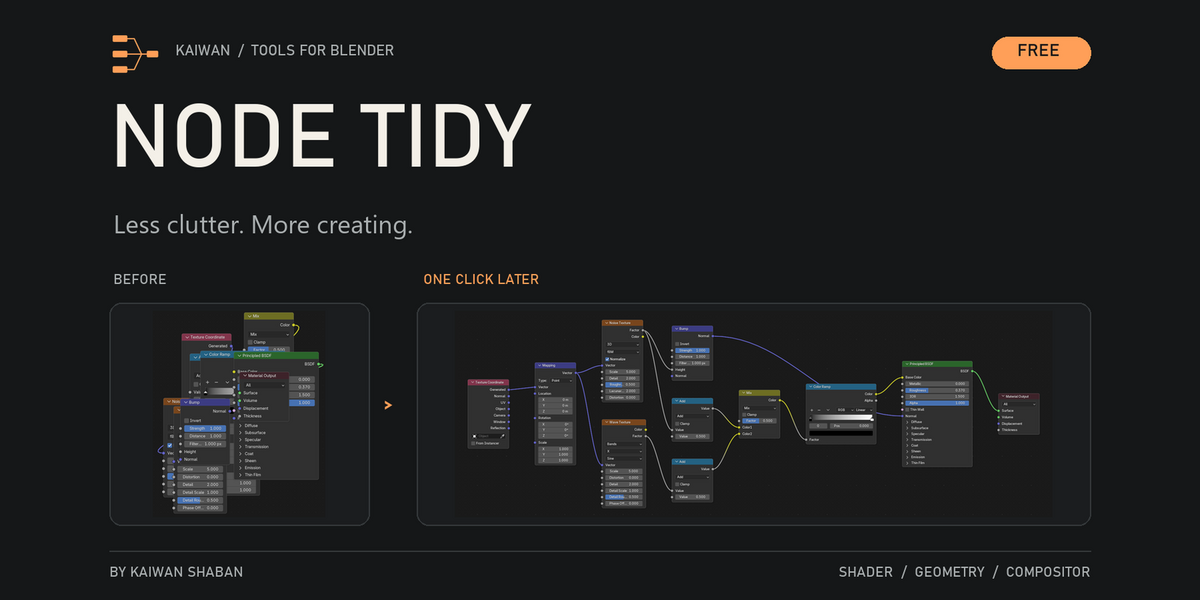
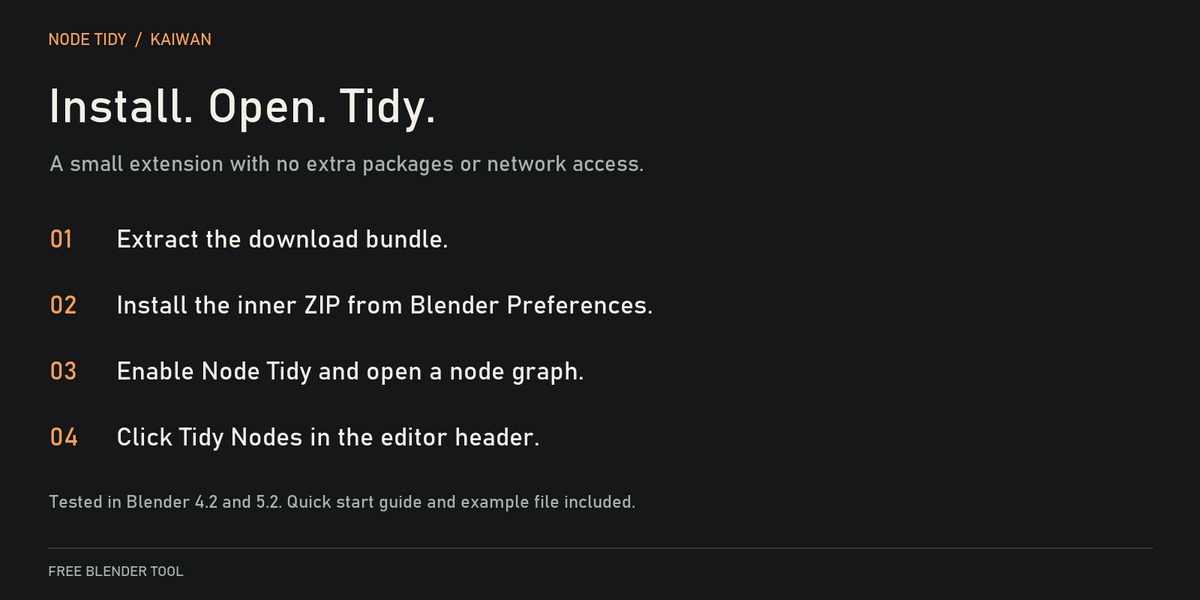
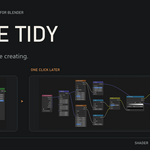
Open a shader, geometry or compositor node graph. Click Tidy Nodes in the editor header, use the Tidy sidebar tab, or press F3 and search for Tidy Nodes.
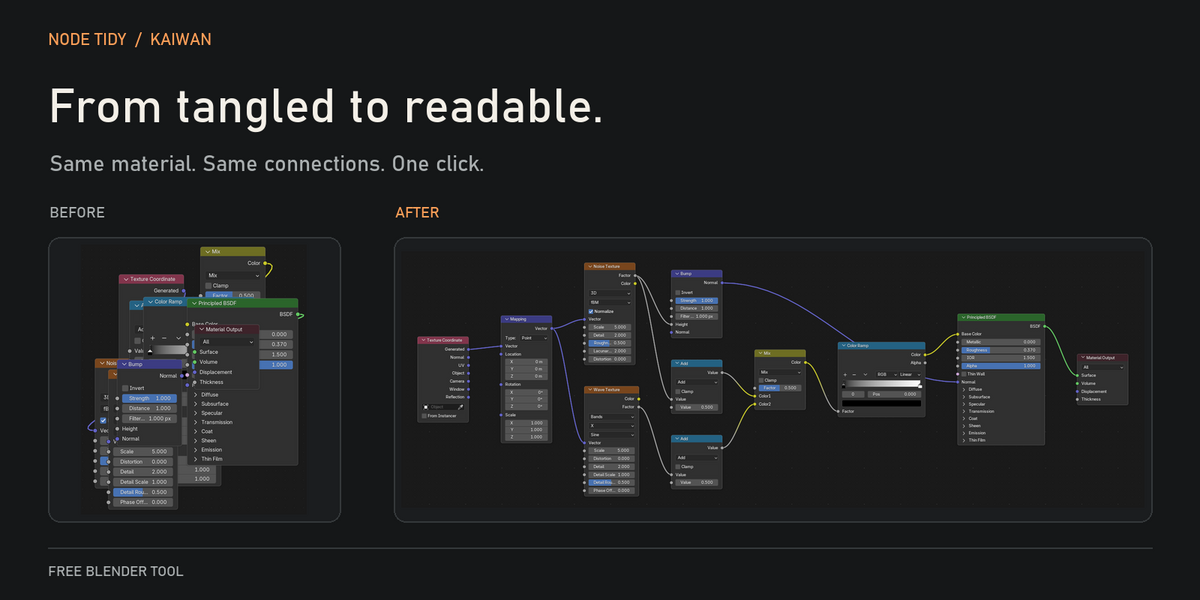
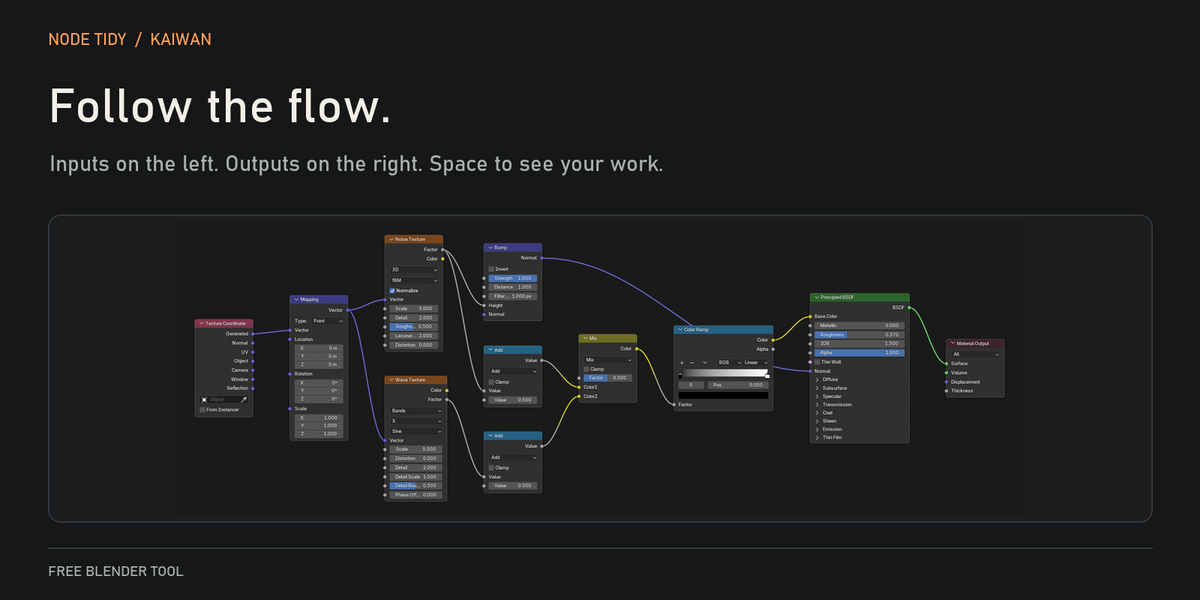
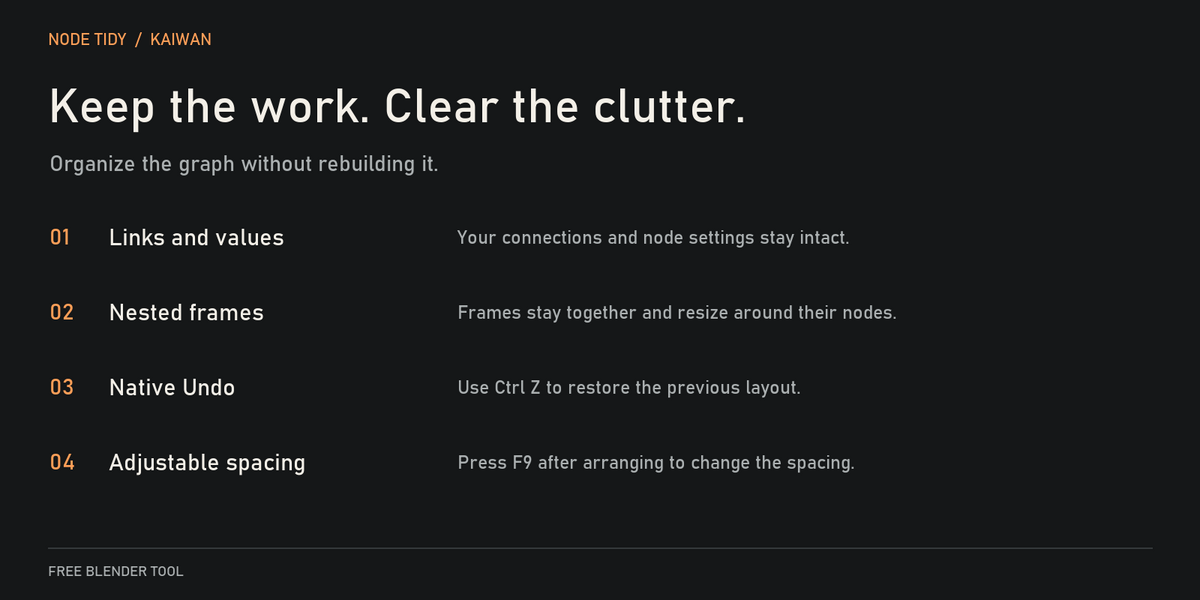
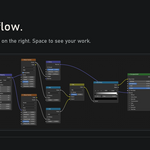
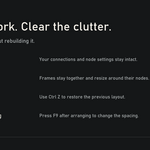
The button arranges the entire displayed graph, including unselected nodes. It keeps frames together and preserves links, values, names, selection and the active node. To arrange inside a group, enter that group first.
Press Ctrl Z to undo. Press F9 after arranging to adjust column spacing and node spacing.
COMPATIBILITY
Requires Blender 4.2 or later. Tested in Blender 4.2.0 and 5.2.0 LTS. The included example file was saved in Blender 5.2. No extra packages or network access are needed.
KNOWN LIMITS
Some links can still cross. Custom node types and simulation zone layouts have not been tested. Nodes that Blender has never drawn use estimated sizes. Let them appear in the editor and arrange again if needed.
The download includes a two page quick start PDF and an example material. Free for personal and commercial work under the included MIT license.
Have questions about this product?
Login to message
| Blender Extension Compatible | Yes |
| Downloads | 10+ |
| Published | 5 days ago |
| Blender Version | 4.2 - 5.2 |
| Extension Type | Add-on |
| License | Mit |
Discover more products like this
shader nodes nodes Workflow geometry nodes Node Editor organization compositor free